handbrake AUDI Q7 2010 Owner´s Manual
[x] Cancel search | Manufacturer: AUDI, Model Year: 2010, Model line: Q7, Model: AUDI Q7 2010Pages: 390, PDF Size: 93.04 MB
Page 131 of 390
_________________________________________________ O_ n_ t_ h_ e_ r _o_ a_d _ __.ffl'I
A ppli es to veh icl es: wi th Conven ie nc e key
Driver messages in the instrument cluster
display
If a function is not present, a driver message appears.
No key identified
This message appears when the [START] button is pressed if there is
no master key inside the vehicle or if the system does not recognize
it. For example, the master key cannot be recognized if it is covered
by an object (e.g. aluminum brief case) which
screens the radio
signal. Electronic devices such as cell phones can also interfere with
the radio signal.
Press brake pedal to start engine
This message appears if you press the I ST ART ] button to start the
engine and do not depress the brake pedal. The engine can only be
started if the brake pedal is depressed.
Engage Nor P to start engine
This message appears when the engine is started if the selector lever
for the automatic transmission is not in the P or N position . The
engine can only be started with the selector in these positions.
Key not in vehicle
This message appears along with the ' symbol if the master key is
removed from the vehicle with the engine running . It is intended to
remind you (e.g. when changing drivers) not to continue the journey
without the master key.
If the master key is no longer in the vehicle, you cannot switch off the
ignition after stopping the engine and you also cannot start the
engine again. Moreover, you cannot lock the vehicle from the outside
with the key.
Con tro ls a nd e quip
m en t Vehicle
OP-eration
Shift to P otherwise vehicle can roll away. Doors do not lock if you
are not in P.
This message appears for safety reasons along with a warning buzzer
if the selector lever for the automatic transmission is not in the P
position when the ignition is switched off with the
[STOP] button and
the driver's door is opened. Move the selector lever to the P position,
otherwise the vehicle is not secured against rolling away. You also
cannot lock the vehicle using the locking button on the door handle
or using the remote key.
To engage steering lock, press and hold STOP button
This message appears for safety reasons if the engine and the ignition
have been switched off by pressing the
[STOP] button once, and then
the driver's door is opened. In this instance, the steering is not
locked. The steering is locked:
• If you press the
[STOP] button again for more than 1 second.
• If you close the driver's door and lock your vehicle from the
outside. •
Parking brake
Operation
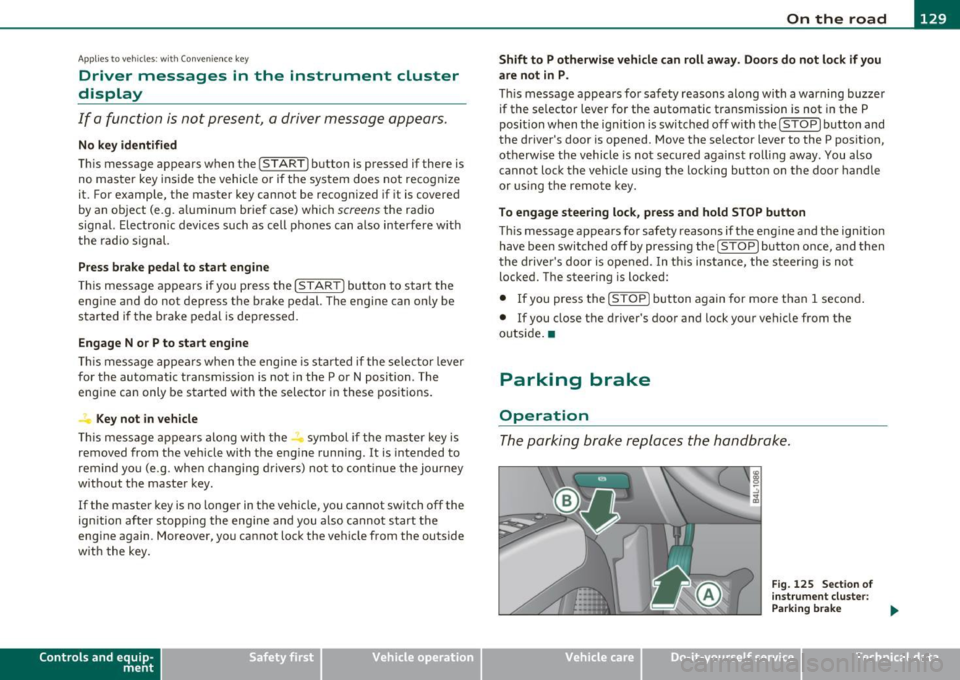
The parking brake replaces the handbrake.
Vehicle care
Fig. 125 Section of
instrument cluster:
Parking brake
~
Do-it-yourselt service iTechnical data