remote control AUDI RS5 COUPE 2015 User Guide
[x] Cancel search | Manufacturer: AUDI, Model Year: 2015, Model line: RS5 COUPE, Model: AUDI RS5 COUPE 2015Pages: 254, PDF Size: 64.12 MB
Page 59 of 254
M N
0:: loo ,...., \!) 1.1'1
N 1.1'1 ,....,
Adjusting the head restr aint s
"'To move the head restraint up, hold it at the
sides with bot h hands and slide it upward until
yo u feel it click into place¢
A.
"'To move the head restraint down, press the
button ®¢
fig. 56 and slide the head restraint
downward.
R emoving th e head re straint s
"' Fold the backrest forward ¢ page 63.
"'Move the head restraint upward as far as it can
go.
"' Press the release @¢
fig. 57 with the mechan
ical key¢
page 32 and the button ® ¢ fig. 56.
Pull the head restraint out of the backrest at
the same time¢,& .
Install ing the head rest raint s
"'Slide the posts on the head restraint down into
the gu ides until you feel the posts click into
place.
"' Press the button®¢
fig. 56 and slide the head
restraint all the way down . You should not be
able to pull the head restraint out of the back
rest.
So that the driver can have a better v iew to the
rear, the head restra ints should be pushed down
completely when the rea r seats are not occupied .
_& WARNING
-Read and heed all WARNINGS¢ page 114,
Proper adjustment of head restraints.
- Only remove the rear seat head restraints
when necessa ry in order to install a chi ld
seat
¢ page 158. Install the head restra int
again immediate ly once the child seat is re
moved . Driving without head restraints or
with head restraints that are not properly adjusted increases the risk of serious or fa
tal neck injury dramatically.
- Vehicles with a pass through in the center console have seat ing for four. The long cen
ter console between the two rear seats is
not a seat ing pos ition. Therefo re, a safety
belt is not provided.
S eat s and stor age
{!) Tips
Correct ly adjusted head restraints and safety
belts are an extremely effective combination
of safety features.
Memory function
Description
Appl ies to vehicles: wi th memo ry fu nct io n
The memory f unct ion allows you to quickly and
easily store and recall personal seating profiles
for the driver . The memory function is operated
t h rough the master key and the memo ry buttons
in the driver 's door.
T he driver's seating p rofile is stored and assigned
to the master key each time the vehicle is locked.
When you open the door, the seat profile is auto matically reca lled. If two people use one vehicle,
it is recommended that each person always uses
"their own" ma ster key.
Up to 2 seat profi les can be stored in the memory
buttons in the driver's door. Once they are stored,
these seat profiles can be selected at any time.
In addition to the driver's seat settings, you can
also store and access the exterior mirror adjust
ment settings* using the remote contro l key or
memory bu tton.
Remote control key
App lies to vehicles: wit h seat memory
To assign the dr iver 's seat settings to the remote
control key when locking the veh icle, the function
must be activated in the radio or MMI*
"' Select:
!CAR I function button> Seat adjust-
ment > Driv er's seat > Remot e con trol k ey
>
on.Or
"' Select :
~ ,c~ A~R~I function button> Car sy stems *
contro l butto n > Vehicle s etting s> Seat s>
Driver 's seat > Remote control key > On .
(D Tips
If you do not want anothe r drive r's sett ings to
be assigned to the remote key, switch
off the
memory function usin g the rad io or MMI * or
the
ION/OF F I button ¢ page 58.
57
Page 69 of 254
M N
0:: loo ,...., \!) 1.1"1
N 1.1"1 ,....,
Warm and cold Climate control system
Description
The climate control system warms, cools and
adds humidity to the a ir in the veh icle inter io r.
It
is the most effect ive when the windows and sun
roof are closed. If there is a build-up of heat in
side the vehicle, ventilation can help to speed up
the cooling process.
I n all heating mode functions except
defrost, the
b lower only switches to a higher speed once the
engine coolant has reached a certain tempera
ture.
Condensat ion from the cooling system can drip
and form a puddle of water unde r the vehicle.
This is normal and does not mean there is a leak.
Pollutant filter
The pollutant filte r removes pollutants such as
dust and pollen from the ai r.
The air pollutants filter must be changed at the
intervals specified in your Warranty & Mainte
nance booklet, so that the a ir condit ioner can
properly work.
If you drive your vehicle in an area with high air
pollution, the filter may need to be changed
more frequently than spec ified in your Audi Wa r
ranty
& Maintenance booklet. If in doubt, ask
your authorized Audi Service Adv isor for advice.
Key coded settings
The climate control settings are automat ically
stored and assigned to the remote control key
that is in use.
_&. WARNING
Reduced visibility is dangerous and can cause
accidents .
- For safe dr iv ing it is very important that all
windows be free of ice, snow and condensa
tion .
Warm and cold
-Comp letely familiarize yourse lf with the
proper use and funct ion of the heating and
ventilation system and especially how to de
fog and defrost the windows.
- Never use the windshield wiper/washer sys
tem in freezing weather until you have
warmed the windshie ld first, using the heat
ing and vent ilation system. The washer solu
tion may freeze on the windsh ield and re
duce visibility.
(D Note
- If you suspect that the air conditioner has been damaged, sw itch the system off to
avoid further damage and have it inspected
by a qualified dealership.
- Repairs to the Audi air conditioner require
special techn ical knowledge and spec ial
tools. Contact an authorized Aud i dealer for
assistance.
@ For the sake of the environment
By reducing the amount of fuel you use, you
also reduce the amount of pollutants emitted
into the air.
(D Tips
- Keep the air intake slots (in front of the
w indshield) free from ice, snow and debris
in order to main tain the proper function of
the climate control system.
- T he energy management system may switch
the seat heating * or rear window defroster
off temporarily. These systems are avai lab le
again as soon as the energy balance has
been restored.
- Air escapes through vents under the rear
window. When placing items of cloth ing on
the luggage compartment cover, ensure
that the openings are not covered.
67
Page 95 of 254

"' N
0:: loo
rl I.O
"' N
"' rl
Audi adaptive cruise control and braking guard
~--- ~-Distance 3: This setting corresponds
to a distance of 164 feet/SO meters when travel
ing at 62 mph (100 km/h), or a t ime interval of
1.8 seconds.
~ ---- ~ Distance 4: This setting corresponds
to a distance of 210 feet/64 meters when trave l
ing at 62 mph (100 km/h), or a t ime interval of
2 .3 seconds.
A WARNING
Following other vehicles too closely increases
the risk of collisions and ser ious personal in
jury.
- Setting short distances to the traffic ahead
reduces the time and distance available to
br ing your vehicle to a safe stop and makes
it even more necessary to pay close atten
tion to traffic.
- Always obey applicable traffic laws, use
good judgment, and select a safe following
distance for the traffic, road and weather
conditions.
¢j) Tips
- Distance 3
is set automatically each time
you switch the ignition on.
- Your standa rd settings are automatically
stored and assigned to the remote control
ke y being used.
Setting the driving program
Applies to vehicles: with Audi adaptive cruise control
Depending on the selected dr iv ing program and
distance, driving behavior when accelerating will
vary from dynamic to comfortab le .
Setting the driving program for vehicles
without Audi drive select*
~ In the radio/MMI*, select: !CAR !function but
ton >
Adaptive cruise control > Driving prog. >
comfort, standard or dynamic . Or
~ Select : !CAR I function button> Car systems*
co ntrol button > Driver assist > Adaptive cruise
control
> Driving program* > Comfort, Stand
ard
or Dynamic . Setting the driving mode for vehicles with
Audi drive
select*
Refer to ¢ page 102.
(D Tips
Your settings are automatical ly stored and as
signed to the remote control key being used.
Request for driver intervention
Applies to vehicles: with Audi adaptive cruise control
Fig. 99 Instrume nt cluster: request fo r drive r in te rvention
In certain situations, the system w ill prompt you
to take action. This could happen, for example, if
braking by the adaptive cruise control system is
not enough to maintain enough distance to the
vehicle ahead.
The instrument cluster will warn you about the danger ¢
fig. 99:
-A red vehicle is pictured in the display.
- The text
DISTANCE! appears in the status bar.
- The red indicator light. blinks.
- In addition , a warni ng tone sounds.
93
Page 97 of 254

M N
0:: loo ,...., \!) 1.1"1
N 1.1"1 ,....,
Audi adaptive cruise control and braking guard
promptly detected or may not be detected
at all.
- Reflective surfaces including crash barriers
or tunnel entrances may impair the function
of the radar sensor.
(D Tips
- You can cancel the braking that is initiated by the system by braking yourself, by accel
erating noticeably or by swerving.
- Braking guard error messages
Q page 95.
- Keep in mind that braking guard can brake
unexpectedly. Always secure any cargo or
objects that you are transporting to reduce
the risk of damage or injury.
Settings in the radio /MMI
A ppl ies to vehicles: with Audi adaptive cruise co ntrol
... Select : I CARI function button > Car systems*
control button > Driver assist> Audi braking
guard .
Or
... Select:
~I C-A-R~I function button > Audi braking
guard.
System -
Switch Audi braking guard On and Off.
When you switch the ignition on, the message
Audi braking guard off appears if the system is
switched off.
Early warning -The distance and approach warn
ings in the display can be switched
On/Off.
(D Tips
-Your settings are automatically stored and
assigned to the remote control key being
used at the times the settings are made.
- If you restrict or switch off the ESC, the
braking guard also switches itself off
¢pag e 170.
- Switch braking guard off when you are load
ing the vehicle onto a vehicle carrier, train,
ship or other type of transportation . This
can prevent undesired warnings from the
braking guard system.
Messages
Applies to v ehicles: wi th Audi ada ptive c ruise con tro l
Braking guard: Off
This driver message appears if the system is
turned off via the radio/MMI* . Otherwise, if the
system is turned off, the information appears ev
ery time shortly after the start of the trip.
The driver message also appears if the system is
not available due to a malfunction or if the ESC is
not switched on¢
page 170. If this is the case,
the system will not provide warnings about a possible collision.
Braking guard: Activated
This driver message appears if sharp brake pres
sure was applied due to an acute warning .
•••
Three white dots appear if a setting cannot be se
lected with the operating lever. For example, this
happens if you want to raise/lower the speed
even though there was no previously saved
speed.
ACC: Sensor blocked
This message appears if the sensor view is ob
structed, for example by leaves, snow, heavy
spray or dirt. Clean the sensor~
page 88, fig. 90.
ACC: not available
The driver message appears if there is a malfunc
tion. The adaptive cruise control turns off. A
chime sounds as a reminder. Have the system
checked by an authorized Audi dealer or author
ized Audi Service Facility.
ACC: unavailable
The driver message appears if, for example, the
brake temperature is too high. The adaptive
cruise control is temporarily unavailable. A chime
sounds as a reminder.
Shift lever position!
The driver message appears if the selector lever
is shifted to the N position. The adaptive cruise
control is not available while in this position.
Stabilization control (ESC)
95
Page 102 of 254
Audi side assist
(D Tips
-Side assist is not active while you are mak
ing the adjustment.
- Your settings are automatically stored and
assigned to the remote control key being
used.
Driver messages
Applies to veh icles: w ith Aud i side ass ist
If side assist switches off by itself, the LED in the
button turns
off and a message will appear in the
instrument cluster display:
Audi side assist unavailable: Sensors blocked
The radar sensors' vision is affected. Do not cover
the area in front of the sensors with bike wheels,
stickers, dirt or other objects. Clean the area in
front of the sensors, if necessary ¢
page 98,
fig. 104.
Audi side assist: Currently unavailable
Side assist cannot be switched on temporarily be
cause there is a malfunction (for example, the
battery charge level may be too low).
Audi side assist: System fault!
The system cannot guarantee that it will detect
vehicles correctly and it is switched off . The sen
sors have been displaced or are faulty. Have the
system checked by an authorized Audi dealer or
authorized Audi Service Facility soon.
100
Page 112 of 254
Pa rkin g Sys tem
swings out more than the vehicle rear. Main
tain plenty of distance from an obstacle so
that yo ur o utside mirror or a corner of your
vehicle does not coll ide with any obstacles -
danger of accident!
- Remember to ma intain sufficient clearance
from the curb to avoid damaging the wheel rims .
(D Tips
The left or right orientation lines and surfaces
will be displayed, depending on the turn sig
nal being used.
Adjusting the display and warning tones
App lies to vehicles: with parking system plus/parking system
plus w ith rea r view camera
The display* and warning tones are adjusted in
the radio or MMI*.
" Selec t:
I CARI funct ion button > Park ing s ystem .
Or
"Select : ICARI function button> Car sy stem s*
control button> Driver assi st> Par kin g aid .
D ispl ay*
-Off -when the parking system is switched on,
only audible signals are given.
- On -when the parking sy stem is switched on,
the p ic ture from the rear view came ra is dis
played .
Warning t one s
- Re ar volume -
rear sensor volume
-Rea r fr equency -rear sensor frequency
- Fro nt vo lume -front sensor volume
- Fron t frequenc y -front sensor frequency
- Mu sic volum e w hile pa rking -when the park -
ing system is switched on, the volume of the
active aud io source is lowered.
The newly adjusted value is br iefly heard from
the signal generator . The settings are automati
cally stored and assigned to the remote cont ro l
key.
110
A WARNING
-
- Always make sure that the vo lume and fre-
quency of the warning tones is adjusted so
that you can easily hear the acoustic d is
tance s ignal even if the radio is playing, the
air-condi tioner blowe r is on High or there is
a high level of outside noise.
- Check the settings whenever someone else
has dr iven the vehicle befo re you .
@ Tips
- The warn ing tones can also be adjusted di
rectly from the rear v iew camera image .
Simply press the Settings* cont ro l button.
- Changed settings are activated when park
ing assist is switched on again .
Error messages
Applies to vehicles: with parking system plus with rear view
camera
T here is an erro r in the system if the L ED on the
PwJl. switch is b link ing and you hear a continuous
alarm for a few seconds after switching on the
parking system or when the parking system is al
ready act ivated. Have your authorized Audi dealer
cor rect the erro r.
Keep the sen so rs in the rear bumper clea n and
free from ice so that the acoustic park assist sys
tem can function properly .
(D Tips
If the error is not corrected before you switch
off the ignition, when you switch on the park
i ng system again, the LED in the
Pw A sw itch
will blin k.
Page 241 of 254

means that you risk both a substantia l reduction
in the operational safety of your vehicle and an
increased wear of vehicle parts~.& .
Author ized Audi dealers w ill perform this work in
a professiona l and competent manner or , in spe
cial cases, refer you to a professional company
that spec ializes in such modifications.
A WARNING
Improper repairs and modifications can
change the way vehicle systems work and
cause serious personal injury .
(D Note
If emergency repairs must be performed e lse
where, have the veh icle examined by an au
thorized Audi dealer as soon as possib le.
Declaration of
Compliance, Telecommu
nications and Electronic
Systems
Radio Frequency Devices and Radiocommunica
tion Equipment User Manual Notice .
The manufacturer is not responsible for any radio
or TV interference caused by unauthorized modi
f ications to this equ ipment .
Device s
The fo llow ing devices each comp ly w ith FCC Part
15.19, FCC Part 15.21 and RSS-Gen Issue
1:
- Adaptive cruise control*
- Convenience key*
- Side assist*
- Cell phone package*
- Electronic immob ilizer
- Homelink universal remote control*
- Remote control key
FCC Part 15.19
This device compl ies with pa rt 15 of the FCC
~ Rules. Opera tion is subjec t to the following two
0:: 1-conditions : co ,...., \!) 1.1'1
N l/'I ,....,
Co nsum er information
(1) This device may not cause harm ful interfe r
ence , and
(2) this device must accept any inte rfe rence re
ce ived, incl ud ing in terference that may cause un
desired operation.
FCC Part 15.21
CAUT ION:
Changes or mod ificat ions not expressly approved
by the party responsible for compliance could
vo id the user's authori ty to ope rate the equ ip
me nt.
RSS-Gen Is sue 1
Operation is subject to the follow ing two condi
tions:
(1) this device may not ca use interference, and
(2) this devi ce must ac cep t any inte rference , in
cl ud ing interference that may cause undesired
operation of the device .
239
Page 243 of 254
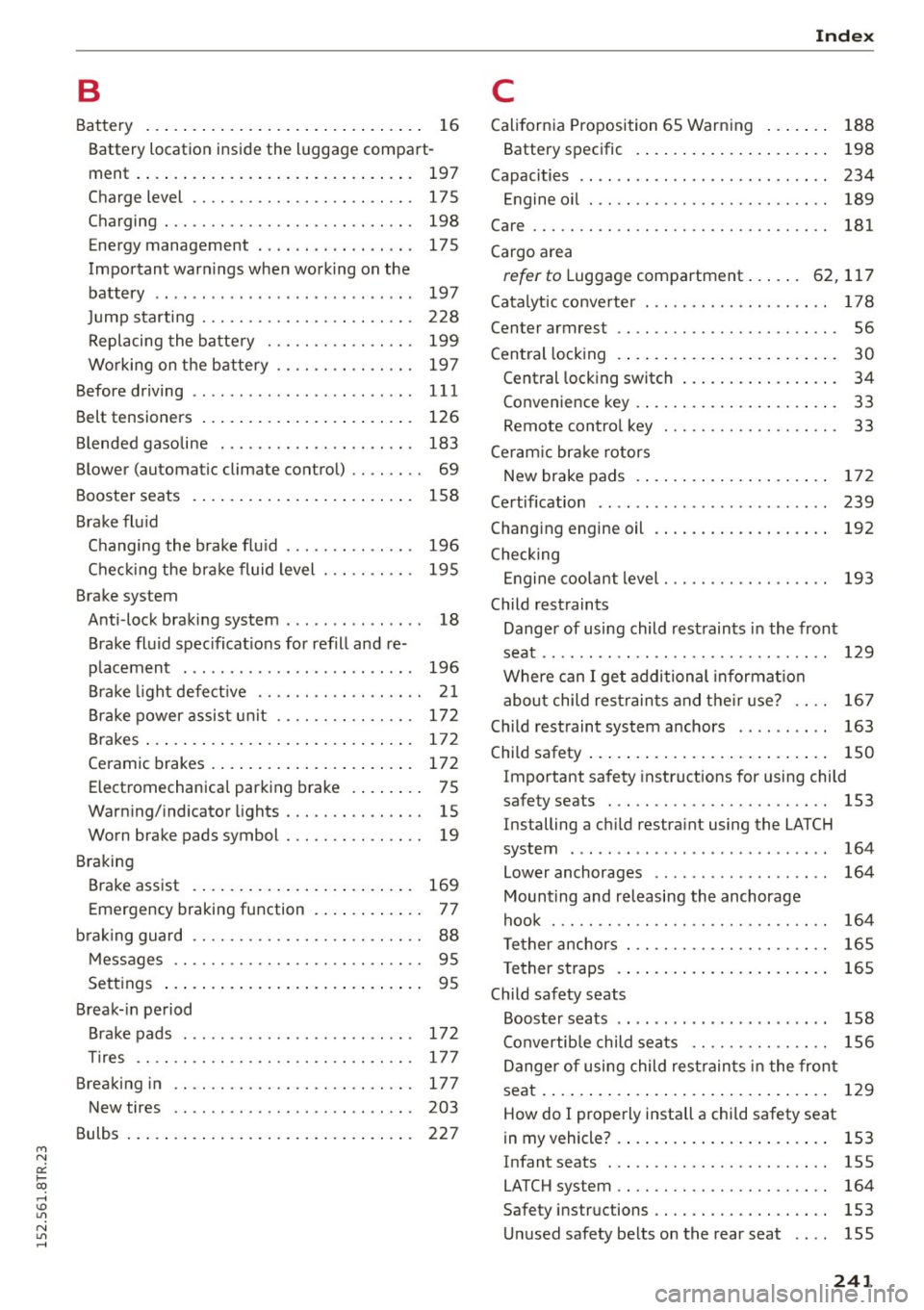
M N
0:: loo ,...., \!) 1.1"1
N 1.1"1 ,....,
B
Battery ..... .. ................ ..... . .
16
Battery location inside the luggage compart-
ment. ..... .. ................ ..... . 197
Charge level . . . . . . . . . . . . . . . . . . . . . . . . 17 5
Charging . . . . . . . . . . . . . . . . . . . . . . . . . . . 198
Energy management .... .. .. .. .. .. .. .
Important warnings when working on the
battery .. ... ............. ...... ... .
Jump starting ............ .. .. .. .... .
Replacing the battery ..... .. .. .. .. .. .
Working on the battery .... .. .. .. .. .. .
Before driving ................ ... ... . .
Belt tensioners ...................... .
Blended gasoline .......... .... .. .. .. .
Blower (automatic climate control) .. .. .. . .
Booster seats ................ ... .... .
Brake flu id 175
197
228
199 197
111
126
183
69
158
Changing the brake flu id . . . . . . . . . . . . . . 196
Checking the brake fluid level . . . . . . . . . . 195
Brake system Anti -lock braking system . . . . . . . . . . . . . . . 18
Brake fluid specifications for refill and re
placement . . . . . . . . . . . . . . . . . . . . . . . . . 196
Brake light defect ive . . . . . . . . . . . . . . . . . . 21
Brake power assist unit . . . . . . . . . . . . . . . 172
Brakes ..... .. ................ ..... . 172
Ceramic brakes.............. ... .... . 172
Electromechanical parking brake . . . . . . . . 75
Warning/indicator lights . . . . . . . . . . . . . . . 15
Worn brake pads symbol . . . . . . . . . . . . . . . 19
Braking Brake assist . . . . . . . . . . . . . . . . . . . . . . . . 169
Emergency braking function . . . . . . . . . . . . 77
brak ing guard . . . . . . . . . . . . . . . . . . . . . . . . . 88
Messages
Settings
. . . . . . . . . . . . . . . . . . . . . . . . . . .
... ................ ... .... ..
Break-in period
Brake pads ............... ... ... ... .
Tires .... .. .......... · · · · · · · · · · · · · ·
Breaking in .. ............. .... .. .... . 95
95
172
177 177
New tires . . . . . . . . . . . . . . . . . . . . . . . . . . 203
Bulbs . . . . . . . . . . . . . . . . . . . . . . . . . . . . . . . 227
Index
C
California Proposition 65 Warning ... .. . .
Battery specific . ................. .. .
Capacities .. .. .. .. .... ...... ... .. .. . .
Engine oil ... .. . .. ............ .. .. . .
Care ... .... .... ................... . .
Cargo area 188
198
234 189
181
refer to Luggage compartment . . . . . . 62, 117
Catalytic converter . . . . . . . . . . . . . . . . . . . . 178
Center armrest . . . . . . . . . . . . . . . . . . . . . . . . 56
Central locking . . . . . . . . . . . . . . . . . . . . . . . . 30
Central locking switch . . . . . . . . . . . . . . . . . 34
Convenience key . . . . . . . . . . . . . . . . . . . . . . 33
Remote contro l key . . . . . . . . . . . . . . . . . . . 33
Ceram ic brake rotors
New brake pads . . . . . . . . . . . . . . . . . . . . . 172
Certification . . . . . . . . . . . . . . . . . . . . . . . . . 239
Changing engine oil . . . . . . . . . . . . . . . . . . . 192
Checking Engine coolant level. . . . . . . . . . . . . . . . . . 193
Child restraints
Danger of using child restraints in the front
seat.. .. .. .. .. .. ............... .. .. 129
Where can I get additional informat ion
about child restraints and their use? . . . . 167
Child restraint system anchors . . . . . . . . . . 163
Child safety . . . . . . . . . . . . . . . . . . . . . . . . . . 150
Important safety instructions for using child
safety seats . . . . . . . . . . . . . . . . . . . . . . . . 153
Installing a child restraint using the LATCH
system ....... .. ..... ........... .. .
Lower anchorages ................ .. .
Mounting and releasing the anchorage
hook ..... .. .. .. .. ............... . .
Tether anchors
Tether straps .... ................ .. .
Child safety seats 164
164
164
165
165
Booster seats . . . . . . . . . . . . . . . . . . . . . . . 158
Convertib le child seats . . . . . . . . . . . . . . . 156
Danger of using child restraints in the front
seat . . . . . . . . . . . . . . . . . . . . . . . . . . . . . . . 129
How do I properly install a child safety seat
in my vehicle? .... ................ ... 153
I nfant seats . . . . . . . . . . . . . . . . . . . . . . . . 155
LATCH system . . . . . . . . . . . . . . . . . . . . . . . 164
Safety instruc tions . . . . . . . . . . . . . . . . . . . 153
Unused safety belts on the rear seat 155
241
Page 244 of 254
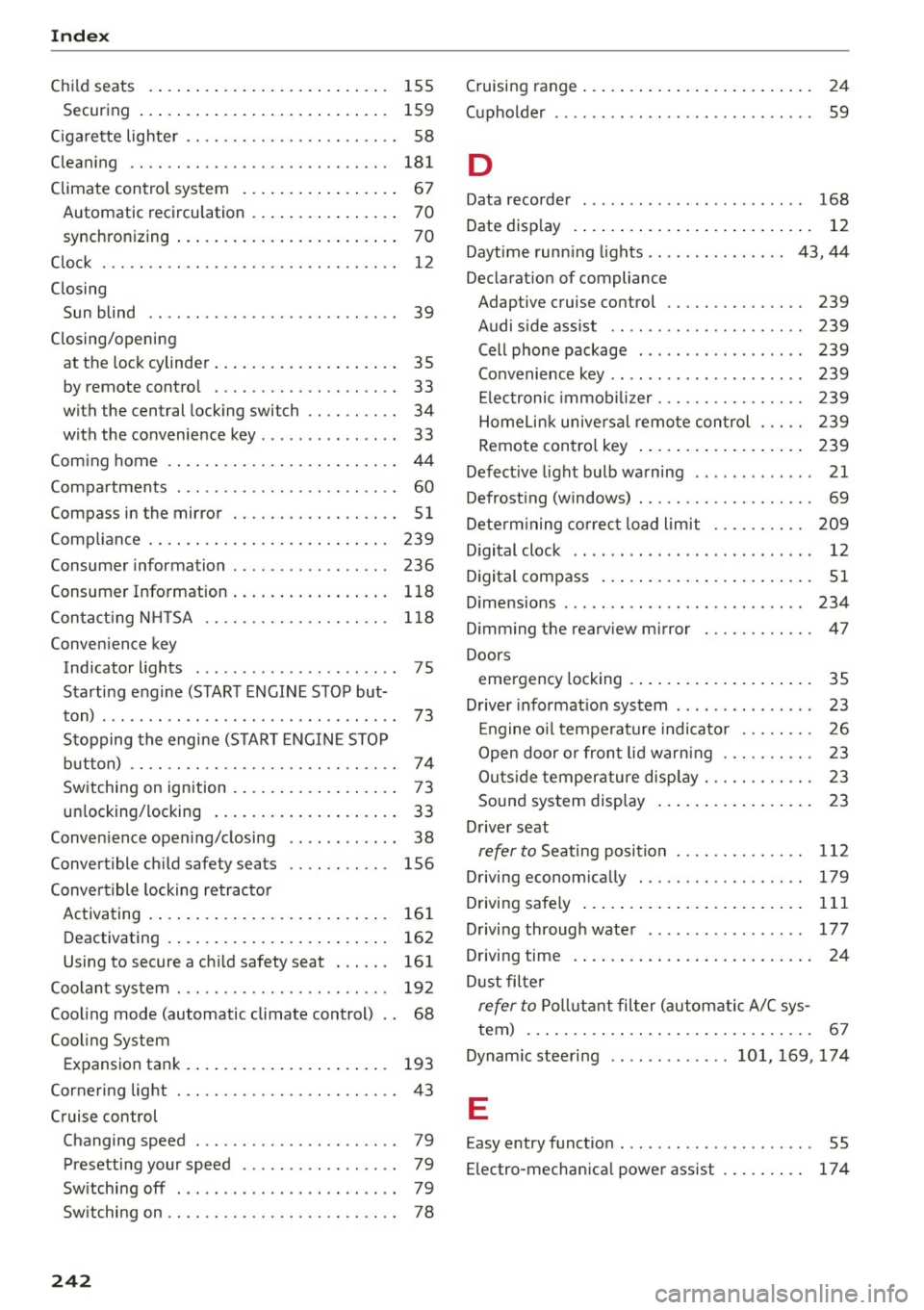
Index
Child seats
155
Secur ing . . . . . . . . . . . . . . . . . . . . . . . . . . . 15 9
C igarette lig hte r . . . . . . . . . . . . . . . . . . . . . . . 58
Clean ing . . . . . . . . . . . . . . . . . . . . . . . . . . . . 181
Climate contro l sys tem . . . . . . . . . . . . . . . . . 67
Automatic rec irculation . . . . . . . . . . . . . . . . 70
synchron izing . . . . . . . . . . . . . . . . . . . . . . . . 70
C lo ck . . . . . . . . . . . . . . . . . . . . . . . . . . . . . . . . 12
Closing Sun blind · · · · .. ................ ... .. 39
C losing/opening
at t he lock cylinder . . . . . . . . . . . . . . . . . . . . 35
by remote contro l . . . . . . . . . . . . . . . . . . . . 33
with the central locking switch . . . . . . . . . . 34
with the convenie nce key . . . . . . . . . . . . . . . 33
Com ing home . . . . . . . . . . . . . . . . . . . . . . . . . 44
Compa rtments . . . . . . . . . . . . . . . . . . . . . . . . 60
Compass in the mirror . . . . . . . . . . . . . . . . . . 51
Comp liance . . . . . . . . . . . . . . . . . . . . . . . . . . 239
Consume r information . . . . . . . . . . . . . . . . . 236
Consumer Information . . . . . . . . . . . . . . . . . 1 18
Con ta ct ing NHT SA . . . . . . . . . . . . . . . . . . . . 118
Convenience key Indicator lights . . . . . . . . . . . . . . . . . . . . . . 7 5
Starti ng engine (START ENGIN E STO P but-
ton) . . . . . . . . . . . . . . . . . . . . . . . . . . . . . . . . 73
St opping the engine (S TA RT E NGINE STOP
button) · . .. .. ............... .. .. .. .. 7 4
Switching on ignition . . . . . . . . . . . . . . . . . . 73
un locking/ locking . . . . . . . . . . . . . . . . . . . . 33
Conven ience open ing/ closing . . . . . . . . . . . . 38
Convertible child safety seats . . . . . . . . . . . 156
Conve rtible locking re trac to r
Ac tiva ting . . . . . . . . . . . . . . . . . . . . . . . . . . 161
D eactivating . . . . . . . . . . . . . . . . . . . . . . . . 162
Using to secure a child safety seat . . . . . . 161
Coolan t sys tem . . . . . . . . . . . . . . . . . . . . . . . 192
Cooling mode (automatic climate control) . . 68
Cooling System Expansion tank . . . . . . . . . . . . . . . . . . . . . . 193
Corneri ng light . . . . . . . . . . . . . . . . . . . . . . . . 43
Cruise control
Changing speed . . . . . . . . . . . . . . . . . . . . . . 79
Presetting your speed . . . . . . . . . . . . . . . . . 79
Sw itching off . . . . . . . . . . . . . . . . . . . . . . . . 79
Sw itchi ng on . . . . . . . . . . . . . . . . . . . . . . . . . 78
242
Cruising range . . . . . . . . . . . . . . . . . . . . . . . . . 24
(upholder . . . . . . . . . . . . . . . . . . . . . . . . . . . . 59
D
Data recorder
Date disp lay 168
12
Daytime runn ing lig hts ............... 43, 44
Declarat ion of compliance
Adaptive cruise control . . . . . . . . . . . . . . . 239
Audi side ass ist . . . . . . . . . . . . . . . . . . . . . 239
Cell phone package . . . . . . . . . . . . . . . . . . 239
Convenience key . . . . . . . . . . . . . . . . . . . . . 239
El ec tronic immob ilizer. . . . . . . . . . . . . . . . 239
Homelin k unive rsal remote con trol . . . . . 239
Remote con trol key . . . . . . . . . . . . . . . . . . 2 39
Defect ive light bulb wa rning . . . . . . . . . . . . . 21
Defrost ing (windows) . . . . . . . . . . . . . . . . . . . 69
Dete rm ining co rrec t load limit . . . . . . . . . . 209
D igital clock . . . . . . . . . . . . . . . . . . . . . . . . . . 12
Digital compass . . . . . . . . . . . . . . . . . . . . . . . 51
D ime nsions . . . . . . . . . . . . . . . . . . . . . . . . . . 234
D imm ing th e rearv iew mirror . . . . . . . . . . . . 47
Doors emergency locking . . . . . . . . . . . . . . . . . . . . 35
D river info rmat ion system . . . . . . . . . . . . . . . 23
En gine o il temperat ure indicator . . . . . . . . 26
Open door o r fron t lid wa rn ing . . . . . . . . . . 23
Outs ide temperature disp lay . . . . . . . . . . . . 23
Soun d system disp lay . . . . . . . . . . . . . . . . . 23
D river seat
refer to Seating position ............ . .
Driving econom ically .............. .. . .
Driving safely ..... .. .. ... ..... ... .. . .
D rivi ng throug h water 112
179
111
177
D riving time . . . . . . . . . . . . . . . . . . . . . . . . . . 24
D ust filte r
refer to Poll uta nt fil ter (autom atic A/C sys -
tem) . . . . . . . . . . . . . . . . . . . . . . . . . . . . . . . 67
Dynam ic steeri ng .. .. .. ... .. .. 101, 169, 174
E
Easy entry funct ion . . . . . . . . . . . . . . . . . . . . . 55
E lectro-mechan ica l powe r assist . . . . . . . . . 17 4
Page 248 of 254
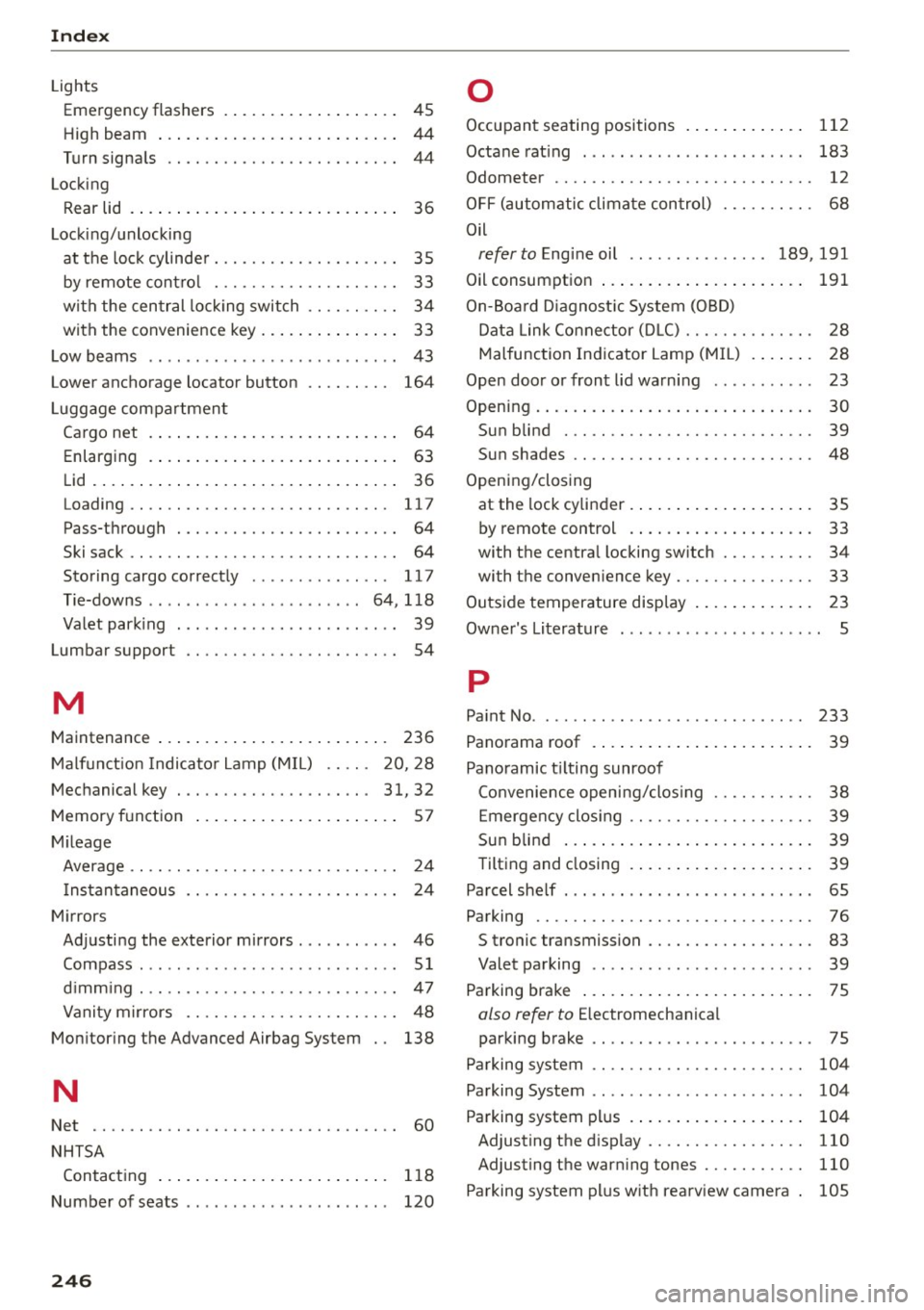
Index
Lights Emergency flashers . . . . . . . . . . . . . . . . . . . 45
H igh beam . . . . . . . . . . . . . . . . . . . . . . . . . . 44
Turn signa ls . . . . . . . . . . . . . . . . . . . . . . . . . 44
L ocking
R ear lid . . . . . . . . . . . . . . . . . . . . . . . . . . . . .
36
Locking/unlocking
at the lock cylinder. . . . . . . . . . . . . . . . . . . .
35
by remote control . . . . . . . . . . . . . . . . . . . . 33
with the central locking switch . . . . . . . . . . 34
with the convenience key . . . . . . . . . . . . . . . 33
Low beams . . . . . . . . . . . . . . . . . . . . . . . . . . . 43
Lower anchorage locator button
L uggage compartment 164
Cargo net . . . . . . . . . . . . . . . . . . . . . . . . . . . 64
Enla rging . . . . . . . . . . . . . . . . . . . . . . . . . . . 63
Lid . . . . . . . . . . . . . . . . . . . . . . . . . . . . . . . . . 36
Loading .. .. .. ................. .. ... 117
Pass-through . . . . . . . . . . . . . . . . . . . . . . . . 64
Ski sack . . . . . . . . . . . . . . . . . . . . . . . . . . . . . 64
Storing cargo correctly . . . . . . . . . . . . . . . 117
Tie-downs . . . . . . . . . . . . . . . . . . . . . . . 64, 118
Va let parking . . . . . . . . . . . . . . . . . . . . . . . . 39
Lumbar suppor t . . . . . . . . . . . . . . . . . . . . . . . 54
M
Maintenance . . . . . . . . . . . . . . . . . . . . . . . . . 236
Malfunct ion Indicator Lamp (MIL) . . . . . 20, 28
Mechanical key . . . . . . . . . . . . . . . . . . . . .
31, 32
Memory function . . . . . . . . . . . . . . . . . . . . . . 57
Mileage
Average .. .. .. .. ... .......... .. .. .. ..
24
Instantaneous . . . . . . . . . . . . . . . . . . . . . . . 24
Mirrors
Adjusting the exterior mirrors . . . . . . . . . . .
46
Compass. .. .. .. ... .. ..... ..... .. .. .. 5 1
d imm ing . .. .. .. ............. .. .. .. .. 47
Vanity mirrors . . . . . . . . . . . . . . . . . . . . . . . 48
Monitoring the Advanced Airbag System . . 138
N
Net . . . . . . . . . . . . . . . . . . . . . . . . . . . . . . . . . 60
NHTSA
Contacting . . . . . . . . . . . . . . . . . . . . . . . . .
118
Number of seats . . . . . . . . . . . . . . . . . . . . . . 120
246
0
Occupant seating positions . . . . . . . . . . . . . 112
Octane rating . . . . . . . . . . . . . . . . . . . . . . . . 183
Odometer . . . . . . . . . . . . . . . . . . . . . . . . . . . . 12
OFF (autom atic clima te control) . . . . . . . . . . 68
Oil
refer to Engine oil ............ ... 189, 191
Oil consumption . . . . . . . . . . . . . . . . . . . . . . 191
On-Board Diagnostic System (OBD)
Data Link Connecto r (D LC) . . . . . . . . . . . . . .
28
Malfunction Indicator Lamp (MIL) . . . . . . . 28
Open door or front lid warning . . . . . . . . . . . 23
Opening..... ....... .. ................ 30
Sun blind . . . . . . . . . . . . . . . . . . . . . . . . . . . 39
Su n shades . . . . . . . . . . . . . . . . . . . . . . . . . . 48
Opening/closing
at the lock cylinder . . . . . . . . . . . . . . . . . . . .
35
by remote control . . . . . . . . . . . . . . . . . . . . 33
with the central locking switch . . . . . . . . . . 34
with the conven ience key . . . . . . . . . . . . . . . 33
Outside temperature display . . . . . . . . . . . . . 23
Owner's Literature 5
p
Pa int No . . . . . . . . . . . . . . . . . . . . . . . . . . . . . 233
Panorama roof . . . . . . . . . . . . . . . . . . . . . . . . 39
Panoramic tilting sunroof
Convenience opening/clos ing . . . . . . . . . . .
38
Eme rgency closing . . . . . . . . . . . . . . . . . . . . 39
Sun blind . . . . . . . . . . . . . . . . . . . . . . . . . . . 39
Tilting and closing . . . . . . . . . . . . . . . . . . . . 39
Parcel shelf . . . . . . . . . . . . . . . . . . . . . . . . . . . 65
Parking . . . . . . . . . . . . . . . . . . . . . . . . . . . . . . 76
S tronic transmission . . . . . . . . . . . . . . . . . . 83
Valet parking . . . . . . . . . . . . . . . . . . . . . . . . 39
Parking brake . . . . . . . . . . . . . . . . . . . . . . . . . 75
also refer to Electromechanica l
parking brake . . . . . . . . . . . . . . . . . . . . . . . .
75
Parking system . . . . . . . . . . . . . . . . . . . . . . . 104
Parking System . . . . . . . . . . . . . . . . . . . . . . . 104
Pa rking system plus . . . . . . . . . . . . . . . . . . . 104
Adjusting the display . . . . . . . . . . . . . . . . . 110
Adjusting the warning tones . . . . . . . . . . . 110
Parking system plus with rearview camera . 105