service AUDI RS7 SPORTBACK 2016 Owners Manual
[x] Cancel search | Manufacturer: AUDI, Model Year: 2016, Model line: RS7 SPORTBACK, Model: AUDI RS7 SPORTBACK 2016Pages: 282, PDF Size: 70.78 MB
Page 6 of 282
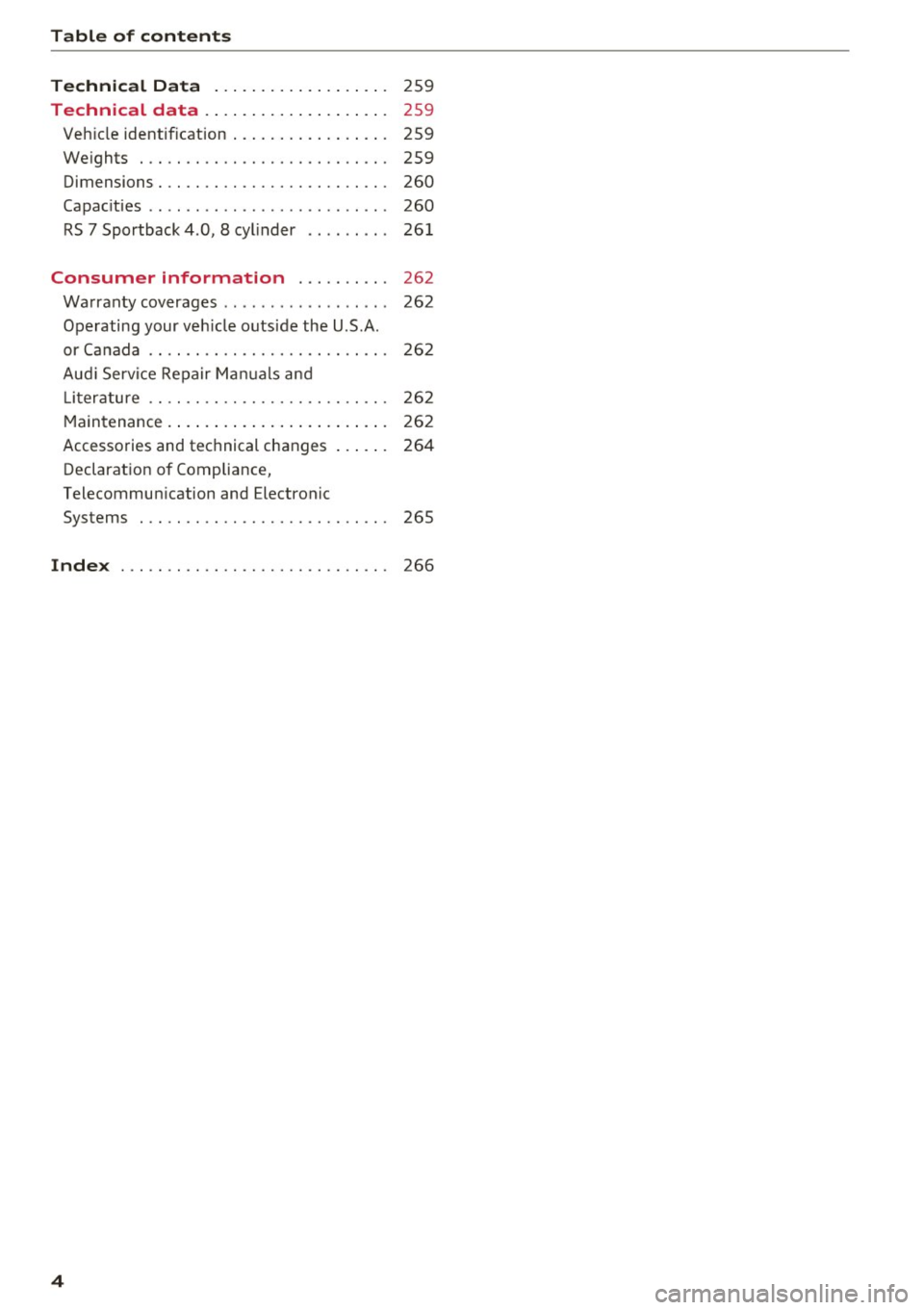
Table of content s
Technical D ata . . . . . . . . . . . . . . . . . . .
259
Technical data . . . . . . . . . . . . . . . . . . . . 259
Veh icle identif ication . . . . . . . . . . . . . . . . . 259
We ights . . . . . . . . . . . . . . . . . . . . . . . . . . . 259
Dimensions . . . . . . . . . . . . . . . . . . . . . . . . . 260
Capac ities . . . . . . . . . . . . . . . . . . . . . . . . . . 260
RS 7 Sportback 4.0, 8 cylinder . . . . . . . . . 26 1
Consumer information . . . . . . . . . . 262
Warranty coverages . . . . . . . . . . . . . . . . . . 262
Operating your veh icle outside the U.S.A.
or Ca nada . . . . . . . . . . . . . . . . . . . . . . . . . . 26 2
Au di Service Repair Ma nuals and
L it er ature . . . . . . . . . . . . . . . . . . . . . . . . . . 262
M aintenance. . . . . . . . . . . . . . . . . . . . . . . . 262
Accessories and technical changes . . . . . . 264
Declaration of Compliance,
Telecommun ication and Electronic
Systems . . . . . . . . . . . . . . . . . . . . . . . . . . . 265
Inde x ............................. 266
4
Page 7 of 282
In addition to this Owner's Manual, your Audi
comes with the
- MMI Operat ing Instructions
- Warranty
& Maintenance booklet.
If you are missing one of these publications, or if
you believe that the information is not complete,
contact your author ized Audi dealer for assis
tance.
MMI Operating Instructions
contain detailed description of the Aud i Mu lti
Media Interface (MMI) includ ing the nav igation
system, the sound system and the hand held
phone.
The Warranty & Maintenance booklet
explains how you can keep your Audi in top driv ing condition by having it serviced regu larly and
contains detailed information about the warran
ties covering your Aud i. Always have the booklet
with you when you take your veh icle to an author
iz ed A udi dealer for serv ice. Your Audi Serv ice Ad
visor w ill record each scheduled service and can
answer any questions you may have regarding
h ow to maintain your vehicle.
In Canada,
the vehicle literature is also available in French.
To obtain a copy, co nta ct you r dealer or write to:
Au Canada, on peut se procurer un exemplaire en
frarn;ais de ce document aupres du concession
naire ou de:
Aud i Canada
Client Assistance
Assistance a la Clientele
777 Bayly Street, West,
Ajax, Ontario LlS 7G7
If you sell your Audi
all literature should be left in the vehicle to make
the Warranty terms as well as all operating, safe
ty and maintenance informat ion ava ilable to the
next owner.
Owner 's Literature
If you change your address or if you bought
this Audi used
be sure to send in a "Notice of Address Change" I
"Not ice of Used Car Purchase" post card. This
card can be found in the Warranty
& Mainte
nance booklet or obtained from your authorized
Audi dealer.
It is in your own interest that we are able to
contact you should the need arise.
5
Page 17 of 282
....
-(USA models ) JIii (Canada models ) Cau
tion: Vehicle parked too steep
I f the indi cator lig ht blinks and t he me ssage ap
pears, t here is not enough br aking power to kee p
the vehicle from ro lling . The b rakes have over
heated . The vehicle could roll away even o n a
sma ll incline.
Press brake pedal to release parking brake
To re lease the park ing bra ke, press the bra ke
pedal and p ress t he button ~ or sta rt d riving
wit h sta rti ng assist at the same time
¢ page 75.
Please release parking brake
To release the parking brake manually, press the
brake pedal and press the button~ at the same
time . The parking brake o nly releases automati
cally if the driver's safety be lt is faste ned .
Ill Parking brake!
If the Ill indicator light turns on and this mes
sage app ears, th ere is a parking brak e malfunc
tion . D rive to your authorized A udi dealer or
qua lified workshop immediately to have the mal
function corrected .
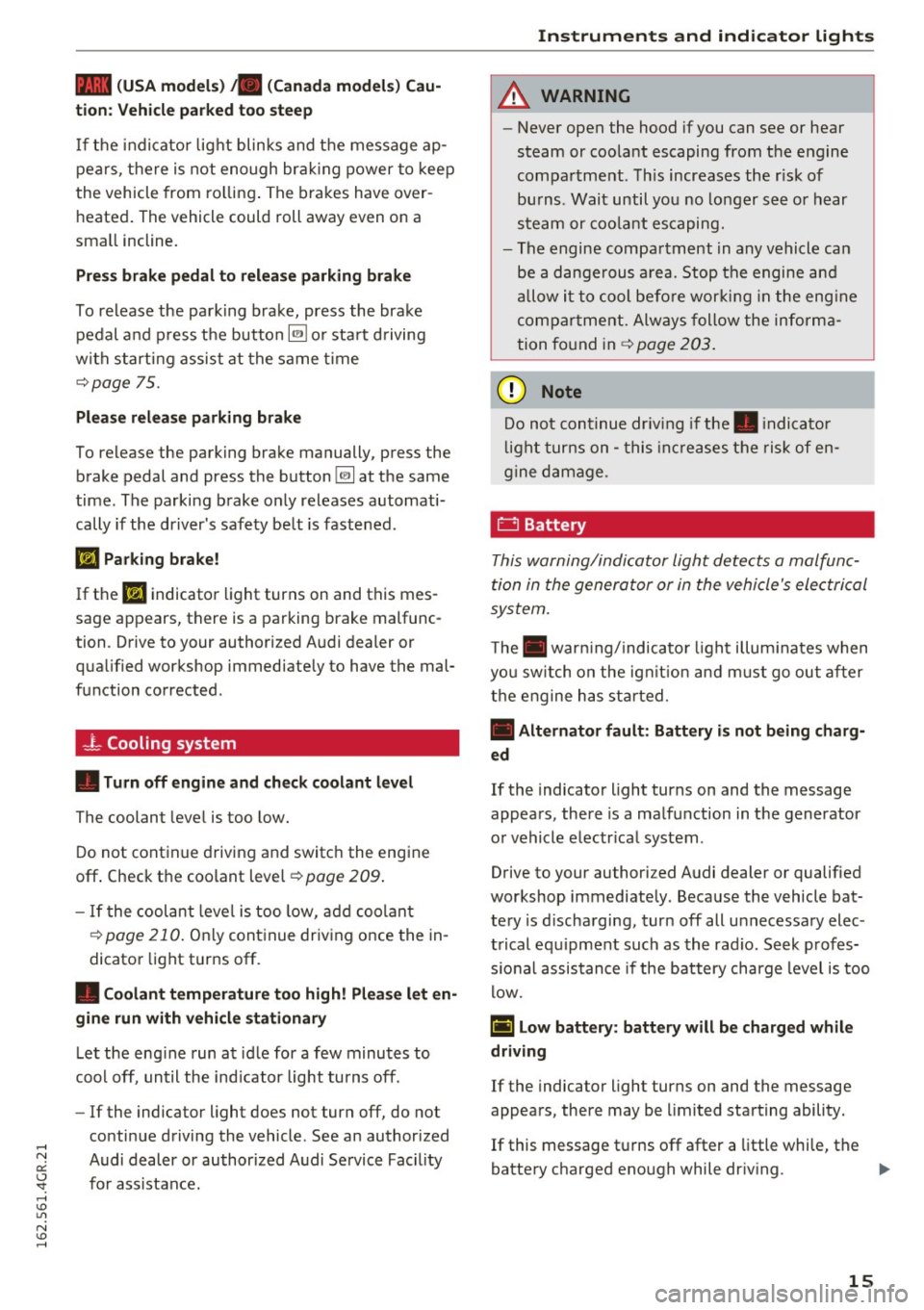
-l Cooling system
• Turn off engine and check coolant level
The coolant leve l is too low.
D o not continue driving and switc h the engine
off . Check t he coolant level¢
page 209 .
-If the coolan t level is too low, add coo lan t
¢page 210. Onl y con tinue driv ing once the in
dicato r light turns off.
• Coolant temperature too high! P lease let en
gine run with vehicle sta tionary
Le t the eng ine run a t idle for a few minu tes to
cool off, until the ind icator light tu rns off.
- If the indicator light does not turn off, do not
continue driving the vehicle . See an author ized
N Audi dealer or au thorized A udi Service Fac il ity er:
~ fo r assistance . ....
A WARNING
- Never open the hood if you can see or hear
steam or coo la nt escaping from the eng ine
compa rtme nt. Th is increases the r isk of
bu rns . Wait until yo u no lo nger se e or h ear
st eam or coo la nt es caping.
- The engin e compa rtment in any v ehicle ca n
be a dange rous a rea. Stop t he engine and
all ow i t to cool bef ore wor king in the eng ine
comp artmen t. Always follow the inf orma
tion fo u nd in ¢
page 203 .
(!;) Note
Do not con tinue dr iv in g if the . indica to r
l ight t urns o n -thi s i ncr eases t he risk of en
gi ne dam age.
D Battery
This warning/indi cator Light detects a malfunc
tion in the generator or in the vehicle's ele ctrical
system.
T he . warni ng/ indic ator li gh t illu minates when
yo u sw itch on the ig nition a nd mu st go out after
t h e engine h as s tart ed .
• Alternator fault: Battery is not being charg
ed
If the indicato r light turns on and the message
appea rs, there is a ma lf un ction in the generator
o r vehicle e lectr ica l system .
Drive to your author iz ed A udi dealer or qualified
workshop immediate ly . Beca use the vehicle bat
te ry is d ischa rging, tur n off all u nnecessary elec
trical eq uipment such as the rad io . Seek profes
s io nal assistance if the battery charge level i s too
l o w .
(•] Low battery: battery will be charg ed while
driving
If the indicato r light turns on and the message
appea rs, there may be limited sta rt ing ability .
If this message t urns off after a little while, the
batte ry charged eno ugh while dr iv ing .
1111>
15
Page 18 of 282
Instruments and indicator lights
If the message does not tu rn o ff, have your a u
thor iz e d A udi dealer or qualified worksho p cor
rect the malfunction.
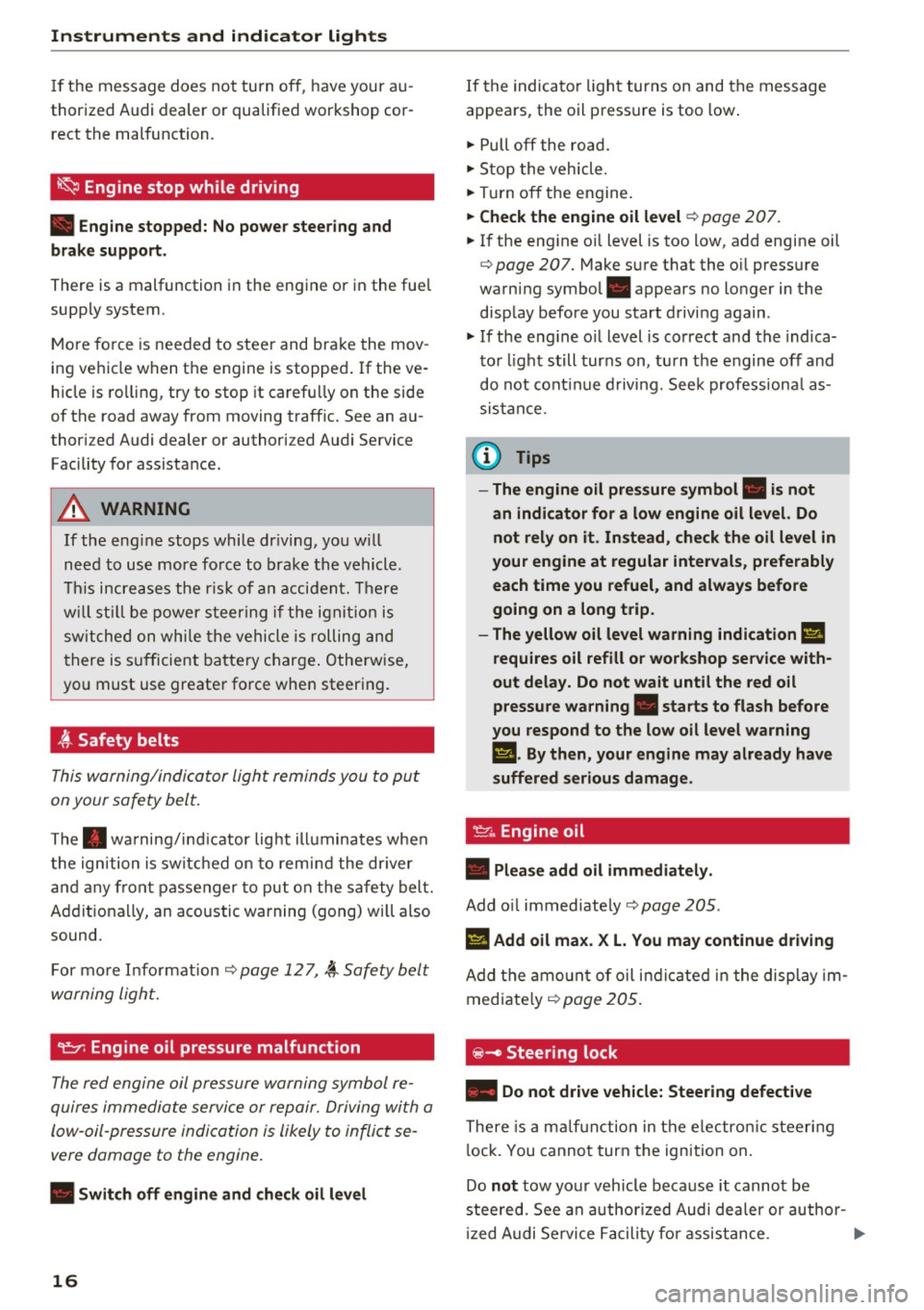
~ Engine stop while driving
• Engine stopped: No power steering and
brake support.
There is a malfunction in the en gine or in the fue l
supp ly system .
Mo re fo rce is nee ded to stee r and bra ke the mov
i ng vehicl e w hen t he engine is stoppe d. If the ve
h icle is ro llin g, try to stop it caref ully on the side
of the road away from moving traffic . See an au
thor iz ed Audi dealer or author iz ed A udi Service
F acility for assista nce .
A WARNING
-
If th e eng in e stops whi le driv ing, yo u w ill
n eed to u se mor e fo rce t o brak e the ve hicle.
T his i ncre ases the r is k of a n acci dent. Th ere
w ill still b e po wer steer ing if th e ignition is
s wi tched on w hile th e ve hicle is ro lling an d
t here is s ufficien t bat tery ch arge. O the rwise,
yo u must use greate r fo rce whe n steer ing.
4'-Safety belts
T his w arn ing/indi cator ligh t remind s y ou to put
on your safe ty belt.
T he . warni ng/in dica tor lig ht ill uminates whe n
the ig nition is sw itch ed on to remi nd the dr iver
and an y fr on t pa sse nger to pu t on the safe ty bel t.
Ad diti ona lly, an a co ustic warning ( gong) wi ll also
sound.
F or mor e In form ati on ¢
page 1 2 7, ~ S afety bel t
w arning ligh t.
~ Engine oil pressure malfunction
The red engine oil pressure warning symbol re
quires immed iate service or re pair. Driving wi th a
low- oil-pressure indi cation is likely to inflict se
vere damage to the engine .
• Switch off engine and check oil level
16
If the indica to r li gh t turns on and the message
a ppears, the oil p ress ure is too low .
.,. Pull off the ro ad .
.,. St op the vehicle .
.,. Tur n o ff th e engine .
.,. Check the engine oil level¢ page 207 .
.,. If the eng ine o il level is too low , add engine oil
¢
page 20 7 . M ake s ure t hat the o il press ure
warni ng symbo l. appears no lo nger in the
disp lay b efore you sta rt driving again .
.,. If the eng ine o il level is correc t and the indica
t o r li gh t still turns on, turn t he e ngine off and
do not co ntinu e drivi ng. Seek professiona l as
sis ta nc e.
(D Tips
- The engine oil pressure symbol. is not
an indicator for a low engine oil level. Do not rely on it . Instead, check the oil level in
your engine at regular intervals , preferably
each time you refuel , and always before
going on a long trip.
- The yellow oil level warning indication
Ell
requires oil refill or workshop service with
out delay. Do not wait until the red oil
pressure warning. starts to flash before
you respond to the low oil level warning
l!I. By then, your engine may already have
suffered serious damage.
·
~ Engine oil
• Please add oil immediately .
Add oil immediate ly ¢ pag e 205.
Ill Add oil max . X L. You may continue driving
Add th e am ount of oil i nd ic a te d in t he dis pla y im
med iate ly
¢ page 205.
@-Steering lock
• Do not drive vehicle: Steering defective
There is a mal func tion in the e le ctr onic st eer ing
l ock. You canno t tur n the ign ition on .
Do
not tow yo ur vehicl e bec ause it cannot be
stee red. See an authorized Audi dea ler or author
iz ed Audi Service Facili ty f or as sis tance .
....
Page 19 of 282
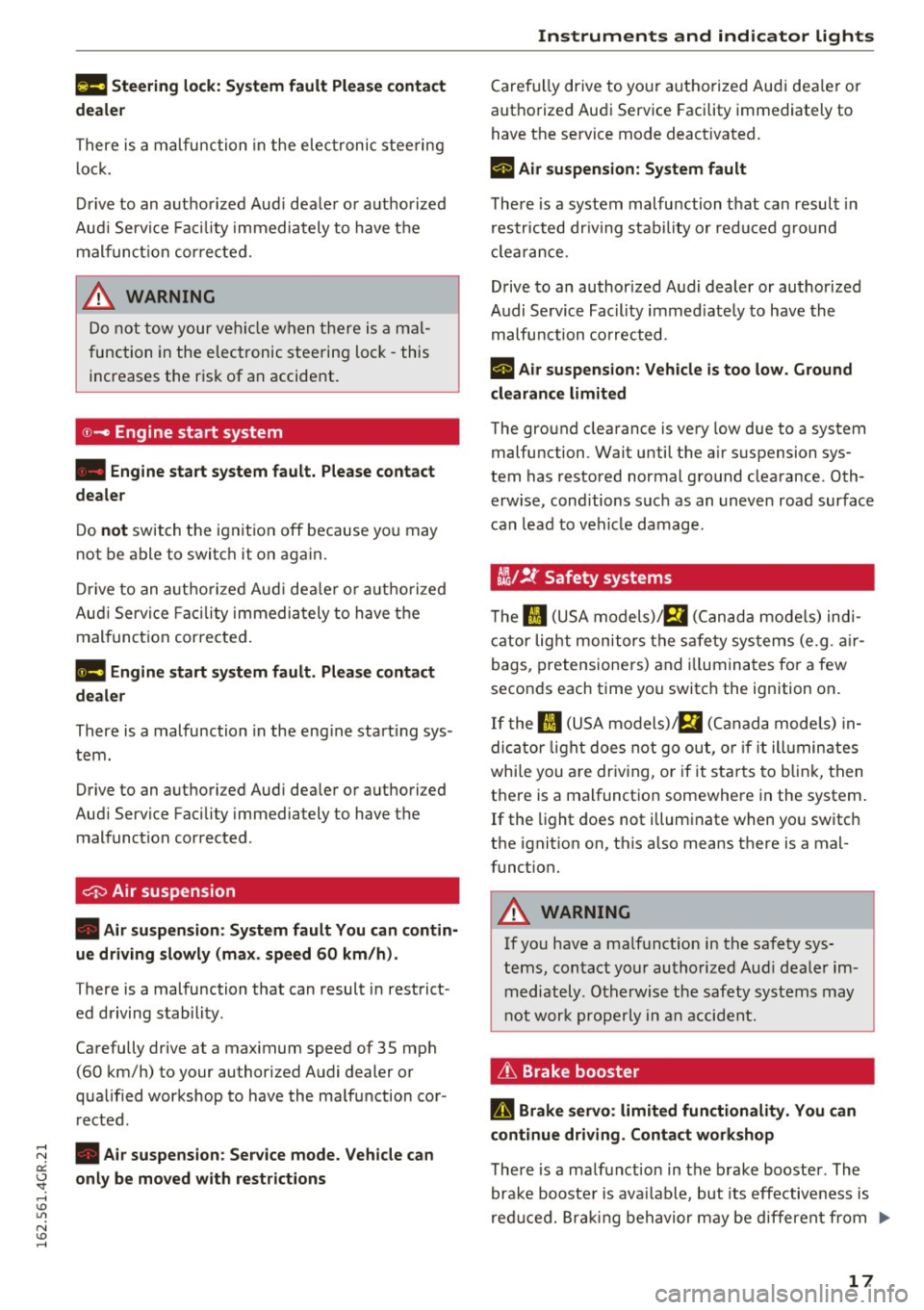
l!II Steering lock: System fault Please contact
deale r
There is a malfunction in the elec tronic stee ring
l o ck .
D rive to an aut ho rized Aud i dea le r or a uthorized
Aud i Serv ice Faci lity immediately to have t he
m alfunc tion corrected.
A WARNING
Do no t tow your veh icle when there i s a mal
function in the elec tronic steering loc k -this
increases the r is k of an accident .
©-c Engine start system
• Engine start system fault. Please contact
dealer
D o not switch the ignit ion off because yo u may
not be able to switc h it on aga in.
-
Dr ive to an autho rized Aud i dea le r o r a uth o rized
Au di Serv ice Fa cility immedi ately to have the
mal funct ion correcte d.
11111 Engine start system fault. Please contact
dealer
There is a malfunction in the eng ine start ing sys
tem .
Drive to an authori zed Aud i dea ler or a uth ori zed
Aud i Service Facility immediately to have the
malfunc tion corrected .
0 Air suspens ion
• Air suspens ion: System fault You can contin
ue driving slowly (max . speed 60 km/h).
There is a malfunction that can result in restrict
ed driving s tabili ty .
Ca refully drive at a max imum speed of 35 mph
(60 km/h) to your authorized Audi dealer or
qua lified workshop to have the ma lf un ction cor
rected .
;:::: • Air suspension: Service mode. Vehicle can er:
~ only be moved with restrictions
,....,
Caref ully drive to yo ur autho rize d Aud i dea le r o r
autho rize d Au di Serv ice Facility immediately to
have the se rvice mode deactivated.
II Air suspension: System fault
T he re is a system malfu nction t hat can resul t in
r estr icted dr iv ing stabi lity or red uced g round
cl earan ce.
Drive to an author ized A udi dealer or authorized
Audi Se rvice Facility immed iate ly to have the
malfu nction correcte d.
II Air suspension: Vehicle is too low. Ground
clearance limited
The gro und clearance is ve ry low due to a system
malfunction . Wait until the a ir suspension sys
tem has restored normal gro und clearance . Oth
erwise , cond itions s uch as an uneven road surface
can lead to vehi cle damage .
tlit !f Safety systems
The II (USA models)/ E,I (C anad a models) ind i
cator lig ht monitors the s afety sys tems (e.g . a ir
bags, pretensione rs) and illumina tes fo r a few
secon ds each time you switc h the ignition on .
If the II (USA mo dels) !E,I (Canada mode ls) in
di cator light does not go ou t, o r if it ill umin ates
wh ile you are dr iv ing, or if it star ts to b link, then
t h ere is a malfunct io n somewhere in the system.
If the light does not illum inate when yo u switc h
the ignit ion on, this a lso means there is a mal
funct ion.
A WARNING
If yo u have a ma lf u nct ion in the safety sys
t e ms, con tact your au tho rized Aud i dealer im
m ediately . Ot herwise the safety systems may
n ot wor k properly in a n acci dent.
& Brake booster
D Brake servo : limited functionality. You can
continue driving. Contact workshop
T he re is a ma lf u nction in t he br ake booster . The
brak e bo oste r is ava ilab le, but its effectiveness is
r ed uce d. Brakin g behavior may be d iffere nt from .,_
17
Page 20 of 282
Instruments and indicator lights
how it normally functions and the brake pedal
may vibrate.
Drive to an autho rized Aud i de aler or autho rized
Aud i Service Facility immediately to have the
malfunct ion corrected .
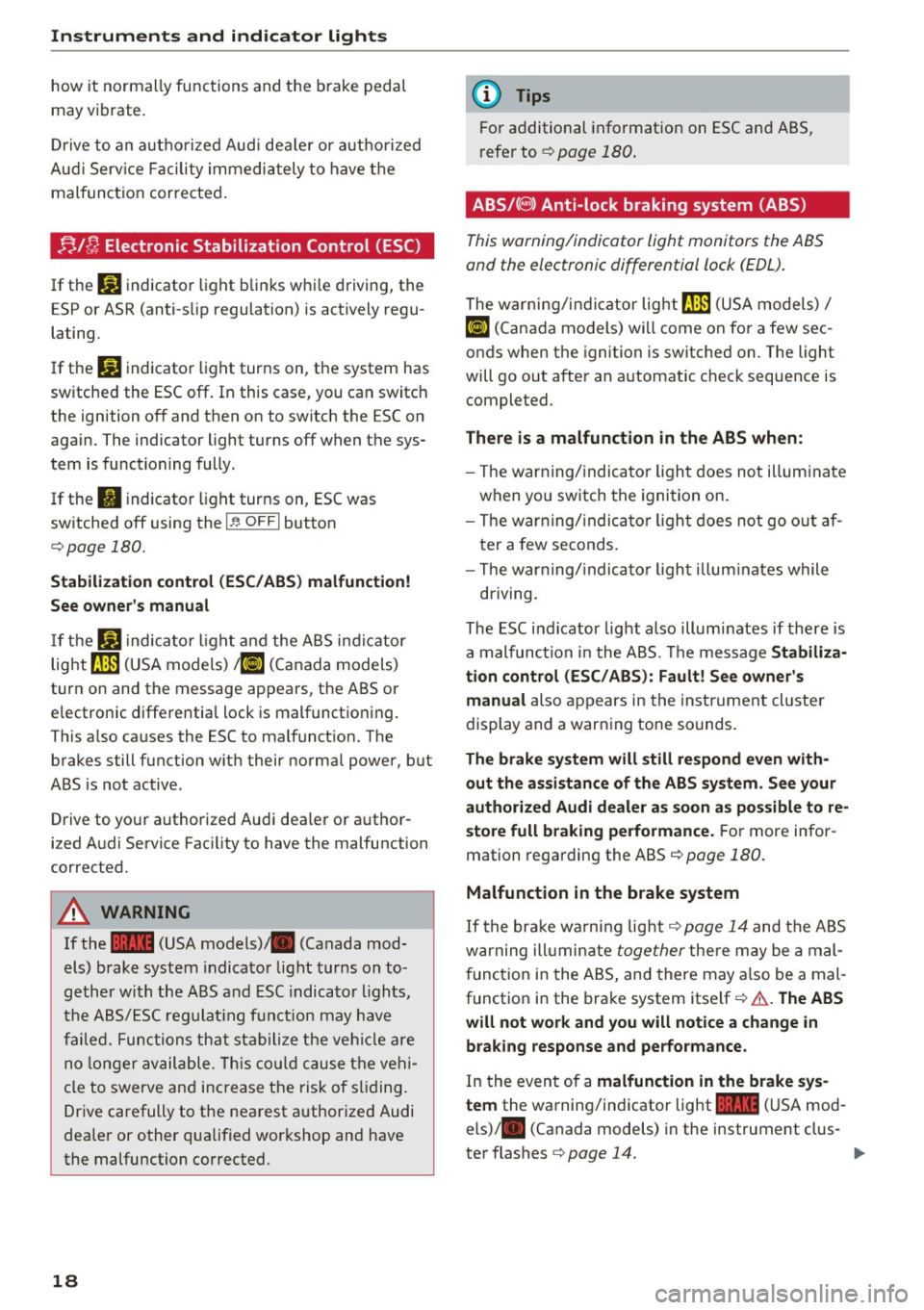
;;Jf; Electronic Stabilization Control (ESC)
If the m indicator light blinks while driving, the
E SP or ASR (anti-slip regulation) is actively regu
lating.
I f the
liJ indicator light turns on, the system has
sw itched the ESC off . In this case, you can switch
the ignition off and then on to switch the ESC on
again. The indicator light turns off when the sys
tem is functioning fully.
If the
II indicator light turns on, ESC was
switched off using the
I ~ OFFI button
¢page 180.
Stabilization control (ESC/ ABS) malfunction!
See owner's manual
If the liJ indica to r light and the ABS indicator
lig ht ~ (USA models)
;fiJ (Canada models)
turn on and the message appears, the ABS or
electronic differential lock is malfunctioning .
This a lso causes the ESC to malfunct ion. The
brakes still function w ith their norma l power, but
ABS is not active .
Drive to yo ur aut ho rized Audi dea ler or a uthor
ized Audi Service Fac ility to have the malfunction
corrected.
A WARNING
If the 1111 (USA models) ,111 (Canada mod
els) brake system indicator light turns on to
gether with the ABS and ESC indicator lights,
the ABS/ESC regulating funct ion may have
failed. Functions that stabilize the vehicle are
no longer available. This could cause the vehi
cle to swerve and increase the risk of sliding.
Drive carefully to the nearest authorized Audi
dealer or other qualified wor kshop and have
the malfunction corrected.
18
(D Tips
For additional information on ESC and ABS,
r efe r to ¢
page 180.
ABS/( @) Anti-lock braking system (ABS)
This warning/indicator light monitors the ABS
and the electronic differential lock (EDL) .
The warning/indicator lig ht fJ] (USA models)/
ti] (Cana da models) wi ll come on for a few sec
onds when the ignition is switched on. The light
will go out after an a utomatic check sequence is
completed.
There is a malfunction in the ABS when:
- The war ning/ indicator light does not illuminate
when you switch the ignition on.
- The war ning/ indica tor light does not go out af
ter a few seconds.
- The war ning/indica tor light illuminates while
driving.
The ESC indi cator lig ht also illum inates if there is
a malfunction in the ABS. The message Stabiliza•
tion control (ESC/ABS): Fault! See owner's
manual
also appears in the inst rument cl uste r
display and a warn ing tone sounds .
The brake system will still respond even with
out the assistance of the ABS system. See your
authorized Audi dealer as soon as possible to re
store full braking performance.
For more infor
mation regarding the ABS
¢page 180.
Malfunction in the brake system
If the brake wa rning light ¢ page 14 and the ABS
warning ill umin ate
together there may be a mal
function in the ABS, and there may also be a mal
funct ion in the brake system itself¢&. .
The ABS
will not work and you will notice a change in
braking response and performance.
In the even t of a malfunction in the brake sys
tem
the wa rning/indicator light 1111 (USA mod
els) ,111 (Canada models) in the instrument clus-
ter flashes ¢
page 14. .,.
Page 22 of 282
Instruments and indicator lights
For more information ¢page 28.
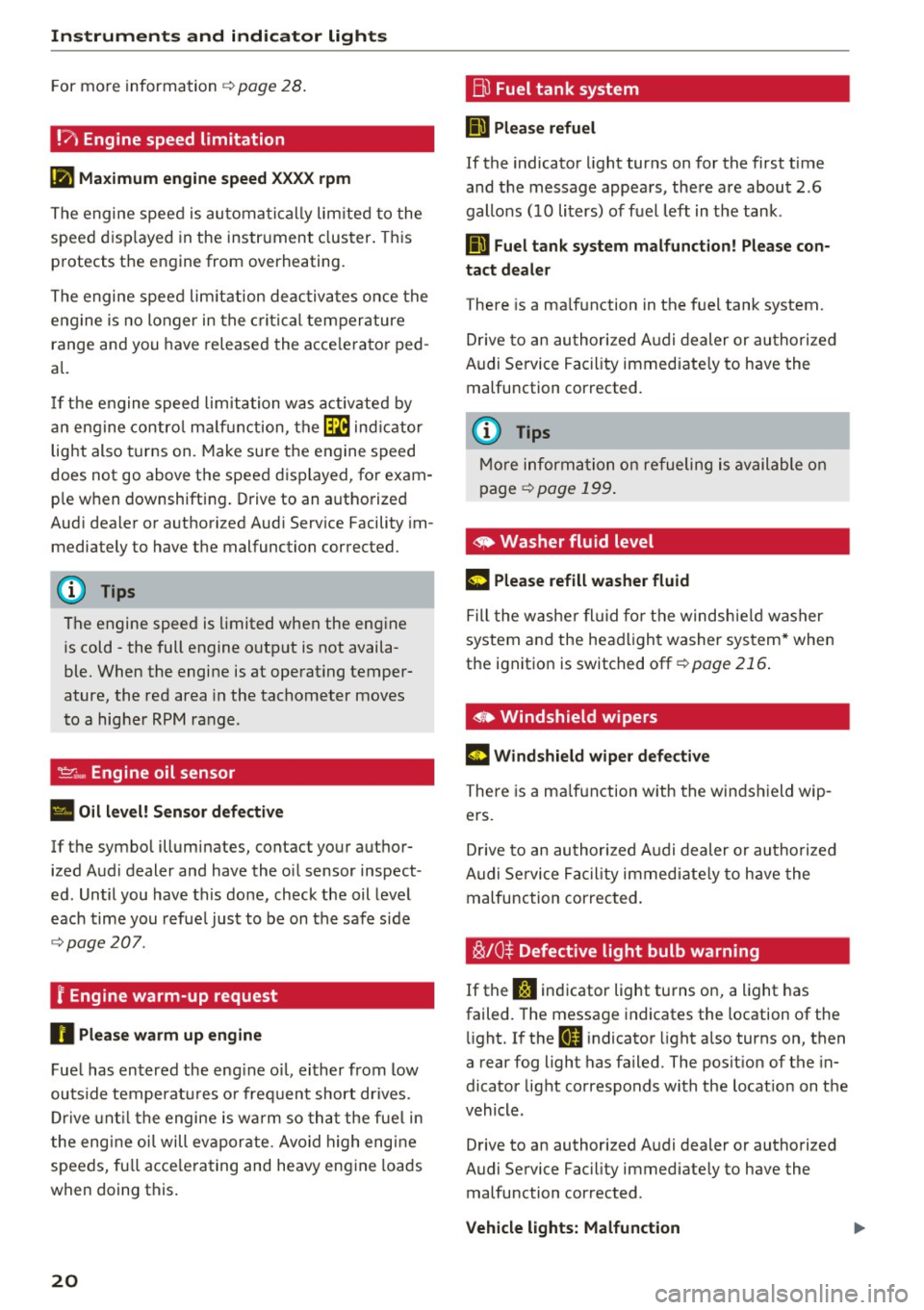
!?) Engine speed limitation
(II Maximum engine speed XXXX rpm
The engine speed is automatically limited to the
speed displayed in the instrument cluster. This
protects the engine from overheating.
The engine speed limitation deactivates once the
engine is no longer in the critical temperature
range and you have released the accelerator ped
al.
If the engine speed limitation was activated by
an engine control malfunction, the~ indicator
light also turns on. Make sure the engine speed
does not go above the speed displayed, for exam
ple when downshifting. Drive to an authorized
Audi dealer or authorized Audi Service Facility im
mediately to have the malfunction corrected.
(D Tips
The engine speed is limited when the engine
is cold -the full engine output is not availa
ble. When the engine is at operating temper
ature, the red area in the tachometer moves
to a higher RPM range .
-Engine oil sensor
• Oil level! Sensor defective
If the symbol illuminates, contact your author
ized Audi dealer and have the oil sensor inspect
ed. Until you have this done, check the oil level
each time you refuel just to be on the safe side
¢page 207 .
f Engine warm-up request
n Please warm up engine
Fuel has entered the engine oil, either from low
outside temperatures or frequent short drives.
Drive until the engine is warm so that the fuel in
the engine oil will evaporate . Avoid high engine
speeds, full accelerating and heavy engine loads
when doing this.
20
~ Fuel tank system
II] Please refuel
If the indicator light turns on for the first time
and the message appears , there are about 2.6
gallons (10 liters) of fuel left in the tank .
111 Fuel tank system malfunction! Please con
tact dealer
There is a malfunction in the fuel tank system.
Drive to an authorized Audi dealer or authorized
Audi Service Facility immediately to have the
malfunction corrected.
(D Tips
More information on refueling is available on
page
¢ page 199.
· <9 Washer fluid level
g, "$ Please refill washer fluid
Fill the washer fluid for the windshield washer
system and the headlight washer system* when
the ignition is switched off ¢
page 216.
• Windshield wipers
m Windshield wiper defective
There is a malfunction with the windshield wip
ers.
Drive to an authorized Audi dealer or authorized
Audi Service Facility immediately to have the
malfunction corrected.
~ /0* Defective light bulb warning
If the J:i indicator light turns on, a light has
failed. The message indicates the location of the
light. If the
I) indicator light also turns on, then
a rear fog light has failed. The position of the in
dicator light corresponds with the location on the
vehicle .
Drive to an authorized Audi dealer or authorized
Audi Service Facility immediately to have the malfunction corrected .
Vehicle lights: Malfunction
Page 23 of 282
There is a malfunction in the headlights or the
light switch.
Drive to an authorized Audi dealer or authorized
Audi Service Facility immediately to have the
malfunction corrected.
i,CD Headlight range control
II Headlight range control: defective!
If the symbol illuminates, the headlight range
control is no longer working properly. Have the
system checked and repaired at your Audi dealer.
§0 Adaptive Light
Applies to: veh icles with Adapt ive Light
miJ Audi adaptive light: system fault
If the indicator light turns on and this message
appears, there is a malfunction in the adaptive
light system . The headlights still function.
Go to an authorized dealership to have the head
lights or the control unit for the Adaptive Light
repaired.
@) Light/rain sensor
!'al Automatic headlights/ automatic wipers:
System fault
The light/rain sensor is malfunctioning .
For safety reasons, the low beams are turned on
permanently with the switch in
AUTO. However,
you can continue to turn the lights on and
off us
ing the light switch. You can still control all func
tions that are independent of the rain sensor
through the windshield wiper lever.
Drive to an authorized Audi dealer or authorized
Audi Service Facility immediately to have the
malfunction corrected.
; Adaptive dampers
Applies to: veh icles with adaptive dampers
;:::: R Suspension: System fault! You can continue
t3 driving
'SI: ,....,
~ There is an adaptive damper malfunction.
N v:, ,....,
Instruments and indicator lights
Drive to an authorized Audi dealer or authorized
Audi Service Facility immediately to have the
malfunction corrected.
I- : Sport differential
Applies to: vehicles wit h spo rt differential
Ill Sport differential: system fault
There is a malfunction with the sport differential.
Drive to your authorized Audi dealer immediately
to have the malfunction corrected.
Ill Sport differential: overheating
The transmission temperature has increased sig
nificantly due to the sporty driving manner. Drive
in a less sporty manner until the temperature re
turns to the normal range and the indicator light
switches of.
,8. WARNING
-
Contact your authorized Audi dealer or a
qualified workshop if the sport differential is
faulty or malfunctioning. The repair must be
performed
by trained personnel using the cor
rect oil in order to ensure safety.
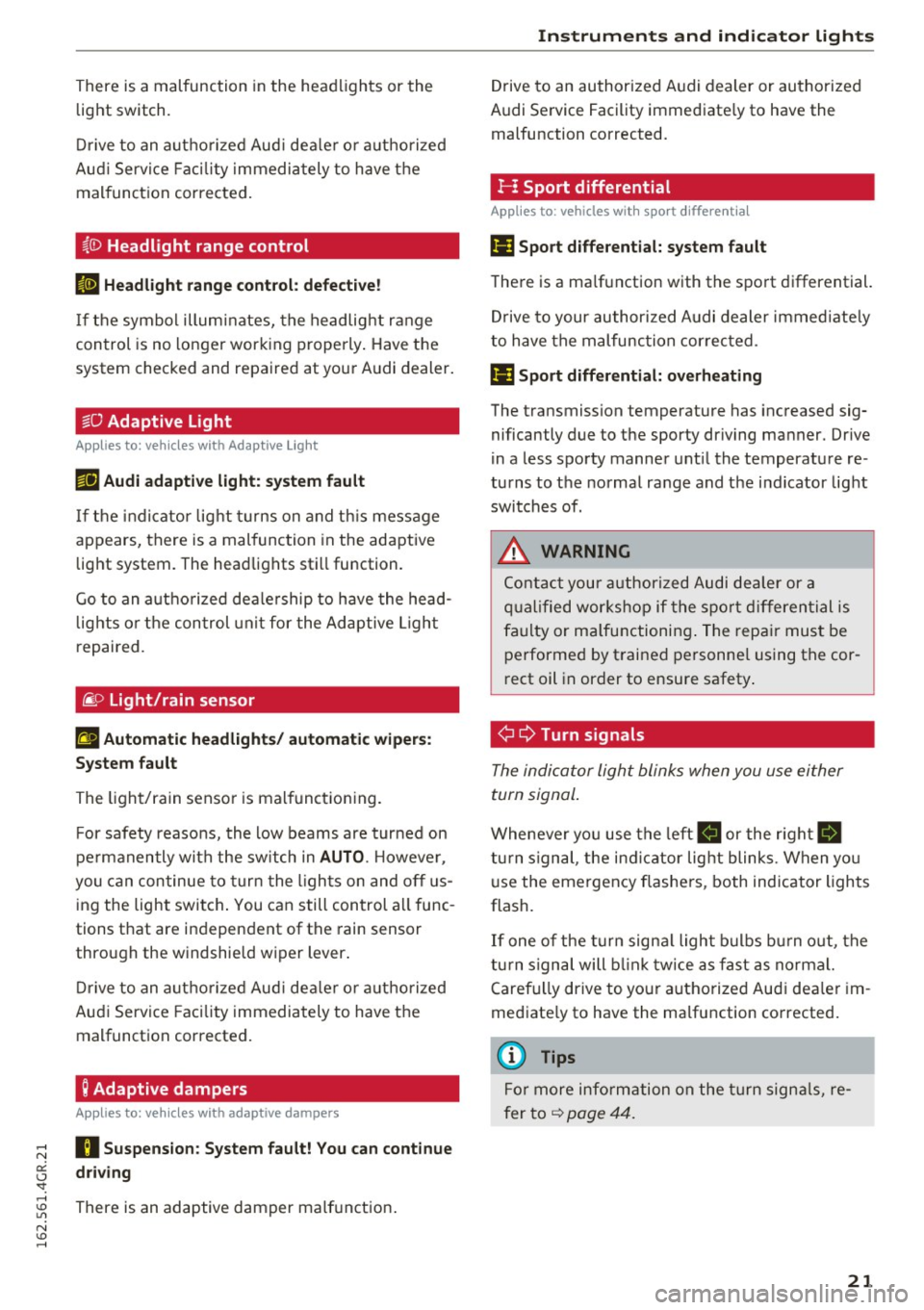
¢ Q Turn signals
The indicator light blinks when you use either
turn signal.
Whenever you use the left B or the rig ht Ill
turn signal, the indicator light blinks. When you
use the emergency flashers, both indicator lights
flash.
If one of the turn signal light bulbs burn out, the
turn signal will blink twice as fast as normal.
Carefully drive to your authorized Audi dealer im
mediately to have the malfunction corrected.
(D Tips
For more information on the turn signals, re
fer to
~ page 44.
21
Page 24 of 282
Instruments and indicator lights
CRUISE /11
(') Cru ise control
The warning/indicator light ltj;\9~1@ (USA models)/
El (Canada models) illuminates when the cruise
control is activated ¢
page 77.
Driver information
system
Overview
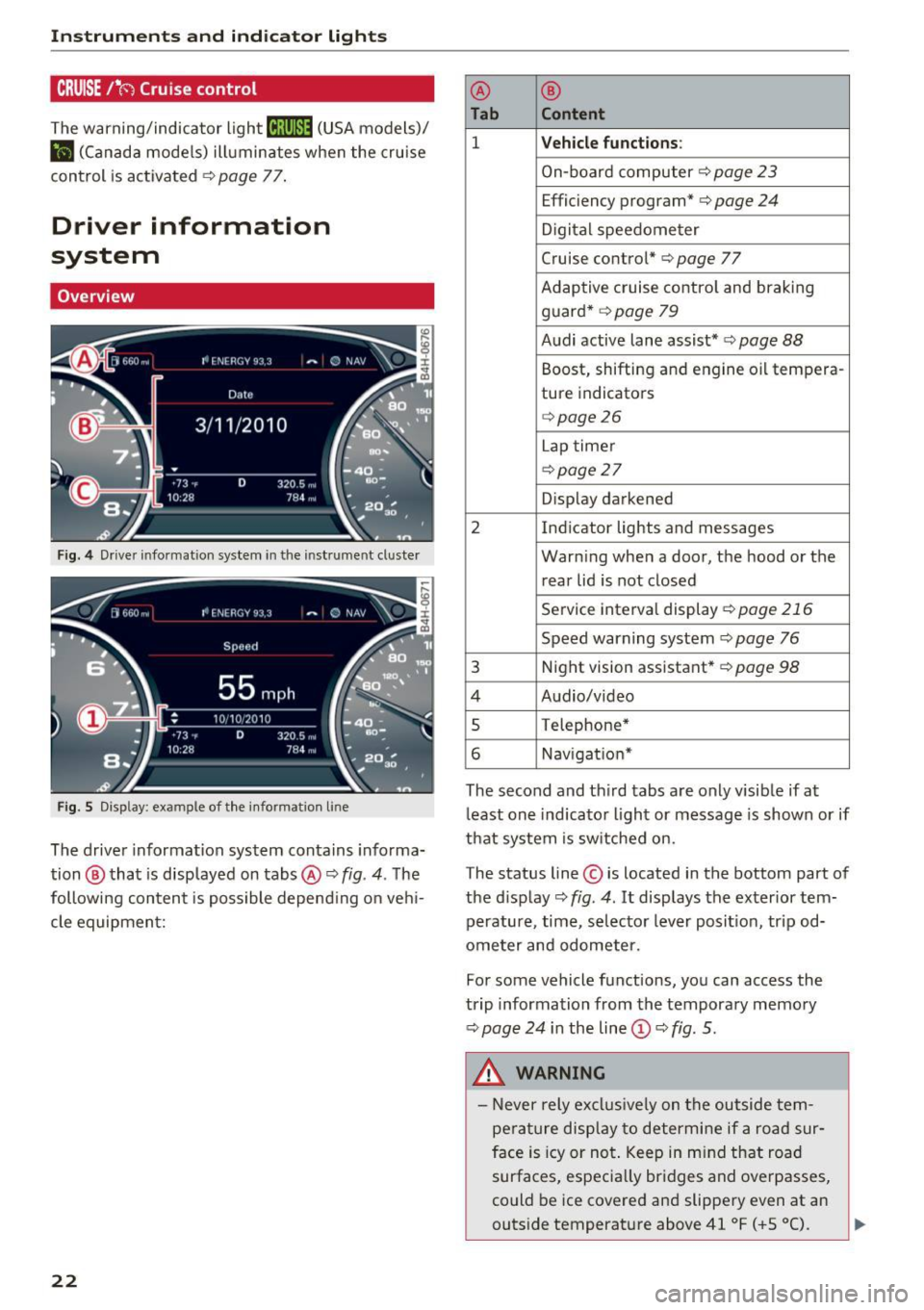
Fig. 4 Driver informat ion system in the instrument cluster
Fig. S Disp lay: example of the in formation lin e
The driver information system contains informa·
tion @ that is displayed on tabs@¢
fig. 4. The
following content is possible depend ing on veh i
cle equipment:
22
@ ®
Tab Content
1 Vehicle functions :
On-board computer¢ page 23
Efficiency program*¢ page 24
Digital speedometer
Cruise control* ¢
page 77
Adaptive cruise control and braking
guard* ¢
page 79
Audi active lane assist* ¢ page 88
Boost, shifting and engine oil tempera-
ture indicators
¢page26
Lap timer
¢page 27
Display darkened
2 Indicator lights and messages Warning when a door, the hood or the rear lid is not closed
Service interval display
¢page 216
Speed warning system~ page 76
3 Night vision assistant* ¢ page 98
4 Audio/video
s Telephone*
6 Nav igat ion*
The second and third tabs are only visible if at
least one indicator light or message is shown or if
that system is switched on.
The status line © is located in the bottom part of
the display¢
fig. 4 . It displays the exterior tern·
perature, time, selector lever position, tripod·
ometer and odometer.
Fo r some vehicle functions, you can access the
trip information from the temporary memory
¢
page 24 i n the line©¢ fig. 5.
&_ WARNING
- Never rely exclusively on the outside tern·
perature display to determine if a road sur
face is icy or not. Keep in mind that road
surfaces, especially bridges and overpasses,
could be ice covered and slippery even at an
-
outside temperature above 41 °F ( +S 0
(). ~
Page 30 of 282
Instruments and indicator lights
Evaluating times and continuing or
resetting timing
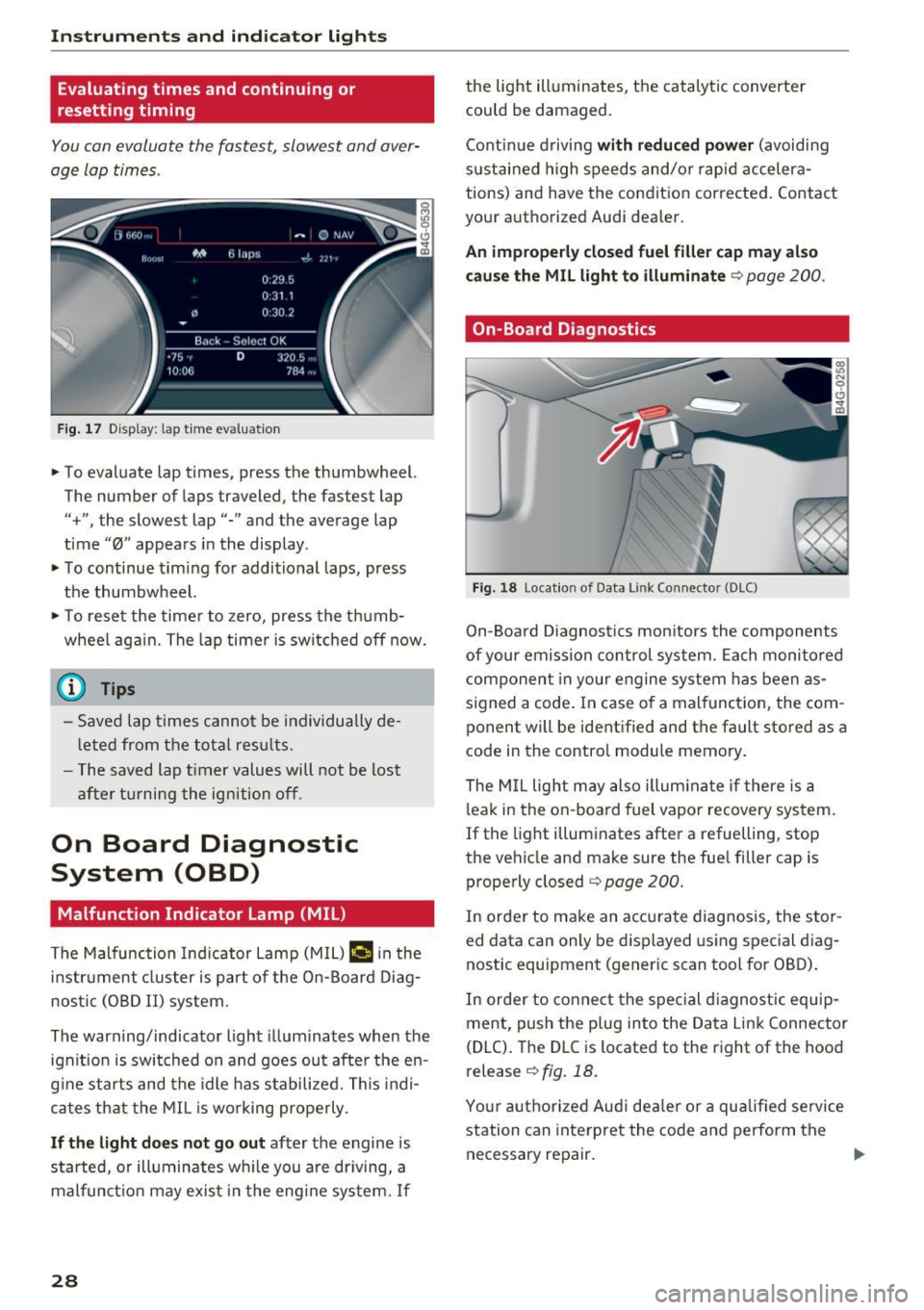
You can evaluate the fastest, slowest and aver
age Lap times .
Fig. 17 Display: lap time evaluation
... To evaluate lap times, press the thumbwheel.
The number of laps traveled, the fastest lap
"+", the slowest lap"-" and the average lap
time "0" appears in the display .
... To continue timing for additional laps, press
the thumbwheel.
... To reset the timer to zero, press the thumb
whee l again. The lap timer is switched off now.
(D Tips
-Saved lap times cannot be individually de
l eted from the total results .
- The saved lap timer values will not be lost
after turning the ignition off.
On Board Diagnostic
System (OBD)
Malfunction Indicator Lamp (MIL)
The Malfunction Indicator Lamp (MIL) I! in the
i n str ument cluster is part of the On-Board Diag
nostic (OBD II) system.
The warning/indicator light illuminates when the
ignit ion is switched on and goes ou t after the en
g in e starts and the idle has st abilized. This indi
cates that the MIL is working properly .
If the light does not go out after the engine is
started, or illuminates wh ile you are dr iving, a
malfunct ion may exis t in the engine system.
If
28
the light illuminates, the catalyt ic converte r
could be damaged.
Continue driving
with reduced power (avoidi ng
sustai ned high speeds and/or rapid accelera
tions) and have the condition corrected. Contact
your authorized Audi dealer.
An improperly closed fuel filler cap may also
cause the MIL light to illuminate
q page 200.
On-Board Diagnostics
Fig. 18 Location of Data Link Connector (DLC)
On-Boa rd Diagnostics monitors the components
of your emission control system. Each monitored
component in your engine system has been as
s ig ned a code . In case o f a malfunct ion, the com
ponent will be identified and the fault stored as a
code in the contro l module memory.
The MIL light may also illuminate if there is a
leak in the on-board fuel vapor recovery system.
If the light illuminates after a refuelling, stop
the vehicle and make sure the fuel filler cap is properly closed
q page 200.
In order to make an accurate diagnosis, the stor
ed data can only be displayed using special diag
nostic equipment (generic scan tool for OBD) .
In order to connect the special diagnostic equip
ment, push the plug into the Data Link Connector
(DLC). The DLC is located to the right of the hood
release <=>
fig. 18.
Your authorized Audi dealer or a qua lified service
station can interpret the code and perform the
necessary repair. .,.