ABS AUDI S4 2017 Owner's Manual
[x] Cancel search | Manufacturer: AUDI, Model Year: 2017, Model line: S4, Model: AUDI S4 2017Pages: 386, PDF Size: 96.32 MB
Page 313 of 386
and have the cooling system inspected. If the
cooling system is not leaking, a loss can come
from the coolant boiling through overheating and being pushed out of the cooling system.
A WARNING
- The cooling system is under pressure. Do
not open the coolant expansion tank cap
when the engine is hot. This increases the
risk of burns .
- The coolant add itive and the coolant can be
dangerous to your health. For this reason,
keep the coolant in the original container
and away from children. There is a risk of
poisoning.
- When working in the engine compartment,
remember that the radiator fan can switch
on even if the ignition is switched off, which
increases the risk of injury.
(D Note
Do not add coolant if the expansion tank is
empty. There may be a ir in the cooling sys
tem, which increases the risk of engine dam
age . If this is the case, do not continue driv
ing . See an authorized Audi dealer or author
ized Audi Service Facility for assistance.
Brake fluid
Checking brake fluid level
The brake fluid level can be checked with a quick
glance .
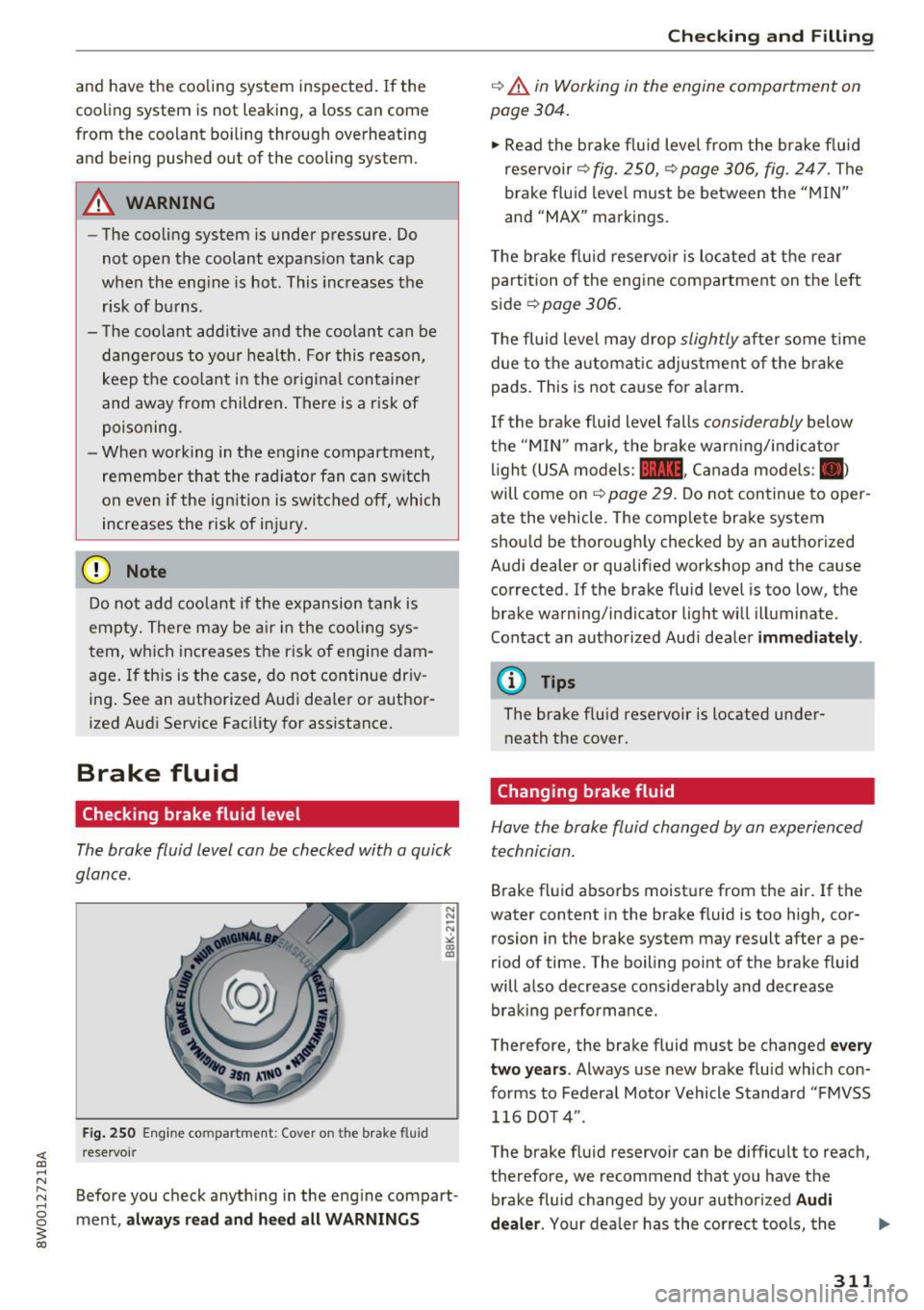
Fig. 250 Engine compa rtment: Cover o n the brake fluid
rese rvoir
Before you check anything in the eng ine compart
ment,
always read and heed all WARNINGS
Checking and Filling
c::> .&. in Working in the engine compartment on
page 304.
" Read the brake fluid level from the brake fluid
reservoir
c::> fig. 250, c::> page 306, fig. 247. The
brake fluid level must be between the "MIN"
and "MAX" markings.
The brake flu id reservoir is located at the rear
partition of the engine compartment on the left
side
~ page 306 .
The fluid level may drop slightly after some time
due to the automatic adjustment of the brake
pads . This is not cause for alarm.
If the brake fluid level falls considerably below
the "MIN" mark, the brake warning/indicato r
light (USA models:
11111 , Canada models : II>
will come on c::> page 29. Do not continue to oper
ate the vehicle. The complete brake system
should be thoroughly checked by an authorized
Audi dealer or qualified workshop and the cause
corrected . If the brake fluid level is too low, the
brake warning/indicator light will illuminate .
Contact an authorized Audi dealer
immediately .
@ Tips
The brake fluid reservoir is located under
neath the cover.
Changing brake fluid
Hove the broke fluid changed by on experienced
technician.
Brake fluid absorbs moisture from the air. If the
water content in the brake fluid is too high, cor
rosion in the brake system may result after ape
riod of time. The boiling point of the brake fluid
will also decrease considerably and decrease braking performance .
Therefore, the brake fluid must be changed
every
two years .
Always use new brake fluid which con
forms to Federal Motor Vehicle Standard "FMVSS
116 DOT 4" .
The brake fluid reservoir can be difficult to reach,
therefore, we recommend that you have the brake fluid changed by your authorized
Audi
dealer.
Your dealer has the correct tools, the
311
Page 314 of 386

Check ing and F illing
right brake fluid and the know -how to do this for
you.
A WARNING
- Brake fluid is poisonous. It must be stored
only in the closed orig inal container out of
the reach of chi ldren!
- B rake failure can resu lt from old or inappro
pr iate brake flu id. Observe these precau
t ions:
- Use on ly brake fluid that mee ts SA E speci
fi cation) 17 0 3 and confo rms to Fede ral
Motor Ve hicle Standard 116. Always check
wit h your authorized Audi dealer to make
sure you are using the correct brake fluid.
The cor rect type o f brake fluid is a lso indi
cated on the brake fluid reservoir.
- The brake fluid must be new. Heavy use of
the brakes can cause a vapor lock if the
brake flu id is left in the system too long.
This ca n ser iously affect t he efficiency of
the bra kes as well as your safety. This
could result in an acc ident.
{U) Note
Brake fluid w ill damage the pa int of yo ur vehi
cle.
@ For the sake of the environment
Because of the prob lem of proper disposal of
brake flu id as we ll as the special tools re
quired and the necessary expertise, we rec
ommend tha t you have the brake fluid
changed by your author ized Audi d ealer.
Battery
General information
Unde r normal operating conditions, the battery
i n your Audi does not need any maintenance.
W ith
high outs ide temperat ures o r long da ily
d rives we recommend that you have the electro
lyte leve l checked by an a uth orized Audi dea le r or
qua lified wor kshop. The e lectroly te leve l should
a lso be checked each time the batte ry is ch a rged
¢ page 314.
312
Have t he battery chec ke d when yo u take yo ur ve
hicle in for service . You are we ll advised to re
place a battery that is o lder than 5 yea rs .
With ce rta in types o f airbag deployment, t he
b atte ry is disconnected from the veh icle elect ri
ca l system for safety reasons ¢.&
in Repair, care
and disposal of the airbags on page 268.
Disconnecting the battery terminals
Some ve hicl e fu nctions (power window regula
tors, for examp le) are lost if the batte ry te rm i
nals a re disconnected . These f unc tions have to be
relearned after the battery term inals are con
nected again . To p revent this, the battery should
o nl y be disconnected from the vehicle electrical
system when absolute ly necessary for repairs.
Vehicles not driven for long periods
If you do not d rive yo ur vehicle ove r a period of
severa l days o r weeks, electr ica l components are
grad ua lly cut back or switched of f. T his reduces
energy consumpt ion and maintains start ing ca
pability over a longer period ¢
page 138.
Some of the convenience functions may not oper
ate, such as the inter ior lights or the power seat
adjustment . The convenience functions will be
available again w hen you turn on the ignit io n and
start the eng ine .
Winter operation
Dur ing the winte r months, battery capacity tends
to decrease as tempe ratures drop. This is be
ca use more power is also consumed while start
i ng, and t he headlights, rear w indow defogger,
etc ., are used more often.
Avo id unnecessary powe r consumption, partic u
l a rly in city traffic or when traveling o nly short
distances . Let your author ized Audi dealer check
the capacity of the vehicle battery before win ter
sets in ¢
page 314 . A well charged battery will
n ot only p reve nt sta rting prob lems when the
we ather is co ld , but will also last longer.
@ Tips
I f yo ur vehicle is left sta nding for several
weeks at extreme ly low te mpera tures, th e ve-
h icl e b att ery should be re mo ved and store d
II>-
Page 327 of 386
&_ WARNING . -
-Only use tire/rim combina-tions and suitable wheel bolts
that have been approved by
Audi. Otherwise, damage to
the vehicle and an accident
could result.
-For technical reasons, it is not possible to use tires from oth
er vehicles - in some cases,
you cannot even use tires from
the same vehicle model.
-Make sure that the tires you select have enough clearance
to the vehicle. Replacement
tires should not be chosen simply based on the nominal
size, because tires with a dif
ferent construction can differ
greatly even if they are the
same size. If there is not
enough clearance, the tires or
the vehicle can be damaged
and this can reduce driving
safety and increase the risk of
an accident.
-Only use tires that are more than six years old when abso
lutely necessary and drive
carefully when doing so.
-If you install wheel covers on
the vehicle, make sure they al low enough air circulation to
Wheels
cool the brake system. If they
do not, this could increase the
risk of an accident.
Tire wear/damage
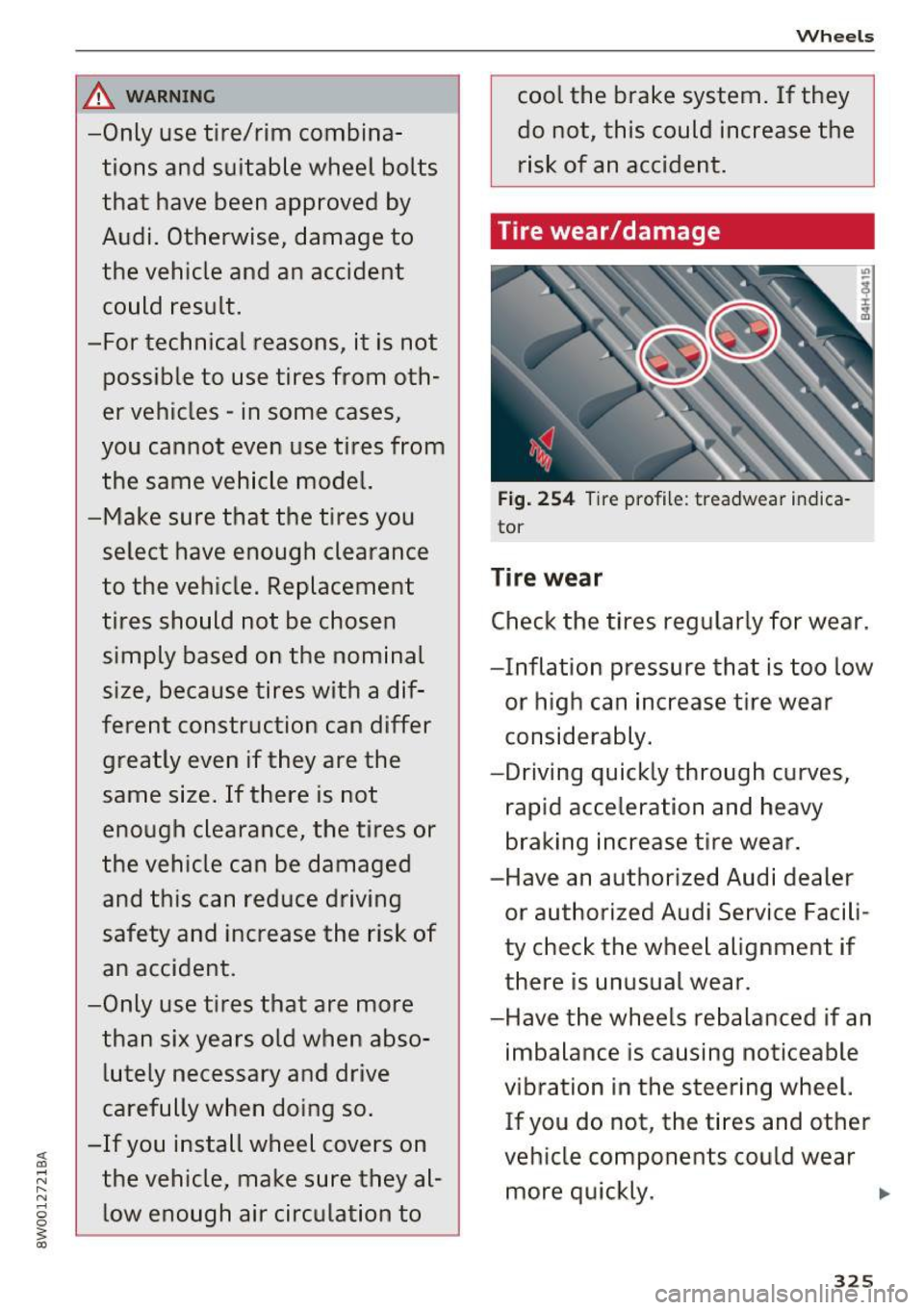
Fig. 254 Tire profile: treadwear indica
tor
Tire wear
Check the tires regularly for wear.
-Inflation pressure that is too low or high can increase tire wear
considerably.
-Driving quickly through curves,
rapid acceleration and heavy
braking increase tire wear.
-Have an authorized Audi dealer or authorized Audi Service Facili
ty check the wheel alignment if
there is unusual wear.
-Have the wheels rebalanced if an imbalance is causing noticeable
vibration in the steering wheel.
If you do not, the tires and other
vehicle components could wear more quickly. .,..
325
Page 337 of 386
<( a, .... N ,....
N .... 0 0
3 a,
significantly under-inflated tire causes the tire to
overheat and can lead to tire failure. Under-infla
tion also reduces fue l eff ic iency and tire tread
life, and may affect the vehicle's hand ling and
stopping ab ility.
Please note that the TPMS is not a substitute for
proper tire ma intenance, and it is the driver's re
sponsib ility to ma intain correct tire pressure,
even if under-inflation has not reached the leve l
to tr igger illum inat io n of the TPMS low tire p res
sure telltale .
Your veh icle has also been equ ipped w ith a TPMS
malfunct ion indicator to indicate when the sys
tem is not operat ing properly. The TPMS mal
function ind icator is combined w ith the low tire
p ressure tellta le. Whe n the system detects a
malfunct ion, the te lltale will flash fo r approxi
mate ly one m inute and then remain cont inuo usly
illum inated. This sequence will continue upon
subseq uent ve hicle start -ups as long as the ma l
function exists.
When t he mal funct io n ind icator is ill umin ated,
the system may not be ab le to detec t or signal
l ow tire pressure as intended. TPMS ma lfunctions
may occur for a variety of reasons, incl uding the
installation of replacement or alternate t ires or
wheels on the vehicle that prevent the TPMS from functioning properly. Always check the
TPMS malfunction telltale after rep lacing one or
more t ires or whee ls on your ve hicle to ensu re
that the replacement or alte rnate ti res and
wheels a llow the TPMS to con tinue to func tion
p roperly.
If the Tire Pressure Monitoring System
indicator appears
The tire pressure indicator in the instrument
cluster informs you if the tire pressure is too low
or if there is a system mo/function.
Using the ABS sensors, the tire pressure mo nitor
ing system compa res the tire tread circ umfe r
ence an d vib ration cha racteristics of the individ u
a l tires. If the pressure changes in one or more
tires, this is ind icated in the instrument cluster
d isp lay with an
RE indicator light and a message.
Wh eel s
If only one tire is affected, the location of that
t ir e will be indicated.
T he tire press ures mus t be store d in the Infot ain
ment system again each t ime the pressures
change (switching between partia l and full load
pressure) or after changing or replacing a tire on
yo ur vehicle ¢
page 336 . The tire p ressure mon i
toring indicator only monitors the t ire press ure
you have sto red. Refer to the tire pressure labe l
for the recommended tire press ure for your vehi
cle
¢page 327, fig. 256 .
Tire tread circumference and vibration cha racter
istics can change and cause a tire pressu re warn
i ng if:
- the t ire pressure in one or more tires is too low.
- the ti res have structure damage .
- t he t ire w as rep lace d or the t ire pressu re
changed and it was no t store d aga in
¢page 336.
-only partially used tires a re rep laced w it h new
tires .
Indicator lights
RE-Loss of pressu re in at leas t one tire¢ &.
Check the tires and repla ce or repair if necessary.
C heck/co rrect the pressures on all fou r tires and
store the pressure again in the Infotainment sys
tem ¢
page 336 .
m (T ire Pressure Moni tor ing Sys tem) Tire
pres sure: malfunction! See owner' s manual.
If
m appea rs a fter swi tching the ignition on or
whi le driving and the
RE indicator light in the in
strument cl uster b links for app roximately one
minute and then stays on, the re is system ma l
funct ion. Try to store the correct tire pressu res
¢
page 336. In some cases, yo u m ust dr ive fo r
severa l m inu tes after s toring the pressu res unt il
the indicator lig ht turns off . If the indica tor light
does not turn off or turns on agai n afte r a short
per io d of t ime, dr ive to a n author ized Audi dealer
o r auth o rized Aud i Serv ice F acili ty immedia tely to
have the mal func tion cor rected.
IJI.
335
Page 342 of 386
Care and cleaning
Component Situation Solution
Te xtil es
Deposits adhering to Vacuum cleaner
a rt ifici al le ather , the surface
Alcant ara Water-based deposits Absorben
t cloth and mild soap solutiona>
such as coffee, tea,
blood, etc.
O il-based deposits Apply a m ild soap solution a), blot away the dissolved oil or
such as oil, make-up, dye with an absorbent towel and treat afterward with wa-
etc. ter, if necessary.
Special deposits such Special stain remover, b lot with absorbent material, treat
as ink, na il polish, la- afterward with mild soap solution, if necessary a).
tex paint, shoe pol-
ish, etc.
Natural leather Fresh stains Cotton cloth with a mi
ld soap solutiona>
Water-based deposits Fresh sta ins : absorbent cloth
such as coffee, tea, Dried sta ins: stain remover suitable fo r leather
blood, etc.
Oil-based deposits Fresh stains: absorbent cloth and stain remover suitable
such as oil, make-up, for leather
etc. Dried sta ins : grease dissolv ing spray
Special deposits such Spot remover suitab le for leather
as ink, nai l polish, la -
tex paint, shoe pol-
ish, etc.
Ca re Regularly apply cond ition ing cream that protects from
light and penet rates into the materia l. Use specia lly-co l-
ored conditioning cream, if necessary.
Carbon parts Deposits clean the same way as plastic parts
a) Mild soap solution: maximum two tablespoons of neutral soap in 1 quart (l liter) of water
_& WARNING
The windshie ld may not be trea ted with wa
ter-repelling windshield coating agents. Un
favorable conditions s uch as wetness, dark
ness, or low sun can result in increased glare .
Wiper blade chatter is also possible.
(D Note
- Headlights/tail light s
-Never clean headlights or tail lights with a
dry cloth or sponge.
- Do not use any cleaning product that con
tains alcohol, because they could cause
cracks to form.
- Wheels
340
-
- Never use any paint polish or other abra
sive materials.
- Damage to the protect ive layer on the
rims such as stone chips or scratches must
be repaired immediately.
- Sensors /camera lenses
- Neve r use wa rm or ho t wa ter to remove
snow or ice from the camera lens . This
could cause the lens to crack .
- Neve r use ab rasive cleaning materials or
a lcohol to clea n the camera lens . This
could cause scratches and cracks .
-Doo r window s
-Remove snow and ice on windows and ex-
terior mirrors with a plast ic scraper. To
Page 377 of 386
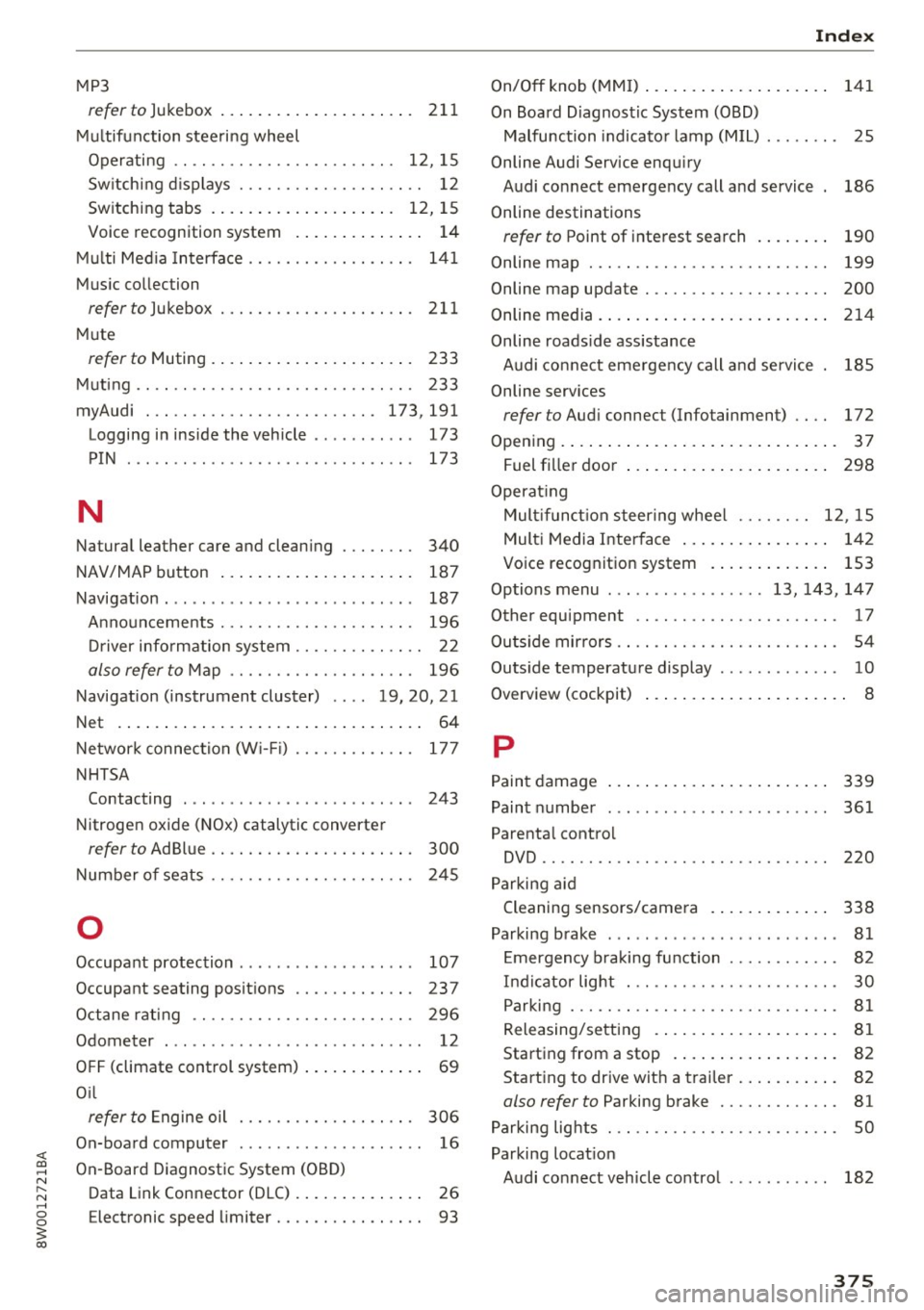
<( a, .... N ,....
N .... 0 0
3 a,
MP3
refer to Jukebox . . . . . . . . . . . . . . . . . . . . . 211
Multifunction steering wheel
Operating .. .. .. ........... .. .. ... 12, 15
Sw itching displays . . . . . . . . . . . . . . . . . . . . 12
Switching tabs . . . . . . . . . . . . . . . . . . . . 12, 15
Voice recognition system . . . . . . . . . . . . . . 14
Multi Media Interface . . . . . . . . . . . . . . . . . . 141
Music collec tion
referto)ukebox ... .. .. ....... .. .. .. . 211
Mute
r e fer to Muting . . . . . . . . . . . . . . . . . . . . . . 233
Muting .. .. .. .. ............. .. .. .. .. . 233
myAudi . .. .. .. ............... .. . 173,191
Logging in inside the vehicle . . . . . . . . . . . 173
PIN . . . . . . . . . . . . . . . . . . . . . . . . . . . . . . . 173
N
Natural leather care and cleaning . . . . . . . . 340
NAV/MAP button . . . . . . . . . . . . . . . . . . . . . 187
Navigation . . . . . . . . . . . . . . . . . . . . . . . . . . . 187
Announcements . . . . . . . . . . . . . . . . . . . . . 196
Driver information system . . . . . . . . . . . . . . 22
also refer to Map . . . . . . . . . . . . . . . . . . . . 196
Navigation (instrument cluster) .... 19, 20, 21
Net . . . . . . . . . . . . . . . . . . . . . . . . . . . . . . . . . 64
Network connection (W i-F i) . . . . . . . . . . . . . 177
NHTSA Contacting . . . . . . . . . . . . . . . . . . . . . . . . . 243
Nitrogen oxide (NOx) catalytic converter
re fer to Ad Blu e . . . . . . . . . . . . . . . . . . . . . . 300
Number of seats . . . . . . . . . . . . . . . . . . . . . . 245
0
Occupant protection . . . . . . . . . . . . . . . . . . . 107
Occupant seating positions . . . . . . . . . . . . . 237
Octane rating . . . . . . . . . . . . . . . . . . . . . . . . 296
Odometer . . . . . . . . . . . . . . . . . . . . . . . . . . . . 12
OFF (climate control syst em) . . . . . . . . . . . . . 69
O il
refer to Engine oil . . . . . . . . . . . . . . . . . . . 306
On-board computer . . . . . . . . . . . . . . . . . . . . 16
On-Board Diagnostic System (OBD)
Data Link Connector (DLC) . . . . . . . . . . . . . . 26
E lectronic speed limiter. . . . . . . . . . . . . . . . 93
Index
On/Off knob (MMI) . . . . . . . . . . . . . . . . . . . . 141
On Board Diagnostic System (OBD) Malfunction indicator lamp (MIL) . . . . . . . . 25
Online Audi Service enquiry Audi connect emergency call and service 186
Online destinations
refer to Point of interest search . . . . . . . . 190
Online map . . . . . . . . . . . . . . . . . . . . . . . . . . 199
Online map upd ate . . . . . . . . . . . . . . . . . . . . 200
Online media. ..... .. ................ . 214
Online roads ide assistance
Audi connect emergency call and service 185
Online services
refer to Audi connec t (Info tainment) . . . . 172
Opening..... ..... .. ................ .. 37
Fuel filler door . . . . . . . . . . . . . . . . . . . . . . 298
Operat ing
Mult ifunct ion steering wheel . . . . . . . . 12, 15
Multi Media Interface . . . . . . . . . . . . . . . . 142
Voice recognition system . . . . . . . . . . . . . 153
Options menu ..... .. .......... 13, 143, 147
Other equipment . . . . . . . . . . . . . . . . . . . . . . 17
Outs ide mirrors . . . . . . . . . . . . . . . . . . . . . . . . 54
Outside temperature display . . . . . . . . . . . . . 10
Overvi ew (cockpit) . . . . . . . . . . . . . . . . . . . . . . 8
p
Paint damage
Paint number
Parental control 339
361
DVD .. .... .. .. .. .. ............... .. 220
Parking aid
Cleaning sensors/camera . . . . . . . . . . . . . 338
Parking brake . . . . . . . . . . . . . . . . . . . . . . . . . 81
Emergency braking function . . . . . . . . . . . . 82
Indicator light . . . . . . . . . . . . . . . . . . . . . . . 30
Parking . . . . . . . . . . . . . . . . . . . . . . . . . . . . . 81
Releasing/setting . . . . . . . . . . . . . . . . . . . . 81
Starting from a stop . . . . . . . . . . . . . . . . . . 82
Starting to drive w ith a trailer . . . . . . . . . . . 82
also refer to Parking brake . . . . . . . . . . . . . 81
Parking lights . . . . . . . . . . . . . . . . . . . . . . . . . 50
Parking location Audi connect vehicle control . . . . . . . . . . . 182
375
Page 381 of 386
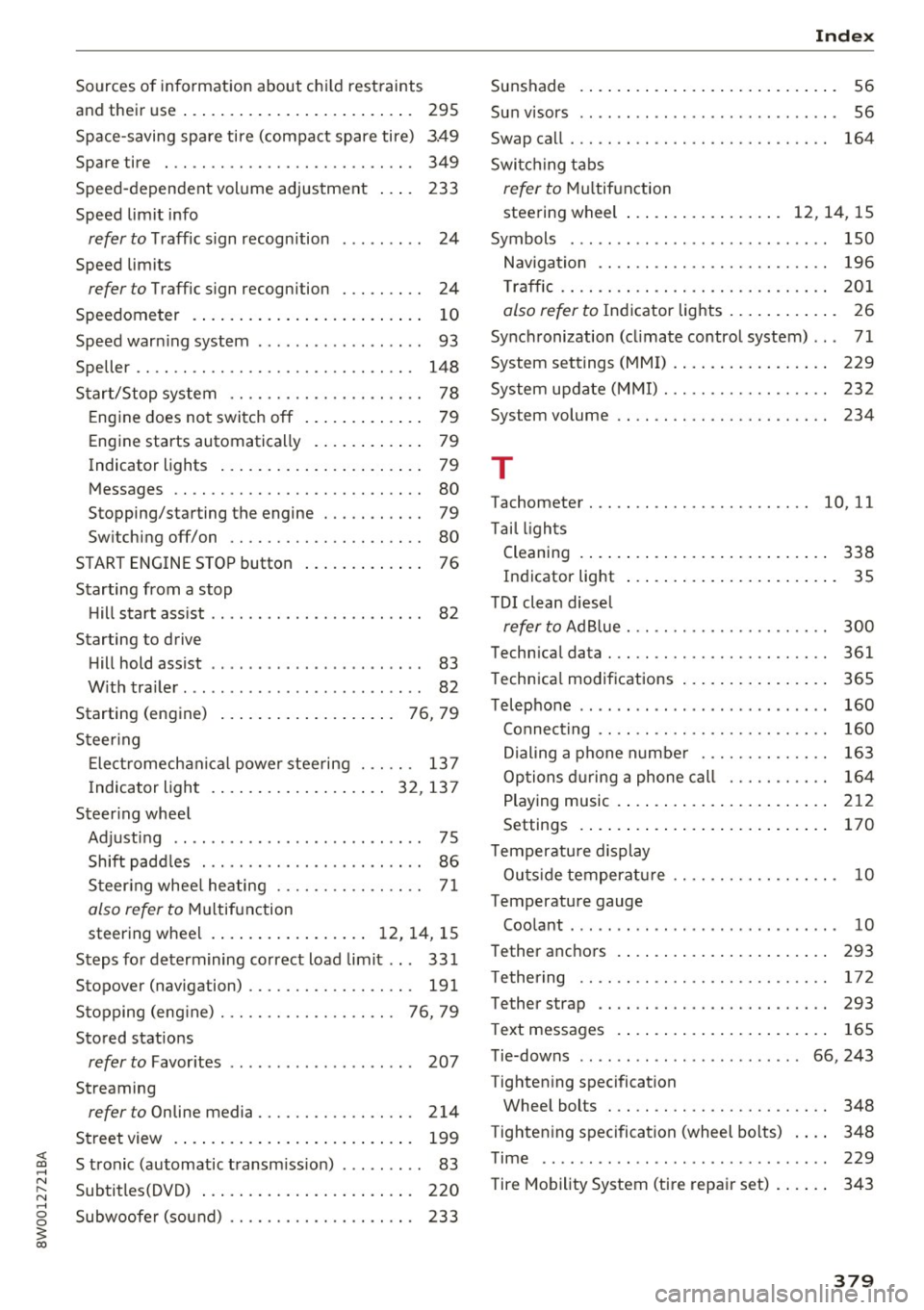
<( a, .... N ,....
N .... 0 0
3 a,
Sources of information about child restraints
and their use . . . . . . . . . . . . . . . . . . . . . . . . . 295
Space-saving spare tire (compact spare tire) 3.49
Spare tire . . . . . . . . . . . . . . . . . . . . . . . . . . . 349
Speed-dependent volume adjustment 233
Speed limit info
refer to Traffic sign recognition . . . . . . . . . 24
Speed limits
refer to Traffic sign recognition . . . . . . . . . 24
Speedometer . . . . . . . . . . . . . . . . . . . . . . . . . 10
Speed warning system . . . . . . . . . . . . . . . . . . 93
Speller . . . . . . . . . . . . . . . . . . . . . . . . . . . . . . 148
Start/Stop system . . . . . . . . . . . . . . . . . . . . . 78
Engine does not switch off . . . . . . . . . . . . . 79
Engine starts automatically . . . . . . . . . . . . 79
Indicator lights . . . . . . . . . . . . . . . . . . . . . . 79
Messages . . . . . . . . . . . . . . . . . . . . . . . . . . . 80
Stopping/starting the engine . . . . . . . . . . . 79
Switching off/on . . . . . . . . . . . . . . . . . . . . . 80
START ENGINE STOP button . . . . . . . . . . . . . 76
Starting from a stop Hill start ass ist . . . . . . . . . . . . . . . . . . . . . . . 82
Starting to drive Hill hold assist . . . . . . . . . . . . . . . . . . . . . . . 83
With trailer . . . . . . . . . . . . . . . . . . . . . . . . . . 82
St rt· ( . )
a ing engine . . . . . . . . . . . . . . . . . . . 76, 79
Steering Electromechanical power steering . . . . . . 137
Indicator light ................ ... 32, 137
Steering wheel Adjusting . . . . . . . . . . . . . . . . . . . . . . . . . . . 75
Shift paddles . . . . . . . . . . . . . . . . . . . . . . . . 86
Steering wheel heating . . . . . . . . . . . . . . . . 71
also refer to Multifunction
steering wheel . . . . . . . . . . . . . . . . . 12, 14, 15
Steps for determining correct load limit . . . 331
Stopover (navigation) . . . . . . . . . . . . . . . . . . 191
Stopping (eng ine) . . . . . . . . . . . . . . . . . . . 76, 79
Stored stations
refer to Favorites . . . . . . . . . . . . . . . . . . . . 207
Streaming
refer to Online media. . . . . . . . . . . . . . . . . 214
Street view . . . . . . . . . . . . . . . . . . . . . . . . . . 199
S tronic (automatic transm ission) . . . . . . . . . 83
Subtitles(DVD) . . . . . . . . . . . . . . . . . . . . . . . 220
Subwoofer (sound) . . . . . . . . . . . . . . . . . . . . 233
Index
Sunshade
Sun v isors ..
.. .. .. .................. .. 56
56
Swap call . . . . . . . . . . . . . . . . . . . . . . . . . . . . 164
Switching tabs
refer to Multifunction
steering wheel . . . . . . . . . . . . . . . . . 12 , 14 , 15
Symbols . . . . . . . . . . . . . . . . . . . . . . . . . . . . 150
Navigation . . . . . . . . . . . . . . . . . . . . . . . . . 196
T raffic . . . . . . . . . . . . . . . . . . . . . . . . . . . . . 201
also refer to Indicator lights . . . . . . . . . . . . 26
Synchronization (cl imate control system) .. . 71
System settings (MMI) . . . . . . . . . . . . . . . . . 229
System update (MMI) . . . . . . . . . . . . . . . . . . 232
System volume . . . . . . . . . . . . . . . . . . . . . . . 234
T
Tachometer . . . . . . . . . . . . . . . . . . . . . . . . 10, 11
Ta il lights
Cleaning . . . . . . . . . . . . . . . . . . . . . . . . . . . 338
Indicator light . . . . . . . . . . . . . . . . . . . . . . . 35
T DI clean diesel
refer to Ad Blue . . . . . . . . . . . . . . . . . . . . . . 300
Technical data . . . . . . . . . . . . . . . . . . . . . . . . 361
Technical modifications . . . . . . . . . . . . . . . . 365
Telephone . . . . . . . . . . . . . . . . . . . . . . . . . . . 160
Connecting . . . . . . . . . . . . . . . . . . . . . . . . . 160
Dialing a phone number . . . . . . . . . . . . . . 163
Options during a phone call . . . . . . . . . . . 164
Playing music . . . . . . . . . . . . . . . . . . . . . . . 212
Settings . . . . . . . . . . . . . . . . . . . . . . . . . . . 170
Temperature display
Outside temperature . . . . . . . . . . . . . . . . . . 10
Temperature gauge Coolant . . . . . . . . . . . . . . . . . . . . . . . . . . . . . 10
Tether anchors
T ethering
Tether strap 293
172
293
T ext messages . . . . . . . . . . . . . . . . . . . . . . . 165
Tie-downs . . . . . . . . . . . . . . . . . . . . . . . 66, 243
Tightening specification Wheel bolts . . . . . . . . . . . . . . . . . . . . . . . . 348
T ightening specification (wheel bolts) . . . . 348
Time .. ..... ... .. .. ................. 229
Tire Mobility System (tire repair set) . . . . . . 343
379