center console AUDI S7 2014 User Guide
[x] Cancel search | Manufacturer: AUDI, Model Year: 2014, Model line: S7, Model: AUDI S7 2014Pages: 306, PDF Size: 76.83 MB
Page 124 of 306
122 Park in g s ystems
& WARNING
- Always read and follow the applicable
warnings
Q .&. in General information on
page 116.
- If the posit ion or the installation angle
of a camera was changed, after a colli
sion for example, do not continue to use
the system for safety reasons. Have it
checked by your authorized Audi dealer
ship.
- Keep in m ind that the image i n the dis
play is distorted if the ex ter ior mirro r
housing has been man ual ly adjusted.
- Use the
re ar mode and the corner vi ew
(re ar)
mode on ly when the luggage com
partment lid is fully closed. Otherwise
the image in the display will be distort
ed.
- The veh icle surroundings are shown us
ing the camera images. The vehicle im
age is shown by the system. Objects and
obstacles above the camera are not dis
played.
- Camera lenses en large and distort the
field of v is ion. The objects appear both
altered and inaccurate on the screen.
(D Note
-Always read and follow the applicab le
warnings
c:> (i) in General information on
page 116.
- The Infota inment display shows the di
rection in which the rear of the vehicle is
traveling based on the steering wheel
angle . The front of the veh icle front
swings out more than the rear of t he ve
hicle. Ma intain plenty of distance so that
you r outside m irror or a corner of you r
vehicle does not coll ide wi th any obsta
cles.
@ Tips
I f the 8/cr;iJ/r:;::::s symbol appea rs i n the
disp lay and the respec tive display area is
grayed out, then the power exter io r mir
rors were fo lded in or the driver's door/ front passenger's door/
luggage compart
ment lid was opened.
Switching on or off
Applies to vehicles: with parking system plus with periph
eral cameras
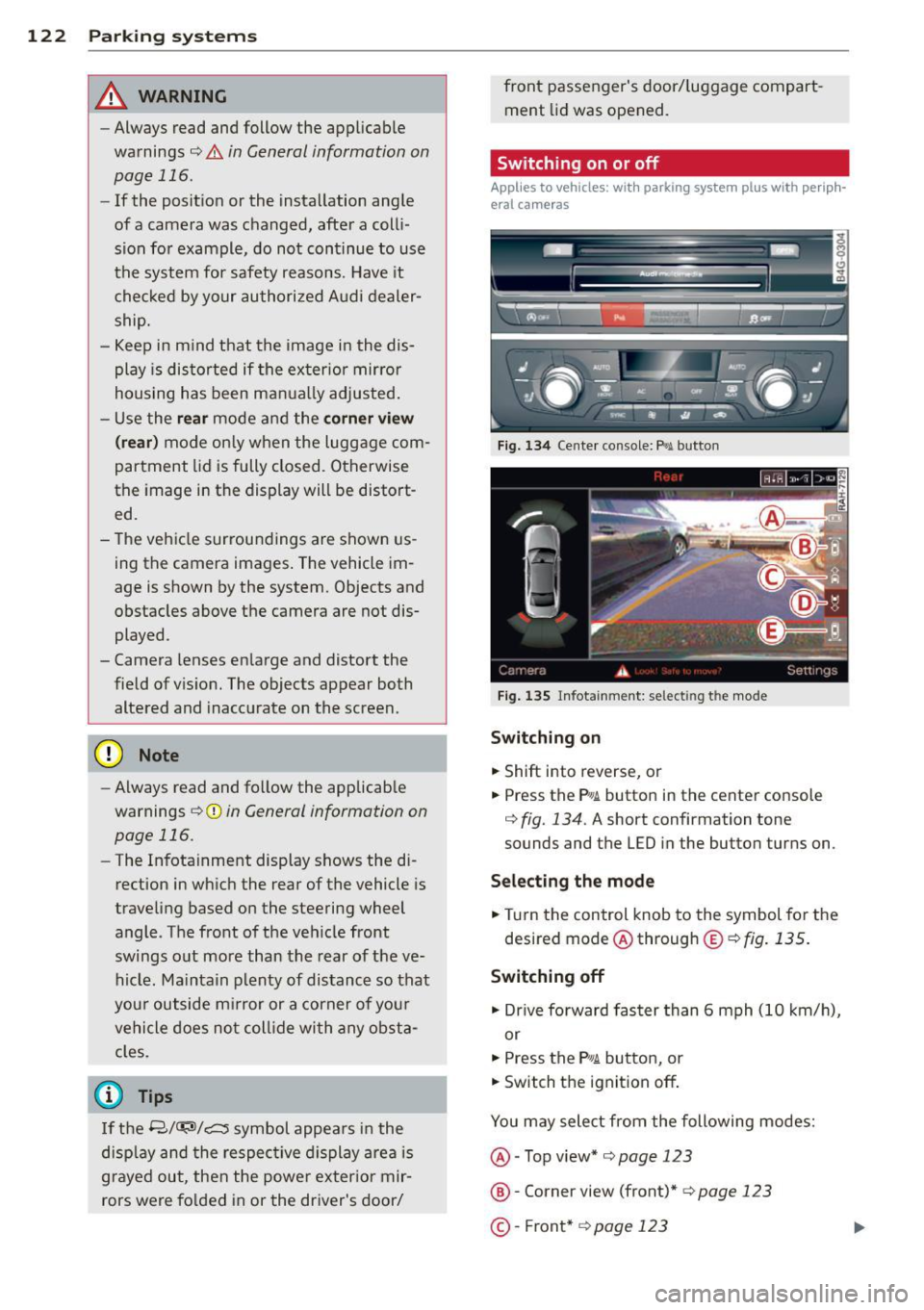
Fig . 1 34 Ce nte r console: f>• JI butto n
Fig . 1 35 Infota inment: select ing t he mode
Sw itching on
.. Shift into reverse, or
.. Press the P•QJ\. button in the center console
c:> fig. 134. A short confirmation tone
sounds and the
LED in the button turns on.
Selecting the mode
.. Turn the control knob to the symbol fo r the
desired mode @ through @¢
fig. 135 .
Switching off
.. Dr ive fo rward faster than 6 mph (10 km/ h),
or
.. Press the
P"li bu tton, or
.. Switch the ignition off .
You may sele ct from the following modes:
@ -Top view*
c:> page 123
@ -Corner view (front)* c:> page 123
©-Front * c:> page 123
Page 201 of 306
Rear spoiler
The rear spoiler improves vehicle handling
and enhances driver control.
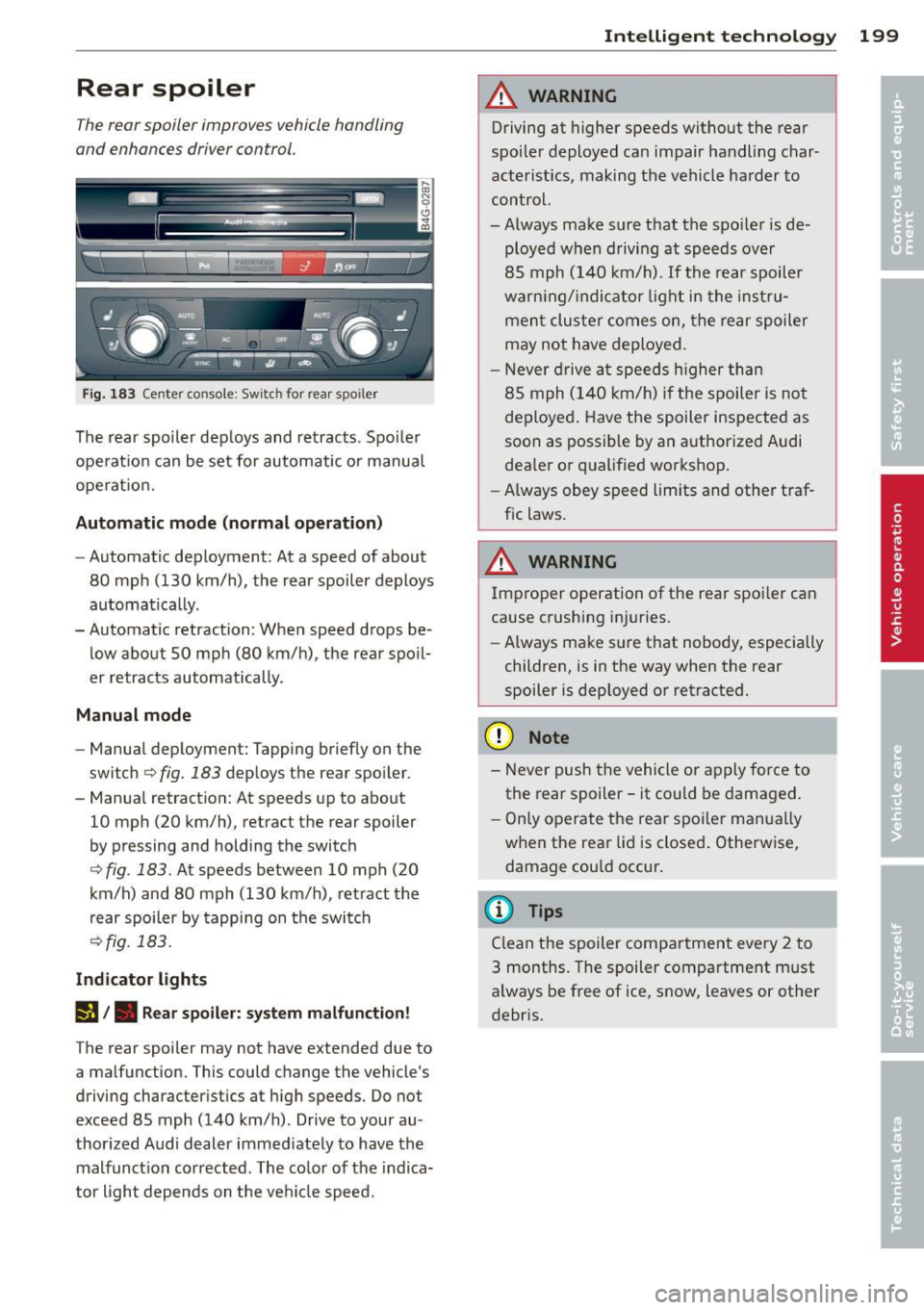
F ig. 183 Center console: Switch for rear spo iler
The rear spoiler dep loys and retracts . Spo iler
ope rat ion can be set for automatic or manual
operat ion.
Automatic mode (no rmal oper at ion )
-Automatic deployment: At a speed of about
80 mph (130 km/h), the rear spoiler deploys
automatical ly .
- Automatic retraction: When speed drops be low about SO mph (80 km/h), the rear spo il
er retracts automatically.
M anual mode
- Manual deployment: Tapping briefly on the
switch¢
fig. 183 deploys the rear spo iler .
- Manual retraction: At speeds up to about
10 mph (20 km/h), retract the rear spoiler
by pressing and holding the switch
¢ fig . 183. At speeds between 10 mph (20
km/h) and 80 mph (130 km/h), retract the
rear spoiler by tapping on the switch
¢fig. 183.
Indicat or light s
(I/. Re ar spoiler: syste m malfunct ion!
The rear spoiler may not have extended due to
a malfunction. This could change the vehicle's
driving characteristics at high speeds. Do not
exceed 85 mph (140 km/h). Drive to your au
thor ized Audi dealer immed iately to have the
malfunct ion corrected . The co lor of the indica
tor light depends on the ve hicle speed.
Intelligen t technolog y 199
A WARNING
Driving at higher speeds without the rear
spoiler deployed can impair handling char
acter istics, making the vehicle ha rder to
control.
-Always make sure that the spo iler is de
ployed when driving at speeds over
85 mph (140 km/ h).
If the rear spoiler
warn ing/ indi ca tor light in the inst ru
men t cluster comes on, the rear spoiler
may not have deployed.
- Never d rive a t speeds h igher than
85 mph (140 km/ h) if the spoiler is not
deployed . Have the spoiler inspected as
soon as possible by an a uthorized Audi
dea ler or qualified workshop .
- Always obey speed limits and other traf
fic laws .
A WARNING
Improper operation of the rear spoi ler can
cause crushing injuries.
- Always make sure that nobody, especially
children, is in the way when the rear
spoiler is deployed or retracted.
(D Note
- Never push the vehicle or apply force to
the rear spoiler -it could be damaged.
- O nly operate the rear spoiler man ua lly
when the rea r lid is closed . Otherwise,
damage cou ld occur .
(D Tips
Clean the spoiler compa rtment every 2 to
3 months. The spoiler compartment must
a lways be free of ice, snow, leaves or other
debris.