infotainment AUDI TT ROADSTER 2017 Service Manual
[x] Cancel search | Manufacturer: AUDI, Model Year: 2017, Model line: TT ROADSTER, Model: AUDI TT ROADSTER 2017Pages: 314, PDF Size: 76.54 MB
Page 171 of 314
co
co
.... N
" N .... 0
" "' c:o
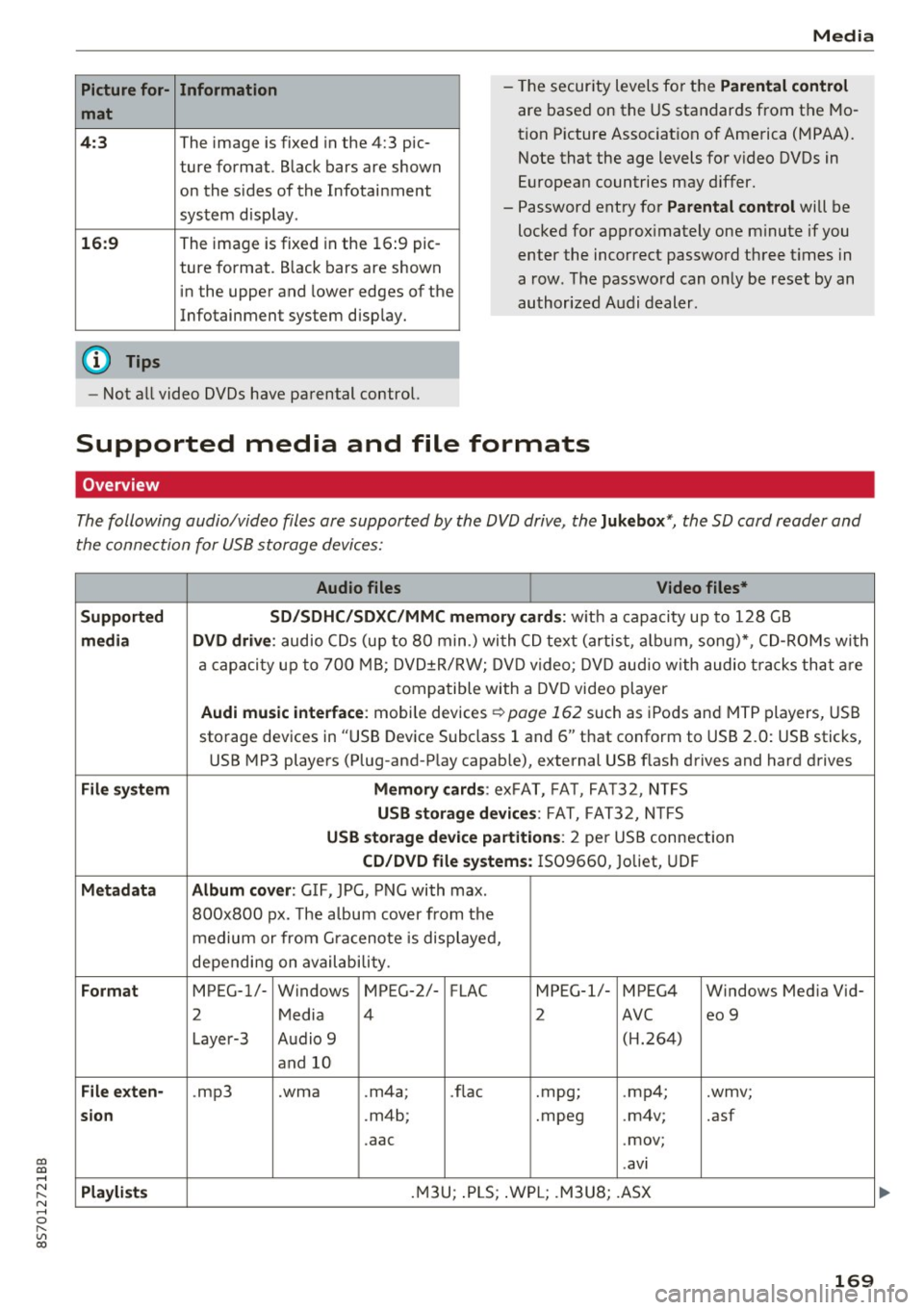
Picture for-
mat
4:3
16: 9
(D Tips Information
The image is fixed in the 4:3 pie-
ture format.
Black bars are shown
on the s ides of the Infotainment
system display.
The image is fixed in the 16 :9 pie-
ture format . B lack bars are shown
in the upper and lower edges of the
Infotainment system display.
Media
- The security levels for the Parental cont rol
are based on the US standards from the Mo
tion P icture Associat ion of America (MPAA).
Note that the age levels for v ideo DVDs in
European countries may differ.
- Password entry for
P ar ental contro l will be
locked for approx imately one m inute if you
enter the incorrect password three t imes in
a row. The password can only be reset by an
authorized Audi dealer.
- Not a ll video DVDs have parental control.
Supported media and file formats
Overview
The following audio/video files are supported by the DVD drive, the Juk eb ox*, the SD card reader and
the connection for USB storage devices:
Audio fil es Vid eo fil es*
Support ed SD/SDH C/SDX C/MM C me mory ca rds:
w ith a capacity up to 128 GB
m edi a DV D driv e: audio CDs (up to 80 min .) with CD text (artist, a lbum, song)*, CD-ROMs with
a capacity up to 700 MB; DVD±R/RW; DVD video; DVD audio with audio t racks that are
compatible with a DVD video player
Aud i mu sic int erfac e: mobile devices r=>page 162 such as iPods and MTP players, USB
storage devices in "USB Device Subclass 1 and 6" that conform to USB 2.0: USB sticks,
USB MP3 players (Plug-and-Play capable), external USB flash drives and hard drives
File syste m Memory c ard s: exFAT, FA T, FA T32, NTFS
USB sto rag e devices: FAT, FAT32, N TFS
USB stora ge device pa rtition s: 2 per USB connection
CD/DV D file sy ste ms: IS09660, Joliet, UDF
Metadat a Album co ver: GIF, JPG, PNG with max.
800x800 px. The a lbum cover from the
medium or from Gra cenote is displayed,
depending on availability.
Form at MPEG-1/- Windows MPEG-2/- FLAC MPEG-1/- MPEG4 Windows Media Vid-
2 Media 4 2 AVC
eo 9
Layer-3 Audio 9 (H.264)
and 10
Fil e ex ten -.mp3 .wma .m4a;
.flac .mpg;
.mp4; .wmv;
si on .m4b; .mpeg .m4v; .asf
.aac .mov;
.avi
Playlist s .M3U; .PLS; .WPL; .M3U8; .ASX
169
Page 247 of 314
co
co
.... N
" N .... 0
" "' c:o
-Do not use a glass cleaner that contains
paint solvents, because this could damage
the pa int.
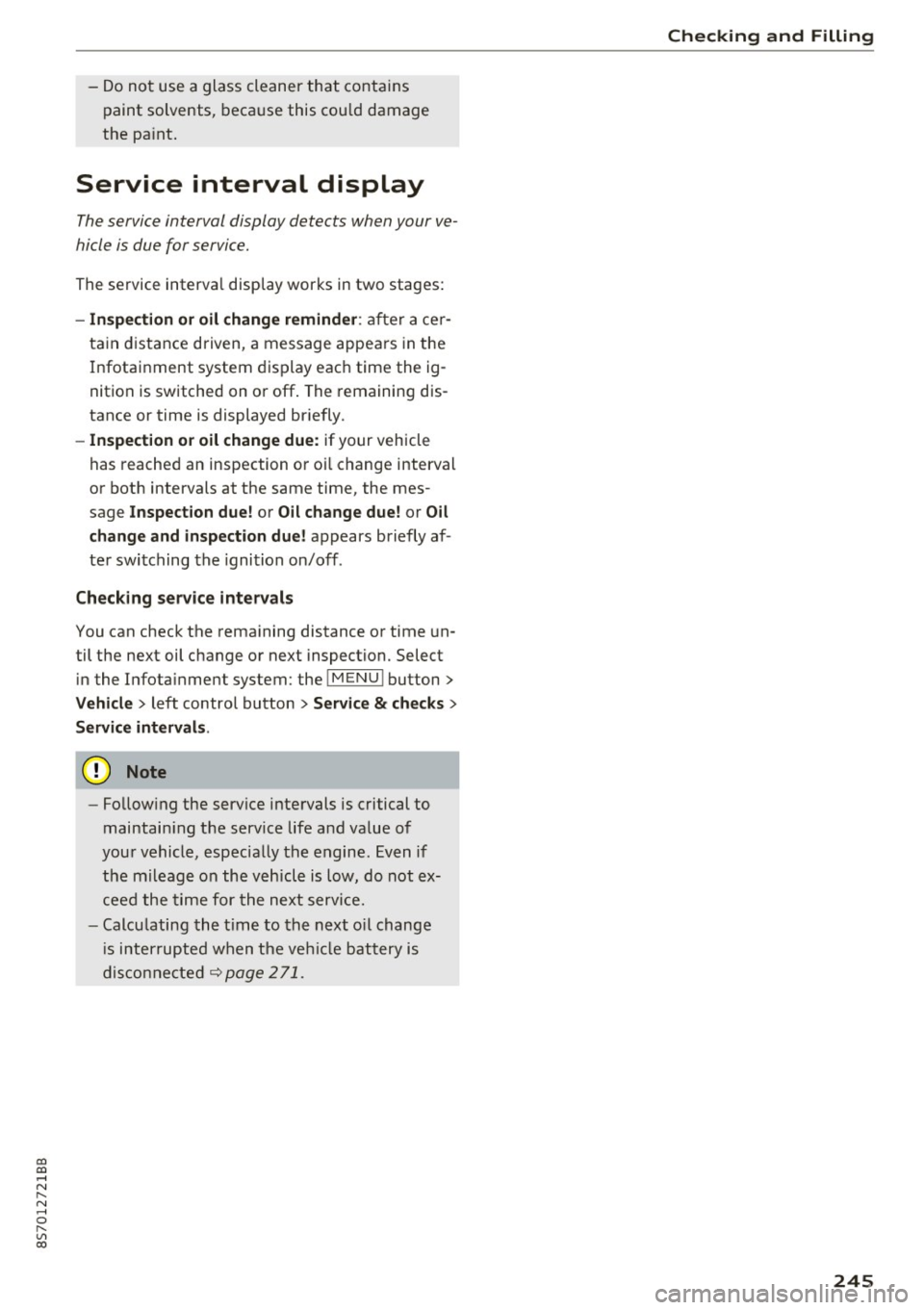
Service interval display
The service interval display detects when your ve
hicle is due for service.
The service interval display works in two stages:
- Inspection or oil change reminder: after a cer-
tain distance driven, a message appears in the
Infotainment system display each time the ig
nition is switched on or off. The remaining dis
tance or time is displayed briefly.
- Inspection or oil change due: if your vehicle
has reached an inspection or oil change interval
or both intervals at the same time, the mes
sage
Inspection due! or Oil change due! or Oil
change and inspection duel
appears briefly af
ter switching the ignition on/off .
Checking service intervals
You can check the remaining distance or time un
til the next oil change or next inspection. Select
in the Infotainment system: the !MENU ! button>
Vehicle > left control button > Service & checks >
Service intervals .
(D Note
-Following the service intervals is critical to
maintain ing the service life and value of
your vehicle, especially the engine. Even if
the mileage on the vehicle is low, do not ex
ceed the time for the next service.
- Calcu lating the time to the next oil change
i s interrupted when the vehicle battery is
disconnected~
page 271.
Checking and Filling
245
Page 266 of 314
Wheels
installation of replacement or alternate tires or
wheels on the vehicle that prevent the TPMS
from functioning properly. Always check the
TPMS malfunction telltale after replacing one or
more tires or wheels on your vehicle to ensure
that the replacement or alternate tires and
wheels allow the TPMS to continue to function
proper ly .
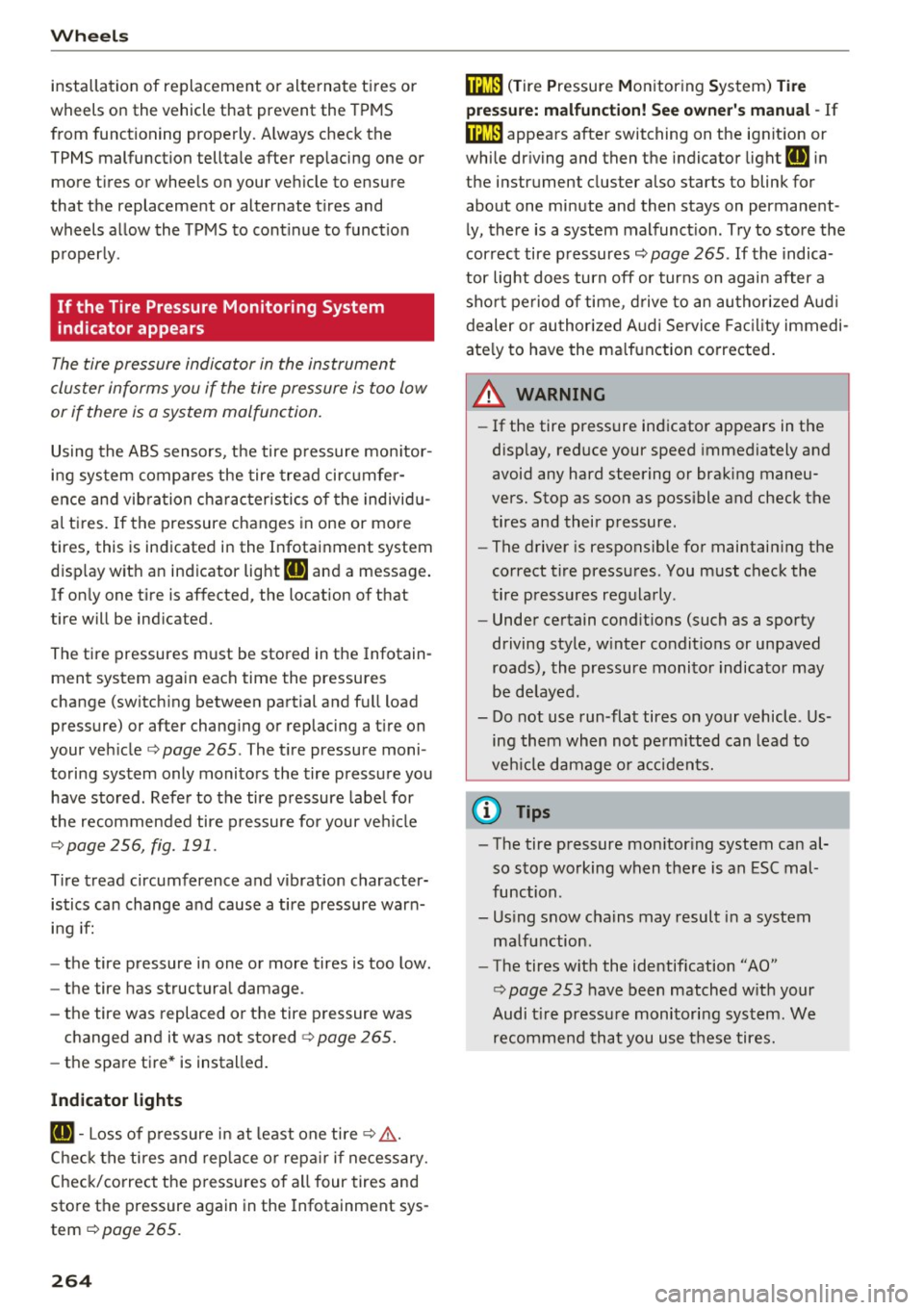
If the Tire Pressure Monitoring System
indicator appears
The tire pressure indicator in the instrument
cluster informs you if the tire pressure is too low
or if there is a system malfunction.
Using the ABS sensors, the tire pressure monitor
ing system compares the tire tread circumfer
ence and vibration characteristics of the individu
al tires. If the pressure changes in one or more
tires, this is indicated in the Infotainment system
disp lay with an indicator light
RR and a message.
If only one tire is affected , the location of that
tire will be indicated.
The tire pressures must be stored in the Infotain
ment system again each time the pressures
change (switching between partial and full load pressure) or after changing or replacing a tire on
your vehicle ¢
page 265 . The tire pressure moni
toring system only monitors the tire pressure you
have stored. Refer to the tire pressure label for
the recommended tire pressure for your vehicle
¢ page 256, fig.191.
Tire tread circumference and vibration character
istics can change and cause a tire pressure warn
ing if:
- the tire pressure in one or more tires is too low.
- the tire has structural damage .
- the tire was replaced or the tire pressure was
changed and it was not stored¢
page 265.
-the spare tire* is installed.
Indicator lights
RR -Loss of pressure in at least one tire ¢ ,& .
Check the tires and replace o r repair if necessary.
Check/correct the p ressures of a ll four tires and
store the pressure again in the Infotainment sys
tem ¢
page 265.
264
mm (T ire Pressure Monitoring System) Tire
pressure: malfunction! See owner's manual -
If
mm appears after switching on the ignit ion or
while driving and then the indicator light
RR in
the instrument cluster also starts to blink for
about one minute and then stays on permanent ly, there is a system malfunction. Try to store the
correct tire pressures¢
page 265. If the indica
tor light does turn off or turns on again after a
short period of time , drive to an authorized A udi
dealer or authorized Audi Service Facility immedi
ate ly to have the ma lfunction corrected.
_& WARNING
-If the tire pressure indicator appears in the
disp lay, reduce your speed immediately and
avoid any hard steering or brak ing maneu
vers. Stop as soon as poss ible and check the
tires and their pressure .
- The driver is responsible for maintain ing the
correct tire pressures . You must check the
tire pressures regularly .
- Under certain cond it ions (such as a sporty
driving style, w inter condit ions or unpaved
roads), the pressure monitor indicator may
be delayed.
- Do not use run-flat tires on your vehicle . Us
ing them when not perm itted can lead to
vehicle damage or accidents.
(D Tips
- The tire pressure monitoring system can al
so stop working when there is an ESC mal
function.
- Us ing snow chains may result in a system
ma lfunction.
- The tires w ith the identification "AO"
¢
page 253 have been matched w ith your
Audi t ire pressure monitoring system. We
recommend that you use these tires.
Page 267 of 314
co
co
.... N
" N .... 0
" "' c:o
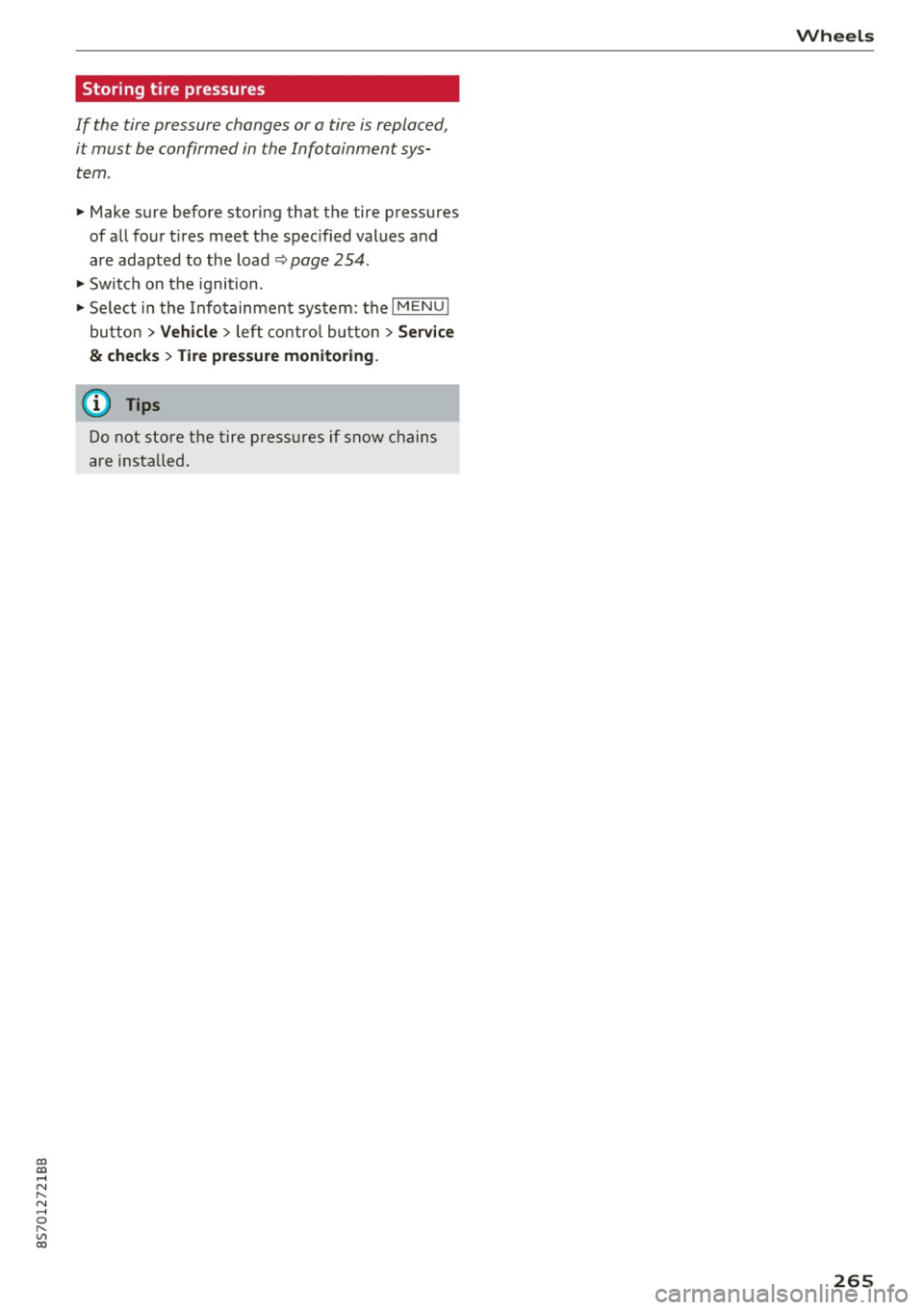
Storing tire pressures
If the tire pressure changes or a tire is replaced,
it must be confirmed in the Infotainment system .
.,. Make sure before storing that the tire pressures
of all four t ires meet the spec ified values and
are adapted to the load~
page 254 .
.,. Switch on the ignition .
.,. Se lect in the Info tainment system: the
I M ENU I
bu tton > Vehi cle > left contro l bu tton > Ser vice
& checks > Tire pre ssure monitoring.
@ Tips
Do not store the tire press ures if snow chains
are insta lled .
Wh eel s
265
Page 292 of 314
Technical data
Technical data
Vehicle specifications
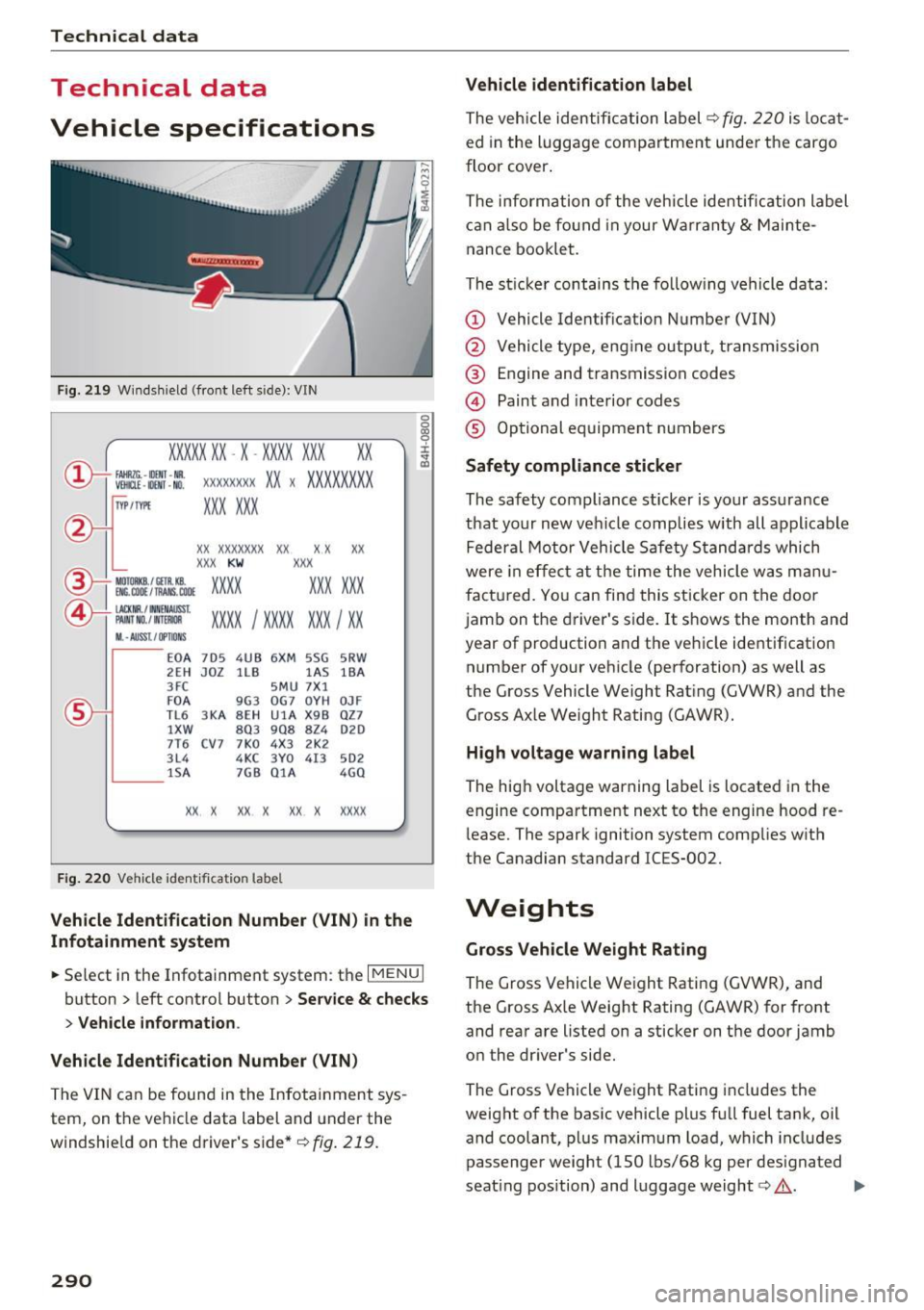
Fig. 219 Windshiel d (fro nt left s ide): V IN
XXXXX XX -X -XXX X XX X xx
®--+ f AHRZC . - ll)[jj f -Nil . Vlll[l£ • OOIT • NO. XX XXXXXX XX X XX XX XXX X
1YP /rtl'! XXX XXX
xx xxxxxxx
xx xx xx
XXX KW XXX
OC. OOll / lll AMS . lllO! xxxx XXX XXX ®-t Ml) TORKB./ CETll kS.
©+ IACl( flR./ INNENAIJSS t
XXXX I XXXX XXX I XX PAI NT NO. / WlllllOfl
II. -AUSST . / OPTIO NS
E 0 A 7D 5 4U B 6XM 5SG 5RW
2 EH JO Z l lB lA S lBA
3 FC 5M U 7X1
F0A 9G3 0G7 0 YH 0JF
TL 6 3 KA 8EH UlA X 9B OZ 7
lXW 8 0 3 908 8Z4 020
7T6 C V7
7K0 4
X3 2 K2
3 L4 4 KC 3 Y0 413 5 02
1 SA 7GB 0 1A 4GO
XX X XX X X X X xxxx
F ig . 220 Vehicle id entifica tion labe l
Vehicle Identification Number (VIN) in the
Infotainment system
0
0
0:, 0 ' J: .. a:,
~ Select in the Infotainment system: the I MENU I
button > left control button > Service & checks
> Vehicle information .
Vehicle Identification Number (VIN)
The VIN can be found in the Infotainment sys
tem, on the vehicle data label and under the
windshield on the driver's side*
¢ fig. 219.
290
Vehicle identification label
The vehicle identification label¢
fig. 220 is locat
ed in the luggage compartment under the cargo
floor cover.
The information of the vehicle identification label
can also be found in your Warranty
& Mainte
nance booklet.
The st icker contains the follow ing vehicle data:
(D Vehicle Identifica tion Number (VIN)
@ Vehicle type, eng ine output, transmission
® Engine and transmission cod es
@ Paint and interior codes
® Optional equipment numbers
Safety compliance sticker
The safety compliance sticker is your assurance
that your new veh icle complies with all applicable
Federal Motor Vehicle Safety Standards which
were in effect at the time the vehicle was manu
factured. You can find this sticker on the door
jamb on the driver's side. It shows the month and
year of production and the vehicle identification
number of your vehicle (perforation) as well as
the Gross Vehicle Weight Rating (GVWR) and the Gro ss Axle We ight Rating (GAWR).
High voltage warning label
The high voltage warn ing label is located in the
engine compartment next to the engine hood re
lease. The spark ignition system complies w ith
the Canadian standard IC ES-002.
Weights
Gross Vehicle Weight Rating
The Gross Vehicle Weight Rating (GVWR), and
the Gross Axle Weight Rat ing (GAWR) for front
and rear are li sted on a sticker on the door jamb
on the driver 's side.
The Gross Vehicle Weight Rating includes the
weight of the basic vehicle plus full fuel tank, oil
and coolant, plus maximum load, which includes
passenger weigh t (150 lbs/68 kg per designated
seat ing position) and luggage weight
c::> ,&.. ..,.