trunk BMW 128I 2012 E88 User Guide
[x] Cancel search | Manufacturer: BMW, Model Year: 2012, Model line: 128I, Model: BMW 128I 2012 E88Pages: 272, PDF Size: 8.49 MB
Page 119 of 272
Driving tips
117Reference
At a glance
Controls
Communications
Navigation
Entertainment
Mobility
Drive defensively
Avoid unnecessary acceleration and braking
maneuvers. To do so, keep an adequate dis-
tance between you and the vehicle in front of
you. A defensive and smooth driving style
keeps fuel consumption down.
Avoid high engine speeds
Use first gear only for driving off. In second and
higher gears, accelerate without hesitation or
pauses. When accelerating, shift up before
reaching high engine speeds.
When you reach the desired speed, shift into
the highest applicable gear and drive with the
engine speed as low as possible and at a con-
stant speed.
As a rule: driving at low engine speeds lowers
fuel consumption and reduces wear.
Coasting
When approaching a red light, take your foot off
the accelerator and coast to a stop in the high-
est applicable gear.
On a downhill slope, take your foot off the accel-
erator and coast in a suitable gear.
The fuel supply is interrupted when coasting.
Switch off the engine during lengthy
stops
Switch off the engine when stopping for lengthy
periods, e.g. at traffic lights, railroad crossings
or in traffic congestions. You achieve fuel sav-
ings even if standing time is as short as approx.
4seconds.
Switch off functions you do not need at
the moment
Functions such as the air conditioner, seat
heating or rear window defroster draw large
amounts of power and consume additional fuel.
Especially in city traffic and in stop-and-go driv-
ing they have a considerable impact. Therefore,
switch these functions off when they are not
really needed.
Have the vehicle serviced
Have the vehicle serviced regularly to achieve
good economy and a long vehicle life. BMW
recommends having the vehicle serviced at a
BMW center. Also note the BMW service sys-
tem, refer to page221.
General driving notes
Close the trunk lid
Only drive with the trunk closed. Failure to
do so may endanger passengers or other
road users or may damage the vehicle in the
event of an accident or a braking and evasive
maneuver. In addition, exhaust gas may flow
into the passenger compartment.<
If special circumstances make it absolutely nec-
essary to drive with the trunk open:
1.Close all windows and the glass roof.
2.Greatly increase the air volume of the auto-
matic climate control system, refer to
page101.
3.Drive cautiously.
Hot exhaust system
In all vehicles, extremely high tempera-
tures are generated in the exhaust sys-
tem. Do not remove the heat shields installed in
its vicinity, and never apply undercoating to
them. When driving, standing at idle and while
parking, take care to avoid possible contact
between the hot exhaust system and any highly
flammable materials such as hay, leaves, grass,
etc. Such contact could lead to a fire, with the
risk of serious personal injuries and property
damage. Do not touch hot exhaust tail pipes.
Otherwise, there is a risk of burns.<
Hydroplaning
When driving on wet or slushy roads,
reduce road speed. If you do not, a wedge
of water can form between tires and road sur-
face. This situation, known as hydroplaning,
means that the tire can completely lose contact
Page 123 of 272
Driving tips
121Reference
At a glance
Controls
Communications
Navigation
Entertainment
Mobility
that adequate clearance is maintained for tilting
the glass roof, and that objects do not project
into the opening path of the trunk lid.
Fasten roof-mounted cargo correctly and
securely to prevent it from shifting or falling off
during the trip.
Drive smoothly. Avoid sudden acceleration and
braking maneuvers. Take corners gently.
Page 237 of 272
Mobility
235Reference
At a glance
Controls
Driving tips
Communications
Navigation
Entertainment
can obtain support there in the event of a break-
down.
First aid pouch*
Some of the articles contained in the first aid
pouch have a limited service life. Therefore,
check the expiration dates of the contents reg-
ularly and replace any items in good time, if nec-
essary.
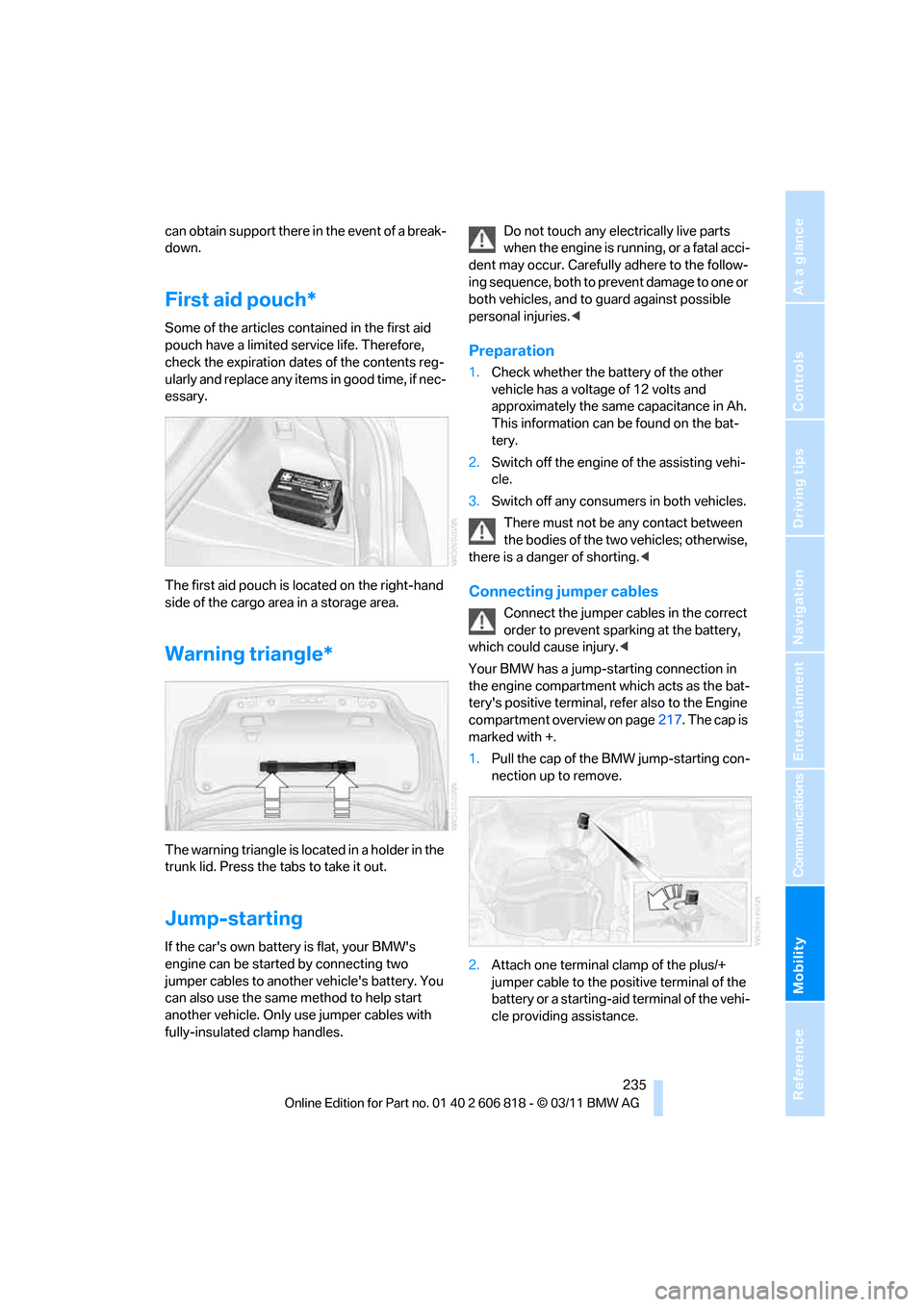
The first aid pouch is located on the right-hand
side of the cargo area in a storage area.
Warning triangle*
The warning triangle is located in a holder in the
trunk lid. Press the tabs to take it out.
Jump-starting
If the car's own battery is flat, your BMW's
engine can be started by connecting two
jumper cables to another vehicle's battery. You
can also use the same method to help start
another vehicle. Only use jumper cables with
fully-insulated clamp handles.Do not touch any electrically live parts
when the engine is running, or a fatal acci-
dent may occur. Carefully adhere to the follow-
ing sequence, both to prevent damage to one or
both vehicles, and to guard against possible
personal injuries.<
Preparation
1.Check whether the battery of the other
vehicle has a voltage of 12 volts and
approximately the same capacitance in Ah.
This information can be found on the bat-
tery.
2.Switch off the engine of the assisting vehi-
cle.
3.Switch off any consumers in both vehicles.
There must not be any contact between
the bodies of the two vehicles; otherwise,
there is a danger of shorting.<
Connecting jumper cables
Connect the jumper cables in the correct
order to prevent sparking at the battery,
which could cause injury.<
Your BMW has a jump-starting connection in
the engine compartment which acts as the bat-
tery's positive terminal, refer also to the Engine
compartment overview on page217. The cap is
marked with +.
1.Pull the cap of the BMW jump-starting con-
nection up to remove.
2.Attach one terminal clamp of the plus/+
jumper cable to the positive terminal of the
battery or a starting-aid terminal of the vehi-
cle providing assistance.
Page 257 of 272
Reference 255
At a glance
Controls
Driving tips
Communications
Navigation
Entertainment
Mobility
Backup lamp, replacing
bulb231
Bag for skis, refer to Ski
bag110
Band-aids, refer to First aid
pouch235
Bar, refer to Tow-starting,
towing away237
Base plate for telephone or
mobile phone
– refer to Snap-in adapter186
Bass, tone setting144
Battery232
– charging232
– disposal37,232
– jump-starting235
– replacing232
– temporary power failure232
Battery renewal
– remote control for vehicle37
Being towed237
Belts, refer to Safety belts50
Belt tensioner, refer to Safety
belts50
Beverage holders, refer to
Cupholders108
Blower, refer to Air
volume101
Bluetooth, activating/
deactivating177
Bluetooth audio169
– disconnecting an audio
connection171
– pairing a device169
– playback170
– unpairing device171
– What to do if...171
BMW
– car shampoo224
BMW Assist198
– updating202
BMW Maintenance
System221
BMW Online*200
BMW TeleServices199
Bottle holders, refer to
Cupholders108
Brake Assist, refer to Dynamic
Brake Control83Brake fluid
– service requirements74
Brake Force Display90
Brake lamps
– Brake Force Display90
– replacing bulb231
Brake pads, breaking in116
Brake pedal, refer to Braking
safely118
Brake rotors118
– brakes116
– breaking in116
Brakes
– ABS83
– BMW Maintenance
System221
– braking safely118
– breaking in116
– parking brake59
– service requirements74
Brake system116
– BMW Maintenance
System221
– breaking in116
– disc brakes118
Breakdown services, refer to
Roadside Assistance234
Breaking in the clutch116
Break-in period116
Bulb changing, refer to Lamps
and bulbs227
Button for starting the
engine57
Buttons on the steering
wheel11
C
Calendar193
– displaying appointment193
– selecting calendar day193
California Proposition 65
warning6
Call
– accepting181
– ending181
– muting the microphone182
– rejecting181Calling, refer to Phone
numbers, dialing181
Calling, refer to Telephone
owner's manual
Calls
– with multiple parties181
Can holders, refer to
Cupholders108
Capacities246
Capacity of the cargo area245
Car battery, refer to Vehicle
battery232
Car care, refer to Care223
Care223
– automatic car washes223
– care products223
– carpets226
– CD/DVD drives226
– chrome parts225
– convertible top224
– displays226
– exterior223
– fine wood parts226
– headlamps224
– high-pressure washer224
– interior225
– leather225
– light-alloy wheels225
– paintwork225
– plastic parts226
– rubber seals225
– safety belts226
– sensors and cameras226
– upholstery and cloth
trim225
– washing the car
manually224
– windows224
Cargo, securing120
Cargo area
– capacity245
– Comfort Access36
– enlarging, refer to Through-
loading system109
– lamp, refer to Interior
lamps98
– lid, refer to Trunk lid
33
– opening from outside33
Page 258 of 272
Everything from A to Z
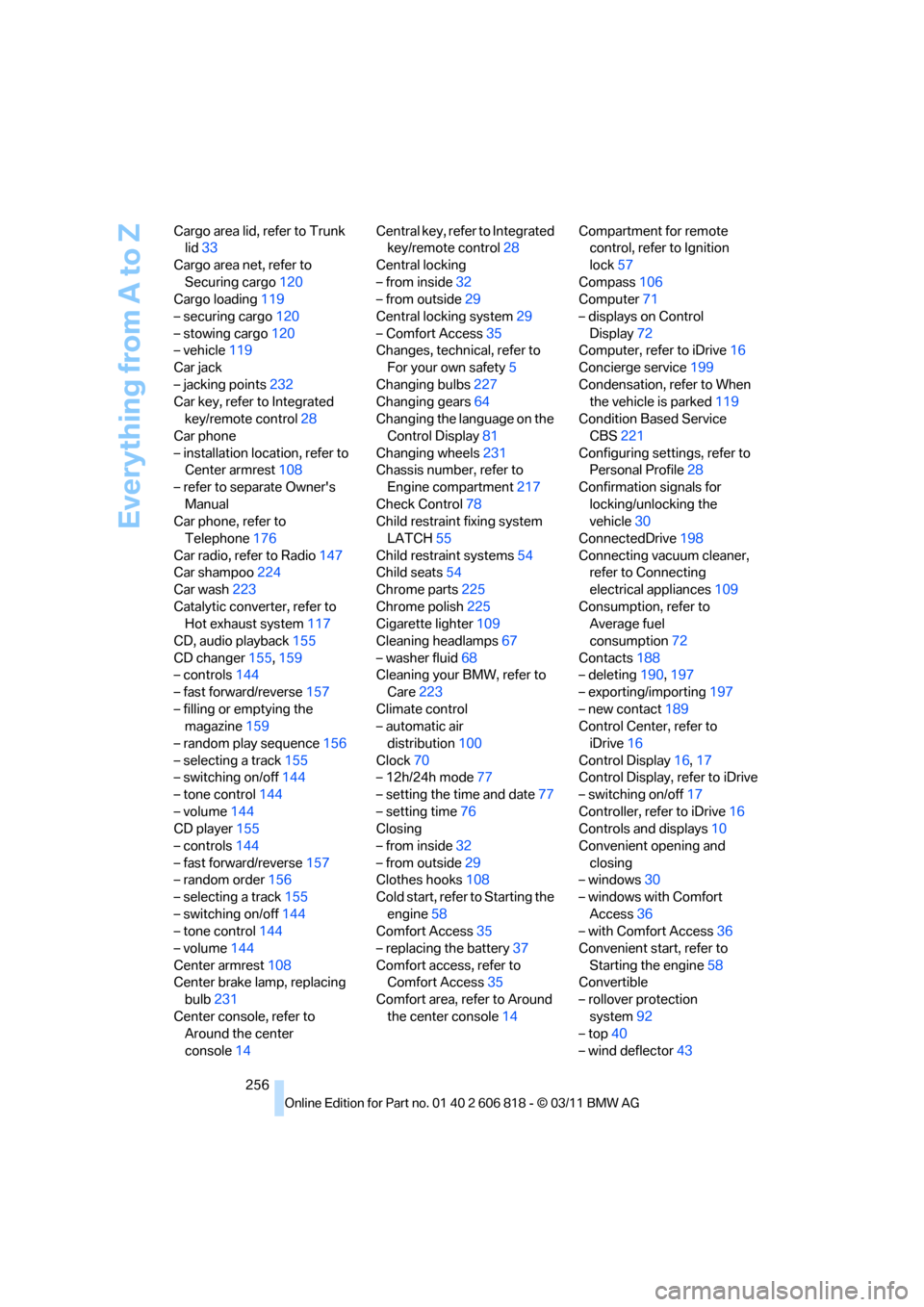
256 Cargo area lid, refer to Trunk
lid33
Cargo area net, refer to
Securing cargo120
Cargo loading119
– securing cargo120
– stowing cargo120
– vehicle119
Car jack
– jacking points232
Car key, refer to Integrated
key/remote control28
Car phone
– installation location, refer to
Center armrest108
– refer to separate Owner's
Manual
Car phone, refer to
Telephone176
Car radio, refer to Radio147
Car shampoo224
Car wash223
Catalytic converter, refer to
Hot exhaust system117
CD, audio playback155
CD changer155,159
– controls144
– fast forward/reverse157
– filling or emptying the
magazine159
– random play sequence156
– selecting a track155
– switching on/off144
– tone control144
– volume144
CD player155
– controls144
– fast forward/reverse157
– random order156
– selecting a track155
– switching on/off144
– tone control144
– volume144
Center armrest108
Center brake lamp, replacing
bulb231
Center console, refer to
Around the center
console14Central key, refer to Integrated
key/remote control28
Central locking
– from inside32
– from outside29
Central locking system29
– Comfort Access35
Changes, technical, refer to
For your own safety5
Changing bulbs227
Changing gears64
Changing the language on the
Control Display81
Changing wheels231
Chassis number, refer to
Engine compartment217
Check Control78
Child restraint fixing system
LATCH55
Child restraint systems54
Child seats54
Chrome parts225
Chrome polish225
Cigarette lighter109
Cleaning headlamps67
– washer fluid68
Cleaning your BMW, refer to
Care223
Climate control
– automatic air
distribution100
Clock70
– 12h/24h mode77
– setting the time and date77
– setting time76
Closing
– from inside32
– from outside29
Clothes hooks108
Cold start, refer to Starting the
engine58
Comfort Access35
– replacing the battery37
Comfort access, refer to
Comfort Access35
Comfort area, refer to Around
the center console14Compartment for remote
control, refer to Ignition
lock57
Compass106
Computer71
– displays on Control
Display72
Computer, refer to iDrive16
Concierge service199
Condensation, refer to When
the vehicle is parked119
Condition Based Service
CBS221
Configuring settings, refer to
Personal Profile28
Confirmation signals for
locking/unlocking the
vehicle30
ConnectedDrive198
Connecting vacuum cleaner,
refer to Connecting
electrical appliances109
Consumption, refer to
Average fuel
consumption72
Contacts188
– deleting190,197
– exporting/importing197
– new contact189
Control Center, refer to
iDrive16
Control Display16,17
Control Display, refer to iDrive
– switching on/off17
Controller, refer to iDrive16
Controls and displays10
Convenient opening and
closing
– windows30
– windows with Comfort
Access36
– with Comfort Access36
Convenient start, refer to
Starting the engine58
Convertible
– rollover protection
system92
– top40
– wind deflector43
Page 260 of 272
Everything from A to Z
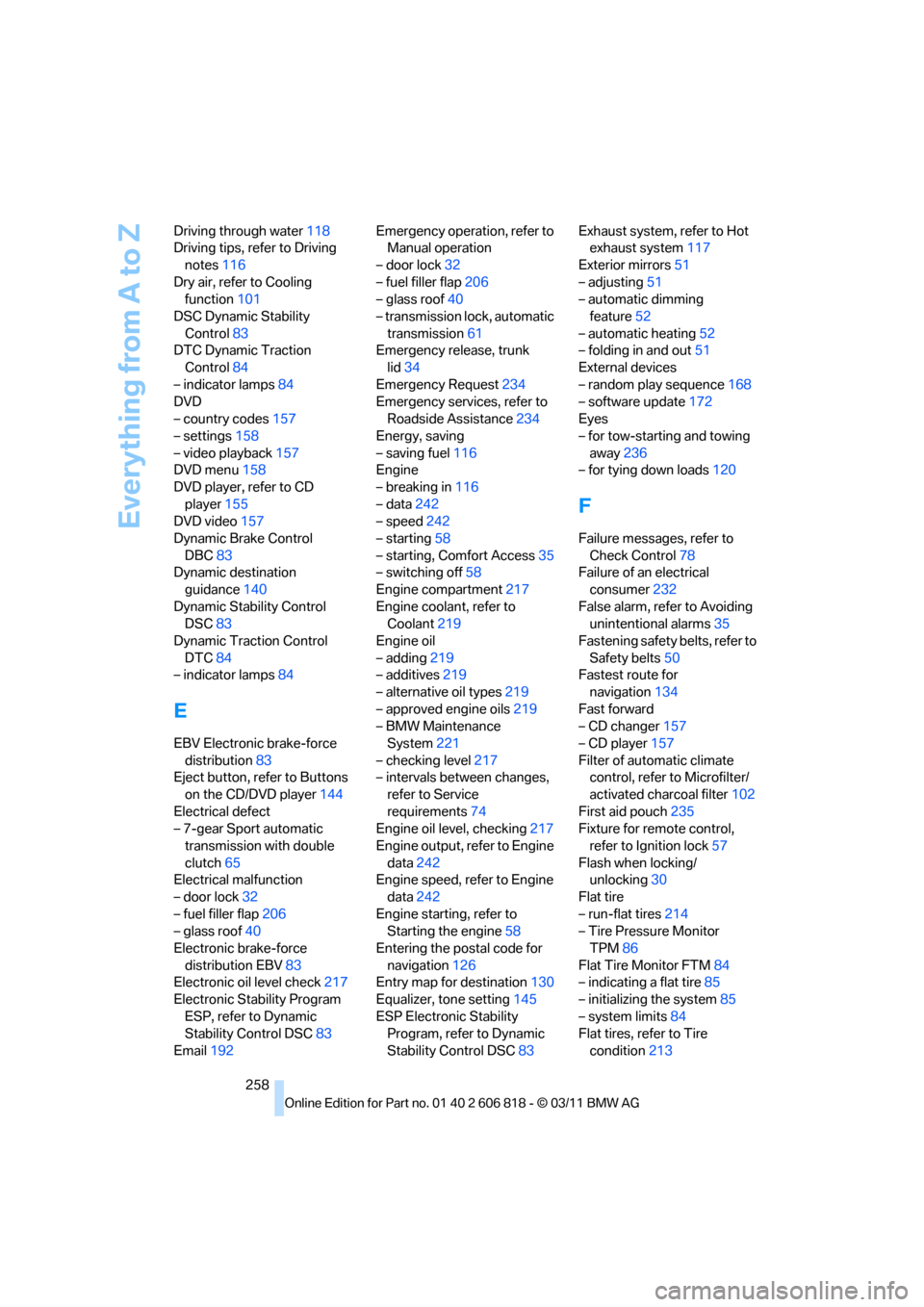
258 Driving through water118
Driving tips, refer to Driving
notes116
Dry air, refer to Cooling
function101
DSC Dynamic Stability
Control83
DTC Dynamic Traction
Control84
– indicator lamps84
DVD
– country codes157
– settings158
– video playback157
DVD menu158
DVD player, refer to CD
player155
DVD video157
Dynamic Brake Control
DBC83
Dynamic destination
guidance140
Dynamic Stability Control
DSC83
Dynamic Traction Control
DTC84
– indicator lamps84
E
EBV Electronic brake-force
distribution83
Eject button, refer to Buttons
on the CD/DVD player144
Electrical defect
– 7-gear Sport automatic
transmission with double
clutch65
Electrical malfunction
– door lock32
– fuel filler flap206
– glass roof40
Electronic brake-force
distribution EBV83
Electronic oil level check217
Electronic Stability Program
ESP, refer to Dynamic
Stability Control DSC83
Email192Emergency operation, refer to
Manual operation
– door lock32
– fuel filler flap206
– glass roof40
– transmission lock, automatic
transmission61
Emergency release, trunk
lid34
Emergency Request234
Emergency services, refer to
Roadside Assistance234
Energy, saving
– saving fuel116
Engine
– breaking in116
– data242
– speed242
– starting58
– starting, Comfort Access35
– switching off58
Engine compartment217
Engine coolant, refer to
Coolant219
Engine oil
– adding219
– additives219
– alternative oil types219
– approved engine oils219
– BMW Maintenance
System221
– checking level217
– intervals between changes,
refer to Service
requirements74
Engine oil level, checking217
Engine output, refer to Engine
data242
Engine speed, refer to Engine
data242
Engine starting, refer to
Starting the engine58
Entering the postal code for
navigation126
Entry map for destination130
Equalizer, tone setting145
ESP Electronic Stability
Program, refer to Dynamic
Stability Control DSC83Exhaust system, refer to Hot
exhaust system117
Exterior mirrors51
– adjusting51
– automatic dimming
feature52
– automatic heating52
– folding in and out51
External devices
– random play sequence168
– software update172
Eyes
– for tow-starting and towing
away236
– for tying down loads120
F
Failure messages, refer to
Check Control78
Failure of an electrical
consumer232
False alarm, refer to Avoiding
unintentional alarms35
Fastening safety belts, refer to
Safety belts50
Fastest route for
navigation134
Fast forward
– CD changer157
– CD player157
Filter of automatic climate
control, refer to Microfilter/
activated charcoal filter102
First aid pouch235
Fixture for remote control,
refer to Ignition lock57
Flash when locking/
unlocking30
Flat tire
– run-flat tires214
– Tire Pressure Monitor
TPM86
Flat Tire Monitor FTM84
– indicating a flat tire85
– initializing the system85
– system limits84
Flat tires, refer to Tire
condition213
Page 265 of 272
Reference 263
At a glance
Controls
Driving tips
Communications
Navigation
Entertainment
Mobility
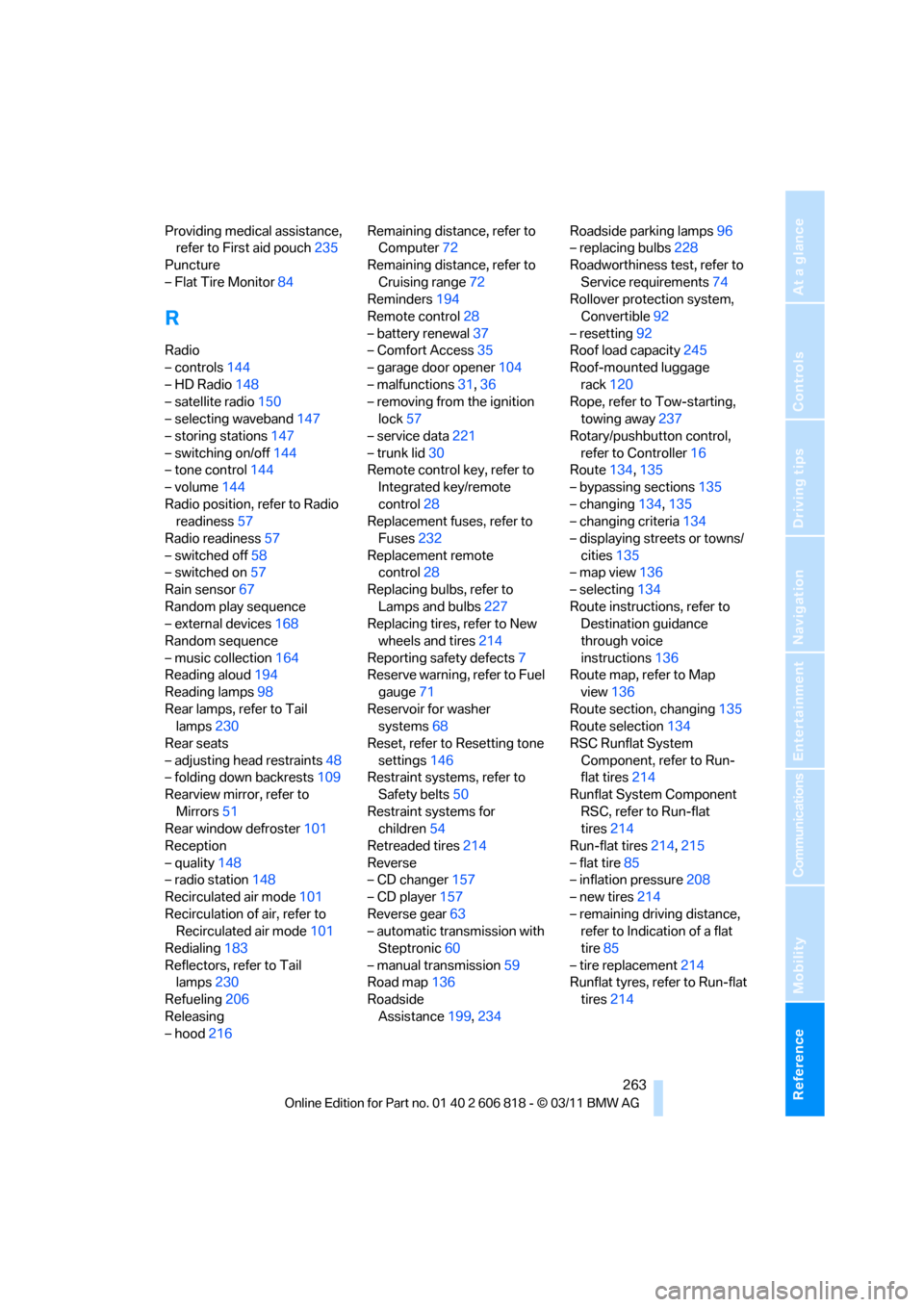
Providing medical assistance,
refer to First aid pouch235
Puncture
– Flat Tire Monitor84
R
Radio
– controls144
– HD Radio148
– satellite radio150
– selecting waveband147
– storing stations147
– switching on/off144
– tone control144
– volume144
Radio position, refer to Radio
readiness57
Radio readiness57
– switched off58
– switched on57
Rain sensor67
Random play sequence
– external devices168
Random sequence
– music collection164
Reading aloud194
Reading lamps98
Rear lamps, refer to Tail
lamps230
Rear seats
– adjusting head restraints48
– folding down backrests109
Rearview mirror, refer to
Mirrors51
Rear window defroster101
Reception
– quality148
– radio station148
Recirculated air mode101
Recirculation of air, refer to
Recirculated air mode101
Redialing183
Reflectors, refer to Tail
lamps230
Refueling206
Releasing
– hood216Remaining distance, refer to
Computer72
Remaining distance, refer to
Cruising range72
Reminders194
Remote control28
– battery renewal37
– Comfort Access35
– garage door opener104
– malfunctions31,36
– removing from the ignition
lock57
– service data221
– trunk lid30
Remote control key, refer to
Integrated key/remote
control
28
Replacement fuses, refer to
Fuses232
Replacement remote
control28
Replacing bulbs, refer to
Lamps and bulbs227
Replacing tires, refer to New
wheels and tires214
Reporting safety defects7
Reserve warning, refer to Fuel
gauge71
Reservoir for washer
systems68
Reset, refer to Resetting tone
settings146
Restraint systems, refer to
Safety belts50
Restraint systems for
children54
Retreaded tires214
Reverse
– CD changer157
– CD player157
Reverse gear63
– automatic transmission with
Steptronic60
– manual transmission59
Road map136
Roadside
Assistance199,234Roadside parking lamps96
– replacing bulbs228
Roadworthiness test, refer to
Service requirements74
Rollover protection system,
Convertible92
– resetting92
Roof load capacity245
Roof-mounted luggage
rack120
Rope, refer to Tow-starting,
towing away237
Rotary/pushbutton control,
refer to Controller16
Route134,135
– bypassing sections135
– changing134,135
– changing criteria134
– displaying streets or towns/
cities135
– map view136
– selecting134
Route instructions, refer to
Destination guidance
through voice
instructions136
Route map, refer to Map
view136
Route section, changing135
Route selection134
RSC Runflat System
Component, refer to Run-
flat tires214
Runflat System Component
RSC, refer to Run-flat
tires214
Run-flat tires214,215
– flat tire85
– inflation pressure208
– new tires214
– remaining driving distance,
refer to Indication of a flat
tire85
– tire replacement214
Runflat tyres, refer to Run-flat
tires214
Page 267 of 272
Reference 265
At a glance
Controls
Driving tips
Communications
Navigation
Entertainment
Mobility
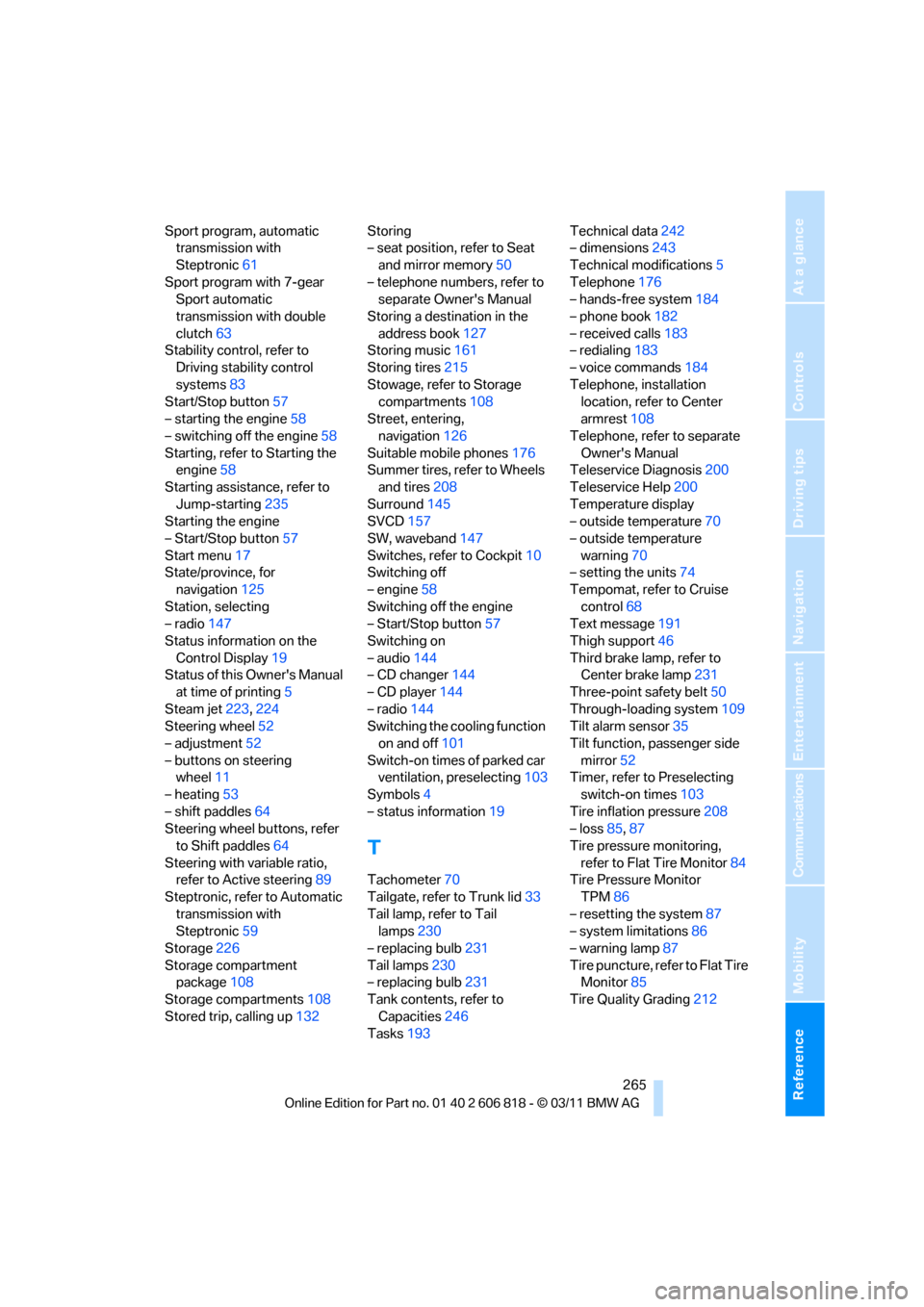
Sport program, automatic
transmission with
Steptronic61
Sport program with 7-gear
Sport automatic
transmission with double
clutch63
Stability control, refer to
Driving stability control
systems83
Start/Stop button57
– starting the engine58
– switching off the engine58
Starting, refer to Starting the
engine58
Starting assistance, refer to
Jump-starting235
Starting the engine
– Start/Stop button57
Start menu17
State/province, for
navigation125
Station, selecting
– radio147
Status information on the
Control Display19
Status of this Owner's Manual
at time of printing5
Steam jet223,224
Steering wheel52
– adjustment52
– buttons on steering
wheel11
– heating53
– shift paddles64
Steering wheel buttons, refer
to Shift paddles64
Steering with variable ratio,
refer to Active steering89
Steptronic, refer to Automatic
transmission with
Steptronic59
Storage226
Storage compartment
package108
Storage compartments108
Stored trip, calling up132Storing
– seat position, refer to Seat
and mirror memory50
– telephone numbers, refer to
separate Owner's Manual
Storing a destination in the
address book127
Storing music161
Storing tires215
Stowage, refer to Storage
compartments108
Street, entering,
navigation126
Suitable mobile phones176
Summer tires, refer to Wheels
and tires208
Surround
145
SVCD157
SW, waveband147
Switches, refer to Cockpit10
Switching off
– engine58
Switching off the engine
– Start/Stop button57
Switching on
– audio144
– CD changer144
– CD player144
– radio144
Switching the cooling function
on and off101
Switch-on times of parked car
ventilation, preselecting103
Symbols4
– status information19
T
Tachometer70
Tailgate, refer to Trunk lid33
Tail lamp, refer to Tail
lamps230
– replacing bulb231
Tail lamps230
– replacing bulb231
Tank contents, refer to
Capacities246
Tasks193Technical data242
– dimensions243
Technical modifications5
Telephone176
– hands-free system184
– phone book182
– received calls183
– redialing183
– voice commands184
Telephone, installation
location, refer to Center
armrest108
Telephone, refer to separate
Owner's Manual
Teleservice Diagnosis200
Teleservice Help200
Temperature display
– outside temperature70
– outside temperature
warning70
– setting the units74
Tempomat, refer to Cruise
control68
Text message191
Thigh support46
Third brake lamp, refer to
Center brake lamp231
Three-point safety belt50
Through-loading system109
Tilt alarm sensor35
Tilt function, passenger side
mirror52
Timer, refer to Preselecting
switch-on times103
Tire inflation pressure208
– loss85,87
Tire pressure monitoring,
refer to Flat Tire Monitor84
Tire Pressure Monitor
TPM86
– resetting the system87
– system limitations86
– warning lamp87
Tire puncture, refer to Flat Tire
Monitor85
Tire Quality Grading212
Page 268 of 272
Everything from A to Z
266 Tires
– age212
– air loss87
– breaking in116
– changing, refer to Changing
wheels231
– condition213
– damage213
– inflation pressure208
– labels212
– minimum tread depth213
– new tires214
– pressure monitoring, refer to
Flat Tire Monitor84
– pressure monitoring, refer to
Tire Pressure Monitor
TPM86
– puncture85
– retreaded214
– size212
– wear indicators, refer to
Minimum tread depth213
– winter tires215
TMC station, refer to Traffic
bulletins138
Tone
– control144
– middle setting146
Tools, refer to Onboard
vehicle tool kit227
Top 50 of music
collection163
Torque, refer to Engine
data242
Tow bar237
Tow fitting236
Tow fittings for tow-starting
and towing away236
Towing236
– car with automatic
transmission236
– methods237
– with 7-gear Sport automatic
transmission with double
clutch237
Towing and tow-starting236
Town/city, for navigation125
Tow rope237Tow-starting236
TPM, refer to Tire Pressure
Monitor86
Track
– selecting on CD155
Traction control, refer to
Dynamic Stability Control
DSC83
Traffic bulletins
– categories139
Traffic bulletins, filtering139
Traffic bulletins for
navigation138
– during destination
guidance140
Traffic bulletins in navigation
– screen display in the map
view139
Traffic congestion
– displaying traffic
bulletins138
– refer to Route, bypassing
segments135
Transmission
– 7-gear Sport automatic
transmission with double
clutch62
– automatic transmission with
Steptronic59
– idle position63
– Launch Control66
– manually unlocking parking
lock65
– manual transmission59
– reverse gear63
Transporting children
safely54
Transport securing devices,
refer to Securing cargo120
Tread depth, refer to Minimum
tire tread213
Trip, deleting133
Trip, storing132
Trip-distance counter, refer to
Trip odometer70
Triple turn signal activation66
Trip odometer70
Trips, changing133Trunk, refer to Cargo area
Trunk lid33
– Comfort Access36
– emergency release34
– opening from outside33
– unlocking with remote
control30
Turning circle, refer to
Dimensions243
Turn signal66
– indicator lamp12
Turn signals
– replacing bulbs229
– triple turn signal66
Tying down loads, refer to
Cargo loading120
U
Underbody protection, refer to
Caring for your vehicle223
Uniform Tire Quality Grading/
UTQR212
Units
– average consumption74
Units of measure
– temperature74
Universal garage door opener,
refer to Integrated universal
remote control104
Unlatching, refer to
Unlocking29
Unlocking
– from inside33
– from outside29
– trunk lid36
– without remote control, refer
to Comfort Access35
Unlocking without a key, refer
to Comfort Access35
Updating the navigation
data124
USB audio interface166
Using contact data194