I drive BMW 3 SERIES 2009 Owners Manual
[x] Cancel search | Manufacturer: BMW, Model Year: 2009, Model line: 3 SERIES, Model: BMW 3 SERIES 2009Pages: 268, PDF Size: 11.52 MB
Page 3 of 268
323i
328i
328i xDrive 335i
335i xDrive
335dOwner's Manual for Vehicle
Congratulations, and than k you for choosing a BMW.
Thorough familiarity with your vehicle will provide you with
enhanced control and security when you drive it. We therefore
have this request:
Please take the time to read th is Owner's Manual and familiarize
yourself with the information that we have compiled for you
before starting off in your new vehicle. It contains important data
and instructions intended to a ssist you in gaining maximum use
and satisfaction from your BMW' s unique range of technical fea-
tures. The manual also contai ns information on maintenance
designed to enhance operating safety and contribute to main-
taining the value of your BMW throughout an extended service
life.
This manual is supplemented by a Service and Warranty Informa-
tion Booklet for US models or a Warranty and Service Guide
Booklet for Canadian models.
We wish you an enjoyable driving experience.
BMW AG
ba8_E9091_cic.book Seite 1 Mittwoch, 29. Oktober 2008 2:59 14
Page 5 of 268
Reference
At a glance
Controls
Driving tips
Communications
Navigation
Entertainment
Mobility
Contents
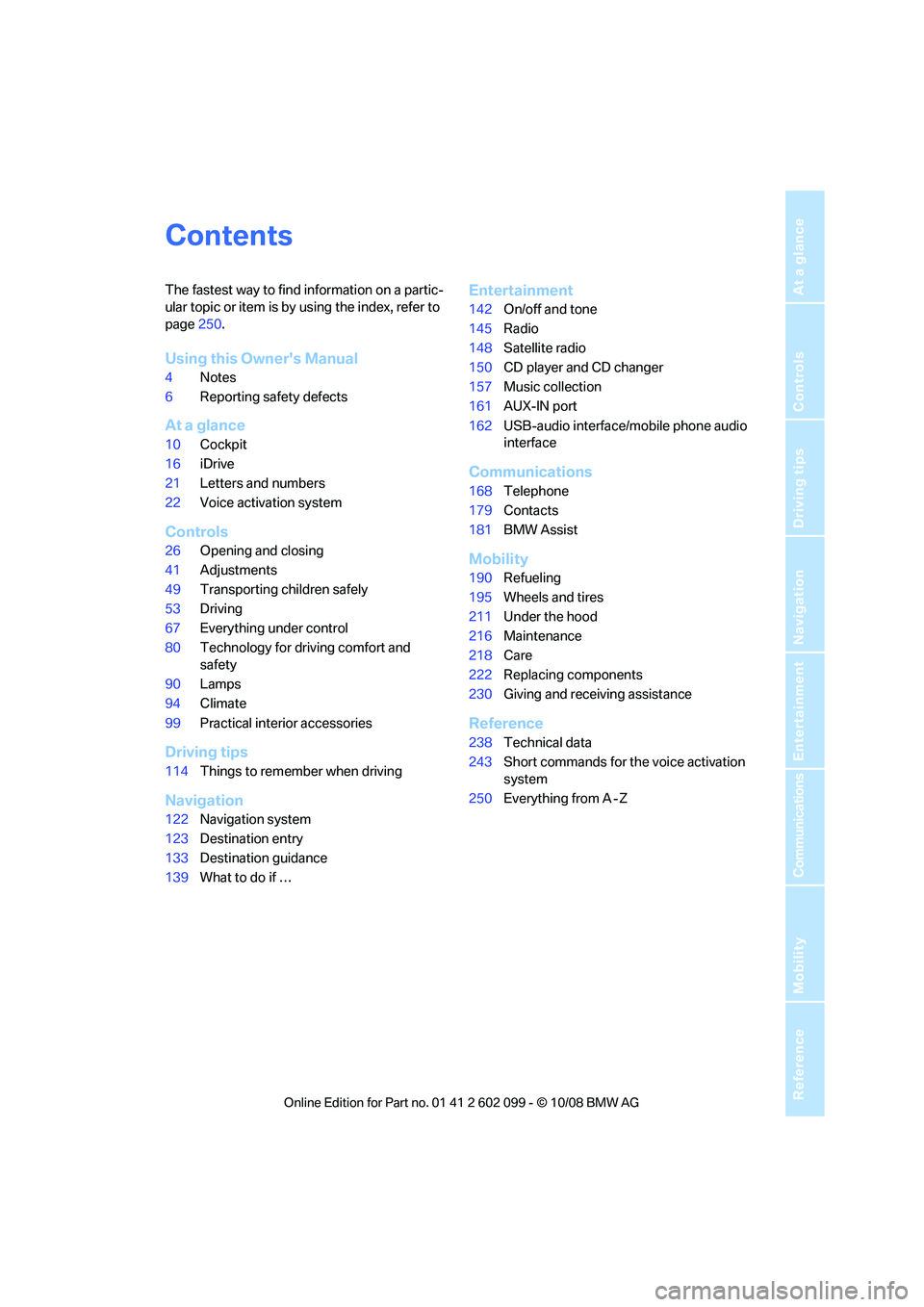
The fastest way to find information on a partic-
ular topic or item is by using the index, refer to
page250.
Using this Owner's Manual
4 Notes
6 Reporting safety defects
At a glance
10Cockpit
16 iDrive
21 Letters and numbers
22 Voice activation system
Controls
26Opening and closing
41 Adjustments
49 Transporting children safely
53 Driving
67 Everything under control
80 Technology for driving comfort and
safety
90 Lamps
94 Climate
99 Practical interior accessories
Driving tips
114Things to remember when driving
Navigation
122Navigation system
123 Destination entry
133 Destination guidance
139 What to do if …
Entertainment
142On/off and tone
145 Radio
148 Satellite radio
150 CD player and CD changer
157 Music collection
161 AUX-IN port
162 USB-audio interface/mobile phone audio
interface
Communications
168Telephone
179 Contacts
181 BMW Assist
Mobility
190Refueling
195 Wheels and tires
211 Under the hood
216 Maintenance
218 Care
222 Replacing components
230 Giving and rece iving assistance
Reference
238Technical data
243 Short commands for the voice activation
system
250 Everything from A - Z
ba8_E9091_cic.book Seite 3 Mittwoch, 29. Oktober 2008 2:59 14
Page 14 of 268

Cockpit
12
Instrument cluster
1Speedometer
2 Indicator lamps for turn signals
3 Indicator and warning lamps 13
4 Displays for active cruise control
*61
5 Tachometer 67
6 Engine oil temperature
*68
Energy Control
*68
7 Display for
>Clock 67
> Outside temperature 67
> Indicator and warning lamps 758
Display for
>Position of automatic transmission
*55
> Computer 69
> Date of next scheduled service, and
remaining distance to be driven 71
> Odometer and trip odometer 67
> Checking engine oil level
*212
> Settings and information 70
> There is a Check Control
message 75
9 Fuel gauge 68
10 Resetting the trip odometer 67
ba8_E9091_cic.book Seite 12 Mittwoch, 29. Oktober 2008 2:59 14
Page 17 of 268

At a glance
15Reference
Controls
Driving tips
Communications
Navigation
Entertainment
Mobility
1Microphone for voice activation system*
and for telephone in hands-free mode*
2SOS: initiating an Emergency Request
call
*230
3 Reading lamps 93
4 Glass roof/panorama glass roof
*37
5 Interior lamps 93
6 Passenger airbag status lamp
*89
7 Control Display 16
8 Hazard warning flashers
9 Dynamic Traction Control DTC 81
10 Central locking system 30
11 Automatic climate control
12 CD/DVD drive 150
13 Changing the audio and entertainment
sources
14 Selecting AM or FM waveband 15
Changing
>Radio station 145
> Track 150
17 Controller 16
Can be turned, pressed, or moved in four
directions
18 Buttons on the controller 16
Selecting menus directly
19 Programmable memory keys 20
20 Switching audio sources on/off and adjust-
ing volume 142
21 Ejecting CD/DVD 150
Air distribution to the
windshield
95
Air distribution to the upper body
area 95
Air distribution to the footwell 95
Automatic air distribution and flow
rate 95
Cooling function 96
Automatic recircul ated-air control
AUC 96
Recirculated-air mode 96
Maximum cooling 95
Residual heat mode 96
Air flow rate 95
Defrosting windows 96
Rear window defroster 97
16
Heated seats*45
Park Distance Control PDC
*80
Sedan:
Roller sun blind
*102
Hill Descent Control HDC
*82
ba8_E9091_cic.book Seite 15 Mittwoch, 29. Oktober 2008 2:59 14
Page 18 of 268

iDrive
16
iDrive
iDrive integrates the functions of a large num-
ber of switches. This allows these functions to
be operated from a single central position. The
following section provides an introduction to basic menu navigation. The control of the indi-
vidual functions is described in connection with
the relevant equipment.
Controls
1
Control Display
2 Controller with buttons
You can use the buttons to open the menus
directly. The controller can be used to
select the menu item s and create settings.
> Move in four directions, arrow 3
> Turn, arrow 4
> Push, arrow 5
Operate the controller only when traffic
and road conditions allow this, to avoid
endangering the car's occupants and other
road users by being distracted. <
ba8_E9091_cic.book Seite 16 Mittwoch, 29. Oktober 2008 2:59 14
Page 19 of 268

At a glance
17Reference
Controls
Driving tips
Communications
Navigation
Entertainment
Mobility
Buttons on the controller
Operating principle
With the ignition at radio readiness or beyond,
refer to page53, the following message is dis-
played on the Control Display:
To hide the message:
Press the controller.
The main menu is displayed.
The message is automa tically hidden after
approx. 10 seconds.
Opening the main menu
Press the MENU button.
The main menu is displayed. All iDrive functions can be
called up via the main
menu.
Selecting a menu item
The menu items shown in white can be
selected.
1. Turn the controller until the desired menu
item is highlighted.
2. Press the controller.
A new menu is displayed or the function is exe-
cuted.
Menu items in the Owner's Manual
In the Owner's Manual, menu items that can be
selected are set in quotation marks, e.g.
"Settings"
Changing between panels
After selecting a menu item, e.g. "Radio", a new
menu is displayed on a panel. The panels can
overlap.
ButtonFunction
MENU Open the main menu
RADIO Open the Radio menu
CD Open the CD/Multimedia menu
NAV Open the Navigation menu
TEL Open the Telephone menu
BACK Display the previous menu
OPTION Open the Options menu
ba8_E9091_cic.book Seite 17 Mittwoch, 29. Oktober 2008 2:59 14
Page 20 of 268

iDrive
18
Move the controller to the
left or right to change
between the panels.
White arrows pointing to the left or right indi-
cate that additional panels can be opened.
Open the Options menu
Press the OPTION button.
The "Options" menu is displayed.
Additional options: move the controller to the
right repeatedly until the "Options" menu
appears.
The "Options" menu contains the following:
> Screen settings, refer to page 19.
> Control options for the selected menu.
Adjusting settings
1.Select a field.
2. Turn the controller until the desired setting
is displayed.
3. Press the controller to confirm the setting.
The scroll bar on the right side indicates
whether additional menu items or set-
tings can be selected that are currently not vis-
ible. <
Example: setting the clock
1.Press the MENU button.
The main menu is displayed.
2. Turn the controller until "Settings" is high-
lighted, and then press the controller.
3. Turn the controller until "Time/Date" is
highlighted, and then press the controller.
ba8_E9091_cic.book Seite 18 Mittwoch, 29. Oktober 2008 2:59 14
Page 22 of 268
iDrive
20
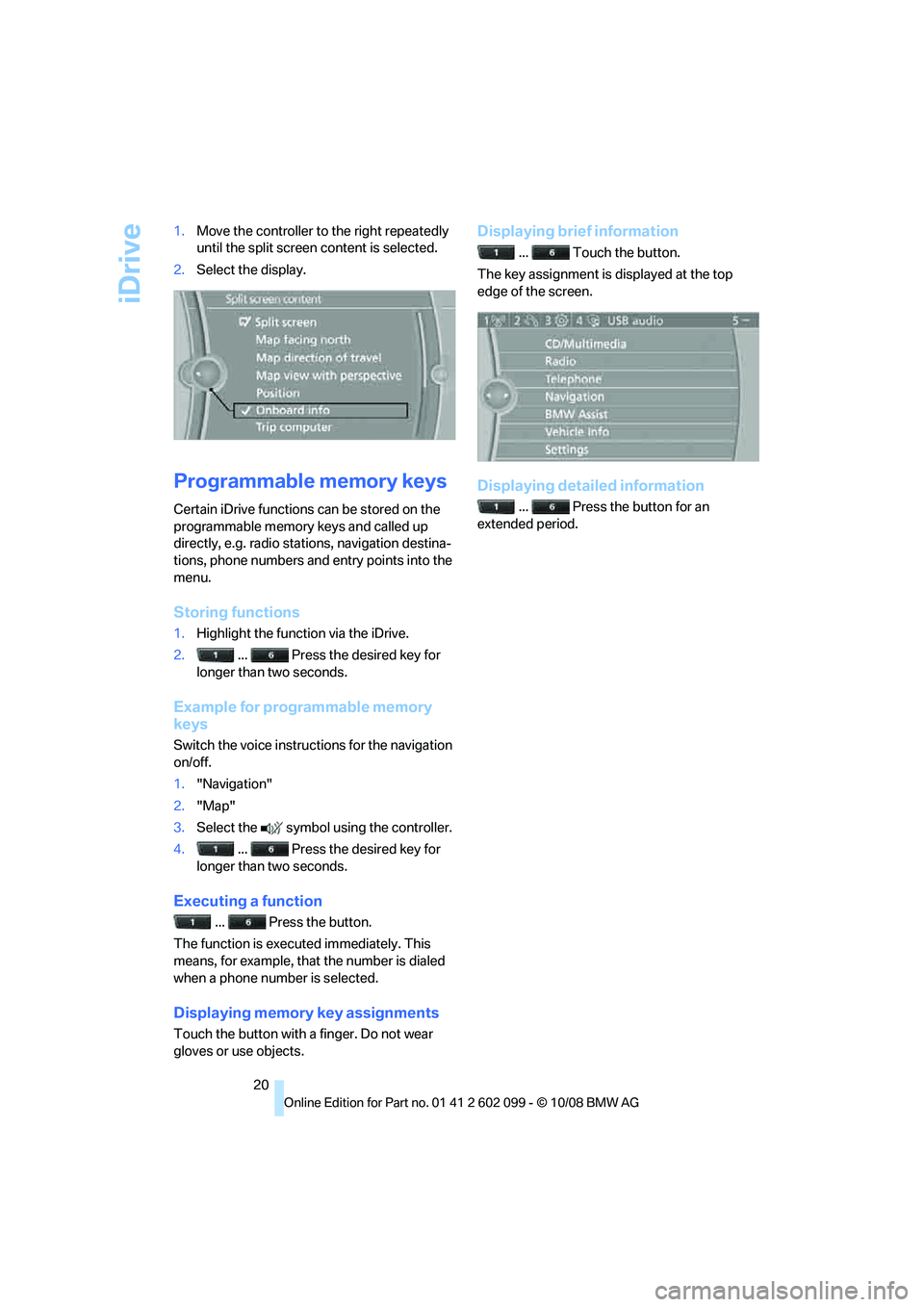
1.
Move the controller to the right repeatedly
until the split screen content is selected.
2. Select the display.
Programmable memory keys
Certain iDrive functions can be stored on the
programmable memory keys and called up
directly, e.g. radio stations, navigation destina-
tions, phone numbers and entry points into the
menu.
Storing functions
1.Highlight the function via the iDrive.
2. ... Press the desired key for
longer than two seconds.
Example for programmable memory
keys
Switch the voice instruct ions for the navigation
on/off.
1. "Navigation"
2. "Map"
3. Select the symbol using the controller.
4. ... Press the desired key for
longer than two seconds.
Executing a function
... Press the button.
The function is executed immediately. This
means, for example, that the number is dialed
when a phone number is selected.
Displaying memory key assignments
Touch the button with a finger. Do not wear
gloves or use objects.
Displaying brief information
... Touch the button.
The key assignment is displayed at the top
edge of the screen.
Displaying detailed information
... Press the button for an
extended period.
ba8_E9091_cic.book Seite 20 Mittwoch, 29. Oktober 2008 2:59 14
Page 24 of 268
Voice activation system
22
Voice activation system
The concept
The voice activation system allows you to con-
trol operation of various vehicle systems with-
out removing your hands from the steering
wheel.
Individual menu items on the Control Display
can be spoken as commands. It is not neces-
sary to use the controller.
The voice activation sy stem transforms your
oral commands into control signals for the
selected systems and provides support in the
form of instructions or questions.
The voice activation system uses a special
microphone located in the area of the interior
rearview mirror, refer to page 14.
Precondition
Via iDrive, select the language in which the
voice activation system is operating, so that the
spoken commands can be identified. Selecting
the language for iDrive, refer to page 78.
Symbols in the Owner's Manual
Saying commands
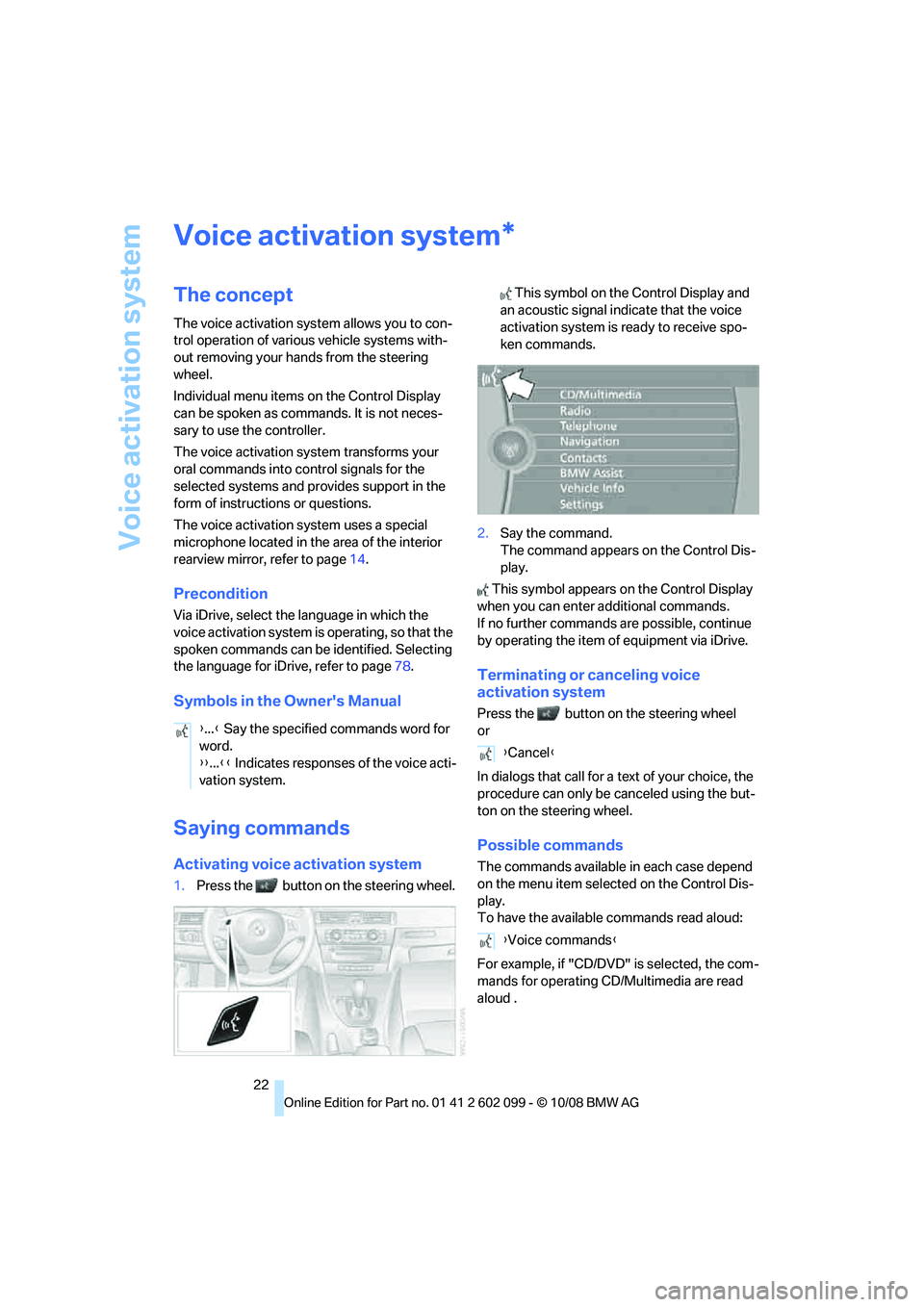
Activating voice activation system
1.Press the button on the steering wheel. This symbol on the Control Display and
an acoustic signal indicate that the voice
activation system is ready to receive spo-
ken commands.
2. Say the command.
The command appears on the Control Dis-
play.
This symbol appears on the Control Display
when you can enter additional commands.
If no further commands are possible, continue
by operating the item of equipment via iDrive.
Terminating or canceling voice
activation system
Press the button on the steering wheel
or
In dialogs that call for a text of your choice, the
procedure can only be canceled using the but-
ton on the steering wheel.
Possible commands
The commands available in each case depend
on the menu item selected on the Control Dis-
play.
To have the available commands read aloud:
For example, if "CD/DVD" is selected, the com-
mands for operating CD/Multimedia are read
aloud
.
*
{ ...} Say the specified commands word for
word.
{{ ...}} Indicates responses of the voice acti-
vation system.
{ Cancel }
{ Voice commands }
ba8_E9091_cic.book Seite 22 Mittwoch, 29. Oktober 2008 2:59 14
Page 28 of 268
Opening and closing
26
Opening and closing
Remote control
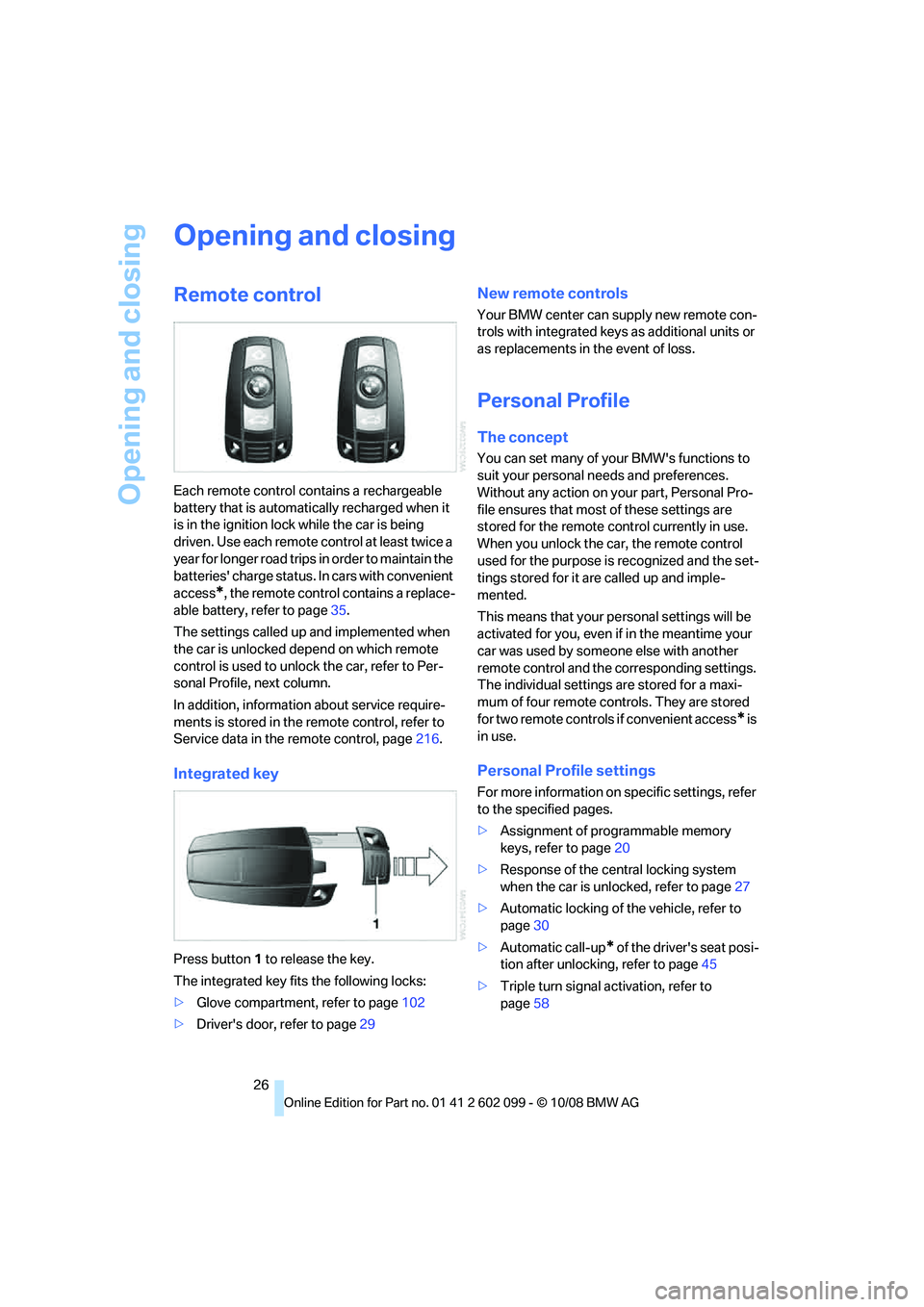
Each remote control contains a rechargeable
battery that is automatically recharged when it
is in the ignition lock while the car is being
driven. Use each remote control at least twice a
year for longer road trips in order to maintain the
batteries' charge status. In cars with convenient
access
*, the remote control contains a replace-
able battery, refer to page 35.
The settings called up and implemented when
the car is unlocked depend on which remote
control is used to unlock the car, refer to Per-
sonal Profile, next column.
In addition, informatio n about service require-
ments is stored in the re mote control, refer to
Service data in the remote control, page 216.
Integrated key
Press button 1 to release the key.
The integrated key fits the following locks:
> Glove compartment, refer to page 102
> Driver's door, refer to page 29
New remote controls
Your BMW center can supply new remote con-
trols with integrated keys as additional units or
as replacements in the event of loss.
Personal Profile
The concept
You can set many of yo ur BMW's functions to
suit your personal needs and preferences.
Without any action on your part, Personal Pro-
file ensures that most of these settings are
stored for the remote control currently in use.
When you unlock the ca r, the remote control
used for the purpose is recognized and the set-
tings stored for it are called up and imple-
mented.
This means that your pe rsonal settings will be
activated for you, even if in the meantime your
car was used by someone else with another
remote control and the corresponding settings.
The individual settings are stored for a maxi-
mum of four remote cont rols. They are stored
for two remote controls if convenient access
* is
in use.
Personal Profile settings
For more information on specific settings, refer
to the specified pages.
> Assignment of programmable memory
keys, refer to page 20
> Response of the central locking system
when the car is unlocked, refer to page 27
> Automatic locking of the vehicle, refer to
page 30
> Automatic call-up
* of the driver's seat posi-
tion after unlocking, refer to page 45
> Triple turn signal activation, refer to
page 58
ba8_E9091_cic.book Seite 26 Mittwoch, 29. Oktober 2008 2:59 14