start stop button BMW 3 SERIES 2011 User Guide
[x] Cancel search | Manufacturer: BMW, Model Year: 2011, Model line: 3 SERIES, Model: BMW 3 SERIES 2011Pages: 325, PDF Size: 12.94 MB
Page 200 of 325
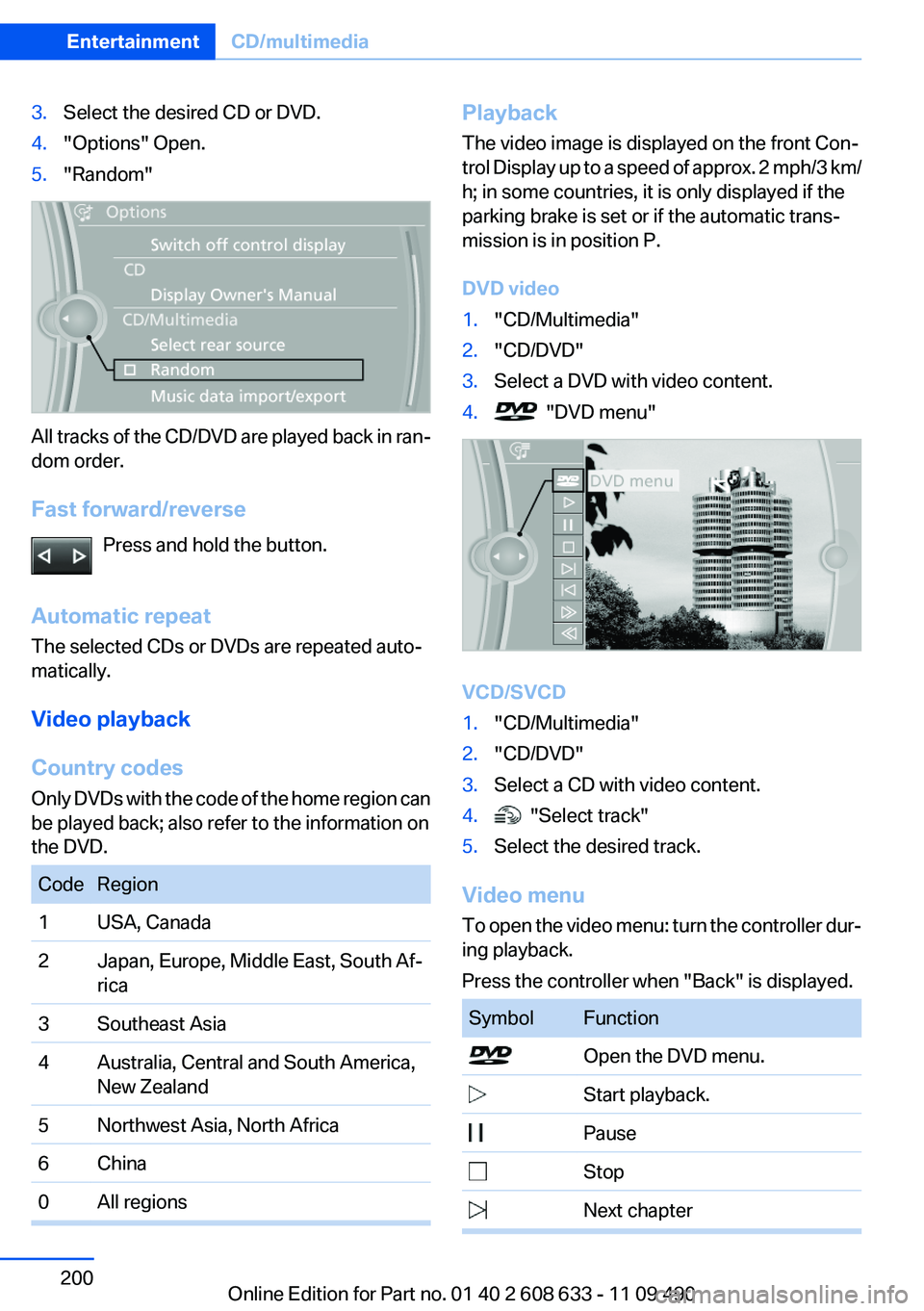
3.Select the desired CD or DVD.
4."Options" Open.
5."Random"
All tracks of the CD/DVD are played back in ran‐
dom order.
Fast forward/reverse
Press and hold the button.
Automatic repeat
The selected CDs or DVDs are repeated auto‐
matically.
Video playback
Country codes
Only DVDs with the code of the home region can
be played back; also refer to the information on
the DVD.
Code Region
1 USA, Canada
2 Japan, Europe, Middle East, South Af‐
rica
3 Southeast Asia
4 Australia, Central and South America,
New Zealand
5 Northwest Asia, North Africa
6 China
0 All regions
Playback
The video image is displayed on the front Con‐
trol Display up to a speed of approx. 2 mph/3 km/
h; in some countries, it is only displayed if the
parking brake is set or if the automatic trans‐
mission is in position P.
DVD video
1."CD/Multimedia"
2."CD/DVD"
3.Select a DVD with video content.
4. "DVD menu"
VCD/SVCD
1."CD/Multimedia"
2."CD/DVD"
3.Select a CD with video content.
4. "Select track"
5.Select the desired track.
Video menu
To open the video menu: turn the controller dur‐
ing playback.
Press the controller when "Back" is displayed.
Symbol Function
Open the DVD menu.
Start playback.
Pause
Stop
Next chapter
Seite 200
EntertainmentCD/multimedia
200Online Edition for Part no. 01 40 2 608 633 - 11 09 490
Page 203 of 325
4DVD slot
5Fill DVD compartments
Filling the DVD compartments
individually
1. Press the button.
The LED on the first empty compartment
flashes.
2.Select another compartment if necessary.
3.Wait for the LEDs on the DVD slot to flash.
4.Insert a single CD or DVD in the middle.
The CD/DVD is drawn in automatically and
placed into the selected compartment.
Sliding in CDs/DVDs
Do not insert the CD/DVD until the LEDs
on the DVD slot are flashing; otherwise, the CD/
DVD or the DVD changer could be damaged.
Do not continue to push on the CD/DVD; this
may cause it to jam and prevent it from being
able to eject again.◀
Filling all empty DVD compartments
1. Hold the button down.
The LEDs on the empty CD compartments
flash.
2.Wait for the LEDs on the DVD slot to begin
flashing and then insert each CD or DVD into
the center of the slot.
The CDs/DVDs are drawn in automatically
and placed into the vacant compartments.
Sliding in CDs/DVDs
Do not insert the CD/DVD until the LEDs
on the DVD slot are flashing; otherwise, the CD/
DVD or the DVD changer could be damaged.
Do not continue to push on the CD/DVD; this
may cause it to jam and prevent it from being
able to eject again.◀
After they are inserted, it may take several mi‐
nutes for the CDs/DVDs to be read in.
Removing a single CD/DVD
1. Press the button.
2.Select the DVD compartment.
The CD/DVD is partially ejected.
3.Remove the CD/DVD.
Removing all CDs/DVDs
1. Hold the button down.
2.Remove the CDs/DVDs.
Malfunctions
If the LEDs on the DVD slot and on the com‐
partments are flashing rapidly, a malfunction has
occurred.
To eliminate the malfunction:
1.Press one of the following buttons:
▷
▷
The CD/DVD last inserted is ejected.
2.Remove the CD/DVD.
The DVD changer is functional again after the
LEDs stop flashing rapidly.
Audio playback
The audio track of a DVD can be played back
even if video playback is not possible in the ve‐
hicle.
Only the main film without the previews or extras
can be played back.
Starting playback
A DVD is located in the DVD changer.
1."CD/Multimedia"
2."CD/DVD"
Seite 203
CD/multimediaEntertainment
203Online Edition for Part no. 01 40 2 608 633 - 11 09 490
Page 315 of 325
Blinds, sun protection 43
Bluetooth audio 213
Bluetooth connection, activat‐
ing/deactivating 222, 229
BMW Assist 250
BMW Homepage 6
BMW Internet page 6
BMW Maintenance Sys‐
tem 277
BMW Search 252
Bottle holder, refer to Cu‐
pholder 150
Brake assistant 104
Brake discs, breaking in 156
Brake force display 102
Brake lamps, brake force dis‐
play 102
Brake lights, adaptive 102
Brake pads, breaking in 156
Braking, notes 157
Breakdown assis‐
tance 290, 291
Breaking in 156
Brightness of Control Dis‐
play 85
Bulb replacement 279
Bulb replacement, front 280
Bulb replacement, halogen
headlamps 280
Bulb replacement, rear 285
Bulb replacement, xenon
headlamps 283
Bulbs and lamps 279
Button, RES 111
Button, Start/Stop 59
Bypassing, refer to starting
aid 291
C
Calendar 243
California Proposition 65
Warning 7
Camera, backup camera 125
Camera, care 299
Camera, Side View 128
Camera, Top View 127
Can holder, refer to Cu‐
pholder 150
Car battery 287
Car care products 297
Care, displays 299
Care, vehicle 297
Cargo 159
Cargo area, enlarging 146
Cargo area lid 37
Cargo area, storage compart‐
ments 151
Cargo straps, securing
cargo 160
Car key, refer to Remote con‐
trol 30
Carpet, care 298
Car wash 296
Catalytic converter, refer to
Hot exhaust system 156
CBS Condition Based Serv‐
ice 277
CD/DVD 198
CDs, storing 205
Cell phone 220, 228
Center armrest 149
Center console 14
Central locking system 33
Central screen, refer to Control
Display 16
Changes, technical, refer to
Safety 6
Changing parts 279
Changing wheels 287
Changing wheels/tires 269
Check Control 73
Children, seating position 55
Children, transporting
safely 55
Child restraint fixing sys‐
tem 55
Child restraint fixing system
LATCH 56
Child restraint fixing systems,
mounting 55
Child safety locks 58
Child seat, mounting 55
Child seats 55
Chrome parts, care 298
Cigarette lighter 145
Cleaning, displays 299
Climate control 134, 136
Clock 76
Closing/opening from in‐
side 37
Closing/opening via door
lock 36
Closing/opening with remote
control 34
Clothes hooks 151
Collision warning 115, 117
Combination switch, refer to
Turn signals 64
Combination switch, refer to
Wiper system 65
Comfort Access 38
COMFORT program, Dynamic
Driving Control 107
Compartments in the
doors 149
Compass 143
Computer 81
Concierge service 251
Condensation on win‐
dows 138
Condensation under the vehi‐
cle 158
Condition Based Service
CBS 277
Confirmation signal 35
Contacts 239, 0
Control Display 16
Control Display, settings 83
Controller 16, 17
Control systems, driving sta‐
bility 104
Convenient opening 34
Coolant 276
Coolant temperature 76
Cooling function 135, 137
Cooling, maximum 137
Cooling system 276
Seite 315
Everything from A to ZReference
315Online Edition for Part no. 01 40 2 608 633 - 11 09 490
Page 321 of 325
Service history 78
Service requirements, Condi‐
tion Based Service CBS 277
Service requirements, dis‐
play 77
Service, Roadside Assis‐
tance 291
Settings on Control Dis‐
play 83
Settings, storing for seat, mir‐
ror 51
Shifting, automatic transmis‐
sion 67
Shifting, manual transmis‐
sion 67
Shift paddles on steering
wheel 69
Short commands 306
Side airbags 91
Side View 127
Signaling, horn 12
Signals when unlocking 35
Sitting safely 45
Size 302
Slide/tilt glass roof 43
Smallest turning circle 303
Snap-in adapter, mobile
phone 236
Snow chains 271
Socket 145
Socket, OBD Onboard Diag‐
nostics 278
Software applications,
iPhone 255
Software update 217
Spare fuse 288
Special destinations, naviga‐
tion 171
Specified engine oil
types 275
Speed, average 82
Speed limit detection 79
Speed limit detection, com‐
puter 82
Speed limit, setting 82
Speed Volume, volume equal‐
ization 189
Split screen 21
Split screen map settings 180
Spoken instructions, naviga‐
tion 178
SPORT+ - program, Dynamic
Driving Control 106
Sport automatic transmis‐
sion 69
Sport displays, torque display,
performance display 83
SPORT program, Dynamic
Driving Control 106
Sport program, transmis‐
sion 68
Sport steering, variable 105
Stability control systems 104
Start/stop, automatic func‐
tion 61
Start/Stop button 59
Start function during malfunc‐
tion 31
Starting aid 291
Starting the engine 60
State/province, selecting for
navigation 168
Stations, stored 197
Station, storing 190
Status display, tires 94
Status information, iDrive 20
Status of Owner's Manual 6
Steering wheel, adjusting 53
Steering wheel heating 53
Steptronic, automatic trans‐
mission 67
Stopping the engine 61
Storage compartment in the
rear 150
Storage compartments 148
Storage compartments, loca‐
tions 148
Storage, tires 270
Storing the vehicle 299
Street, entering for naviga‐
tion 169
Summer tires, tread 268
Supplementary text mes‐
sage 75
Surround View 123
Switch-on times, parked-car
ventilation 140
Switch, refer to Cockpit 12
Symbols 6
T
Tachometer 75
Tailgate 37
Tailgate, opening with no-
touch activation 39
Tailgate via remote control 35
Tail lamps 285
Tasks 244
Technical changes, refer to
Safety 6
Technical data 302
Telephone 220, 228
TeleService 251
Temperature, automatic cli‐
mate control 135, 137
Temperature display, external
temperature 76
Temperature, engine oil 75
Tempomat, refer to Active
Cruise Control 109
Terminal, jump-starting 292
Text messages 241
Text message, supplemen‐
tary 75
Theft alarm system, refer to
Alarm system 40
Theft protection, refer to Cen‐
tral locking system 33
Thigh support 47
Through-loading system 146
Tilt alarm sensor 41
Time of arrival 82
Tire damage 269
Tire identification marks 267
Tire inflation pressure 263
Seite 321
Everything from A to ZReference
321Online Edition for Part no. 01 40 2 608 633 - 11 09 490