maintenance BMW 3 SERIES ACTIVE HYBRID 2015 User Guide
[x] Cancel search | Manufacturer: BMW, Model Year: 2015, Model line: 3 SERIES ACTIVE HYBRID, Model: BMW 3 SERIES ACTIVE HYBRID 2015Pages: 251, PDF Size: 5.49 MB
Page 184 of 251
Saving fuelVehicle features and optionsThis chapter describes all standard, country-
specific and optional features offered with the
series. It also describes features that are not
necessarily available in your car, e. g., due to
the selected options or country versions. This
also applies to safety-related functions and
systems. The respectively applicable country
provisions must be observed when using the
respective features and systems.
General information Your vehicle contains advanced technology for
the reduction of fuel consumption and emis‐
sions.
Fuel consumption depends on a number of dif‐
ferent factors.
Carrying out certain measures, such as a mod‐
erate driving style and regular maintenance,
can influence fuel consumption and the envi‐
ronmental impact.
Remove unnecessary cargo
Additional weight increases fuel consumption.
Remove attached parts
following use
Remove auxiliary mirrors, roof or rear luggage
racks which are no longer required following use.
Attached parts on the vehicle impair the aero‐
dynamics and increase the fuel consumption.Close the windows and glass
sunroof
Driving with the glass sunroof and windows
open results in increased air resistance and
thereby reduces the range.
Tires
General information Tires can affect fuel consumption in various
ways, e.g., tire size may influence fuel con‐
sumption.
Check the tire inflation pressure
regularly
Check and, if needed, correct the tire inflation
pressure at least twice a month and before
starting on a long trip.
Low tire inflation pressure increases rolling re‐
sistance and thus raises fuel consumption and
tire wear.
Drive away immediately
Do not wait for the engine to warm-up while
the vehicle remains stationary. Start driving
right away, but at moderate engine speeds.
This is the quickest way of warming the cold
engine up to operating temperature.
Look well ahead when
driving
Avoid unnecessary acceleration and braking.
By maintaining a suitable distance to the vehi‐
cle driving ahead of you.
Driving smoothly and proactively reduces fuel
consumption.Seite 180Driving tipsSaving fuel180
Online Edition for Part no. 01 40 2 960 466 - II/15
Page 185 of 251
Longer braking procedures result in more effi‐
cient charging of the high-voltage battery via
energy recovery from braking.
Avoid high engine speeds
As a rule: driving at low engine speeds lowers
fuel consumption and reduces wear.
Use 1st gear to get the vehicle moving. Start‐
ing with the 2nd gear, accelerate rapidly. When
accelerating, shift up before reaching high en‐
gine speeds.
When you reach the desired speed, shift into
the highest applicable gear and drive with the
engine speed as low as possible and at a con‐
stant speed.
If necessary, observe the gear shift indicator of
the vehicle, refer to page 90.
Use coasting
When approaching a red light, take your foot
off the accelerator and let the vehicle coast to
a halt.
For going downhill take your foot off the accel‐
erator and let the vehicle roll.
The flow of fuel is interrupted while coasting.
The high-voltage battery is being charged.
Switch off the engine during
longer stops
Switch off the engine during longer stops, e.g.,
at traffic lights, railroad crossings or in traffic
congestion.
Switch off any functions that
are not currently needed
Functions such as seat heating and the rear
window defroster require a lot of energy andreduce the range, especially in city and stop-
and-go traffic.
Reel off these functions if they are not needed.
The ECO PRO driving program supports the
energy conserving use of comfort features.
These functions are automatically deactivated
partially or completely.
Have maintenance carried
out
Have vehicles maintained regularly to achieve
optimal vehicle efficiency and operating life.
The maintenance should be carried out by
your service center.
Also note the BMW Maintenance System, refer
to page 209.
ECO PRO
The concept ECO PRO supports a driving style that saves
on fuel consumption. For this purpose, the en‐
gine control and comfort features, e. g. the cli‐
mate control output, are adjusted.
eDRIVE electric driving, refer to page 71, and
the Coasting, refer to page 71, driving status
are becoming increasingly possible.
In addition, context-sensitive instructions are
displayed to assist with an optimized fuel con‐
sumption driving style.
The achieved extended range is displayed in
the instrument cluster as bonus range.
Overview
The system includes the following
EfficientDynamics functions and displays:▷ECO PRO bonus range, refer to page 182.▷ECO PRO tips driving instruction, refer to
page 183Seite 181Saving fuelDriving tips181
Online Edition for Part no. 01 40 2 960 466 - II/15
Page 191 of 251
Mobility
In order to always ensure your mobility, you will find important information on operating fluids,wheels and tires, maintenance and Roadside Assistance in the following.Online Edition for Part no. 01 40 2 960 466 - II/15
Page 213 of 251
MaintenanceVehicle features and options
This chapter describes all standard, country-
specific and optional features offered with the
series. It also describes features that are not
necessarily available in your car, e. g., due to
the selected options or country versions. This
also applies to safety-related functions and
systems. The respectively applicable country
provisions must be observed when using the
respective features and systems.
BMW maintenance system The maintenance system indicates required
maintenance measures, and thereby provides
support in maintaining road safety and the op‐
erational reliability of the vehicle.
In some cases scopes and intervals may vary
according to the country-specific version. Re‐
placement work, spare parts, fuels and lubri‐
cants and wear materials are calculated sepa‐
rately. Additional information is available from
the service center.
Condition Based Service
CBS
Sensors and special algorithms take into ac‐
count the driving conditions of your vehicle.
Based on this, Condition Based Service recog‐
nizes the maintenance requirements.
The system makes it possible to adapt the
amount of maintenance corresponding to your
user profile.
Detailed information on service requirements,
refer to page 89, can be displayed on the Con‐
trol Display.Service data in the remote control
Information on the required maintenance is
continuously stored in the remote control. Your service center will read out this data and
suggest the right array of service procedures for your vehicle.
Therefore, hand your service specialist the re‐
mote control with which the vehicle was driven
most recently.
Storage periods Storage periods during which the vehicle bat‐
tery was disconnected are not taken into ac‐
count.
If this occurs, have a service center update the
time-dependent maintenance procedures,
such as checking brake fluid and, if needed,
changing the engine oil and the microfilter/
activated-charcoal filter.
Service and Warranty
Information Booklet for US
models and Warranty and
Service Guide Booklet for
Canadian models
Please consult your Service and Warranty In‐
formation Booklet for US models and Warranty
and Service Guide Booklet for Canadian mod‐
els for additional information on service re‐
quirements.
Maintenance and repair should be performed
by your service center. Make sure to have reg‐
ular maintenance procedures recorded in the
vehicle's Service and Warranty Information
Booklet for US models, and in the Warranty
and Service Guide Booklet for Canadian mod‐
els. These entries are proof of regular mainte‐
nance.Seite 209MaintenanceMobility209
Online Edition for Part no. 01 40 2 960 466 - II/15
Page 214 of 251

Socket for OBD Onboard
Diagnosis
Note Socket for Onboard Diagnosis
The socket for onboard diagnostics may
only be used by the service center or a work‐
shop that operates in accordance with the
specifications of the vehicle manufacturer with
correspondingly trained personnel and other
authorized persons. Otherwise, use may result
in operating problems for the vehicle.◀
Position
There is an OBD socket on the driver's side for
checking the primary components in the vehi‐
cle's emissions.
Emissions
▷The warning lamp lights up:
Emissions are deteriorating. Have
the vehicle checked as soon as
possible.▷The warning lamp flashes under certain
circumstances:
This indicates that there is excessive mis‐
firing in the engine.
Reduce the vehicle speed and have the
system checked immediately; otherwise,
serious engine misfiring within a brief pe‐
riod can seriously damage emission con‐
trol components, in particular the catalytic
converter.Seite 210MobilityMaintenance210
Online Edition for Part no. 01 40 2 960 466 - II/15
Page 224 of 251
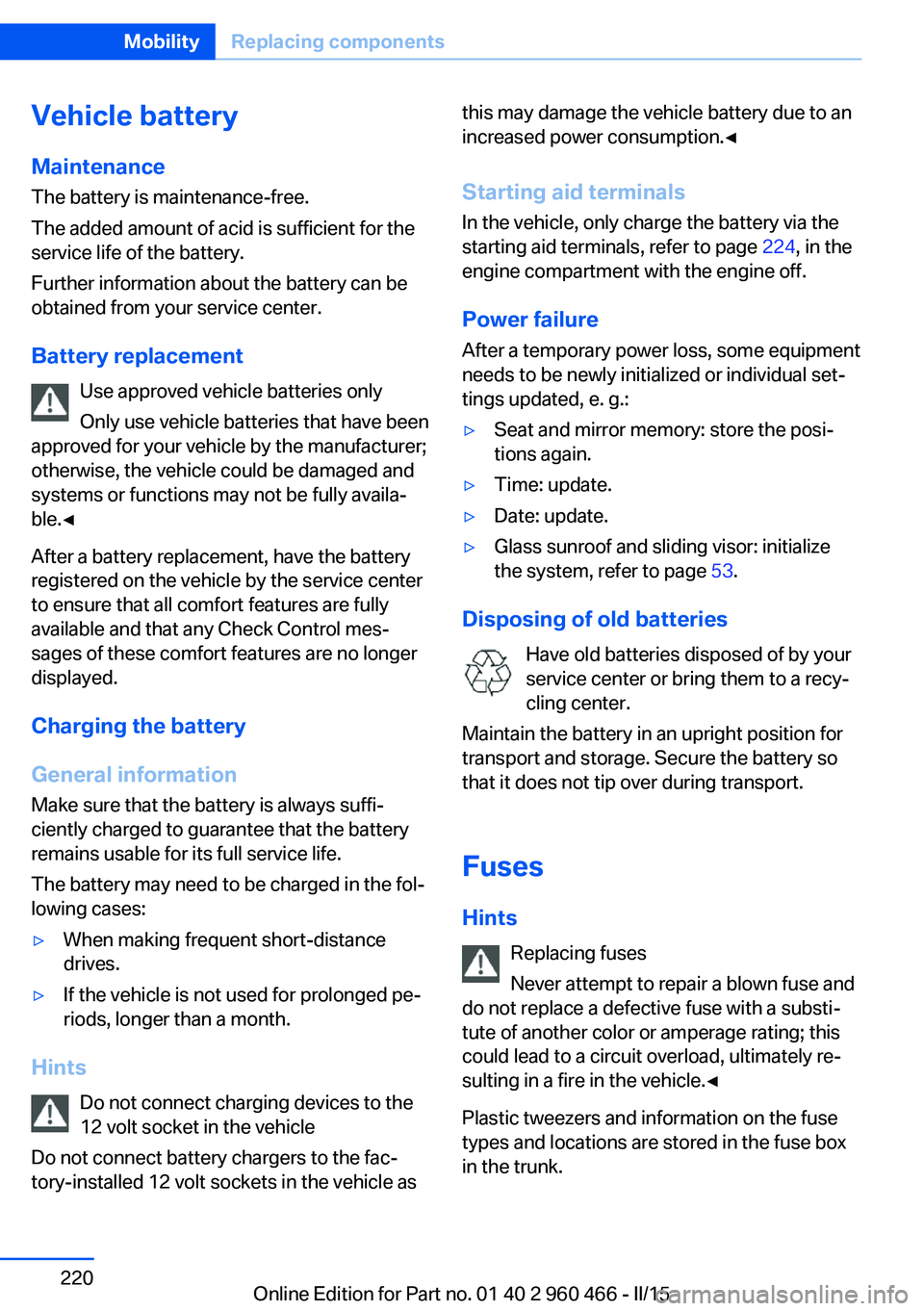
Vehicle batteryMaintenance
The battery is maintenance-free.
The added amount of acid is sufficient for the
service life of the battery.
Further information about the battery can be
obtained from your service center.
Battery replacement Use approved vehicle batteries only
Only use vehicle batteries that have been
approved for your vehicle by the manufacturer;
otherwise, the vehicle could be damaged and
systems or functions may not be fully availa‐
ble.◀
After a battery replacement, have the battery
registered on the vehicle by the service center
to ensure that all comfort features are fully
available and that any Check Control mes‐
sages of these comfort features are no longer
displayed.
Charging the battery
General information Make sure that the battery is always suffi‐
ciently charged to guarantee that the battery
remains usable for its full service life.
The battery may need to be charged in the fol‐
lowing cases:▷When making frequent short-distance
drives.▷If the vehicle is not used for prolonged pe‐
riods, longer than a month.
Hints
Do not connect charging devices to the
12 volt socket in the vehicle
Do not connect battery chargers to the fac‐
tory-installed 12 volt sockets in the vehicle as
this may damage the vehicle battery due to an
increased power consumption.◀
Starting aid terminals In the vehicle, only charge the battery via thestarting aid terminals, refer to page 224, in the
engine compartment with the engine off.
Power failure After a temporary power loss, some equipment
needs to be newly initialized or individual set‐
tings updated, e. g.:▷Seat and mirror memory: store the posi‐
tions again.▷Time: update.▷Date: update.▷Glass sunroof and sliding visor: initialize
the system, refer to page 53.
Disposing of old batteries
Have old batteries disposed of by your
service center or bring them to a recy‐
cling center.
Maintain the battery in an upright position for
transport and storage. Secure the battery so
that it does not tip over during transport.
Fuses Hints Replacing fuses
Never attempt to repair a blown fuse and
do not replace a defective fuse with a substi‐
tute of another color or amperage rating; this
could lead to a circuit overload, ultimately re‐
sulting in a fire in the vehicle.◀
Plastic tweezers and information on the fuse
types and locations are stored in the fuse box
in the trunk.
Seite 220MobilityReplacing components220
Online Edition for Part no. 01 40 2 960 466 - II/15
Page 241 of 251
tertainment and Communi‐
cation
BMW Driver’s Guide App 6
BMW Homepage 6
BMW Internet page 6
BMW maintenance sys‐ tem 209
Bonus range, ECO PRO 182
Bottle holder, refer to Cu‐ pholders 167
Brake assistant 125
Brake discs, break-in 172
Brake force display 124
Brake lights, adaptive 124
Brake lights, brake force dis‐ play 124
Brake pads, break-in 172
Braking, hints 175
Breakdown assistance 222
Break-in 172
Brightness of Control Dis‐ play 96
Bulb replacement 211
Bulb replacement, front 212
Bulb replacement, halogen headlights 212
Bulb replacement, rear 217
Bulb replacement, xenon headlights 215
Bulbs and lights 211
Button, RES 133
Button, Start/Stop 68
Bypassing, refer to Jump- starting 223
C
California Proposition 65 Warning 8
Camera lenses, care 231
Camera, rearview cam‐ era 141
Camera, Side View 144
Camera, Top View 145
Can holder, refer to Cuphold‐ ers 167 Car battery 220
Car care products 229
Care, displays 231
Care, vehicle 229
Cargo 177
Cargo area, enlarging 163
Cargo area, storage compart‐ ments 167
Cargo, securing 178
Cargo straps, securing cargo 178
Car key, refer to Remote con‐ trol 38
Carpet, care 231
Car wash 228
Catalytic converter, refer to Hot exhaust system 174
CBS Condition Based Serv‐ ice 209
CD/Multimedia, see user's manual for Navigation, En‐
tertainment and Communi‐
cation
Center armrest 166
Center console 16
Central locking system 43
Central screen, refer to Con‐ trol Display 18
Changes, technical, refer to Safety 7
Changing parts 211
Changing wheels 219
Changing wheels/tires 197
CHARGE, energy recov‐ ery 72
Charge indicator, high-volt‐ age battery 82
Chassis number, see vehicle identification number 10
Check Control 84
Checking the engine oil level electronically 205
Checking the oil level elec‐ tronically 205
Children, seating position 64 Children, transporting
safely 64
Child restraint fixing sys‐ tem 64
Child restraint fixing system LATCH 66
Child restraint fixing systems, mounting 64
Child safety locks 67
Child seat, mounting 64
Child seats 64
Chrome parts, care 230
Cigarette lighter 161
Cleaning displays 231
Climate control 151
Clock 88
Closing/opening via door lock 43
Closing/opening with remote control 41
Clothes hooks 167
Coasting 71
Cockpit 14
Combination reel, refer to Turn signals 73
Combination switch, refer to Wiper system 74
Combustion engine, start‐ ing 70
Comfort Access 45
COMFORT program, Dy‐ namic Driving Control 128
Compartments in the doors 166
Compass 159
Compressor 198
Computer, refer to On-board computer 92
Condensation on win‐ dows 153
Condensation under the vehi‐ cle 176
Condition Based Service CBS 209
Confirmation signal 48 Seite 237Everything from A to ZReference237
Online Edition for Part no. 01 40 2 960 466 - II/15
Page 245 of 251
Lashing eyes, securingcargo 178
LATCH child restraint sys‐ tem 66
Launch Control 79
Leather, care 229
LEDs, light-emitting di‐ odes 212
Length, vehicle 234
Letters and numbers, enter‐ ing 25
Light alloy wheels, care 230
Light control 99
Light-emitting diodes, LEDs 212
Lighter 161
Lighting 98
Lights 98
Lights and bulbs 211
Light switch 98
Load 178
Loading 177
Lock, door 43
Locking/unlocking via door lock 43
Locking/unlocking with re‐ mote control 41
Locking, automatic 48
Locking, settings 47
Locking via trunk lid 44
Lock, power window 51
Locks, doors, and win‐ dows 67
Low beams 98
Low beams, automatic, refer to High-beam Assistant 100
Lower back support 56
Luggage rack, see Roof- mounted luggage rack 179
Lumbar support 56
M
Maintenance 209
Maintenance require‐ ments 209 Maintenance, service require‐
ments 89
Maintenance system, BMW 209
Make-up mirror 161
Malfunction displays, see Check Control 84
Manual air distribution 153
Manual air flow 153
Manual mode, Steptronic transmission 78
Manual operation, door lock 43
Manual operation, exterior mirrors 62
Manual operation, fuel filler flap 189
Manual operation, Park Dis‐ tance Control PDC 139
Manual operation, rearview camera 142
Manual operation, Side View 144
Manual operation, Top View 145
Marking on approved tires 197
Marking, run-flat tires 198
Master key, refer to Remote control 38
Maximum cooling 152
Maximum speed, display 90
Maximum speed, winter tires 198
Measure, units of 96
Medical kit 223
Memory, seat, mirror 60
Menu in instrument clus‐ ter 92
Menus, operating, iDrive 18
Menus, refer to iDrive operat‐ ing concept 20
Messages, see Check Con‐ trol 84
Microfilter 154
Minimum tread, tires 196 Mirror 61
Mirror memory 60
Mobile communication devi‐ ces in the vehicle 174
Mobility System 198
Modifications, technical, refer to Safety 7
Moisture in headlight 212
Monitor, refer to Control Dis‐ play 18
Mounting of child restraint systems 64
Multifunction steering wheel, buttons 14
N Navigation, see user's manual for Navigation, Entertain‐
ment and Communication
Neck restraints, front, refer to Head restraints 58
Neck restraints, rear, refer to Head restraints 59
Neutral cleaner, see wheel cleaner 230
New wheels and tires 197
Nylon rope for tow-starting/ towing 225
O OBD Onboard Diagnosis 210
OBD, see OBD Onboard Di‐ agnosis 210
Obstacle marking, rearview camera 142
Octane rating, refer to Rec‐ ommended fuel grade 190
Odometer 88
Office, see user's manual for Navigation, Entertainment
and Communication
Officially use hybrid sys‐ tem 172
Oil 205 Seite 241Everything from A to ZReference241
Online Edition for Part no. 01 40 2 960 466 - II/15