Transfer audio BMW 3 SERIES CONVERTIBLE 2013 E93 Owner's Manual
[x] Cancel search | Manufacturer: BMW, Model Year: 2013, Model line: 3 SERIES CONVERTIBLE, Model: BMW 3 SERIES CONVERTIBLE 2013 E93Pages: 311, PDF Size: 7.05 MB
Page 209 of 311
204
CommunicationsTe l e p h o n e
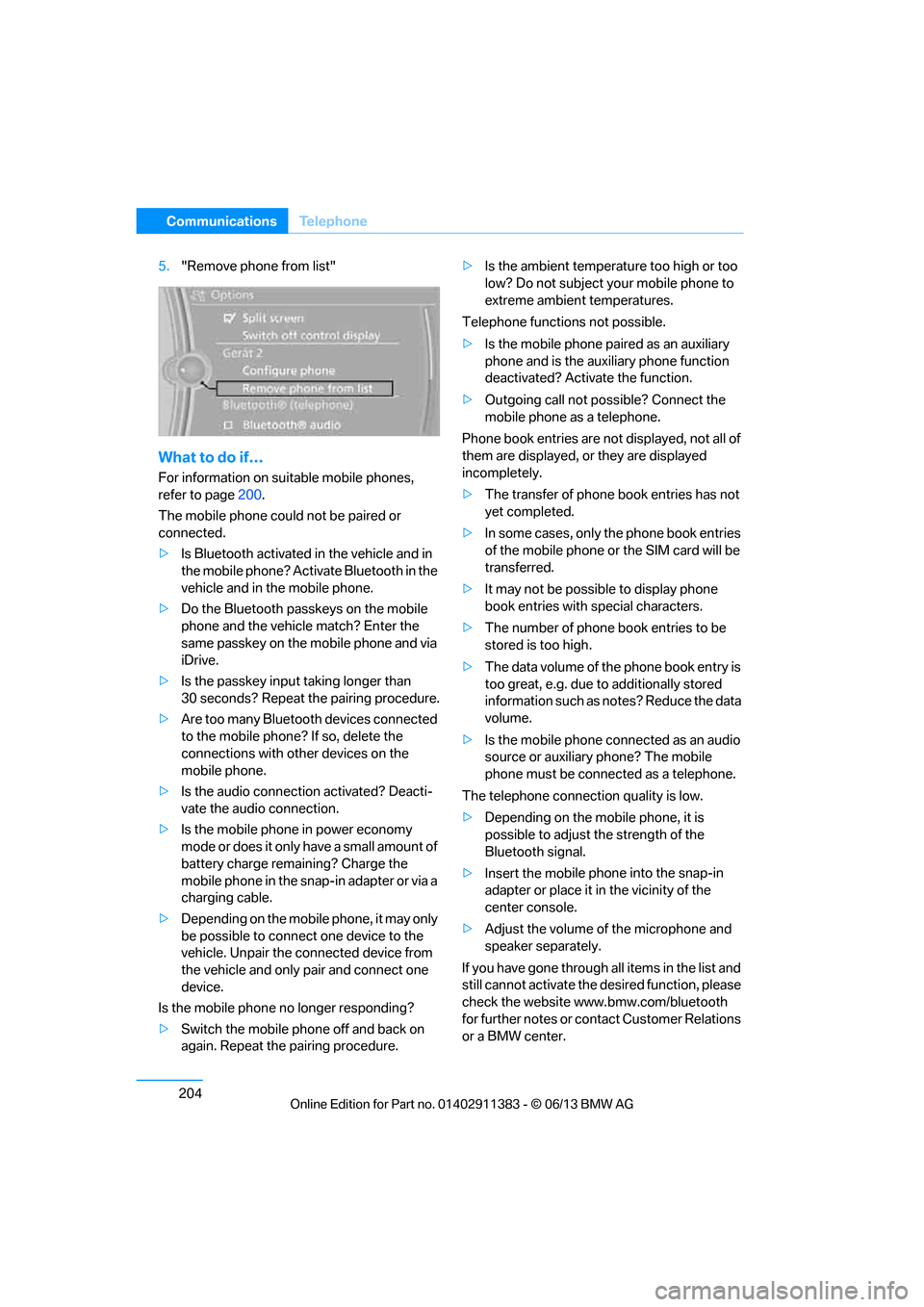
5."Remove phone from list"
What to do if…
For information on suitable mobile phones,
refer to page 200.
The mobile phone coul d not be paired or
connected.
> Is Bluetooth activated in the vehicle and in
the mobile phone? Acti vate Bluetooth in the
vehicle and in the mobile phone.
> Do the Bluetooth passkeys on the mobile
phone and the vehicl e match? Enter the
same passkey on the mobile phone and via
iDrive.
> Is the passkey input taking longer than
30 seconds? Repeat the pairing procedure.
> Are too many Bluetooth devices connected
to the mobile phone? If so, delete the
connections with other devices on the
mobile phone.
> Is the audio connection activated? Deacti-
vate the audio connection.
> Is the mobile phone in power economy
mode or does it only have a small amount of
battery charge remaining? Charge the
mobile phone in the snap-in adapter or via a
charging cable.
> Depending on the mobile phone, it may only
be possible to connect one device to the
vehicle. Unpair the connected device from
the vehicle and only pair and connect one
device.
Is the mobile phone no longer responding?
> Switch the mobile phone off and back on
again. Repeat the pairing procedure. >
Is the ambient temperature too high or too
low? Do not subject yo ur mobile phone to
extreme ambient temperatures.
Telephone functions not possible.
> Is the mobile phone pa ired as an auxiliary
phone and is the aux iliary phone function
deactivated? Activa te the function.
> Outgoing call not po ssible? Connect the
mobile phone as a telephone.
Phone book entries are not displayed, not all of
them are displayed, or they are displayed
incompletely.
> The transfer of phone book entries has not
yet completed.
> In some cases, only the phone book entries
of the mobile phone or the SIM card will be
transferred.
> It may not be possible to display phone
book entries with special characters.
> The number of phone book entries to be
stored is too high.
> The data volume of th e phone book entry is
too great, e.g. due to additionally stored
information such as no tes? Reduce the data
volume.
> Is the mobile phone connected as an audio
source or auxiliary phone? The mobile
phone must be connected as a telephone.
The telephone connecti on quality is low.
> Depending on the mob ile phone, it is
possible to adjust the strength of the
Bluetooth signal.
> Insert the mo bile ph
one into the snap-in
adapter or place it in the vicinity of the
center console.
> Adjust the volume of the microphone and
speaker separately.
If you have gone through all items in the list and
still cannot activate the de sired function, please
check the website www.bmw.com/bluetooth
for further notes or contact Customer Relations
or a BMW center.
00320051004F004C00510048000300280047004C0057004C005200510003
Page 233 of 311
228
CommunicationsConnectedDrive
1."Vehicle Info"
2. "Vehicle status"
3. Open "Options".
4. "Last Service Request"
Service status
Displaying available services
Display of all services available in the vehicle.
1. "BMW Assist" or "ConnectedDrive"
2. "Service Status"
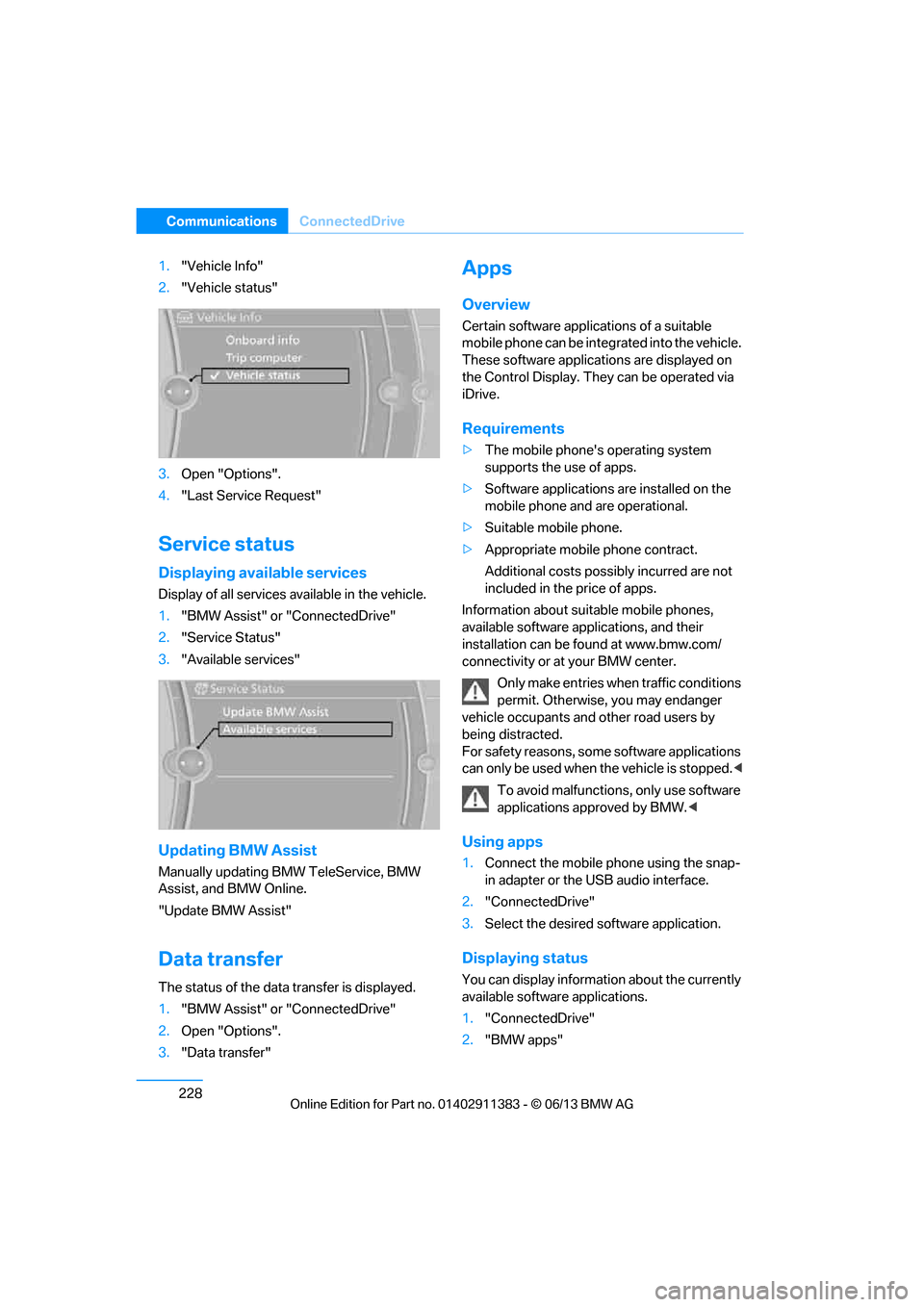
3. "Available services"
Updating BMW Assist
Manually updating BM W TeleService, BMW
Assist, and BMW Online.
"Update BMW Assist"
Data transfer
The status of the data transfer is displayed.
1. "BMW Assist" or "ConnectedDrive"
2. Open "Options".
3. "Data transfer"
Apps
Overview
Certain software applications of a suitable
mobile phone can be integrated into the vehicle.
These software applicat ions are displayed on
the Control Display. They can be operated via
iDrive.
Requirements
> The mobile phone's operating system
supports the use of apps.
> Software applications are installed on the
mobile phone and are operational.
> Suitable mobile phone.
> Appropriate mobile phone contract.
Additional costs possibly incurred are not
included in the price of apps.
Information about suit able mobile phones,
available software applications, and their
installation can be found at www.bmw.com/
connectivity or at your BMW center.
Only make entries when traffic conditions
permit. Otherwise, you may endanger
vehicle occupants and other road users by
being distracted.
For safety reasons, some software applications
can only be used when the vehicle is stopped. <
To avoid malfunctions, only use software
applications approved by BMW. <
Using apps
1.Connect the mobile phone using the snap-
in adapter or the USB audio interface.
2. "ConnectedDrive"
3. Select the desired software application.
Displaying status
You can display information about the currently
available software applications.
1."ConnectedDrive"
2. "BMW apps"
00320051004F004C00510048000300280047004C0057004C005200510003
Page 298 of 311
293
Everything from A to Z
Reference
Computer
85
– displays on Control
Display 85
Computer, refer to iDrive 20
Concierge service 225
Condensation, refer to When the vehicle is parked 139
Condition Based Service
CBS 260
Configuring settings, refer to Personal Profile 32
Confirmation signals for locking/unlocking the
vehicle 35
ConnectedDrive 224
Connecting a music player,
AUX-In connection 189
Connecting a music player, USB audio interface 190
Connecting an iPod, refer to AUX-In connection 189
Connecting an iPod, refer to
USB audio interface 190
Connecting an MP3 player, refer to AUX-In
connection 189
Connecting an MP3 player, refer to USB audio
interface 190
Connecting vacuum cleaner, refer to Connecting
electrical appliances 127
Consumption, refer to Average fuel
consumption 85
Contacts 214
– deleting 216,223
– exporting/importing 223
– new contact 215
Control Center, refer to
iDrive 20
Control Display 21
– switching off 21
Control Display, refer to iDrive 20
– adjusting brightness 95Controller, refer to iDrive
20
Controls and displays 12
Control unit, refer to iDrive 20
Convenient loading in Convertible 35
Convenient opening and closing
– glass roof 34
– glass roof with Comfort Access 40
– retractable hardtop 34
– windows 34
– windows with Comfort Access 40
– with Comfort Access 40
Convertible
– bag holder 129
– convenient loading 35
– enlarging trunk 128
– folding down rear
backres
t128
– retractable hardtop 44
– rollover protection system 109
– securing cargo 140
– stowing cargo 140
Coolant 259
– checking level 259
Coolant temperature 259
Cooling, maximum 116
Cooling fluid, refer to
Coolant 259
Cooling system, refer to Coolant 259
Copyright 2
Corner-illuminating lamps
– replacing bulbs 267
Cornering light, refer to Adaptive Light Control 111
Correct tires 252
Courtesy lamps, refer to Interior lamps 114
Criteria for route 155
Cross-hairs in navigation151
Cruise control 74
– active 76
– malfunction 76 Cruise control, refer to Active
Cruise Control 76
Cruising range 85
Cupholders 125
Curb weight, refer to
Weights 281
Current playback
– external devices 191
– in music collection 186
Customer Relations 227
D
Dashboard, refer to
Cockpit 12
Dashboard lighting, refer to
Instrument lighting 114
Data, technical
– capacities 282
– dimensions 280
– weights 281
Data memory 7
Data transfer 228
Date
– date format 92
– setting 92
Daytime running lights 111
– replacing bulbs 267
DBC Dynamic Brake Control 97
Deactivating front passenger
airbags 107
Deadlocking, refer to Locking 34
Defect
– door lock 36
– fuel filler flap 232
Defining a home address 215
Deleting the music collection 188
Destination, entering by town/ city name 146
Destination address
– entering 146,152
Destination entry via BMW Assist 151
00320051004F004C00510048000300280047004C0057004C005200510003