Windshield BMW 3 SERIES SPORTS WAGON 2014 F31 Owner's Guide
[x] Cancel search | Manufacturer: BMW, Model Year: 2014, Model line: 3 SERIES SPORTS WAGON, Model: BMW 3 SERIES SPORTS WAGON 2014 F31Pages: 253, PDF Size: 6.35 MB
Page 154 of 253
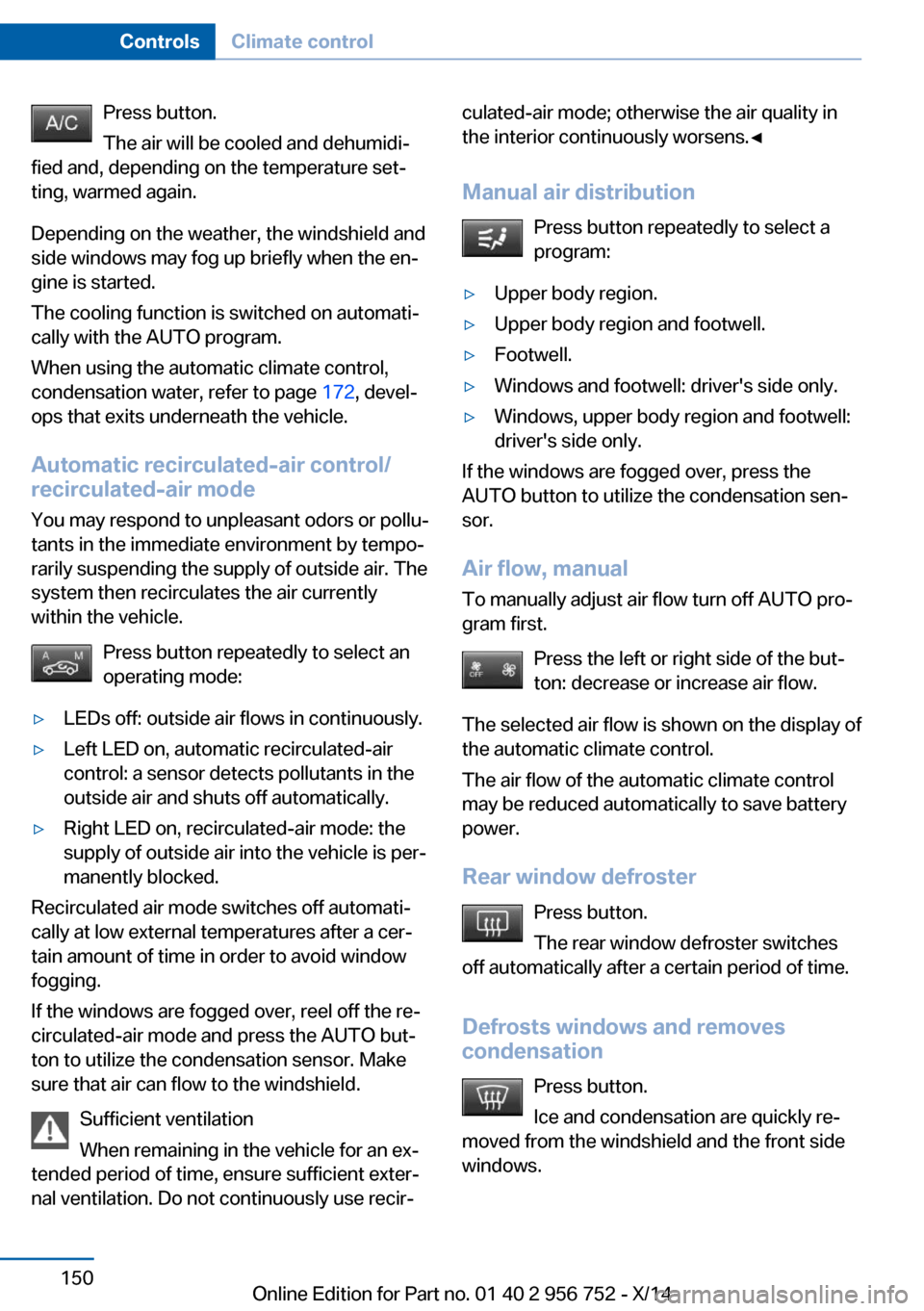
Press button.
The air will be cooled and dehumidi‐
fied and, depending on the temperature set‐
ting, warmed again.
Depending on the weather, the windshield and
side windows may fog up briefly when the en‐
gine is started.
The cooling function is switched on automati‐
cally with the AUTO program.
When using the automatic climate control,
condensation water, refer to page 172, devel‐
ops that exits underneath the vehicle.
Automatic recirculated-air control/
recirculated-air mode
You may respond to unpleasant odors or pollu‐
tants in the immediate environment by tempo‐
rarily suspending the supply of outside air. The
system then recirculates the air currently
within the vehicle.
Press button repeatedly to select an
operating mode:▷LEDs off: outside air flows in continuously.▷Left LED on, automatic recirculated-air
control: a sensor detects pollutants in the
outside air and shuts off automatically.▷Right LED on, recirculated-air mode: the
supply of outside air into the vehicle is per‐
manently blocked.
Recirculated air mode switches off automati‐
cally at low external temperatures after a cer‐
tain amount of time in order to avoid window
fogging.
If the windows are fogged over, reel off the re‐
circulated-air mode and press the AUTO but‐
ton to utilize the condensation sensor. Make
sure that air can flow to the windshield.
Sufficient ventilation
When remaining in the vehicle for an ex‐
tended period of time, ensure sufficient exter‐
nal ventilation. Do not continuously use recir‐
culated-air mode; otherwise the air quality in
the interior continuously worsens.◀
Manual air distribution Press button repeatedly to select a
program:▷Upper body region.▷Upper body region and footwell.▷Footwell.▷Windows and footwell: driver's side only.▷Windows, upper body region and footwell:
driver's side only.
If the windows are fogged over, press the
AUTO button to utilize the condensation sen‐
sor.
Air flow, manual
To manually adjust air flow turn off AUTO pro‐
gram first.
Press the left or right side of the but‐
ton: decrease or increase air flow.
The selected air flow is shown on the display of
the automatic climate control.
The air flow of the automatic climate control
may be reduced automatically to save battery
power.
Rear window defroster Press button.
The rear window defroster switches
off automatically after a certain period of time.
Defrosts windows and removes
condensation
Press button.
Ice and condensation are quickly re‐
moved from the windshield and the front side
windows.
Seite 150ControlsClimate control150
Online Edition for Part no. 01 40 2 956 752 - X/14
Page 206 of 253
Hood
Hints Working in the engine compartment
Never attempt to perform any service or
repair operations on your vehicle without the
necessary professional technical training.
If you are unfamiliar with the statutory guide‐
lines, have any work on the vehicle performed
only by a service center.
If work is not carried out properly, there is a
danger of subsequent damage and related
safety hazards.◀
Never reach into the engine compart‐
ment
Never reach into spaces or gaps in the engine
compartment; otherwise, there is a risk of in‐
jury, e.g., from rotating or hot parts.◀
Fold down wiper arm
Before opening the hood, ensure that the
wiper arms are against the windshield, or this
may result in damage.◀
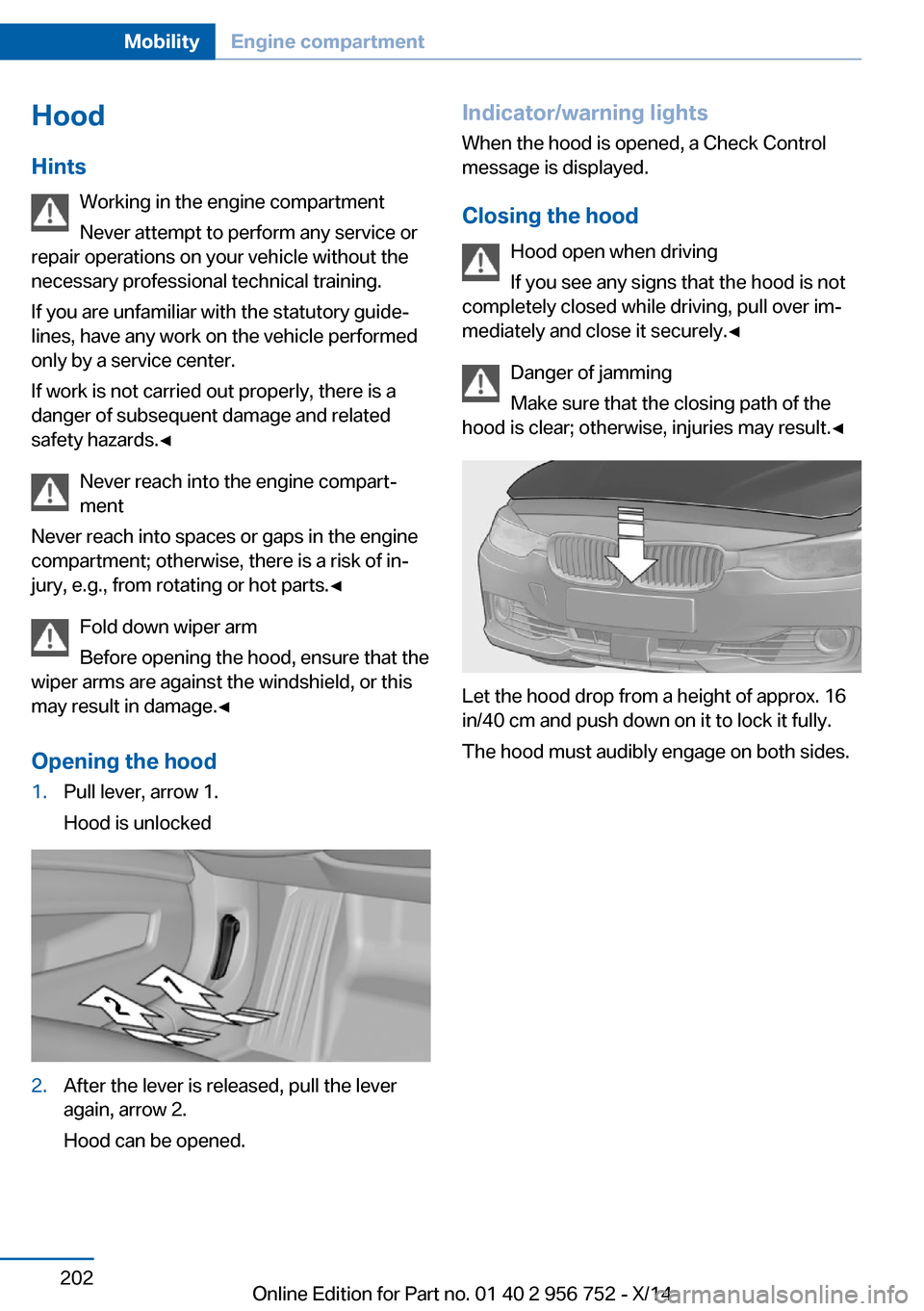
Opening the hood1.Pull lever, arrow 1.
Hood is unlocked2.After the lever is released, pull the lever
again, arrow 2.
Hood can be opened.Indicator/warning lights
When the hood is opened, a Check Control
message is displayed.
Closing the hood Hood open when driving
If you see any signs that the hood is not
completely closed while driving, pull over im‐
mediately and close it securely.◀
Danger of jamming
Make sure that the closing path of the
hood is clear; otherwise, injuries may result.◀
Let the hood drop from a height of approx. 16
in/40 cm and push down on it to lock it fully.
The hood must audibly engage on both sides.
Seite 202MobilityEngine compartment202
Online Edition for Part no. 01 40 2 956 752 - X/14
Page 213 of 253
Replacing componentsVehicle features and optionsThis chapter describes all standard, country-
specific and optional features offered with the
series. It also describes features that are not
necessarily available in your car, e. g., due to
the selected options or country versions. This
also applies to safety-related functions and
systems.
Onboard vehicle tool kit
The onboard vehicle tool kit is located under
the cargo floor panel. Lift to open the slim
cover.
Wiper blade replacement
Note Do not fold down the wipers without
wiper blades
Do not fold down the wipers if wiper blades
have not been installed; this may damage the
windshield.◀
Replacing the front wiper blades
1.To change the wiper blades, fold up, refer
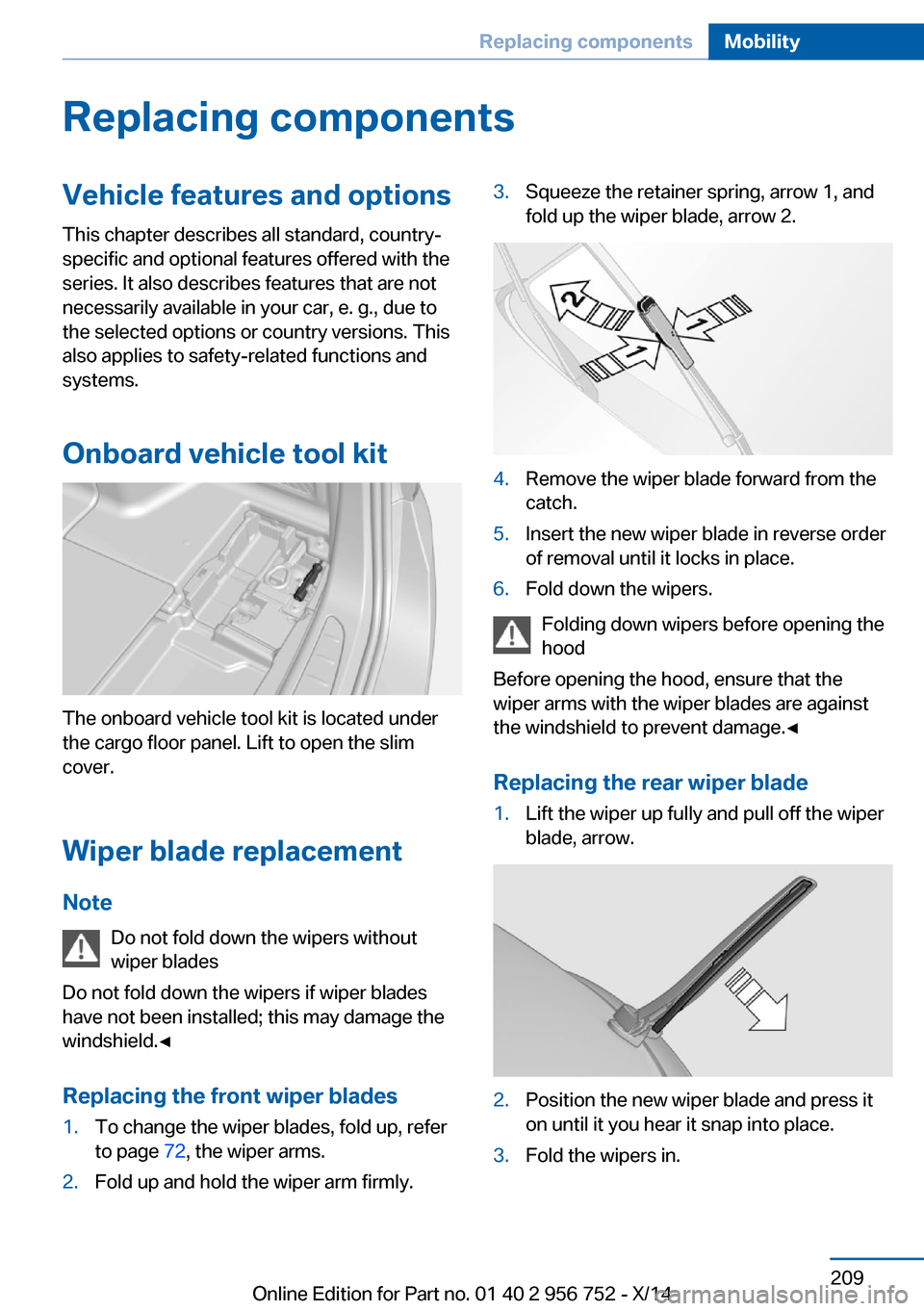
to page 72, the wiper arms.2.Fold up and hold the wiper arm firmly.3.Squeeze the retainer spring, arrow 1, and
fold up the wiper blade, arrow 2.4.Remove the wiper blade forward from the
catch.5.Insert the new wiper blade in reverse order
of removal until it locks in place.6.Fold down the wipers.
Folding down wipers before opening the hood
Before opening the hood, ensure that the
wiper arms with the wiper blades are against
the windshield to prevent damage.◀
Replacing the rear wiper blade
1.Lift the wiper up fully and pull off the wiper
blade, arrow.2.Position the new wiper blade and press it
on until it you hear it snap into place.3.Fold the wipers in.Seite 209Replacing componentsMobility209
Online Edition for Part no. 01 40 2 956 752 - X/14
Page 231 of 253
CareVehicle features and optionsThis chapter describes all standard, country-
specific and optional features offered with the
series. It also describes features that are not
necessarily available in your car, e. g., due to
the selected options or country versions. This
also applies to safety-related functions and
systems.
Car washes
General information
Regularly remove foreign objects such as
leaves in the area below the windshield when
the hood is raised.
Wash your vehicle frequently, particularly in
winter. Intense soiling and road salt can dam‐
age the vehicle.
Hints Steam jets or high-pressure washers
When using steam jets or high-pressure
washers, hold them a sufficient distance away
and use a maximum temperature of
140 ℉/60 ℃.
If the vehicle has a glass sunroof, ensure that a
distance of at least 31.5 inches/80 cm is main‐
tained. Holding them too close or using exces‐
sively high pressures or temperatures can
cause damage or preliminary damage that may
then lead to long-term damage.
Follow the user's manual for the high-pressure
washer.◀
Cleaning sensors/cameras with high-
pressure washers
When using high-pressure washers, do not
spray the exterior sensors and cameras, e.g.,
Park Distance Control, for extended periods oftime and only from a distance of at least
12 in/30 cm.◀
Automatic car washes
Hints▷Give preference to cloth car washes or
those that use soft brushes in order to
avoid paint damage.▷Make sure that the wheels and tires are not
damaged by the transport mechanisms.▷Fold in the exterior mirrors; otherwise, they
may be damaged, depending on the width
of the vehicle.▷Deactivate the rain sensor, refer to
page 71, to avoid unintentional wiper acti‐
vation.▷In some cases, an unintentional alarm can
be triggered by the interior motion sensor
of the alarm system. Follow the instruc‐
tions on avoiding an unintentional alarm,
refer to page 46.
Guide rails in car washes
Avoid car washes with guide rails higher
than 4 in/10 cm; otherwise, the vehicle body
could be damaged.◀
Before driving into a car wash In order to ensure that the vehicle can roll in a
car wash, take the following steps:
Manual transmission:
1.Drive into the car wash.2.Shift to neutral.3.Switch the engine off.4.Switch on the ignition.
Steptronic transmission:
1.Drive into the car wash.Seite 227CareMobility227
Online Edition for Part no. 01 40 2 956 752 - X/14
Page 244 of 253
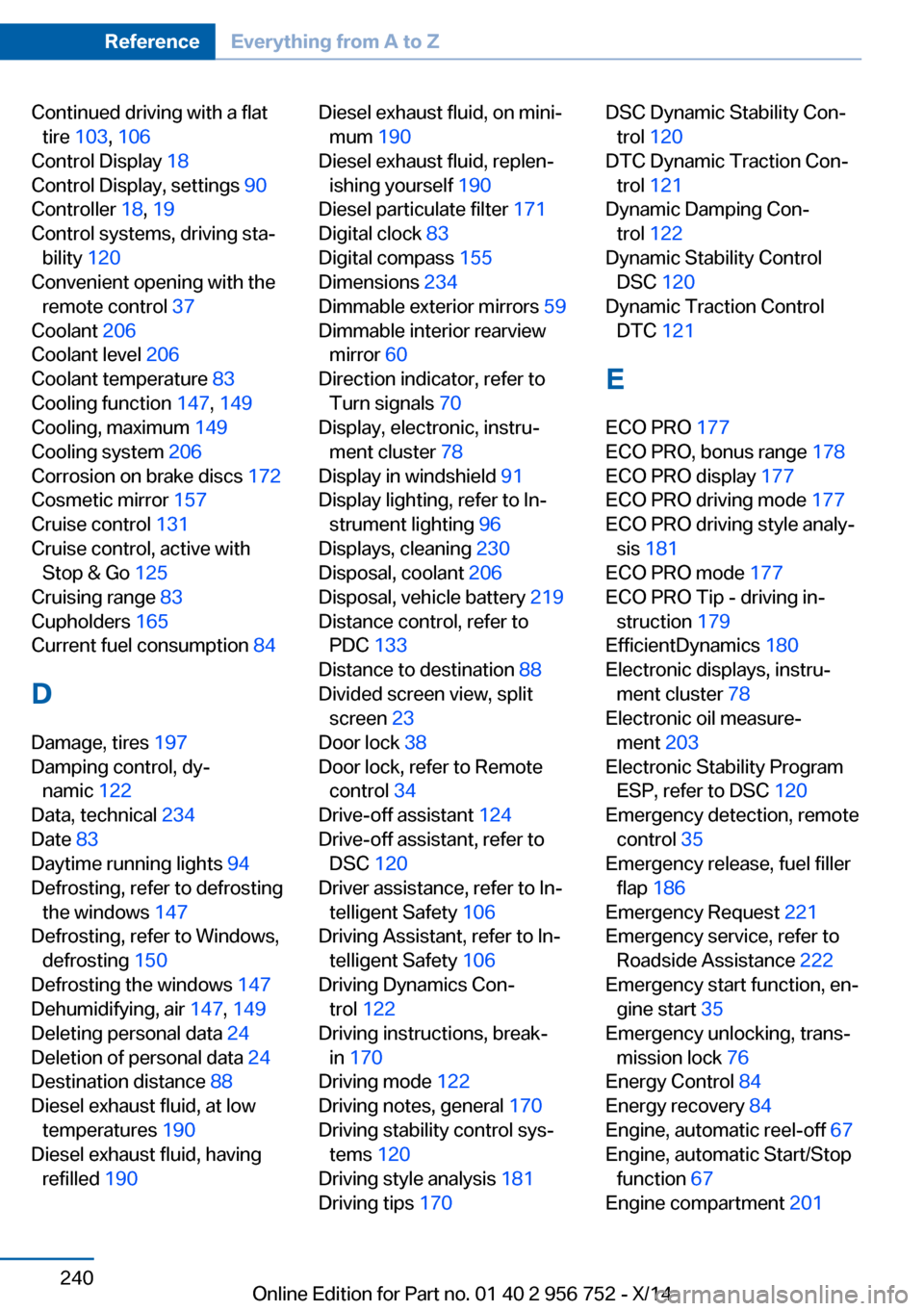
Continued driving with a flattire 103 , 106
Control Display 18
Control Display, settings 90
Controller 18, 19
Control systems, driving sta‐ bility 120
Convenient opening with the remote control 37
Coolant 206
Coolant level 206
Coolant temperature 83
Cooling function 147, 149
Cooling, maximum 149
Cooling system 206
Corrosion on brake discs 172
Cosmetic mirror 157
Cruise control 131
Cruise control, active with Stop & Go 125
Cruising range 83
Cupholders 165
Current fuel consumption 84
D
Damage, tires 197
Damping control, dy‐ namic 122
Data, technical 234
Date 83
Daytime running lights 94
Defrosting, refer to defrosting the windows 147
Defrosting, refer to Windows, defrosting 150
Defrosting the windows 147
Dehumidifying, air 147, 149
Deleting personal data 24
Deletion of personal data 24
Destination distance 88
Diesel exhaust fluid, at low temperatures 190
Diesel exhaust fluid, having refilled 190 Diesel exhaust fluid, on mini‐
mum 190
Diesel exhaust fluid, replen‐ ishing yourself 190
Diesel particulate filter 171
Digital clock 83
Digital compass 155
Dimensions 234
Dimmable exterior mirrors 59
Dimmable interior rearview mirror 60
Direction indicator, refer to Turn signals 70
Display, electronic, instru‐ ment cluster 78
Display in windshield 91
Display lighting, refer to In‐ strument lighting 96
Displays, cleaning 230
Disposal, coolant 206
Disposal, vehicle battery 219
Distance control, refer to PDC 133
Distance to destination 88
Divided screen view, split screen 23
Door lock 38
Door lock, refer to Remote control 34
Drive-off assistant 124
Drive-off assistant, refer to DSC 120
Driver assistance, refer to In‐ telligent Safety 106
Driving Assistant, refer to In‐ telligent Safety 106
Driving Dynamics Con‐ trol 122
Driving instructions, break- in 170
Driving mode 122
Driving notes, general 170
Driving stability control sys‐ tems 120
Driving style analysis 181
Driving tips 170 DSC Dynamic Stability Con‐
trol 120
DTC Dynamic Traction Con‐ trol 121
Dynamic Damping Con‐ trol 122
Dynamic Stability Control DSC 120
Dynamic Traction Control DTC 121
E ECO PRO 177
ECO PRO, bonus range 178
ECO PRO display 177
ECO PRO driving mode 177
ECO PRO driving style analy‐ sis 181
ECO PRO mode 177
ECO PRO Tip - driving in‐ struction 179
EfficientDynamics 180
Electronic displays, instru‐ ment cluster 78
Electronic oil measure‐ ment 203
Electronic Stability Program ESP, refer to DSC 120
Emergency detection, remote control 35
Emergency release, fuel filler flap 186
Emergency Request 221
Emergency service, refer to Roadside Assistance 222
Emergency start function, en‐ gine start 35
Emergency unlocking, trans‐ mission lock 76
Energy Control 84
Energy recovery 84
Engine, automatic reel-off 67
Engine, automatic Start/Stop function 67
Engine compartment 201 Seite 240ReferenceEverything from A to Z240
Online Edition for Part no. 01 40 2 956 752 - X/14
Page 250 of 253
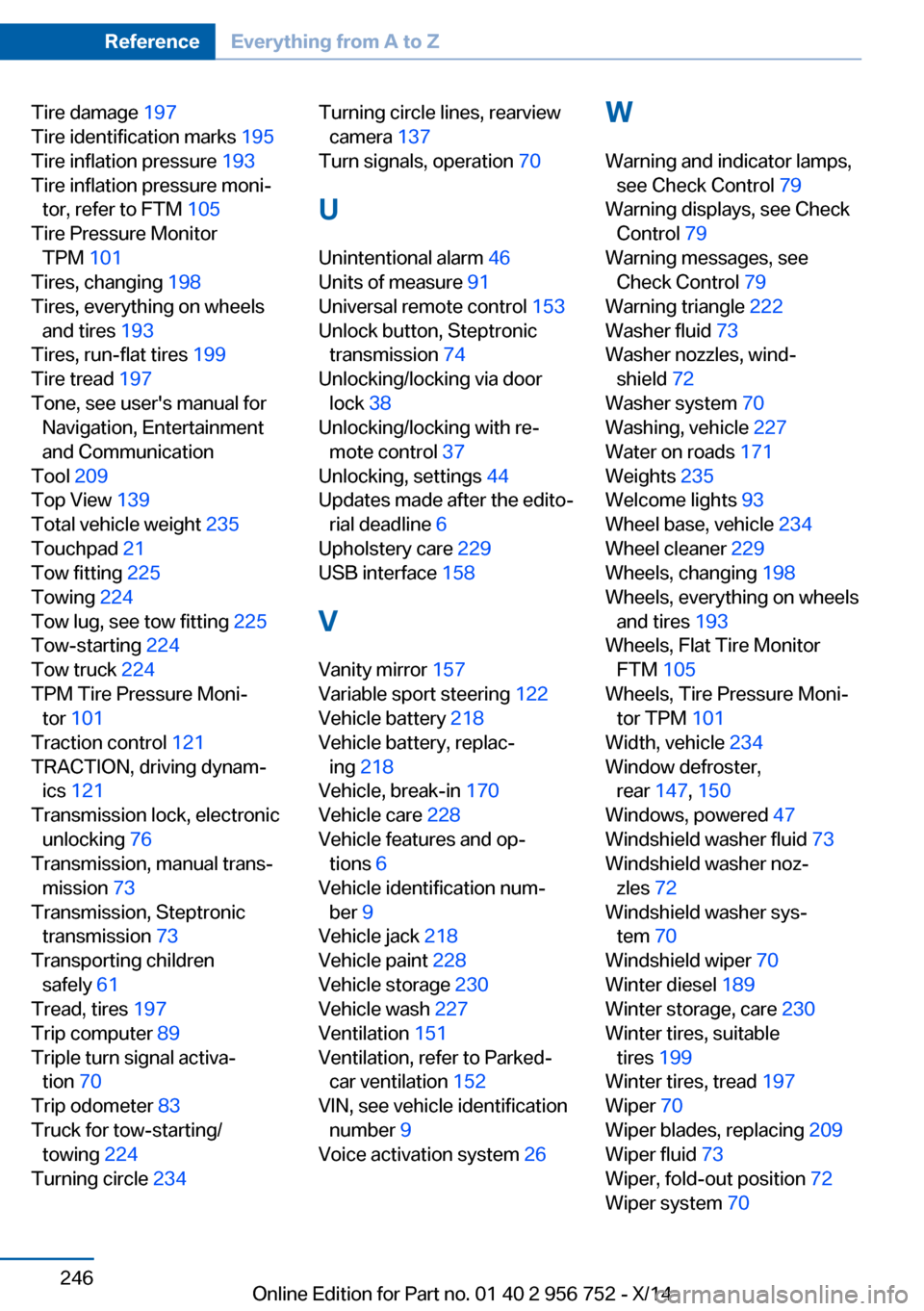
Tire damage 197
Tire identification marks 195
Tire inflation pressure 193
Tire inflation pressure moni‐ tor, refer to FTM 105
Tire Pressure Monitor TPM 101
Tires, changing 198
Tires, everything on wheels and tires 193
Tires, run-flat tires 199
Tire tread 197
Tone, see user's manual for Navigation, Entertainment
and Communication
Tool 209
Top View 139
Total vehicle weight 235
Touchpad 21
Tow fitting 225
Towing 224
Tow lug, see tow fitting 225
Tow-starting 224
Tow truck 224
TPM Tire Pressure Moni‐ tor 101
Traction control 121
TRACTION, driving dynam‐ ics 121
Transmission lock, electronic unlocking 76
Transmission, manual trans‐ mission 73
Transmission, Steptronic transmission 73
Transporting children safely 61
Tread, tires 197
Trip computer 89
Triple turn signal activa‐ tion 70
Trip odometer 83
Truck for tow-starting/ towing 224
Turning circle 234 Turning circle lines, rearview
camera 137
Turn signals, operation 70
U Unintentional alarm 46
Units of measure 91
Universal remote control 153
Unlock button, Steptronic transmission 74
Unlocking/locking via door lock 38
Unlocking/locking with re‐ mote control 37
Unlocking, settings 44
Updates made after the edito‐ rial deadline 6
Upholstery care 229
USB interface 158
V Vanity mirror 157
Variable sport steering 122
Vehicle battery 218
Vehicle battery, replac‐ ing 218
Vehicle, break-in 170
Vehicle care 228
Vehicle features and op‐ tions 6
Vehicle identification num‐ ber 9
Vehicle jack 218
Vehicle paint 228
Vehicle storage 230
Vehicle wash 227
Ventilation 151
Ventilation, refer to Parked- car ventilation 152
VIN, see vehicle identification number 9
Voice activation system 26 W
Warning and indicator lamps, see Check Control 79
Warning displays, see Check Control 79
Warning messages, see Check Control 79
Warning triangle 222
Washer fluid 73
Washer nozzles, wind‐ shield 72
Washer system 70
Washing, vehicle 227
Water on roads 171
Weights 235
Welcome lights 93
Wheel base, vehicle 234
Wheel cleaner 229
Wheels, changing 198
Wheels, everything on wheels and tires 193
Wheels, Flat Tire Monitor FTM 105
Wheels, Tire Pressure Moni‐ tor TPM 101
Width, vehicle 234
Window defroster, rear 147, 150
Windows, powered 47
Windshield washer fluid 73
Windshield washer noz‐ zles 72
Windshield washer sys‐ tem 70
Windshield wiper 70
Winter diesel 189
Winter storage, care 230
Winter tires, suitable tires 199
Winter tires, tread 197
Wiper 70
Wiper blades, replacing 209
Wiper fluid 73
Wiper, fold-out position 72
Wiper system 70 Seite 246ReferenceEverything from A to Z246
Online Edition for Part no. 01 40 2 956 752 - X/14