turn signal BMW 325CI 2006 User Guide
[x] Cancel search | Manufacturer: BMW, Model Year: 2006, Model line: 325CI, Model: BMW 325CI 2006Pages: 174, PDF Size: 2.73 MB
Page 76 of 174
76
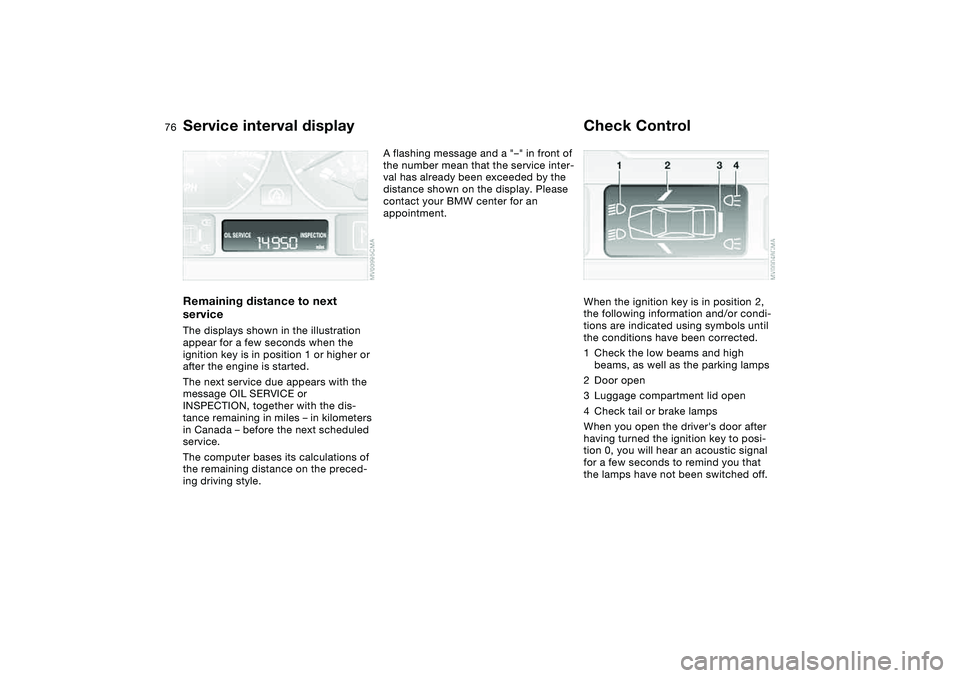
Service interval displayRemaining distance to next
serviceThe displays shown in the illustration
appear for a few seconds when the
ignition key is in position 1 or higher or
after the engine is started.
The next service due appears with the
message OIL SERVICE or
INSPECTION, together with the dis-
tance remaining in miles – in kilometers
in Canada – before the next scheduled
service.
The computer bases its calculations of
the remaining distance on the preced-
ing driving style.
A flashing message and a "–" in front of
the number mean that the service inter-
val has already been exceeded by the
distance shown on the display. Please
contact your BMW center for an
appointment.
Check ControlWhen the ignition key is in position 2,
the following information and/or condi-
tions are indicated using symbols until
the conditions have been corrected.
1Check the low beams and high
beams, as well as the parking lamps
2Door open
3Luggage compartment lid open
4Check tail or brake lamps
When you open the driver's door after
having turned the ignition key to posi-
tion 0, you will hear an acoustic signal
for a few seconds to remind you that
the lamps have not been switched off.
Page 78 of 174
78
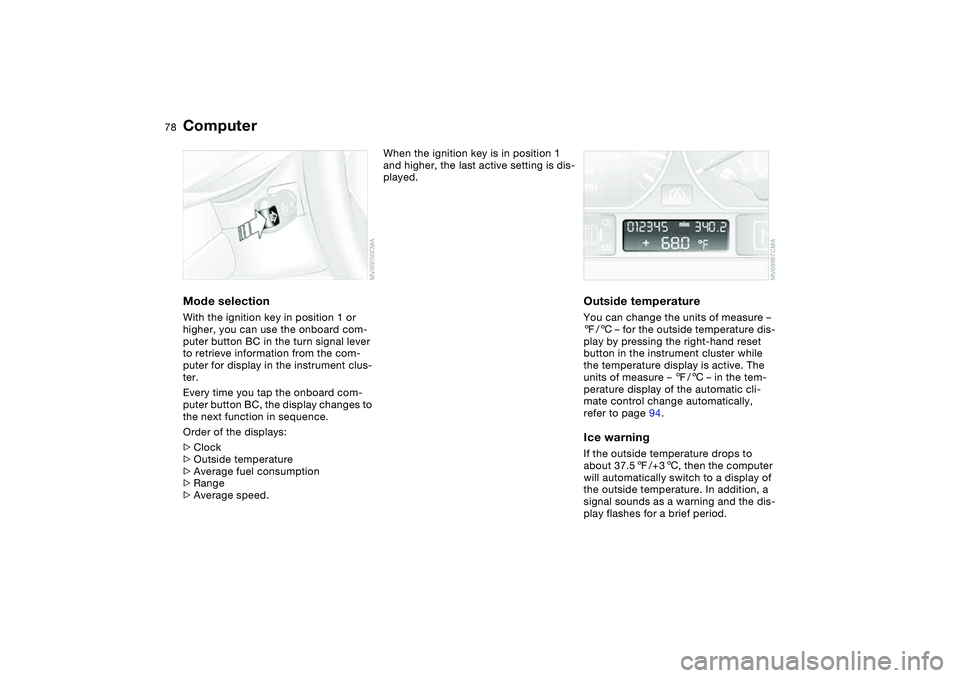
ComputerMode selectionWith the ignition key in position 1 or
higher, you can use the onboard com-
puter button BC in the turn signal lever
to retrieve information from the com-
puter for display in the instrument clus-
ter.
Every time you tap the onboard com-
puter button BC, the display changes to
the next function in sequence.
Order of the displays:
>Clock
>Outside temperature
>Average fuel consumption
>Range
>Average speed.
When the ignition key is in position 1
and higher, the last active setting is dis-
played.
Outside temperatureYou can change the units of measure –
7/6 – for the outside temperature dis-
play by pressing the right-hand reset
button in the instrument cluster while
the temperature display is active. The
units of measure – 7/6 – in the tem-
perature display of the automatic cli-
mate control change automatically,
refer to page 94.Ice warningIf the outside temperature drops to
about 37.57/+36, then the computer
will automatically switch to a display of
the outside temperature. In addition, a
signal sounds as a warning and the dis-
play flashes for a brief period.
Page 79 of 174
79
After giving an ice warning, the
display returns to the previous
setting.<
The ice warning does not alter to
the fact that surface ice can form
at temperatures above 37.57/+36,
on bridges or shaded road surfaces, for
instance.<
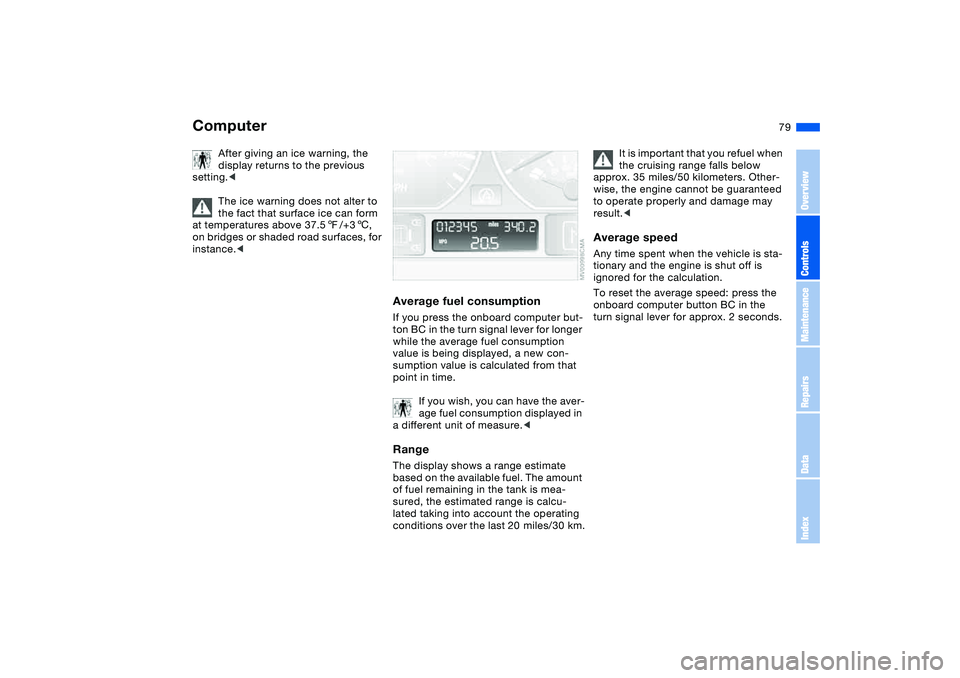
Average fuel consumptionIf you press the onboard computer but-
ton BC in the turn signal lever for longer
while the average fuel consumption
value is being displayed, a new con-
sumption value is calculated from that
point in time.
If you wish, you can have the aver-
age fuel consumption displayed in
a different unit of measure.
of fuel remaining in the tank is mea-
sured, the estimated range is calcu-
lated taking into account the operating
conditions over the last 20 miles/30 km.
It is important that you refuel when
the cruising range falls below
approx. 35 miles/50 kilometers. Other-
wise, the engine cannot be guaranteed
to operate properly and damage may
result.<
Average speedAny time spent when the vehicle is sta-
tionary and the engine is shut off is
ignored for the calculation.
To reset the average speed: press the
onboard computer button BC in the
turn signal lever for approx. 2 seconds.
Computer
OverviewControlsMaintenanceRepairsDataIndex
Page 85 of 174
85 Lamps
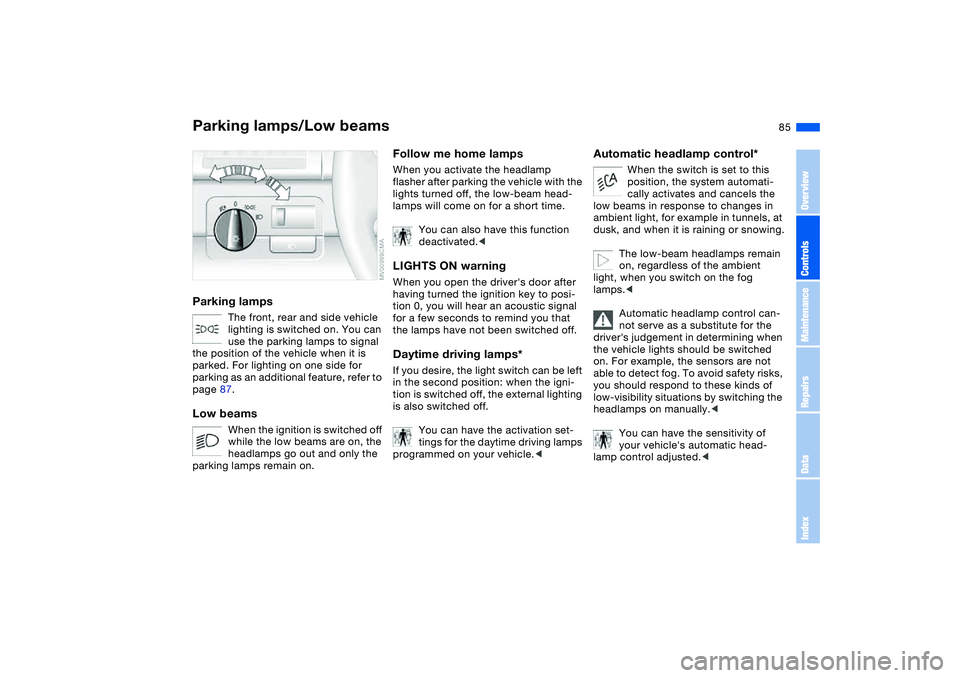
Parking lamps/Low beamsParking lamps
The front, rear and side vehicle
lighting is switched on. You can
use the parking lamps to signal
the position of the vehicle when it is
parked. For lighting on one side for
parking as an additional feature, refer to
page 87.
Low beams
When the ignition is switched off
while the low beams are on, the
headlamps go out and only the
parking lamps remain on.
Follow me home lampsWhen you activate the headlamp
flasher after parking the vehicle with the
lights turned off, the low-beam head-
lamps will come on for a short time.
You can also have this function
deactivated.
tion 0, you will hear an acoustic signal
for a few seconds to remind you that
the lamps have not been switched off.Daytime driving lamps*If you desire, the light switch can be left
in the second position: when the igni-
tion is switched off, the external lighting
is also switched off.
You can have the activation set-
tings for the daytime driving lamps
programmed on your vehicle.<
Automatic headlamp control*
When the switch is set to this
position, the system automati-
cally activates and cancels the
low beams in response to changes in
ambient light, for example in tunnels, at
dusk, and when it is raining or snowing.
The low-beam headlamps remain
on, regardless of the ambient
light, when you switch on the fog
lamps.<
Automatic headlamp control can-
not serve as a substitute for the
driver's judgement in determining when
the vehicle lights should be switched
on. For example, the sensors are not
able to detect fog. To avoid safety risks,
you should respond to these kinds of
low-visibility situations by switching the
headlamps on manually.<
You can have the sensitivity of
your vehicle's automatic head-
lamp control adjusted.<
OverviewControlsMaintenanceRepairsDataIndex
Page 87 of 174
87
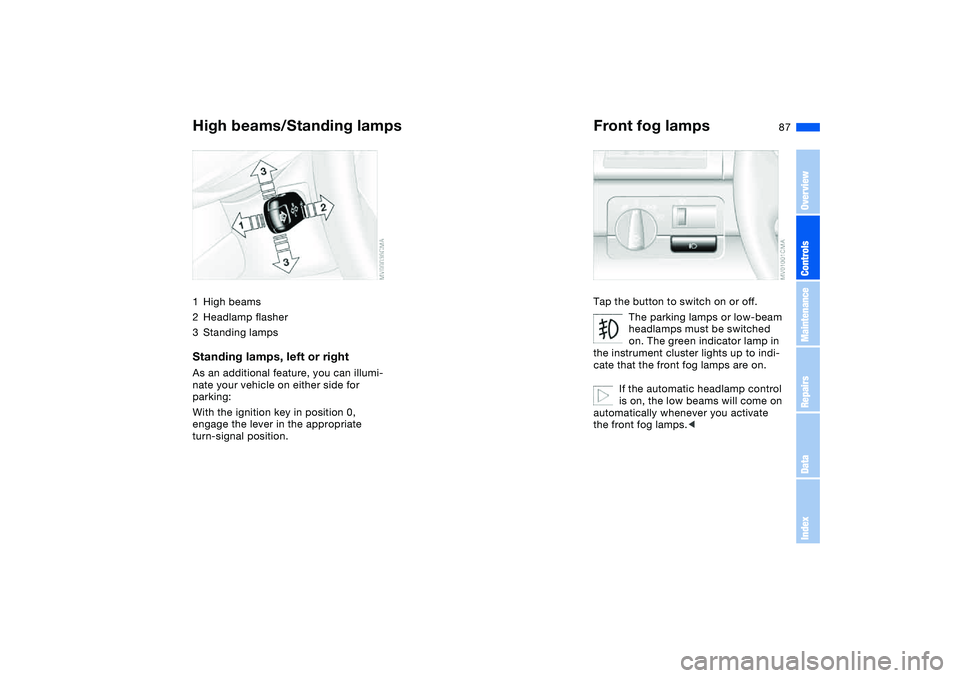
High beams/Standing lamps1High beams
2Headlamp flasher
3Standing lampsStanding lamps, left or rightAs an additional feature, you can illumi-
nate your vehicle on either side for
parking:
With the ignition key in position 0,
engage the lever in the appropriate
turn-signal position.
Front fog lampsTap the button to switch on or off.
The parking lamps or low-beam
headlamps must be switched
on. The green indicator lamp in
the instrument cluster lights up to indi-
cate that the front fog lamps are on.
If the automatic headlamp control
is on, the low beams will come on
automatically whenever you activate
the front fog lamps.<
OverviewControlsMaintenanceRepairsDataIndex
Page 139 of 174
139
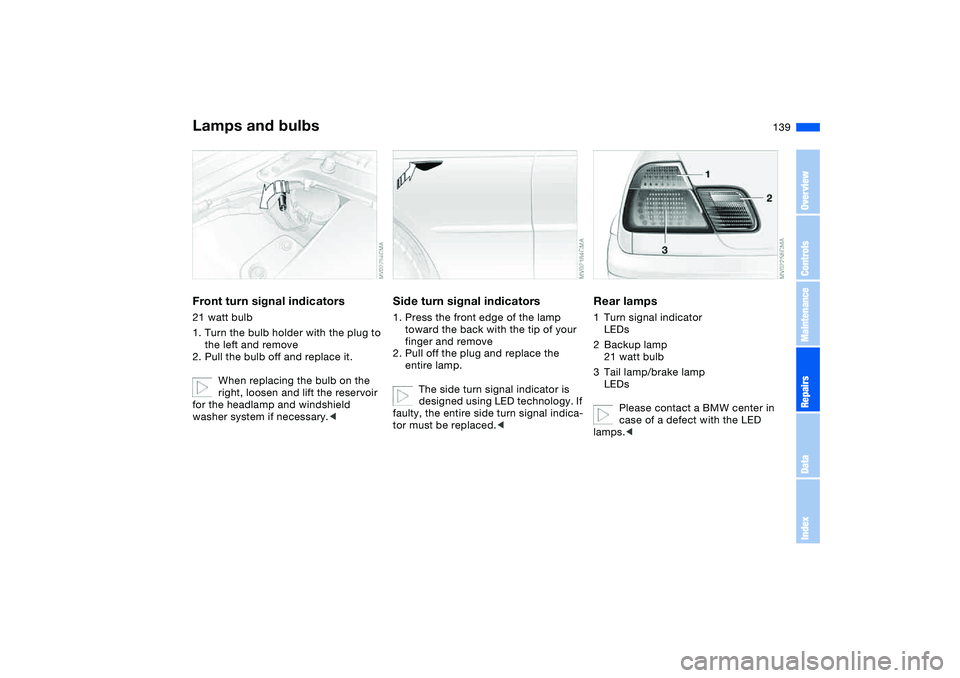
Front turn signal indicators21 watt bulb
1. Turn the bulb holder with the plug to
the left and remove
2. Pull the bulb off and replace it.
When replacing the bulb on the
right, loosen and lift the reservoir
for the headlamp and windshield
washer system if necessary.<
Side turn signal indicators1. Press the front edge of the lamp
toward the back with the tip of your
finger and remove
2. Pull off the plug and replace the
entire lamp.
The side turn signal indicator is
designed using LED technology. If
faulty, the entire side turn signal indica-
tor must be replaced.<
Rear lamps1Turn signal indicator
LEDs
2Backup lamp
21 watt bulb
3Tail lamp/brake lamp
LEDs
Please contact a BMW center in
case of a defect with the LED
lamps.<
Lamps and bulbs
OverviewControlsMaintenanceRepairsDataIndex
Page 166 of 174
Everything from A to ZLuggage compartment lid 33
emergency operation 33
emergency release 35
indicator lamp 76
opening from inside the
vehicle 33
opening from outside 33
remote control 30
securing separately 33
unlocking manually 33
Luggage compartment light-
ing 33
Luggage rack, refer to Roof-
mounted luggage rack 109
Lumbar support 44
M
Maintenance 76, 130
Maintenance system 130
Making telephone calls,
refer to the telephone
Owner's Manual
Malfunction
door lock 31
fuel filler door 23
Malfunction displays 76Manual operation
door lock 31
driver's door 31
fuel filler door 23
glass sunroof 40
luggage compartment
lid 33
Manual transmission 62
Master keys
with remote control 28
MC operation, refer to the
Owner's Manual for
Radio/Onboard Computer
MD operation, refer to the
Owner's Manual for
Radio/Onboard Computer
Mechanical seats 42
Memory, refer to Seat and
mirror memory 47
Memory, refer to Vehicle
Memory, Key Memory 58
Microfilter
air conditioning 93
automatic climate
control 98
Microphone 101
Mini disc operation, refer to
the Owner's Manual for
Radio/Onboard Computer
Mirror
automatic curb monitor 48Mirrors 49
heated 49
memory, refer to Seat and
mirror memory 47
Mobile Service 147
Modifications, technical,
refer to For your own
safety 5
Multifunction steering
wheel 21
Multifunction switch
turn signal indicator/head-
lamp flasher 70
washer/wiper system 71
N
Navigation system, refer to
the Owner's Manual for
Radio/Onboard Computer
Neck restraints, refer to
Head restraints 45
Nets 100
Nozzles, refer to Ventilation
90, 94
Nylon rope, refer to Towing
and tow-starting the vehi-
cle 149
O
OBD interface socket 132
Odometer 74Oil
additives, refer to Adding
engine oil 127
capacity 157
dipstick 126
quality 127
Oil change interval, refer
to Service interval
display 130
Oil change intervals, refer to
the Service and Warranty
Information Booklet for US
models/Warranty and Ser-
vice Guide Booklet for
Canadian models
Oil consumption 126
Oil dipstick 126
Oil filter change 157
Oil level
checking 126
indicator lamp 18
Oil pressure
indicator lamp 18
OIL SERVICE 76
Oil types 127
Old batteries, refer to Dis-
posal 145
Onboard computer 78
Onboard computer, refer to
the Owner's Manual for
Onboard Computer
Onboard tool kit 136
Page 168 of 174
Everything from A to ZSafety belts 46
sitting safely 41
warning lamp 18
Safety feature
glass sunroof 40
Safety systems, refer to
Antilock Brake
System 115
Dynamic Stability Control
(DSC) 81
Screwdriver, refer to
Onboard tool kit 136
Seat adjustment 42
BMW sports seat 43
mechanical 42
power 44
Seat belt tensioner, refer to
Safety belts 46
Seat heating 48
Seat memory, refer to Seat
and mirror memory 47
Seat positions, storing 47
Seats 42
Securing cargo 108
Securing the vehicle
from inside 32
from outside 29, 31
Selector lever
automatic transmission 67
sequential manual gear-
box SMG 63Selector lever lock, refer to
Shiftlock 63, 67
Selector lever positions
automatic transmission 67
sequential manual gear-
box SMG 63
Sequential manual gearbox
SMG 63
indicator lamp 19
Service and Warranty Infor-
mation Booklet 130
Service Engine Soon
warning lamp 19
Service interval display
76, 130
Shift paddles 64
Shifting gears
automatic transmission
with Steptronic 67
sequential manual gear-
box SMG 64
Shiftlock 63
Shiftlock, refer to Range
selection 67
Side airbags 51
Side turn signal indicators
bulb replacement 139
Sitting safely
with airbags 41
with safety belts 41
Size 155
Ski bag 105Sliding/tilt sunroof, refer to
Electric glass sunroof 39
SMG sequential manual
gearbox 63
indicator lamp 19
Smokers' package, refer to
Ashtray 102
SOS, refer to Emergency
call 146
Space-saver spare tire 144
changing a wheel 141
Spare key 28
Spare tire 141
Spare wheel 144
Special oils 127
Specified oils 127
Speed gauge, refer to
Speedometer 16
Speedometer 16
SPORT button 66
Sport program
automatic transmission
with Steptronic 68
Sports seat 43
Stability control, refer to
Dynamic Stability Control
(DSC) 81
Standing lamps 87
Starting difficulties
jump-starting 147
temperature 59
Starting help DSC 81Starting the engine 59
Starting, refer to Starting the
engine 59
Status of the Owner's Man-
ual 5
Steering wheel lock 59
Steering wheel, adjusting 50
Steptronic, refer to Manual
operation 68
Storage compartments 100
Storage nets 100
Storage, refer to the Caring
for your vehicle brochure
Storing seat positions,
refer to Seat and mirror
memory 47
Storing tires 122
Sun blind 98
Sun blind, refer to Roller sun
blind 98
Surface ice, refer to Ice
warning 78
Switches, refer to
Cockpit 14
Switching off
vehicle 61
Symbols 4
Synthetic oils 127
T
Tachometer 74
Page 170 of 174
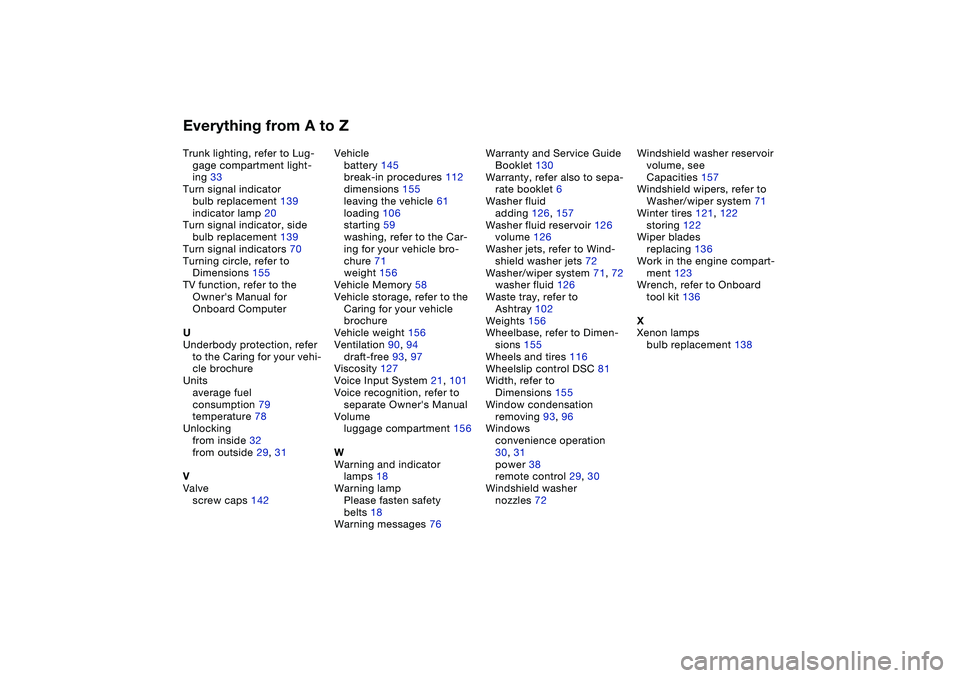
Everything from A to ZTrunk lighting, refer to Lug-
gage compartment light-
ing 33
Turn signal indicator
bulb replacement 139
indicator lamp 20
Turn signal indicator, side
bulb replacement 139
Turn signal indicators 70
Turning circle, refer to
Dimensions 155
TV function, refer to the
Owner's Manual for
Onboard Computer
U
Underbody protection, refer
to the Caring for your vehi-
cle brochure
Units
average fuel
consumption 79
temperature 78
Unlocking
from inside 32
from outside 29, 31
V
Valve
screw caps 142Vehicle
battery 145
break-in procedures 112
dimensions 155
leaving the vehicle 61
loading 106
starting 59
washing, refer to the Car-
ing for your vehicle bro-
chure 71
weight 156
Vehicle Memory 58
Vehicle storage, refer to the
Caring for your vehicle
brochure
Vehicle weight 156
Ventilation 90, 94
draft-free 93, 97
Viscosity 127
Voice Input System 21, 101
Voice recognition, refer to
separate Owner's Manual
Volume
luggage compartment 156
W
Warning and indicator
lamps 18
Warning lamp
Please fasten safety
belts 18
Warning messages 76Warranty and Service Guide
Booklet 130
Warranty, refer also to sepa-
rate booklet 6
Washer fluid
adding 126, 157
Washer fluid reservoir 126
volume 126
Washer jets, refer to Wind-
shield washer jets 72
Washer/wiper system 71, 72
washer fluid 126
Waste tray, refer to
Ashtray 102
Weights 156
Wheelbase, refer to Dimen-
sions 155
Wheels and tires 116
Wheelslip control DSC 81
Width, refer to
Dimensions 155
Window condensation
removing 93, 96
Windows
convenience operation
30, 31
power 38
remote control 29, 30
Windshield washer
nozzles 72Windshield washer reservoir
volume, see
Capacities 157
Windshield wipers, refer to
Washer/wiper system 71
Winter tires 121, 122
storing 122
Wiper blades
replacing 136
Work in the engine compart-
ment 123
Wrench, refer to Onboard
tool kit 136
X
Xenon lamps
bulb replacement 138