speaker BMW 328I CONVERTIBLE 2009 E93 Owner's Manual
[x] Cancel search | Manufacturer: BMW, Model Year: 2009, Model line: 328I CONVERTIBLE, Model: BMW 328I CONVERTIBLE 2009 E93Pages: 260, PDF Size: 7.95 MB
Page 108 of 260
Practical interior accessories
106
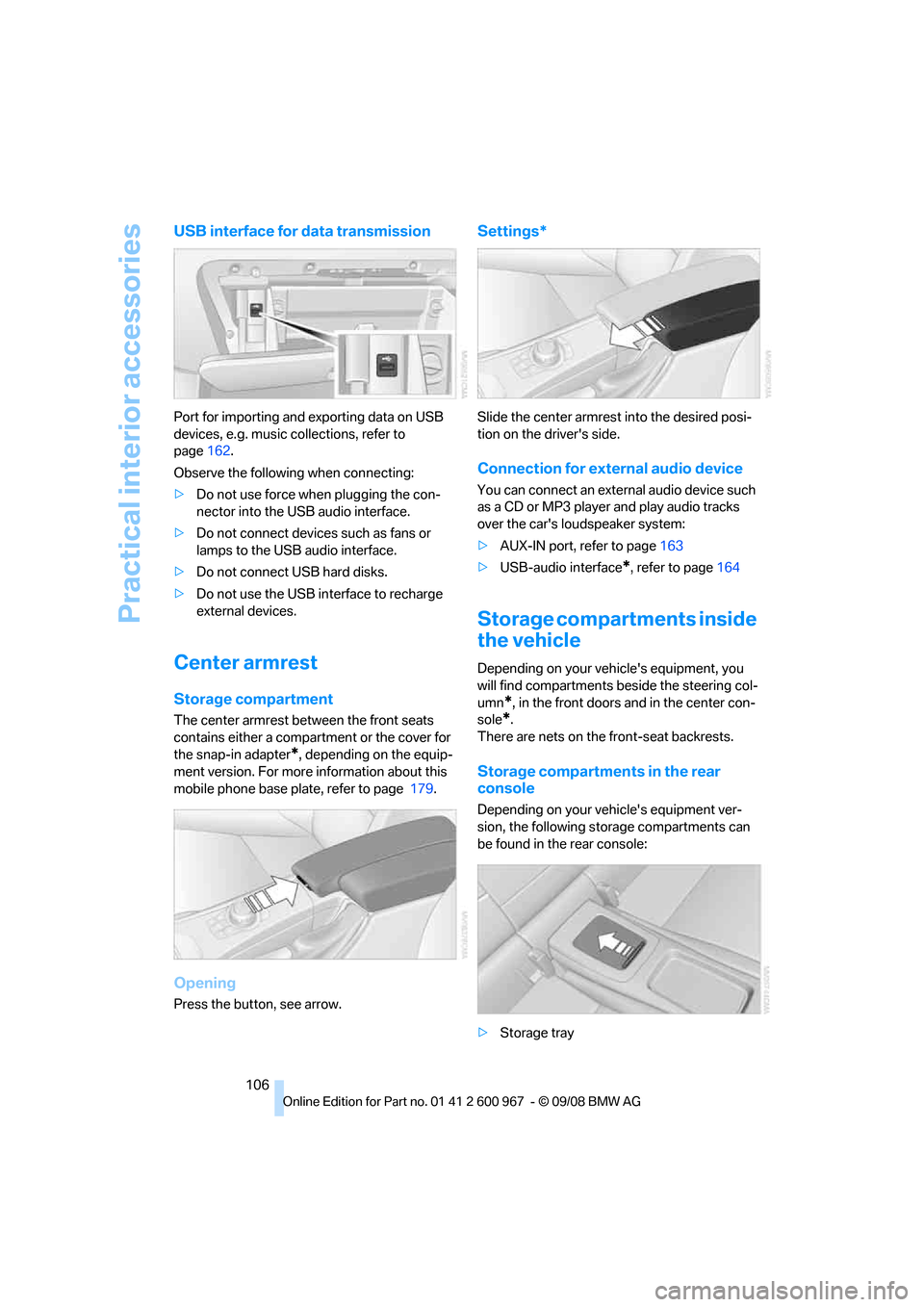
USB interface for data transmission
Port for importing and exporting data on USB
devices, e.g. music collections, refer to
page162.
Observe the following when connecting:
>Do not use force when plugging the con-
nector into the USB audio interface.
>Do not connect devices such as fans or
lamps to the USB audio interface.
>Do not connect USB hard disks.
>Do not use the USB interface to recharge
external devices.
Center armrest
Storage compartment
The center armrest between the front seats
contains either a compartment or the cover for
the snap-in adapter
*, depending on the equip-
ment version. For more information about this
mobile phone base plate, refer to page 179.
Opening
Press the button, see arrow.
Settings*
Slide the center armrest into the desired posi-
tion on the driver's side.
Connection for external audio device
You can connect an external audio device such
as a CD or MP3 player and play audio tracks
over the car's loudspeaker system:
>AUX-IN port, refer to page163
>USB-audio interface
*, refer to page164
Storage compartments inside
the vehicle
Depending on your vehicle's equipment, you
will find compartments beside the steering col-
umn
*, in the front doors and in the center con-
sole
*.
There are nets
on the front-seat backrests.
Storage compartments in the rear
console
Depending on your vehicle's equipment ver-
sion, the following storage compartments can
be found in the rear console:
>Storage tray
Page 165 of 260
Navigation
Entertainment
Driving tips
163Reference
At a glance
Controls
Communications
Mobility
AUX-IN port
You can connect an external audio device, for
instance an MP3 player, and play audio tracks
over the car's loudspeaker system. You can
adjust the tone using iDrive.
Connecting
Lift up the center armrest.
Open the covers of the center armrest.
Connection for audio playback:
TRS connector 1/8 in/3.5 mm
To play audio tracks over the car's loudspeaker
system, connect the headset or line-out port of
the external device to the AUX-IN port.
Starting audio playback
Connect the audio device, switch it on and
select a track. Operate the system on the audio
device.
Via iDrive
iDrive, for operating principle refer to page16.
1."CD/Multimedia"
2."AUX (front)"
Adjusting volume
The volume of the sound output depends on
the audio device. If the volume varies greatly
from the other audio sources, it makes sense to
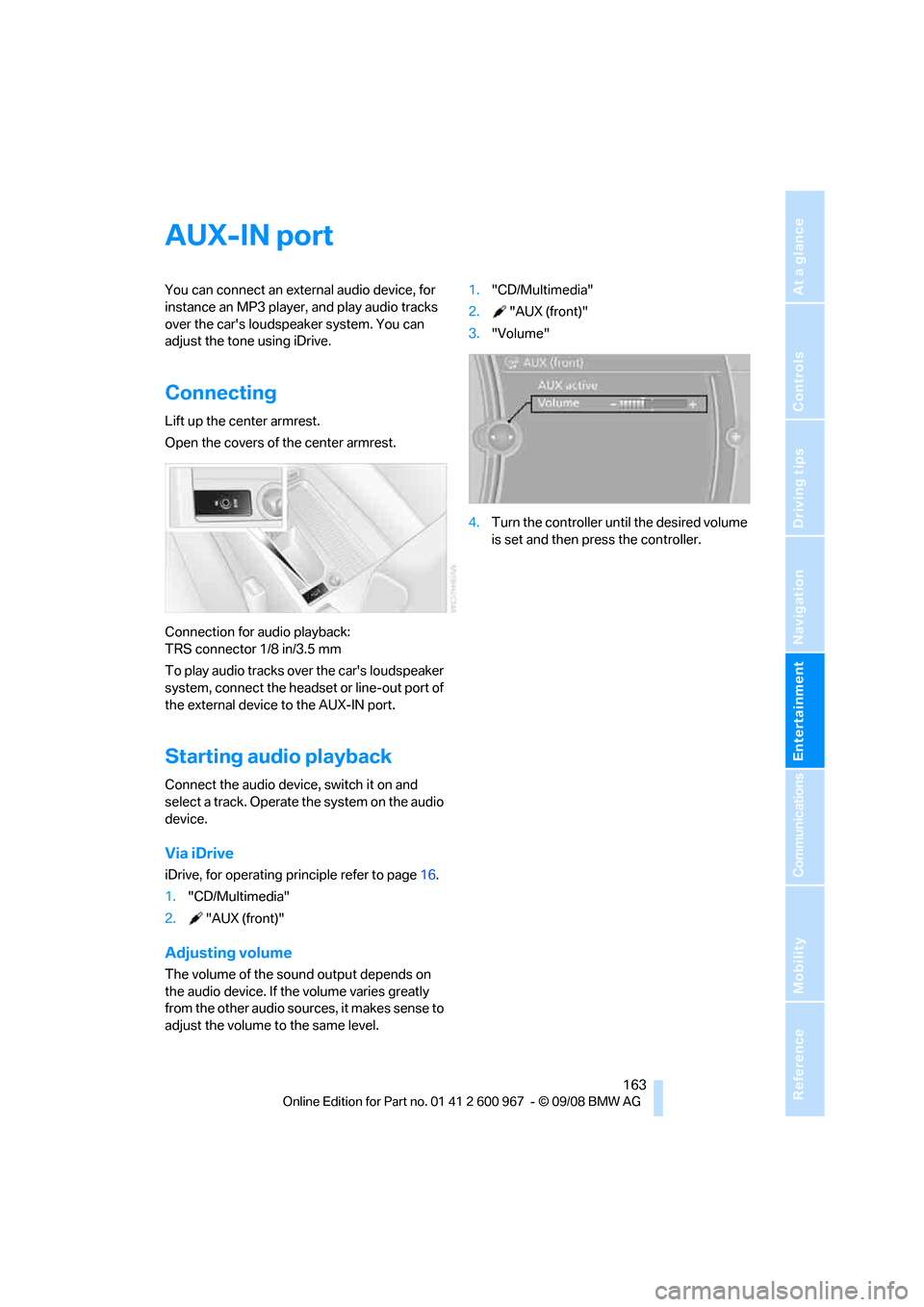
adjust the volume to the same level.1."CD/Multimedia"
2."AUX (front)"
3."Volume"
4.Turn the controller until the desired volume
is set and then press the controller.
Page 166 of 260
USB-audio interface/mobile phone audio interface
164
USB-audio interface/mobile phone audio
interface
Connectable devices
iPod / iPhone, mobile phone or USB devices
(MP3 player, USB flash drive). These devices
can be operated via iDrive.
Standard audio formats, e.g. MP3, WMA, WAV
(PCM) and AAC, and playlists in the M3U format
can be played.
Due to the large number of different audio
devices/mobile phones available on the market,
it cannot be ensured that every audio device/
mobile phone is operable on the vehicle.
Ask about suitable audio devices/mobile
phones at your BMW center.
Connecting
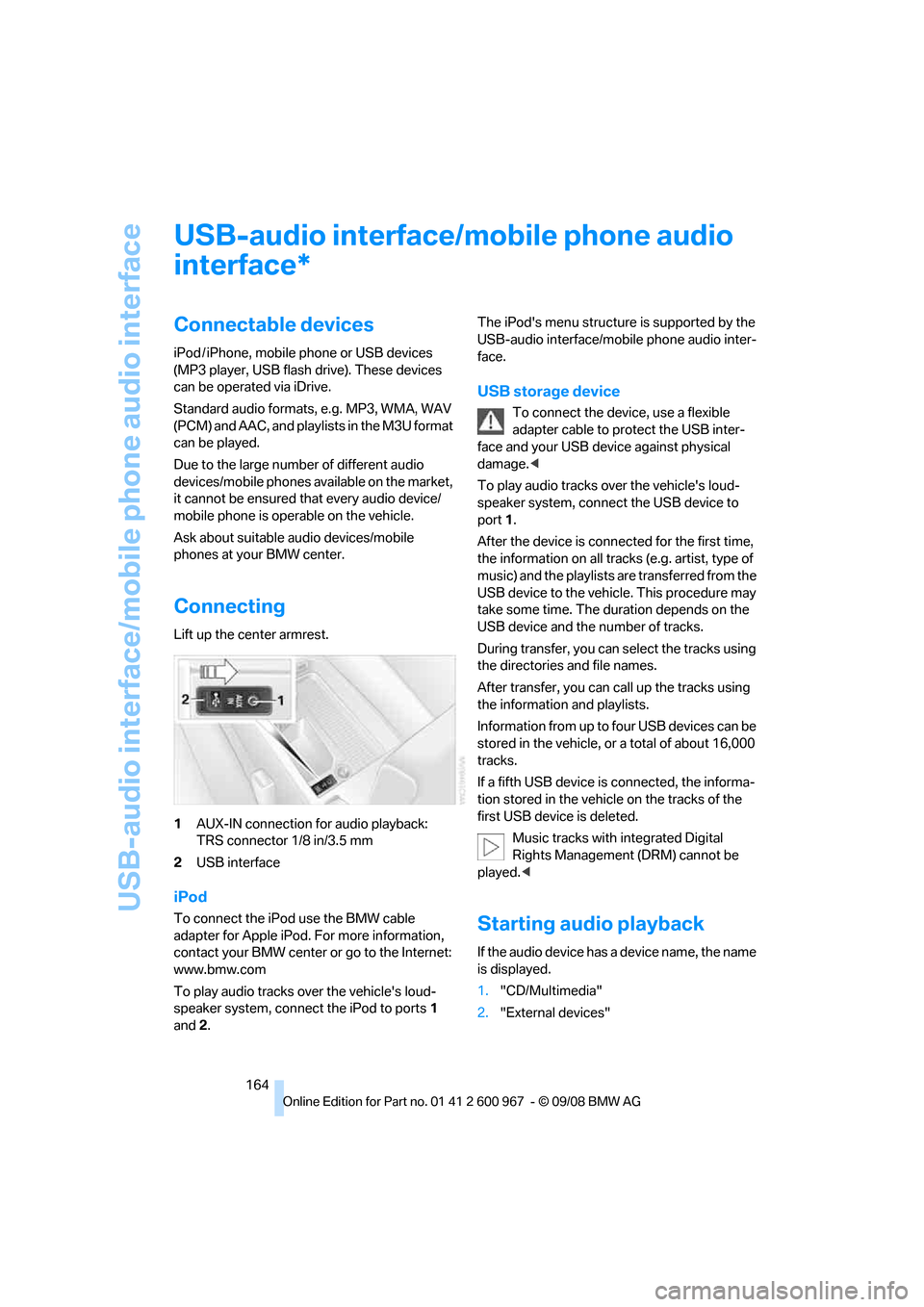
Lift up the center armrest.
1AUX-IN connection for audio playback:
TRS connector 1/8 in/3.5 mm
2USB interface
iPod
To connect the iPod use the BMW cable
adapter for Apple iPod. For more information,
contact your BMW center or go to the Internet:
www.bmw.com
To play audio tracks over the vehicle's loud-
speaker system, connect the iPod to ports1
and 2.The iPod's menu structure is supported by the
USB-audio interface/mobile phone audio inter-
face.
USB storage device
To connect the device, use a flexible
adapter cable to protect the USB inter-
face and your USB device against physical
damage.<
To play audio tracks over the vehicle's loud-
speaker system, connect the USB device to
port1.
After the device is connected for the first time,
the information on all tracks (e.g. artist, type of
music) and the playlists are transferred from the
USB device to the vehicle. This procedure may
take some time. The duration depends on the
USB device and the number of tracks.
During transfer, you can select the tracks using
the directories and file names.
After transfer, you can call up the tracks using
the information and playlists.
Information from up to four USB devices can be
stored in the vehicle, or a total of about 16,000
tracks.
If a fifth USB device is connected, the informa-
tion stored in the vehicle on the tracks of the
first USB device is deleted.
Music tracks with integrated Digital
Rights Management (DRM) cannot be
played.<
Starting audio playback
If the audio device has a device name, the name
is displayed.
1."CD/Multimedia"
2."External devices"
*