fuel consumption BMW 328I XDRIVE SPORTS WAGON 2014 User Guide
[x] Cancel search | Manufacturer: BMW, Model Year: 2014, Model line: 328I XDRIVE SPORTS WAGON, Model: BMW 328I XDRIVE SPORTS WAGON 2014Pages: 244, PDF Size: 7.28 MB
Page 176 of 244
In addition, context-sensitive instructions can
be displayed that assist in driving in a manner
that optimizes fuel consumption.
In the instrument display, the extension of the
range achieved by this can be displayed as a
bonus range.
At a glance The system includes the following
EfficientDynamics functions and displays:▷ECO PRO bonus range, refer to page 176.▷ECO PRO tips driving instruction, refer to
page 177▷ECO PRO climate control, refer to
page 176.▷ECO PRO coasting driving status, refer to
page 178.▷ECO PRO driving style analysis, refer to
page 179.
Activate ECO PRO
Press button repeatedly until ECO
PRO is displayed in the instrument
cluster.
Configuring ECO PRO
Via the Driving Dynamics Control
1.Activate ECO PRO.2."Configure ECO PRO"3.Configure the program.
Via the iDrive
1."Settings"2."ECO PRO mode"
Or
1."Settings"2."Driving mode"3."Configure ECO PRO"
Configure the program.
ECO PRO Tip▷"Tip at:":
Set ECO Pro speed at which an ECO PRO
Tip is to be displayed.▷"ECO PRO speed warning":
A reminder is displayed if the set ECO PRO
speed is exceeded.
Coasting
Fuel-efficiency can be optimized by disengag‐
ing the engine and Coasting, refer to
page 178, with the engine idling.
This function is only available in ECO PRO
mode.
ECO PRO climate control
"ECO PRO climate control"
The climate control is adjusted to be fuel-effi‐
cient.
By making a slight change to the set tempera‐
ture, or slowly adjusting the rate of heating or
cooling of the passenger compartment, fuel
consumption can be economized.
The outputs of the seat heater and the exterior
mirror heating are also reduced.
The exterior mirror heating is made available
when outside temperatures are very cold.
ECO PRO potential
The percentage of potential savings that can
be achieved with the current configuration is
displayed.
Display in the instrument cluster
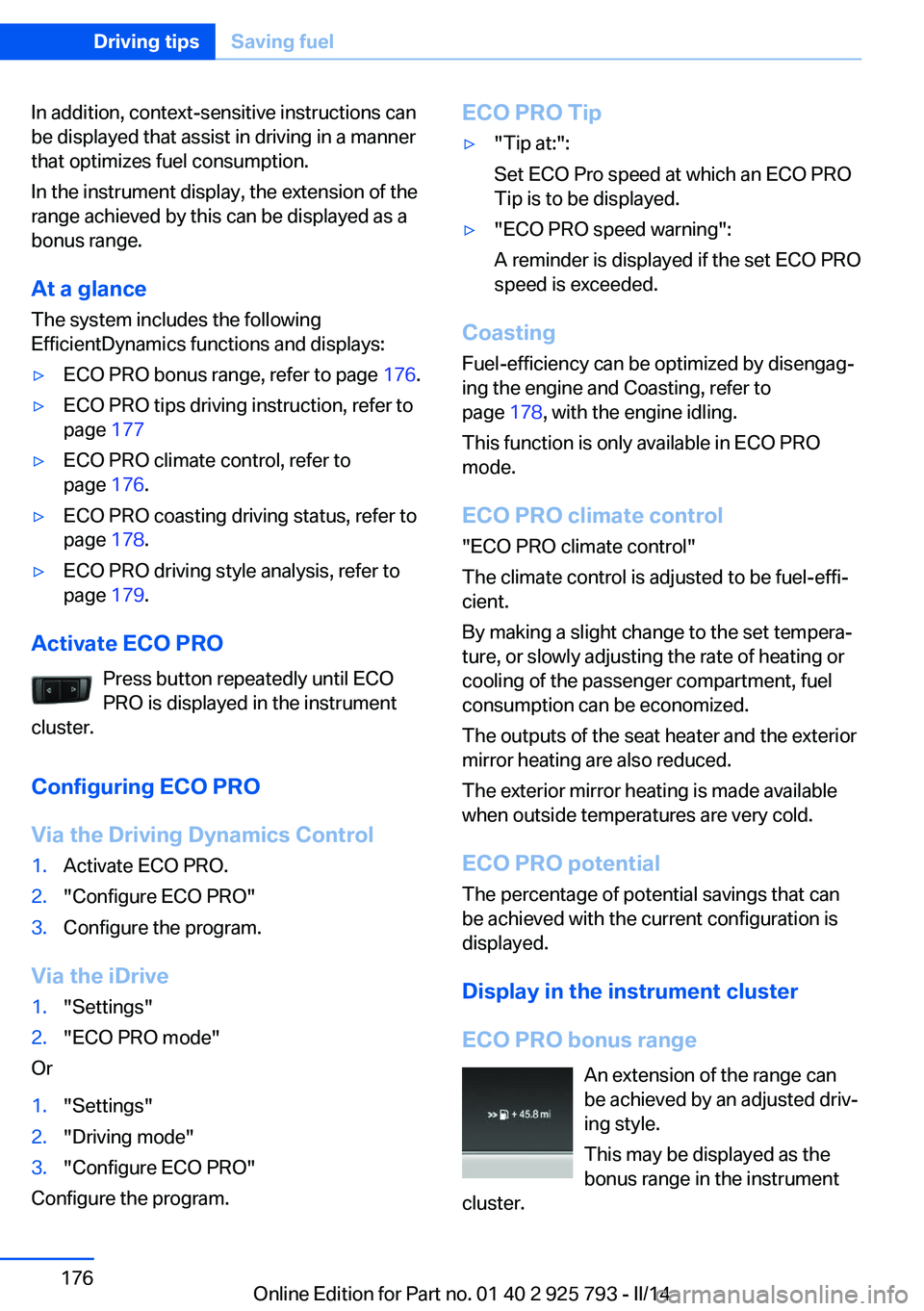
ECO PRO bonus range An extension of the range can
be achieved by an adjusted driv‐
ing style.
This may be displayed as the
bonus range in the instrument
cluster.
Seite 176Driving tipsSaving fuel176
Online Edition for Part no. 01 40 2 925 793 - II/14
Page 177 of 244
The bonus range is shown in the range display.
The bonus range is automatically reset every
time the vehicle is refueled.
Driving style
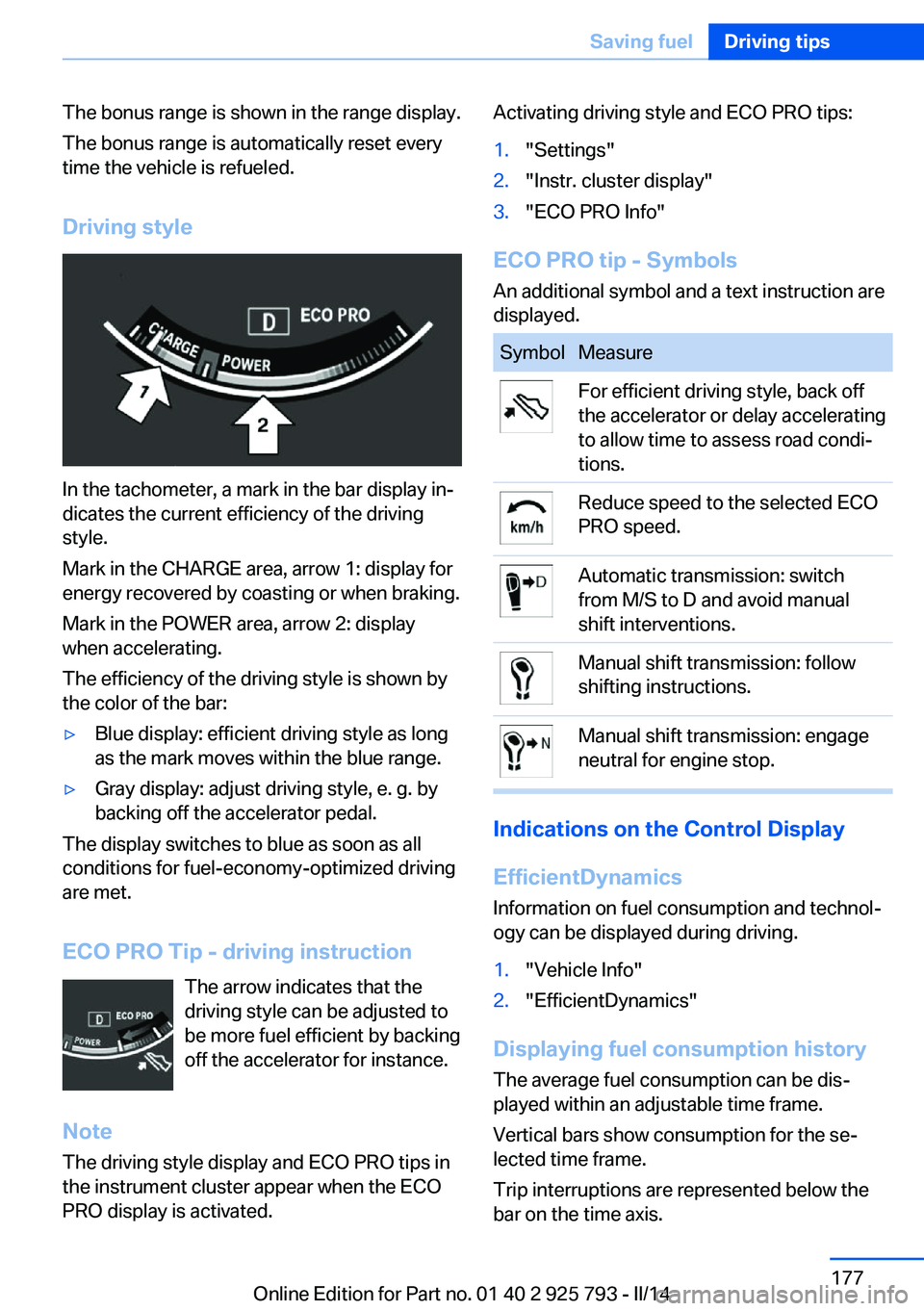
In the tachometer, a mark in the bar display in‐
dicates the current efficiency of the driving
style.
Mark in the CHARGE area, arrow 1: display for
energy recovered by coasting or when braking.
Mark in the POWER area, arrow 2: display
when accelerating.
The efficiency of the driving style is shown by
the color of the bar:
▷Blue display: efficient driving style as long
as the mark moves within the blue range.▷Gray display: adjust driving style, e. g. by
backing off the accelerator pedal.
The display switches to blue as soon as all
conditions for fuel-economy-optimized driving
are met.
ECO PRO Tip - driving instruction The arrow indicates that the
driving style can be adjusted to
be more fuel efficient by backing off the accelerator for instance.
Note The driving style display and ECO PRO tips in
the instrument cluster appear when the ECO
PRO display is activated.
Activating driving style and ECO PRO tips:1."Settings"2."Instr. cluster display"3."ECO PRO Info"
ECO PRO tip - Symbols
An additional symbol and a text instruction are
displayed.
SymbolMeasureFor efficient driving style, back off
the accelerator or delay accelerating
to allow time to assess road condi‐
tions.Reduce speed to the selected ECO
PRO speed.Automatic transmission: switch
from M/S to D and avoid manual
shift interventions.Manual shift transmission: follow
shifting instructions.Manual shift transmission: engage
neutral for engine stop.
Indications on the Control Display
EfficientDynamics Information on fuel consumption and technol‐
ogy can be displayed during driving.
1."Vehicle Info"2."EfficientDynamics"
Displaying fuel consumption history
The average fuel consumption can be dis‐
played within an adjustable time frame.
Vertical bars show consumption for the se‐
lected time frame.
Trip interruptions are represented below the
bar on the time axis.
Seite 177Saving fuelDriving tips177
Online Edition for Part no. 01 40 2 925 793 - II/14
Page 178 of 244
"Consumption history"
Adjusting fuel consumption history time frame
Select the symbol.
Resetting fuel consumption history
1.Open "Options".2."Reset consumption history"
Displaying EfficientDynamics info
The current efficiency can be displayed.
"EfficientDynamics info"
The following systems are displayed:
▷Automatic engine Start/Stop function.▷Energy recovery.▷Climate control output.▷Coasting.
Display ECO PRO tips
"ECO PRO Tips"
The setting is stored for the profile currently in
use.
Coasting
The concept
The system helps to conserve fuel.
To do this, under certain conditions the engine
is automatically decoupled from the transmis‐
sion when selector lever position D is engaged.
The vehicle continues traveling with the engine
idling to reduce fuel consumption. Selector
lever position D remains engaged.
This driving condition is referred to as coast‐
ing.
As soon as the brake or accelerator pedal is
depressed, the engine is automatically coupled
to the transmission again.
Hints
Coasting is a component of the ECO PRO, re‐
fer to page 175, driving mode.
Coasting is automatically activated when ECO
PRO mode is called via the Driving Dynamics
Control.
The function is available in a certain speed
range.
A forward-looking driving style helps the driver
to use the function as often as possible and supports the fuel-conserving effect of coast‐
ing.
Safety mode
The function is not available if one of the fol‐
lowing conditions is satisfied.▷DSC OFF or TRACTION activated.▷Driving in the dynamic limit range and on
steep uphill or downhill grades.▷Battery charge status temporarily too low
or vehicle electrical system drawing exces‐
sive current.▷Cruise control activated.
Functional requirements
In ECO PRO mode, this function is available in
a speed range from approximately 30 mph, ap‐
prox. 50 km/h to 100 mph, approx. 160 km/h, if
the following conditions are satisfied:
▷Accelerator pedal and brake pedal are not
operated.▷The selector lever is in selector lever posi‐
tion D.▷Engine and transmission are at operating
temperature.Seite 178Driving tipsSaving fuel178
Online Edition for Part no. 01 40 2 925 793 - II/14
Page 201 of 244
Engine oilVehicle equipment
All standard, country-specific and optional
equipment that is offered in the model series is
described in this chapter. Therefore, equip‐
ment is also described that is not available in a
vehicle, e. g., because of the selected optional
equipment or country variant. This also applies
for safety-related functions and systems.
General information The engine oil consumption is dependent on
the driving style and driving conditions. When
a sporty driving style is used, the engine oil
consumption, for example, is clearly higher.
Therefore, regularly check the engine oil level
after refueling.
Depending on its engine, the vehicle is equip‐
ped with electronic oil measurement or meas‐
uring is done with a dipstick.
The electronic oil measurement has two meas‐
uring principles.▷Status display▷Detailed measurement
Checking the oil level
electronically
Status display
The concept The oil level is monitored electronically during
driving and shown on the Control Display.
If the oil level reaches the minimum level, a
check control message is displayed.
Requirements
A current measured value is available after ap‐
prox. 30 minutes of driving. During a shorter
trip, the status of the last, sufficiently long trip
is displayed.
With frequent short-distance trips, regularly
perform a detailed measurement.
Displaying the oil level1."Vehicle Info"2."Vehicle status"3. "Engine oil level"
Oil level display messages
Different messages appear on the display de‐
pending on the oil level. Pay attention to these
messages.
If the engine oil level is too low, within the next
125 miles/200 km Add oil, refer to page 202.
Engine oil level too low
Add oil immediately; otherwise, an insuf‐
ficient amount of engine oil could result in en‐
gine damage.◀
Take care not to add too much engine oil. Too much engine oil
Have the vehicle checked immediately;
otherwise, surplus oil can lead to engine dam‐
age.◀
Detailed measurement
The concept
In the detailed measurement the oil level is
checked and displayed via a scale.
During the measurement, the idle speed is in‐
creased somewhat.
Seite 201Engine oilMobility201
Online Edition for Part no. 01 40 2 925 793 - II/14
Page 234 of 244
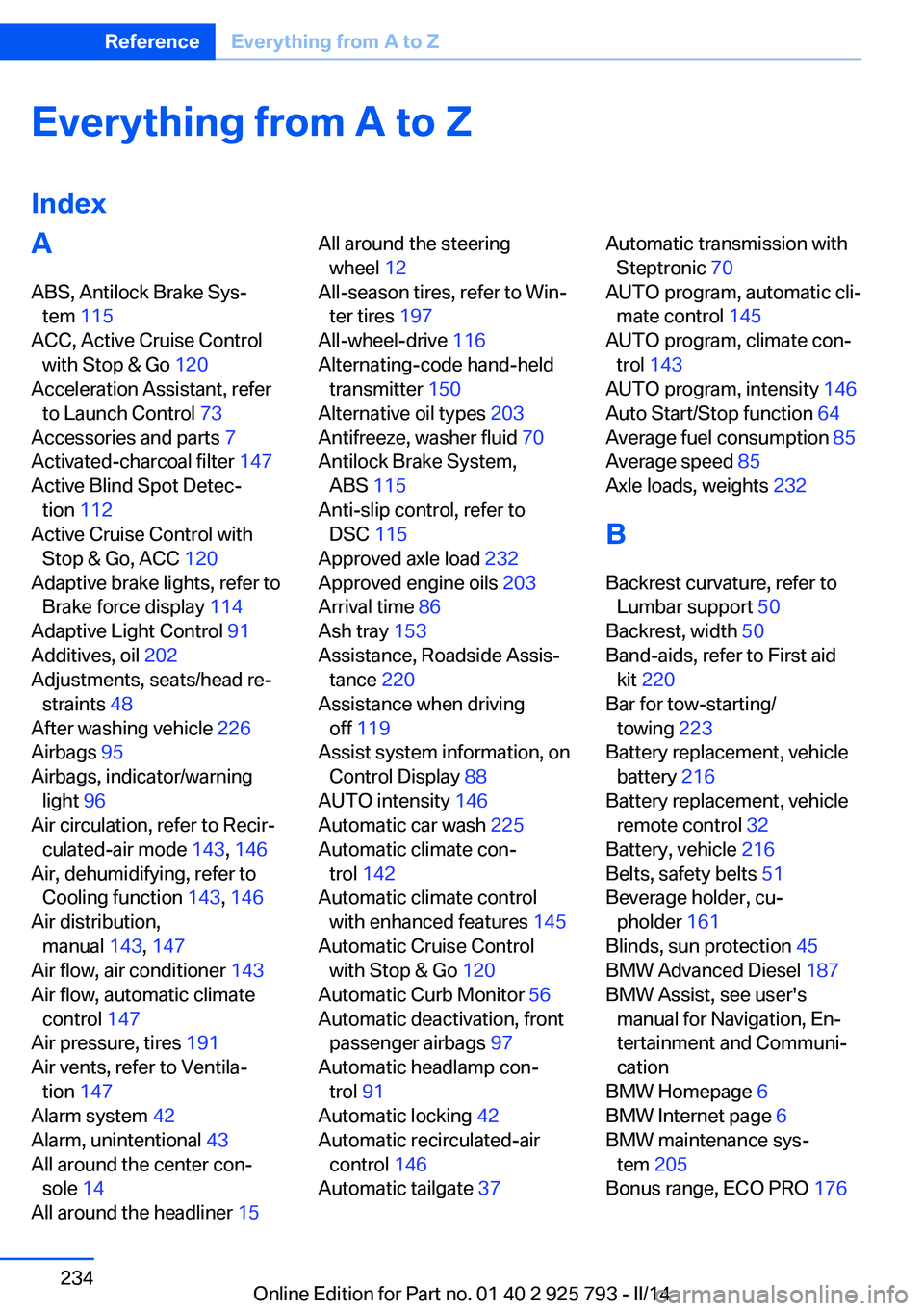
Everything from A to Z
IndexA ABS, Antilock Brake Sys‐ tem 115
ACC, Active Cruise Control with Stop & Go 120
Acceleration Assistant, refer to Launch Control 73
Accessories and parts 7
Activated-charcoal filter 147
Active Blind Spot Detec‐ tion 112
Active Cruise Control with Stop & Go, ACC 120
Adaptive brake lights, refer to Brake force display 114
Adaptive Light Control 91
Additives, oil 202
Adjustments, seats/head re‐ straints 48
After washing vehicle 226
Airbags 95
Airbags, indicator/warning light 96
Air circulation, refer to Recir‐ culated-air mode 143, 146
Air, dehumidifying, refer to Cooling function 143, 146
Air distribution, manual 143, 147
Air flow, air conditioner 143
Air flow, automatic climate control 147
Air pressure, tires 191
Air vents, refer to Ventila‐ tion 147
Alarm system 42
Alarm, unintentional 43
All around the center con‐ sole 14
All around the headliner 15 All around the steering
wheel 12
All-season tires, refer to Win‐ ter tires 197
All-wheel-drive 116
Alternating-code hand-held transmitter 150
Alternative oil types 203
Antifreeze, washer fluid 70
Antilock Brake System, ABS 115
Anti-slip control, refer to DSC 115
Approved axle load 232
Approved engine oils 203
Arrival time 86
Ash tray 153
Assistance, Roadside Assis‐ tance 220
Assistance when driving off 119
Assist system information, on Control Display 88
AUTO intensity 146
Automatic car wash 225
Automatic climate con‐ trol 142
Automatic climate control with enhanced features 145
Automatic Cruise Control with Stop & Go 120
Automatic Curb Monitor 56
Automatic deactivation, front passenger airbags 97
Automatic headlamp con‐ trol 91
Automatic locking 42
Automatic recirculated-air control 146
Automatic tailgate 37 Automatic transmission with
Steptronic 70
AUTO program, automatic cli‐ mate control 145
AUTO program, climate con‐ trol 143
AUTO program, intensity 146
Auto Start/Stop function 64
Average fuel consumption 85
Average speed 85
Axle loads, weights 232
B Backrest curvature, refer to Lumbar support 50
Backrest, width 50
Band-aids, refer to First aid kit 220
Bar for tow-starting/ towing 223
Battery replacement, vehicle battery 216
Battery replacement, vehicle remote control 32
Battery, vehicle 216
Belts, safety belts 51
Beverage holder, cu‐ pholder 161
Blinds, sun protection 45
BMW Advanced Diesel 187
BMW Assist, see user's manual for Navigation, En‐
tertainment and Communi‐
cation
BMW Homepage 6
BMW Internet page 6
BMW maintenance sys‐ tem 205
Bonus range, ECO PRO 176 Seite 234ReferenceEverything from A to Z234
Online Edition for Part no. 01 40 2 925 793 - II/14
Page 236 of 244
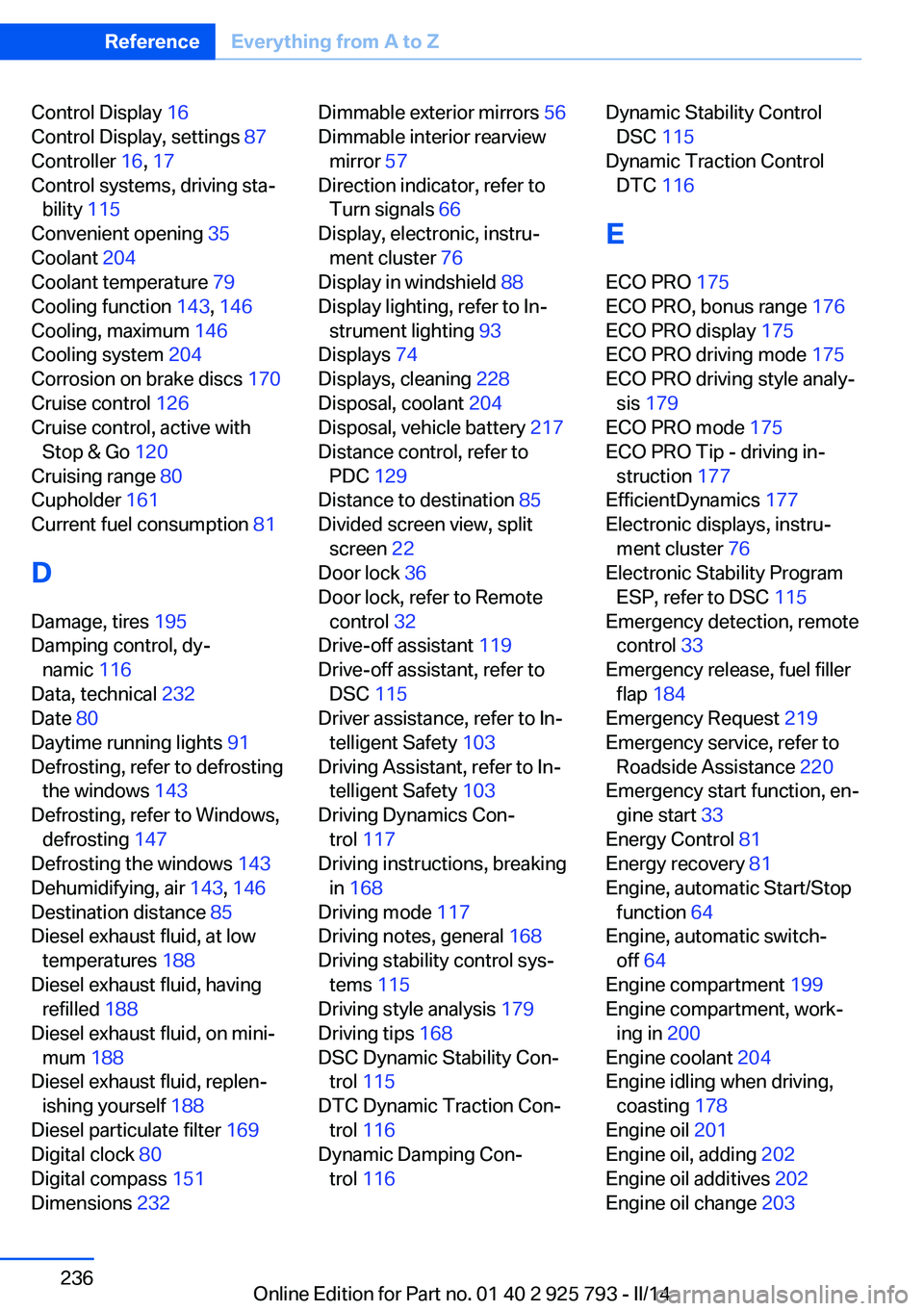
Control Display 16
Control Display, settings 87
Controller 16, 17
Control systems, driving sta‐ bility 115
Convenient opening 35
Coolant 204
Coolant temperature 79
Cooling function 143, 146
Cooling, maximum 146
Cooling system 204
Corrosion on brake discs 170
Cruise control 126
Cruise control, active with Stop & Go 120
Cruising range 80
Cupholder 161
Current fuel consumption 81
D
Damage, tires 195
Damping control, dy‐ namic 116
Data, technical 232
Date 80
Daytime running lights 91
Defrosting, refer to defrosting the windows 143
Defrosting, refer to Windows, defrosting 147
Defrosting the windows 143
Dehumidifying, air 143, 146
Destination distance 85
Diesel exhaust fluid, at low temperatures 188
Diesel exhaust fluid, having refilled 188
Diesel exhaust fluid, on mini‐ mum 188
Diesel exhaust fluid, replen‐ ishing yourself 188
Diesel particulate filter 169
Digital clock 80
Digital compass 151
Dimensions 232 Dimmable exterior mirrors 56
Dimmable interior rearview mirror 57
Direction indicator, refer to Turn signals 66
Display, electronic, instru‐ ment cluster 76
Display in windshield 88
Display lighting, refer to In‐ strument lighting 93
Displays 74
Displays, cleaning 228
Disposal, coolant 204
Disposal, vehicle battery 217
Distance control, refer to PDC 129
Distance to destination 85
Divided screen view, split screen 22
Door lock 36
Door lock, refer to Remote control 32
Drive-off assistant 119
Drive-off assistant, refer to DSC 115
Driver assistance, refer to In‐ telligent Safety 103
Driving Assistant, refer to In‐ telligent Safety 103
Driving Dynamics Con‐ trol 117
Driving instructions, breaking in 168
Driving mode 117
Driving notes, general 168
Driving stability control sys‐ tems 115
Driving style analysis 179
Driving tips 168
DSC Dynamic Stability Con‐ trol 115
DTC Dynamic Traction Con‐ trol 116
Dynamic Damping Con‐ trol 116 Dynamic Stability Control
DSC 115
Dynamic Traction Control DTC 116
E
ECO PRO 175
ECO PRO, bonus range 176
ECO PRO display 175
ECO PRO driving mode 175
ECO PRO driving style analy‐ sis 179
ECO PRO mode 175
ECO PRO Tip - driving in‐ struction 177
EfficientDynamics 177
Electronic displays, instru‐ ment cluster 76
Electronic Stability Program ESP, refer to DSC 115
Emergency detection, remote control 33
Emergency release, fuel filler flap 184
Emergency Request 219
Emergency service, refer to Roadside Assistance 220
Emergency start function, en‐ gine start 33
Energy Control 81
Energy recovery 81
Engine, automatic Start/Stop function 64
Engine, automatic switch- off 64
Engine compartment 199
Engine compartment, work‐ ing in 200
Engine coolant 204
Engine idling when driving, coasting 178
Engine oil 201
Engine oil, adding 202
Engine oil additives 202
Engine oil change 203 Seite 236ReferenceEverything from A to Z236
Online Edition for Part no. 01 40 2 925 793 - II/14
Page 237 of 244
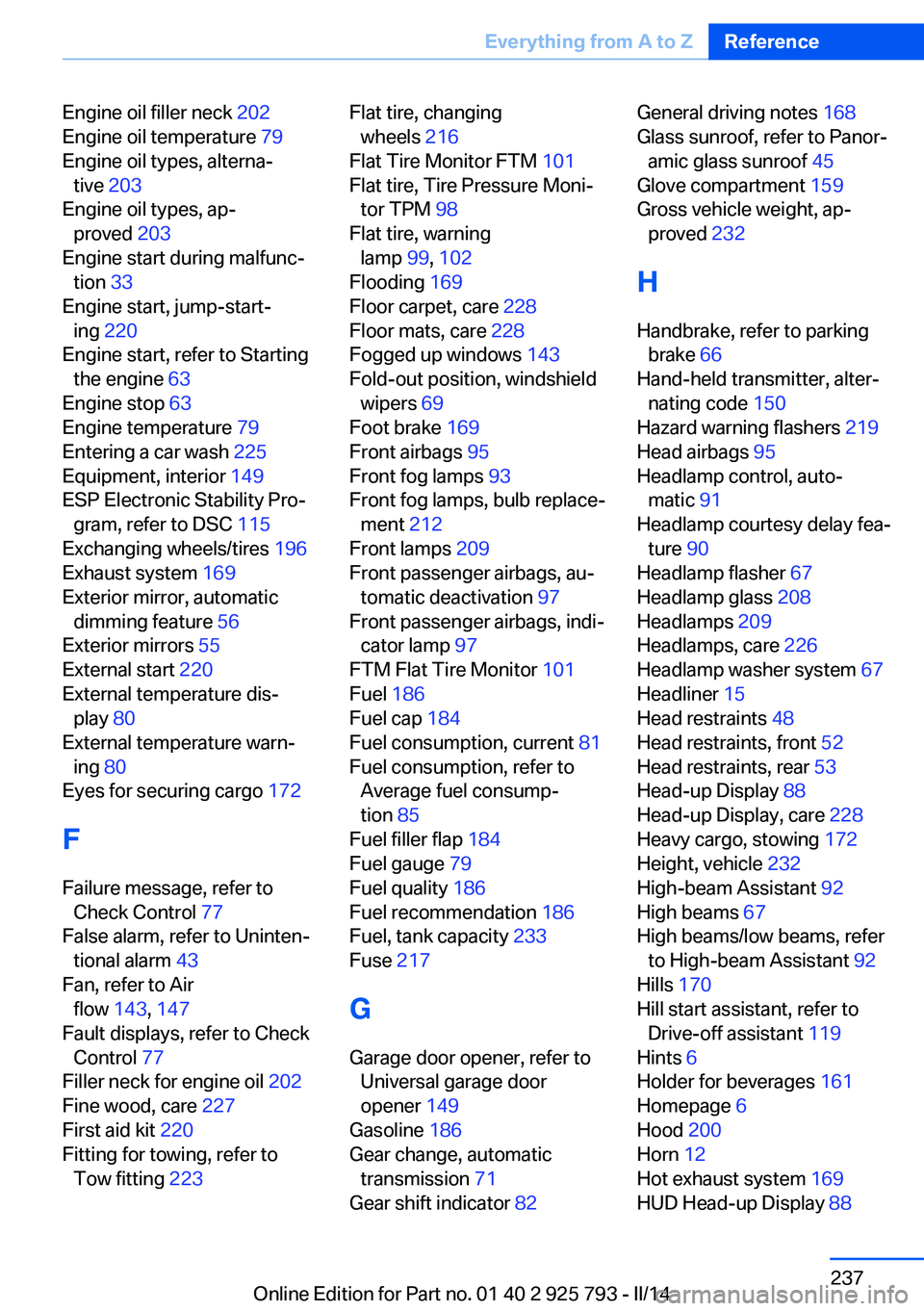
Engine oil filler neck 202
Engine oil temperature 79
Engine oil types, alterna‐ tive 203
Engine oil types, ap‐ proved 203
Engine start during malfunc‐ tion 33
Engine start, jump-start‐ ing 220
Engine start, refer to Starting the engine 63
Engine stop 63
Engine temperature 79
Entering a car wash 225
Equipment, interior 149
ESP Electronic Stability Pro‐ gram, refer to DSC 115
Exchanging wheels/tires 196
Exhaust system 169
Exterior mirror, automatic dimming feature 56
Exterior mirrors 55
External start 220
External temperature dis‐ play 80
External temperature warn‐ ing 80
Eyes for securing cargo 172
F
Failure message, refer to Check Control 77
False alarm, refer to Uninten‐ tional alarm 43
Fan, refer to Air flow 143, 147
Fault displays, refer to Check Control 77
Filler neck for engine oil 202
Fine wood, care 227
First aid kit 220
Fitting for towing, refer to Tow fitting 223 Flat tire, changing
wheels 216
Flat Tire Monitor FTM 101
Flat tire, Tire Pressure Moni‐ tor TPM 98
Flat tire, warning lamp 99, 102
Flooding 169
Floor carpet, care 228
Floor mats, care 228
Fogged up windows 143
Fold-out position, windshield wipers 69
Foot brake 169
Front airbags 95
Front fog lamps 93
Front fog lamps, bulb replace‐ ment 212
Front lamps 209
Front passenger airbags, au‐ tomatic deactivation 97
Front passenger airbags, indi‐ cator lamp 97
FTM Flat Tire Monitor 101
Fuel 186
Fuel cap 184
Fuel consumption, current 81
Fuel consumption, refer to Average fuel consump‐
tion 85
Fuel filler flap 184
Fuel gauge 79
Fuel quality 186
Fuel recommendation 186
Fuel, tank capacity 233
Fuse 217
G
Garage door opener, refer to Universal garage door
opener 149
Gasoline 186
Gear change, automatic transmission 71
Gear shift indicator 82 General driving notes 168
Glass sunroof, refer to Panor‐ amic glass sunroof 45
Glove compartment 159
Gross vehicle weight, ap‐ proved 232
H
Handbrake, refer to parking brake 66
Hand-held transmitter, alter‐ nating code 150
Hazard warning flashers 219
Head airbags 95
Headlamp control, auto‐ matic 91
Headlamp courtesy delay fea‐ ture 90
Headlamp flasher 67
Headlamp glass 208
Headlamps 209
Headlamps, care 226
Headlamp washer system 67
Headliner 15
Head restraints 48
Head restraints, front 52
Head restraints, rear 53
Head-up Display 88
Head-up Display, care 228
Heavy cargo, stowing 172
Height, vehicle 232
High-beam Assistant 92
High beams 67
High beams/low beams, refer to High-beam Assistant 92
Hills 170
Hill start assistant, refer to Drive-off assistant 119
Hints 6
Holder for beverages 161
Homepage 6
Hood 200
Horn 12
Hot exhaust system 169
HUD Head-up Display 88 Seite 237Everything from A to ZReference237
Online Edition for Part no. 01 40 2 925 793 - II/14