Cluster BMW 330CI COUPE 2005 E46 User Guide
[x] Cancel search | Manufacturer: BMW, Model Year: 2005, Model line: 330CI COUPE, Model: BMW 330CI COUPE 2005 E46Pages: 190, PDF Size: 2.79 MB
Page 82 of 190
82
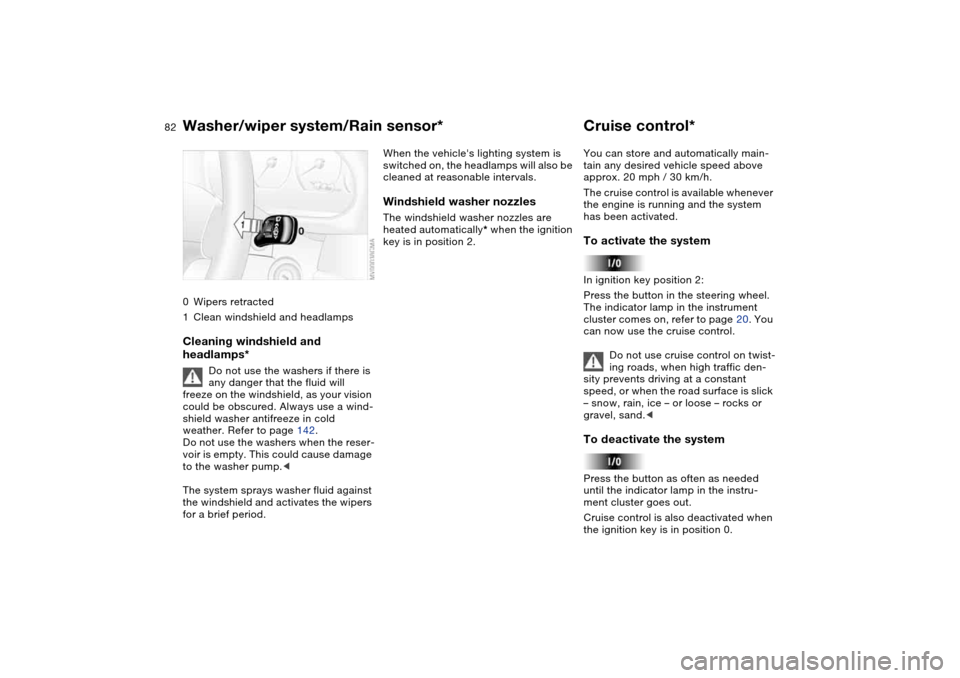
0Wipers retracted
1Clean windshield and headlampsCleaning windshield and
headlamps*
Do not use the washers if there is
any danger that the fluid will
freeze on the windshield, as your vision
could be obscured. Always use a wind-
shield washer antifreeze in cold
weather. Refer to page 142.
Do not use the washers when the reser-
voir is empty. This could cause damage
to the washer pump.<
The system sprays washer fluid against
the windshield and activates the wipers
for a brief period.
When the vehicle's lighting system is
switched on, the headlamps will also be
cleaned at reasonable intervals.Windshield washer nozzlesThe windshield washer nozzles are
heated automatically* when the ignition
key is in position 2.
Cruise control*You can store and automatically main-
tain any desired vehicle speed above
approx. 20 mph / 30 km/h.
The cruise control is available whenever
the engine is running and the system
has been activated.To activate the systemIn ignition key position 2:
Press the button in the steering wheel.
The indicator lamp in the instrument
cluster comes on, refer to page 20. You
can now use the cruise control.
Do not use cruise control on twist-
ing roads, when high traffic den-
sity prevents driving at a constant
speed, or when the road surface is slick
– snow, rain, ice – or loose – rocks or
gravel, sand.
ment cluster goes out.
Cruise control is also deactivated when
the ignition key is in position 0.
Washer/wiper system/Rain sensor*
Page 84 of 190
84Everything under control
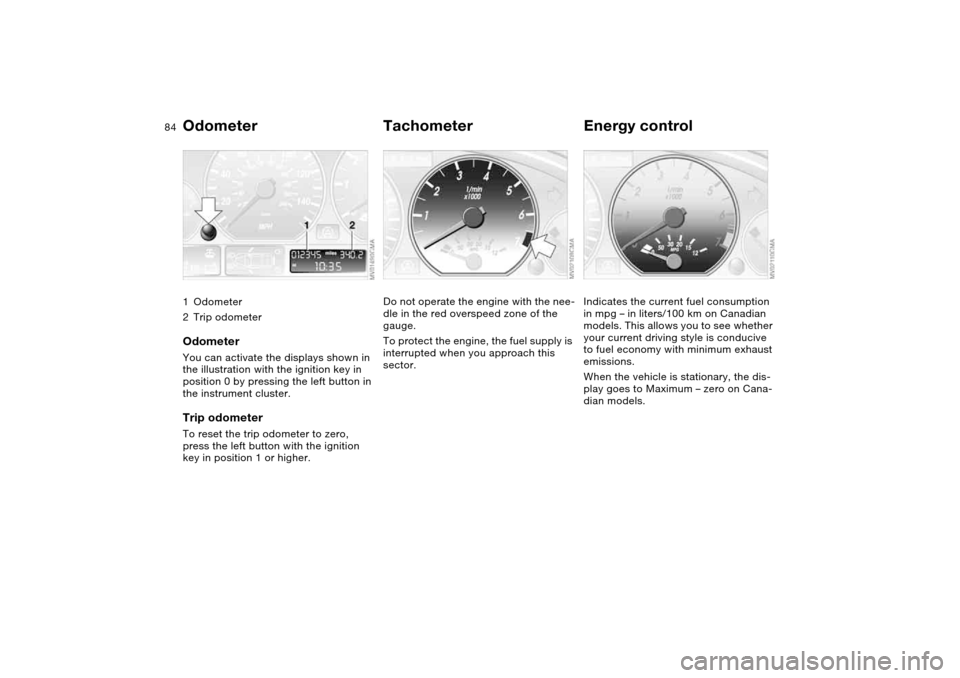
Odometer1Odometer
2Trip odometerOdometerYou can activate the displays shown in
the illustration with the ignition key in
position 0 by pressing the left button in
the instrument cluster.Trip odometerTo reset the trip odometer to zero,
press the left button with the ignition
key in position 1 or higher.
TachometerDo not operate the engine with the nee-
dle in the red overspeed zone of the
gauge.
To protect the engine, the fuel supply is
interrupted when you approach this
sector.
Energy controlIndicates the current fuel consumption
in mpg – in liters/100 km on Canadian
models. This allows you to see whether
your current driving style is conducive
to fuel economy with minimum exhaust
emissions.
When the vehicle is stationary, the dis-
play goes to Maximum – zero on Cana-
dian models.
Page 87 of 190
87
ClockIf you wish to have a permanent time
display, you can make this setting in the
radio display, refer to the Owner's Man-
ual for Radio.
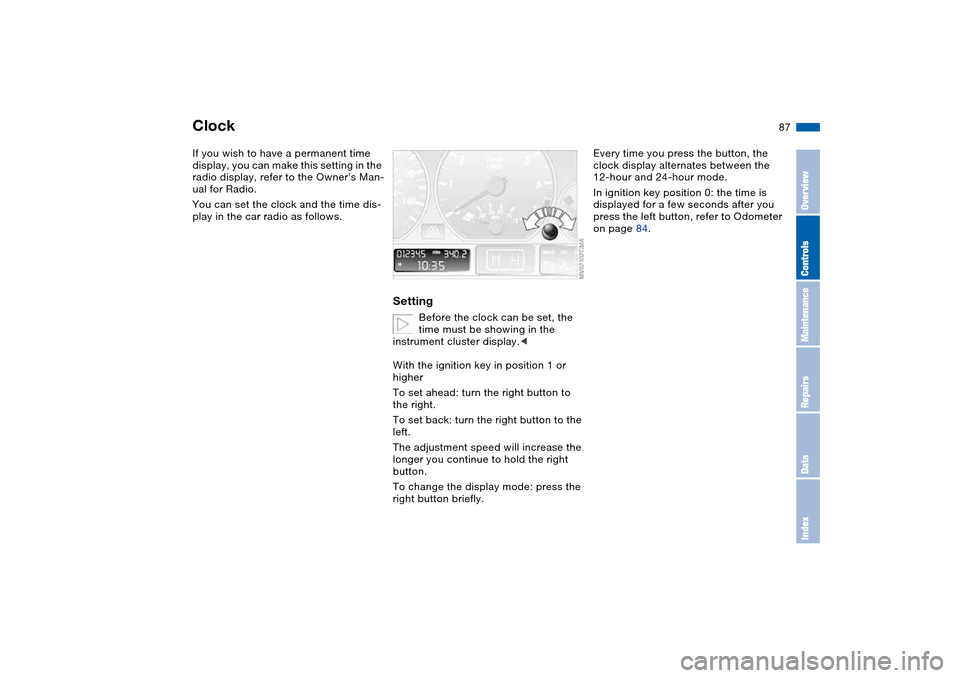
You can set the clock and the time dis-
play in the car radio as follows.
Setting
Before the clock can be set, the
time must be showing in the
instrument cluster display.<
With the ignition key in position 1 or
higher
To set ahead: turn the right button to
the right.
To set back: turn the right button to the
left.
The adjustment speed will increase the
longer you continue to hold the right
button.
To change the display mode: press the
right button briefly.
Every time you press the button, the
clock display alternates between the
12-hour and 24-hour mode.
In ignition key position 0: the time is
displayed for a few seconds after you
press the left button, refer to Odometer
on page 84.
OverviewControlsMaintenanceRepairsDataIndex
Page 88 of 190
88
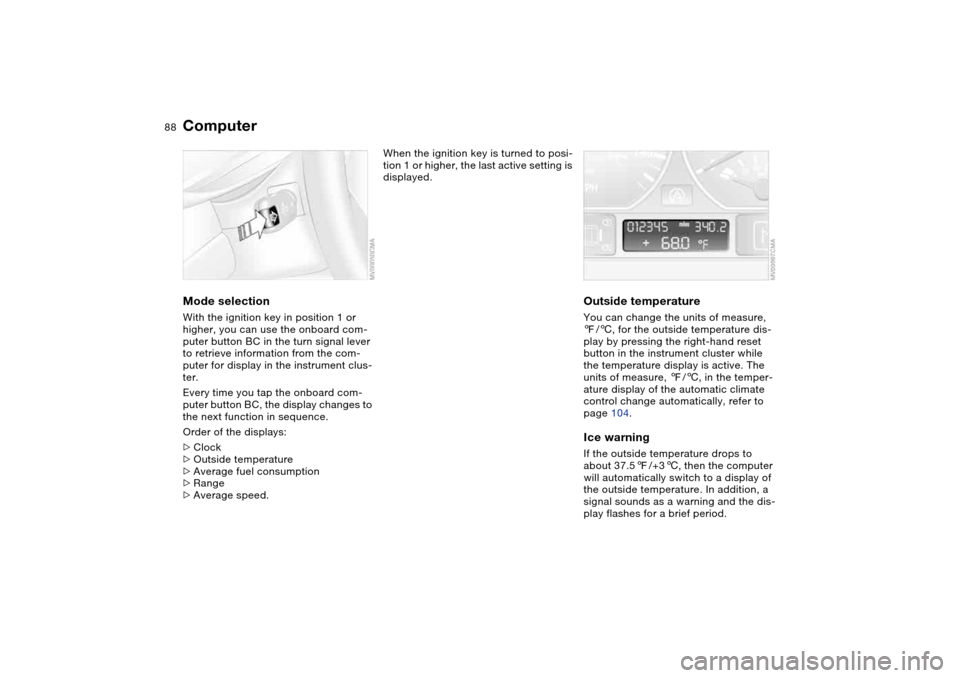
ComputerMode selectionWith the ignition key in position 1 or
higher, you can use the onboard com-
puter button BC in the turn signal lever
to retrieve information from the com-
puter for display in the instrument clus-
ter.
Every time you tap the onboard com-
puter button BC, the display changes to
the next function in sequence.
Order of the displays:
>Clock
>Outside temperature
>Average fuel consumption
>Range
>Average speed.
When the ignition key is turned to posi-
tion 1 or higher, the last active setting is
displayed.
Outside temperatureYou can change the units of measure,
7/6, for the outside temperature dis-
play by pressing the right-hand reset
button in the instrument cluster while
the temperature display is active. The
units of measure, 7/6, in the temper-
ature display of the automatic climate
control change automatically, refer to
page 104.Ice warningIf the outside temperature drops to
about 37.57/+36, then the computer
will automatically switch to a display of
the outside temperature. In addition, a
signal sounds as a warning and the dis-
play flashes for a brief period.
Page 91 of 190
91
Dynamic Stability Control (DSC)The conceptDSC supports vehicle stability, even in
critical driving situations.
DSC is operational every time you start
the engine.
DSC contains the Dynamic Traction
Control (DTC) and Cornering Brake
Control (CBC) functions.Indicator lamps
The indicator lamp in the instru-
ment cluster goes out shortly
after you switch on the ignition,
refer to page 19.
>The indicator lamp flashes: DSC is
actively controlling drive torque and
braking intervention
>The indicator lamp stays lit: DSC has
been switched off with the button;
DTC and DBC are operational. DTC
control intervention is not indicated.
The indicator lamp and the
brake warning lamp continu-
ously light up in yellow:
The DSC, DTC and DBC have
been switched off manually or
there is a system malfunction.
The vehicle will remain completely
operational, however, without DSC. In
the event of a fault, please consult your
BMW center.
Indicator and warning lamps for
Canadian models.
Deactivating the DSC/activating
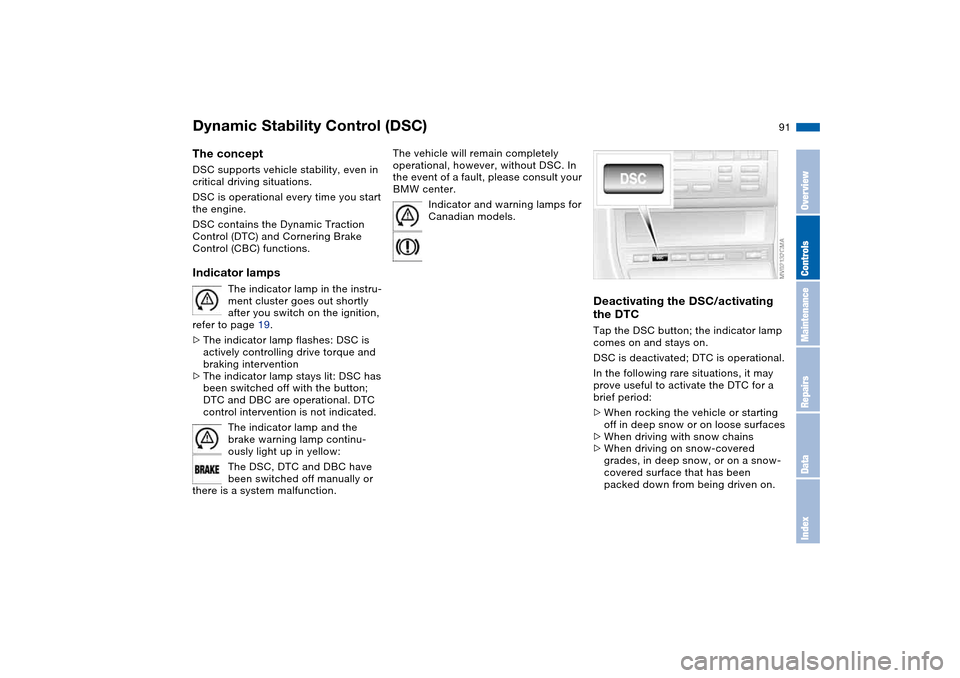
the DTCTap the DSC button; the indicator lamp
comes on and stays on.
DSC is deactivated; DTC is operational.
In the following rare situations, it may
prove useful to activate the DTC for a
brief period:
>When rocking the vehicle or starting
off in deep snow or on loose surfaces
>When driving with snow chains
>When driving on snow-covered
grades, in deep snow, or on a snow-
covered surface that has been
packed down from being driven on.
OverviewControlsMaintenanceRepairsDataIndex
Page 93 of 190
93
System limitations
The Flat Tire Monitor cannot pro-
vide you with advance warning of
sudden and severe tire damage caused
by external factors and does not detect
the balanced and very gradual pressure
loss that takes place in all four tires
over an extended period of time.<
On the other hand, the following situa-
tions can lead to a delayed detection of
pressure loss and even to the system
not functioning:
>Driving on snow-covered or slippery
roads
>Performance-oriented driving: slip at
the drive wheels, high levels of lateral
acceleration
>When driving with snow chains, false
warnings and undetected pressure
losses may occur
>When driving with a space-saver
spare tire, the Flat Tire Monitor can-
not function.
Initializing the system
Each time you correct the pres-
sure in a tire, or change a wheel or
tire, reinitialize the system immediately
afterwards. This requires a bit of driv-
ing.<
1. Before driving off, start the engine
but do not start driving
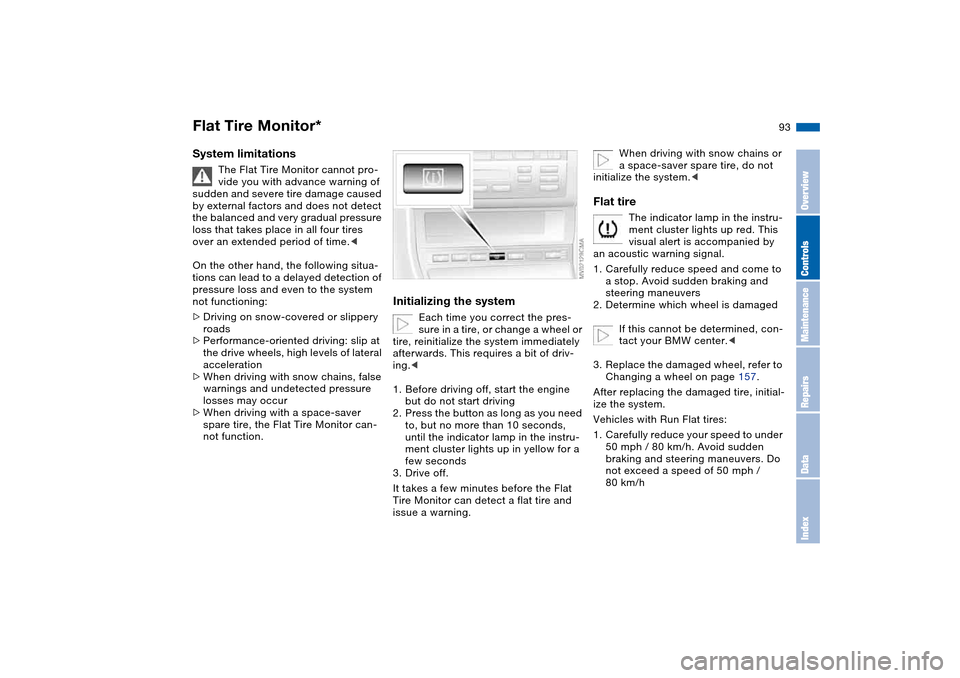
2. Press the button as long as you need
to, but no more than 10 seconds,
until the indicator lamp in the instru-
ment cluster lights up in yellow for a
few seconds
3. Drive off.
It takes a few minutes before the Flat
Tire Monitor can detect a flat tire and
issue a warning.
When driving with snow chains or
a space-saver spare tire, do not
initialize the system.<
Flat tire
The indicator lamp in the instru-
ment cluster lights up red. This
visual alert is accompanied by
an acoustic warning signal.
1. Carefully reduce speed and come to
a stop. Avoid sudden braking and
steering maneuvers
2. Determine which wheel is damaged
If this cannot be determined, con-
tact your BMW center.<
3. Replace the damaged wheel, refer to
Changing a wheel on page 157.
After replacing the damaged tire, initial-
ize the system.
Vehicles with Run Flat tires:
1. Carefully reduce your speed to under
50 mph / 80 km/h. Avoid sudden
braking and steering maneuvers. Do
not exceed a speed of 50 mph /
80 km/h
Flat Tire Monitor*
OverviewControlsMaintenanceRepairsDataIndex
Page 94 of 190
94
Because the sides of Run Flat
tires are reinforced, a drop in infla-
tion pressure usually cannot be
detected from the outside, refer to Run
Flat tires, page 135.<
2. To continue driving, follow the
instructions under Driving with a
damaged tire on page 135.
System malfunction
The indicator lamp in the instru-
ment cluster lights up yellow.
The Flat Tire Monitor is malfunc-
tioning or out of order. Please refer the
problem to your BMW center.
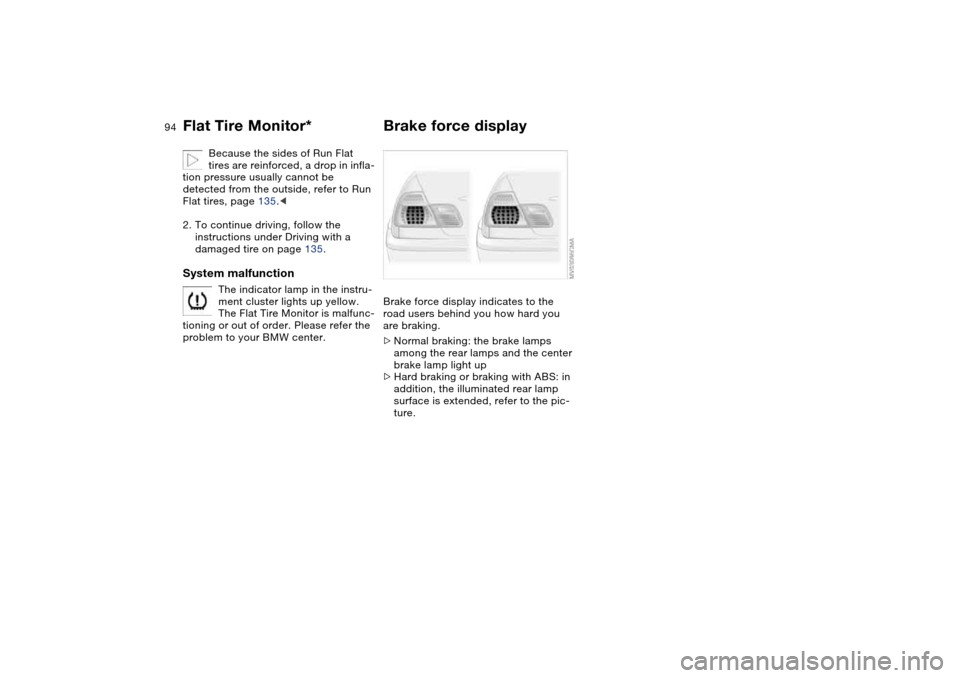
Brake force displayBrake force display indicates to the
road users behind you how hard you
are braking.
>Normal braking: the brake lamps
among the rear lamps and the center
brake lamp light up
>Hard braking or braking with ABS: in
addition, the illuminated rear lamp
surface is extended, refer to the pic-
ture.
Flat Tire Monitor*
Page 97 of 190
97
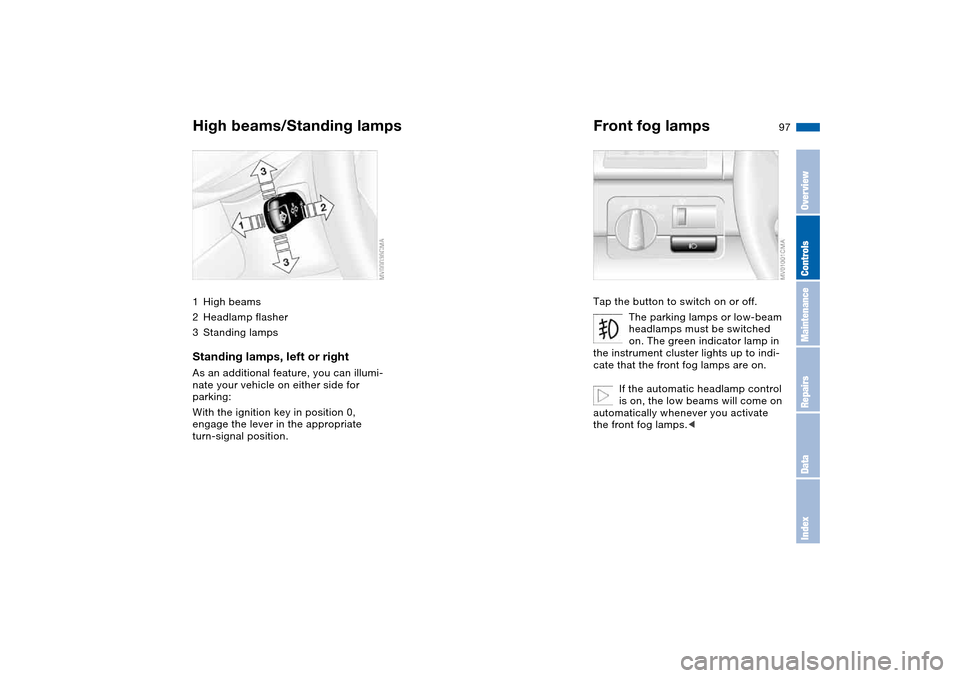
High beams/Standing lamps1High beams
2Headlamp flasher
3Standing lampsStanding lamps, left or rightAs an additional feature, you can illumi-
nate your vehicle on either side for
parking:
With the ignition key in position 0,
engage the lever in the appropriate
turn-signal position.
Front fog lampsTap the button to switch on or off.
The parking lamps or low-beam
headlamps must be switched
on. The green indicator lamp in
the instrument cluster lights up to indi-
cate that the front fog lamps are on.
If the automatic headlamp control
is on, the low beams will come on
automatically whenever you activate
the front fog lamps.<
OverviewControlsMaintenanceRepairsDataIndex
Page 178 of 190
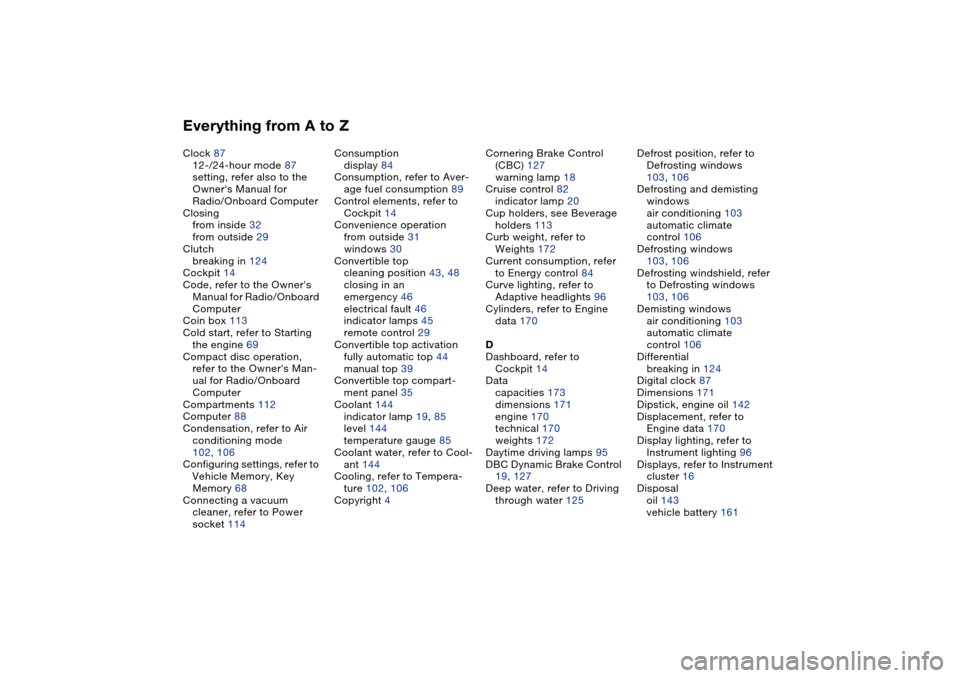
Everything from A to ZClock 87
12-/24-hour mode 87
setting, refer also to the
Owner's Manual for
Radio/Onboard Computer
Closing
from inside 32
from outside 29
Clutch
breaking in 124
Cockpit 14
Code, refer to the Owner's
Manual for Radio/Onboard
Computer
Coin box 113
Cold start, refer to Starting
the engine 69
Compact disc operation,
refer to the Owner's Man-
ual for Radio/Onboard
Computer
Compartments 112
Computer 88
Condensation, refer to Air
conditioning mode
102, 106
Configuring settings, refer to
Vehicle Memory, Key
Memory 68
Connecting a vacuum
cleaner, refer to Power
socket 114Consumption
display 84
Consumption, refer to Aver-
age fuel consumption 89
Control elements, refer to
Cockpit 14
Convenience operation
from outside 31
windows 30
Convertible top
cleaning position 43, 48
closing in an
emergency 46
electrical fault 46
indicator lamps 45
remote control 29
Convertible top activation
fully automatic top 44
manual top 39
Convertible top compart-
ment panel 35
Coolant 144
indicator lamp 19, 85
level 144
temperature gauge 85
Coolant water, refer to Cool-
ant 144
Cooling, refer to Tempera-
ture 102, 106
Copyright 4Cornering Brake Control
(CBC) 127
warning lamp 18
Cruise control 82
indicator lamp 20
Cup holders, see Beverage
holders 113
Curb weight, refer to
Weights 172
Current consumption, refer
to Energy control 84
Curve lighting, refer to
Adaptive headlights 96
Cylinders, refer to Engine
data 170
D
Dashboard, refer to
Cockpit 14
Data
capacities 173
dimensions 171
engine 170
technical 170
weights 172
Daytime driving lamps 95
DBC Dynamic Brake Control
19, 127
Deep water, refer to Driving
through water 125Defrost position, refer to
Defrosting windows
103, 106
Defrosting and demisting
windows
air conditioning 103
automatic climate
control 106
Defrosting windows
103, 106
Defrosting windshield, refer
to Defrosting windows
103, 106
Demisting windows
air conditioning 103
automatic climate
control 106
Differential
breaking in 124
Digital clock 87
Dimensions 171
Dipstick, engine oil 142
Displacement, refer to
Engine data 170
Display lighting, refer to
Instrument lighting 96
Displays, refer to Instrument
cluster 16
Disposal
oil 143
vehicle battery 161
Page 181 of 190
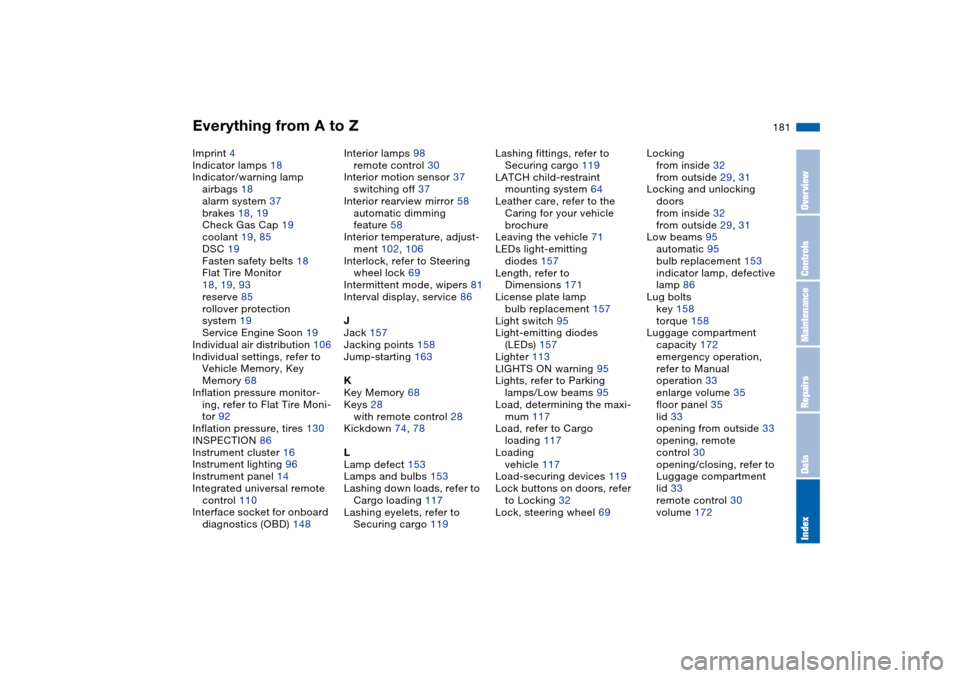
Everything from A to Z
181
Imprint 4
Indicator lamps 18
Indicator/warning lamp
airbags 18
alarm system 37
brakes 18, 19
Check Gas Cap 19
coolant 19, 85
DSC 19
Fasten safety belts 18
Flat Tire Monitor
18, 19, 93
reserve 85
rollover protection
system 19
Service Engine Soon 19
Individual air distribution 106
Individual settings, refer to
Vehicle Memory, Key
Memory 68
Inflation pressure monitor-
ing, refer to Flat Tire Moni-
tor 92
Inflation pressure, tires 130
INSPECTION 86
Instrument cluster 16
Instrument lighting 96
Instrument panel 14
Integrated universal remote
control 110
Interface socket for onboard
diagnostics (OBD) 148Interior lamps 98
remote control 30
Interior motion sensor 37
switching off 37
Interior rearview mirror 58
automatic dimming
feature 58
Interior temperature, adjust-
ment 102, 106
Interlock, refer to Steering
wheel lock 69
Intermittent mode, wipers 81
Interval display, service 86
J
Jack 157
Jacking points 158
Jump-starting 163
K
Key Memory 68
Keys 28
with remote control 28
Kickdown 74, 78
L
Lamp defect 153
Lamps and bulbs 153
Lashing down loads, refer to
Cargo loading 117
Lashing eyelets, refer to
Securing cargo 119Lashing fittings, refer to
Securing cargo 119
LATCH child-restraint
mounting system 64
Leather care, refer to the
Caring for your vehicle
brochure
Leaving the vehicle 71
LEDs light-emitting
diodes 157
Length, refer to
Dimensions 171
License plate lamp
bulb replacement 157
Light switch 95
Light-emitting diodes
(LEDs) 157
Lighter 113
LIGHTS ON warning 95
Lights, refer to Parking
lamps/Low beams 95
Load, determining the maxi-
mum 117
Load, refer to Cargo
loading 117
Loading
vehicle 117
Load-securing devices 119
Lock buttons on doors, refer
to Locking 32
Lock, steering wheel 69Locking
from inside 32
from outside 29, 31
Locking and unlocking
doors
from inside 32
from outside 29, 31
Low beams 95
automatic 95
bulb replacement 153
indicator lamp, defective
lamp 86
Lug bolts
key 158
torque 158
Luggage compartment
capacity 172
emergency operation,
refer to Manual
operation 33
enlarge volume 35
floor panel 35
lid 33
opening from outside 33
opening, remote
control 30
opening/closing, refer to
Luggage compartment
lid 33
remote control 30
volume 172
OverviewControlsMaintenanceRepairsDataIndex