language BMW 335IS COUPE 2011 E93 User Guide
[x] Cancel search | Manufacturer: BMW, Model Year: 2011, Model line: 335IS COUPE, Model: BMW 335IS COUPE 2011 E93Pages: 278, PDF Size: 8.23 MB
Page 195 of 278
193
Entertainment
Reference
At a glance
Controls
Driving tips Communications
Navigation
Mobility
Example: dialing phone numbers
To start the dialog:
Press the button on the steering wheel.
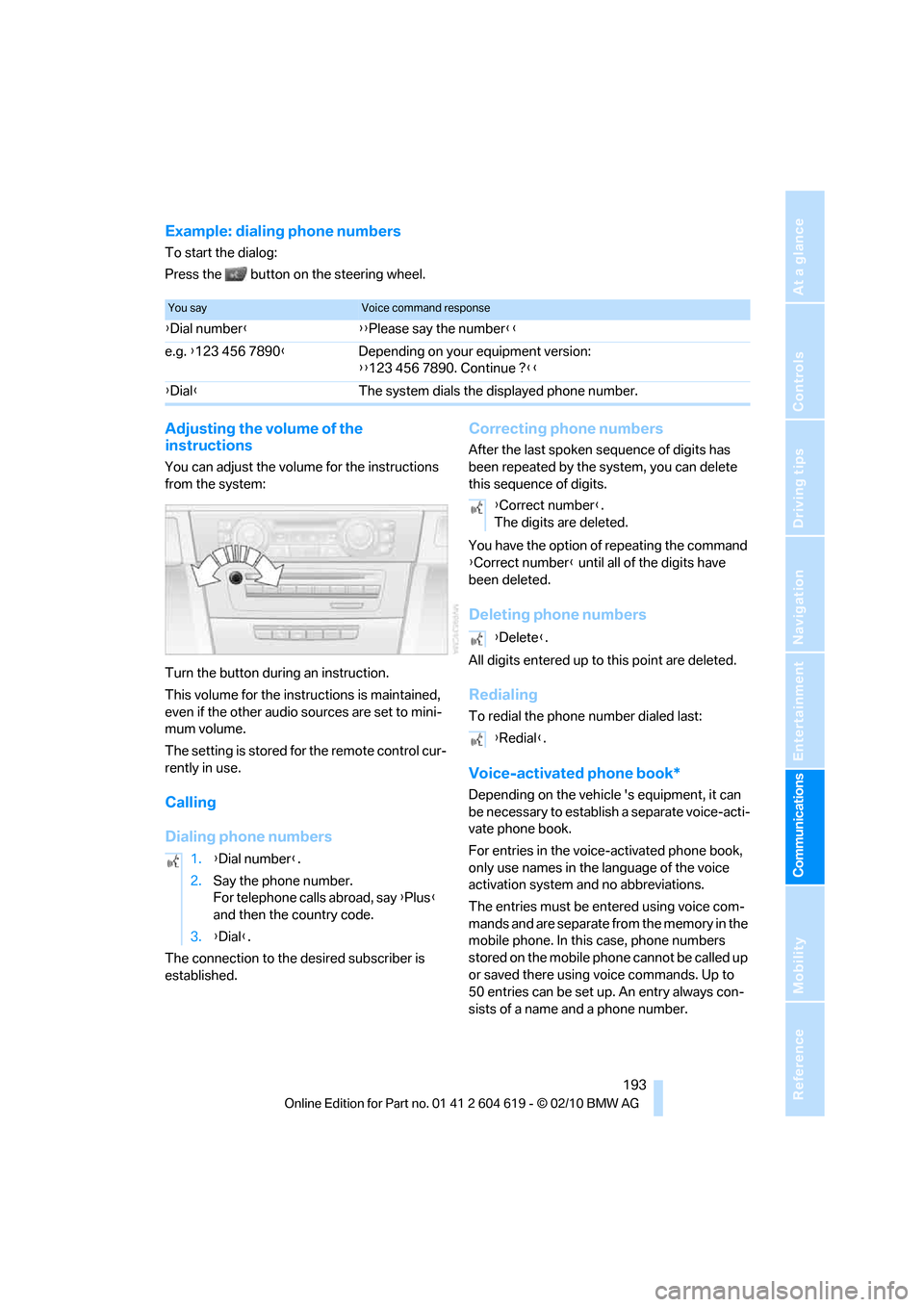
Adjusting the volume of the
instructions
You can adjust the volume for the instructions
from the system:
Turn the button during an instruction.
This volume for the instructions is maintained,
even if the other audio sources are set to mini-
mum volume.
The setting is stored for the remote control cur-
rently in use.
Calling
Dialing phone numbers
The connection to the desired subscriber is
established.
Correcting phone numbers
After the last spoken sequence of digits has
been repeated by the system, you can delete
this sequence of digits.
You have the option of repeating the command
{Correct number} until all of the digits have
been deleted.
Deleting phone numbers
All digits entered up to this point are deleted.
Redialing
To redial the phone number dialed last:
Voice-activated phone book*
Depending on the vehicle 's equipment, it can
be necessary to establish a separate voice-acti-
vate phone book.
For entries in the voice-activated phone book,
only use names in the language of the voice
activation system and no abbreviations.
The entries must be entered using voice com-
mands and are separate from the memory in the
mobile phone. In this case, phone numbers
stored on the mobile phone cannot be called up
or saved there using voice commands. Up to
50 entries can be set up. An entry always con-
sists of a name and a phone number.
You sayVoice command response
{Dial number}{{Please say the number}}
e.g. {123 456 7890}Depending on your equipment version:
{{123 456 7890. Continue ?}}
{Dial}The system dials the displayed phone number.
1.{Dial number}.
2.Say the phone number.
For telephone calls abroad, say {Plus}
and then the country code.
3.{Dial}.
{Correct number}.
The digits are deleted.
{Delete}.
{Redial}.
Page 196 of 278
Telephone
194
Creating and editing a voice phone
book
To store an entry:
An entry always consists of a name and a phone
number.
To delete an entry:
You can delete any entry from the voice phone
book.
To delete all entries:
{Delete phonebook} deletes all entries in the
phone book.
To listen to and select the entries:
You can have all entries in your voice phone
book read aloud in the order in which they were
entered and select a specific entry to establish a
connection:
Selecting an entry
The connection to the phone number of the
selected entry is established.
Notes
Notes on Emergency Requests
Do not use the voice activation system to ini-
tiate an Emergency Request. In stressful situa-
tions, the voice and vocal pitch can change.
This can unnecessarily delay the establishment
of a telephone connection. Use the SOS but-
ton
* instead, refer to page239.
Important for voice commands
For voice commands, bear in mind the follow-
ing:
>Say the commands, numbers and letters
smoothly and with normal volume,
emphasis and speed.
>Always say commands in the language of
the voice activation system.
>Keep the doors, windows, glass roof
* or
convertible top
* closed to prevent interfer-
ence from outside noise.
>Avoid ambient noise in the vehicle while
speaking. 1.{Save name}.
2.Say the name.
Saying the name for the voice phone
book should not take longer than
approx. 2 seconds.
3.Say the phone number after being
prompted to do so by the system.
4.To save the phone number:
{save}.
1.{Delete name}.
The dialog for deleting an entry opens.
2.Say the name when prompted.
3.Confirm the query with {Yes}.
1.{Delete phonebook}.
The dialog for deleting the phone book
opens.
2.Confirm the query with {Yes}.
3.Confirm the query again with {Yes}.
1.{Read phonebook}.
The dialog for reading the phone book
opens.
2.Say {Dial number} when the desired
entry is read.
1.{Dial name}.
The dialog for selecting an entry is
opened.
2.Say the name when prompted.
3.Confirm the query with {Yes}.
Page 258 of 278
Short commands for the voice activation system
256
Settings
Vehicle
Equipment
FunctionCommand
Opening the main menu{Main menu}
Opening the settings{Settings}
Opening the options{Options}
Settings on the Control Display{Control display}
Opening the time and date settings{Time and date}
Opening the language and unit settings{Language and units}
Opening the speed limit settings{Speed}
Opening the light settings{Lighting}
Opening the door lock settings{Door locks}
FunctionCommand
Opening the air conditioning settings{Climate}
Page 262 of 278
Everything from A to Z
260 Care229
– automatic car washes229
– care products229
– carpets232
– CD/DVD drives232
– chrome parts231
– displays232
– exterior229
– fine wood parts232
– headlamps230
– high-pressure washer230
– interior231
– leather231
– light-alloy wheels231
– paintwork230
– plastic parts232
– retractable hardtop230
– rubber seals231
– safety belts232
– sensors and cameras232
– upholstery and cloth
trim231
– washing the car
manually230
– windows230
Cargo, securing130
Cargo area
– capacity249
– Comfort Access34
– folding up the floor
panel120
– lamp, refer to Interior
lamps105
– opening from inside31
– opening from outside31
Cargo loading129
– securing cargo130
– stowing cargo130
– vehicle129
Car jack
– jacking points236
Car key, refer to Integrated
key/remote control26
Car phone
– installation location, refer to
Center armrest115
– refer to separate Owner's
ManualCar phone, refer to
Telephone184
Car radio, refer to Radio157
Car shampoo232
Catalytic converter, refer to
Hot exhaust system127
CD, audio playback165
CD changer165,169
– controls154
– fast forward/reverse167
– filling or emptying the
magazine170
– random play sequence166
– selecting a track165
– switching on/off154
– tone control154
– volume154
CD player165
– controls154
– fast forward/reverse167
– random play sequence166
– selecting a track165
– switching on/off154
– tone control154
– volume154
Center armrest115
Center brake lamp
– replacing bulb235
Center console, refer to
Around the center
console14
Central locking
– from inside30
– from outside27
Central locking system27
– Comfort Access33
– hotel function31
– setting unlocking
characteristics28
Changes, technical, refer to
For your own safety5
Changing bulbs, refer to
Lamps and bulbs233
Changing gears62
Changing the language on the
Control Display87
Changing the measurement
units on the Control
Display80Changing wheels236
Chassis number, refer to
Engine compartment223
Check Control84
Child restraint fixing system
LATCH53
Child restraint systems52
Child seats, refer to
Transporting children
safely52
Chrome parts232
Chrome polish232
Cigarette lighter, refer to
Lighter117
Cleaning headlamps66
– washer fluid66
Cleaning your BMW, refer to
Care229
Climate control
– automatic air
distribution
107
Clock75
– 12h/24h mode83
– setting the time and date83
– setting time83
Closing
– from inside30
– from outside27
Clothes hooks116
Cockpit10
Cold start, refer to Starting the
engine56
Comfort Access33
– replacing the battery35
Comfort access, refer to
Comfort Access33
Comfort area, refer to Around
the center console14
Compartment for remote
control, refer to Ignition
lock55
Compass113
Computer76
– displays on Control
Display77
Computer, refer to iDrive16
Concierge service199
Condensation, refer to When
the vehicle is parked128
Page 266 of 278
Everything from A to Z
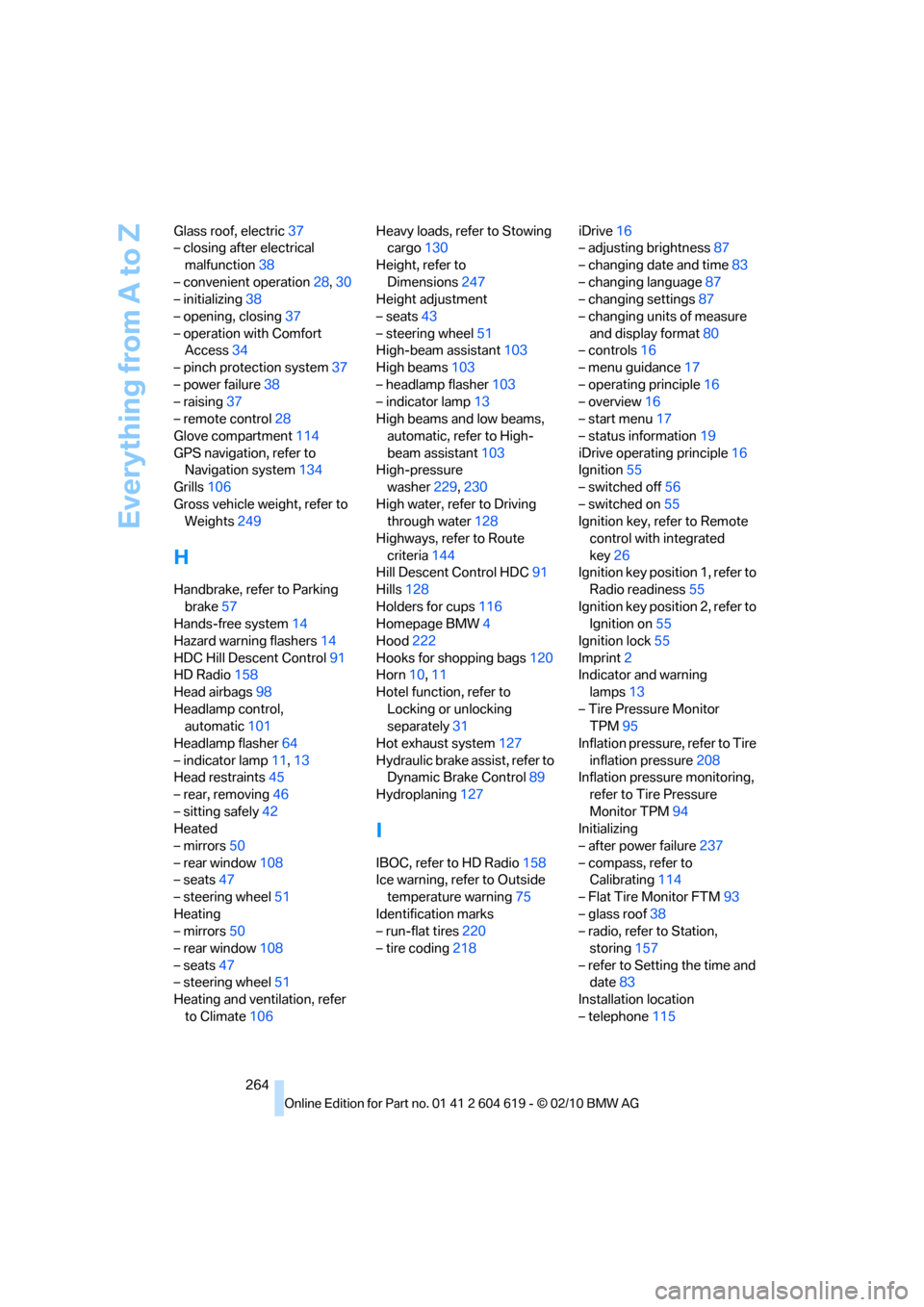
264 Glass roof, electric37
– closing after electrical
malfunction38
– convenient operation28,30
– initializing38
– opening, closing37
– operation with Comfort
Access34
– pinch protection system37
– power failure38
– raising37
– remote control28
Glove compartment114
GPS navigation, refer to
Navigation system134
Grills106
Gross vehicle weight, refer to
Weights249
H
Handbrake, refer to Parking
brake57
Hands-free system14
Hazard warning flashers14
HDC Hill Descent Control91
HD Radio158
Head airbags98
Headlamp control,
automatic101
Headlamp flasher64
– indicator lamp11,13
Head restraints45
– rear, removing46
– sitting safely42
Heated
– mirrors50
– rear window108
– seats47
– steering wheel51
Heating
– mirrors50
– rear window108
– seats47
– steering wheel51
Heating and ventilation, refer
to Climate106Heavy loads, refer to Stowing
cargo130
Height, refer to
Dimensions247
Height adjustment
– seats43
– steering wheel51
High-beam assistant103
High beams103
– headlamp flasher103
– indicator lamp13
High beams and low beams,
automatic, refer to High-
beam assistant103
High-pressure
washer229,230
High water, refer to Driving
through water128
Highways, refer to Route
criteria144
Hill Descent Control HDC91
Hills128
Holders for cups116
Homepage BMW4
Hood222
Hooks for shopping bags120
Horn10,11
Hotel function, refer to
Locking or unlocking
separately
31
Hot exhaust system127
Hydraulic brake assist, refer to
Dynamic Brake Control89
Hydroplaning127
I
IBOC, refer to HD Radio158
Ice warning, refer to Outside
temperature warning75
Identification marks
– run-flat tires220
– tire coding218iDrive16
– adjusting brightness87
– changing date and time83
– changing language87
– changing settings87
– changing units of measure
and display format80
– controls16
– menu guidance17
– operating principle16
– overview16
– start menu17
– status information19
iDrive operating principle16
Ignition55
– switched off56
– switched on55
Ignition key, refer to Remote
control with integrated
key26
Ignition key position 1, refer to
Radio readiness55
Ignition key position 2, refer to
Ignition on55
Ignition lock55
Imprint2
Indicator and warning
lamps13
– Tire Pressure Monitor
TPM95
Inflation pressure, refer to Tire
inflation pressure208
Inflation pressure monitoring,
refer to Tire Pressure
Monitor TPM94
Initializing
– after power failure237
– compass, refer to
Calibrating114
– Flat Tire Monitor FTM93
– glass roof38
– radio, refer to Station,
storing157
– refer to Setting the time and
date83
Installation location
– telephone115
Page 271 of 278
Reference 269
At a glance
Controls
Driving tips
Communications
Navigation
Entertainment
Mobility
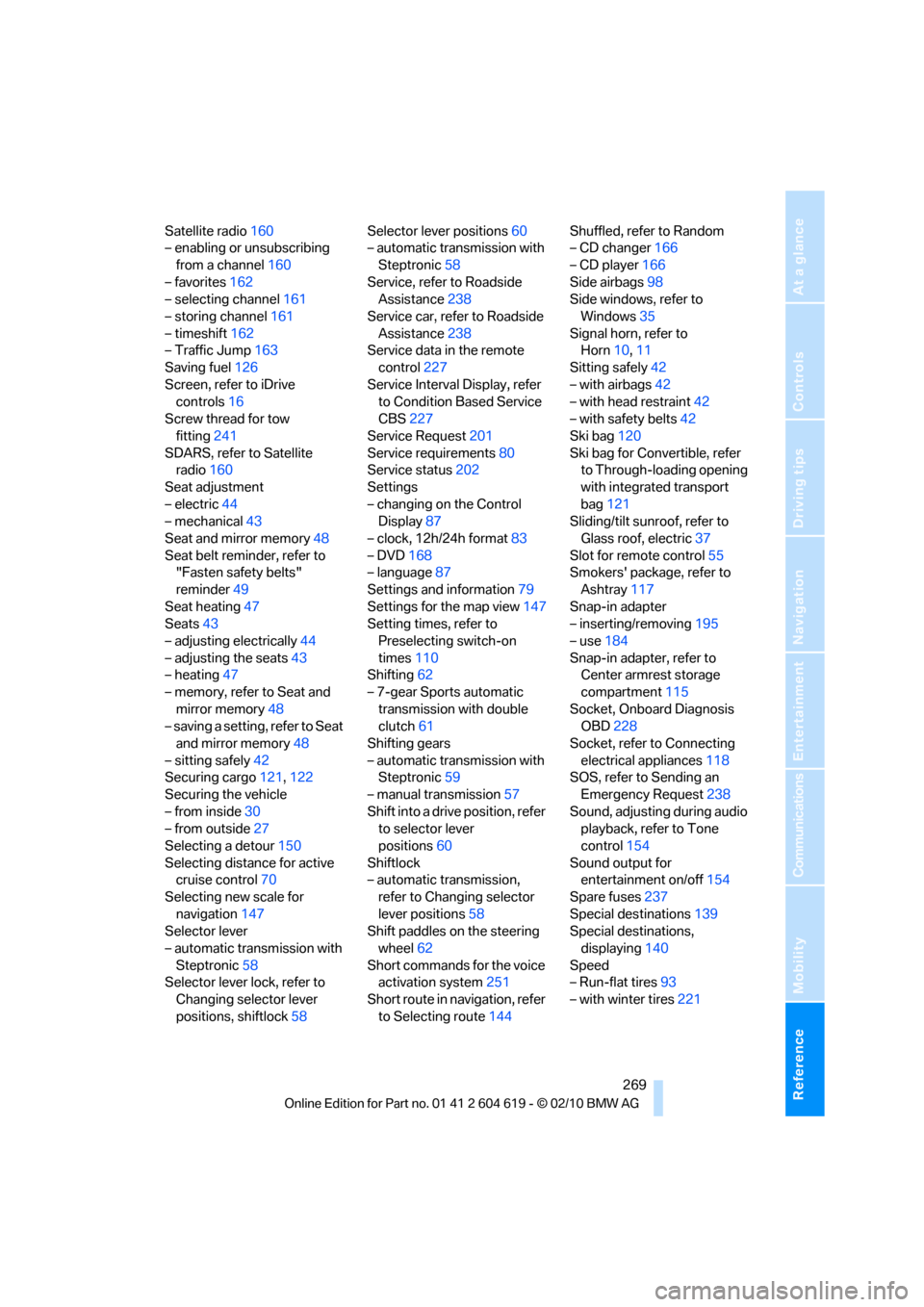
Satellite radio160
– enabling or unsubscribing
from a channel160
– favorites162
– selecting channel161
– storing channel161
– timeshift162
– Traffic Jump163
Saving fuel126
Screen, refer to iDrive
controls16
Screw thread for tow
fitting241
SDARS, refer to Satellite
radio160
Seat adjustment
– electric44
– mechanical43
Seat and mirror memory48
Seat belt reminder, refer to
"Fasten safety belts"
reminder49
Seat heating47
Seats43
– adjusting electrically44
– adjusting the seats43
– heating47
– memory, refer to Seat and
mirror memory48
– saving a setting, refer to Seat
and mirror memory48
– sitting safely42
Securing cargo121,122
Securing the vehicle
– from inside30
– from outside27
Selecting a detour150
Selecting distance for active
cruise control70
Selecting new scale for
navigation147
Selector lever
– automatic transmission with
Steptronic58
Selector lever lock, refer to
Changing selector lever
positions, shiftlock58Selector lever positions60
– automatic transmission with
Steptronic58
Service, refer to Roadside
Assistance238
Service car, refer to Roadside
Assistance238
Service data in the remote
control227
Service Interval Display, refer
to Condition Based Service
CBS227
Service Request201
Service requirements80
Service status
202
Settings
– changing on the Control
Display87
– clock, 12h/24h format83
– DVD168
– language87
Settings and information79
Settings for the map view147
Setting times, refer to
Preselecting switch-on
times110
Shifting62
– 7-gear Sports automatic
transmission with double
clutch61
Shifting gears
– automatic transmission with
Steptronic59
– manual transmission57
Shift into a drive position, refer
to selector lever
positions60
Shiftlock
– automatic transmission,
refer to Changing selector
lever positions58
Shift paddles on the steering
wheel62
Short commands for the voice
activation system251
Short route in navigation, refer
to Selecting route144Shuffled, refer to Random
– CD changer166
– CD player166
Side airbags98
Side windows, refer to
Windows35
Signal horn, refer to
Horn10,11
Sitting safely42
– with airbags42
– with head restraint42
– with safety belts42
Ski bag120
Ski bag for Convertible, refer
to Through-loading opening
with integrated transport
bag121
Sliding/tilt sunroof, refer to
Glass roof, electric37
Slot for remote control55
Smokers' package, refer to
Ashtray117
Snap-in adapter
– inserting/removing195
– use184
Snap-in adapter, refer to
Center armrest storage
compartment115
Socket, Onboard Diagnosis
OBD228
Socket, refer to Connecting
electrical appliances118
SOS, refer to Sending an
Emergency Request
238
Sound, adjusting during audio
playback, refer to Tone
control154
Sound output for
entertainment on/off154
Spare fuses237
Special destinations139
Special destinations,
displaying140
Speed
– Run-flat tires93
– with winter tires221