sunroof BMW 535I 2010 User Guide
[x] Cancel search | Manufacturer: BMW, Model Year: 2010, Model line: 535I, Model: BMW 535I 2010Pages: 271, PDF Size: 8.83 MB
Page 126 of 271
Things to remember when driving
124
Things to remember when driving
Break-in period
Moving parts need breaking-in time to adjust to
each other. To ensure that your vehicle contin-
ues to provide optimized economy of operation
throughout an extended service life, we request
that you devote careful attention to the follow-
ing section.
Engine and differential
Always obey all official speed limits.
Up to 1,200 miles/2,000 km
Drive at changing engine and driving speeds,
however do not exceed 4,500 rpm or 100 mph/
160 km/h.
Avoid full-throttle operation and use of the
transmission's kick down mode during these
initial miles.
From 1,200 miles/2,000 km
The engine and vehicle speed can gradually be
increased.
Tires
Due to technical factors associated with their
manufacture, tires do not achieve their full trac-
tion potential until after an initial break-in
period. Therefore, drive reservedly during the
first 200 miles/300 km.
Brake system
Brakes require an initial break-in period of
approx. 300 miles/500 km to achieve optimized
contact and wear patterns between brake pads
and rotors. Drive in a reserved manner during
this break-in period.
Clutch
The function of the clutch is only at its opti-
mized level after a distance driven of approx.
300 miles/500 km. During this break-in period,
engage the clutch gently.
Following part replacement
Observe the break-in instructions again if com-
ponents mentioned above must be replaced
after subsequent driving operation.
Saving fuel
The fuel consumption of your vehicle depends
on various factors. Through a few simple steps,
your driving style, and regular maintenance, you
can have a positive influence on your fuel con-
sumption and environmental impact.
Removing unnecessary cargo
Additional weight increases fuel consumption.
Removing add-on parts after use
Remove unneeded auxiliary mirrors, roof or rear
luggage racks after use. Add-on parts attached
to the vehicle impede the aerodynamics and
increase the fuel consumption.
Closing windows and glass sunroof
An open glass sunroof or open windows like-
wise increase the drag coefficient and therefore
the fuel consumption.
Checking tire inflation pressures
regularly
Check and correct the tire inflation pressure as
needed at least twice a month and before long
trips.
An insufficient tire inflation pressure increases
the rolling resistance and thus increases the
fuel consumption and tire wear.
Driving off immediately
Do not allow the engine to warm up by leaving it
running while the vehicle remains stationary.
Instead, begin to drive at a moderate engine
speed. This is the fastest way for the cold
engine to reach its operating temperature.
Page 127 of 271
Driving tips
125Reference
At a glance
Controls
Communications
Navigation
Entertainment
Mobility
Thinking ahead when driving
Avoid unnecessary acceleration and braking.
To do so, maintain the appropriate distance
from the vehicle in front of you. An anticipatory
and smooth driving style reduces fuel con-
sumption.
Avoiding high engine speeds
Use 1st gear only for starting off. Accelerate
rapidly in 2nd gear and above. Avoid high
engine speeds in doing so and shift into the
next gear early.
When you have reached the desired speed,
shift into the highest possible gear and drive
with the lowest possible engine speed while
maintaining a constant vehicle speed.
In general: driving at a low engine speed
reduces fuel consumption and minimizes wear.
Taking advantage of coasting
When approaching a red light, let off the gas
and allow the vehicle to coast to a stop in the
highest possible gear.
On steep roadways, let off the gas and allow the
vehicle to roll in the appropriate gear.
The flow of fuel is interrupted when coasting.
Switching off the engine during longer
stops
Switch off the engine at longer stops such as
traffic signals, railroad crossings, or in traffic
jams. Even having the engine switched off for
approx. 4 seconds results in fuel savings.
Switching off functions currently not
required
Functions such as the cooling function of the
automatic climate control, seat heating or rear
window defroster draw large amounts of power
and consume additional fuel. Their influence is
p a r t i c u l a r l y p r o n o u n c e d i n c i t y t r a f f i c a n d s t o p &
go operation. For this reason, it is a good idea to
switch these functions off when they are not
really needed.
Having maintenance carried out
Have the vehicle serviced regularly in order to
achieve the optimum economy and service life
of your vehicle. BMW recommends having the
maintenance performed by a BMW center. Also
please pay attention to the BMW maintenance
system, refer to page215.
General driving notes
Closing luggage compartment lid/
tailgate
Operate the vehicle only when the lug-
gage compartment lid/tailgate is com-
pletely closed. Otherwise, exhaust fumes could
enter the interior of the vehicle.<
If it is absolutely necessary to drive with the lug-
gage compartment lid open:
1.Close all windows and the glass sunroof or
panorama glass sunroof.
2.Increase the air volume of the automatic cli-
mate control to a high level, refer to
page107.
Hot exhaust system
As in all vehicles, extremely high temper-
atures are generated on the exhaust sys-
tem. Do not remove the heat shields installed
adjacent to it, and never apply undercoating to
them. When driving, standing at idle and while
parking take care to avoid possible contact
between the hot exhaust system and any highly
flammable materials such as hay, leaves, grass,
etc. Such contact could lead to a fire, and with it
the risk of serious property damage as well as
personal injury. Do not touch hot exhaust tail
pipes. Otherwise there is a risk of burns.<
Hydroplaning
When driving on wet or slushy roads,
reduce road speed. If you do not, a wedge
of water can form between tires and road sur-
face. This phenomenon is referred to as hydro-
planing, and is characterized by a partial or
complete loss of contact between the tires and
Page 130 of 271
Things to remember when driving
128 >Do not pile objects higher than the top edge
of the backrest.
>Sports Wagon:
Use the partition net to protect the occu-
pants, refer to page118. Make sure that
objects cannot penetrate through the parti-
tion net.
Wrap sharp-edged or pointed objects
which could strike the rear window while
driving.
Securing cargo
>Use the luggage net*, luggage straps, or
securing straps to hold down small and
lightweight luggage and cargo.
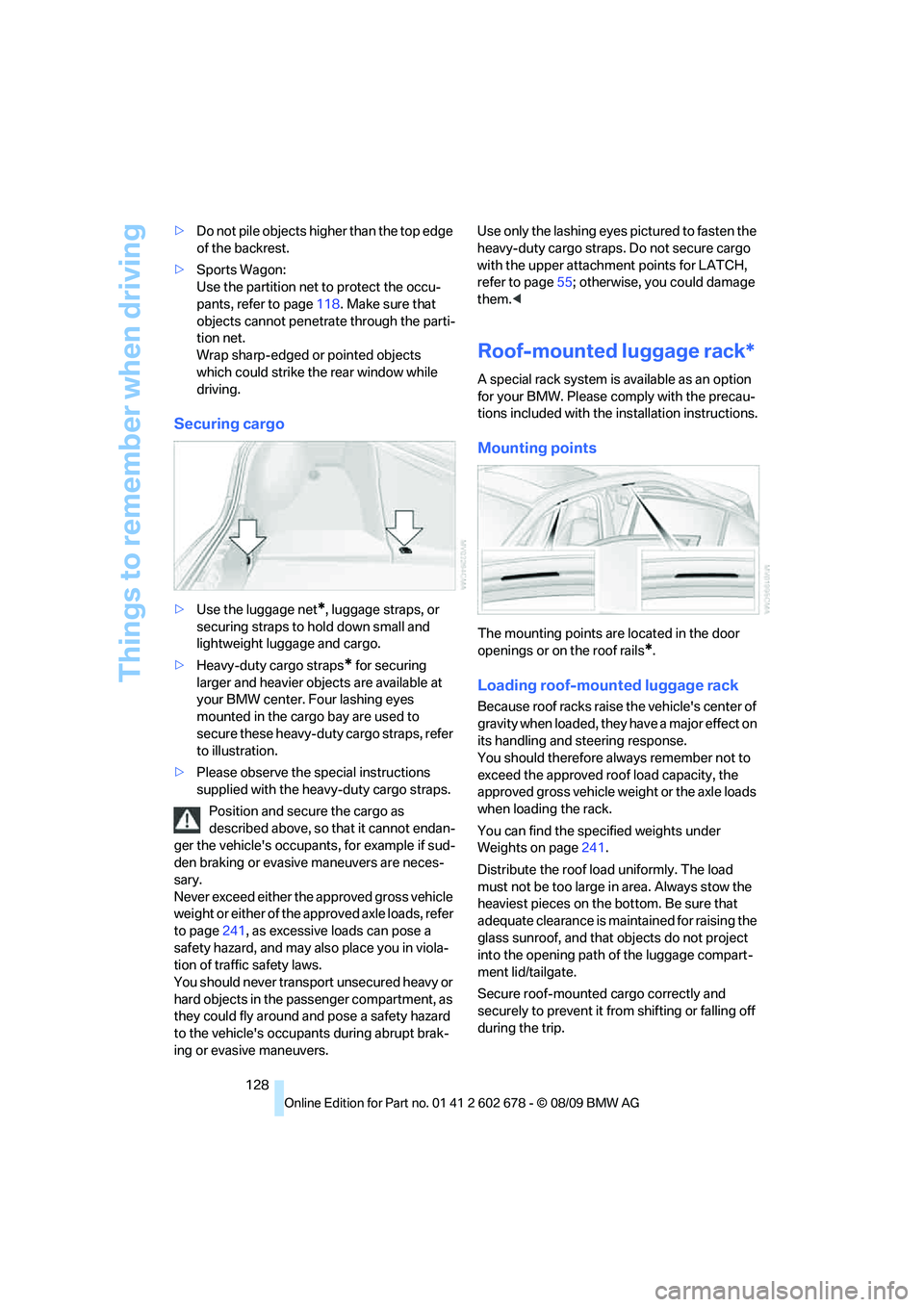
>Heavy-duty cargo straps
* for securing
larger and heavier objects are available at
your BMW center. Four lashing eyes
mounted in the cargo bay are used to
secure these heavy-duty cargo straps, refer
to illustration.
>Please observe the special instructions
supplied with the heavy-duty cargo straps.
Position and secure the cargo as
described above, so that it cannot endan-
ger the vehicle's occupants, for example if sud-
den braking or evasive maneuvers are neces-
sary.
Never exceed either the approved gross vehicle
weight or either of the approved axle loads, refer
to page241, as excessive loads can pose a
safety hazard, and may also place you in viola-
tion of traffic safety laws.
You should never transport unsecured heavy or
hard objects in the passenger compartment, as
they could fly around and pose a safety hazard
to the vehicle's occupants during abrupt brak-
ing or evasive maneuvers.Use only the lashing eyes pictured to fasten the
heavy-duty cargo straps. Do not secure cargo
with the upper attachment points for LATCH,
refer to page55; otherwise, you could damage
them.<
Roof-mounted luggage rack*
A special rack system is available as an option
for your BMW. Please comply with the precau-
tions included with the installation instructions.
Mounting points
The mounting points are located in the door
openings or on the roof rails
*.
Loading roof-mounted luggage rack
Because roof racks raise the vehicle's center of
gravity when loaded, they have a major effect on
its handling and steering response.
You should therefore always remember not to
exceed the approved roof load capacity, the
approved gross vehicle weight or the axle loads
when loading the rack.
You can find the specified weights under
Weights on page241.
Distribute the roof load uniformly. The load
must not be too large in area. Always stow the
heaviest pieces on the bottom. Be sure that
adequate clearance is maintained for raising the
glass sunroof, and that objects do not project
into the opening path of the luggage compart-
ment lid/tailgate.
Secure roof-mounted cargo correctly and
securely to prevent it from shifting or falling off
during the trip.
Page 190 of 271
Telephone
188
Selecting an entry
The connection to the phone number of the
selected entry is established.
Notes
Notes on Emergency Requests
Do not use the voice activation system to ini-
tiate an Emergency Request. In stressful situa-
tions, the voice and vocal pitch can change.
This can unnecessarily delay the establishment
of a telephone connection. Use the SOS but-
ton
* instead, refer to page231.
Important for voice commands
For voice commands, keep the following in
mind:
>Say the commands, numbers and letters
smoothly and with normal volume, empha-
sis and speed.
>Always say commands in the language of
the voice activation system.
>Keep the doors, windows, glass sunroof
*/
panorama glass sunroof
* closed to prevent
interference from ambient noise.
>Avoid making other noise in the vehicle
while speaking.
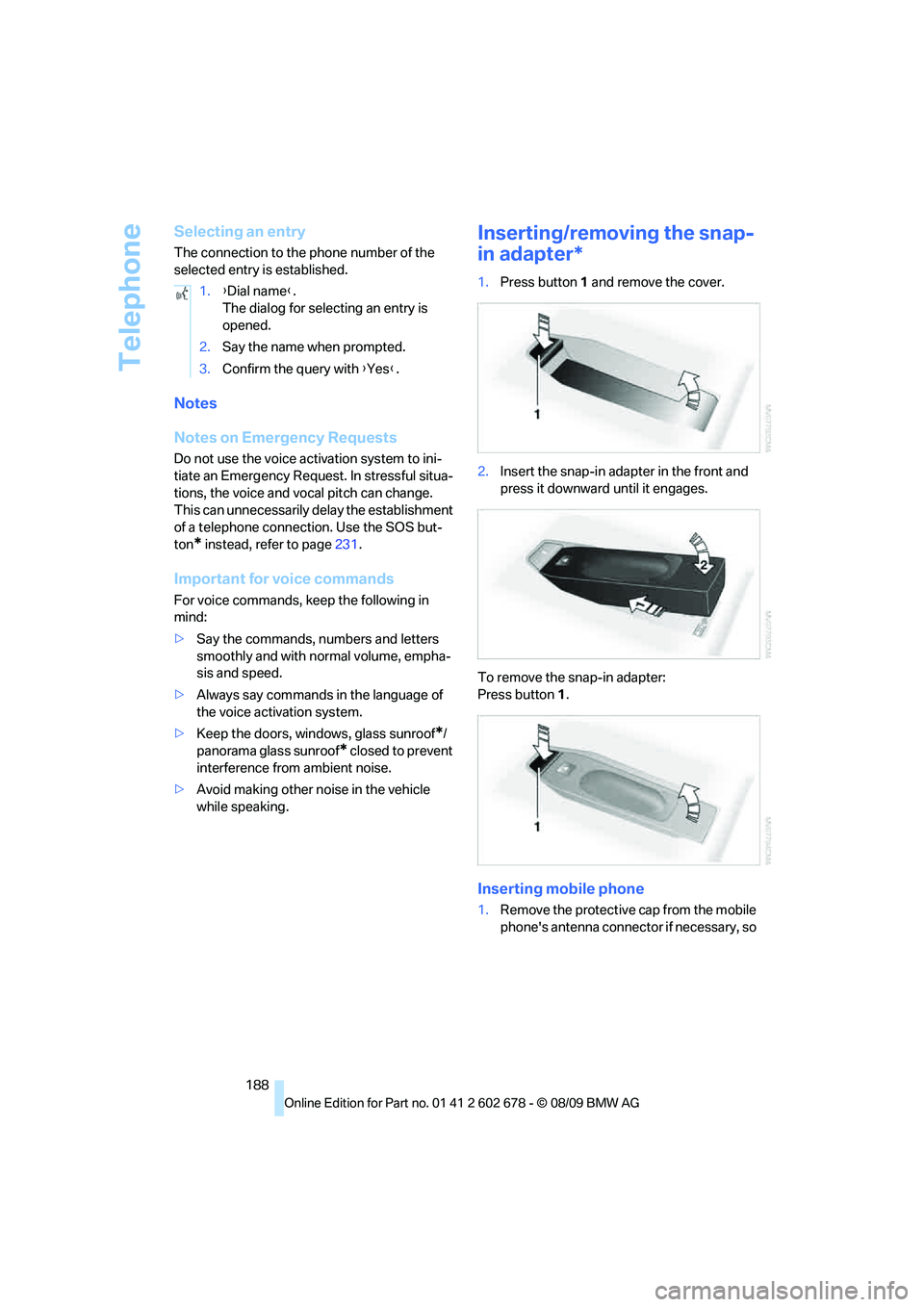
Inserting/removing the snap-
in adapter*
1.Press button1 and remove the cover.
2.Insert the snap-in adapter in the front and
press it downward until it engages.
To remove the snap-in adapter:
Press button 1.
Inserting mobile phone
1.Remove the protective cap from the mobile
phone's antenna connector if necessary, so 1.{Dial name}.
The dialog for selecting an entry is
opened.
2.Say the name when prompted.
3.Confirm the query with {Yes}.
Page 255 of 271
Reference 253
At a glance
Controls
Driving tips
Communications
Navigation
Entertainment
Mobility
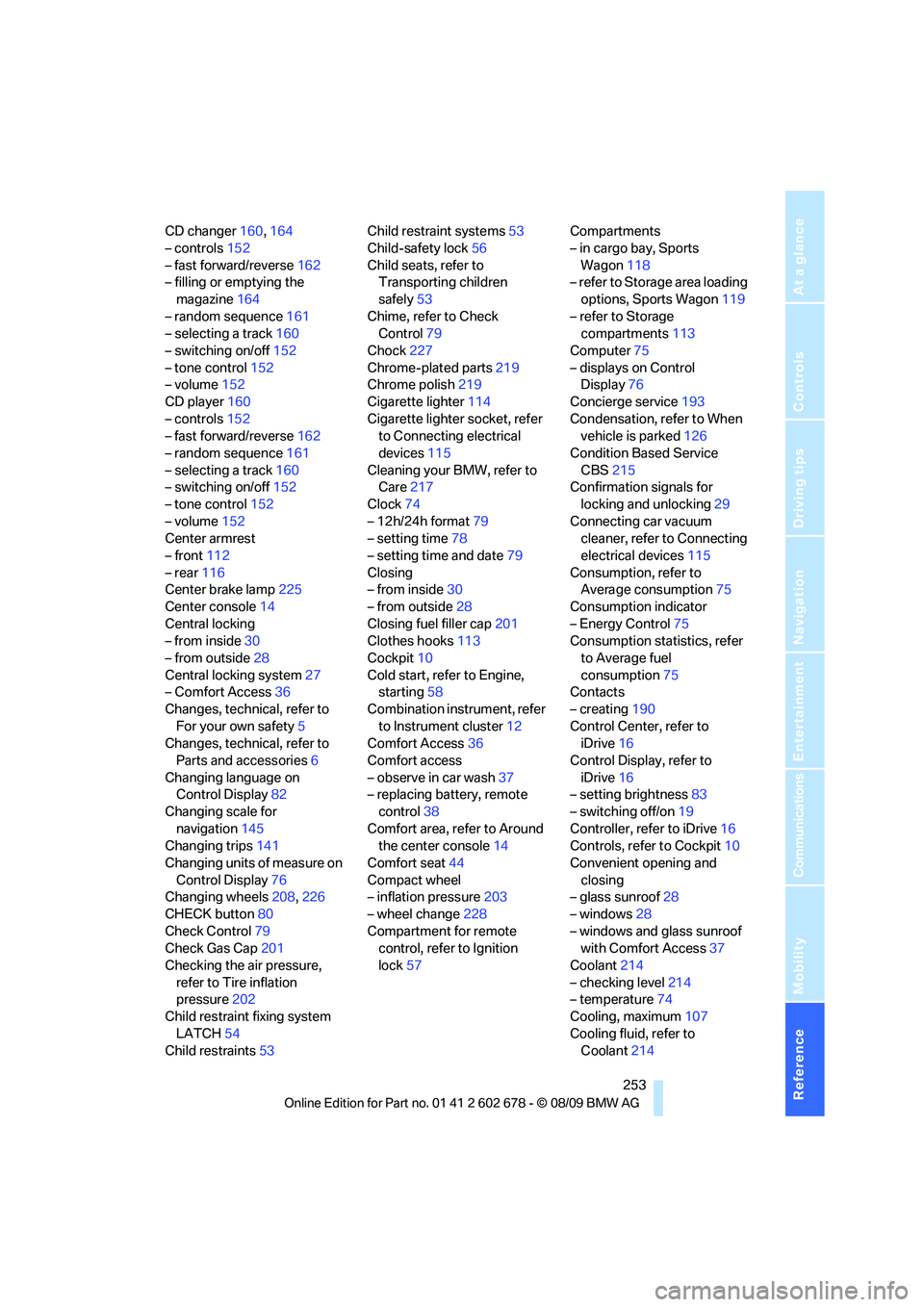
CD changer160,164
– controls152
– fast forward/reverse162
– filling or emptying the
magazine164
– random sequence161
– selecting a track160
– switching on/off152
– tone control152
– volume152
CD player160
– controls152
– fast forward/reverse162
– random sequence161
– selecting a track160
– switching on/off152
– tone control152
– volume152
Center armrest
– front112
– rear116
Center brake lamp225
Center console14
Central locking
– from inside30
– from outside28
Central locking system27
– Comfort Access36
Changes, technical, refer to
For your own safety5
Changes, technical, refer to
Parts and accessories6
Changing language on
Control Display82
Changing scale for
navigation145
Changing trips141
Changing units of measure on
Control Display76
Changing wheels208,226
CHECK button80
Check Control79
Check Gas Cap201
Checking the air pressure,
refer to Tire inflation
pressure202
Child restraint fixing system
LATCH54
Child restraints53Child restraint systems53
Child-safety lock56
Child seats, refer to
Transporting children
safely53
Chime, refer to Check
Control
79
Chock227
Chrome-plated parts219
Chrome polish219
Cigarette lighter114
Cigarette lighter socket, refer
to Connecting electrical
devices115
Cleaning your BMW, refer to
Care217
Clock74
– 12h/24h format79
– setting time78
– setting time and date79
Closing
– from inside30
– from outside28
Closing fuel filler cap201
Clothes hooks113
Cockpit10
Cold start, refer to Engine,
starting58
Combination instrument, refer
to Instrument cluster12
Comfort Access36
Comfort access
– observe in car wash37
– replacing battery, remote
control38
Comfort area, refer to Around
the center console14
Comfort seat44
Compact wheel
– inflation pressure203
– wheel change228
Compartment for remote
control, refer to Ignition
lock57Compartments
– in cargo bay, Sports
Wagon118
– refer to Storage area loading
options, Sports Wagon119
– refer to Storage
compartments113
Computer75
– displays on Control
Display76
Concierge service193
Condensation, refer to When
vehicle is parked126
Condition Based Service
CBS215
Confirmation signals for
locking and unlocking29
Connecting car vacuum
cleaner, refer to Connecting
electrical devices115
Consumption, refer to
Average consumption75
Consumption indicator
– Energy Control75
Consumption statistics, refer
to Average fuel
consumption75
Contacts
– creating190
Control Center, refer to
iDrive16
Control Display, refer to
iDrive16
– setting brightness83
– switching off/on19
Controller, refer to iDrive16
Controls, refer to Cockpit10
Convenient opening and
closing
– glass sunroof28
– windows28
– windows and glass sunroof
with Comfort Access37
Coolant214
– checking level214
– temperature74
Cooling, maximum107
Cooling fluid, refer to
Coolant214
Page 256 of 271
Everything from A to Z
254 Cooling function, automatic
climate control107
Cooling system, refer to
Coolant214
Copyright2
Cornering Brake Control
CBC85
Country codes DVD162
Country of destination for
navigation133
Courtesy lamps104
Cradle for telephone or mobile
phone112
Cruise control65
– active cruise control66
Cruising range75
Cupholders114
Curb weight, refer to
Weights241
Current consumption, refer to
Energy Control75
Current playback
– external devices174
– of music collection169
Customer Relations195
Cylinders, refer to Engine
data238
D
Dashboard, refer to
Cockpit10
Dashboard lighting, refer to
Instrument lighting104
Data, technical238
– dimensions239
– engine238
– weights241
Data transfer196
Date74
– date format79
– retrieval74
– setting79
Daytime running lamps101Defect
– door lock30
– fuel filler flap200
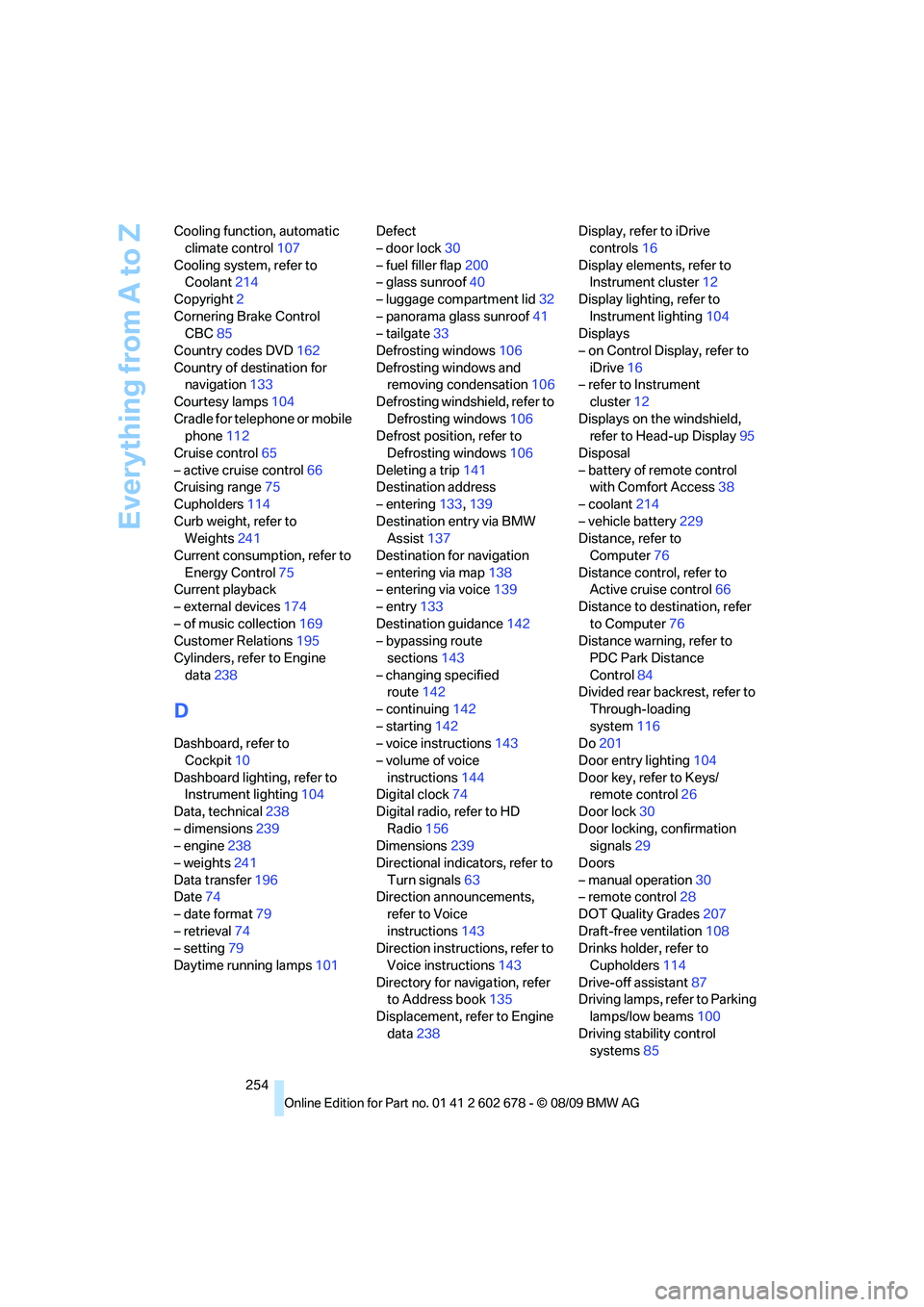
– glass sunroof40
– luggage compartment lid32
– panorama glass sunroof41
– tailgate33
Defrosting windows106
Defrosting windows and
removing condensation106
Defrosting windshield, refer to
Defrosting windows106
Defrost position, refer to
Defrosting windows106
Deleting a trip141
Destination address
– entering133,139
Destination entry via BMW
Assist137
Destination for navigation
– entering via map138
– entering via voice139
– entry133
Destination guidance142
– bypassing route
sections143
– changing specified
route142
– continuing142
– starting142
– voice instructions143
– volume of voice
instructions144
Digital clock74
Digital radio, refer to HD
Radio156
Dimensions239
Directional indicators, refer to
Turn signals63
Direction announcements,
refer to Voice
instructions143
Direction instructions, refer to
Voice instructions143
Directory for navigation, refer
to Address book
135
Displacement, refer to Engine
data238Display, refer to iDrive
controls16
Display elements, refer to
Instrument cluster12
Display lighting, refer to
Instrument lighting104
Displays
– on Control Display, refer to
iDrive16
– refer to Instrument
cluster12
Displays on the windshield,
refer to Head-up Display95
Disposal
– battery of remote control
with Comfort Access38
– coolant214
– vehicle battery229
Distance, refer to
Computer76
Distance control, refer to
Active cruise control66
Distance to destination, refer
to Computer76
Distance warning, refer to
PDC Park Distance
Control84
Divided rear backrest, refer to
Through-loading
system116
Do201
Door entry lighting104
Door key, refer to Keys/
remote control26
Door lock30
Door locking, confirmation
signals29
Doors
– manual operation30
– remote control28
DOT Quality Grades207
Draft-free ventilation108
Drinks holder, refer to
Cupholders114
Drive-off assistant87
Driving lamps, refer to Parking
lamps/low beams100
Driving stability control
systems85
Page 257 of 271
Reference 255
At a glance
Controls
Driving tips
Communications
Navigation
Entertainment
Mobility
Driving through water126
Driving tips, refer to General
driving notes124
Dry air, refer to Cooling
function107
Drying the air, refer to Cooling
function107
DSC Dynamic Stability
Control85
– indicator lamp13,86
– malfunction87
DTC Dynamic Traction
Control86
– activating86
– indicator lamp13,86
DVD
– country codes162
– settings163
– video playback162
DVD menu163
DVD player, refer to CD
player160
DVD video162
Dynamic Brake Control DBC
– warning lamp87
Dynamic destination
guidance143
Dynamic Drive88
Dynamic Driving Control62
Dynamic Stability Control
DSC85
Dynamic Traction Control
DTC86
E
Easy entry/exit52
– backrest width45
Eject button, refer to Buttons
in area of CD/DVD
player152
Electrical malfunction
– door lock30
– driver's door30
– fuel filler flap200
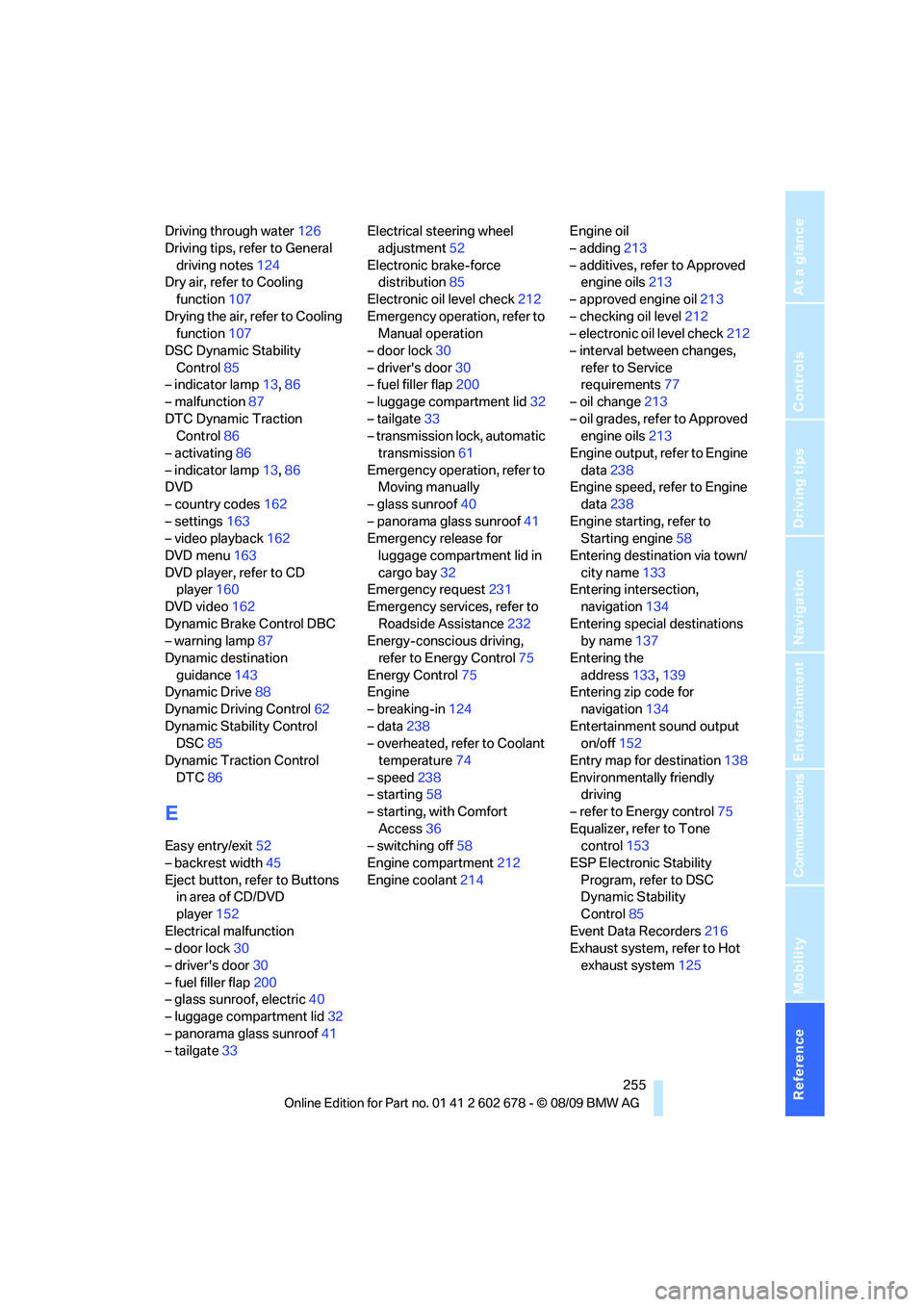
– glass sunroof, electric40
– luggage compartment lid32
– panorama glass sunroof41
– tailgate33Electrical steering wheel
adjustment52
Electronic brake-force
distribution85
Electronic oil level check212
Emergency operation, refer to
Manual operation
– door lock30
– driver's door30
– fuel filler flap200
– luggage compartment lid32
– tailgate33
– transmission lock, automatic
transmission61
Emergency operation, refer to
Moving manually
– glass sunroof40
– panorama glass sunroof41
Emergency release for
luggage compartment lid in
cargo bay32
Emergency request231
Emergency services, refer to
Roadside Assistance232
Energy-conscious driving,
refer to Energy Control75
Energy Control75
Engine
– breaking-in124
– data238
– overheated, refer to Coolant
temperature74
– speed238
– starting58
– starting, with Comfort
Access36
– switching off58
Engine compartment212
Engine coolant214Engine oil
– adding213
– additives, refer to Approved
engine oils213
– approved engine oil213
– checking oil level212
– electronic oil level check212
– interval between changes,
refer to Service
requirements
77
– oil change213
– oil grades, refer to Approved
engine oils213
Engine output, refer to Engine
data238
Engine speed, refer to Engine
data238
Engine starting, refer to
Starting engine58
Entering destination via town/
city name133
Entering intersection,
navigation134
Entering special destinations
by name137
Entering the
address133,139
Entering zip code for
navigation134
Entertainment sound output
on/off152
Entry map for destination138
Environmentally friendly
driving
– refer to Energy control75
Equalizer, refer to Tone
control153
ESP Electronic Stability
Program, refer to DSC
Dynamic Stability
Control85
Event Data Recorders216
Exhaust system, refer to Hot
exhaust system125
Page 258 of 271
Everything from A to Z
256 Exterior mirrors50
– adjusting50
– automatic dimming
feature52
– automatic heating51
– folding in and out51
– tilting down passenger-side
exterior mirror51
External audio device113
External devices
– random sequence174
Eye for tow-starting and
towing, refer to Tow
fitting233
F
Failure messages, refer to
Check Control79
False alarm
– refer to Avoiding
unintentional alarms36
– refer to Switching off
alarm35
Fastening safety belts, refer to
Safety belts48
– warning lamp48
Fastest route for
navigation142
Fast forward
– CD changer162
– CD player162
Filler neck for washer fluid65
Filter, refer to Microfilter/
activated-charcoal filter108
First aid, refer to First aid
kit232
First-aid kit232
Flashing
– during locking/unlocking,
refer to Setting confirmation
signals29
– triple turn signal
activation63Flat tire
– changing wheels226
– compact wheel228
– Flat Tire Monitor88,89
– refer to Tire condition208
– run-flat tires89,91
– TPM Tire Pressure
Monitor90
– warning lamp89,91
Flat Tire Monitor88
– false alarms88
– initializing system89
– snow chains210
– system limits88
– warning lamp89
Fluid reservoir, refer to Filler
neck for washer fluid65
FM, waveband155
Fog lamps104
– indicator lamp104
Folding rear backrest116
– Sports Wagon117
Folding rear backrest, Sports
Wagon117
Folding rear seat backrest116
Footbrake, refer to Braking
safely126
Footwell lamps, refer to
Interior lamps104
For your own safety5
4-wheel drive system, refer to
xDrive
86
Free memory capacity, music
collection170
Freeway, refer to Route
criteria142
Front airbags93
Front armrest, refer to Center
armrest, front112
Front passenger airbags
– deactivating94
Front seat adjustment44
FTM, refer to Flat Tire
Monitor88Fuel201
– average consumption75
– display75
– high-quality brands201
– quality201
– refer to Average fuel
consumption75
– specifications201
– tank contents, refer to
Capacities242
Fuel clock, refer to Fuel
gauge75
Fuel consumption display
– computer, average fuel
consumption75
Fuel display, refer to Fuel
gauge75
Fuel-efficient driving
– refer to Energy control75
– refer to Saving fuel124
Fuel filler flap200
– releasing in the event of
electrical malfunction200
Fuses230
G
Garage door opener, refer to
Integrated universal remote
control110
Gasoline, refer to Required
fuel201
Gasoline display, refer to Fuel
gauge75
Gas station
recommendations143
Gearshift lever
– manual transmission59
General driving
notes124,125
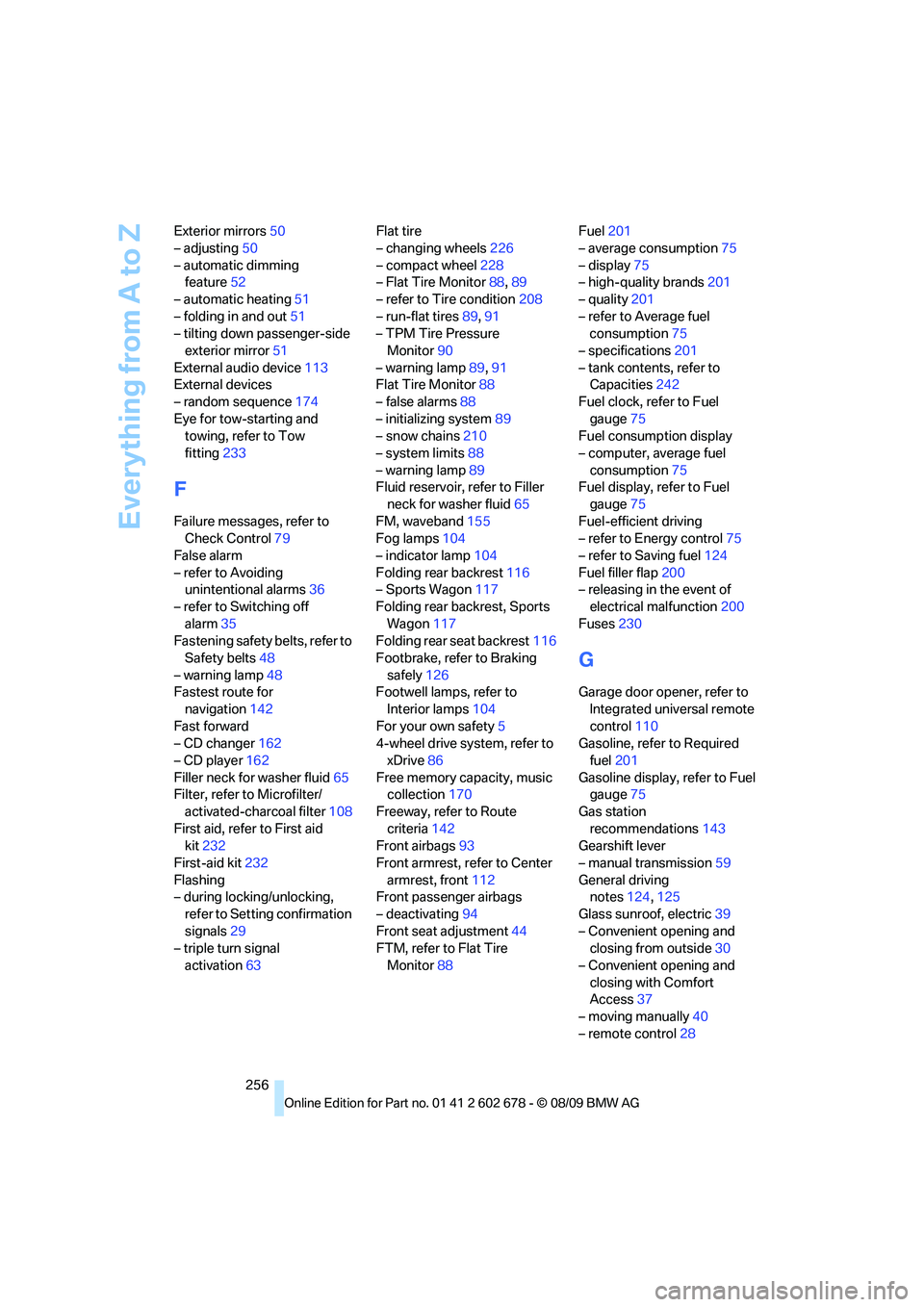
Glass sunroof, electric39
– Convenient opening and
closing from outside30
– Convenient opening and
closing with Comfort
Access37
– moving manually40
– remote control28
Page 261 of 271
Reference 259
At a glance
Controls
Driving tips
Communications
Navigation
Entertainment
Mobility
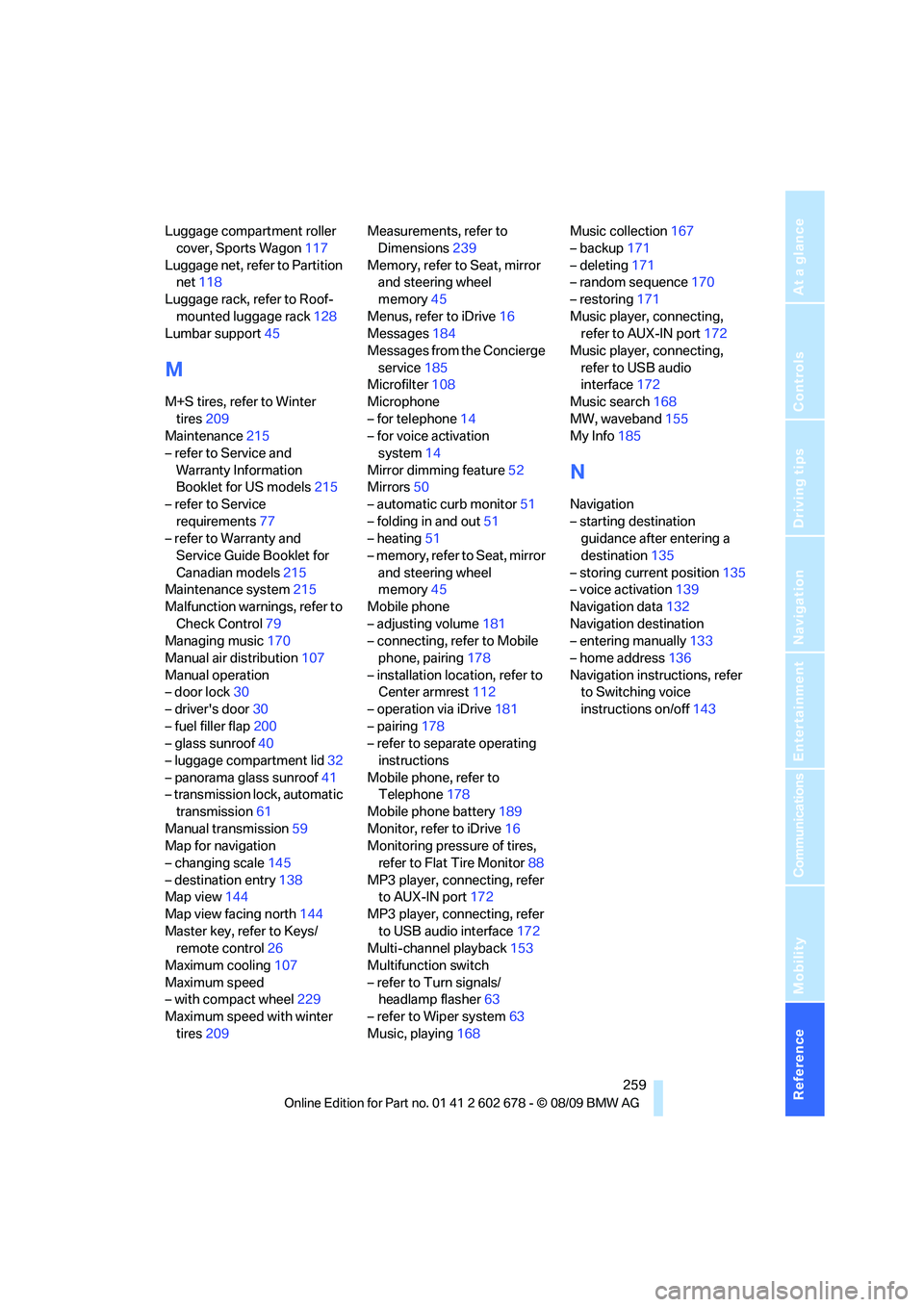
Luggage compartment roller
cover, Sports Wagon117
Luggage net, refer to Partition
net118
Luggage rack, refer to Roof-
mounted luggage rack128
Lumbar support45
M
M+S tires, refer to Winter
tires209
Maintenance215
– refer to Service and
Warranty Information
Booklet for US models215
– refer to Service
requirements77
– refer to Warranty and
Service Guide Booklet for
Canadian models215
Maintenance system215
Malfunction warnings, refer to
Check Control79
Managing music170
Manual air distribution107
Manual operation
– door lock30
– driver's door30
– fuel filler flap200
– glass sunroof40
– luggage compartment lid32
– panorama glass sunroof41
– transmission lock, automatic
transmission61
Manual transmission59
Map for navigation
– changing scale145
– destination entry138
Map view144
Map view facing north144
Master key, refer to Keys/
remote control26
Maximum cooling107
Maximum speed
– with compact wheel229
Maximum speed with winter
tires209Measurements, refer to
Dimensions239
Memory, refer to Seat, mirror
and steering wheel
memory45
Menus, refer to iDrive16
Messages184
Messages from the Concierge
service185
Microfilter108
Microphone
– for telephone14
– for voice activation
system14
Mirror dimming feature52
Mirrors50
– automatic curb monitor51
– folding in and out51
– heating51
– memory, refer to Seat, mirror
and steering wheel
memory45
Mobile phone
– adjusting volume181
– connecting, refer to Mobile
phone, pairing
178
– installation location, refer to
Center armrest112
– operation via iDrive181
– pairing178
– refer to separate operating
instructions
Mobile phone, refer to
Telephone178
Mobile phone battery189
Monitor, refer to iDrive16
Monitoring pressure of tires,
refer to Flat Tire Monitor88
MP3 player, connecting, refer
to AUX-IN port172
MP3 player, connecting, refer
to USB audio interface172
Multi-channel playback153
Multifunction switch
– refer to Turn signals/
headlamp flasher63
– refer to Wiper system63
Music, playing168Music collection167
– backup171
– deleting171
– random sequence170
– restoring171
Music player, connecting,
refer to AUX-IN port172
Music player, connecting,
refer to USB audio
interface172
Music search168
MW, waveband155
My Info185
N
Navigation
– starting destination
guidance after entering a
destination135
– storing current position135
– voice activation139
Navigation data132
Navigation destination
– entering manually133
– home address136
Navigation instructions, refer
to Switching voice
instructions on/off143
Page 262 of 271
Everything from A to Z
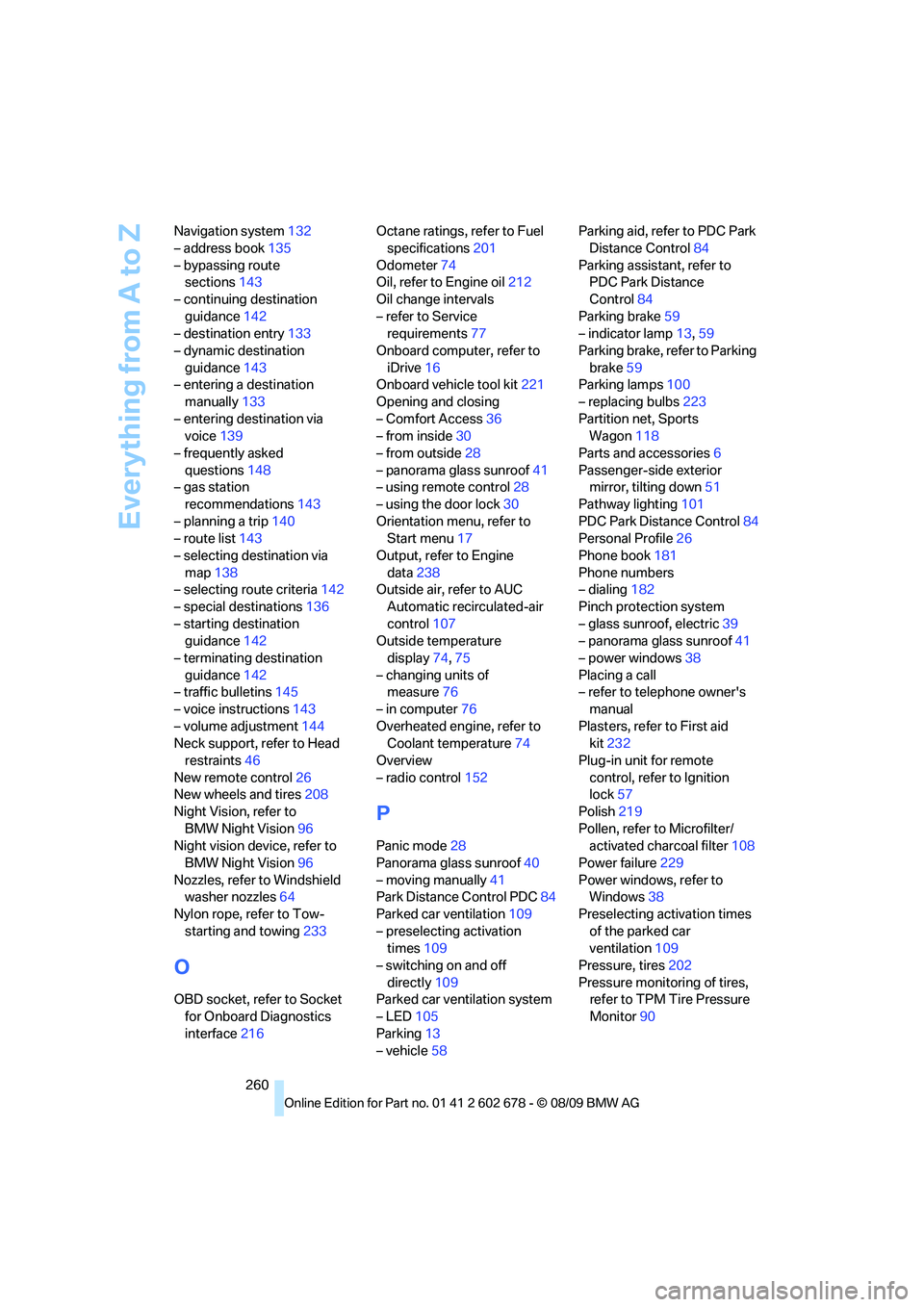
260 Navigation system132
– address book135
– bypassing route
sections143
– continuing destination
guidance142
– destination entry133
– dynamic destination
guidance143
– entering a destination
manually133
– entering destination via
voice139
– frequently asked
questions148
– gas station
recommendations143
– planning a trip140
– route list143
– selecting destination via
map138
– selecting route criteria142
– special destinations136
– starting destination
guidance142
– terminating destination
guidance142
– traffic bulletins145
– voice instructions143
– volume adjustment144
Neck support, refer to Head
restraints46
New remote control26
New wheels and tires208
Night Vision, refer to
BMW Night Vision96
Night vision device, refer to
BMW Night Vision96
Nozzles, refer to Windshield
washer nozzles64
Nylon rope, refer to Tow-
starting and towing233
O
OBD socket, refer to Socket
for Onboard Diagnostics
interface216Octane ratings, refer to Fuel
specifications201
Odometer74
Oil, refer to Engine oil212
Oil change intervals
– refer to Service
requirements77
Onboard computer, refer to
iDrive16
Onboard vehicle tool kit221
Opening and closing
– Comfort Access36
– from inside30
– from outside28
– panorama glass sunroof41
– using remote control28
– using the door lock30
Orientation menu, refer to
Start menu17
Output, refer to Engine
data238
Outside air, refer to AUC
Automatic recirculated-air
control107
Outside temperature
display74,75
– changing units of
measure76
– in computer76
Overheated engine, refer to
Coolant temperature74
Overview
– radio control152
P
Panic mode28
Panorama glass sunroof40
– moving manually41
Park Distance Control PDC84
Parked car ventilation109
– preselecting activation
times109
– switching on and off
directly109
Parked car ventilation system
– LED105
Parking13
– vehicle58Parking aid, refer to PDC Park
Distance Control84
Parking assistant, refer to
PDC Park Distance
Control84
Parking brake59
– indicator lamp13,59
Parking brake, refer to Parking
brake59
Parking lamps100
– replacing bulbs223
Partition net, Sports
Wagon118
Parts and accessories6
Passenger-side exterior
mirror, tilting down51
Pathway lighting101
PDC Park Distance Control84
Personal Profile26
Phone book181
Phone numbers
– dialing182
Pinch protection system
– glass sunroof, electric39
– panorama glass sunroof41
– power windows38
Placing a call
– refer to telephone owner's
manual
Plasters, refer to First aid
kit232
Plug-in unit for remote
control, refer to Ignition
lock57
Polish219
Pollen, refer to Microfilter/
activated charcoal filter108
Power failure229
Power windows, refer to
Windows38
Preselecting activation times
of the parked car
ventilation109
Pressure, tires202
Pressure monitoring of tires,
refer to TPM Tire Pressure
Monitor90