Glass BMW 7 SERIES 2016 G11 User Guide
[x] Cancel search | Manufacturer: BMW, Model Year: 2016, Model line: 7 SERIES, Model: BMW 7 SERIES 2016 G11Pages: 314, PDF Size: 7.9 MB
Page 86 of 314
Activating1. Slide the switch to the driver's side
mirror position.2.Engage selector lever position R.
Deactivating
Slide the switch to the passenger side mirror
position.
Fold in and out CAUTION
Depending on the vehicle width, the ve‐
hicle can be damaged in car washes. There is
risk of property damage. Before washing, fold
in the mirrors by hand or with the button.◀
Press button.
Possible at speeds up to approx.
15 mph/20 km/h.
Beneficial in the following situations:
▷In car washes.▷On narrow roads.▷For folding mirrors back out that were
folded away manually.
Mirrors that were folded in are folded out auto‐
matically at a speed of approx.
25 mph/40 km/h.
Automatic heating Both exterior mirrors are automatically heated
whenever the engine is running.
Automatic dimming feature Both exterior mirrors are automatically dim‐
med. Photocells are used to control the Interior
rearview mirror, refer to page 86.
Interior rearview mirror, automatic
dimming feature
Overview
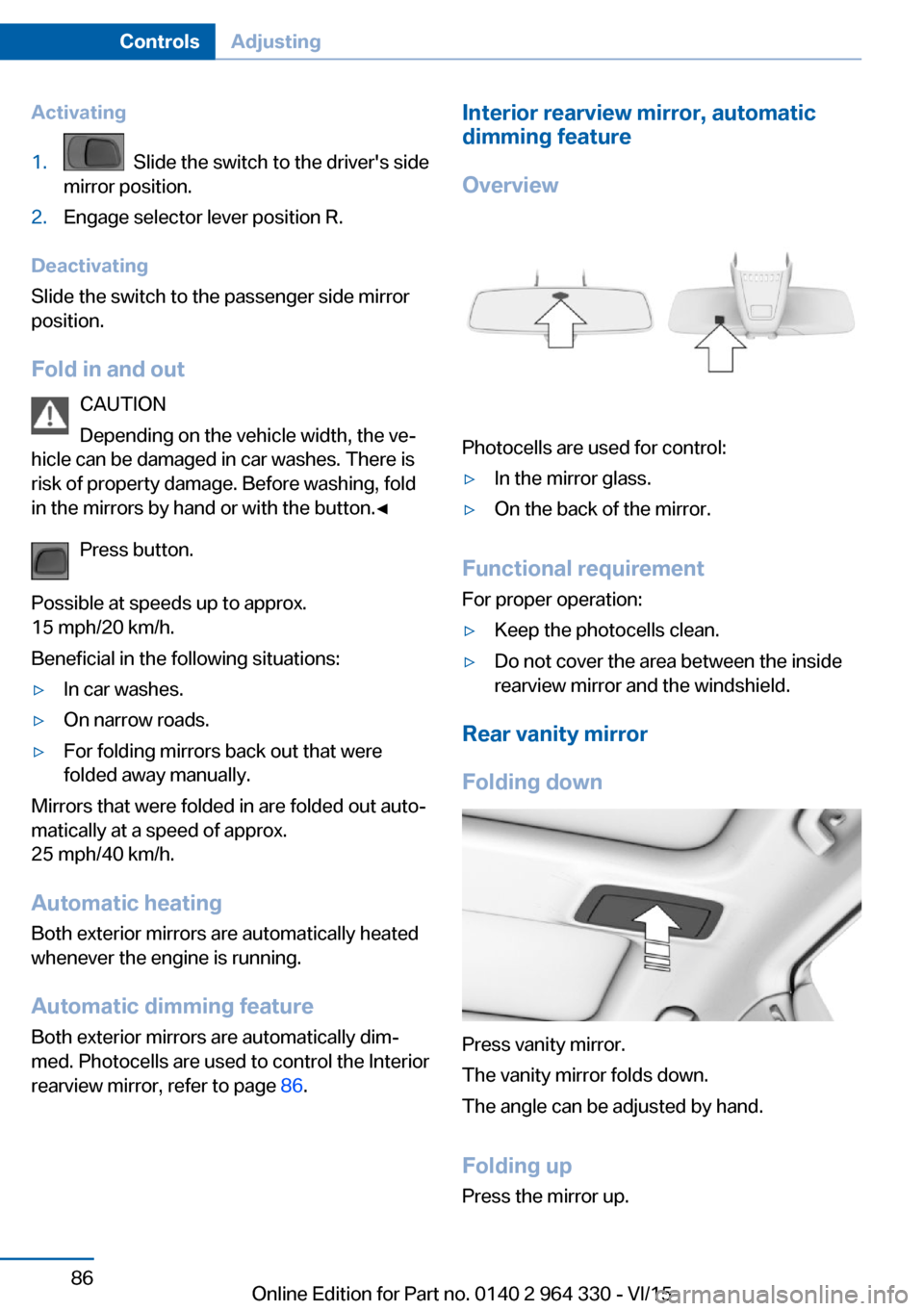
Photocells are used for control:
▷In the mirror glass.▷On the back of the mirror.
Functional requirement For proper operation:
▷Keep the photocells clean.▷Do not cover the area between the inside
rearview mirror and the windshield.
Rear vanity mirror
Folding down
Press vanity mirror.
The vanity mirror folds down.
The angle can be adjusted by hand.
Folding up Press the mirror up.
Seite 86ControlsAdjusting86
Online Edition for Part no. 0140 2 964 330 - VI/15
Page 126 of 314
Activating/deactivating the speed
warning
About iDrive:1."My Vehicle"2."Vehicle settings"3."Speed warning"4."Speed warning"5.Press the controller.
Setting your current speed as the
speed warning
About iDrive:
1."My Vehicle"2."Vehicle settings"3."Speed warning"4."Select current speed"5.Press the controller.
The current vehicle speed is stored as the
speed warning.
Vehicle status
The concept The status can be displayed and actions per‐
formed for several systems.
Opening the vehicle status
About iDrive:
1."My Vehicle"2."Vehicle status"
Information at a glance
▷ "Flat Tire Monitor": Status of the Flat
Tire Monitor, refer to page 269.▷ "Tire Pressure Monitor": Status of the
Tire Pressure Monitor, refer to page 265.▷Reset the Tire Pressure Monitor, refer to
page 265.▷ "Engine oil level"Electronic engine
oil level check, refer to page 273.▷ "Check Control": Display of stored
Check Control messages, refer to
page 117.▷ "Service required"Display of service
requirements, refer to page 119.▷ "Service Request": Service request.
Head-up Display
Overview
The concept
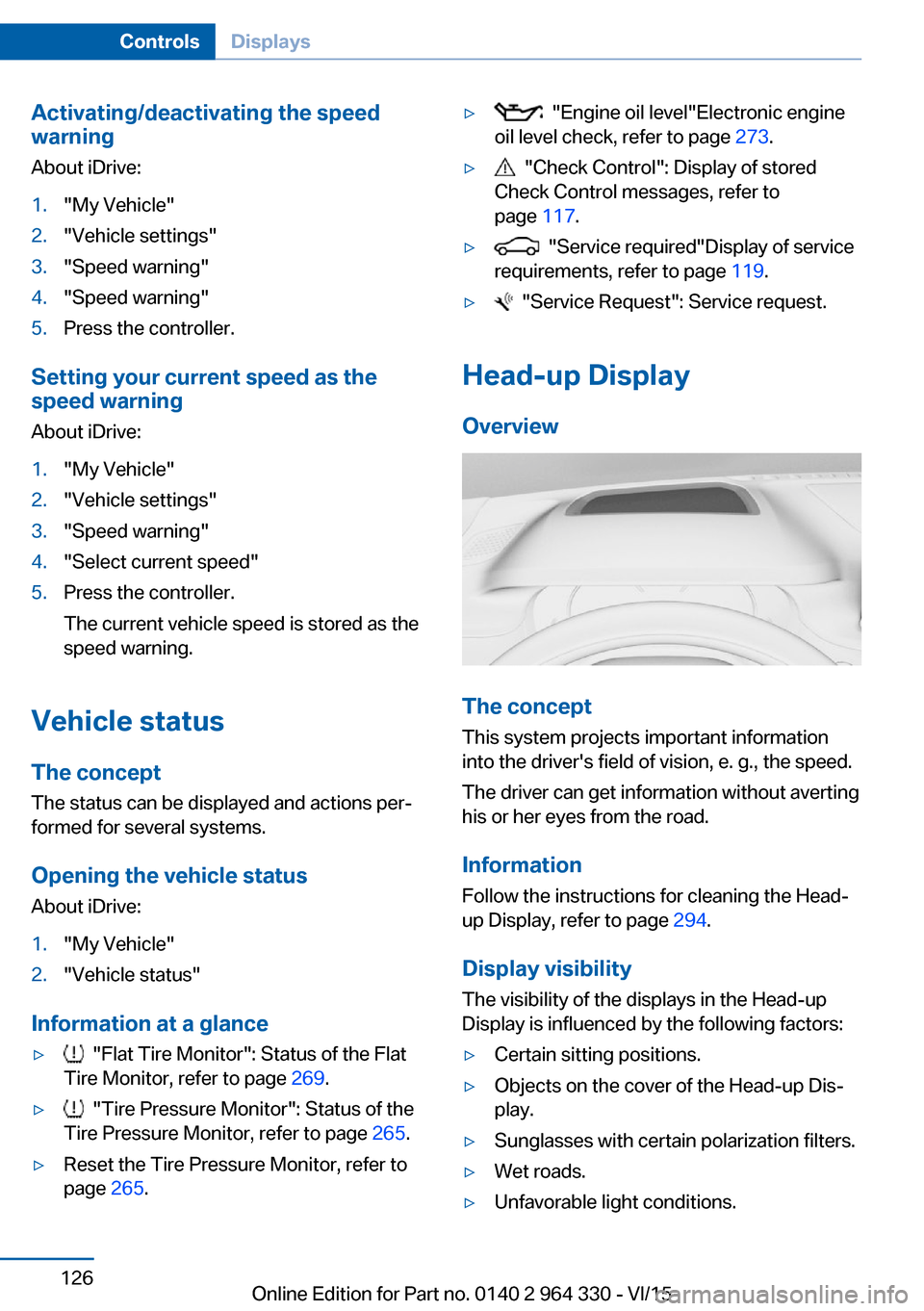
This system projects important information
into the driver's field of vision, e. g., the speed.
The driver can get information without averting
his or her eyes from the road.
Information Follow the instructions for cleaning the Head-
up Display, refer to page 294.
Display visibility The visibility of the displays in the Head-up
Display is influenced by the following factors:
▷Certain sitting positions.▷Objects on the cover of the Head-up Dis‐
play.▷Sunglasses with certain polarization filters.▷Wet roads.▷Unfavorable light conditions.Seite 126ControlsDisplays126
Online Edition for Part no. 0140 2 964 330 - VI/15
Page 134 of 314
Setting the brightness
About iDrive:1."My Vehicle"2."Vehicle settings"3."Lighting"4."Interior lighting"5."Brightness"6.Select desired setting.
Dimmed when driving About iDrive:
1."My Vehicle"2."Vehicle settings"3."Lighting"4."Interior lighting"5."Dimmed while driving"
The interior lighting is dimmed for some lights
while driving.
Panoramic glass sunroof, lighting If the panoramic glass sunroof is opened or the
sliding visor closed, lighting of the panoramic
glass sunroof is switched off.
When closing the sliding visors, only the light‐
ing for the area in question is switched off.
BMW Touch Command
The ambient light can also be operated using
BMW Touch Command.
Bowers & Wilkins High End Surround
Sound System
General information
Some speakers in the vehicle are illuminated.
Brightness can be individually set.
Switching on/off The speaker lighting is switched on when the
vehicle is unlocked, and switched off when the
vehicle is locked.
If the speakers are muted, speaker lighting will
be switched off.
Setting the brightness About iDrive:1."My Vehicle"2."Vehicle settings"3."Lighting"4."Bowers & Wilkins"5."Brightness"6.Select desired setting.
BMW Touch Command
The operation of the Bowers & Wilkins high-
end surround sound system is also possible
with BMW Touch Command.
Ambient light accent
General information
The ambient light accent illuminates the door
pillar in the rear.
Switching on/off The ambient light accent is switched on when
the vehicle is unlocked, and switched off when
the vehicle is locked.
When opening a rear door, the ambient light
accent of the respective door pillar is switched
off.
Setting the brightness About iDrive:
1."My Vehicle"2."Vehicle settings"3."Lighting"4."Accent lighting in rear"5."Brightness"
The last brightness set is displayed.6.Select desired setting.Seite 134ControlsLights134
Online Edition for Part no. 0140 2 964 330 - VI/15
Page 150 of 314
Display in the Head-up Display
The warning is displayed simultaneously in the
Head-up Display and on the instrument clus‐
ter.
System limits
Basic limits System operation is limited in situations such
as the following:▷On steep hills, in steep depressions or in
tight curves.▷When the camera is dirty or the protective
glass is damaged.▷In heavy fog, rain or snowfall.▷At very high external temperatures.
Limits of pedestrian and animal
detection
In some situations, it may occur that pedes‐
trians are detected as animals or animals as
pedestrians.
Small animals are not detected by the object
detection function, even if they are clearly visi‐
ble in the image.
Limited detection, e.g. in the following circum‐
stances:
▷People or animals who are fully or partially
covered, especially when their heads are
covered.▷People who are not in an upright position,
e.g., lying down.▷Cyclists on unconventional bicycles (e.g.,
recumbent bicycles).▷After physical damage to the system, e.g.,
after an accident.
No display on the rear screen
The image from Night Vision cannot be dis‐
played on the rear screen.
Lane departure warning
The concept This system alerts at speeds be‐
tween 45 mph/70 km/h and 130 mph/210 km/h
when the vehicle on roads with lane markings
is about to leave the lane.
The steering wheel begins vibrating gently in
the event of warnings. The time of the warning
may vary depending on the current driving sit‐
uation.
The system does not provide a warning if the
turn signal is set before leaving the lane.
Vehicles with side collision warning: if the vi‐
brating steering wheel is ignored and the lane
marking crossed, the system intervenes with a
brief active steering intervention and helps to
maintain the vehicle in the lane.
Information WARNING
The system does not relieve from the
personal responsibility to correctly assess
route and traffic situation. There is risk of an
accident. Adjust the driving style to the traffic
conditions. Watch traffic closely and actively
interfere in the respective situations. In the
event of a warning, do not unnecessarily jerk
the steering wheel.◀
Overview
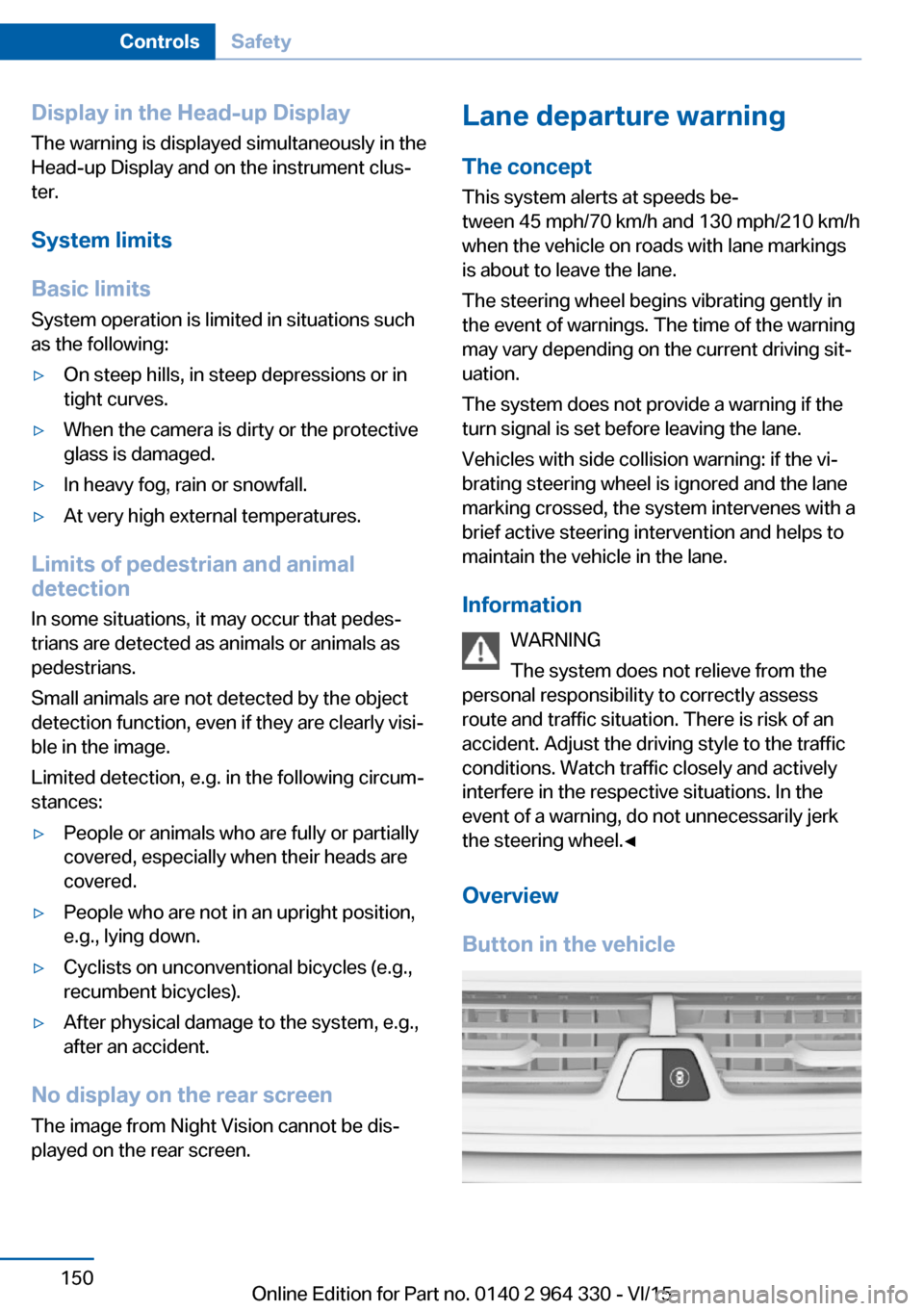
Button in the vehicleSeite 150ControlsSafety150
Online Edition for Part no. 0140 2 964 330 - VI/15
Page 161 of 314
▷Automatic closing of the glass sunroof, in‐
cluding sliding visor.▷For vehicles equipped with Comfort seats
in the front: automatic positioning of the
backrest for the front passenger seat.▷For vehicles equipped with Comfort seats
in the rear: automatic positioning of the
backrests for the rear passenger seats.
After a critical driving situation without an acci‐
dent, the front belts are loosened again. All
other systems can be restored to the desired
setting.
If the belt tension does not loosen automati‐
cally, stop the vehicle and unbuckle the belt
using the red button in the buckle. Fasten the
belt before continuing on your trip.
Post Crash — iBrake The conceptIn certain accident situations, e.g. collision, the
system can bring the vehicle to a halt automat‐
ically without driver intervention. This can re‐
duce the risk of a further collision and the con‐
sequences thereof.
At standstill After coming to a halt, the brake is released
automatically.
Harder vehicle braking
It can be necessary to bring the vehicle in cer‐
tain situations to a halt quicker.
Here, a higher braking pressure must be gen‐
erated for a short period when pressing the brake pedal than during automatic braking.
This interrupts automatic braking.
Interrupting automatic braking It can be necessary to interrupt automatic
braking in certain situations,e.g. for an evasive
maneuver.
Interrupt automatic braking:
▷By pressing the brake pedal.▷By pressing the accelerator pedal.
Attentiveness assistant
The concept The system can detect increasing lack of alert‐
ness or fatigue of the driver during long, mo‐
notonous journeys, e.g., on highways. In this
situation, it is recommended that the driver
takes a break.
Information WARNING
The system does not relieve from the
personal responsibility to correctly assess
one's physical state. An increasing lack of
alertness or fatigue may not be detected or not
be detected in time. There is risk of an acci‐
dent. Make sure that the driver is rested and
alert. Adjust the driving style to the traffic con‐
ditions.◀
Function
The system is switched on each time drive
readiness is switched on.
After travel has begun, the system is trained
about the driver, so that increasing lack of alertness or fatigue can be detected.
This procedure takes the following criteria into
account:
▷Personal driving style, e.g., steering behav‐
ior.▷Driving conditions, e.g., length of trip.
Starting at approximately 43 mph/70 km/h, the
system is active and can display a recommen‐
dation to take a break.
Seite 161SafetyControls161
Online Edition for Part no. 0140 2 964 330 - VI/15
Page 226 of 314
LockingThe glove compartment can be locked with an
integrated key. This prevents access to the
glove compartment.
After the glove compartment is locked, the re‐
mote control can be handed over, such as at a
hotel, without the integrated key.
Driver's side
Information WARNING
Folded open, the glove compartment
protrudes in the car's interior. Objects in the glove compartment can be thrown into the
car's interior while driving, e.g. in the event of
an accident or during braking and evasive ma‐
neuvers. There is risk of injuries. Always close
the glove compartment immediately after us‐ ing it.◀
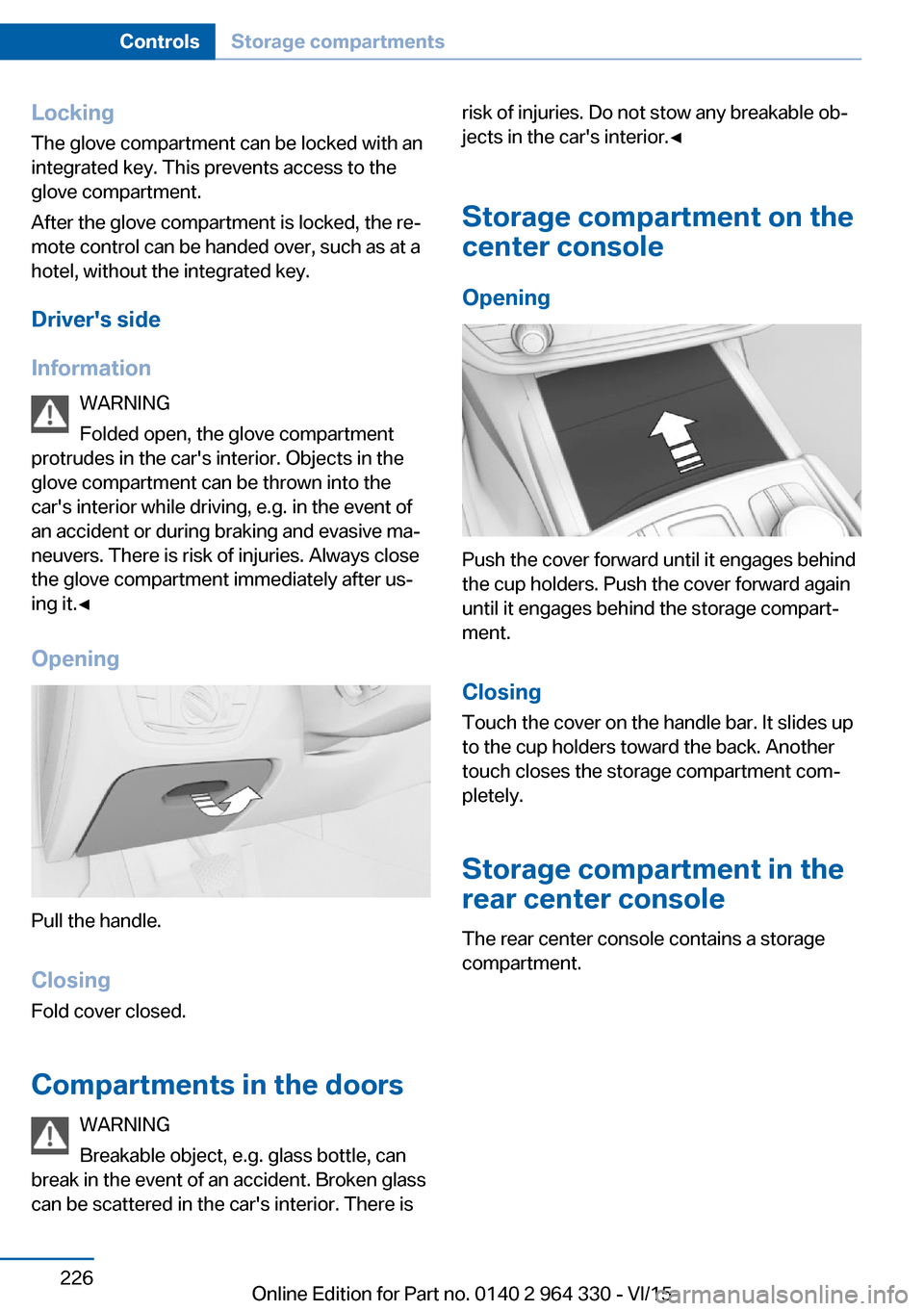
Opening
Pull the handle.
ClosingFold cover closed.
Compartments in the doors WARNING
Breakable object, e.g. glass bottle, can
break in the event of an accident. Broken glass
can be scattered in the car's interior. There is
risk of injuries. Do not stow any breakable ob‐
jects in the car's interior.◀
Storage compartment on the
center console
Opening
Push the cover forward until it engages behind
the cup holders. Push the cover forward again
until it engages behind the storage compart‐
ment.
ClosingTouch the cover on the handle bar. It slides up
to the cup holders toward the back. Another
touch closes the storage compartment com‐
pletely.
Storage compartment in the
rear center console
The rear center console contains a storage
compartment.
Seite 226ControlsStorage compartments226
Online Edition for Part no. 0140 2 964 330 - VI/15
Page 234 of 314
Things to remember when drivingVehicle features and options
This chapter describes all standard, country-
specific and optional features offered with the
series. It also describes features that are not
necessarily available in your car, e. g., due to
the selected options or country versions. This
also applies to safety-related functions and
systems. The respectively applicable country
provisions must be observed when using the
respective features and systems.
Breaking-in period General information
Moving parts need time to adjust to one an‐
other (break-in time).
The following instructions will help accomplish
a long vehicle life and good efficiency.
During break-in, do not use the Launch Con‐
trol, refer to page 109.
Engine, transmission, and axle drive
Up to 1,200 miles/2,000 km
Do not exceed the maximum engine and road
speed:▷For gasoline engine 4,500 rpm and
100 mph/160 km/h.
Avoid full load or kickdown under all circum‐
stances.
From 1,200 miles/2,000 km The engine and vehicle speed can gradually be
increased.
Tires
Tire traction is not optimal due to manufactur‐
ing circumstances when tires are brand-new;
they achieve their full traction potential after a
break-in time.
Drive conservatively for the first
200 miles/300 km.
Brake system
Brakes require an initial break-in period of ap‐
prox. 300 miles/500 km to achieve optimal per‐
formance between brake discs and brake
pads. Drive moderately during this break-in pe‐
riod.
Following part replacement
The same break-in procedures should be ob‐
served if any of the components above-men‐
tioned have to be renewed in the course of the
vehicle's operating life.
General driving notes
Closing the trunk lid WARNING
An open trunk lid protrudes from the ve‐
hicle and can endanger occupants and other
traffic participants or damage the vehicle in the
event of an accident, braking or evasive ma‐
neuvers. In addition, exhaust fumes may enter
the vehicle interior. There is risk of injuries or
risk of property damage. Do not drive with the
trunk lid open.◀
If driving with the tailgate open cannot be
avoided:▷Close all windows and the glass sunroof.▷Greatly increase the air flow from the vents.▷Drive moderately.Seite 234Driving tipsThings to remember when driving234
Online Edition for Part no. 0140 2 964 330 - VI/15
Page 239 of 314
Fold the cover outward.
Mounting Be sure that adequate clearance is maintained
for tilting and opening the glass sunroof.
Magnetic roof-mounted luggage rack Because of the aluminum roof, magnetic roof-
mounted luggage racks cannot be used.
Loading Because roof racks raise the vehicle's center
of gravity when loaded, they have a major ef‐
fect on vehicle handling and steering re‐
sponse.
Therefore, note the following when loading
and driving:▷Do not exceed the approved roof/axle
loads and the approved gross vehicle
weight.▷Be sure that adequate clearance is main‐
tained for tilting and opening the glass
sunroof.▷Distribute the roof load uniformly.▷The roof load should not extend past the
loading area.▷Always place the heaviest pieces on the
bottom.▷Secure the roof luggage firmly, e.g., tie
with ratchet straps.▷Do not let objects project into the opening
path of the trunk lid.▷Drive cautiously and avoid sudden acceler‐
ation and braking maneuvers. Take corners
gently.Seite 239LoadingDriving tips239
Online Edition for Part no. 0140 2 964 330 - VI/15
Page 240 of 314
Saving fuelVehicle features and optionsThis chapter describes all standard, country-
specific and optional features offered with the
series. It also describes features that are not
necessarily available in your car, e. g., due to
the selected options or country versions. This
also applies to safety-related functions and
systems. The respectively applicable country
provisions must be observed when using the
respective features and systems.
General information Your vehicle contains advanced technology for
the reduction of fuel consumption and emis‐
sions.
Fuel consumption depends on a number of dif‐
ferent factors.
Carrying out certain measures, such as a mod‐
erate driving style and regular maintenance,
can influence fuel consumption and the envi‐
ronmental impact.
Remove unnecessary cargo
Additional weight increases fuel consumption.
Remove attached parts
following use
Remove auxiliary mirrors, roof or rear luggage
racks which are no longer required following use.
Attached parts on the vehicle impair the aero‐
dynamics and increase the fuel consumption.Close the windows and glass
sunroof
Driving with the glass sunroof and windows
open results in increased air resistance and
raises fuel consumption.
Tires General information
Tires can affect fuel consumption in various
ways, e.g., tire size may influence fuel con‐
sumption.
Check the tire inflation pressure
regularly
Check and, if needed, correct the tire inflation
pressure at least twice a month and before
starting on a long trip.
Low tire inflation pressure increases rolling re‐
sistance and thus raises fuel consumption and
tire wear.
Drive away without delay
Do not wait for the engine to warm-up while
the vehicle remains stationary. Start driving
right away, but at moderate engine speeds.
This is the quickest way of warming the cold
engine up to operating temperature.
Look well ahead when
driving
Avoid unnecessary acceleration and braking.
By maintaining a suitable distance to the vehi‐
cle driving ahead of you.
Driving smoothly and proactively reduces fuel
consumption.Seite 240Driving tipsSaving fuel240
Online Edition for Part no. 0140 2 964 330 - VI/15
Page 282 of 314
Lights and bulbs
General information
Lights and bulbs make an essential contribu‐
tion to vehicle safety.
All headlights and lights are made using LED
or laser technology.
The vehicle manufacturer recommends that
you let a dealer’s service center or another
qualified service center or repair shop perform
the work in case of a malfunction.
Information
Lights and bulbs DANGER
There can be high voltage in the lighting
system. There is danger to life. The manufac‐
turer of your vehicle recommends that the
work on the lighting system including bulb re‐
placement be performed by a dealer’s service
center or another qualified service center or re‐
pair shop.◀
Light-emitting diodes (LEDs)
Some items of equipment use light-emitting
diodes installed behind a cover as a light
source.
These light-emitting diodes, which are related
to conventional lasers, are officially designated
as Class 1 light-emitting diodes.
WARNING
Too intensive brightness can irritate or
damage the retina of the eye. There is risk of
injuries. Do not look directly into the headlights
or other light sources for an extended period of
time. Do not remove the LED covers.◀
Headlight glass
Condensation can form on the inside of the ex‐
ternal lights in cool or humid weather. When
driving with the lights switched on, the con‐densation evaporates after a short time. The
headlight glass does not need to be changed.
If despite driving with the lights switched on,
increasing humidity forms, e. g. water droplets
in the lamp, the manufacturer of your vehicle
recommends having it checked by a dealer’s
service center or another qualified service cen‐
ter or repair shop.
Changing wheels
Information When using run-flat tires or sealants, a tire
does not need to be changed immediately in
the event of pressure loss due to a flat tire.
The tools for changing wheels are available as
accessories from your dealer’s service center
or another qualified service center or repair
shop.
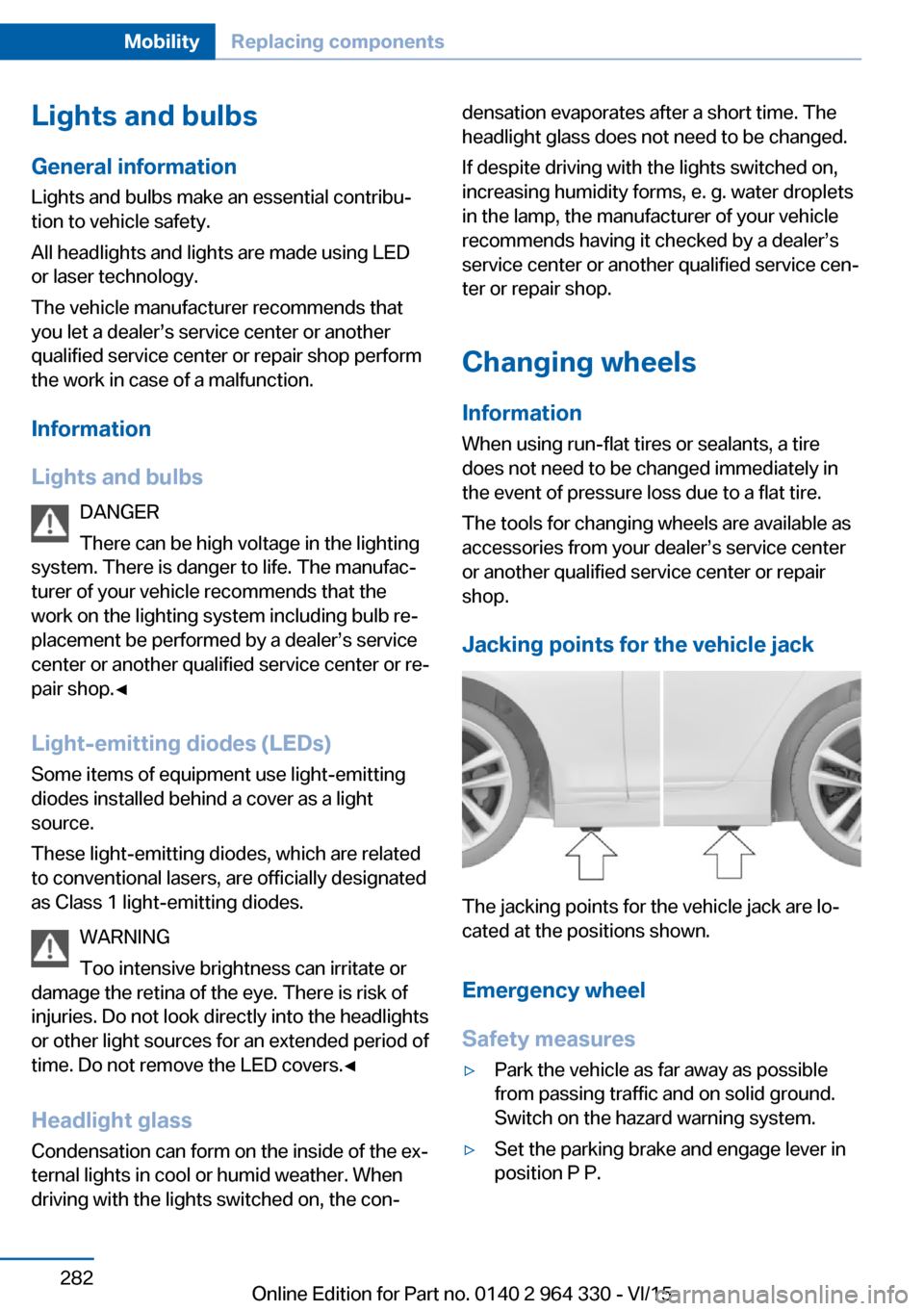
Jacking points for the vehicle jack
The jacking points for the vehicle jack are lo‐
cated at the positions shown.
Emergency wheel
Safety measures
▷Park the vehicle as far away as possible
from passing traffic and on solid ground.
Switch on the hazard warning system.▷Set the parking brake and engage lever in
position P P.Seite 282MobilityReplacing components282
Online Edition for Part no. 0140 2 964 330 - VI/15