Phone BMW 7 SERIES 2016 G11 Owner's Guide
[x] Cancel search | Manufacturer: BMW, Model Year: 2016, Model line: 7 SERIES, Model: BMW 7 SERIES 2016 G11Pages: 314, PDF Size: 7.9 MB
Page 235 of 314
Hot exhaust systemWARNING
During driving operation, high tempera‐
tures can occur underneath the body, e.g.
caused by the exhaust gas system. If combus‐
tible materials, such as leaves or grass, come
in contact with hot parts of the exhaust gas
system, these materials can ignite. There is
risk of injuries or risk of property damage.
Do not remove the heat shields installed and
never apply undercoating to them. Make sure
that no combustible materials can come in
contact with hot vehicle parts in driving opera‐
tion, idle or during parking. Do not touch the
hot exhaust system.◀
Mobile communication devices in the
vehicle
WARNING
Vehicle electronics and mobile phones
can influence one another. There is radiation
due to the send operations of mobile phones.
There is risk of injuries or risk of property dam‐
age. If possible, in the car's interior use only
mobile phones with direct connections to an
exterior antenna in order to exclude mutual
disturbance and deflect the radiation from the
car's interior.◀
Hydroplaning
On wet or slushy roads, a wedge of water can
form between the tires and road surface.
This phenomenon is referred to as hydroplan‐
ing. It is characterized by a partial or complete
loss of contact between the tires and the road
surface, ultimately undermining your ability to
steer and brake the vehicle.
Driving through water CAUTION
When driving too quickly through too
deep water, water can enter into the engine
compartment, the electrical system or thetransmission. There is risk of property damage.
When driving through water, do not exceed the
maximum indicated water level and the maxi‐
mum speed for driving through water.◀
Drive through calm water only and only if it is
not deeper than 9.8 inches/25 cm and at this
height, no faster than walking speed, up to
3 mph/5 km/h.
Braking safely Your vehicle is equipped with ABS as a stand‐
ard feature.
Applying the brakes fully is the most effective
way of braking in situations needed.
Steering is still responsive. You can still avoid
any obstacles with a minimum of steering ef‐
fort.
Pulsation of the brake pedal and sounds from
the hydraulic circuits indicate that ABS is in its
active mode.
In certain braking situations, the perforated
brake discs can cause functional problems.
However, this has no effect on the perform‐
ance and operational reliability of the brake.
Objects in the movement area around
pedals and floor area
WARNING
Objects in the driver's floor area can limit
the pedal distance or block a depressed pedal.
There is risk of an accident. Stow objects in
the vehicle such that they are secured and
cannot enter into the driver's floor area. Use
floor mats that are suitable for the vehicle and
can be safely attached to the floor. Do not use
loose floor mats and do not layer several floor
mats. Make sure that there is sufficient clear‐
ance for the pedals. Ensure that the floor mats
are securely fastened again after they were re‐
moved, e.g. for cleaning.◀Seite 235Things to remember when drivingDriving tips235
Online Edition for Part no. 0140 2 964 330 - VI/15
Page 274 of 314
Take care not to add too much engine oil.CAUTION
Too much engine oil can damage the en‐
gine or the catalytic converter. There is risk of
property damage. Do not add too much engine
oil. Have too much engine oil siphoned off by a
dealer’s service center or another qualified
service center or repair shop.◀
Detailed measurement
The concept In the detailed measurement the engine oil
level is checked and displayed via a scale.
Gasoline engine:
If the engine oil level reaches the minimum
level, a check control message is displayed.
Diesel engine:
During the measurement, the idle speed is in‐
creased somewhat.
General information
A detailed measurement is only possible with
certain engines.
Requirements▷Vehicle is on level road.▷Selector lever in selector lever position N
or P and accelerator pedal not depressed.▷Engine is running and is at operating tem‐
perature.
Performing a detailed measurement
About iDrive:
1."My Vehicle"2."Vehicle status"3. "Measure engine oil level"4."Start measurement"
The engine oil level is checked and displayed
via a scale.
Time: approx. 1 minute.
Adding engine oil
Information CAUTION
A too low engine oil level causes engine
damage. There is risk of property damage.
Add engine oil within the next
125 miles/200 km.◀
CAUTION
Too much engine oil can damage the en‐
gine or the catalytic converter. There is risk of
property damage. Do not add too much engine
oil. Have too much engine oil siphoned off by a
dealer’s service center or another qualified
service center or repair shop.◀
WARNING
Operating materials, e.g. oils, greases,
coolants, fuels, can contain harmful ingredi‐
ents. There is risk of injuries or danger to life.
Observe the instructions on the containers.
Avoid the contact of articles of clothing, skin or
eyes with operating materials. Do not refill op‐
erating materials into different bottles. Store
operating materials out of reach of children.◀
General information
Establish idle state and safely park the vehicle
before engine oil is added.
Overview The oil filler neck is located in the engine com‐
partment, refer to page 271.
Opening the oil filler neck Only add engine oil when the message is dis‐
played in the instrument cluster. The quantity
to be added is indicated in the message dis‐
played in the instrument cluster.1.Opening the hood, refer to page 272Seite 274MobilityEngine oil274
Online Edition for Part no. 0140 2 964 330 - VI/15
Page 286 of 314
Breakdown assistanceVehicle features and options
This chapter describes all standard, country-
specific and optional features offered with the
series. It also describes features that are not
necessarily available in your car, e. g., due to
the selected options or country versions. This
also applies to safety-related functions and
systems. The respectively applicable country
provisions must be observed when using the
respective features and systems.
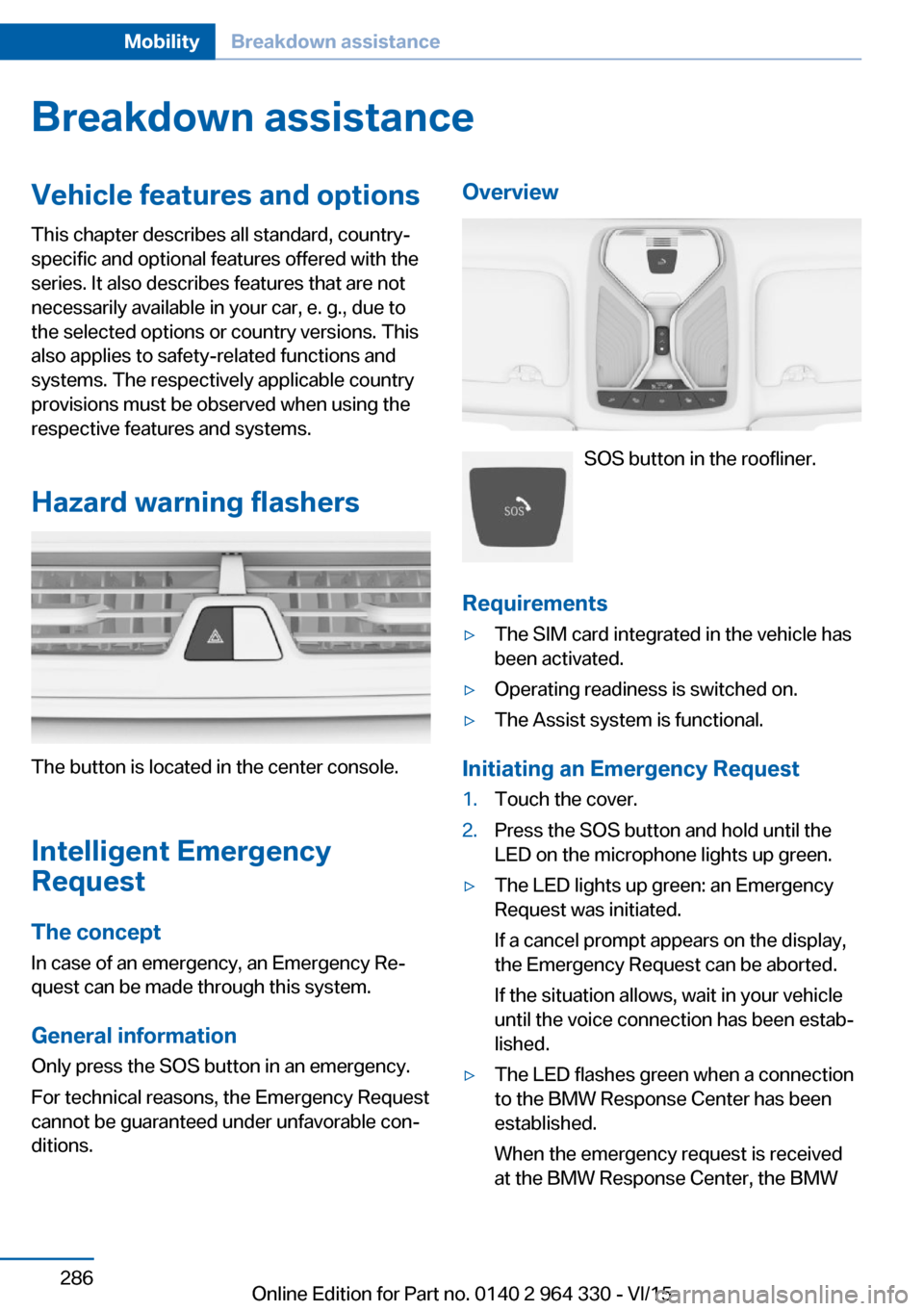
Hazard warning flashers
The button is located in the center console.
Intelligent Emergency
Request
The concept In case of an emergency, an Emergency Re‐
quest can be made through this system.
General information
Only press the SOS button in an emergency.
For technical reasons, the Emergency Request
cannot be guaranteed under unfavorable con‐
ditions.
Overview
SOS button in the roofliner.
Requirements
▷The SIM card integrated in the vehicle has
been activated.▷Operating readiness is switched on.▷The Assist system is functional.
Initiating an Emergency Request
1.Touch the cover.2.Press the SOS button and hold until the
LED on the microphone lights up green.▷The LED lights up green: an Emergency
Request was initiated.
If a cancel prompt appears on the display,
the Emergency Request can be aborted.
If the situation allows, wait in your vehicle
until the voice connection has been estab‐
lished.▷The LED flashes green when a connection
to the BMW Response Center has been
established.
When the emergency request is received
at the BMW Response Center, the BMWSeite 286MobilityBreakdown assistance286
Online Edition for Part no. 0140 2 964 330 - VI/15
Page 304 of 314
Closing via door lock 62
Closing without remote con‐ trol 62
Clothes hooks 229
Coasting 245
Coasting with engine decou‐ pled, coasting 245
Coasting with idling en‐ gine 245
Collision warning with braking function 140
Collision warning with City braking function 140
Combination switch, see Turn signals 103
Combination switch, see Wiper system 103
Comfort Access 65
COMFORT drive mode, see Driving Dynamics Con‐
trol 110
COMFORT PLUS drive mode, see Driving Dynamics
Control 110
COMFORT PLUS, see Driv‐ ing Dynamics Control 110
COMFORT, see Driving Dy‐ namics Control 110
Communication 6
Compact wheel, see Emer‐ gency wheel 282
Compartments in the doors 226
Compatible devices 42
Compatible mobile phones 42
Compressor 260
Computer, see on-board computer 122
Condensation on win‐ dows 206
Condensation under the vehi‐ cle 236
Condition Based Service CBS 279
Confirmation signal 68 ConnectedDrive 6
ConnectedDrive Services 6
Connecting device 41
Connecting electrical devi‐ ces 219
Connecting mobile phone 41
Connecting smartphone 41
Connecting telephone 41
Connections 41
Continued driving with a flat tire 267 , 270
Control Display 21
Control Display, settings 38
Controller 22
Control systems, driving sta‐ bility 163
Convenient opening with the remote control 61
Coolant 277
Coolant level 277
Coolant temperature 118
Cooler 223
Cooling function 204
Cooling, maximum 204
Cooling system 277
Corrosion on brake discs 236
Cosmetic mirror 217
Courtesy lamps with the vehi‐ cle locked 61
Cross traffic warning 197
Cruise control 175
Cruise control, active with Stop & Go 168
Cruising range 123
Cupholder 228
Current fuel consump‐ tion 123
D
Damage, tires 258
Damping control, dy‐ namic 201
Data, technical 298
Daytime running lights 131 Defrosting, see Windows, de‐
frosting 206
Dehumidifying, air 204
Deleting personal data 40
Deletion of personal data 40
Departure time, parked-car heating 211
Departure time, parked-car ventilation 211
Destination distance 124
Device list 41
Digital clock 118
Dimensions 298
Dimmable exterior mirrors 86
Dimmable interior rearview mirror 86
Direction indicator, see Turn signals 103
Display in windshield 126
Display lighting, see Instru‐ ment lighting 133
Displays 113
Displays, cleaning 294
Disposal, coolant 278
Disposal, vehicle battery 285
Distance control, see PDC 180
Distance to destination 124
Divided screen view, split screen 27
Door handle lighting, see wel‐ come lights 130
Door lock 62
Door lock, see Remote con‐ trol 54
Doors, Automatic Soft Clos‐ ing 63
Downhill control 165
Drive mode 110
Drive-off assistant 163
Drive-off assistant, see DSC 163
Drive readiness, see starting the engine 97
Driving Dynamics Con‐ trol 110 Seite 304ReferenceEverything from A to Z304
Online Edition for Part no. 0140 2 964 330 - VI/15
Page 308 of 314
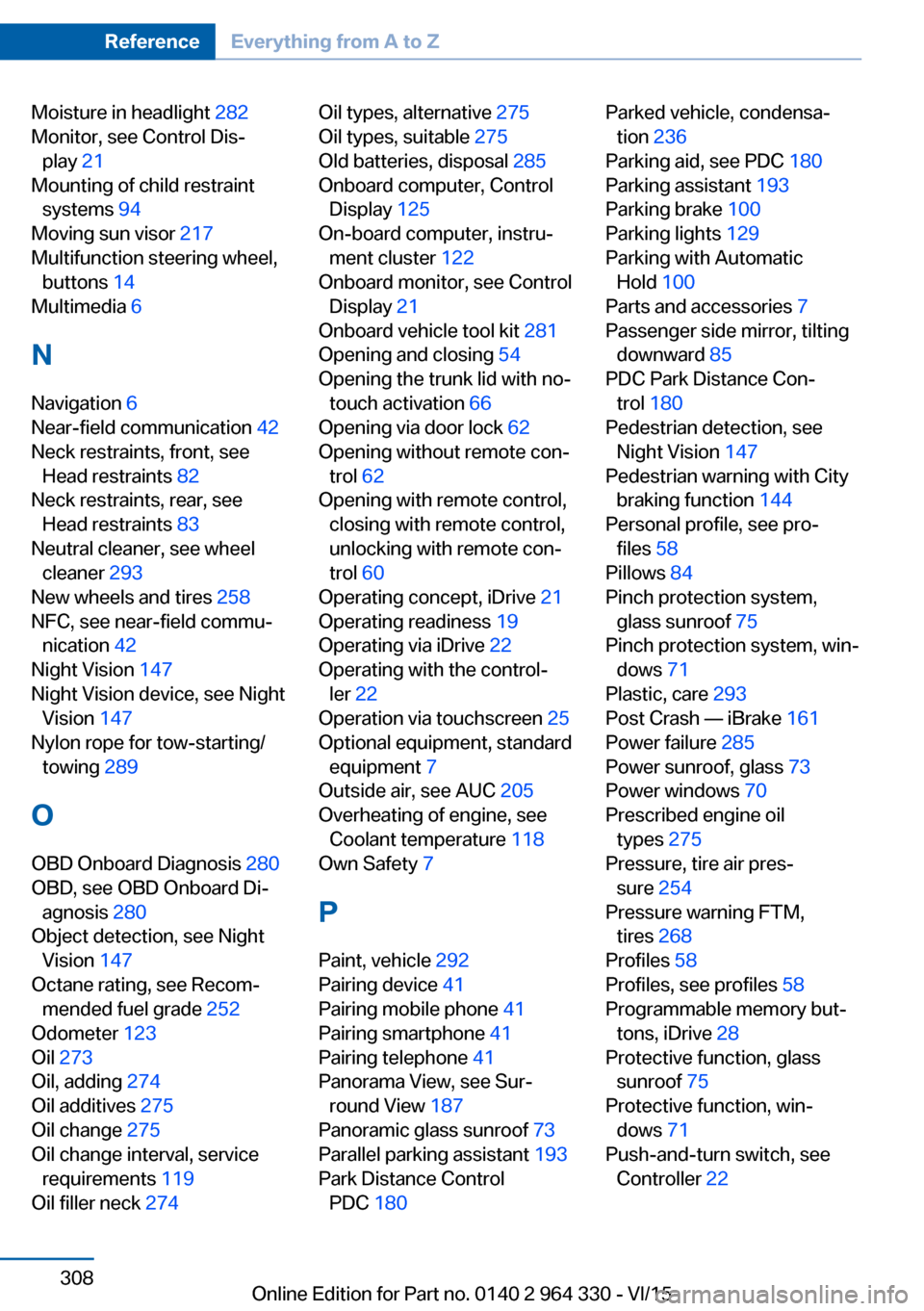
Moisture in headlight 282
Monitor, see Control Dis‐ play 21
Mounting of child restraint systems 94
Moving sun visor 217
Multifunction steering wheel, buttons 14
Multimedia 6
N
Navigation 6
Near-field communication 42
Neck restraints, front, see Head restraints 82
Neck restraints, rear, see Head restraints 83
Neutral cleaner, see wheel cleaner 293
New wheels and tires 258
NFC, see near-field commu‐ nication 42
Night Vision 147
Night Vision device, see Night Vision 147
Nylon rope for tow-starting/ towing 289
O OBD Onboard Diagnosis 280
OBD, see OBD Onboard Di‐ agnosis 280
Object detection, see Night Vision 147
Octane rating, see Recom‐ mended fuel grade 252
Odometer 123
Oil 273
Oil, adding 274
Oil additives 275
Oil change 275
Oil change interval, service requirements 119
Oil filler neck 274 Oil types, alternative 275
Oil types, suitable 275
Old batteries, disposal 285
Onboard computer, Control Display 125
On-board computer, instru‐ ment cluster 122
Onboard monitor, see Control Display 21
Onboard vehicle tool kit 281
Opening and closing 54
Opening the trunk lid with no- touch activation 66
Opening via door lock 62
Opening without remote con‐ trol 62
Opening with remote control, closing with remote control,
unlocking with remote con‐
trol 60
Operating concept, iDrive 21
Operating readiness 19
Operating via iDrive 22
Operating with the control‐ ler 22
Operation via touchscreen 25
Optional equipment, standard equipment 7
Outside air, see AUC 205
Overheating of engine, see Coolant temperature 118
Own Safety 7
P Paint, vehicle 292
Pairing device 41
Pairing mobile phone 41
Pairing smartphone 41
Pairing telephone 41
Panorama View, see Sur‐ round View 187
Panoramic glass sunroof 73
Parallel parking assistant 193
Park Distance Control PDC 180 Parked vehicle, condensa‐
tion 236
Parking aid, see PDC 180
Parking assistant 193
Parking brake 100
Parking lights 129
Parking with Automatic Hold 100
Parts and accessories 7
Passenger side mirror, tilting downward 85
PDC Park Distance Con‐ trol 180
Pedestrian detection, see Night Vision 147
Pedestrian warning with City braking function 144
Personal profile, see pro‐ files 58
Pillows 84
Pinch protection system, glass sunroof 75
Pinch protection system, win‐ dows 71
Plastic, care 293
Post Crash — iBrake 161
Power failure 285
Power sunroof, glass 73
Power windows 70
Prescribed engine oil types 275
Pressure, tire air pres‐ sure 254
Pressure warning FTM, tires 268
Profiles 58
Profiles, see profiles 58
Programmable memory but‐ tons, iDrive 28
Protective function, glass sunroof 75
Protective function, win‐ dows 71
Push-and-turn switch, see Controller 22 Seite 308ReferenceEverything from A to Z308
Online Edition for Part no. 0140 2 964 330 - VI/15
Page 310 of 314
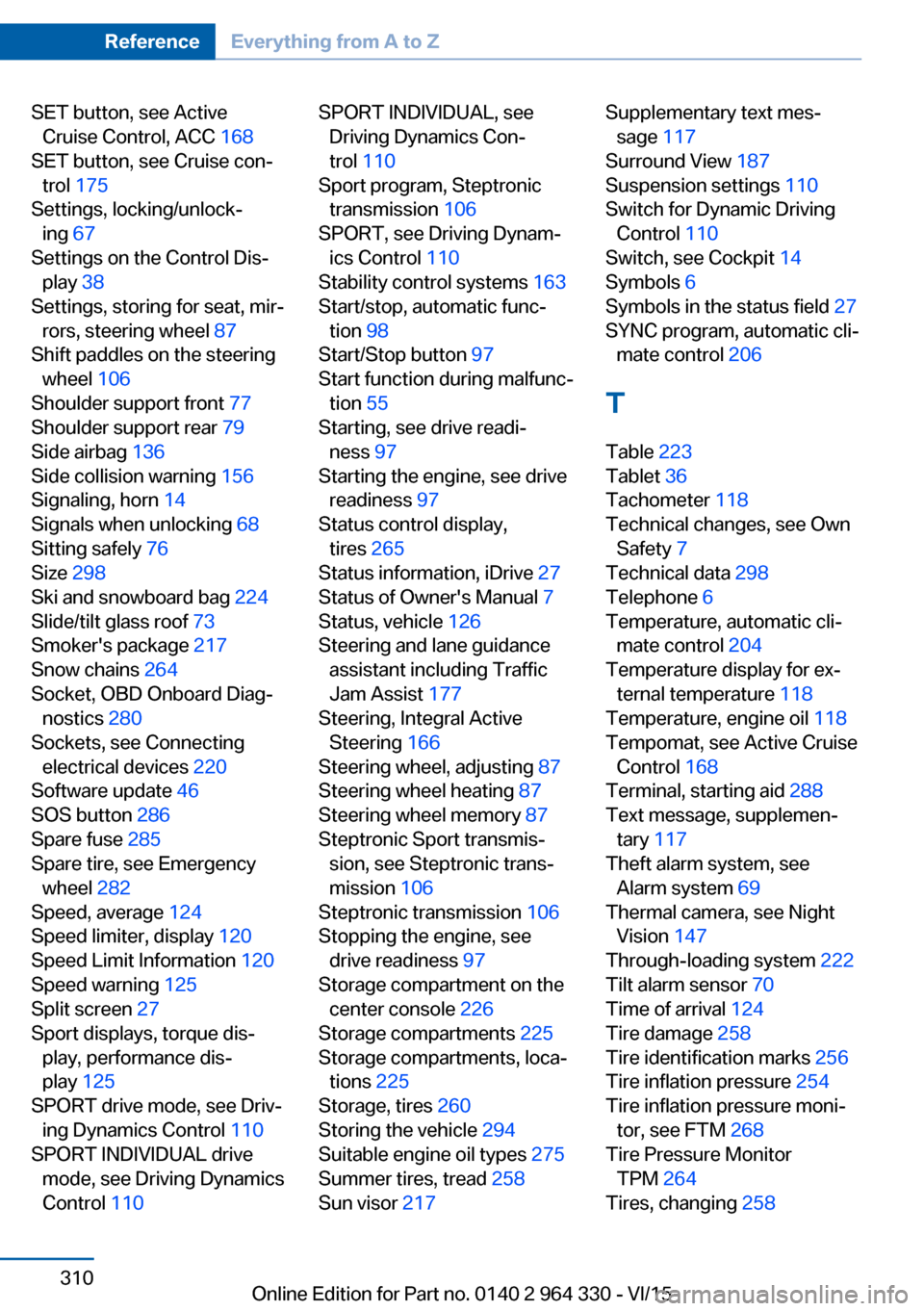
SET button, see ActiveCruise Control, ACC 168
SET button, see Cruise con‐ trol 175
Settings, locking/unlock‐ ing 67
Settings on the Control Dis‐ play 38
Settings, storing for seat, mir‐ rors, steering wheel 87
Shift paddles on the steering wheel 106
Shoulder support front 77
Shoulder support rear 79
Side airbag 136
Side collision warning 156
Signaling, horn 14
Signals when unlocking 68
Sitting safely 76
Size 298
Ski and snowboard bag 224
Slide/tilt glass roof 73
Smoker's package 217
Snow chains 264
Socket, OBD Onboard Diag‐ nostics 280
Sockets, see Connecting electrical devices 220
Software update 46
SOS button 286
Spare fuse 285
Spare tire, see Emergency wheel 282
Speed, average 124
Speed limiter, display 120
Speed Limit Information 120
Speed warning 125
Split screen 27
Sport displays, torque dis‐ play, performance dis‐
play 125
SPORT drive mode, see Driv‐ ing Dynamics Control 110
SPORT INDIVIDUAL drive mode, see Driving Dynamics
Control 110 SPORT INDIVIDUAL, see
Driving Dynamics Con‐
trol 110
Sport program, Steptronic transmission 106
SPORT, see Driving Dynam‐ ics Control 110
Stability control systems 163
Start/stop, automatic func‐ tion 98
Start/Stop button 97
Start function during malfunc‐ tion 55
Starting, see drive readi‐ ness 97
Starting the engine, see drive readiness 97
Status control display, tires 265
Status information, iDrive 27
Status of Owner's Manual 7
Status, vehicle 126
Steering and lane guidance assistant including Traffic
Jam Assist 177
Steering, Integral Active Steering 166
Steering wheel, adjusting 87
Steering wheel heating 87
Steering wheel memory 87
Steptronic Sport transmis‐ sion, see Steptronic trans‐
mission 106
Steptronic transmission 106
Stopping the engine, see drive readiness 97
Storage compartment on the center console 226
Storage compartments 225
Storage compartments, loca‐ tions 225
Storage, tires 260
Storing the vehicle 294
Suitable engine oil types 275
Summer tires, tread 258
Sun visor 217 Supplementary text mes‐
sage 117
Surround View 187
Suspension settings 110
Switch for Dynamic Driving Control 110
Switch, see Cockpit 14
Symbols 6
Symbols in the status field 27
SYNC program, automatic cli‐ mate control 206
T Table 223
Tablet 36
Tachometer 118
Technical changes, see Own Safety 7
Technical data 298
Telephone 6
Temperature, automatic cli‐ mate control 204
Temperature display for ex‐ ternal temperature 118
Temperature, engine oil 118
Tempomat, see Active Cruise Control 168
Terminal, starting aid 288
Text message, supplemen‐ tary 117
Theft alarm system, see Alarm system 69
Thermal camera, see Night Vision 147
Through-loading system 222
Tilt alarm sensor 70
Time of arrival 124
Tire damage 258
Tire identification marks 256
Tire inflation pressure 254
Tire inflation pressure moni‐ tor, see FTM 268
Tire Pressure Monitor TPM 264
Tires, changing 258 Seite 310ReferenceEverything from A to Z310
Online Edition for Part no. 0140 2 964 330 - VI/15