light BMW 760i 2006 E65 Repair Manual
[x] Cancel search | Manufacturer: BMW, Model Year: 2006, Model line: 760i, Model: BMW 760i 2006 E65Pages: 247, PDF Size: 8.66 MB
Page 210 of 247
Replacing components
208 1.Turn the bulb holder to the left and remove.
2.Apply gentle pressure to the bulb while
turning it to the left for removal and replace-
ment.
Side-mounted turn signals
Bulb 5 watts, W 5 W
1.Press against the front edge of the lamp
with the tip of your finger, then push it to the
rear and release the detent at the front.
2.Turn the lamp by 903 and remove.
3.Turn the bulb holder to the left and remove.
4.Extract the bulb for replacement.
Side marker lamps, front and rear
Please contact your BMW center for replace-
ment.
Tail lamps
>Turn signals:
Bulb 21 watts, P 21 W or PY 21 W
*
>Backup lamp:
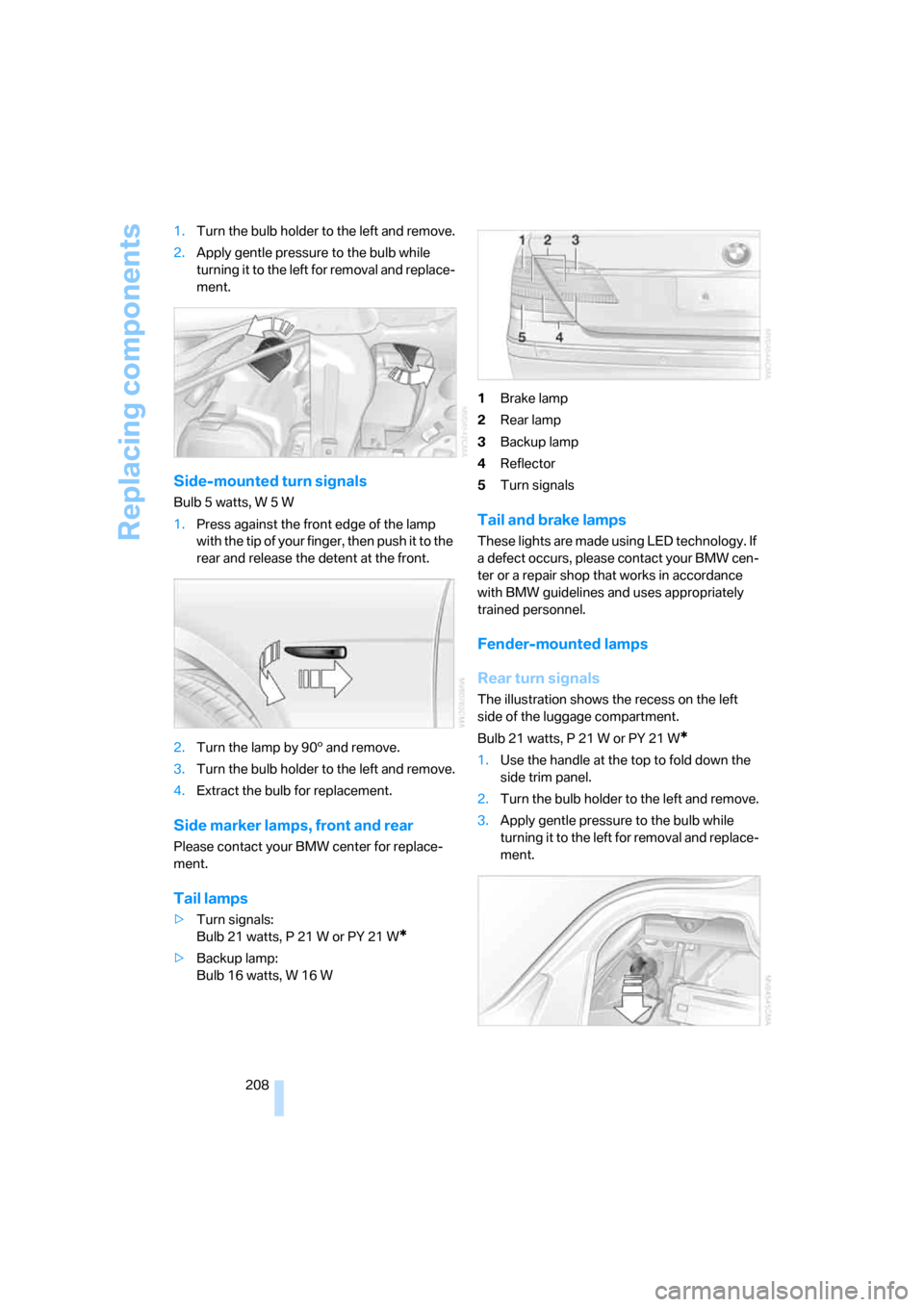
Bulb 16 watts, W 16 W1Brake lamp
2Rear lamp
3Backup lamp
4Reflector
5Turn signals
Tail and brake lamps
These lights are made using LED technology. If
a defect occurs, please contact your BMW cen-
ter or a repair shop that works in accordance
with BMW guidelines and uses appropriately
trained personnel.
Fender-mounted lamps
Rear turn signals
The illustration shows the recess on the left
side of the luggage compartment.
Bulb 21 watts, P 21 W or PY 21 W
*
1.Use the handle at the top to fold down the
side trim panel.
2.Turn the bulb holder to the left and remove.
3.Apply gentle pressure to the bulb while
turning it to the left for removal and replace-
ment.
Page 212 of 247
Replacing components
210 >Vehicle jack
Located in the luggage compartment
behind the right-hand side panel.
Grasp the handle in the upper panel and fold
it down.
Loosen the wingnut and remove the jack.
After use, screw the jack all the way back
down and snap the handle back into place.
Spare tire
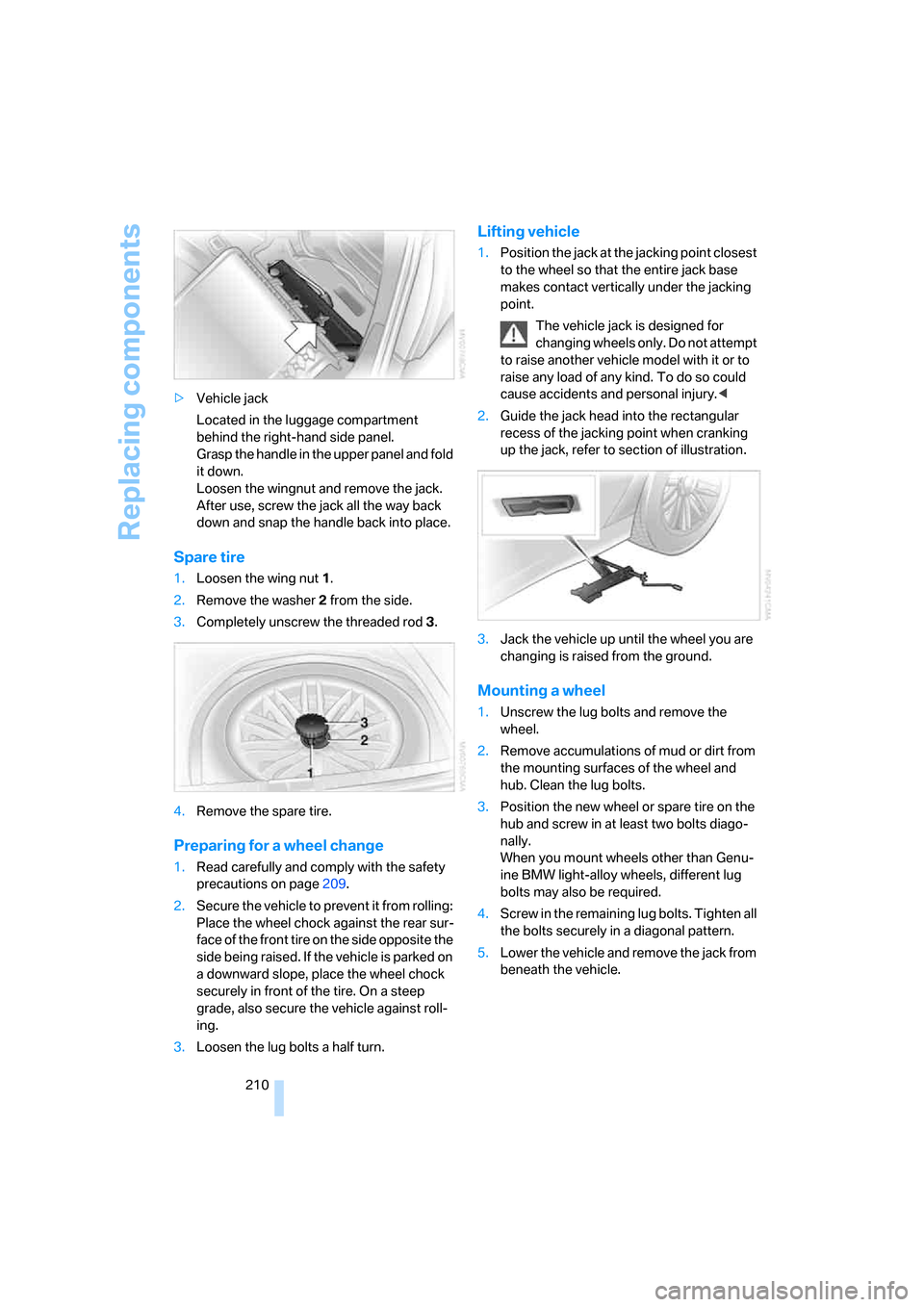
1.Loosen the wing nut 1.
2.Remove the washer 2 from the side.
3.Completely unscrew the threaded rod 3.
4.Remove the spare tire.
Preparing for a wheel change
1.Read carefully and comply with the safety
precautions on page209.
2.Secure the vehicle to prevent it from rolling:
Place the wheel chock against the rear sur-
face of the front tire on the side opposite the
side being raised. If the vehicle is parked on
a downward slope, place the wheel chock
securely in front of the tire. On a steep
grade, also secure the vehicle against roll-
ing.
3.Loosen the lug bolts a half turn.
Lifting vehicle
1.Position the jack at the jacking point closest
to the wheel so that the entire jack base
makes contact vertically under the jacking
point.
The vehicle jack is designed for
changing wheels only. Do not attempt
to raise another vehicle model with it or to
raise any load of any kind. To do so could
cause accidents and personal injury.<
2.Guide the jack head into the rectangular
recess of the jacking point when cranking
up the jack, refer to section of illustration.
3.Jack the vehicle up until the wheel you are
changing is raised from the ground.
Mounting a wheel
1.Unscrew the lug bolts and remove the
wheel.
2.Remove accumulations of mud or dirt from
the mounting surfaces of the wheel and
hub. Clean the lug bolts.
3.Position the new wheel or spare tire on the
hub and screw in at least two bolts diago-
nally.
When you mount wheels other than Genu-
ine BMW light-alloy wheels, different lug
bolts may also be required.
4.Screw in the remaining lug bolts. Tighten all
the bolts securely in a diagonal pattern.
5.Lower the vehicle and remove the jack from
beneath the vehicle.
Page 217 of 247
Mobility
215Reference
At a glance
Controls
Driving tips
Communications
Navigation
Entertainment
Selector lever in position N. Releasing
shiftlock manually, refer to page64. To
avoid damaging the automatic transmission, do
not exceed a towing speed of 45 mph/70 km/h
and a towing distance of 95 miles/150 km.<
Towing methods
In some countries, towing with tow bars or
ropes in public traffic is not permitted.
Familiarize yourself with the regulations on tow-
ing in the respective country.
With tow bar
The towing vehicle must not be lighter
than the vehicle to be towed; otherwise,
it will no longer be possible to control vehicle
response.<
The tow fittings used should be on the same
side on both vehicles. Should it prove impossi-
ble to avoid mounting the tow bar at an offset
angle, please observe the following:
>Clearance and maneuvering capability will
be strictly limited in corners.
>When mounted at an angle, the tow bar will
exert lateral forces, tending to push the
vehicle sideways.
Only secure the tow bar on the tow fitting;
otherwise, damage can occur when it is
secured on other parts of the vehicle.<
With tow rope
When starting off in the towing vehicle, make
sure that the towrope is taut.
To avoid jerking and the associated
stresses on vehicle components when
towing, always use nylon ropes or nylon straps.
Only secure the tow rope on the tow fitting; oth-
erwise, damage can occur when it is secured on
other parts of the vehicle.<
With tow truck
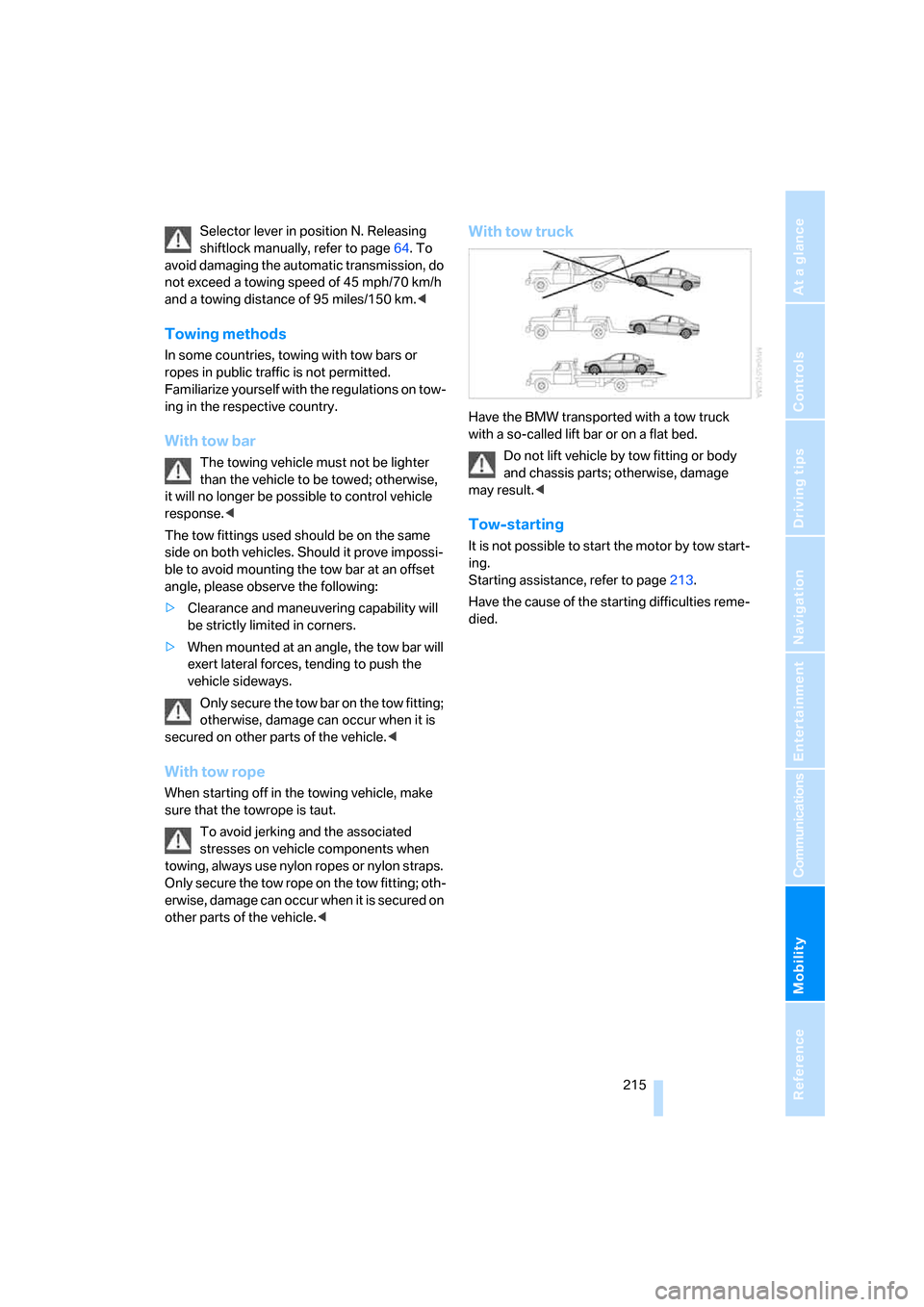
Have the BMW transported with a tow truck
with a so-called lift bar or on a flat bed.
Do not lift vehicle by tow fitting or body
and chassis parts; otherwise, damage
may result.<
Tow-starting
It is not possible to start the motor by tow start-
ing.
Starting assistance, refer to page213.
Have the cause of the starting difficulties reme-
died.
Page 226 of 247
Everything from A to Z
224
Everything from A to Z
Index
A
"ABC...", navigation131
ABS Antilock Brake
System87
ACC, refer to Active cruise
control69
"ACCEPT",
navigation140,147
Accepting call, automatic177
Accessories, refer to Your
individual vehicle5
Accident, refer to
– Initiating an emergency
call178
– Roadside Assistance187
Activated-charcoal filter107
Activating High Definition
Radio161
Active cruise control69
– indicator lamp72
– malfunction72
– radar sensor72
– sensor, refer to
Malfunction72
Active head restraints,
front47
Active seat50
Active seat ventilation50
Adapter for spare key31
Adaptive Drive
– refer to Dynamic Drive89
– refer to EDC Electronic
Damper Control89
Adaptive Head Light100
Address
– deleting140
– displaying141
– storing139
– storing current position146
"Address book",
navigation138Adjusting cooling effect of
rear air conditioner108
Adjusting interior
temperature105
Adjusting sound in audio
mode, refer to Tone
control153
Adjusting volume153
– ring tone of telephone177
– voice command system25
– voice instructions145
Air, drying, refer to Air condi-
tioner mode107
Airbags94
– safe sitting position43
Air conditioner in the rear108
Air conditioning103
– in rear108
– while parked109
Air-conditioning front
windshield126
Air distribution
– automatic104
– manual106
Airing, refer to Ventilation107
Air jets, refer to
Ventilation107
Air pressure, refer to Tire
inflation pressure194
Air recirculation, refer to
Recirculated air105
Air vents, refer to
Ventilation107
Air volume
– automatic climate
control106
– rear air conditioner108
AKI, refer to Fuel
specifications193
Alarm system37
– avoiding unintentional
alarms38All-season tires, refer to
Winter tires200
Altering route, refer to
Changing route145
Alternate route, refer to
Changing route145
"AM", radio155
AM waveband155
– High Definition Radio161
"ANGLE", DVD changer171
Antifreeze
– coolant203
– washer fluid66
Antilock Brake System
ABS87
Anti-theft alarm system, refer
to Alarm system37
Anti-theft system, refer to
Central locking system32
Approved engine oils203
Armrest, refer to Center
armrest
– front113
– rear114
"Arrow display",
navigation144
"AS ADDRESS",
navigation139,146
Ashtray115
– front115
– rear116
Assist, refer to
BMW Assist186
Assistance getting in and
out52
– backrest width44
Assistance system, refer to
DSC Dynamic Stability
Control87
Assistance window20
AUC Automatic recirculated-
air control105
Page 227 of 247
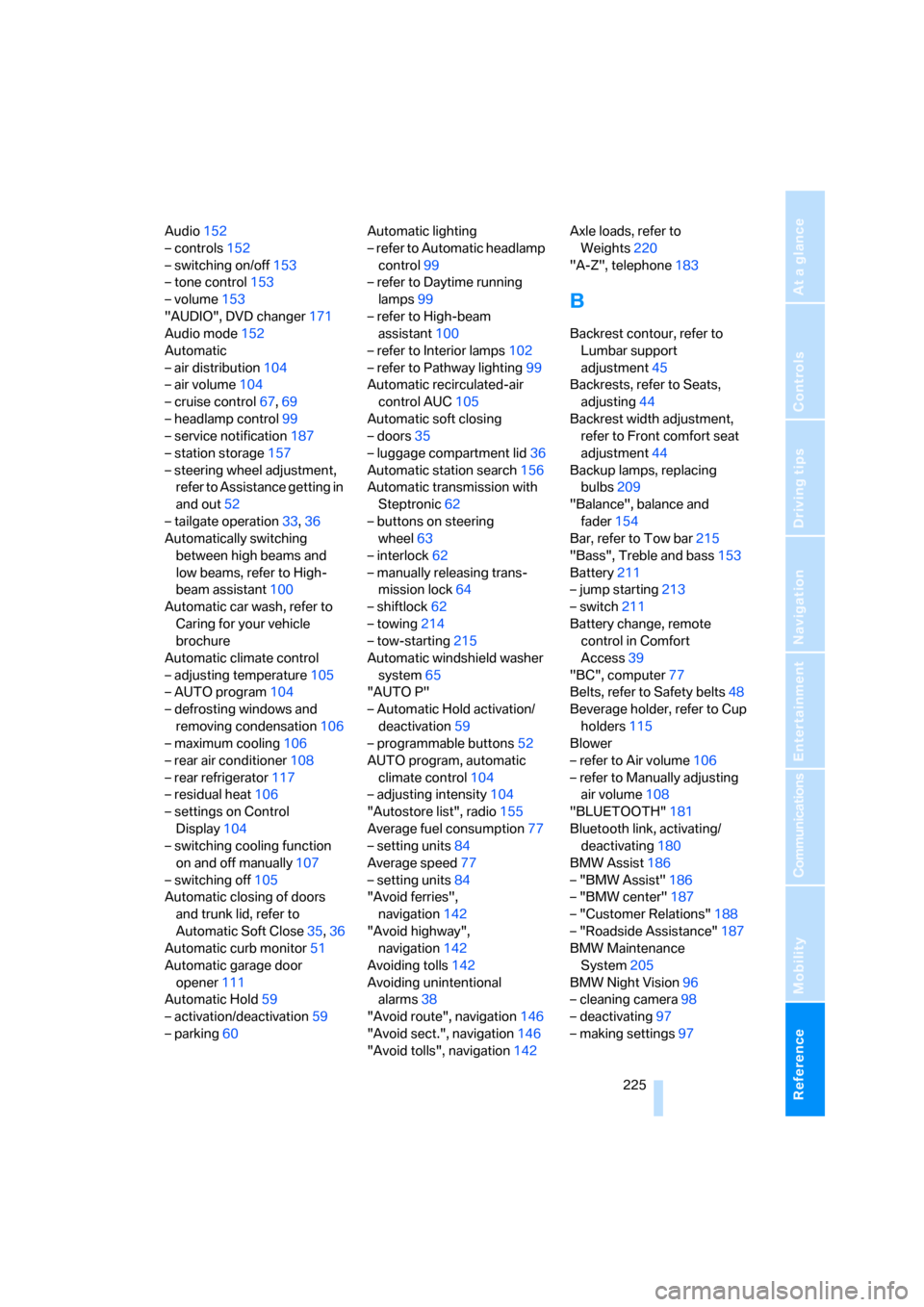
Reference 225
At a glance
Controls
Driving tips
Communications
Navigation
Entertainment
Mobility
Audio152
– controls152
– switching on/off153
– tone control153
– volume153
"AUDIO", DVD changer171
Audio mode152
Automatic
– air distribution104
– air volume104
– cruise control67,69
– headlamp control99
– service notification187
– station storage157
– steering wheel adjustment,
refer to Assistance getting in
and out52
– tailgate operation33,36
Automatically switching
between high beams and
low beams, refer to High-
beam assistant100
Automatic car wash, refer to
Caring for your vehicle
brochure
Automatic climate control
– adjusting temperature105
– AUTO program104
– defrosting windows and
removing condensation106
– maximum cooling106
– rear air conditioner108
– rear refrigerator117
– residual heat106
– settings on Control
Display104
– switching cooling function
on and off manually107
– switching off105
Automatic closing of doors
and trunk lid, refer to
Automatic Soft Close35,36
Automatic curb monitor51
Automatic garage door
opener111
Automatic Hold59
– activation/deactivation59
– parking60Automatic lighting
– refer to Automatic headlamp
control99
– refer to Daytime running
lamps99
– refer to High-beam
assistant100
– refer to Interior lamps102
– refer to Pathway lighting99
Automatic recirculated-air
control AUC105
Automatic soft closing
– doors
35
– luggage compartment lid36
Automatic station search156
Automatic transmission with
Steptronic62
– buttons on steering
wheel63
– interlock62
– manually releasing trans-
mission lock64
– shiftlock62
– towing214
– tow-starting215
Automatic windshield washer
system65
"AUTO P"
– Automatic Hold activation/
deactivation59
– programmable buttons52
AUTO program, automatic
climate control104
– adjusting intensity104
"Autostore list", radio155
Average fuel consumption77
– setting units84
Average speed77
– setting units84
"Avoid ferries",
navigation142
"Avoid highway",
navigation142
Avoiding tolls142
Avoiding unintentional
alarms38
"Avoid route", navigation146
"Avoid sect.", navigation146
"Avoid tolls", navigation142Axle loads, refer to
Weights220
"A-Z", telephone183
B
Backrest contour, refer to
Lumbar support
adjustment45
Backrests, refer to Seats,
adjusting44
Backrest width adjustment,
refer to Front comfort seat
adjustment44
Backup lamps, replacing
bulbs209
"Balance", balance and
fader154
Bar, refer to Tow bar215
"Bass", Treble and bass153
Battery211
– jump starting213
– switch211
Battery change, remote
control in Comfort
Access39
"BC", computer77
Belts, refer to Safety belts48
Beverage holder, refer to Cup
holders115
Blower
– refer to Air volume106
– refer to Manually adjusting
air volume108
"BLUETOOTH"181
Bluetooth link, activating/
deactivating180
BMW Assist186
– "BMW Assist"186
– "BMW center"187
– "Customer Relations"188
– "Roadside Assistance"187
BMW Maintenance
System205
BMW Night Vision96
– cleaning camera98
– deactivating97
– making settings97
Page 229 of 247
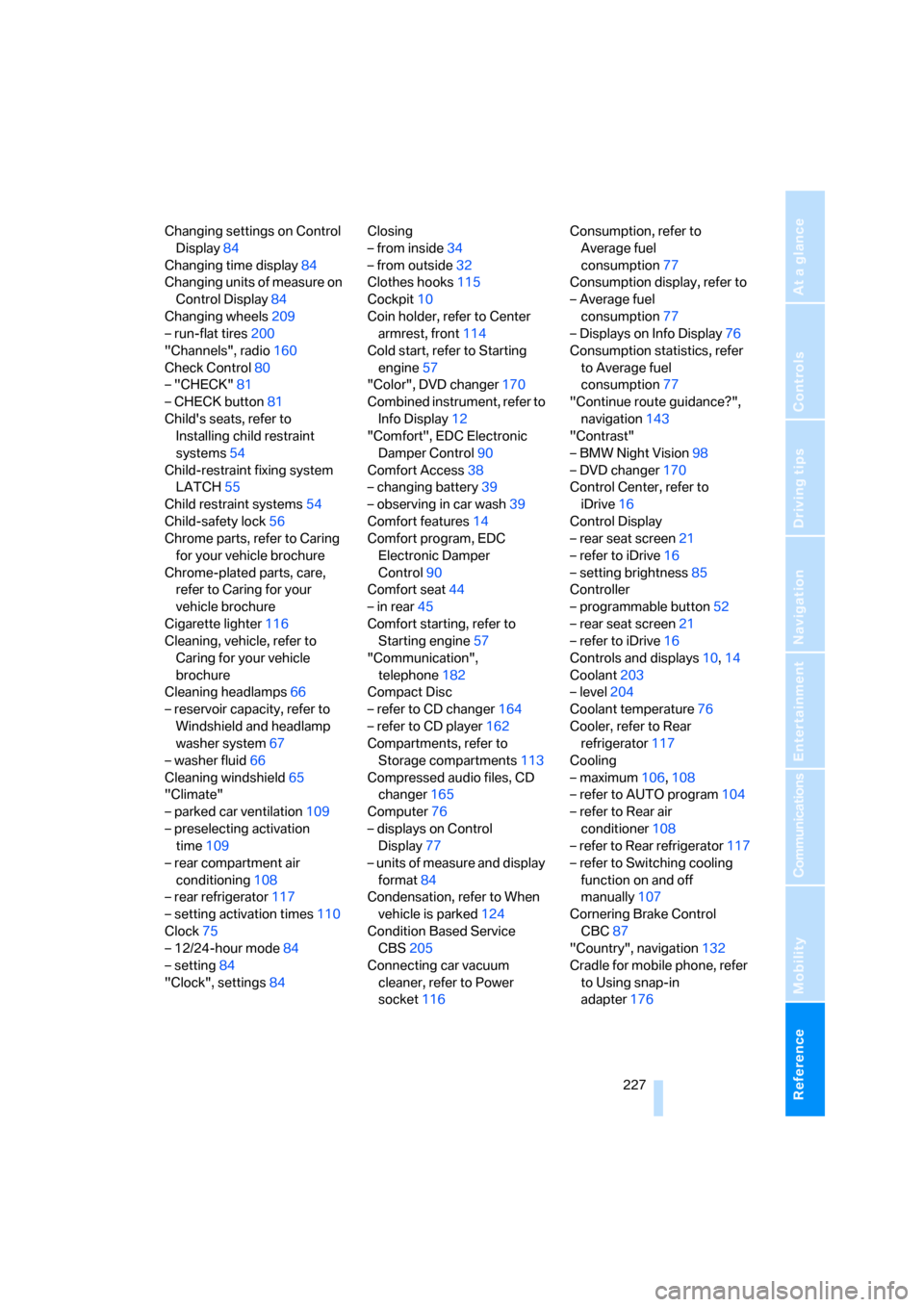
Reference 227
At a glance
Controls
Driving tips
Communications
Navigation
Entertainment
Mobility
Changing settings on Control
Display84
Changing time display84
Changing units of measure on
Control Display84
Changing wheels209
– run-flat tires200
"Channels", radio160
Check Control80
– "CHECK"81
– CHECK button81
Child's seats, refer to
Installing child restraint
systems54
Child-restraint fixing system
LATCH55
Child restraint systems54
Child-safety lock56
Chrome parts, refer to Caring
for your vehicle brochure
Chrome-plated parts, care,
refer to Caring for your
vehicle brochure
Cigarette lighter116
Cleaning, vehicle, refer to
Caring for your vehicle
brochure
Cleaning headlamps66
– reservoir capacity, refer to
Windshield and headlamp
washer system67
– washer fluid66
Cleaning windshield65
"Climate"
– parked car ventilation109
– preselecting activation
time109
– rear compartment air
conditioning108
– rear refrigerator117
– setting activation times110
Clock75
– 12/24-hour mode84
– setting84
"Clock", settings84Closing
– from inside34
– from outside32
Clothes hooks115
Cockpit10
Coin holder, refer to Center
armrest, front114
Cold start, refer to Starting
engine57
"Color", DVD changer170
Combined instrument, refer to
Info Display12
"Comfort", EDC Electronic
Damper Control90
Comfort Access38
– changing battery39
– observing in car wash39
Comfort features
14
Comfort program, EDC
Electronic Damper
Control90
Comfort seat44
– in rear45
Comfort starting, refer to
Starting engine57
"Communication",
telephone182
Compact Disc
– refer to CD changer164
– refer to CD player162
Compartments, refer to
Storage compartments113
Compressed audio files, CD
changer165
Computer76
– displays on Control
Display77
– units of measure and display
format84
Condensation, refer to When
vehicle is parked124
Condition Based Service
CBS205
Connecting car vacuum
cleaner, refer to Power
socket116Consumption, refer to
Average fuel
consumption77
Consumption display, refer to
– Average fuel
consumption77
– Displays on Info Display76
Consumption statistics, refer
to Average fuel
consumption77
"Continue route guidance?",
navigation143
"Contrast"
– BMW Night Vision98
– DVD changer170
Control Center, refer to
iDrive16
Control Display
– rear seat screen21
– refer to iDrive16
– setting brightness85
Controller
– programmable button52
– rear seat screen21
– refer to iDrive16
Controls and displays10,14
Coolant203
– level204
Coolant temperature76
Cooler, refer to Rear
refrigerator117
Cooling
– maximum106,108
– refer to AUTO program104
– refer to Rear air
conditioner108
– refer to Rear refrigerator117
– refer to Switching cooling
function on and off
manually107
Cornering Brake Control
CBC87
"Country", navigation132
Cradle for mobile phone, refer
to Using snap-in
adapter176
Page 230 of 247
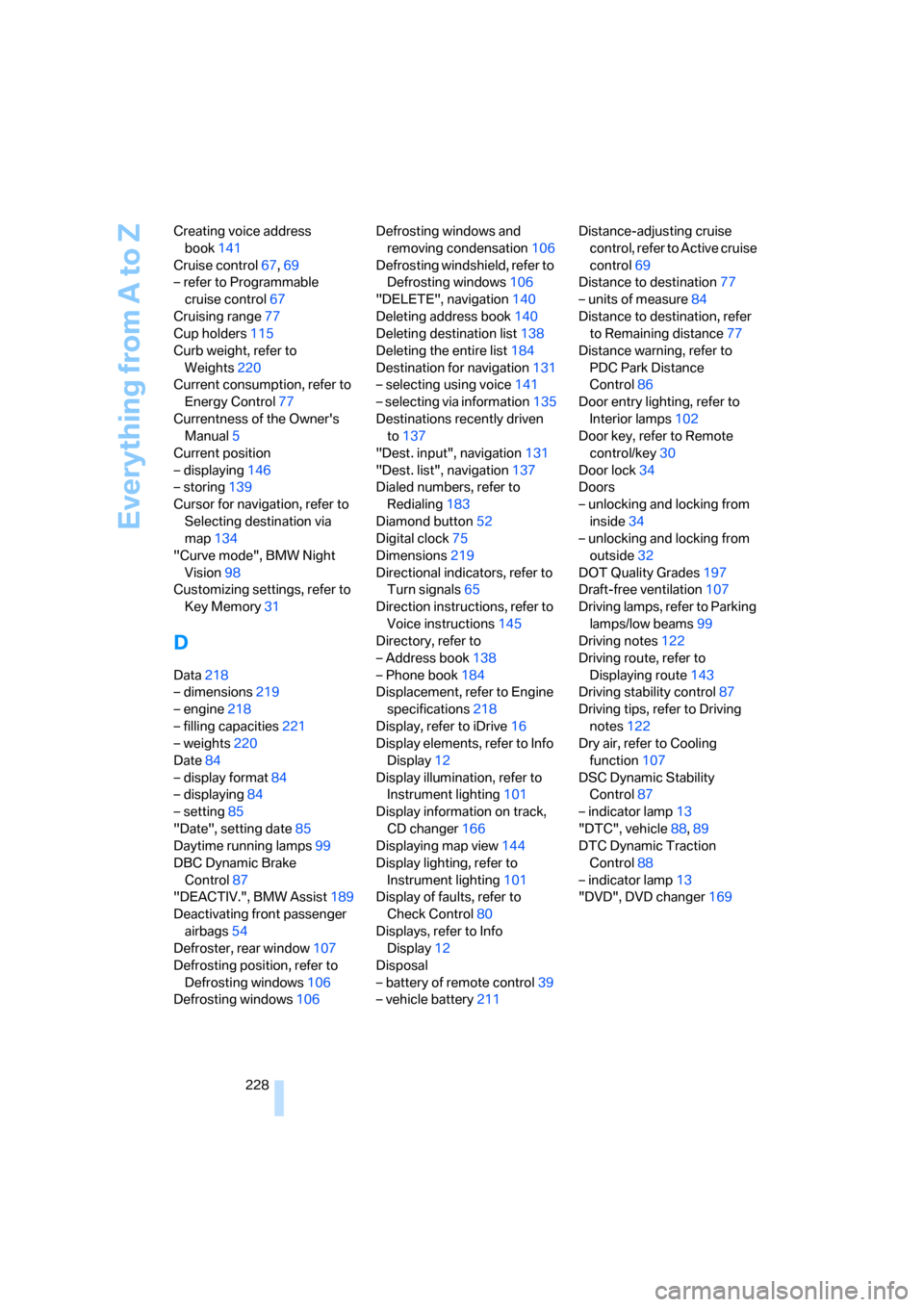
Everything from A to Z
228 Creating voice address
book141
Cruise control67,69
– refer to Programmable
cruise control67
Cruising range77
Cup holders115
Curb weight, refer to
Weights220
Current consumption, refer to
Energy Control77
Currentness of the Owner's
Manual5
Current position
– displaying146
– storing139
Cursor for navigation, refer to
Selecting destination via
map134
"Curve mode", BMW Night
Vision98
Customizing settings, refer to
Key Memory31
D
Data218
– dimensions219
– engine218
– filling capacities221
– weights220
Date84
– display format84
– displaying84
– setting85
"Date", setting date85
Daytime running lamps99
DBC Dynamic Brake
Control87
"DEACTIV.", BMW Assist189
Deactivating front passenger
airbags54
Defroster, rear window107
Defrosting position, refer to
Defrosting windows106
Defrosting windows106Defrosting windows and
removing condensation106
Defrosting windshield, refer to
Defrosting windows106
"DELETE", navigation140
Deleting address book140
Deleting destination list138
Deleting the entire list184
Destination for navigation131
– selecting using voice141
– selecting via information135
Destinations recently driven
to137
"Dest. input", navigation131
"Dest. list", navigation137
Dialed numbers, refer to
Redialing183
Diamond button52
Digital clock75
Dimensions219
Directional indicators, refer to
Turn signals65
Direction instructions, refer to
Voice instructions145
Directory, refer to
– Address book138
– Phone book184
Displacement, refer to Engine
specifications218
Display, refer to iDrive16
Display elements, refer to Info
Display12
Display illumination, refer to
Instrument lighting101
Display information on track,
CD changer166
Displaying map view144
Display lighting, refer to
Instrument lighting101
Display of faults, refer to
Check Control80
Displays, refer to Info
Display12
Disposal
– battery of remote control39
– vehicle battery211Distance-adjusting cruise
control, refer to Active cruise
control69
Distance to destination77
– units of measure84
Distance to destination, refer
to Remaining distance77
Distance warning, refer to
PDC Park Distance
Control86
Door entry lighting, refer to
Interior lamps102
Door key, refer to Remote
control/key30
Door lock34
Doors
– unlocking and locking from
inside34
– unlocking and locking from
outside32
DOT Quality Grades197
Draft-free ventilation107
Driving lamps, refer to Parking
lamps/low beams99
Driving notes122
Driving route, refer to
Displaying route143
Driving stability control87
Driving tips, refer to Driving
notes122
Dry air, refer to Cooling
function107
DSC Dynamic Stability
Control87
– indicator lamp13
"DTC", vehicle88,89
DTC Dynamic Traction
Control88
– indicator lamp13
"DVD", DVD changer169
Page 232 of 247
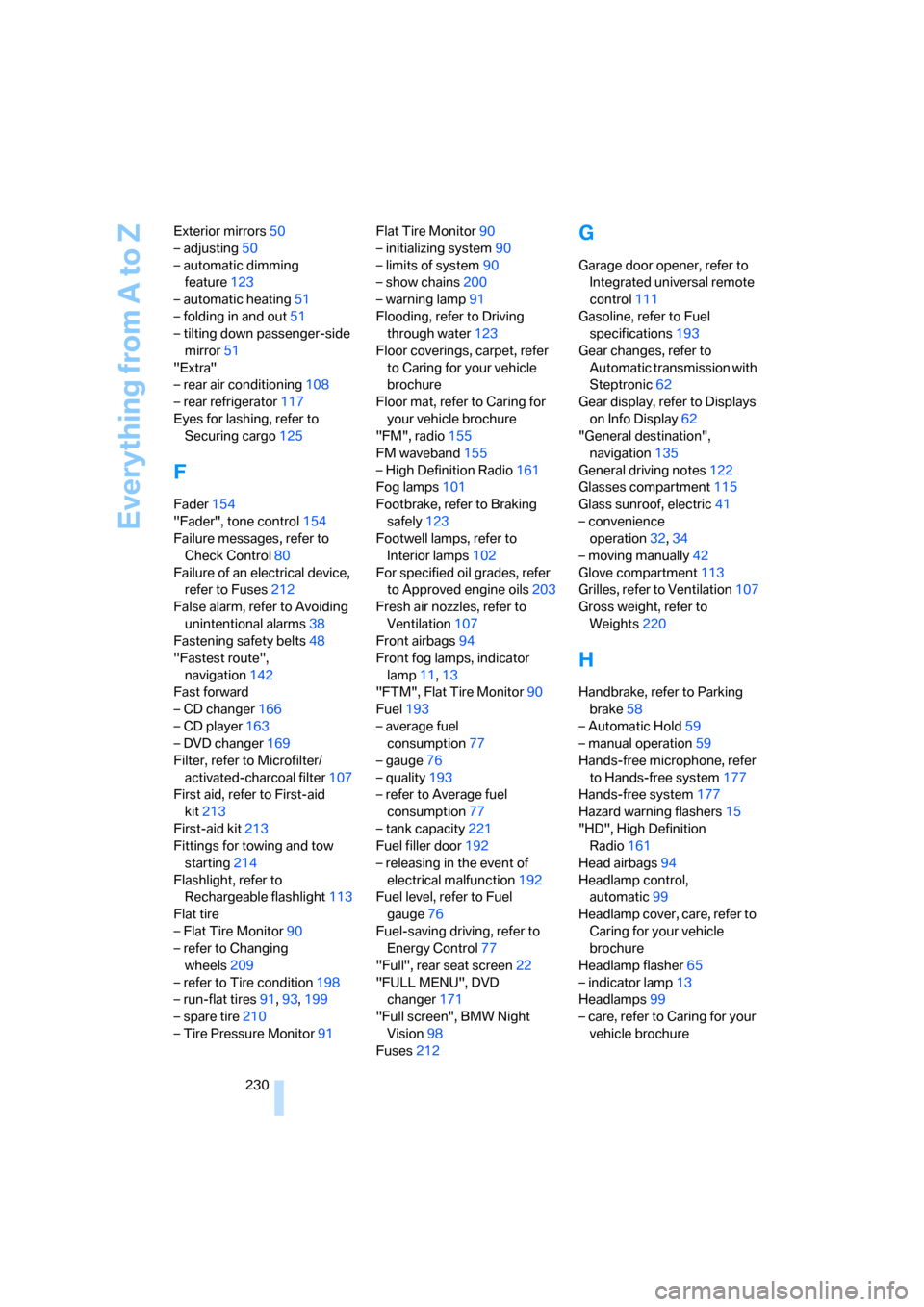
Everything from A to Z
230 Exterior mirrors50
– adjusting50
– automatic dimming
feature123
– automatic heating51
– folding in and out51
– tilting down passenger-side
mirror51
"Extra"
– rear air conditioning108
– rear refrigerator117
Eyes for lashing, refer to
Securing cargo125
F
Fader154
"Fader", tone control154
Failure messages, refer to
Check Control80
Failure of an electrical device,
refer to Fuses212
False alarm, refer to Avoiding
unintentional alarms38
Fastening safety belts48
"Fastest route",
navigation142
Fast forward
– CD changer166
– CD player163
– DVD changer169
Filter, refer to Microfilter/
activated-charcoal filter107
First aid, refer to First-aid
kit213
First-aid kit213
Fittings for towing and tow
starting214
Flashlight, refer to
Rechargeable flashlight113
Flat tire
– Flat Tire Monitor90
– refer to Changing
wheels209
– refer to Tire condition198
– run-flat tires91,93,199
– spare tire210
– Tire Pressure Monitor91Flat Tire Monitor90
– initializing system90
– limits of system90
– show chains200
– warning lamp91
Flooding, refer to Driving
through water123
Floor coverings, carpet, refer
to Caring for your vehicle
brochure
Floor mat, refer to Caring for
your vehicle brochure
"FM", radio155
FM waveband155
– High Definition Radio161
Fog lamps101
Footbrake, refer to Braking
safely123
Footwell lamps, refer to
Interior lamps102
For specified oil grades, refer
to Approved engine oils203
Fresh air nozzles, refer to
Ventilation107
Front airbags94
Front fog lamps, indicator
lamp11,13
"FTM", Flat Tire Monitor90
Fuel193
– average fuel
consumption77
– gauge76
– quality193
– refer to Average fuel
consumption77
– tank capacity221
Fuel filler door192
– releasing in the event of
electrical malfunction192
Fuel level, refer to Fuel
gauge76
Fuel-saving driving, refer to
Energy Control77
"Full", rear seat screen22
"FULL MENU", DVD
changer171
"Full screen", BMW Night
Vision98
Fuses212
G
Garage door opener, refer to
Integrated universal remote
control111
Gasoline, refer to Fuel
specifications193
Gear changes, refer to
Automatic transmission with
Steptronic62
Gear display, refer to Displays
on Info Display62
"General destination",
navigation135
General driving notes122
Glasses compartment115
Glass sunroof, electric41
– convenience
operation32,34
– moving manually42
Glove compartment113
Grilles, refer to Ventilation107
Gross weight, refer to
Weights220
H
Handbrake, refer to Parking
brake58
– Automatic Hold59
– manual operation59
Hands-free microphone, refer
to Hands-free system177
Hands-free system177
Hazard warning flashers15
"HD", High Definition
Radio161
Head airbags94
Headlamp control,
automatic99
Headlamp cover, care, refer to
Caring for your vehicle
brochure
Headlamp flasher65
– indicator lamp13
Headlamps99
– care, refer to Caring for your
vehicle brochure
Page 233 of 247
Reference 231
At a glance
Controls
Driving tips
Communications
Navigation
Entertainment
Mobility
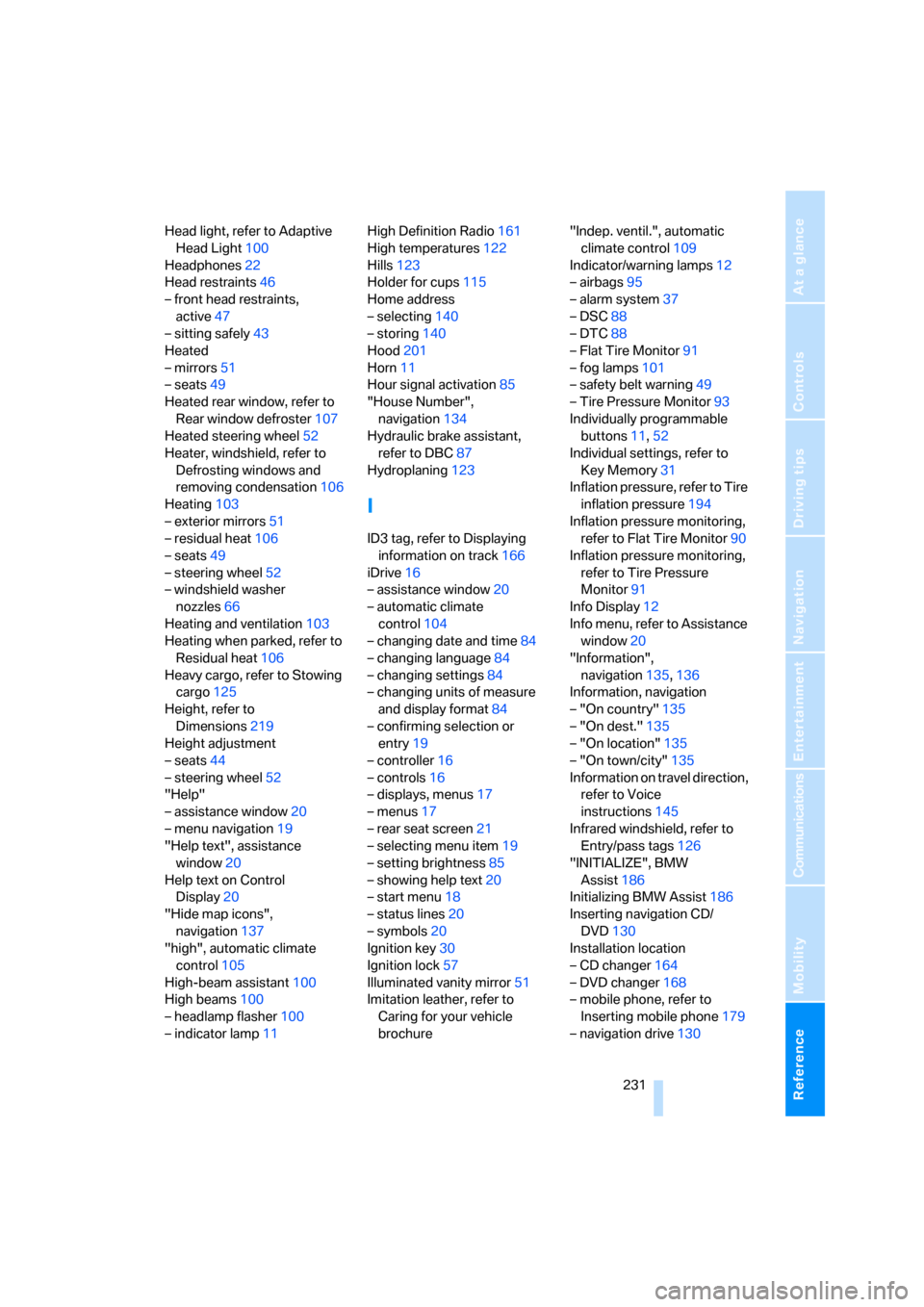
Head light, refer to Adaptive
Head Light100
Headphones22
Head restraints46
– front head restraints,
active47
– sitting safely43
Heated
– mirrors51
– seats49
Heated rear window, refer to
Rear window defroster107
Heated steering wheel52
Heater, windshield, refer to
Defrosting windows and
removing condensation106
Heating103
– exterior mirrors51
– residual heat106
– seats49
– steering wheel52
– windshield washer
nozzles66
Heating and ventilation103
Heating when parked, refer to
Residual heat106
Heavy cargo, refer to Stowing
cargo125
Height, refer to
Dimensions219
Height adjustment
– seats44
– steering wheel52
"Help"
– assistance window20
– menu navigation19
"Help text", assistance
window20
Help text on Control
Display20
"Hide map icons",
navigation137
"high", automatic climate
control105
High-beam assistant100
High beams100
– headlamp flasher100
– indicator lamp11High Definition Radio161
High temperatures122
Hills123
Holder for cups115
Home address
– selecting140
– storing140
Hood201
Horn11
Hour signal activation85
"House Number",
navigation134
Hydraulic brake assistant,
refer to DBC87
Hydroplaning123
I
ID3 tag, refer to Displaying
information on track166
iDrive16
– assistance window20
– automatic climate
control104
– changing date and time84
– changing language84
– changing settings84
– changing units of measure
and display format84
– confirming selection or
entry19
– controller16
– controls16
– displays, menus17
– menus17
– rear seat screen21
– selecting menu item19
– setting brightness85
– showing help text20
– start menu18
– status lines20
– symbols20
Ignition key30
Ignition lock57
Illuminated vanity mirror51
Imitation leather, refer to
Caring for your vehicle
brochure"Indep. ventil.", automatic
climate control109
Indicator/warning lamps12
– airbags95
– alarm system37
– DSC88
– DTC88
– Flat Tire Monitor91
– fog lamps101
– safety belt warning49
– Tire Pressure Monitor93
Individually programmable
buttons11,52
Individual settings, refer to
Key Memory31
Inflation pressure, refer to Tire
inflation pressure194
Inflation pressure monitoring,
refer to Flat Tire Monitor90
Inflation pressure monitoring,
refer to Tire Pressure
Monitor91
Info Display12
Info menu, refer to Assistance
window20
"Information",
navigation135,136
Information, navigation
– "On country"135
– "On dest."135
– "On location"135
– "On town/city"135
Information on travel direction,
refer to Voice
instructions145
Infrared windshield, refer to
Entry/pass tags126
"INITIALIZE", BMW
Assist186
Initializing BMW Assist186
Inserting navigation CD/
DVD130
Installation location
– CD changer164
– DVD changer168
– mobile phone, refer to
Inserting mobile phone179
– navigation drive130
Page 234 of 247
Everything from A to Z
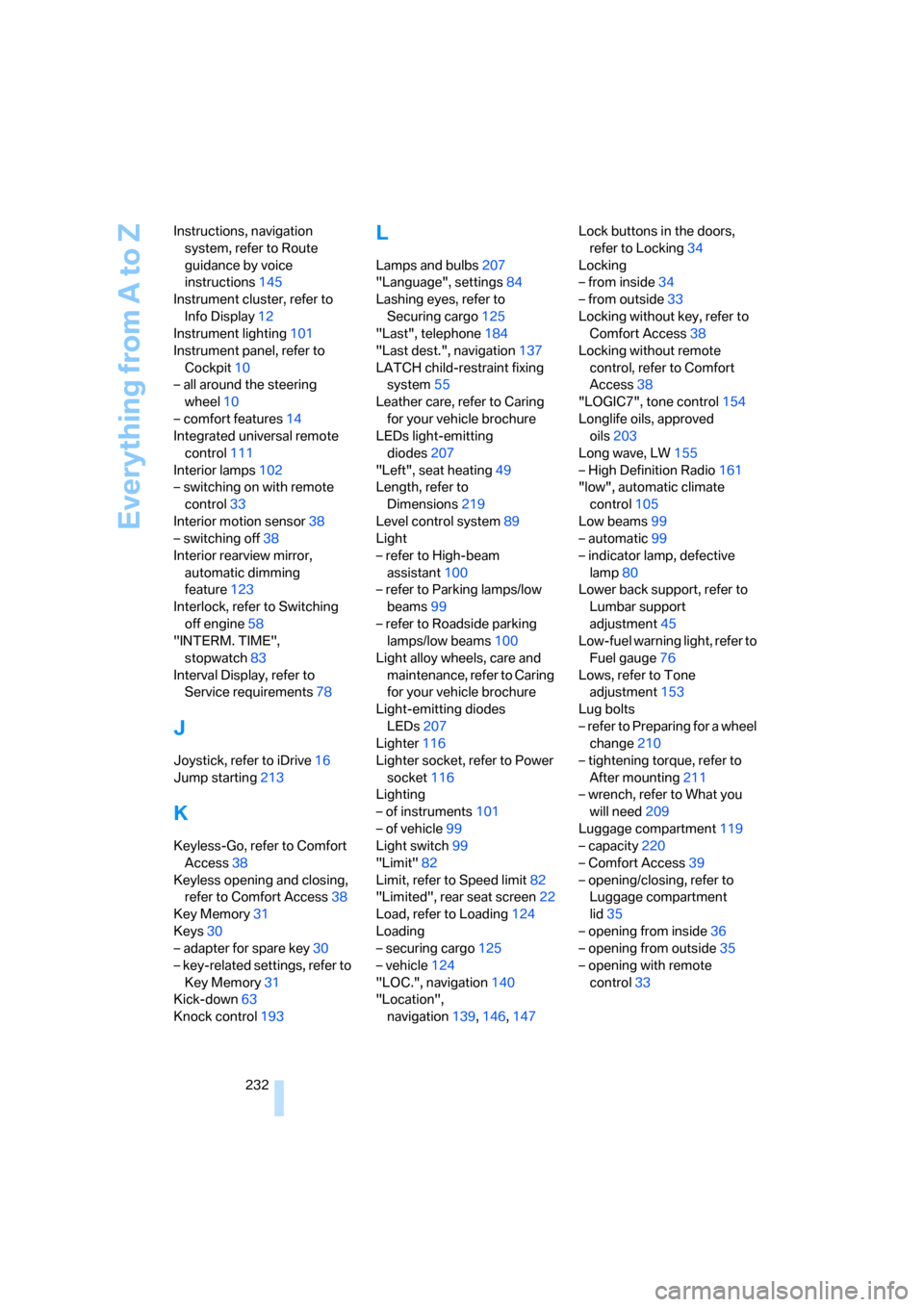
232 Instructions, navigation
system, refer to Route
guidance by voice
instructions145
Instrument cluster, refer to
Info Display12
Instrument lighting101
Instrument panel, refer to
Cockpit10
– all around the steering
wheel10
– comfort features14
Integrated universal remote
control111
Interior lamps102
– switching on with remote
control33
Interior motion sensor38
– switching off38
Interior rearview mirror,
automatic dimming
feature123
Interlock, refer to Switching
off engine58
"INTERM. TIME",
stopwatch83
Interval Display, refer to
Service requirements78
J
Joystick, refer to iDrive16
Jump starting213
K
Keyless-Go, refer to Comfort
Access38
Keyless opening and closing,
refer to Comfort Access38
Key Memory31
Keys30
– adapter for spare key30
– key-related settings, refer to
Key Memory31
Kick-down63
Knock control193
L
Lamps and bulbs207
"Language", settings84
Lashing eyes, refer to
Securing cargo125
"Last", telephone184
"Last dest.", navigation137
LATCH child-restraint fixing
system55
Leather care, refer to Caring
for your vehicle brochure
LEDs light-emitting
diodes207
"Left", seat heating49
Length, refer to
Dimensions219
Level control system89
Light
– refer to High-beam
assistant100
– refer to Parking lamps/low
beams99
– refer to Roadside parking
lamps/low beams100
Light alloy wheels, care and
maintenance, refer to Caring
for your vehicle brochure
Light-emitting diodes
LEDs207
Lighter116
Lighter socket, refer to Power
socket116
Lighting
– of instruments101
– of vehicle99
Light switch99
"Limit"82
Limit, refer to Speed limit82
"Limited", rear seat screen22
Load, refer to Loading124
Loading
– securing cargo125
– vehicle124
"LOC.", navigation140
"Location",
navigation139,146,147Lock buttons in the doors,
refer to Locking34
Locking
– from inside34
– from outside33
Locking without key, refer to
Comfort Access38
Locking without remote
control, refer to Comfort
Access38
"LOGIC7", tone control154
Longlife oils, approved
oils203
Long wave, LW155
– High Definition Radio161
"low", automatic climate
control105
Low beams99
– automatic99
– indicator lamp, defective
lamp80
Lower back support, refer to
Lumbar support
adjustment45
Low-fuel warning light, refer to
Fuel gauge76
Lows, refer to Tone
adjustment153
Lug bolts
– refer to Preparing for a wheel
change210
– tightening torque, refer to
After mounting211
– wrench, refer to What you
will need209
Luggage compartment119
– capacity220
– Comfort Access39
– opening/closing, refer to
Luggage compartment
lid35
– opening from inside36
– opening from outside35
– opening with remote
control33