key BMW 760LI SEDAN 2003 Owner's Manual
[x] Cancel search | Manufacturer: BMW, Model Year: 2003, Model line: 760LI SEDAN, Model: BMW 760LI SEDAN 2003Pages: 229, PDF Size: 4.35 MB
Page 167 of 229
At a glance
Controls
Driving tips
Communications
Navigation
Entertainment
Mobility
Reference
165
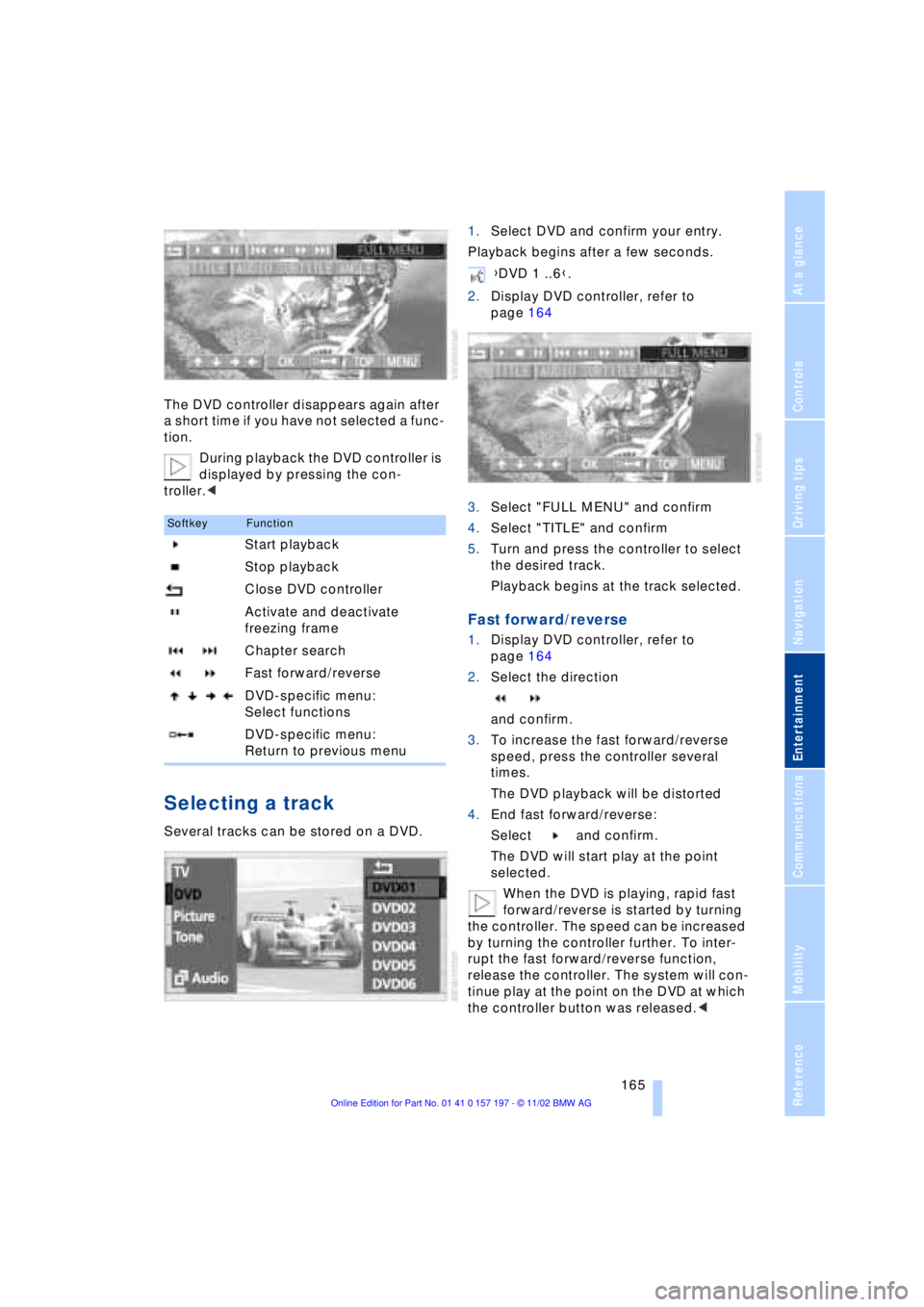
The DVD controller disappears again after
a short time if you have not selected a func-
tion.
During playback the DVD controller is
displayed by pressing the con-
troller.<
Selecting a track
Several tracks can be stored on a DVD.1.Select DVD and confirm your entry.
Playback begins after a few seconds.
2.Display DVD controller, refer to
page 164
3.Select "FULL MENU" and confirm
4.Select "TITLE" and confirm
5.Turn and press the controller to select
the desired track.
Playback begins at the track selected.
Fast forward/reverse
1.Display DVD controller, refer to
page 164
2.Select the direction
and confirm.
3.To increase the fast forward/reverse
speed, press the controller several
times.
The DVD playback will be distorted
4.End fast forward/reverse:
Select and confirm.
The DVD will start play at the point
selected.
When the DVD is playing, rapid fast
forward/reverse is started by turning
the controller. The speed can be increased
by turning the controller further. To inter-
rupt the fast forward/reverse function,
release the controller. The system will con-
tinue play at the point on the DVD at which
the controller button was released.<
SoftkeyFunction
Start playback
Stop playback
Close DVD controller
Activate and deactivate
freezing frame
Chapter search
Fast forward/reverse
DVD-specific menu:
Select functions
DVD-specific menu:
Return to previous menu
{DVD 1 ..6}.
Page 173 of 229
At a glance
Controls
Driving tips Communications
Navigation
Entertainment
Mobility
Reference
171
Batteries
Never attempt to open your BMW
portable phone or its battery. Use
only approved battery types Ð the wrong
battery can destroy your portable phone.
To avoid possible short circuits, after
removing a battery you should never allow
it to come into contact with metallic sur-
faces of any kind.<
Disposing of used batteries
Return used batteries to a recycling
collection point or to your BMW
center.<
Care instructions
You can find useful information on caring
for your portable phone in the separate
Portable phone manual and in the separate
Care manual.
Controls
You have the option of making phone calls
with the car phone or the BMW portable
phone.
If there is no BMW portable phone in the
cradle, Personal calling can be made with
the car phone.
Your car phone must be activated to
support his feature. Please see your
BMW center for further instructions to acti-
vate your car phone with the wireless car-
rier.<
The upper status line will indicate which
phone is currently active and connected to
the network.
For information on operating your
portable phone, please consult the
separate manual.<
The portable phone can be operated by
means of
>controls on the steering wheel, refer to
page 18
>Control Display
>the folding telephone keypad >and the voice command system, not for
incoming calls.
Control Display
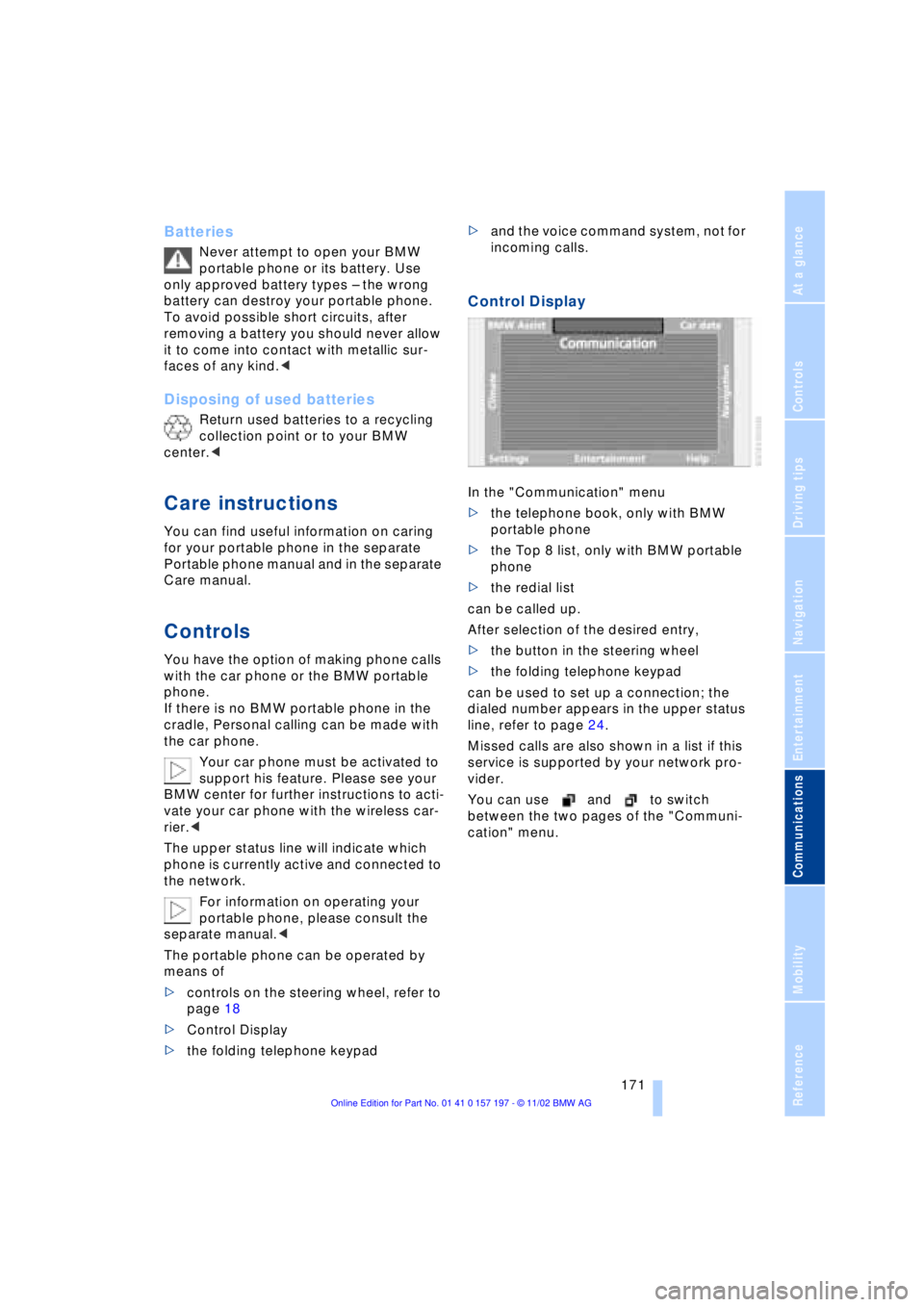
In the "Communication" menu
>the telephone book, only with BMW
portable phone
>the Top 8 list, only with BMW portable
phone
>the redial list
can be called up.
After selection of the desired entry,
>the button in the steering wheel
>the folding telephone keypad
can be used to set up a connection; the
dialed number appears in the upper status
line, refer to page 24.
Missed calls are also shown in a list if this
service is supported by your network pro-
vider.
You can use and to switch
between the two pages of the "Communi-
cation" menu.
Page 174 of 229
Using the phone in your vehicle
172
Telephone keypad, folding
The telephone keypad allows you to use all
of the basic telephone functions without
ever picking up the receiver.
Calls are automatically routed through the
hands-free system.The telephone keypad is available for
operation at the radio mode in the
ignition lock, refer to page 61.<
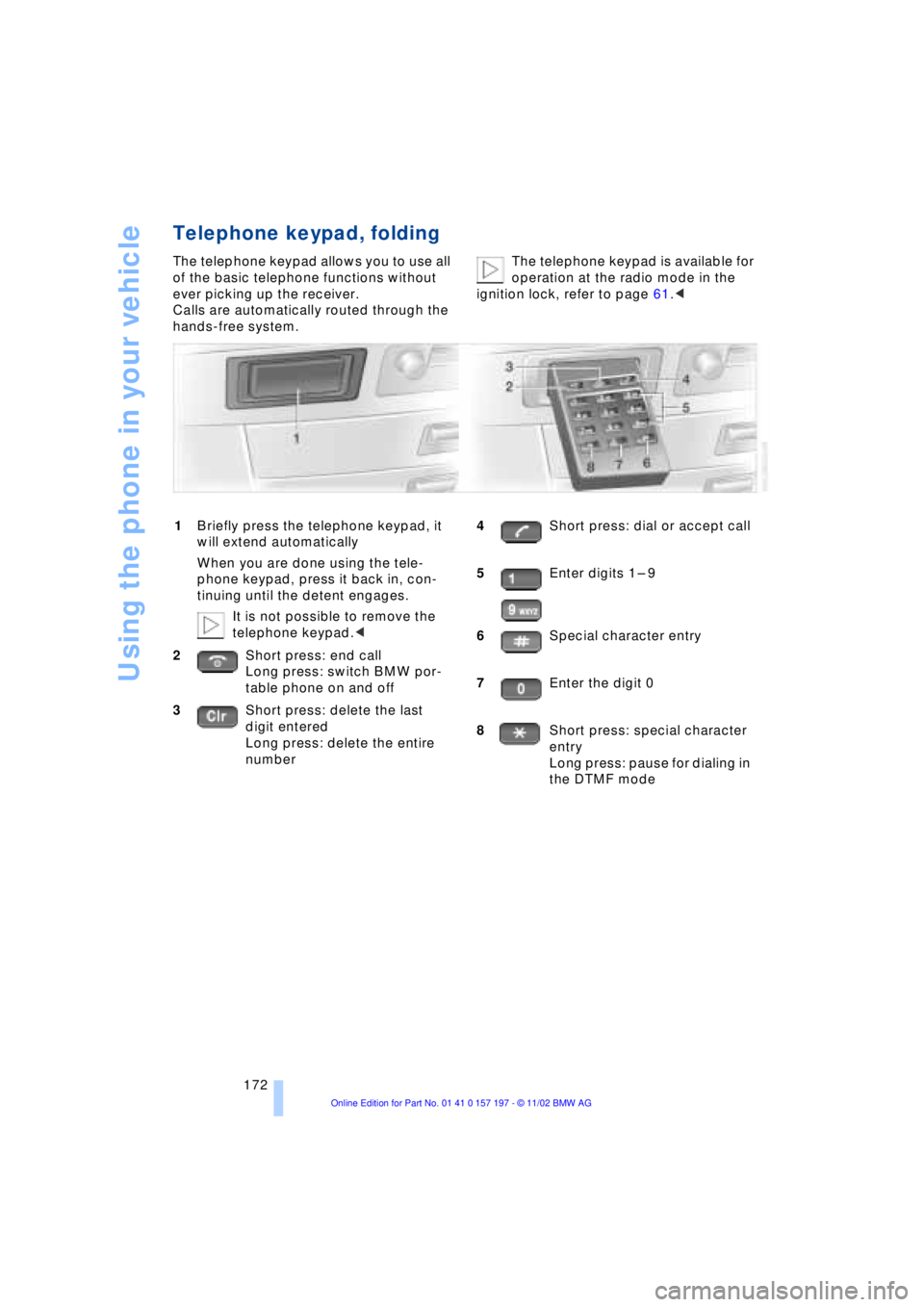
1Briefly press the telephone keypad, it
will extend automatically
When you are done using the tele-
phone keypad, press it back in, con-
tinuing until the detent engages.
It is not possible to remove the
telephone keypad.<
2Short press: end call
Long press: switch BMW por-
table phone on and off
3Short press: delete the last
digit entered
Long press: delete the entire
number4Short press: dial or accept call
5Enter digits 1 Ð 9
6Special character entry
7Enter the digit 0
8Short press: special character
entry
Long press: pause for dialing in
the DTMF mode
Page 175 of 229
At a glance
Controls
Driving tips Communications
Navigation
Entertainment
Mobility
Reference
173
Hands-free system
The hands-free microphone is located on
the front headliner.
The hands-free system is automatically
activated whenever you establish or
receive a call using the following:
>Button in the steering wheel
>Control Display
>Telephone keypad, folding
>Voice command system, only for out-
going calls.
Volume adjustment
You can adjust the volume for the hands-
free unit:
Turn the button during a call to select the
desired volume.
The hands-free unit will remain at this
volume level, even if the other audio
sources are set to minimum volume.
The system automatically selects
your individual volume setting each
time you unlock the vehicle using your per-
sonal remote control unit.<
Making an SOS call
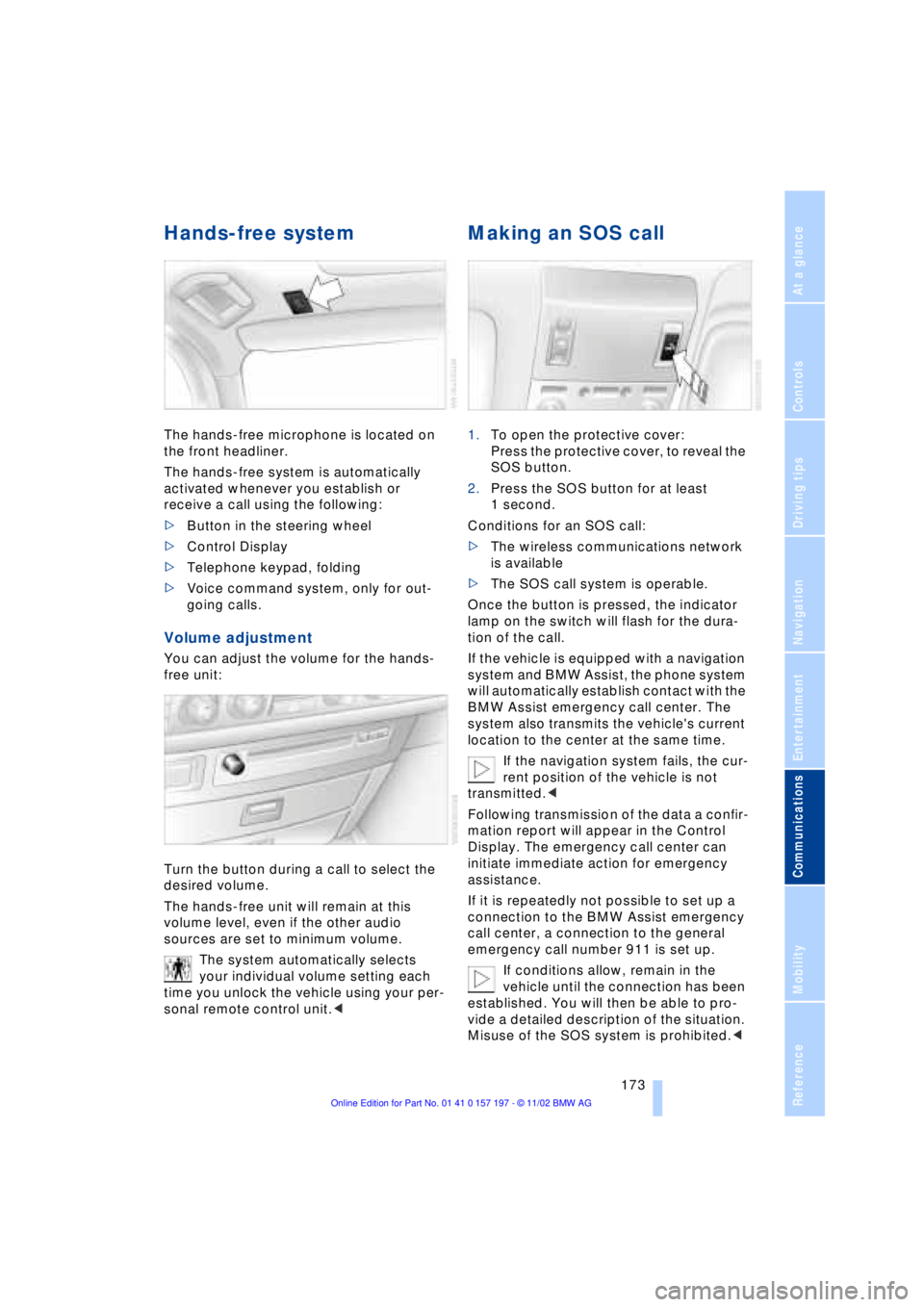
1.To open the protective cover:
Press the protective cover, to reveal the
SOS button.
2.Press the SOS button for at least
1 second.
Conditions for an SOS call:
>The wireless communications network
is available
>The SOS call system is operable.
Once the button is pressed, the indicator
lamp on the switch will flash for the dura-
tion of the call.
If the vehicle is equipped with a navigation
system and BMW Assist, the phone system
will automatically establish contact with the
BMW Assist emergency call center. The
system also transmits the vehicle's current
location to the center at the same time.
If the navigation system fails, the cur-
rent position of the vehicle is not
transmitted.<
Following transmission of the data a confir-
mation report will appear in the Control
Display. The emergency call center can
initiate immediate action for emergency
assistance.
If it is repeatedly not possible to set up a
connection to the BMW Assist emergency
call center, a connection to the general
emergency call number 911 is set up.
If conditions allow, remain in the
vehicle until the connection has been
established. You will then be able to pro-
vide a detailed description of the situation.
Misuse of the SOS system is prohibited.<
Page 176 of 229
Using the phone in your vehicle
174 Under certain conditions, an SOS call is
triggered automatically immediately after a
severe accident. The automatic SOS call is
not affected by the SOS call button being
pressed.
Telephoning with the
car phone
If the BMW portable phone is not in the
cradle, you can telephone using the car
phone via the hands-free unit.
The telephone that can be used to set up a
connection is shown in the upper status
line in the Control Display.
The car phone must be enabled prior
to initial use. To do so, please consult
your BMW center.<
Calls can be set up or accepted using the
following equipment:
>Button in the steering wheel
>Control Display
Calls can only be set up via redi-
aling or missed calls.<
>Telephone keypad, folding
>Voice command system, only for out-
going calls.
Using the BMW portable
phone
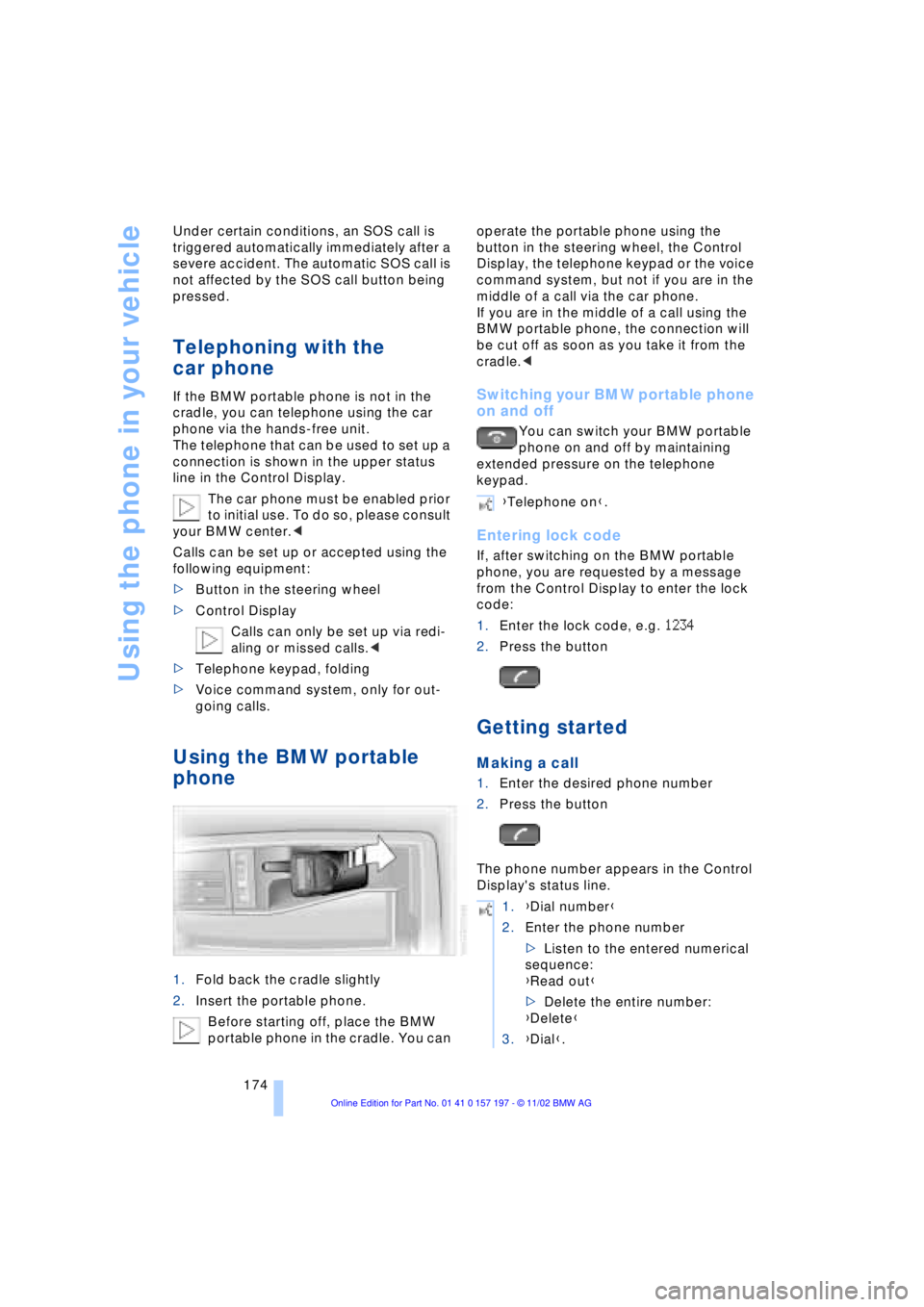
1.Fold back the cradle slightly
2.Insert the portable phone.
Before starting off, place the BMW
portable phone in the cradle. You can operate the portable phone using the
button in the steering wheel, the Control
Display, the telephone keypad or the voice
command system, but not if you are in the
middle of a call via the car phone.
If you are in the middle of a call using the
BMW portable phone, the connection will
be cut off as soon as you take it from the
cradle.<
Switching your BMW portable phone
on and off
You can switch your BMW portable
phone on and off by maintaining
extended pressure on the telephone
keypad.
Entering lock code
If, after switching on the BMW portable
phone, you are requested by a message
from the Control Display to enter the lock
code:
1.Enter the lock code, e.g. 1234
2.Press the button
Getting started
Making a call
1.Enter the desired phone number
2.Press the button
The phone number appears in the Control
Display's status line.
{Telephone on}.
1.{Dial number}
2.Enter the phone number
>Listen to the entered numerical
sequence:
{Read out}
>Delete the entire number:
{Delete}
3.{Dial}.
Page 177 of 229
At a glance
Controls
Driving tips Communications
Navigation
Entertainment
Mobility
Reference
175
Always remember to enter the com-
plete telephone number, including the
area code, even if you are currently in the
same area as the number that you wish to
contact.<
Ending call
Press the button
Telephone directory
You must enter your portable phone's tele-
phone directory in the voice command
system before it will be available for access
using voice commands. This creates a spe-
cial voice command telephone directory. If
changes are then made to the directory
using the voice command system, these
modifications will apply exclusively to the
voice directory, and not to the directory in
the portable phone.
Creating and updating voice
command telephone directory*
The entries in the portable phone's tele-
phone directory appear sequentially in the
Info Display.
You must assign a specific name to each
number that you wish to transfer to the
voice command telephone directory. These
numbers will no longer be requested during
updates.
Making a new entry in the voice
command directory
Dialing from telephone directory
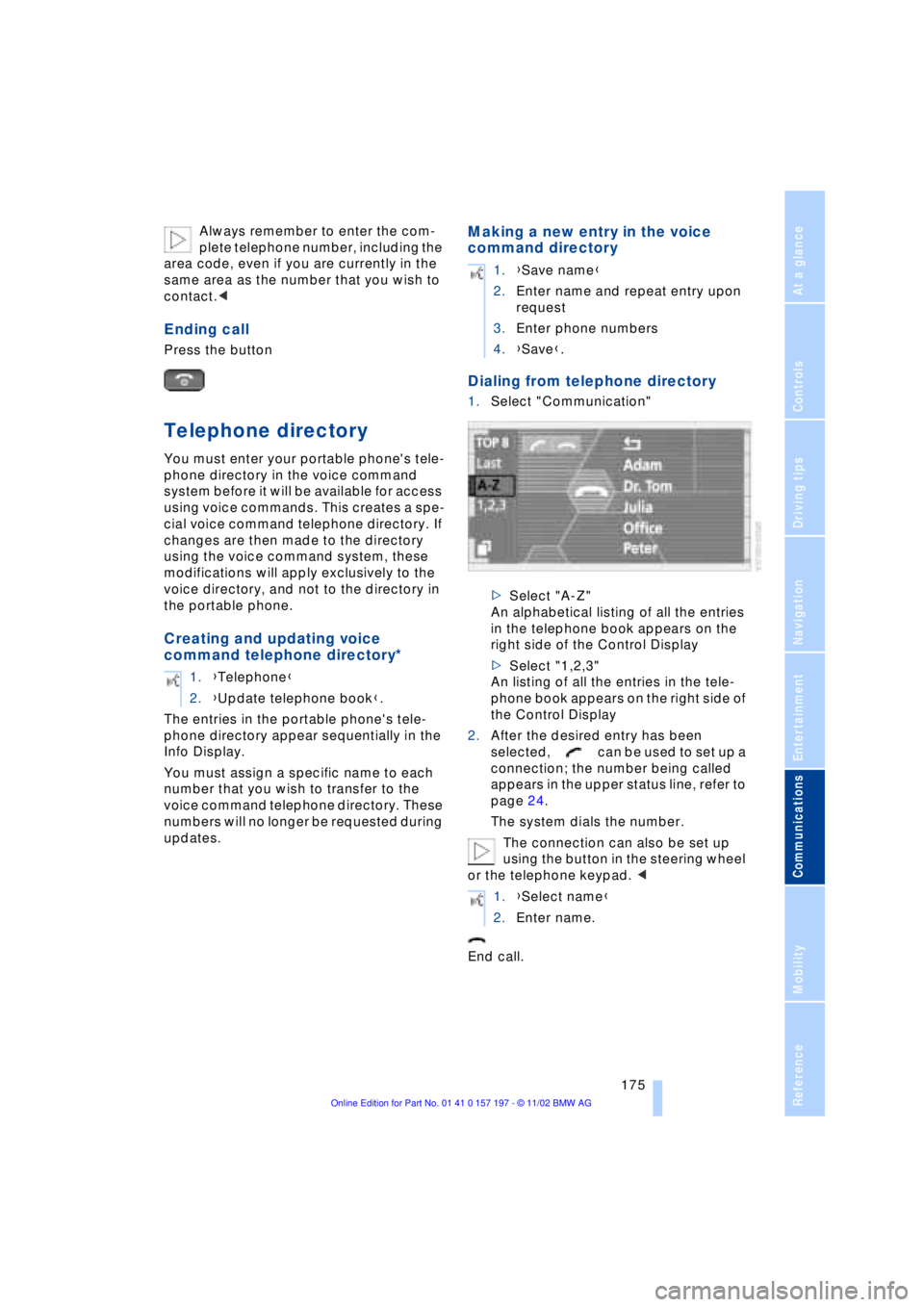
1.Select "Communication"
>Select "A-Z"
An alphabetical listing of all the entries
in the telephone book appears on the
right side of the Control Display
>Select "1,2,3"
An listing of all the entries in the tele-
phone book appears on the right side of
the Control Display
2.After the desired entry has been
selected, can be used to set up a
connection; the number being called
appears in the upper status line, refer to
page 24.
The system dials the number.
The connection can also be set up
using the button in the steering wheel
or the telephone keypad. <
End call. 1.{Telephone}
2.{Update telephone book}.
1.{Save name}
2.Enter name and repeat entry upon
request
3.Enter phone numbers
4.{Save}.
1.{Select name}
2.Enter name.
Page 178 of 229
Using the phone in your vehicle
176
Viewing entries
Deleting individual entries
Deleting the entire telephone
directory
Selecting a number from
the Top 8 list
The eight numbers that you call most fre-
quently on the BMW portable phone are
automatically stored in the Top 8 list. The
number called most often appears at the
top of the list.
1.In the "Communication" menu, select
"TOP 8" and confirm
2.Select an entry from the list that now
appears in the display, and confirm
3.After the desired entry has been
selected, can be used to set up a
connection; the number being called
appears in the upper status line, refer to
page 24.
The connection can also be set up
using the button in the steering wheel
or the telephone keypad.<
End call.
Redialing
Both numbers that you reached on your
earlier attempt and numbers that were
unavailable are automatically stored in your
redialing list. The last number dialed is at
the top of the list.
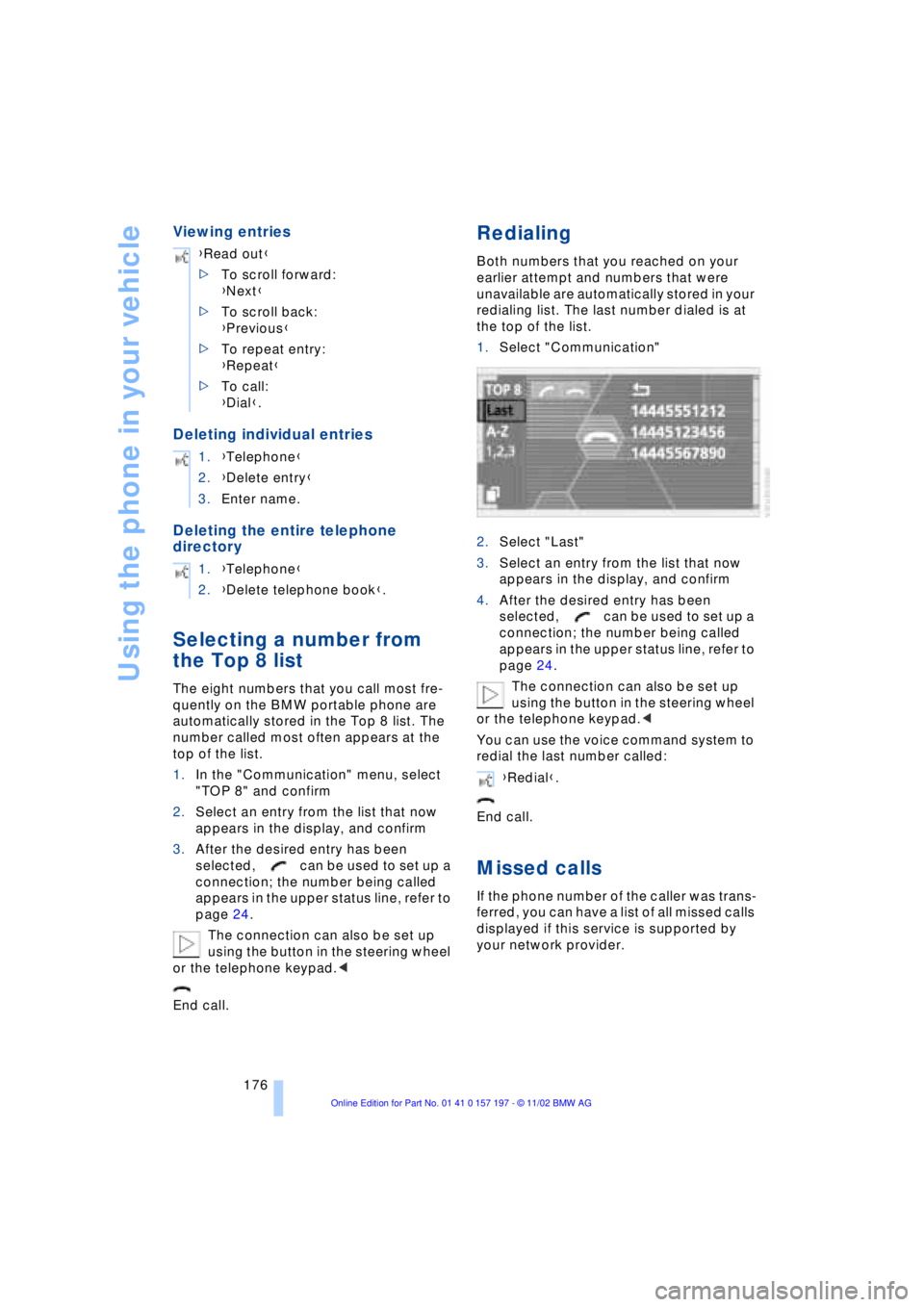
1.Select "Communication"
2.Select "Last"
3.Select an entry from the list that now
appears in the display, and confirm
4.After the desired entry has been
selected, can be used to set up a
connection; the number being called
appears in the upper status line, refer to
page 24.
The connection can also be set up
using the button in the steering wheel
or the telephone keypad.<
You can use the voice command system to
redial the last number called:
End call.
Missed calls
If the phone number of the caller was trans-
ferred, you can have a list of all missed calls
displayed if this service is supported by
your network provider. {Read out}
>To scroll forward:
{Next}
>To scroll back:
{Previous}
>To repeat entry:
{Repeat}
>To call:
{Dial}.
1.{Telephone}
2.{Delete entry}
3.Enter name.
1.{Telephone}
2.{Delete telephone book}.
{Redial}.
Page 179 of 229
At a glance
Controls
Driving tips Communications
Navigation
Entertainment
Mobility
Reference
177
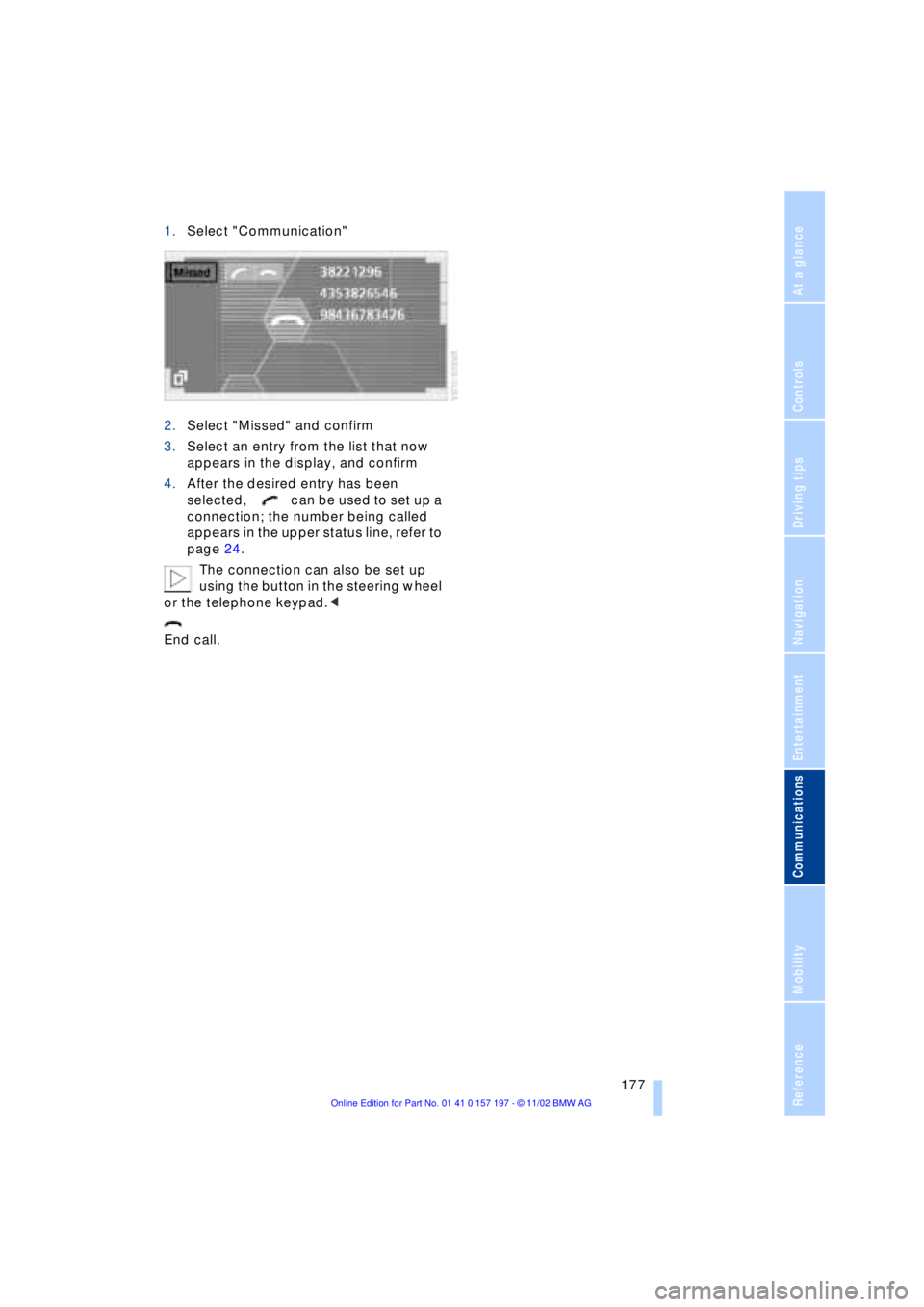
1.Select "Communication"
2.Select "Missed" and confirm
3.Select an entry from the list that now
appears in the display, and confirm
4.After the desired entry has been
selected, can be used to set up a
connection; the number being called
appears in the upper status line, refer to
page 24.
The connection can also be set up
using the button in the steering wheel
or the telephone keypad.<
End call.
Page 195 of 229
At a glance
Controls
Driving tips
Communications
Navigation
Entertainment
Mobility
Reference
193
Maintenance
The BMW Maintenance
System
The BMW Maintenance System is desi-
gned to ensure that your vehicle will con-
tinue to furnish consistent reliability com-
bined with optimal safety. The service
schedule also includes operations related
to the vehicle's comfort and convenience
features, such as replacement of the filters
for the inside air. The ultimate object is to
furnish economical maintenance by provi-
ding the ideal service for your individual
vehicle.
Should the day come when you decide to
sell your BMW, you will find that a complete
dealer service history is an asset of inesti-
mable value.
CBS Condition Based Service
CBS is a more advanced version of the Ser-
vice Interval Display. Sensors combine with
highly-specialized algorithms to supply
service information that reflects your
vehicle's actual operating conditions more
precisely than ever before.
The system now furnishes individual dis-
plays of the times remaining until the dead-
lines for specific service operations as well
as official state inspections:
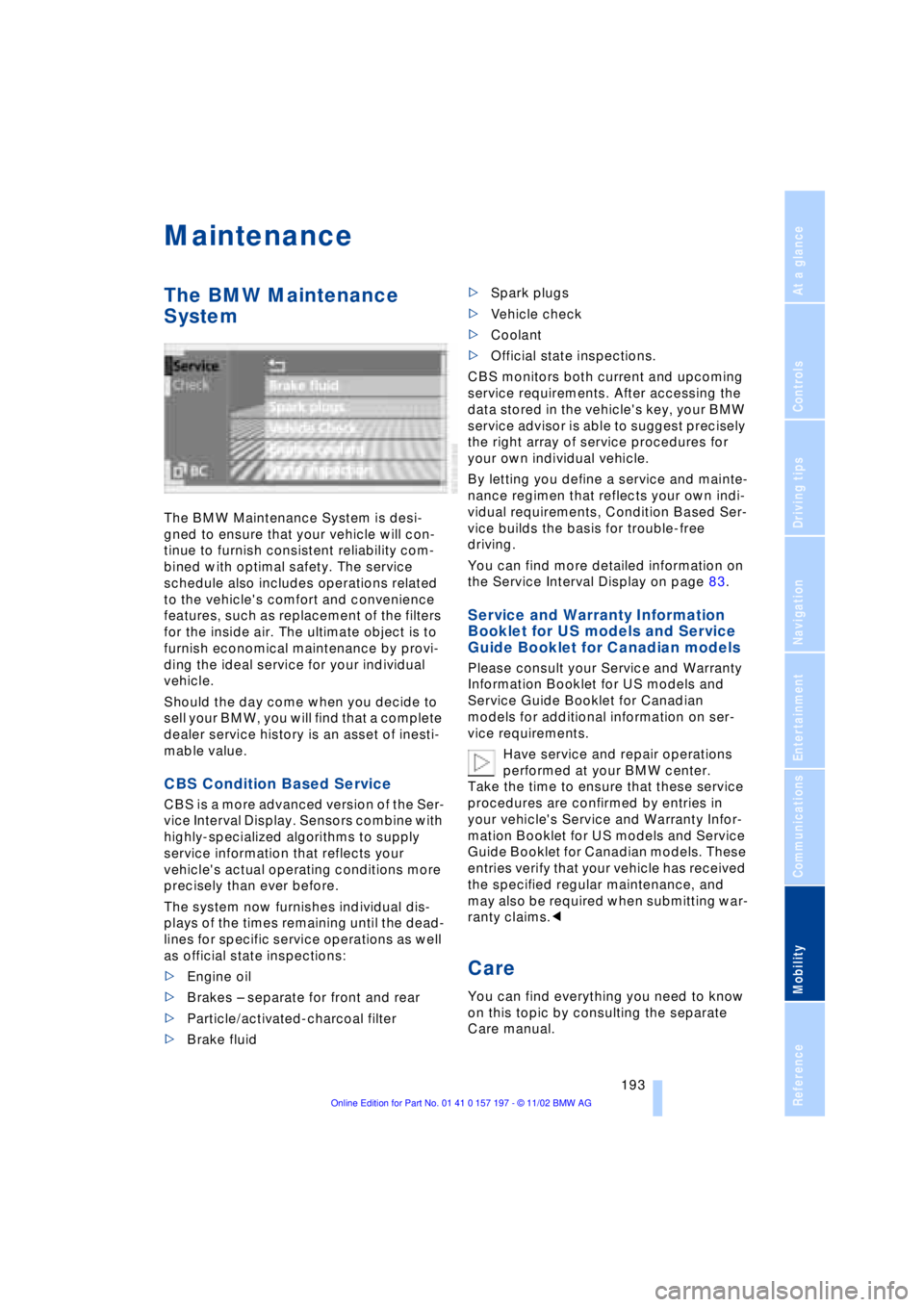
>Engine oil
>Brakes Ð separate for front and rear
>Particle/activated-charcoal filter
>Brake fluid >Spark plugs
>Vehicle check
>Coolant
>Official state inspections.
CBS monitors both current and upcoming
service requirements. After accessing the
data stored in the vehicle's key, your BMW
service advisor is able to suggest precisely
the right array of service procedures for
your own individual vehicle.
By letting you define a service and mainte-
nance regimen that reflects your own indi-
vidual requirements, Condition Based Ser-
vice builds the basis for trouble-free
driving.
You can find more detailed information on
the Service Interval Display on page 83.
Service and Warranty Information
Booklet for US models and Service
Guide Booklet for Canadian models
Please consult your Service and Warranty
Information Booklet for US models and
Service Guide Booklet for Canadian
models for additional information on ser-
vice requirements.
Have service and repair operations
performed at your BMW center.
Take the time to ensure that these service
procedures are confirmed by entries in
your vehicle's Service and Warranty Infor-
mation Booklet for US models and Service
Guide Booklet for Canadian models. These
entries verify that your vehicle has received
the specified regular maintenance, and
may also be required when submitting war-
ranty claims.<
Care
You can find everything you need to know
on this topic by consulting the separate
Care manual.
Page 197 of 229
Overview
Controls
Driving tips
Communications
Navigation
Entertainment
Mobility
Reference
195
Replacing components
Onboard tool kit
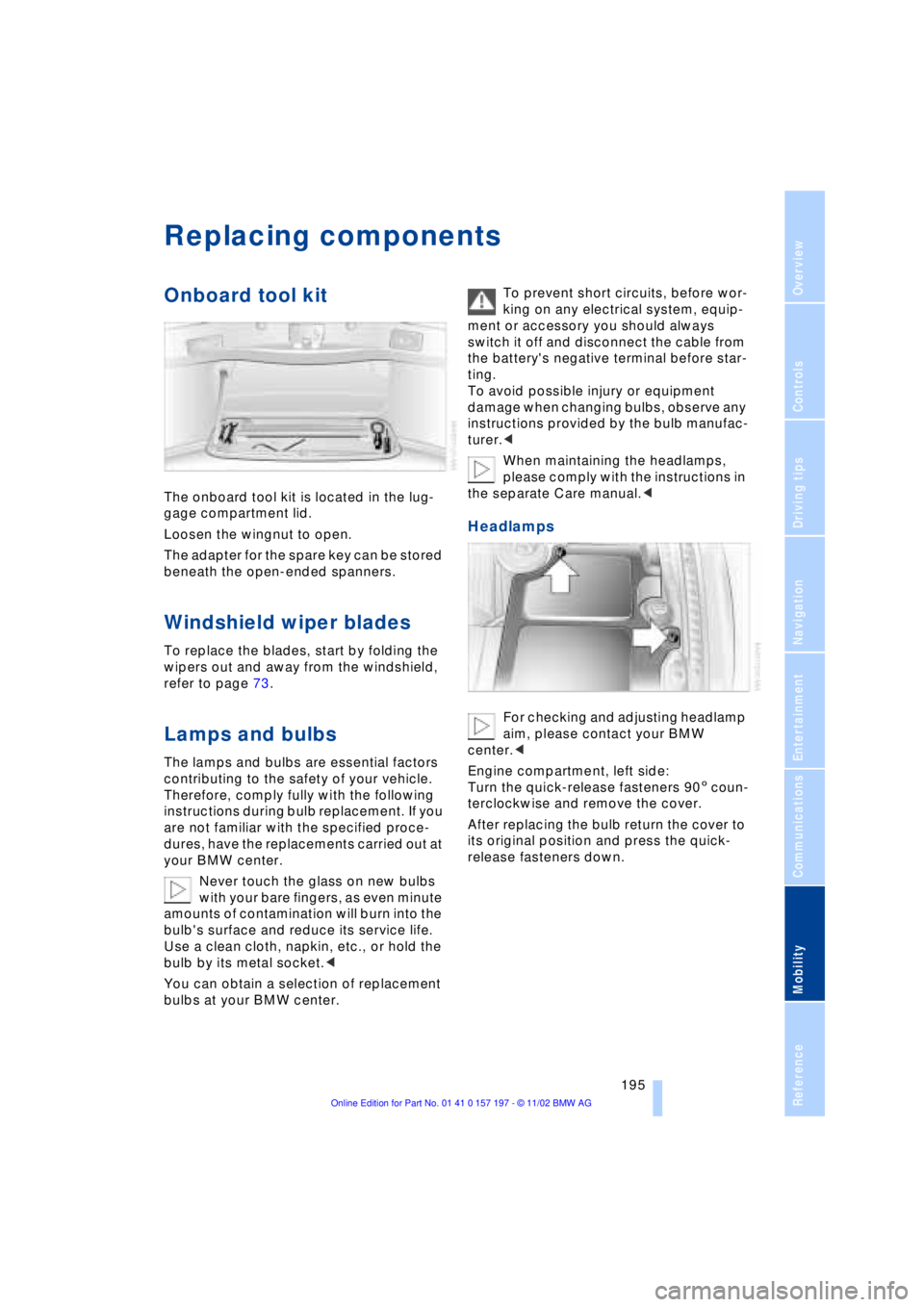
The onboard tool kit is located in the lug-
gage compartment lid.
Loosen the wingnut to open.
The adapter for the spare key can be stored
beneath the open-ended spanners.
Windshield wiper blades
To replace the blades, start by folding the
wipers out and away from the windshield,
refer to page 73.
Lamps and bulbs
The lamps and bulbs are essential factors
contributing to the safety of your vehicle.
Therefore, comply fully with the following
instructions during bulb replacement. If you
are not familiar with the specified proce-
dures, have the replacements carried out at
your BMW center.
Never touch the glass on new bulbs
with your bare fingers, as even minute
amounts of contamination will burn into the
bulb's surface and reduce its service life.
Use a clean cloth, napkin, etc., or hold the
bulb by its metal socket.<
You can obtain a selection of replacement
bulbs at your BMW center. To prevent short circuits, before wor-
king on any electrical system, equip-
ment or accessory you should always
switch it off and disconnect the cable from
the battery's negative terminal before star-
ting.
To avoid possible injury or equipment
damage when changing bulbs, observe any
instructions provided by the bulb manufac-
turer.<
When maintaining the headlamps,
please comply with the instructions in
the separate Care manual.<
Headlamps
For checking and adjusting headlamp
aim, please contact your BMW
center.<
Engine compartment, left side:
Turn the quick-release fasteners 905 coun-
terclockwise and remove the cover.
After replacing the bulb return the cover to
its original position and press the quick-
release fasteners down.