navigation BMW 760LI SEDAN 2003 Repair Manual
[x] Cancel search | Manufacturer: BMW, Model Year: 2003, Model line: 760LI SEDAN, Model: BMW 760LI SEDAN 2003Pages: 229, PDF Size: 4.35 MB
Page 115 of 229
At a glance
Controls
Driving tips
Communications
Navigation
Entertainment
Mobility
Reference
113
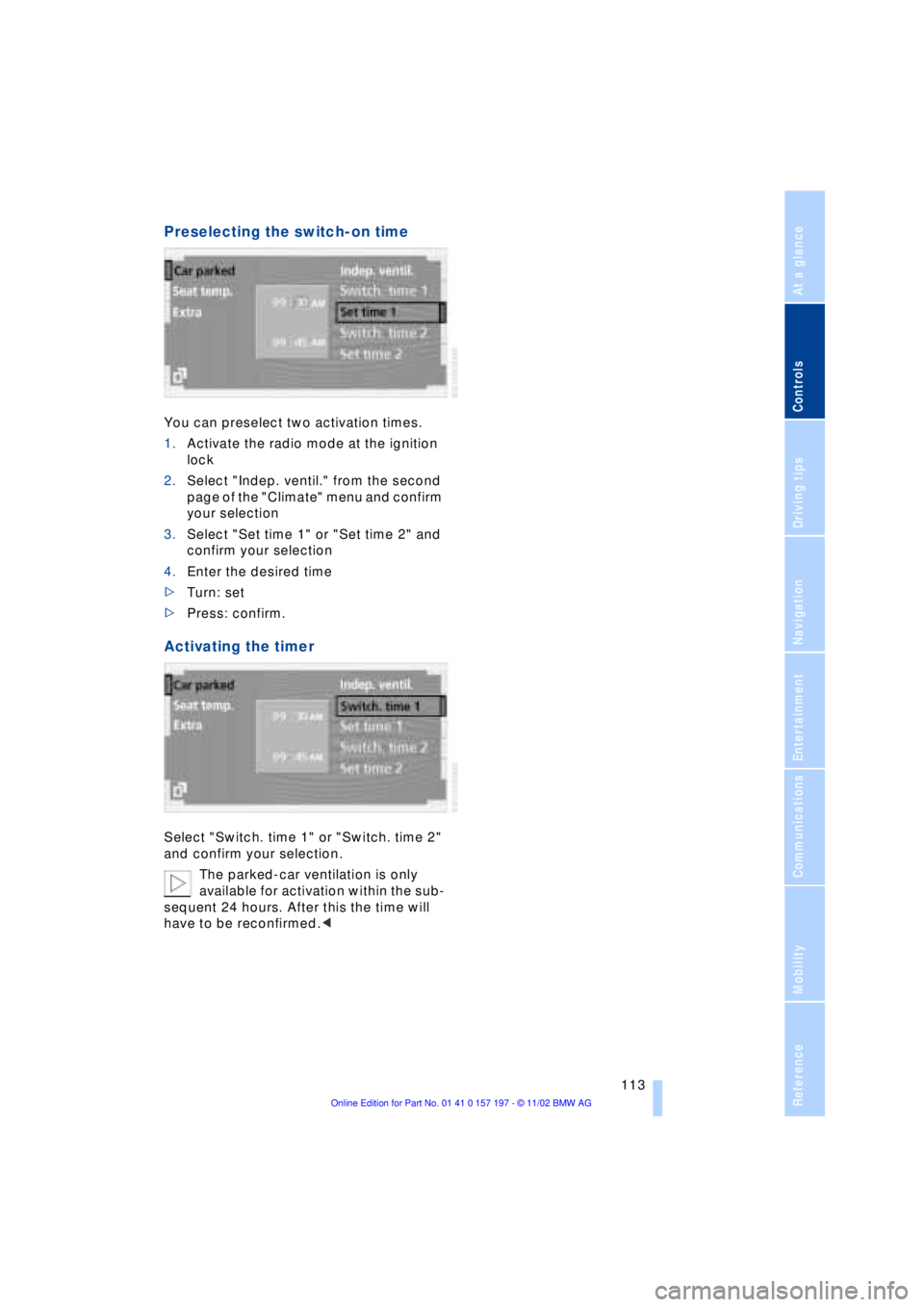
Preselecting the switch-on time
You can preselect two activation times.
1.Activate the radio mode at the ignition
lock
2.Select "Indep. ventil." from the second
page of the "Climate" menu and confirm
your selection
3.Select "Set time 1" or "Set time 2" and
confirm your selection
4.Enter the desired time
>Turn: set
>Press: confirm.
Activating the timer
Select "Switch. time 1" or "Switch. time 2"
and confirm your selection.
The parked-car ventilation is only
available for activation within the sub-
sequent 24 hours. After this the time will
have to be reconfirmed.<
Page 117 of 229
At a glance
Controls
Driving tips
Communications
Navigation
Entertainment
Mobility
Reference
115
The device can be operated as of ignition
on.
If the device can not be operated after
repeated programming, check
whether the original hand-held transmitter
uses an alternating-code system. To do so,
either read the instructions of the original
hand-held transmitter or press and hold
down the programmed memory key 1 of
the integrated universal remote control. If
the indicator lamp 2 on the integrated uni-
versal remote control flashes quickly for a
brief period and then remains lit up for
approx. two seconds, this indicates that
the original hand-held transmitter is
equipped with an alternating code. In the
case of an alternating-code system, pro-
gram the memory keys 1 as described at
the section on alternating-code transmit-
ters.<
Alternating-code transmitters
Consult the operating instructions of the
unit you wish to set when programming the
integrated universal remote control. Find
out about the possibility for synchroniza-
tion.
When programming hand-held transmitters
that employ an alternating code, please
observe the following supplementary
instructions:
Programming will be easier with the
aid of a second person.<
1.Park your vehicle within the range of the
remote-controlled device
2.Program the integrated universal
remote control as described at the sec-
tion on fixed code hand-held transmit-
ters.
3.Localize the key on the receiver of the
device you want to set up, e.g. on the
upper section of the motor
4.Press the key on the receiver of the
device you want to set up. After step 4,
approx. 30 seconds remain for step 5
5.Press the programmed memory key 1
on the integrated universal remote con-
trol three times. The corresponding memory key 1 is now
programmed with the signal of the original
hand-held transmitter.
If you have any additional questions,
please contact your BMW center.<
Clearing memory keys
Individual memory keys 1 can not be
cleared. However, you clear all three
memory keys 1 together as follows:
Press both outer keys 1 of the integrated
universal remote control for approx.
20 seconds, maintaining pressure until the
indicator lamp 2 starts to flash.
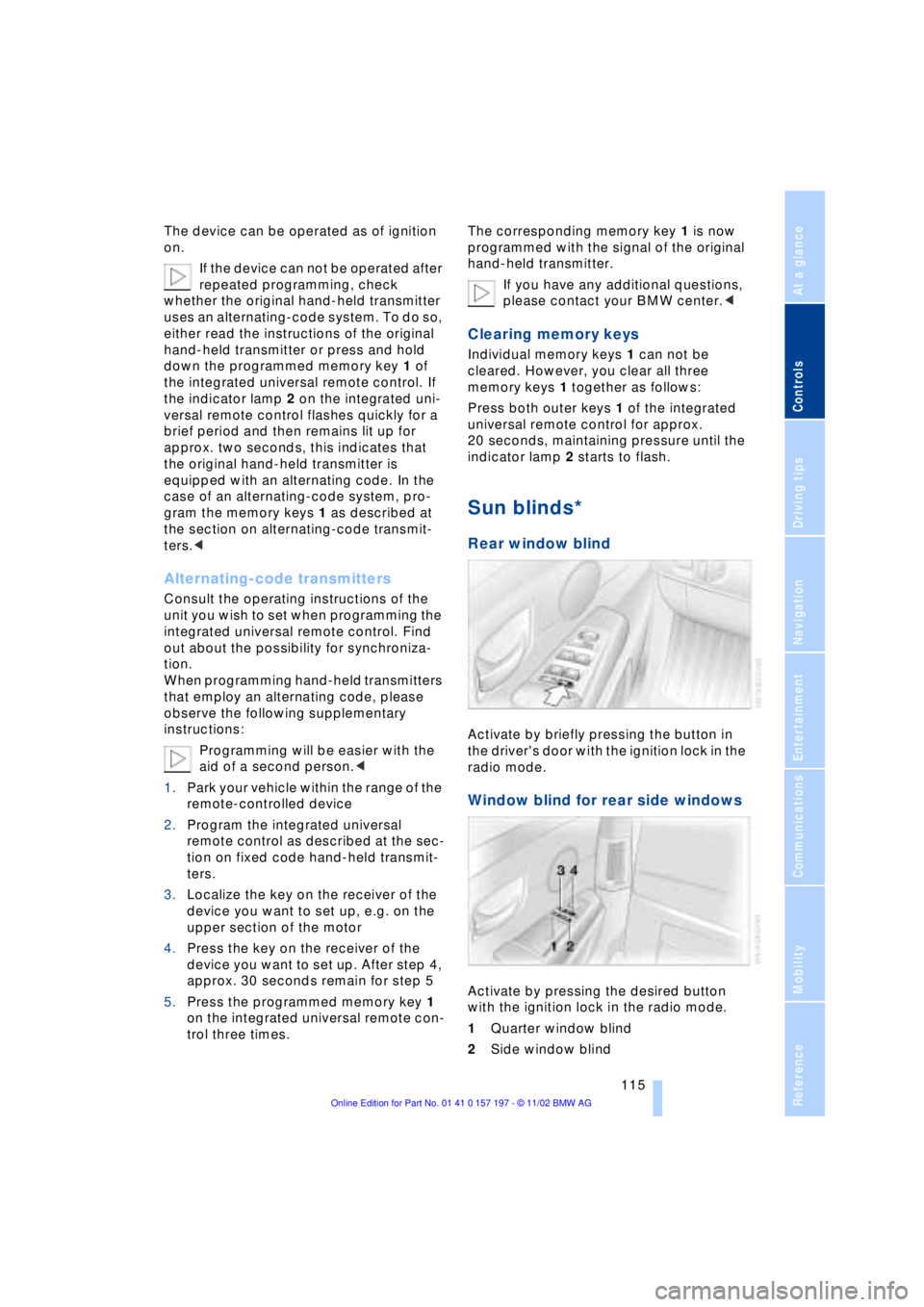
Sun blinds*
Rear window blind
Activate by briefly pressing the button in
the driver's door with the ignition lock in the
radio mode.
Window blind for rear side windows
Activate by pressing the desired button
with the ignition lock in the radio mode.
1Quarter window blind
2Side window blind
Page 119 of 229
At a glance
Controls
Driving tips
Communications
Navigation
Entertainment
Mobility
Reference
117
Glove compartment
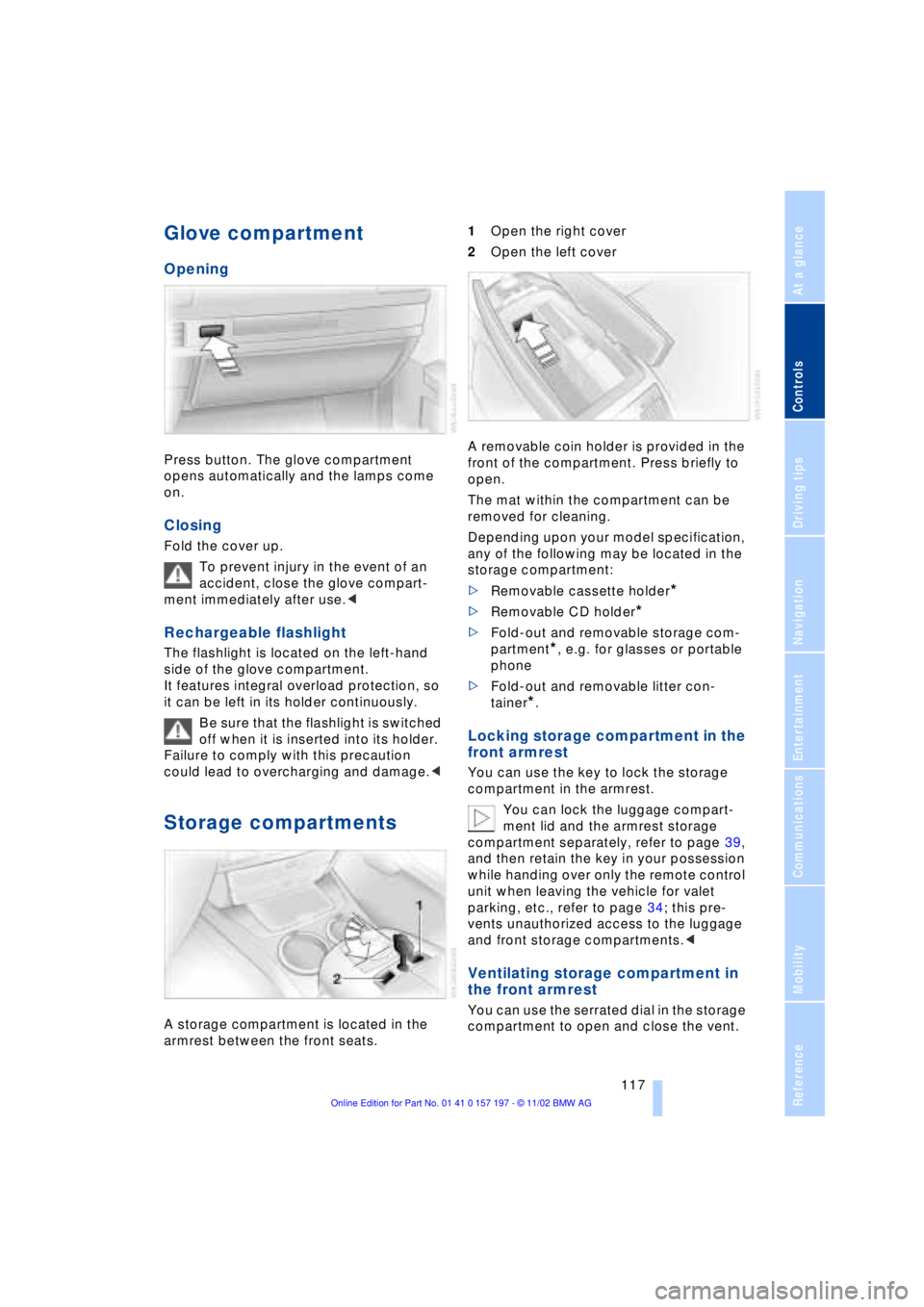
Opening
Press button. The glove compartment
opens automatically and the lamps come
on.
Closing
Fold the cover up.
To prevent injury in the event of an
accident, close the glove compart-
ment immediately after use.<
Rechargeable flashlight
The flashlight is located on the left-hand
side of the glove compartment.
It features integral overload protection, so
it can be left in its holder continuously.
Be sure that the flashlight is switched
off when it is inserted into its holder.
Failure to comply with this precaution
could lead to overcharging and damage.<
Storage compartments
A storage compartment is located in the
armrest between the front seats. 1Open the right cover
2Open the left cover
A removable coin holder is provided in the
front of the compartment. Press briefly to
open.
The mat within the compartment can be
removed for cleaning.
Depending upon your model specification,
any of the following may be located in the
storage compartment:
>Removable cassette holder
*
>Removable CD holder
*
>Fold-out and removable storage com-
partment
*, e.g. for glasses or portable
phone
>Fold-out and removable litter con-
tainer
*.
Locking storage compartment in the
front armrest
You can use the key to lock the storage
compartment in the armrest.
You can lock the luggage compart-
ment lid and the armrest storage
compartment separately, refer to page 39,
and then retain the key in your possession
while handing over only the remote control
unit when leaving the vehicle for valet
parking, etc., refer to page 34; this pre-
vents unauthorized access to the luggage
and front storage compartments.<
Ventilating storage compartment in
the front armrest
You can use the serrated dial in the storage
compartment to open and close the vent.
Page 121 of 229
At a glance
Controls
Driving tips
Communications
Navigation
Entertainment
Mobility
Reference
119
To extinguish a cigarette, tap off the ash
and gently press the tip into the funnel.
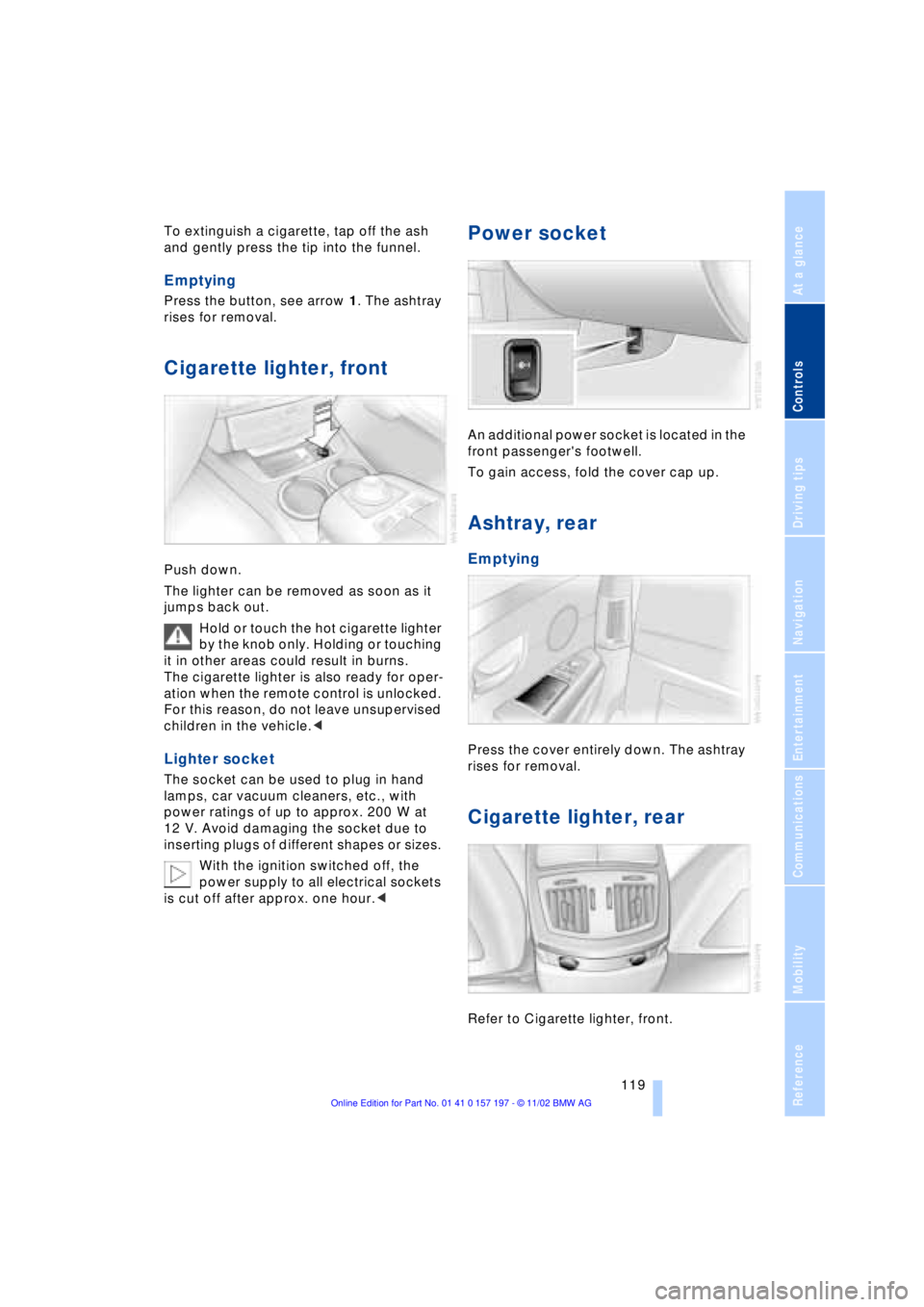
Emptying
Press the button, see arrow 1. The ashtray
rises for removal.
Cigarette lighter, front
Push down.
The lighter can be removed as soon as it
jumps back out.
Hold or touch the hot cigarette lighter
by the knob only. Holding or touching
it in other areas could result in burns.
The cigarette lighter is also ready for oper-
ation when the remote control is unlocked.
For this reason, do not leave unsupervised
children in the vehicle.<
Lighter socket
The socket can be used to plug in hand
lamps, car vacuum cleaners, etc., with
power ratings of up to approx. 200 W at
12 V. Avoid damaging the socket due to
inserting plugs of different shapes or sizes.
With the ignition switched off, the
power supply to all electrical sockets
is cut off after approx. one hour.<
Power socket
An additional power socket is located in the
front passenger's footwell.
To gain access, fold the cover cap up.
Ashtray, rear
Emptying
Press the cover entirely down. The ashtray
rises for removal.
Cigarette lighter, rear
Refer to Cigarette lighter, front.
Page 123 of 229
At a glance
Controls
Driving tips
Communications
Navigation
Entertainment
Mobility
Reference
121
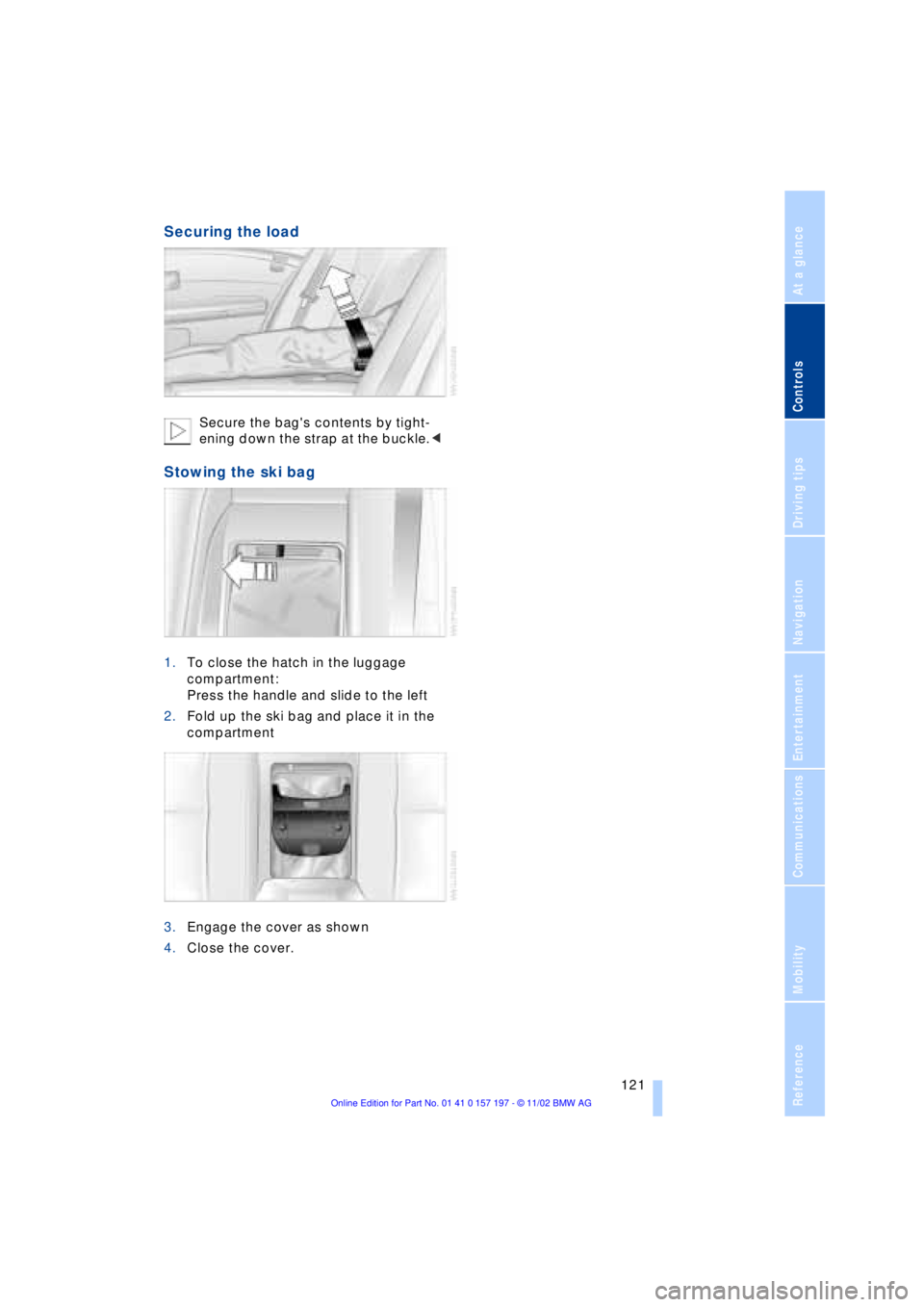
Securing the load
Secure the bag's contents by tight-
ening down the strap at the buckle.<
Stowing the ski bag
1.To close the hatch in the luggage
compartment:
Press the handle and slide to the left
2.Fold up the ski bag and place it in the
compartment
3.Engage the cover as shown
4.Close the cover.
Page 127 of 229
At a glance
Controls
Driving tips
Communications
Navigation
Entertainment
Mobility
Reference
125
undermining your ability to steer and brake
the vehicle.<
Driving through water
Do not drive through water on the
road if it is deeper than 1 ft (30 cm),
and then only at walking speed at the most.
Otherwise, the vehicle's engine, the elec-
trical systems and the transmission may be
damaged.<
Brake system
Braking with ABS
The best way to achieve optimal response
from the ABS is to apply maximum pres-
sure to the brake pedal during emergencyÐ
panic stops. Since the vehicle maintains
steering responsiveness, you can never-
theless avoid possible obstacles with a
minimum of steering effort.
Pulsation at the brake pedal combines with
sounds from the hydraulic circuits to indi-
cate to the driver that ABS is in its active
mode.
Do not drive with your foot resting on
the brake pedal. Even light but con-
sistent pedal pressure can lead to high
temperatures, brake wear and possibly
even brake failure.<
Disc brakes
Driving in wet conditions
While driving in wet conditions and in
heavy rain, it is a good idea to apply light
pressure to the brake pedal every few
miles. Monitor traffic conditions to ensure
that this maneuver does not endanger
other road users. The heat generated in this
process helps dry the pads and rotors to
ensure that full braking efficiency will then
be available when you need it.
Hills
You can retain full and unimpaired braking
efficiency by downshifting to a gear in
which only minimal brake applications are
needed when descending long or steep
downhill stretches.
You can further enhance the engine's bra-
king effect by selecting a lower gear in the
automatic transmission's manual mode,
downshifting as far as first gear on extre-
mely steep stretches, refer to page 68. This
strategy helps you avoid placing excessive
loads on the brake system.
Never allow the vehicle to coast with
the transmission in Neutral Ð or with
the engine switched off Ð there is no engine
braking when the transmission is in Neu-
tral, and no power-assist for brakes and
steering when the engine is not running.
Never allow floor mats, carpets or any other
objects to protrude into the area around the
accelerator and brake pedals and obstruct
their movement.<
Corrosion
When the vehicle is driven only occasio-
nally, during extended periods when the
vehicle is not used at all, and in operating
conditions where brake applications are
less frequent, there is an increased ten-
dency for corrosion to form on rotors, while
contaminants accumulate on the brake
pads. This occurs because the minimal
pressure which must be exerted by the
pads during brake applications to clean the
rotors is not reached.
Should corrosion form on the brake rotors,
the brakes will tend to respond with a pul-
sating effect that even extended applica-
tion will fail to cure.
Brake pads
If the brake pad wear warning lamp
appears in the Check Control,
accompanied by a text: please take
careful note of the additional information in
the Control Display.
Page 129 of 229
At a glance
Controls
Driving tips
Communications
Navigation
Entertainment
Mobility
Reference
127
Roof-mounted luggage
rack*
Anchorage points
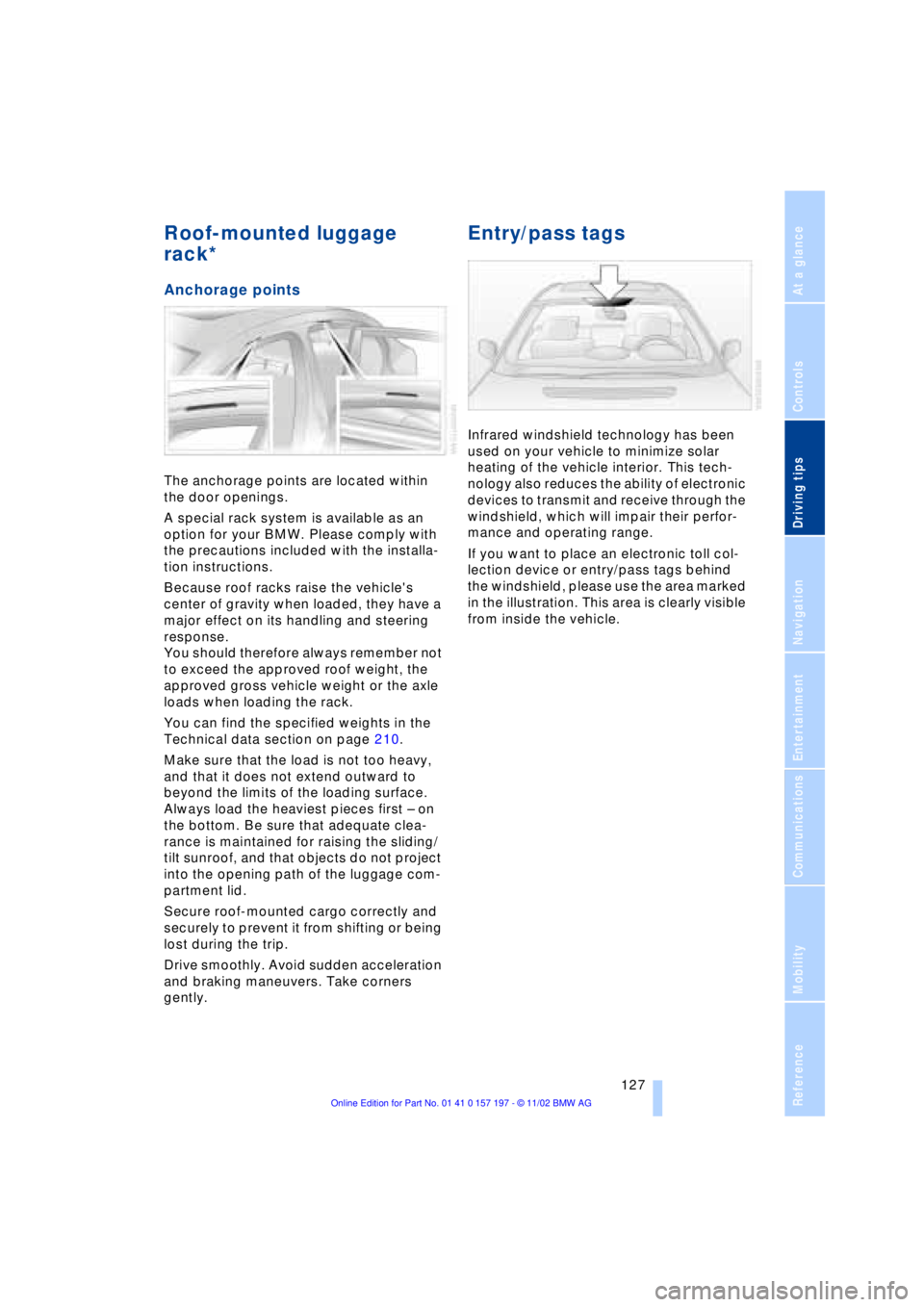
The anchorage points are located within
the door openings.
A special rack system is available as an
option for your BMW. Please comply with
the precautions included with the installa-
tion instructions.
Because roof racks raise the vehicle's
center of gravity when loaded, they have a
major effect on its handling and steering
response.
You should therefore always remember not
to exceed the approved roof weight, the
approved gross vehicle weight or the axle
loads when loading the rack.
You can find the specified weights in the
Technical data section on page 210.
Make sure that the load is not too heavy,
and that it does not extend outward to
beyond the limits of the loading surface.
Always load the heaviest pieces first Ð on
the bottom. Be sure that adequate clea-
rance is maintained for raising the sliding/
tilt sunroof, and that objects do not project
into the opening path of the luggage com-
partment lid.
Secure roof-mounted cargo correctly and
securely to prevent it from shifting or being
lost during the trip.
Drive smoothly. Avoid sudden acceleration
and braking maneuvers. Take corners
gently.
Entry/pass tags
Infrared windshield technology has been
used on your vehicle to minimize solar
heating of the vehicle interior. This tech-
nology also reduces the ability of electronic
devices to transmit and receive through the
windshield, which will impair their perfor-
mance and operating range.
If you want to place an electronic toll col-
lection device or entry/pass tags behind
the windshield, please use the area marked
in the illustration. This area is clearly visible
from inside the vehicle.
Page 131 of 229
Navigation
This section contains various examples
that illustrate how the navigation system
provides you with reliable guidance
to your destination.
Page 132 of 229
Navigation
130
Navigation
GPS
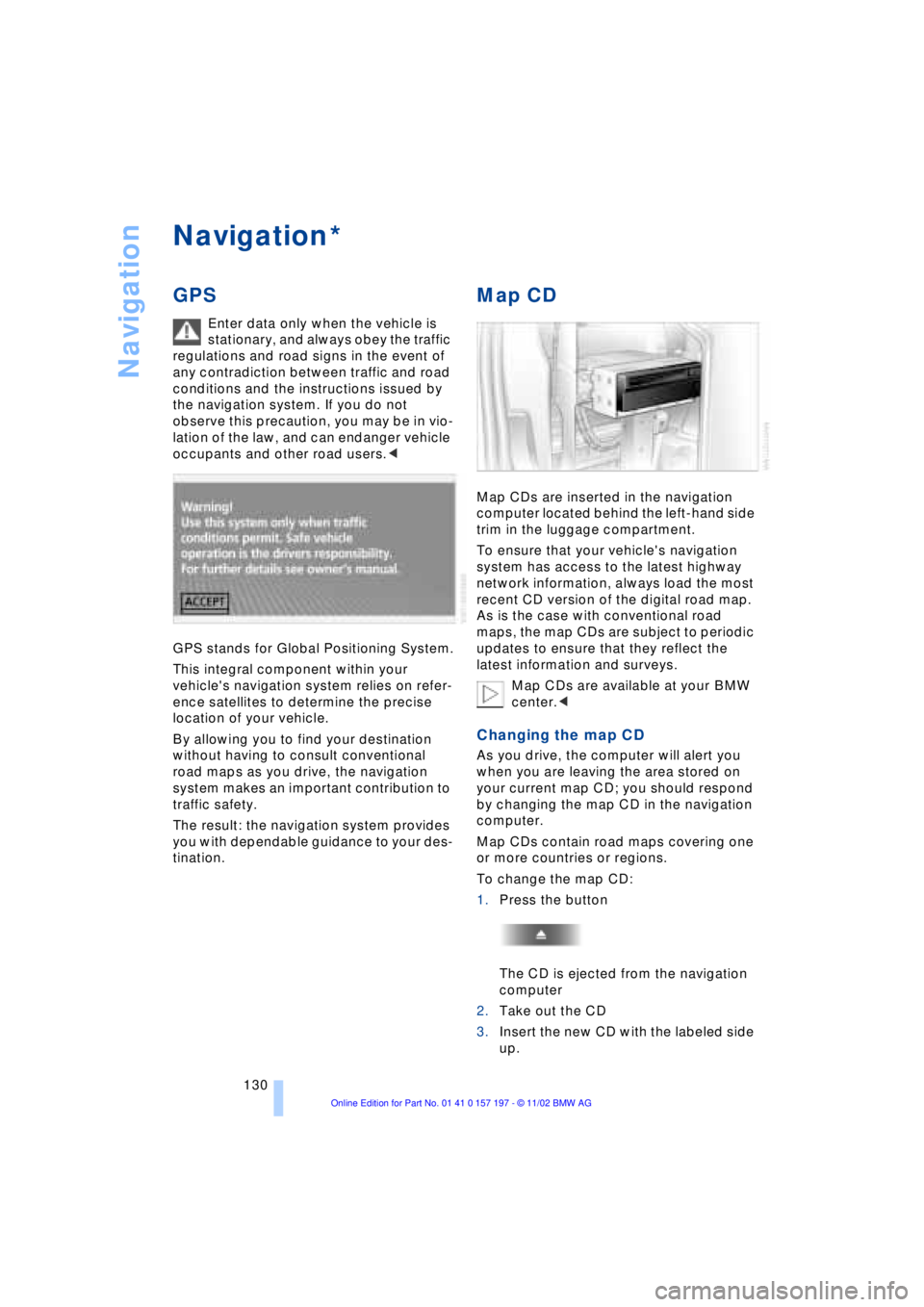
Enter data only when the vehicle is
stationary, and always obey the traffic
regulations and road signs in the event of
any contradiction between traffic and road
conditions and the instructions issued by
the navigation system. If you do not
observe this precaution, you may be in vio-
lation of the law, and can endanger vehicle
occupants and other road users.<
GPS stands for Global Positioning System.
This integral component within your
vehicle's navigation system relies on refer-
ence satellites to determine the precise
location of your vehicle.
By allowing you to find your destination
without having to consult conventional
road maps as you drive, the navigation
system makes an important contribution to
traffic safety.
The result: the navigation system provides
you with dependable guidance to your des-
tination.
Map CD
Map CDs are inserted in the navigation
computer located behind the left-hand side
trim in the luggage compartment.
To ensure that your vehicle's navigation
system has access to the latest highway
network information, always load the most
recent CD version of the digital road map.
As is the case with conventional road
maps, the map CDs are subject to periodic
updates to ensure that they reflect the
latest information and surveys.
Map CDs are available at your BMW
center.<
Changing the map CD
As you drive, the computer will alert you
when you are leaving the area stored on
your current map CD; you should respond
by changing the map CD in the navigation
computer.
Map CDs contain road maps covering one
or more countries or regions.
To change the map CD:
1.Press the button
The CD is ejected from the navigation
computer
2.Take out the CD
3.Insert the new CD with the labeled side
up.
*
Page 133 of 229
At a glance
Controls
Driving tips
Communications
Navigation
Entertainment
Mobility
Reference
131
Allow approx. eight seconds for the
system to scan the data from the new
CD.
Starting the navigation
system
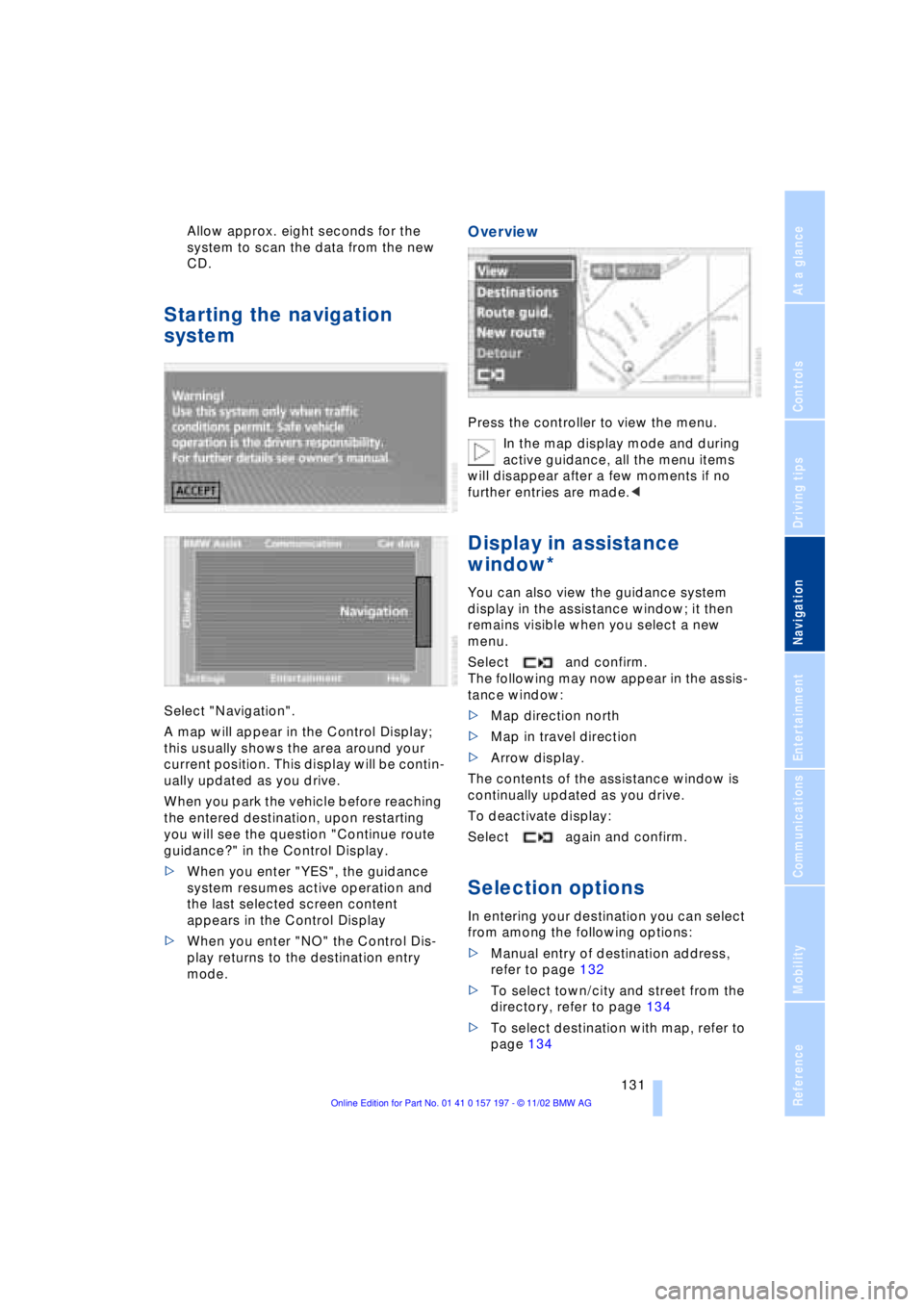
Select "Navigation".
A map will appear in the Control Display;
this usually shows the area around your
current position. This display will be contin-
ually updated as you drive.
When you park the vehicle before reaching
the entered destination, upon restarting
you will see the question "Continue route
guidance?" in the Control Display.
>When you enter "YES", the guidance
system resumes active operation and
the last selected screen content
appears in the Control Display
>When you enter "NO" the Control Dis-
play returns to the destination entry
mode.
Overview
Press the controller to view the menu.
In the map display mode and during
active guidance, all the menu items
will disappear after a few moments if no
further entries are made.<
Display in assistance
window*
You can also view the guidance system
display in the assistance window; it then
remains visible when you select a new
menu.
Select and confirm.
The following may now appear in the assis-
tance window:
>Map direction north
>Map in travel direction
>Arrow display.
The contents of the assistance window is
continually updated as you drive.
To deactivate display:
Select again and confirm.
Selection options
In entering your destination you can select
from among the following options:
>Manual entry of destination address,
refer to page 132
>To select town/city and street from the
directory, refer to page 134
>To select destination with map, refer to
page 134