dead BMW ACTIVE HYBRID 7 2015 F01H Owner's Manual
[x] Cancel search | Manufacturer: BMW, Model Year: 2015, Model line: ACTIVE HYBRID 7, Model: BMW ACTIVE HYBRID 7 2015 F01HPages: 262, PDF Size: 5.34 MB
Page 3 of 262
ActiveHybrid 7Owner's Manual for Vehicle
Thank you for choosing a BMW.
The more familiar you are with your vehicle, the better control
you will have on the road. We therefore strongly suggest:
Read this Owner's Manual before starting off in your new BMW.
Also use the Integrated Owner's Manual in your vehicle. It con‐
tains important information on vehicle operation that will help
you make full use of the technical features available in your
BMW. The manual also contains information designed to en‐
hance operating reliability and road safety, and to contribute to
maintaining the value of your BMW.
Any updates made after the editorial deadline for the printed or
Integrated Owner's Manual are found in the appendix of the
printed Quick Reference for the vehicle.
Supplementary information can be found in the additional bro‐
chures in the onboard literature.
We wish you a safe and enjoyable ride.
BMW AG
The Owner's Manual is available in many countries as an app.
Additional information on the Internet:
www.bmw.com/bmw_drivers_guide
Online Edition for Part no. 01 40 2 954 204 - II/15
Page 10 of 262
NotesUsing this Owner's Manual
Orientation
The fastest way to find information on a partic‐
ular topic is by using the index.
An initial overview of the vehicle is provided in
the first chapter.
Updates made after the editorial
deadline
Any updates made after the editorial deadline
for the Owner's Manuals are found in the ap‐
pendix of the printed Quick Reference for the
vehicle.
User's manual for Navigation,
Entertainment, Communication
The topics of Navigation, Entertainment, Com‐
munication and the short commands of the
voice activation system are described in a sep‐
arate user's manual, which is also included
with the onboard literature.
Additional sources of
information
The service center will be happy to answer any
other questions you may have.
Information on BMW, e.g., on technology, is
available on the Internet: www.bmwusa.com.
BMW Driver’s Guide App
The Owner's Manual is available in many coun‐
tries as an app. Additional information on the
Internet:
www.bmw.com/bmw_drivers_guide
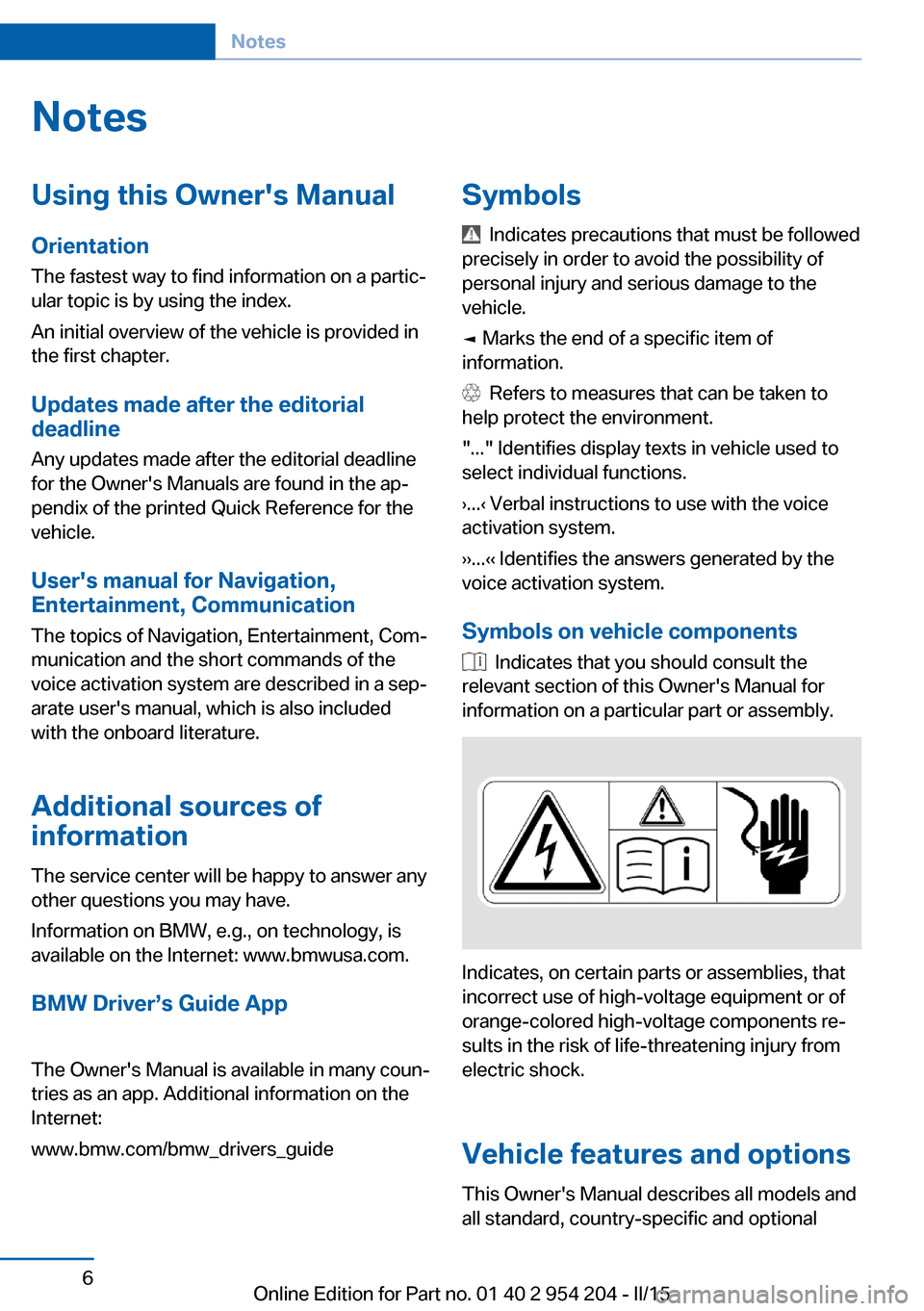
Symbols
Indicates precautions that must be followed
precisely in order to avoid the possibility of
personal injury and serious damage to the
vehicle.
◄ Marks the end of a specific item of
information.
Refers to measures that can be taken to
help protect the environment.
"..." Identifies display texts in vehicle used to
select individual functions.
›...‹ Verbal instructions to use with the voice
activation system.
››...‹‹ Identifies the answers generated by the
voice activation system.
Symbols on vehicle components
Indicates that you should consult the
relevant section of this Owner's Manual for
information on a particular part or assembly.
Indicates, on certain parts or assemblies, that
incorrect use of high-voltage equipment or of
orange-colored high-voltage components re‐
sults in the risk of life-threatening injury from
electric shock.
Vehicle features and options
This Owner's Manual describes all models and
all standard, country-specific and optional
Seite 6Notes6
Online Edition for Part no. 01 40 2 954 204 - II/15
Page 11 of 262
equipment that is offered in the model series.
Therefore, in this Owner's Manual, we also de‐
scribe and illustrate features that are not avail‐
able in your vehicle, e.g., because of the se‐
lected optional features or the country-specific
version.
This also applies to safety-related functions
and systems.
The respectively applicable country provisions
must be observed when using the respective
features and systems.
For any options and equipment not described
in this Owner's Handbook, refer to the Supple‐
mentary Owner's Handbooks.
On right-hand drive vehicles, some controls
are arranged differently from what is shown in
the illustrations.
Status of the Owner's
Manual
Basic information
The manufacturer of your vehicle pursues a
policy of constant development that is con‐
ceived to ensure that our vehicles continue to
embody the highest quality and safety stan‐
dards. In rare cases, therefore, the features de‐
scribed in this Owner's Manual may differ from
those in your vehicle.
Updates made after the editorial
deadline
Any updates made after the editorial deadline
for the Owner's Manuals are found in the ap‐
pendix of the printed Quick Reference for the
vehicle.
For your own safety Warranty
Your vehicle is technically configured for the
operating conditions and registration require‐ments applying in the country of first delivery -
homologation. If your vehicle is to be operated
in a different country it might be necessary to
adapt your vehicle to potentially differing oper‐
ating conditions and permit requirements. If
your vehicle does not comply with the homolo‐
gation requirements in a certain country you
cannot lodge warranty claims for your vehicle
there. Further information can be obtained
from your Service Centre.
Maintenance and repairs Advanced technology, e.g., the use of modern
materials and high-performance electronics,
requires suitable maintenance and repair work.
Therefore, have this work performed only by a
BMW center or a workshop that works accord‐
ing to BMW repair procedures with appropri‐
ately trained personnel.
If work is not carried out properly, there is a
danger of subsequent damage and related
safety hazards.
Parts and accessories
BMW recommends using parts and accesso‐
ries approved by BMW for this purpose.
Your BMW center is the right contact for genu‐
ine BMW parts and accessories, other prod‐
ucts approved by BMW and related qualified
advice.
BMW has tested these products for safety and
suitability in relation to BMW vehicles.
BMW can assume responsibility for them.
However, we cannot assume any responsibility
whatsoever for parts and accessories that have
not been specifically approved by BMW.
BMW cannot evaluate whether each individual
product from another manufacturer can be
used with BMW vehicles without presenting a
safety hazard. This guarantee does not apply
when country-specific government approval
has been granted. Testing of this kind may fail
to embrace the entire range of potential oper‐
ating conditions to which components mightSeite 7Notes7
Online Edition for Part no. 01 40 2 954 204 - II/15
Page 104 of 262
3. "Service required"
Required maintenance procedures and le‐
gally mandated inspections are displayed.4.Select an entry to call up detailed informa‐
tion.
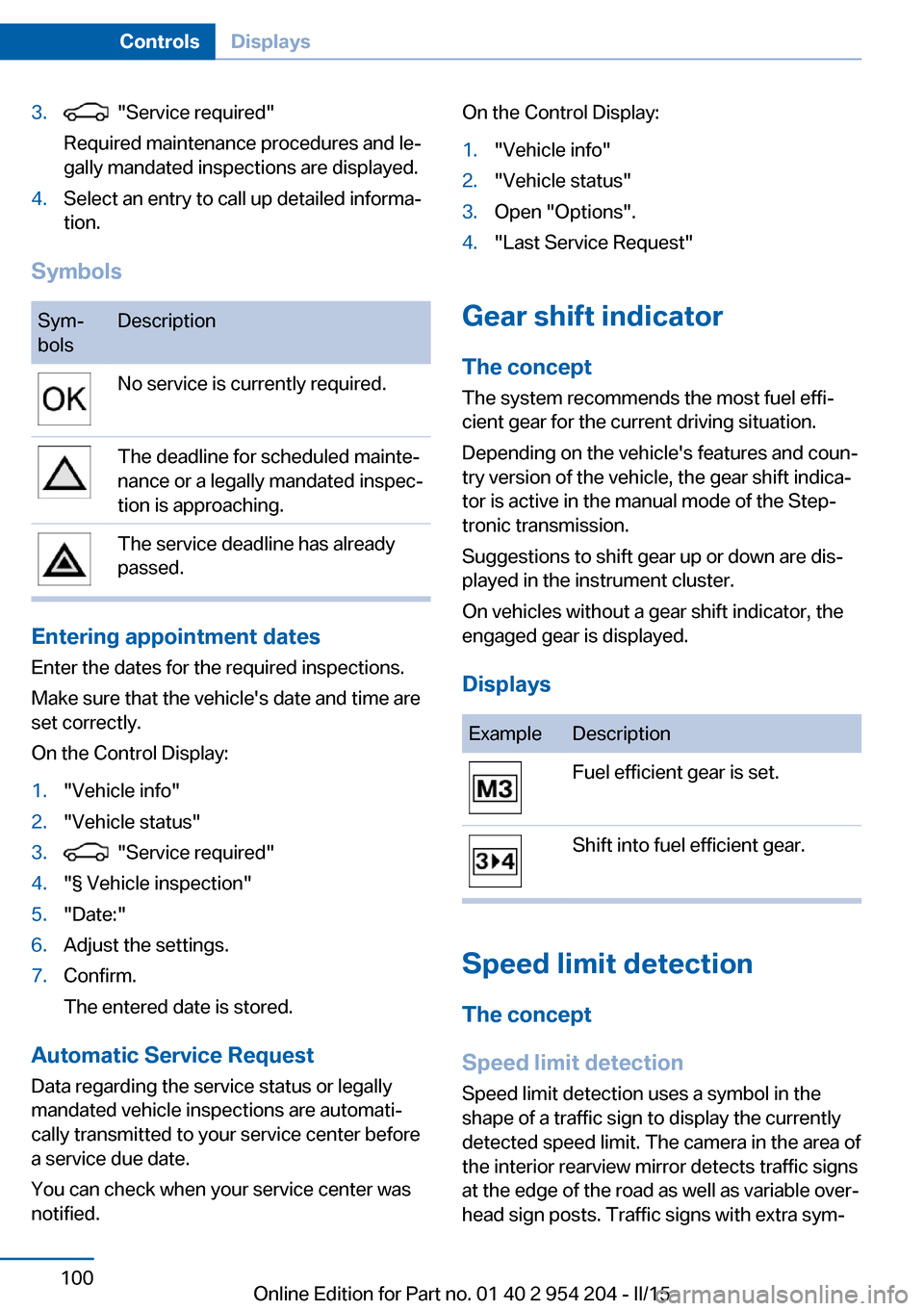
Symbols
Sym‐
bolsDescriptionNo service is currently required.The deadline for scheduled mainte‐
nance or a legally mandated inspec‐
tion is approaching.The service deadline has already
passed.
Entering appointment dates
Enter the dates for the required inspections.
Make sure that the vehicle's date and time are
set correctly.
On the Control Display:
1."Vehicle info"2."Vehicle status"3. "Service required"4."§ Vehicle inspection"5."Date:"6.Adjust the settings.7.Confirm.
The entered date is stored.
Automatic Service Request
Data regarding the service status or legally
mandated vehicle inspections are automati‐
cally transmitted to your service center before
a service due date.
You can check when your service center was
notified.
On the Control Display:1."Vehicle info"2."Vehicle status"3.Open "Options".4."Last Service Request"
Gear shift indicator
The conceptThe system recommends the most fuel effi‐
cient gear for the current driving situation.
Depending on the vehicle's features and coun‐
try version of the vehicle, the gear shift indica‐
tor is active in the manual mode of the Step‐
tronic transmission.
Suggestions to shift gear up or down are dis‐
played in the instrument cluster.
On vehicles without a gear shift indicator, the
engaged gear is displayed.
Displays
ExampleDescriptionFuel efficient gear is set.Shift into fuel efficient gear.
Speed limit detection
The concept
Speed limit detection
Speed limit detection uses a symbol in the
shape of a traffic sign to display the currently
detected speed limit. The camera in the area of
the interior rearview mirror detects traffic signs
at the edge of the road as well as variable over‐
head sign posts. Traffic signs with extra sym‐
Seite 100ControlsDisplays100
Online Edition for Part no. 01 40 2 954 204 - II/15
Page 259 of 262
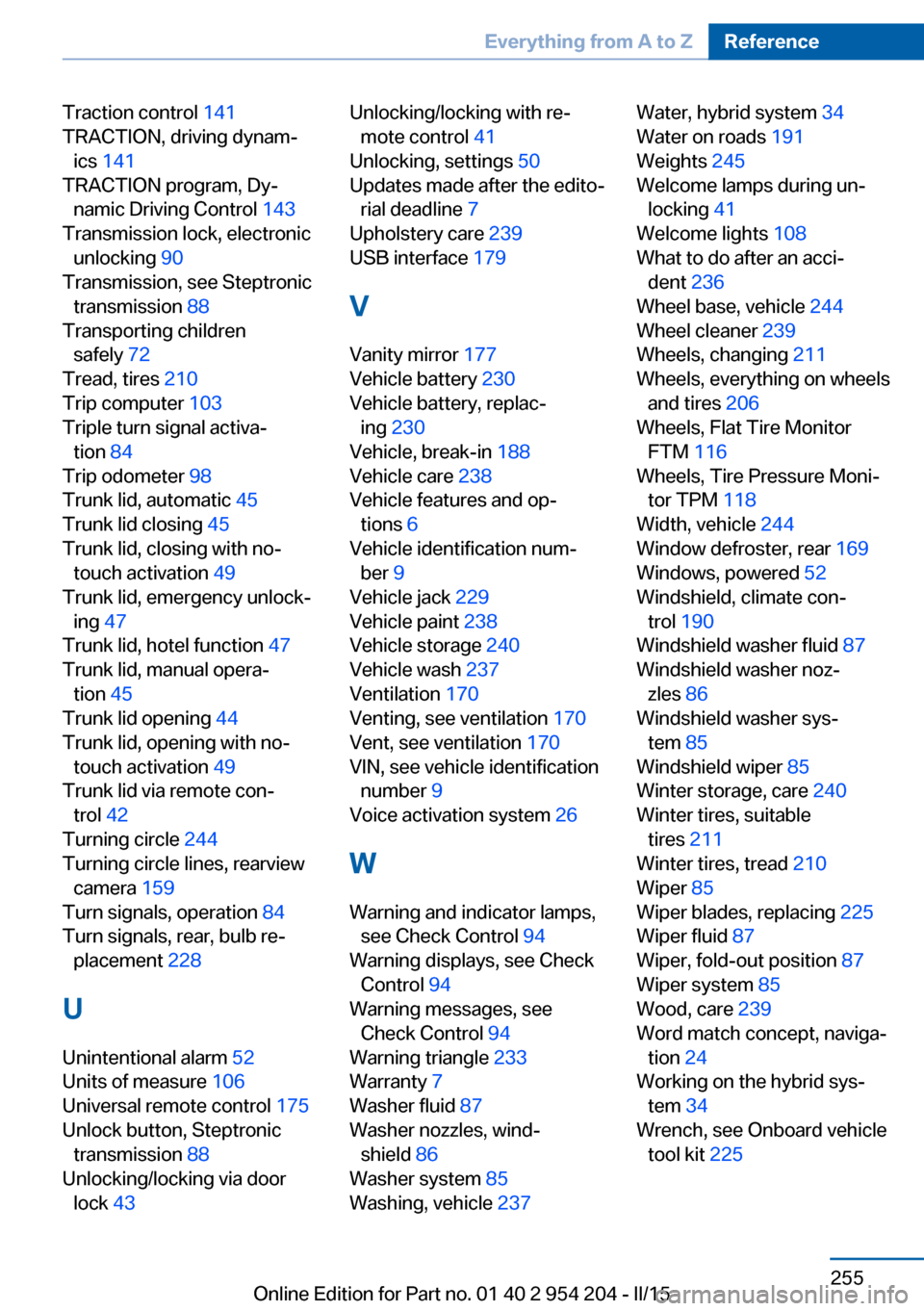
Traction control 141
TRACTION, driving dynam‐ ics 141
TRACTION program, Dy‐ namic Driving Control 143
Transmission lock, electronic unlocking 90
Transmission, see Steptronic transmission 88
Transporting children safely 72
Tread, tires 210
Trip computer 103
Triple turn signal activa‐ tion 84
Trip odometer 98
Trunk lid, automatic 45
Trunk lid closing 45
Trunk lid, closing with no- touch activation 49
Trunk lid, emergency unlock‐ ing 47
Trunk lid, hotel function 47
Trunk lid, manual opera‐ tion 45
Trunk lid opening 44
Trunk lid, opening with no- touch activation 49
Trunk lid via remote con‐ trol 42
Turning circle 244
Turning circle lines, rearview camera 159
Turn signals, operation 84
Turn signals, rear, bulb re‐ placement 228
U
Unintentional alarm 52
Units of measure 106
Universal remote control 175
Unlock button, Steptronic transmission 88
Unlocking/locking via door lock 43 Unlocking/locking with re‐
mote control 41
Unlocking, settings 50
Updates made after the edito‐ rial deadline 7
Upholstery care 239
USB interface 179
V
Vanity mirror 177
Vehicle battery 230
Vehicle battery, replac‐ ing 230
Vehicle, break-in 188
Vehicle care 238
Vehicle features and op‐ tions 6
Vehicle identification num‐ ber 9
Vehicle jack 229
Vehicle paint 238
Vehicle storage 240
Vehicle wash 237
Ventilation 170
Venting, see ventilation 170
Vent, see ventilation 170
VIN, see vehicle identification number 9
Voice activation system 26
W Warning and indicator lamps, see Check Control 94
Warning displays, see Check Control 94
Warning messages, see Check Control 94
Warning triangle 233
Warranty 7
Washer fluid 87
Washer nozzles, wind‐ shield 86
Washer system 85
Washing, vehicle 237 Water, hybrid system 34
Water on roads 191
Weights 245
Welcome lamps during un‐ locking 41
Welcome lights 108
What to do after an acci‐ dent 236
Wheel base, vehicle 244
Wheel cleaner 239
Wheels, changing 211
Wheels, everything on wheels and tires 206
Wheels, Flat Tire Monitor FTM 116
Wheels, Tire Pressure Moni‐ tor TPM 118
Width, vehicle 244
Window defroster, rear 169
Windows, powered 52
Windshield, climate con‐ trol 190
Windshield washer fluid 87
Windshield washer noz‐ zles 86
Windshield washer sys‐ tem 85
Windshield wiper 85
Winter storage, care 240
Winter tires, suitable tires 211
Winter tires, tread 210
Wiper 85
Wiper blades, replacing 225
Wiper fluid 87
Wiper, fold-out position 87
Wiper system 85
Wood, care 239
Word match concept, naviga‐ tion 24
Working on the hybrid sys‐ tem 34
Wrench, see Onboard vehicle tool kit 225 Seite 255Everything from A to ZReference255
Online Edition for Part no. 01 40 2 954 204 - II/15