engine BMW ACTIVEHYBRID 5 2012 User Guide
[x] Cancel search | Manufacturer: BMW, Model Year: 2012, Model line: ACTIVEHYBRID 5, Model: BMW ACTIVEHYBRID 5 2012Pages: 319, PDF Size: 12.54 MB
Page 45 of 319
After 10 seconds, the indicator lamp flashes
continuously. Interior motion sensor and tilt
alarm sensor are not active.▷The indicator lamp goes out after unlocking:
The vehicle has not been tampered with.▷The indicator lamp flashes after unlocking
until the engine is started, but no longer than
approx. 5 minutes:
An alarm has been triggered.
Tilt alarm sensor
The tilt of the vehicle is monitored.
The alarm system responds in situations such
as attempts to steal a wheel or when the car is
towed.
Interior motion sensor
The windows and glass sunroof must be closed
for the system to function properly.
Avoiding unintentional alarms
The tilt alarm sensor and interior motion sensor
can be switched off together, such as in the fol‐
lowing situations:
▷In automatic car washes.▷In duplex garages.▷During transport on car-carrying trains, at
sea or on a trailer.▷When animals are to remain in the vehicle.
Switching off the tilt alarm sensor and
interior motion sensor
Press the remote control button again
within 10 seconds as soon as the vehicle
is locked.
The indicator lamp lights up for approx. 2 sec‐
onds and then continues to flash.
The tilt alarm sensor and interior motion sensor
are switched off until the vehicle is locked again.
Power windows
General information Take the remote control with you
Take the remote control with you when
leaving the vehicle so that children, for example,
cannot operate the power windows and injure
themselves.◀
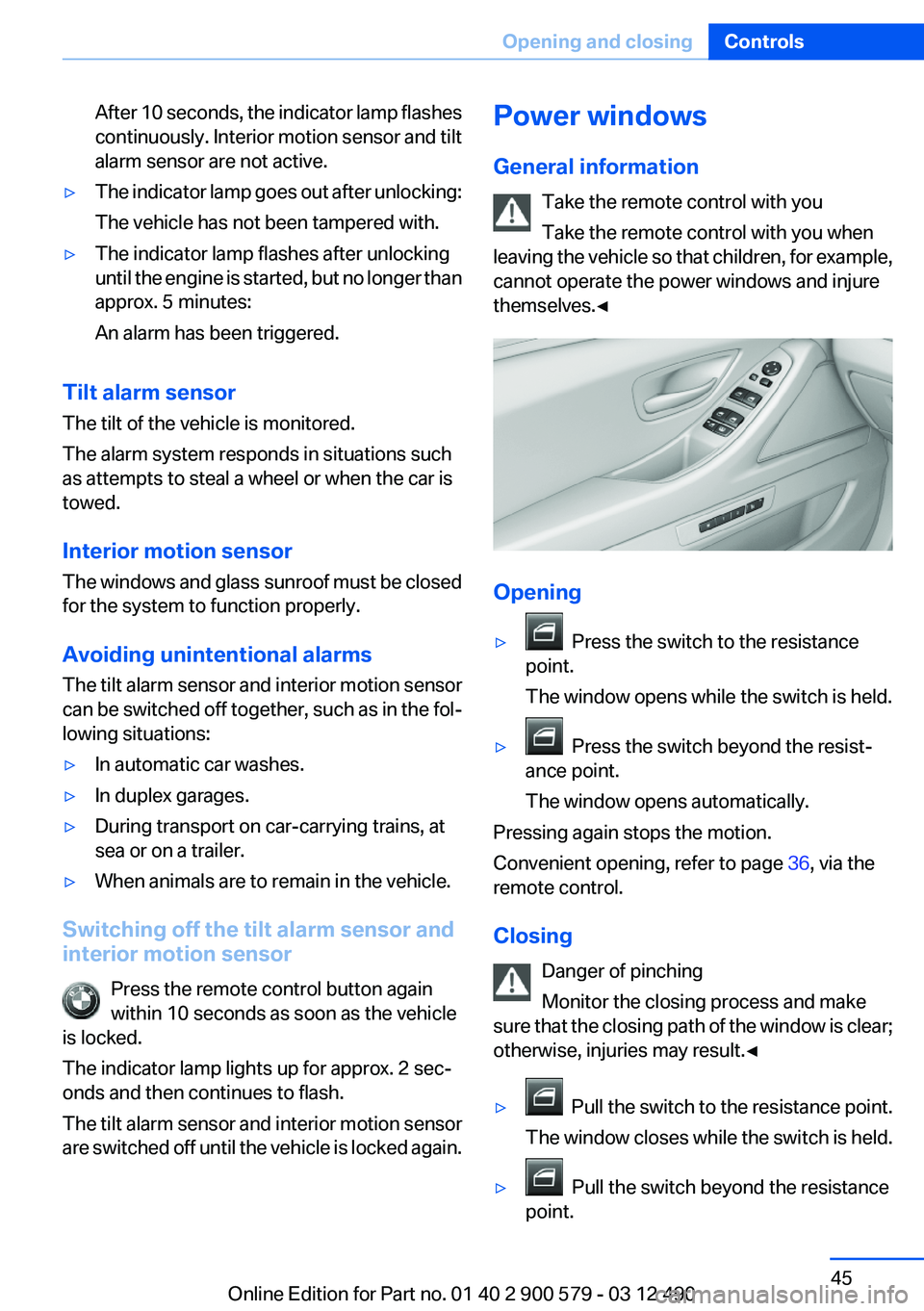
Opening
▷ Press the switch to the resistance
point.
The window opens while the switch is held.▷ Press the switch beyond the resist‐
ance point.
The window opens automatically.
Pressing again stops the motion.
Convenient opening, refer to page 36, via the
remote control.
Closing Danger of pinching
Monitor the closing process and make
sure that the closing path of the window is clear;
otherwise, injuries may result.◀
▷ Pull the switch to the resistance point.
The window closes while the switch is held.▷ Pull the switch beyond the resistance
point.
Seite 45Opening and closingControls45
Online Edition for Part no. 01 40 2 900 579 - 03 12 490
Page 48 of 319
ment is stopped, beginning at approximately the
middle of the opening in the roof, or from the
tilted position during closing.
The glass sunroof opens again slightly.
Danger of pinching even with pinch pro‐
tection
Despite the pinch protection system, check that
the roof's closing path is clear; otherwise, the
closing action may not be interrupted in certain
extreme situations, such as when thin objects
are present.◀
Closing without the pinch protection
system
For example, if there is an external danger, pro‐
ceed as follows:1.Press the switch forward beyond the resist‐
ance point and hold.
Pinch protection is limited and the roof re‐
opens slightly if the closing force exceeds a
certain value.2.Press the switch forward again beyond the
resistance point and hold until the roof
closes without pinch protection.
Initializing after a power failure
After a power failure during the opening or clos‐
ing process, the roof can only be operated to a
limited extent.
Initializing the system
The system can be initialized when the vehicle
is stationary and the engine is running.
During the initialization, the roof closes without
pinch protection.
Danger of pinching
Monitor the closing process and make
sure that the closing path of the glass sunroof is
clear; otherwise, injuries may result.◀
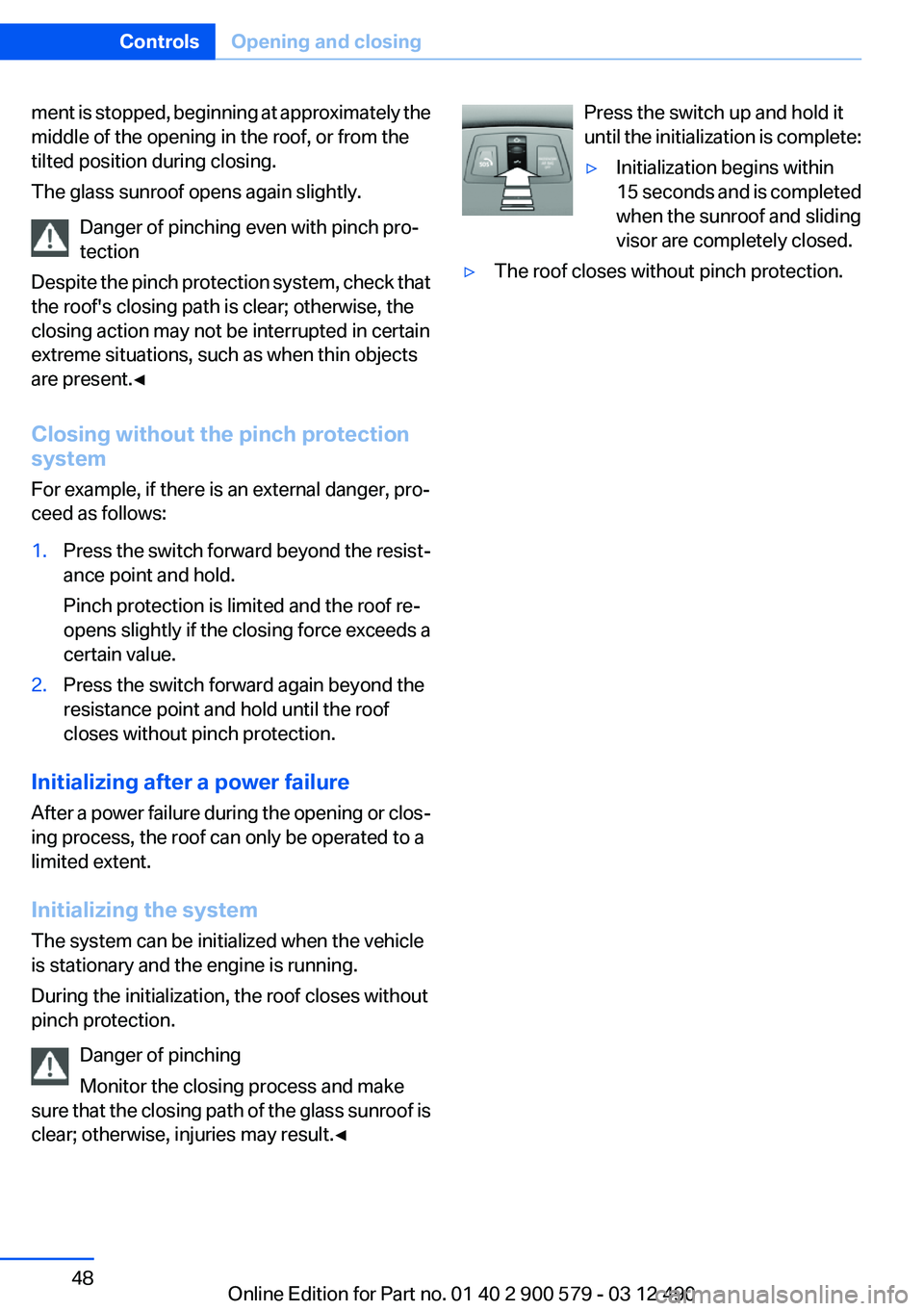
Press the switch up and hold it
until the initialization is complete:▷Initialization begins within
15 seconds and is completed
when the sunroof and sliding
visor are completely closed.▷The roof closes without pinch protection.Seite 48ControlsOpening and closing48
Online Edition for Part no. 01 40 2 900 579 - 03 12 490
Page 58 of 319
Storing positions
Seat, mirror, and steering wheel memory, refer
to page 56.
Adjusting manually
If an electrical malfunction occurs, for example,
press the edges of the mirror glass.
Automatic Curb Monitor
When the reverse gear is engaged, the mirror
glass tilts downward slightly on the front pas‐
senger side. This improves your view of the curb
and other low-lying obstacles when parking, for
example.
Activating1. Slide the mirror changeover switch
to the driver's side mirror position.2.Engage transmission position R.
Deactivating
Slide the mirror changeover switch to the pas‐
senger's side mirror position.
Fold in and out Press the button.
Possible up to approx. 15 mph/20 km/h.
For example, this is advantageous
▷In car washes.▷In narrow streets.▷For folding back mirrors that were folded
away manually.
Mirrors that were folded in are folded out auto‐
matically at a speed of approx. 25 mph/40 km/h.
Fold in the mirror in a car wash
Before entering an automatic car wash,
fold in the exterior mirrors by hand or with the
button; otherwise, they could be damaged, de‐
pending on the width of the vehicle.◀
Automatic heating
Both exterior mirrors are automatically heated
whenever the engine is running.
Automatic dimming feature
Both exterior mirrors are automatically dimmed.
Photocells are used for control in the Interior rear
view mirror, refer to page 58.
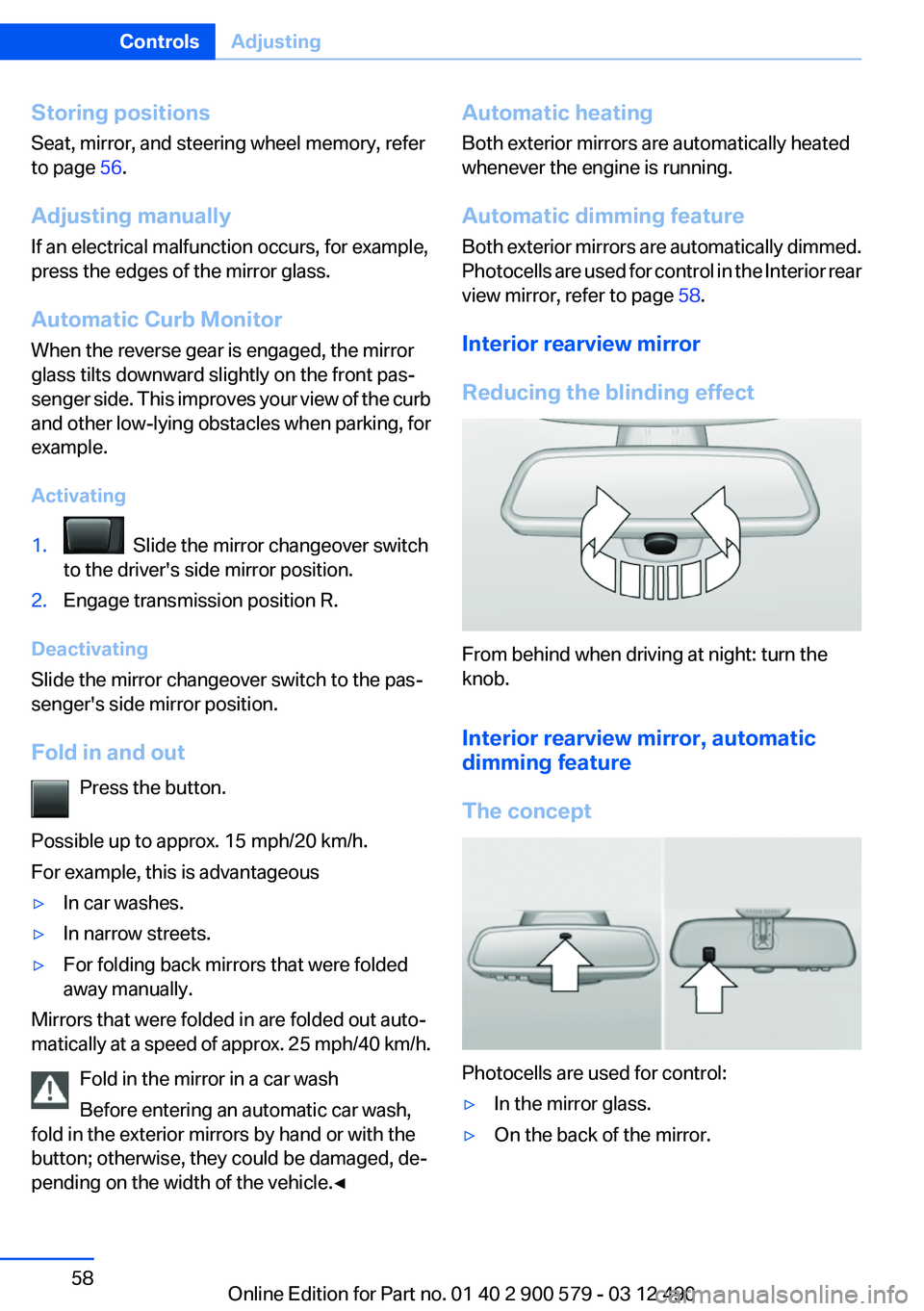
Interior rearview mirror
Reducing the blinding effect
From behind when driving at night: turn the
knob.
Interior rearview mirror, automatic
dimming feature
The concept
Photocells are used for control:
▷In the mirror glass.▷On the back of the mirror.Seite 58ControlsAdjusting58
Online Edition for Part no. 01 40 2 900 579 - 03 12 490
Page 64 of 319
DrivingVehicle equipment
All standard, country-specific and optional
equipment that is offered in the model series is
described in this chapter. Therefore, equipment
is also described that is not available in a vehicle,
e. g., because of the selected optional equip‐
ment or country variant. This also applies for
safety-related functions and systems.
Start/Stop button, drive
readiness states
The concept The following ready states can be
attained by pressing the Start/
Stop button:▷Radio ready state on/off.▷Ignition on/off.▷Activating/deactivating drive readiness.
To activate drive readiness, press the brake
pedal.
Switching radio ready state on/off
The radio ready state is activated by pressing
the Start/Stop button in the following situations:
▷When the engine is running.▷When the engine is switched off automati‐
cally using the Auto Start/Stop function and
the brake is not applied.
Some electronic systems/power consumers re‐
main ready for operation.
Radio ready state is switched off automatically:
▷After approx. 8 minutes.▷When the vehicle is locked using the central
locking system.▷Shortly before the battery is discharged
completely, so that the engine can still be
started.
Ignition on
Press the Start/Stop button, and do not press on
the brake pedal at the same time.
All vehicle systems are ready for operation.
Most of the indicator and warning lamps in the
instrument cluster light up for varying lengths of
time.
To save battery power when the engine is off,
switch off the ignition and any unnecessary
electronic systems/power consumers.
The ignition is switched off automatically in the
following situations:
▷When locking the vehicle, if the low beams
are switched on.▷Shortly before the battery is discharged
completely, so that the engine can still be
started.▷If the engine is switched off and the ignition
is switched on, the system automatically
switches to the radio ready state when the
door is opened if the lights are switched off
or the daytime running lights are switched
on.
Ignition off
Press the Start/Stop button again, and do not
press on the brake pedal at the same time.
All indicator lamps in the instrument cluster go
out.
To save battery power when the engine is off,
switch off the ignition and any unnecessary
electronic systems/power consumers.
Seite 64ControlsDriving64
Online Edition for Part no. 01 40 2 900 579 - 03 12 490
Page 65 of 319
Transmission position P with the ignition
off
When the ignition is switched off, position P is
engaged automatically. When in an automatic
car wash, for example, ensure that the ignition is
not switched off accidentally.◀
The ignition is switched off automatically in the
following situations while the vehicle is station‐
ary and the engine is off:▷When locking the vehicle, and when the low
beams are activated.▷Shortly before the battery is discharged
completely, so that the engine can still be
started. This function is only available when
the low beams are switched off.▷When opening and closing the driver door, if
the driver's seat belt is unbuckled and the
low beams are switched off.▷While the driver's seat belt is unbuckled, if
the driver's door is open and the low beams
are switched off.
When the ignition is switched off, by opening or
closing the driver's door or unbuckling the driv‐
er's seat belt, the radio ready state remains ac‐
tive.
Drive readiness
When drive readiness is activated, the vehicle is
operational. The activated drive readiness is the
equivalent of starting the engine in conventional
vehicles.
The following are the different drive readiness
variants:
▷Electric driving, refer to page 67:
The combustion engine is not switched on.▷Driving with the combustion engine, refer to
page 67:
The vehicle is powered by the combustion
engine.Drive readiness in detail
General information Do not leave the vehicle unattended
Do not leave the vehicle unattended with
drive readiness active; otherwise, it presents a
potential source of danger.◀
Activating drive readiness1.Close the driver's door.2.Depress the brake pedal.3.Press the Start/Stop button.
Drive readiness is activated:
▷Starting the combustion engine or▷Electric drive readiness, Silent Start.
Electric drive readiness, Silent Start
The vehicle is ready for driving without starting
the combustion engine.
Silent Start is possible after activating radio
ready state if the conditions for electric driving,
refer to page 67, have been met.
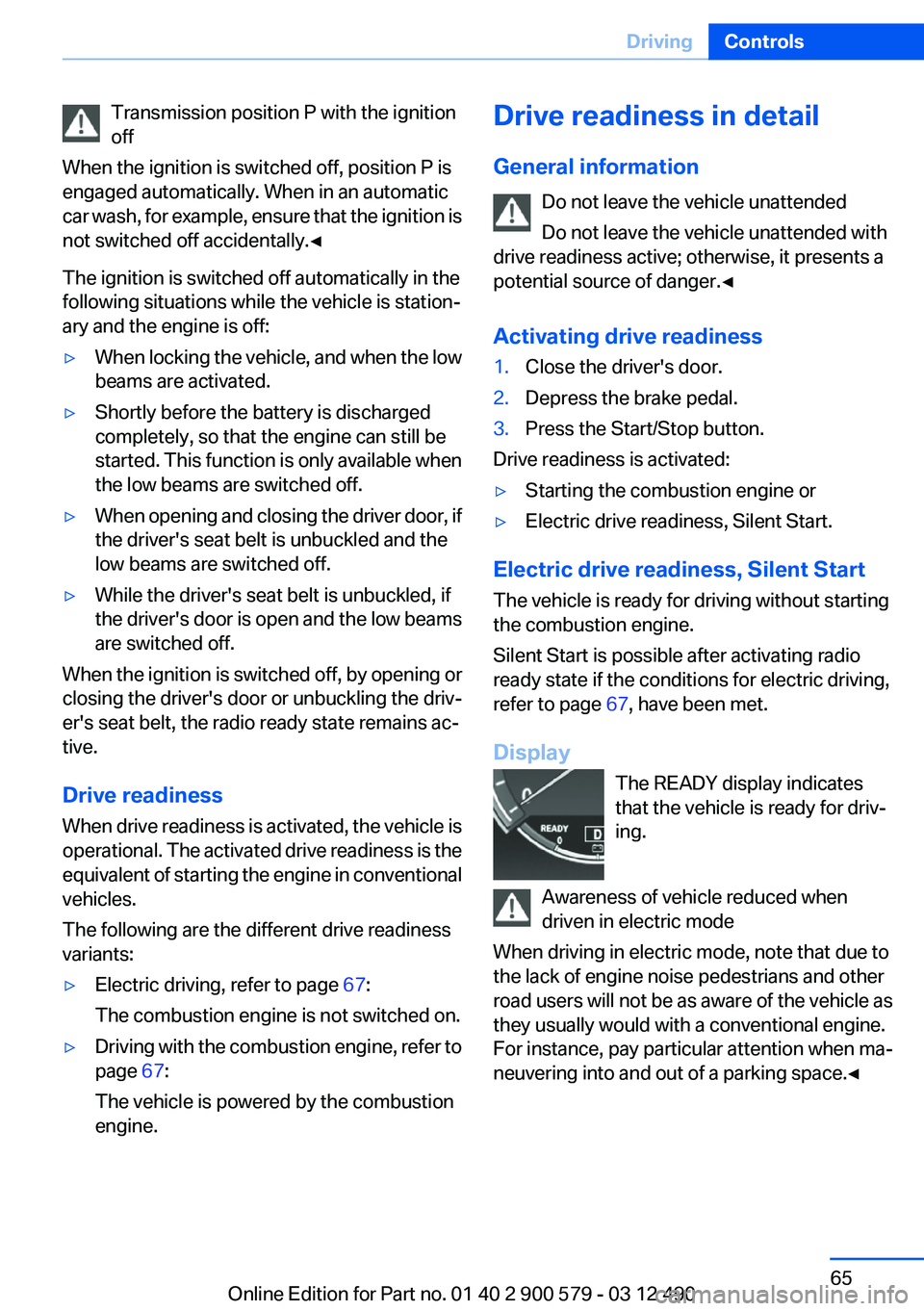
Display The READY display indicates
that the vehicle is ready for driv‐
ing.
Awareness of vehicle reduced when
driven in electric mode
When driving in electric mode, note that due to
the lack of engine noise pedestrians and other
road users will not be as aware of the vehicle as
they usually would with a conventional engine.
For instance, pay particular attention when ma‐
neuvering into and out of a parking space.◀
Seite 65DrivingControls65
Online Edition for Part no. 01 40 2 900 579 - 03 12 490
Page 66 of 319
Starting the combustion engineEnclosed areas
Do not let the engine run in enclosed
areas; otherwise, breathing of exhaust fumes
may lead to loss of consciousness and death.
The exhaust gases contain carbon monoxide, an
odorless and colorless but highly toxic gas.◀
Unattended vehicle
Do not leave the vehicle unattended with
the engine running; doing so poses a risk of dan‐
ger.
Before leaving the vehicle with the engine run‐
ning, set the parking brake and place the trans‐
mission in position P or neutral to prevent the
vehicle from moving.◀
Repeated starting in quick succession
Avoid repeated unsuccessful attempts to
start the vehicle or starting the vehicle several
times in quick succession. Otherwise, the fuel is
not burned or is inadequately burned, posing a
risk of overheating and damage to the catalytic
converter.◀
The combustion engine is started with Activate
drive, refer to page 65, readiness under the fol‐
lowing conditions:▷The drive system is not at operating tem‐
perature.▷The temperature of the hybrid system is too
high.▷The high-voltage battery has an insufficient
charge.
Driving away
1.Activate drive readiness.2.Select transmission position D, M/S or R.3.Release the parking brake.4.Drive away.Deactivating drive readiness
After parking the vehicle, you may hear noises
due to operation of the hybrid system, such as
for cooling of the high-voltage battery.
After stopping the vehicle:1.Select transmission position P.2.Press the Start/Stop button.3.Set the parking brake.
Before driving into a car wash
In order for the vehicle to be able to roll into a car
wash, heed the information regarding Washing
in automatic car washes, refer to page 289.
Auto Start/Stop function
The concept
The Auto Start/Stop function helps save fuel.
The system switches off the combustion engine
when conditions for electric driving, refer to
page 67, have been met. The ignition remains
switched on. The tachometer registers 0 rpm. If
necessary, the combustion engine starts auto‐
matically.
Note
The combustion engine is not switched off au‐
tomatically in the following situations:
▷The combustion engine is not yet at oper‐
ating temperature.▷The high-voltage battery charge is very low
or there is a high load on the vehicle electri‐
cal system, for instance due to a high load
from automatic climate control.▷The interior is in the heating or cooling
phase.▷The engine compartment lid is unlocked.▷The vehicle is being optimized for the cur‐
rent driving style, for instance during the
breaking-in period or after a service appoint‐
ment.Seite 66ControlsDriving66
Online Edition for Part no. 01 40 2 900 579 - 03 12 490
Page 67 of 319
▷There are hybrid system faults.
Safety mode
The combustion engine does not start automat‐
ically in the following situations after an auto‐
matic engine stop:
▷When the driver's door is open and neither
the brake nor accelerator pedal are de‐
pressed.▷When the hood is unlocked.
The indicator lamps come on. The combustion
engine can only be started via the Start/Stop
button.
Switching off the vehicle during an
automatic engine stop
During an automatic engine stop, the vehicle
can be switched off permanently, e.g., when
leaving it.
1.Press the Start/Stop button. The ignition is
switched off. The Auto Start/Stop function
is deactivated.
Transmission position P is engaged auto‐
matically.2.Set the parking brake.
Malfunction
The Auto Start/Stop function no longer
switches of the engine automatically in the event
of a malfunction. A message is displayed. It is
possible to continue driving. Have the system
checked.
Electric driving: eDRIVE
Requirements
Electric driving is possible under the following
conditions:
▷The speed does not exceed 35 mph, approx.
60 km/h.▷The high-voltage battery is sufficiently
charged.▷Transmission position D or R is engaged.▷The drive system is at operating tempera‐
ture.▷The accelerator pedal is only slightly de‐
pressed.▷The driver's door is closed.
In addition, the combustion engine is switched
off during braking even below 50 mph, approx.
80 km/h or when coasting below 35 mph, ap‐
prox. 60 km/h.
In ECO PRO mode, already when coasting be‐
low 100 mph, approx. 160 km/h.
Possible cruising range
Depending on the charge of the high-voltage
battery, the vehicle can generally be driven us‐
ing electric power up to 2 miles, approx. 3.5 km.
Driving with the combustion
engine: DRIVE
The combustion engine provides the drive
power to propel the vehicle. The high-voltage
battery is charged at the same time.
Automatic start while driving
The combustion engine is automatically started
under the following conditions while driving:
▷Transmission position M/S is engaged.▷The speed does not exceed 35 mph, approx.
60 km/h.▷The high-voltage battery charge is insuffi‐
cient or it is fully charged, such as when driv‐
ing downhill.▷The required power output is increased,
such as due to the accelerator pedal position
or driving uphill.Seite 67DrivingControls67
Online Edition for Part no. 01 40 2 900 579 - 03 12 490
Page 68 of 319
Automatic stopping while driving
When reducing speed, the combustion engine
is switched off when the conditions for electric
driving, refer to page 67, are met.
Assistance for the
combustion engine
The combustion engine provides the primary
drive power to move the vehicle.
The electric motor provides assistance as
needed with additional propulsive power.
ASSIST
During normal vehicle operation, the electric
motor assists the combustion engine, depend‐
ing on the situation.
eBOOST
Accelerating quickly, such as when passing, re‐
quires the maximum available power from the
electric motor. To do this, apply extra force to
the accelerator pedal.
Energy recovery: CHARGE
The hybrid system makes it possible to convert
kinetic energy into electrical power, such as
when braking. This recovered energy charges
the high voltage battery. If necessary, this stored
power is output to the electric motor.
The following conditions must be met to recover
kinetic energy:▷The vehicle is moving.▷Selector lever position D, M/S is engaged.▷The high-voltage battery is not fully
charged.
Energy recovery displays in the instrument clus‐
ter, refer to page 81.
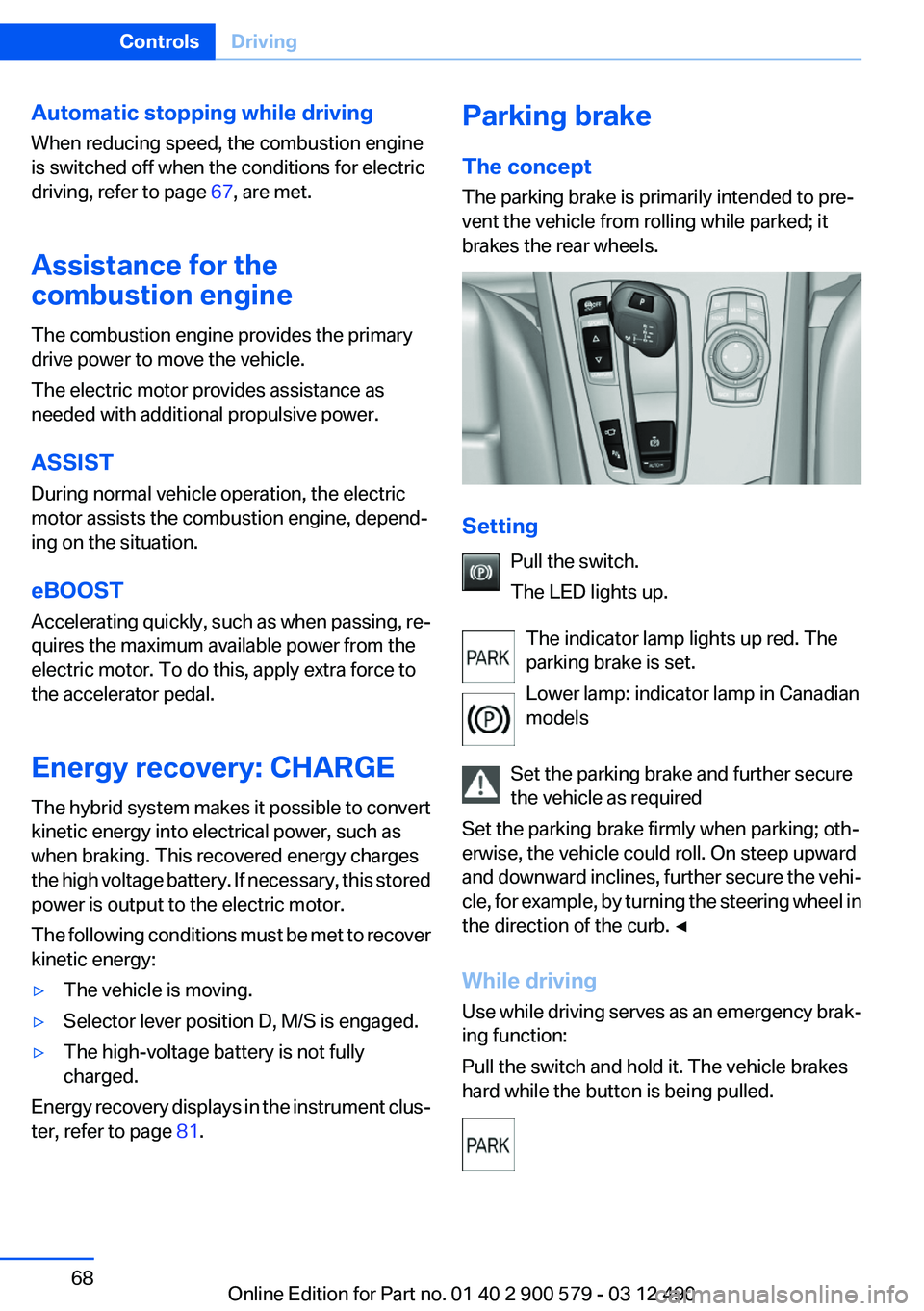
Parking brake
The concept
The parking brake is primarily intended to pre‐
vent the vehicle from rolling while parked; it
brakes the rear wheels.
Setting
Pull the switch.
The LED lights up.
The indicator lamp lights up red. The
parking brake is set.
Lower lamp: indicator lamp in Canadian
models
Set the parking brake and further secure
the vehicle as required
Set the parking brake firmly when parking; oth‐
erwise, the vehicle could roll. On steep upward
and downward inclines, further secure the vehi‐
cle, for example, by turning the steering wheel in
the direction of the curb. ◀
While driving
Use while driving serves as an emergency brak‐
ing function:
Pull the switch and hold it. The vehicle brakes
hard while the button is being pulled.
Seite 68ControlsDriving68
Online Edition for Part no. 01 40 2 900 579 - 03 12 490
Page 69 of 319
The indicator lamp lights up red, a signal
sounds and the brake lamps light up.
Lower lamp: indicator lamp in Canadian
models.
If the vehicle is braked to a speed of approx.
2 mph/3 km/h, the parking brake remains set.
Releasing
With the ignition switched on:
Automatic transmission: Press the switch
while the brake is pressed or transmission
position P is engaged.
The LED and indicator lamp go out.
The parking brake is released.
Automatic Release in cars with
automatic transmission
For automatic release, operate the accelerator
pedal.
The LED and indicator lamp go out.
Subject to the following requirements, the park‐
ing brake is automatically released by operation
of the accelerator pedal:▷Drive readiness on.▷Drive position engaged.▷Driver buckled in and doors closed.
Inadvertent operation of the accelerator
pedal
Make sure that the accelerator pedal is not op‐
erated unintentionally; otherwise, the vehicle is
set in motion and there is a risk of an accident. ◀
Automatic Hold
The concept
This system assists the driver by automatically
setting and releasing the brake, such as when
moving in stop-and-go traffic.
The vehicle is automatically held in place when
it is stationary.
On inclines, the system prevents the vehicle
from rolling backward when driving away.
For your safety
Under the following conditions, Automatic Hold
is automatically deactivated and the parking
brake is set:
▷The engine is switched off.▷A door is opened and driver's safety belt is
unbuckled while the vehicle is stationary.▷The moving vehicle is brought to a standstill
using the parking brake.
The indicator lamp switches from green
to red and the letters AUTO H go out.
Lower lamp: indicator lamp in Canadian
models.
Leaving the vehicle with the engine run‐
ning
Before leaving the vehicle with the engine run‐
ning, engage position P of the automatic trans‐
mission and ensure that the parking brake is set.
Otherwise, the vehicle may begin to roll.◀
Activating
This function can be activated when the driver's
door is closed and the safety belt is fastened,
and while driving.
Press the button.
The LED and the letters AUTO H light
up.
Seite 69DrivingControls69
Online Edition for Part no. 01 40 2 900 579 - 03 12 490
Page 70 of 319
The indicator lamp lights up.
Automatic Hold is activated.
Deactivating Press the button again.
The LED and the letters AUTO H go
out.
Automatic Hold is deactivated.
If the vehicle is being held by Automatic Hold,
press on the brake pedal to deactivate it.
When the parking brake is set manually, Auto‐
matic Hold is deactivated automatically.
Driving
Automatic Hold is activated: the vehicle is auto‐
matically secured against rolling when it stops.
The indicator lamp lights up green.
Step on the accelerator pedal to drive
off.
The brake is released automatically.
The indicator lamp goes out.
Lower lamp: indicator lamp in Canadian models
Before driving into a car wash
Deactivate Automatic Hold; otherwise, the
parking brake will be set when the vehicle is sta‐
tionary and the vehicle will no longer be able to
roll.◀
Parking
The parking brake is automatically set if the en‐
gine is switched off while the vehicle is being
held by Automatic Hold.
The indicator lamp changes from green
to red.
The parking brake is not set if the engine
is switched off while the vehicle is coast‐
ing to a halt. Automatic Hold is deacti‐
vated.
Lower lamp: indicator lamp in Canadian modelsTake the remote control with you
Take the remote control with you when
leaving the vehicle so that children, for example,
cannot release the parking brake.◀
Malfunction
In the event of a failure or malfunction of the
parking brake, secure the vehicle against rolling
using a wheel chock, for example, when leaving
it.
Turn signal, high beams,
headlamp flasher
Turn signal
Using turn signals
Press the lever beyond the resistance point.
To switch off manually, press the lever to the re‐
sistance point.
Unusually rapid flashing of the indicator lamp in‐
dicates that a turn signal bulb has failed.
Triple turn signal activation
Press the lever to the resistance point.
The turn signal flashes three times.
The function can be activated or deactivated:
1."Settings"2."Lighting"Seite 70ControlsDriving70
Online Edition for Part no. 01 40 2 900 579 - 03 12 490