transmission BMW ACTIVEHYBRID 5 2012 Service Manual
[x] Cancel search | Manufacturer: BMW, Model Year: 2012, Model line: ACTIVEHYBRID 5, Model: BMW ACTIVEHYBRID 5 2012Pages: 319, PDF Size: 12.54 MB
Page 287 of 319
Tow fitting
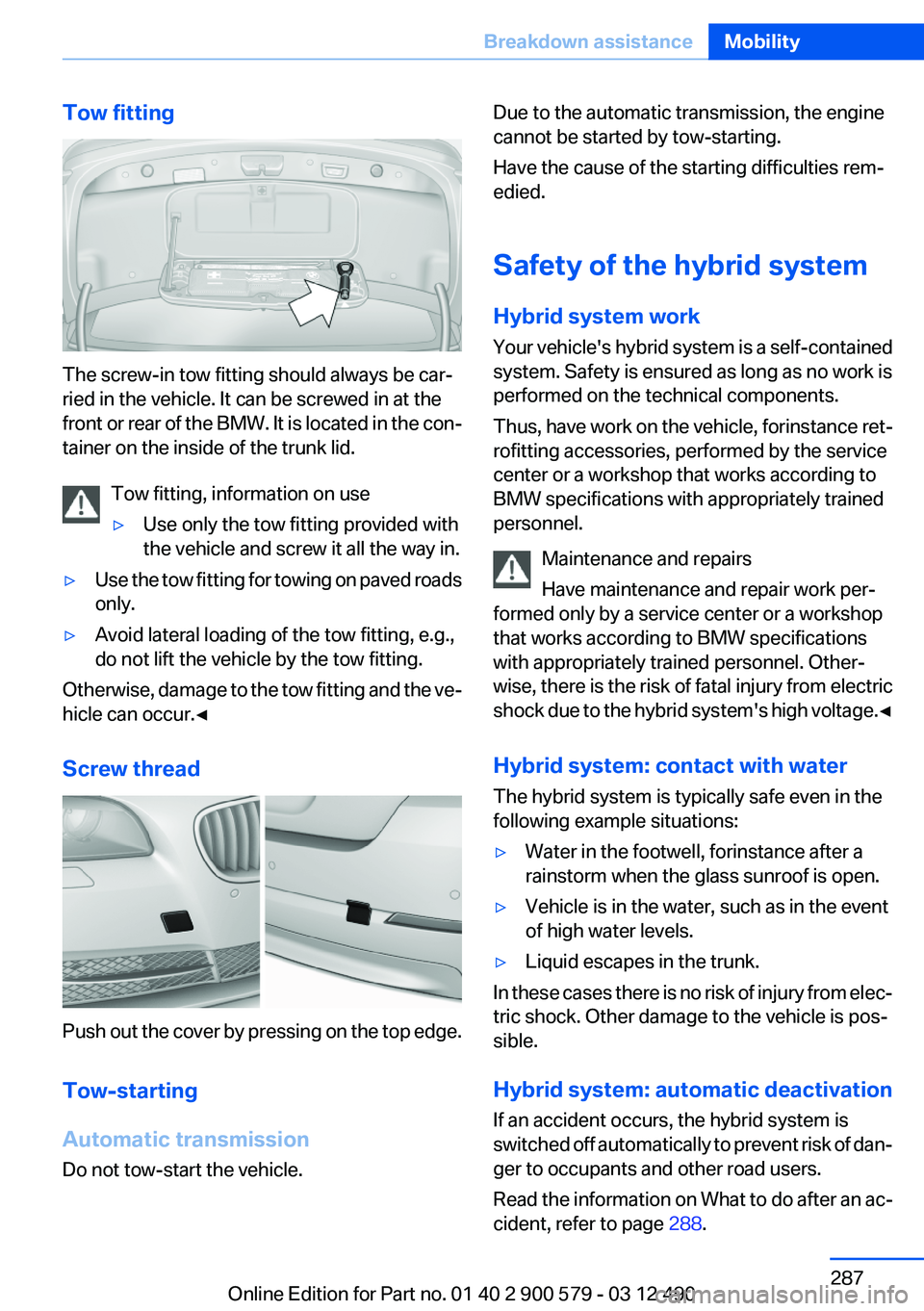
The screw-in tow fitting should always be car‐
ried in the vehicle. It can be screwed in at the
front or rear of the BMW. It is located in the con‐
tainer on the inside of the trunk lid.
Tow fitting, information on use
▷Use only the tow fitting provided with
the vehicle and screw it all the way in.▷Use the tow fitting for towing on paved roads
only.▷Avoid lateral loading of the tow fitting, e.g.,
do not lift the vehicle by the tow fitting.
Otherwise, damage to the tow fitting and the ve‐
hicle can occur.◀
Screw thread
Push out the cover by pressing on the top edge.
Tow-starting
Automatic transmission
Do not tow-start the vehicle.
Due to the automatic transmission, the engine
cannot be started by tow-starting.
Have the cause of the starting difficulties rem‐
edied.
Safety of the hybrid system
Hybrid system work
Your vehicle's hybrid system is a self-contained
system. Safety is ensured as long as no work is
performed on the technical components.
Thus, have work on the vehicle, for instance ret‐
rofitting accessories, performed by the service
center or a workshop that works according to
BMW specifications with appropriately trained
personnel.
Maintenance and repairs
Have maintenance and repair work per‐
formed only by a service center or a workshop
that works according to BMW specifications
with appropriately trained personnel. Other‐
wise, there is the risk of fatal injury from electric
shock due to the hybrid system's high voltage. ◀
Hybrid system: contact with water
The hybrid system is typically safe even in the
following example situations:▷Water in the footwell, for instance after a
rainstorm when the glass sunroof is open.▷Vehicle is in the water, such as in the event
of high water levels.▷Liquid escapes in the trunk.
In these cases there is no risk of injury from elec‐
tric shock. Other damage to the vehicle is pos‐
sible.
Hybrid system: automatic deactivation
If an accident occurs, the hybrid system is
switched off automatically to prevent risk of dan‐
ger to occupants and other road users.
Read the information on What to do after an ac‐
cident, refer to page 288.
Seite 287Breakdown assistanceMobility287
Online Edition for Part no. 01 40 2 900 579 - 03 12 490
Page 288 of 319
What to do after an accident
General information After an accident
After an accident, do not touch any high-
voltage components such as orange colored
high-voltage cables or parts that are in contact
with exposed high-voltage cables. Otherwise,
there is the risk of fatal injury from electric shock
due to the hybrid system's high voltage.◀
Escaping fluids
Do not touch any fluids escaping from the
high-voltage battery, or the skin can sustain
chemical burns.◀
If you are involved in an accident with your ve‐
hicle, compliance with the following additional
safety precautions is required with regard to the
hybrid system.▷Secure the crash site.▷Immediately notify rescue forces, police, or
firefighters of the fact that your vehicle is
equipped with a hybrid system.▷Engage transmission position P, apply the
parking brake, and switch off the ignition.▷Lock the vehicle after exiting.▷Do not inhale any gases escaping from the
high-voltage battery; if necessary, maintain
a safe distance from the vehicle.Seite 288MobilityBreakdown assistance288
Online Edition for Part no. 01 40 2 900 579 - 03 12 490
Page 289 of 319
CareVehicle equipment
All standard, country-specific and optional
equipment that is offered in the model series is
described in this chapter. Therefore, equipment
is also described that is not available in a vehicle,
e. g., because of the selected optional equip‐
ment or country variant. This also applies for
safety-related functions and systems.
Car washes
Notes Steam jets or high-pressure washers
When using steam jets or high-pressure
washers, hold them a sufficient distance away
and use a maximum temperature of
140 ℉/60 ℃.
Ensure that a distance of at least 31.5 in‐
ches/50 cm is maintained at all times. Holding
them too close or using excessively high pres‐
sures or temperatures can cause damage or
preliminary damage that may then lead to long-
term damage.
Follow the operating instructions for the high-
pressure washer.◀
Cleaning sensors/cameras with high-
pressure washers
When using high-pressure washers, do not
spray the exterior sensors and cameras, e.g.,
Park Distance Control, for extended periods of
time and only from a distance of at least
12 in/30 cm.◀
Wash your vehicle frequently, particularly in win‐
ter.
Intense soiling and road salt can damage the ve‐
hicle.Automatic car washes
Notes
Note the following:▷Give preference to cloth car washes or those
that use soft brushes in order to avoid paint
damage.▷Make sure that the wheels and tires are not
damaged by the transport mechanisms.▷Fold in the exterior mirrors; otherwise, they
may be damaged, depending on the width of
the vehicle.▷Deactivate the rain sensor, refer to page 72,
to avoid unintentional wiper activation.▷In some cases, an unintentional alarm can be
triggered by the interior motion sensor of the
alarm system. Follow the instructions on
avoiding an unintentional alarm, refer to
page 45.
Guide rails in car washes
Avoid car washes with guide rails higher
than 4 in/10 cm; otherwise, the vehicle body
could be damaged.◀
Before driving into a car wash
In order to ensure that the vehicle can roll in a car
wash, take the following steps:
Automatic transmission:
1.Release parking brake, refer to page 68, and
deactivate Automatic Hold, refer to
page 69.2.Drive into the car wash.3.Depress the brake pedal as needed.4.Engage transmission position N.5.Switch the engine off. In this way, the igni‐
tion remains switched on, and a Check-Con‐
trol message is displayed.Seite 289CareMobility289
Online Edition for Part no. 01 40 2 900 579 - 03 12 490
Page 290 of 319
Transmission position P with the igni‐
tion off
When the ignition is switched off, position P
is engaged automatically. When in an auto‐
matic car wash, for example, ensure that the
ignition is not switched off accidentally.◀
The vehicle cannot be locked from the outside
when in transmission position N. A signal is
sounded when an attempt is made to lock the
vehicle.
Transmission position
Transmission position P is engaged automati‐
cally:
▷When the ignition is switched off.▷After approx. 15 minutes.
Headlamps
▷Do not rub dry and do not use abrasive or
caustic cleansers.▷Soak areas that have been soiled e.g. due to
insects, with shampoo and wash off with
water.▷Thaw ice with deicing spray; do not use an
ice scraper.
After washing the vehicle
After washing the vehicle, apply the brakes
briefly to dry them; otherwise, braking action can
be reduced and corrosion of the brake discs can
occur.
Vehicle care
Car care products
BMW recommends using cleaning and care
products from BMW, since these have been
tested and approved.
Car care and cleaning products
Follow the instructions on the container.
When cleaning the interior, open the doors or
windows.
Only use products intended for cleaning vehi‐
cles.
Cleansers can contain substances that are dan‐
gerous and harmful to your health.◀
Vehicle paint
Regular care contributes to driving safety and
value retention.
Environmental influences can act on the vehicle
paint. Tailor the frequency and extent of your car
care to these influences.
Leather care
Remove dust from the leather often, using a
cloth or vacuum cleaner.
Otherwise, particles of dust and road grime
chafe in pores and folds, and lead to increased
wear and premature degradation of the leather
surface.
To guard against discoloration, such as from
clothing, provide leather care roughly every two
months.
Clean light-colored leather more frequently be‐
cause soiling on such surfaces is substantially
more visible.
Use leather care products; otherwise, dirt and
grease will gradually break down the protective
layer of the leather surface.
Suitable care products are available from the
service center.
Upholstery material care
Vacuum regularly with a vacuum cleaner.
If they are very dirty, e.g., beverage stains, use a
soft sponge or microfiber cloth with a suitable
interior cleaner.
Clean the upholstery down to the seams using
large sweeping motions. Avoid rubbing the ma‐
terial vigorously.Seite 290MobilityCare290
Online Edition for Part no. 01 40 2 900 579 - 03 12 490
Page 308 of 319
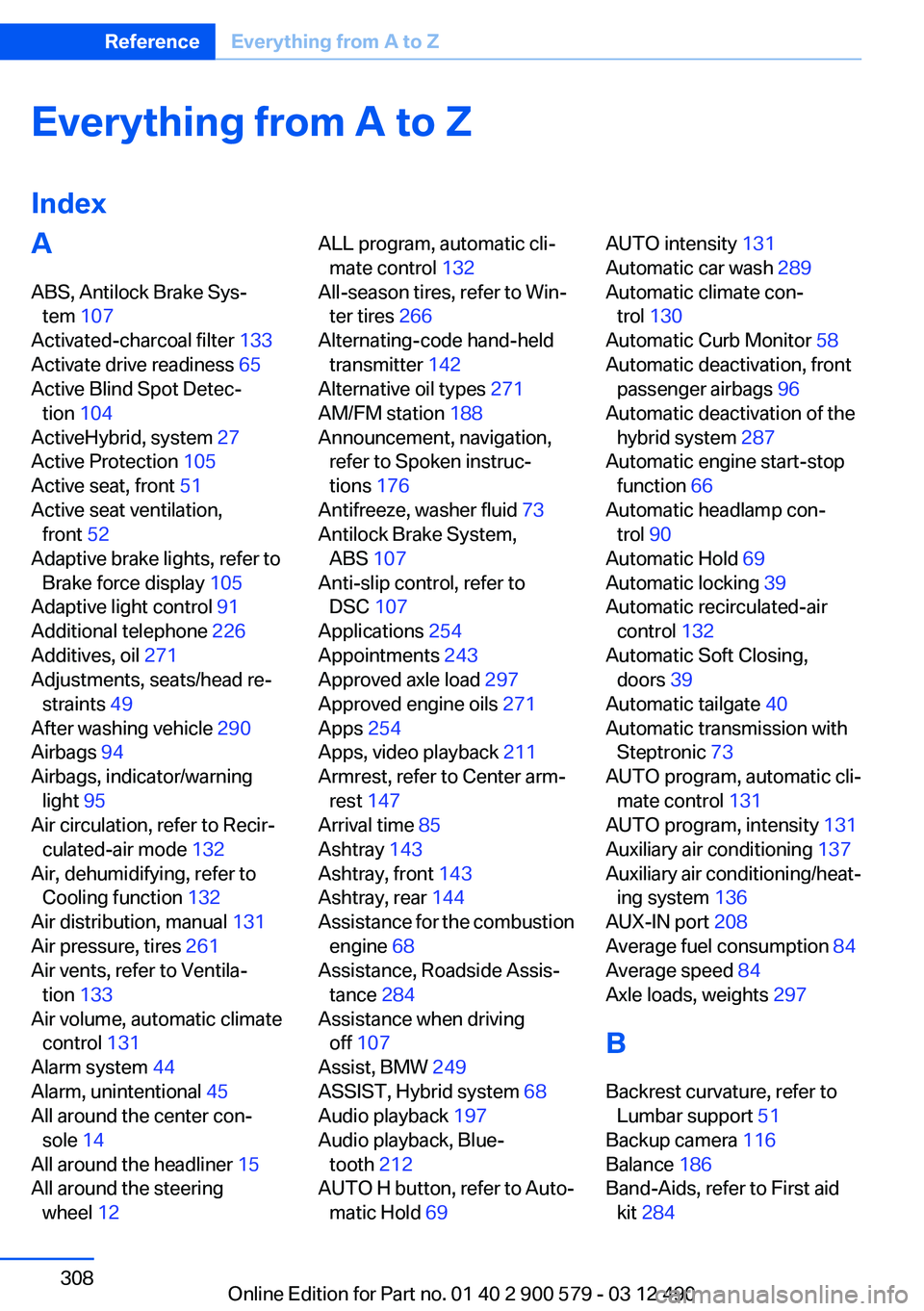
Everything from A to Z
IndexA
ABS, Antilock Brake Sys‐ tem 107
Activated-charcoal filter 133
Activate drive readiness 65
Active Blind Spot Detec‐ tion 104
ActiveHybrid, system 27
Active Protection 105
Active seat, front 51
Active seat ventilation, front 52
Adaptive brake lights, refer to Brake force display 105
Adaptive light control 91
Additional telephone 226
Additives, oil 271
Adjustments, seats/head re‐ straints 49
After washing vehicle 290
Airbags 94
Airbags, indicator/warning light 95
Air circulation, refer to Recir‐ culated-air mode 132
Air, dehumidifying, refer to Cooling function 132
Air distribution, manual 131
Air pressure, tires 261
Air vents, refer to Ventila‐ tion 133
Air volume, automatic climate control 131
Alarm system 44
Alarm, unintentional 45
All around the center con‐ sole 14
All around the headliner 15
All around the steering wheel 12 ALL program, automatic cli‐
mate control 132
All-season tires, refer to Win‐ ter tires 266
Alternating-code hand-held transmitter 142
Alternative oil types 271
AM/FM station 188
Announcement, navigation, refer to Spoken instruc‐
tions 176
Antifreeze, washer fluid 73
Antilock Brake System, ABS 107
Anti-slip control, refer to DSC 107
Applications 254
Appointments 243
Approved axle load 297
Approved engine oils 271
Apps 254
Apps, video playback 211
Armrest, refer to Center arm‐ rest 147
Arrival time 85
Ashtray 143
Ashtray, front 143
Ashtray, rear 144
Assistance for the combustion engine 68
Assistance, Roadside Assis‐ tance 284
Assistance when driving off 107
Assist, BMW 249
ASSIST, Hybrid system 68
Audio playback 197
Audio playback, Blue‐ tooth 212
AUTO H button, refer to Auto‐ matic Hold 69 AUTO intensity 131
Automatic car wash 289
Automatic climate con‐ trol 130
Automatic Curb Monitor 58
Automatic deactivation, front passenger airbags 96
Automatic deactivation of the hybrid system 287
Automatic engine start-stop function 66
Automatic headlamp con‐ trol 90
Automatic Hold 69
Automatic locking 39
Automatic recirculated-air control 132
Automatic Soft Closing, doors 39
Automatic tailgate 40
Automatic transmission with Steptronic 73
AUTO program, automatic cli‐ mate control 131
AUTO program, intensity 131
Auxiliary air conditioning 137
Auxiliary air conditioning/heat‐ ing system 136
AUX-IN port 208
Average fuel consumption 84
Average speed 84
Axle loads, weights 297
B
Backrest curvature, refer to Lumbar support 51
Backup camera 116
Balance 186
Band-Aids, refer to First aid kit 284 Seite 308ReferenceEverything from A to Z308
Online Edition for Part no. 01 40 2 900 579 - 03 12 490
Page 315 of 319
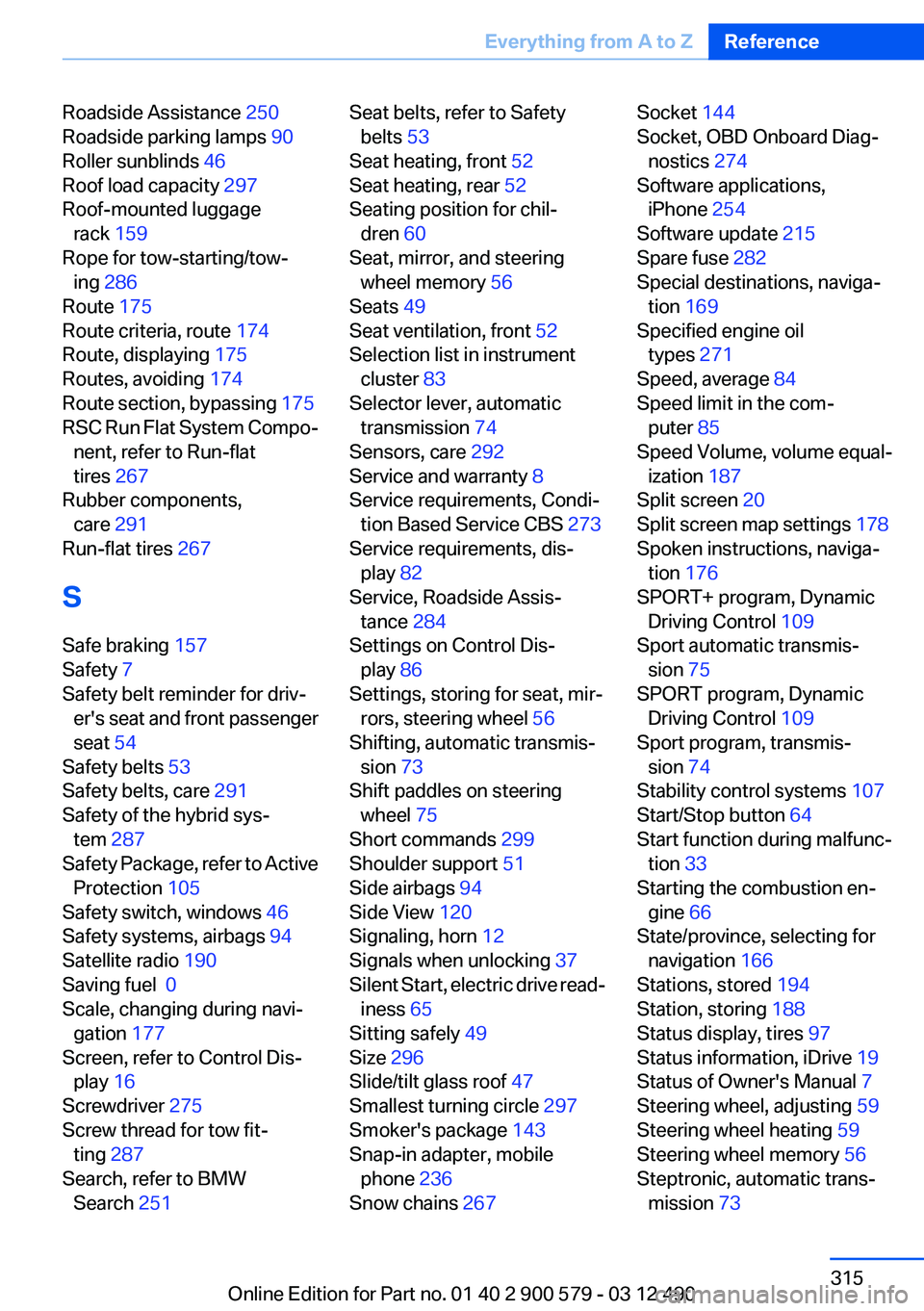
Roadside Assistance 250
Roadside parking lamps 90
Roller sunblinds 46
Roof load capacity 297
Roof-mounted luggage rack 159
Rope for tow-starting/tow‐ ing 286
Route 175
Route criteria, route 174
Route, displaying 175
Routes, avoiding 174
Route section, bypassing 175
RSC Run Flat System Compo‐ nent, refer to Run-flat
tires 267
Rubber components, care 291
Run-flat tires 267
S
Safe braking 157
Safety 7
Safety belt reminder for driv‐ er's seat and front passenger
seat 54
Safety belts 53
Safety belts, care 291
Safety of the hybrid sys‐ tem 287
Safety Package, refer to Active Protection 105
Safety switch, windows 46
Safety systems, airbags 94
Satellite radio 190
Saving fuel 0
Scale, changing during navi‐ gation 177
Screen, refer to Control Dis‐ play 16
Screwdriver 275
Screw thread for tow fit‐ ting 287
Search, refer to BMW Search 251 Seat belts, refer to Safety
belts 53
Seat heating, front 52
Seat heating, rear 52
Seating position for chil‐ dren 60
Seat, mirror, and steering wheel memory 56
Seats 49
Seat ventilation, front 52
Selection list in instrument cluster 83
Selector lever, automatic transmission 74
Sensors, care 292
Service and warranty 8
Service requirements, Condi‐ tion Based Service CBS 273
Service requirements, dis‐ play 82
Service, Roadside Assis‐ tance 284
Settings on Control Dis‐ play 86
Settings, storing for seat, mir‐ rors, steering wheel 56
Shifting, automatic transmis‐ sion 73
Shift paddles on steering wheel 75
Short commands 299
Shoulder support 51
Side airbags 94
Side View 120
Signaling, horn 12
Signals when unlocking 37
Silent Start, electric drive read‐ iness 65
Sitting safely 49
Size 296
Slide/tilt glass roof 47
Smallest turning circle 297
Smoker's package 143
Snap-in adapter, mobile phone 236
Snow chains 267 Socket 144
Socket, OBD Onboard Diag‐ nostics 274
Software applications, iPhone 254
Software update 215
Spare fuse 282
Special destinations, naviga‐ tion 169
Specified engine oil types 271
Speed, average 84
Speed limit in the com‐ puter 85
Speed Volume, volume equal‐ ization 187
Split screen 20
Split screen map settings 178
Spoken instructions, naviga‐ tion 176
SPORT+ program, Dynamic Driving Control 109
Sport automatic transmis‐ sion 75
SPORT program, Dynamic Driving Control 109
Sport program, transmis‐ sion 74
Stability control systems 107
Start/Stop button 64
Start function during malfunc‐ tion 33
Starting the combustion en‐ gine 66
State/province, selecting for navigation 166
Stations, stored 194
Station, storing 188
Status display, tires 97
Status information, iDrive 19
Status of Owner's Manual 7
Steering wheel, adjusting 59
Steering wheel heating 59
Steering wheel memory 56
Steptronic, automatic trans‐ mission 73 Seite 315Everything from A to ZReference315
Online Edition for Part no. 01 40 2 900 579 - 03 12 490
Page 316 of 319
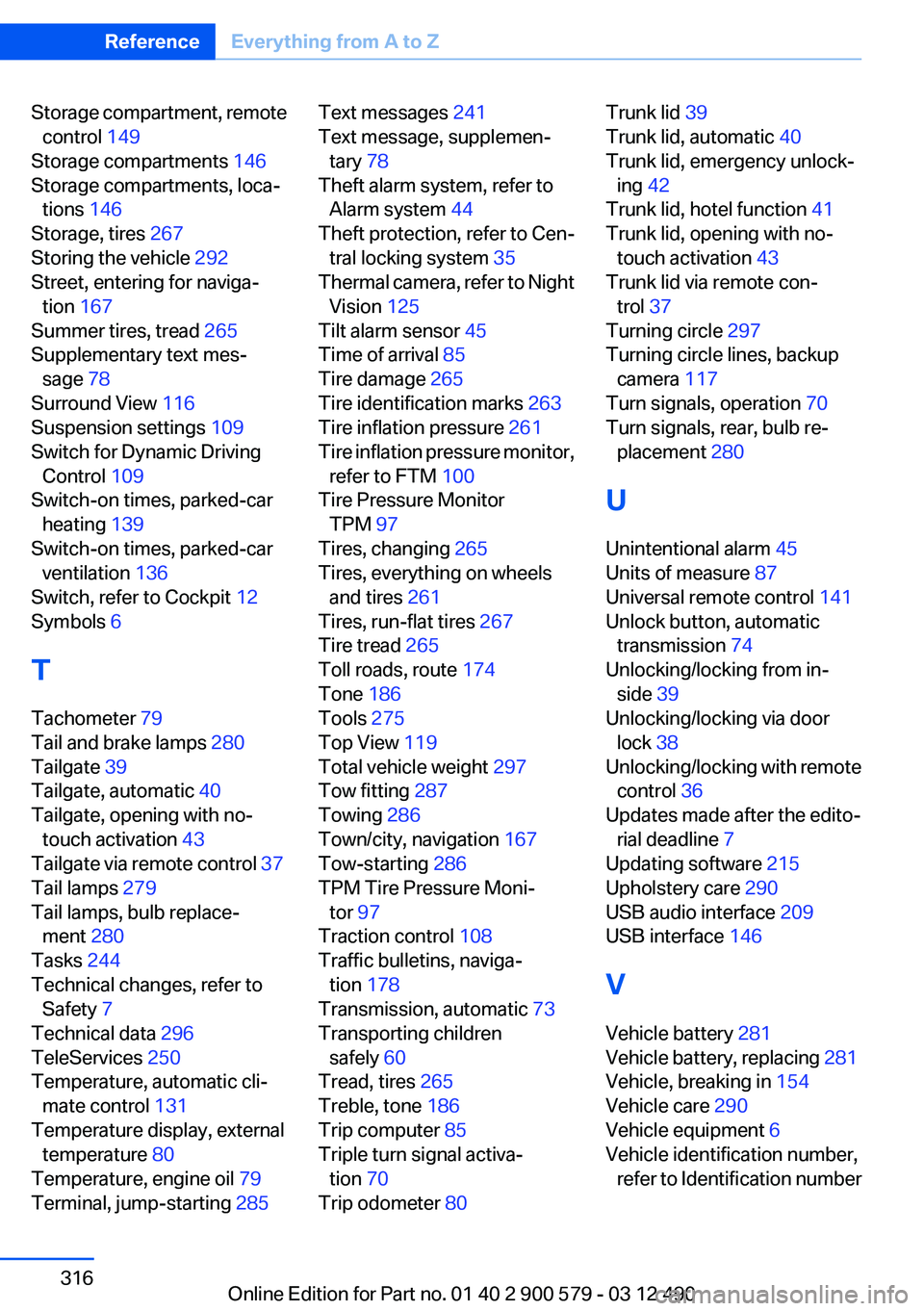
Storage compartment, remotecontrol 149
Storage compartments 146
Storage compartments, loca‐ tions 146
Storage, tires 267
Storing the vehicle 292
Street, entering for naviga‐ tion 167
Summer tires, tread 265
Supplementary text mes‐ sage 78
Surround View 116
Suspension settings 109
Switch for Dynamic Driving Control 109
Switch-on times, parked-car heating 139
Switch-on times, parked-car ventilation 136
Switch, refer to Cockpit 12
Symbols 6
T
Tachometer 79
Tail and brake lamps 280
Tailgate 39
Tailgate, automatic 40
Tailgate, opening with no- touch activation 43
Tailgate via remote control 37
Tail lamps 279
Tail lamps, bulb replace‐ ment 280
Tasks 244
Technical changes, refer to Safety 7
Technical data 296
TeleServices 250
Temperature, automatic cli‐ mate control 131
Temperature display, external temperature 80
Temperature, engine oil 79
Terminal, jump-starting 285 Text messages 241
Text message, supplemen‐ tary 78
Theft alarm system, refer to Alarm system 44
Theft protection, refer to Cen‐ tral locking system 35
Thermal camera, refer to Night Vision 125
Tilt alarm sensor 45
Time of arrival 85
Tire damage 265
Tire identification marks 263
Tire inflation pressure 261
Tire inflation pressure monitor, refer to FTM 100
Tire Pressure Monitor TPM 97
Tires, changing 265
Tires, everything on wheels and tires 261
Tires, run-flat tires 267
Tire tread 265
Toll roads, route 174
Tone 186
Tools 275
Top View 119
Total vehicle weight 297
Tow fitting 287
Towing 286
Town/city, navigation 167
Tow-starting 286
TPM Tire Pressure Moni‐ tor 97
Traction control 108
Traffic bulletins, naviga‐ tion 178
Transmission, automatic 73
Transporting children safely 60
Tread, tires 265
Treble, tone 186
Trip computer 85
Triple turn signal activa‐ tion 70
Trip odometer 80 Trunk lid 39
Trunk lid, automatic 40
Trunk lid, emergency unlock‐ ing 42
Trunk lid, hotel function 41
Trunk lid, opening with no- touch activation 43
Trunk lid via remote con‐ trol 37
Turning circle 297
Turning circle lines, backup camera 117
Turn signals, operation 70
Turn signals, rear, bulb re‐ placement 280
U
Unintentional alarm 45
Units of measure 87
Universal remote control 141
Unlock button, automatic transmission 74
Unlocking/locking from in‐ side 39
Unlocking/locking via door lock 38
Unlocking/locking with remote control 36
Updates made after the edito‐ rial deadline 7
Updating software 215
Upholstery care 290
USB audio interface 209
USB interface 146
V
Vehicle battery 281
Vehicle battery, replacing 281
Vehicle, breaking in 154
Vehicle care 290
Vehicle equipment 6
Vehicle identification number, refer to Identification numberSeite 316ReferenceEverything from A to Z316
Online Edition for Part no. 01 40 2 900 579 - 03 12 490