radio BMW M2 2016 Owner's Manual
[x] Cancel search | Manufacturer: BMW, Model Year: 2016, Model line: M2, Model: BMW M2 2016Pages: 220, PDF Size: 4.71 MB
Page 122 of 220
▷Visual display.
General information
Measurements are made through ultrasound
sensors in the rear bumper.
The maneuvering range, depending on the ob‐
stacle and environmental conditions, is approx.
6 ft/2 m.
An acoustic warning is first given with the fol‐
lowing circumstances:
▷By the two rear corner sensors at approx.
24 in/60 cm.▷By the rear middle sensors at approx.
5 ft/1.50 m.▷When a collision is imminent.
Information
WARNING
The system does not release from the
personal responsibility to correctly assess the
traffic situation. Based on the limits of the sys‐
tem, it cannot independently react to all traffic
situations. There is risk of an accident. Adjust
the driving style to the traffic conditions. Watch
traffic closely and actively intervene in the re‐
spective situations.◀
WARNING
Due to high speeds when PDC is acti‐
vated, the warning can be delayed due to
physical circumstances. There is a risk of injury
or risk of property damage. Avoid approaching
an object too fast. Avoid driving off fast while
PDC is not yet active.◀
Overview
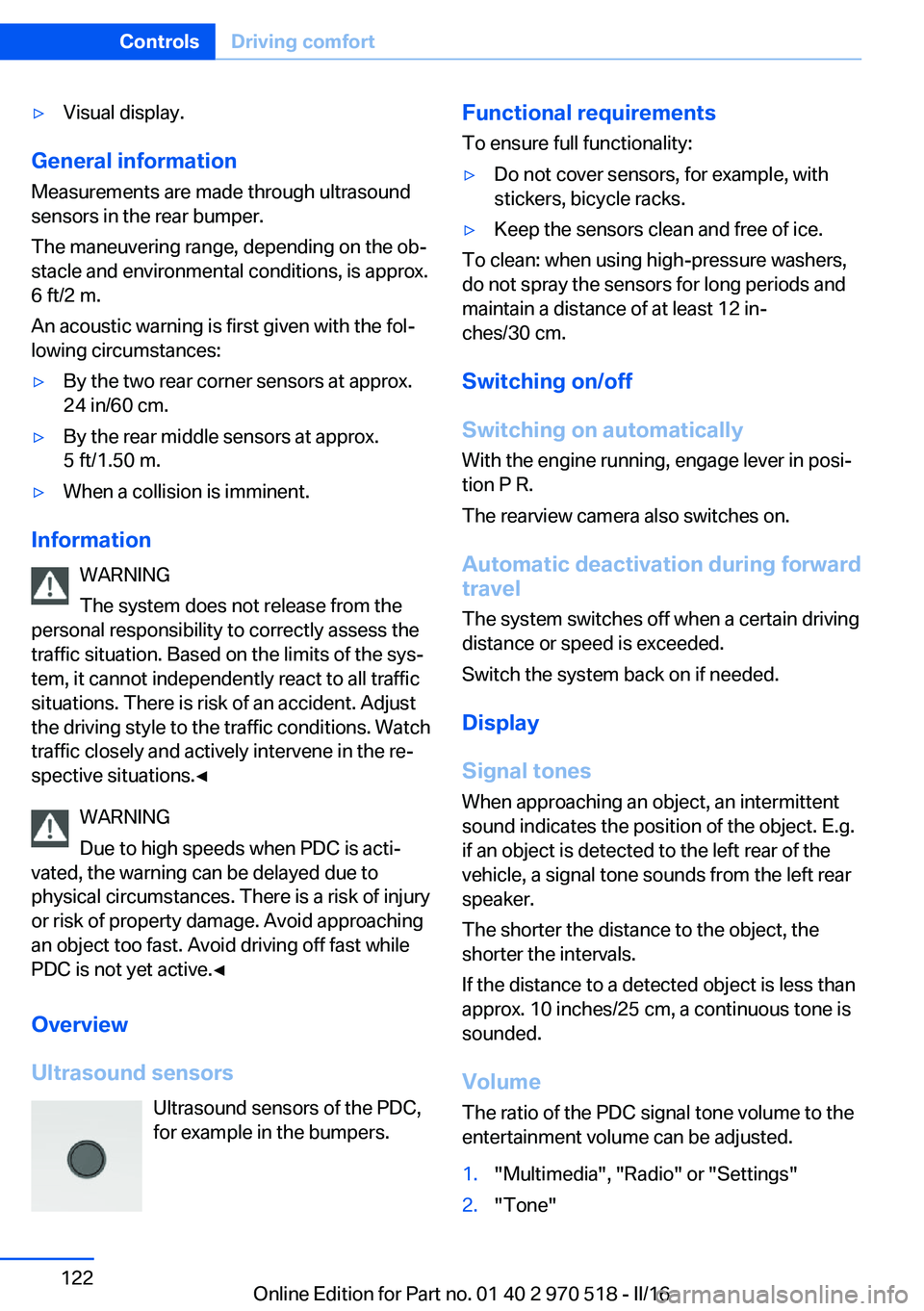
Ultrasound sensors Ultrasound sensors of the PDC,
for example in the bumpers.
Functional requirements
To ensure full functionality:▷Do not cover sensors, for example, with
stickers, bicycle racks.▷Keep the sensors clean and free of ice.
To clean: when using high-pressure washers,
do not spray the sensors for long periods and
maintain a distance of at least 12 in‐
ches/30 cm.
Switching on/off
Switching on automatically
With the engine running, engage lever in posi‐
tion P R.
The rearview camera also switches on.
Automatic deactivation during forward
travel
The system switches off when a certain driving
distance or speed is exceeded.
Switch the system back on if needed.
Display
Signal tones When approaching an object, an intermittent
sound indicates the position of the object. E.g.
if an object is detected to the left rear of the
vehicle, a signal tone sounds from the left rear
speaker.
The shorter the distance to the object, the
shorter the intervals.
If the distance to a detected object is less than
approx. 10 inches/25 cm, a continuous tone is
sounded.
Volume The ratio of the PDC signal tone volume to the
entertainment volume can be adjusted.
1."Multimedia", "Radio" or "Settings"2."Tone"Seite 122ControlsDriving comfort122
Online Edition for Part no. 01 40 2 970 518 - II/16
Page 135 of 220
proximately 20 seconds until the LED on
the interior mirror flashes. This erases all
programming of the buttons on the interior
mirror.3.Hold the hand-held transmitter for the sys‐
tem to be controlled approx. 1 to 3 in‐
ches/2.5 to 8 cm away from the buttons of
the interior mirror. The required distance
depends on the manual transmitter.4.Simultaneously press and hold the button
of the desired function on the hand-held
transmitter and the button to be program‐
med on the interior mirror. The LED on the
interior mirror will begin flashing slowly.5.Release both buttons as soon as the LED
flashes more rapidly. The LED flashing
faster indicates that the button on the inte‐
rior mirror has been programmed.
If the LED does not flash faster after at
least 60 seconds, change the distance be‐
tween the interior mirror and the hand-held
transmitter and repeat the step. Several
more attempts at different distances may
be necessary. Wait at least 15 seconds be‐
tween attempts.
Canada: if programming with the hand-
held transmitter was interrupted, hold
down the interior mirror button and repeat‐
edly press and release the hand-held
transmitter button for 2 seconds.6.To program other functions on other but‐
tons, repeat steps 3 to 5.
The systems can be controlled using the inte‐
rior mirror buttons.
Special feature of the alternating-code wireless system
If you are unable to operate the system after
repeated programming, please check if the
system to be controlled features an alternat‐
ing-code radio system.
Read the system's owner's manual, or press
the programmed button on the interior mirror
longer. If the LED on the interior mirror starts
flashing rapidly and then stays lit constantly for
2 seconds, the system features an alternating-
code radio system. Flashing and continuous il‐
lumination of the LED will repeat for approxi‐
mately 20 seconds.
For systems with an alternating-code radio
system, the universal remote control and the
system also have to be synchronized.
Please read the owner's manual to find out
how to synchronize the system.
Synchronizing is easier with the aid of a sec‐
ond person.
Synchronizing the universal remote control
with the system:1.Park the vehicle within range of the re‐
mote-controlled system.2.Program the relevant button on the interior
mirror as described.3.Locate and press the synchronizing button
on the system being programmed. You
have approx. 30 seconds for the next step.4.Hold down the programmed button on the
interior mirror for approximately 3 seconds
and then release it. If necessary, repeat this
step up to three times in order to finish
synchronization. Once synchronization is
complete, the programmed function will be
carried out.
Reprogramming individual buttons
1.Switch on the ignition.2.Press and hold the interior mirror button to
be programmed.3.As soon as the interior mirror LED starts
flashing slowly, hold the hand-held trans‐
mitter for the system to be controlled ap‐
prox. 1 to 3 inches/2.5 to 8 cm away from
the buttons of the interior mirror. The re‐
quired distance depends on the manual
transmitter.Seite 135Interior equipmentControls135
Online Edition for Part no. 01 40 2 970 518 - II/16
Page 193 of 220
Breakdown assistanceVehicle features and options
This chapter describes all standard, country-
specific and optional features offered with the
series. It also describes features that are not
necessarily available in your car, e. g., due to
the selected options or country versions. This
also applies to safety-related functions and
systems. The respectively applicable country
provisions must be observed when using the
respective features and systems.
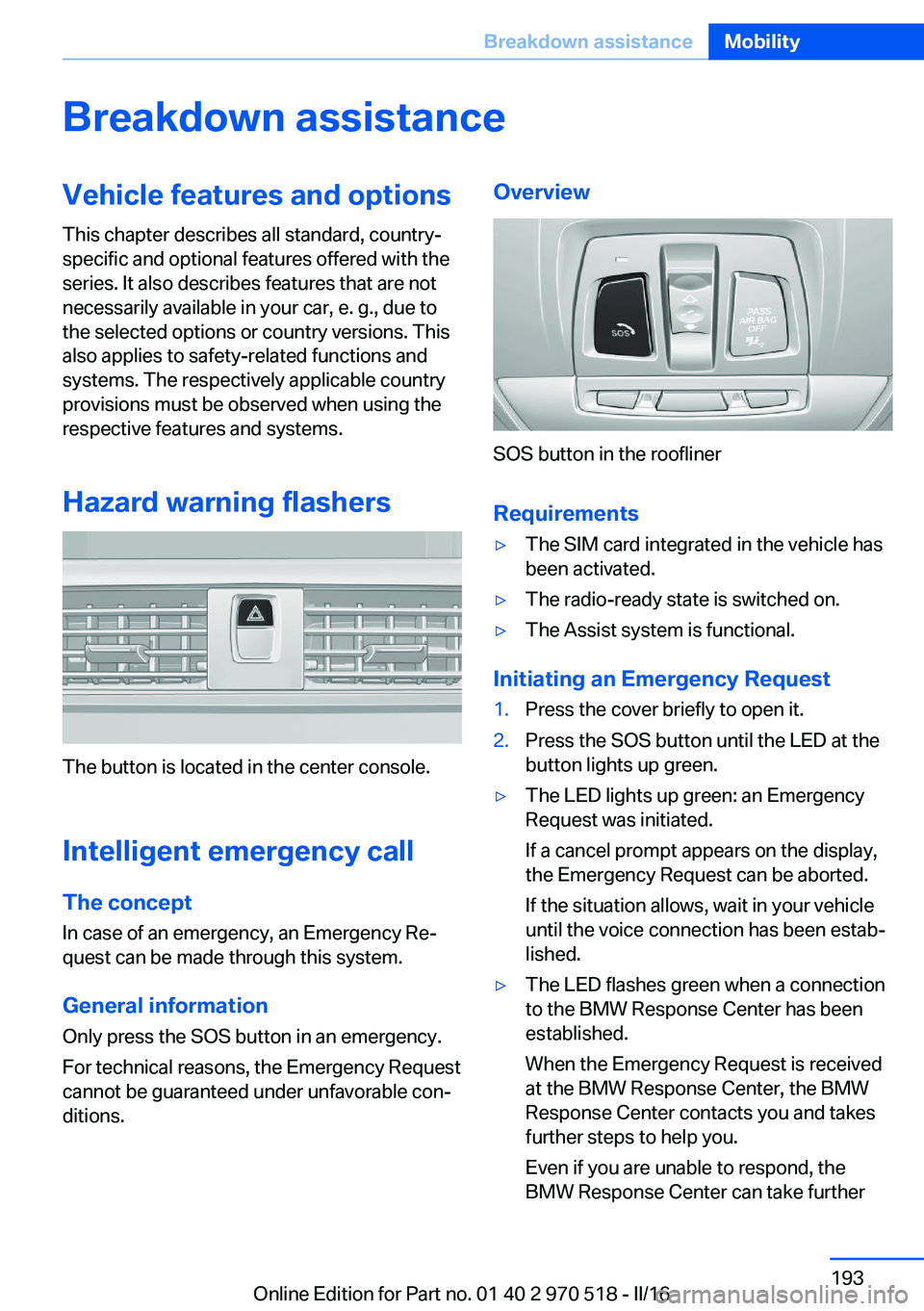
Hazard warning flashers
The button is located in the center console.
Intelligent emergency call
The concept In case of an emergency, an Emergency Re‐
quest can be made through this system.
General information
Only press the SOS button in an emergency.
For technical reasons, the Emergency Request
cannot be guaranteed under unfavorable con‐
ditions.
Overview
SOS button in the roofliner
Requirements
▷The SIM card integrated in the vehicle has
been activated.▷The radio-ready state is switched on.▷The Assist system is functional.
Initiating an Emergency Request
1.Press the cover briefly to open it.2.Press the SOS button until the LED at the
button lights up green.▷The LED lights up green: an Emergency
Request was initiated.
If a cancel prompt appears on the display,
the Emergency Request can be aborted.
If the situation allows, wait in your vehicle
until the voice connection has been estab‐
lished.▷The LED flashes green when a connection
to the BMW Response Center has been
established.
When the Emergency Request is received
at the BMW Response Center, the BMW
Response Center contacts you and takes
further steps to help you.
Even if you are unable to respond, the
BMW Response Center can take furtherSeite 193Breakdown assistanceMobility193
Online Edition for Part no. 01 40 2 970 518 - II/16
Page 215 of 220
Mounting of child restraintsystems 62
M technology 150
Multifunction steering wheel, buttons 14
Multimedia 6
N
Navigation 6
Neck restraints, front, see Head restraints 54
Neck restraints, rear, see Head restraints 55
Neutral cleaner, see wheel cleaner 201
New wheels and tires 171
O OBD Onboard Diagnosis 185
OBD, see OBD Onboard Di‐ agnosis 185
Obstacle marking, rearview camera 125
Octane rating, see Recom‐ mended fuel grade 167
Odometer 83
Office 6
Oil 179
Oil, adding 180
Oil additives 181
Oil change 181
Oil change interval, service requirements 85
Oil filler neck 180
Oil types, alternative 181
Oil types, suitable 181
Old batteries, disposal 191
Onboard computer 88
Onboard computer, see On‐ board computer 88
Onboard monitor, see Control Display 18
Onboard vehicle tool kit 186 Opening/closing via door
lock 39
Opening and closing 34
Opening and closing, without remote control 39
Opening and closing, with re‐ mote control 37
Operating concept, iDrive 18
Optional equipment 7
Outside air, see Automatic re‐ circulated-air control 131
Own Safety 7
P
Paint, vehicle 200
Park Distance Control PDC 121
Parked-car ventilation 132
Parked vehicle, condensa‐ tion 154
Parking aid, see PDC 121
Parking brake 70
Parking lights 93
Parts and accessories 8
Passenger side mirror, tilting downward 58
Pathway lines, rearview cam‐ era 125
PDC Park Distance Con‐ trol 121
Personal Profile 36
Personal Profile, exporting profiles 37
Personal Profile, importing profiles 37
Person warning with City light braking function 109
Pinch protection system, glass sunroof 48
Pinch protection system, win‐ dows 46
Plastic, care 201
Power failure 191
Power sunroof, glass 47
Power windows 45 Prescribed engine oil
types 181
Pressure, tire air pres‐ sure 168
Pressure warning, tires 104
Preventing Auto Start Stop 69
Profile, see Personal Pro‐ file 36
Programmable memory but‐ tons, iDrive 24
Protective function, glass sunroof 48
Protective function, win‐ dows 46
Push-and-turn switch, see Controller 19
R Racetrack operation 150
Radiator fluid 182
Radio 6
Radio-operated key, see Re‐ mote control 34
Radio ready state 65
Rain sensor 72
Ratchet straps, securing cargo 157
Rear lights 189
Rear socket 139
Rearview camera 124
Rearview mirror 57
Rear window de‐ froster 129, 132
Recirculated-air filter 132
Recirculated-air mode 128, 131
Recommended fuel grade 167
Recommended tire brands 172
Refueling 164
Remaining range 84
Remote control/key 34 Seite 215Everything from A to ZReference215
Online Edition for Part no. 01 40 2 970 518 - II/16