display BMW M3 CONVERTIBLE 2012 Repair Manual
[x] Cancel search | Manufacturer: BMW, Model Year: 2012, Model line: M3 CONVERTIBLE, Model: BMW M3 CONVERTIBLE 2012Pages: 255, PDF Size: 6.32 MB
Page 161 of 255
160
CommunicationsTe l e p h o n e
Phone book entries are not displayed, not all of
them are displayed, or they are displayed
incompletely.
>The transfer of phone book entries has not
yet completed.
> In some cases, only the phone book entries
of the mobile phone or the SIM card will be
transferred.
> It may not be possible to display phone
book entries with special characters.
> The number of phone book entries to be
stored is too high.
> The data volume of the phone book entry is
too great, e.g. due to additionally stored
information such as no tes? Reduce the data
volume.
The telephone connection quality is low.
> Depending on the mobile phone, it is possi-
ble to adjust the strength of the Bluetooth
signal.
> Insert the mobile phone into the snap-in
adapter or place it in the vicinity of the cen-
ter console.
> Adjust the volume of the microphone and
speaker separately.
If you have gone through all items in the list and
still cannot activate the de sired function, please
contact Customer Relations or your BMW cen-
ter.
Operation
The following functions can be operated using
the radio:
> Accepting/refusing a call
> Dialing phone numbers
> Dialing a phone number from the phone
book
> Dialing a stored number, e.g., from a list of
accepted calls >
In connection with the preparation for
mobile phone Business: BMW Assist, refer
to page 167
When the ignition is switched off and radio
readiness switched on, e. g. after removal of the
infrared remote control, an ongoing conversa-
tion can be continued for a maximum of
25 minutes using the hands-free system.
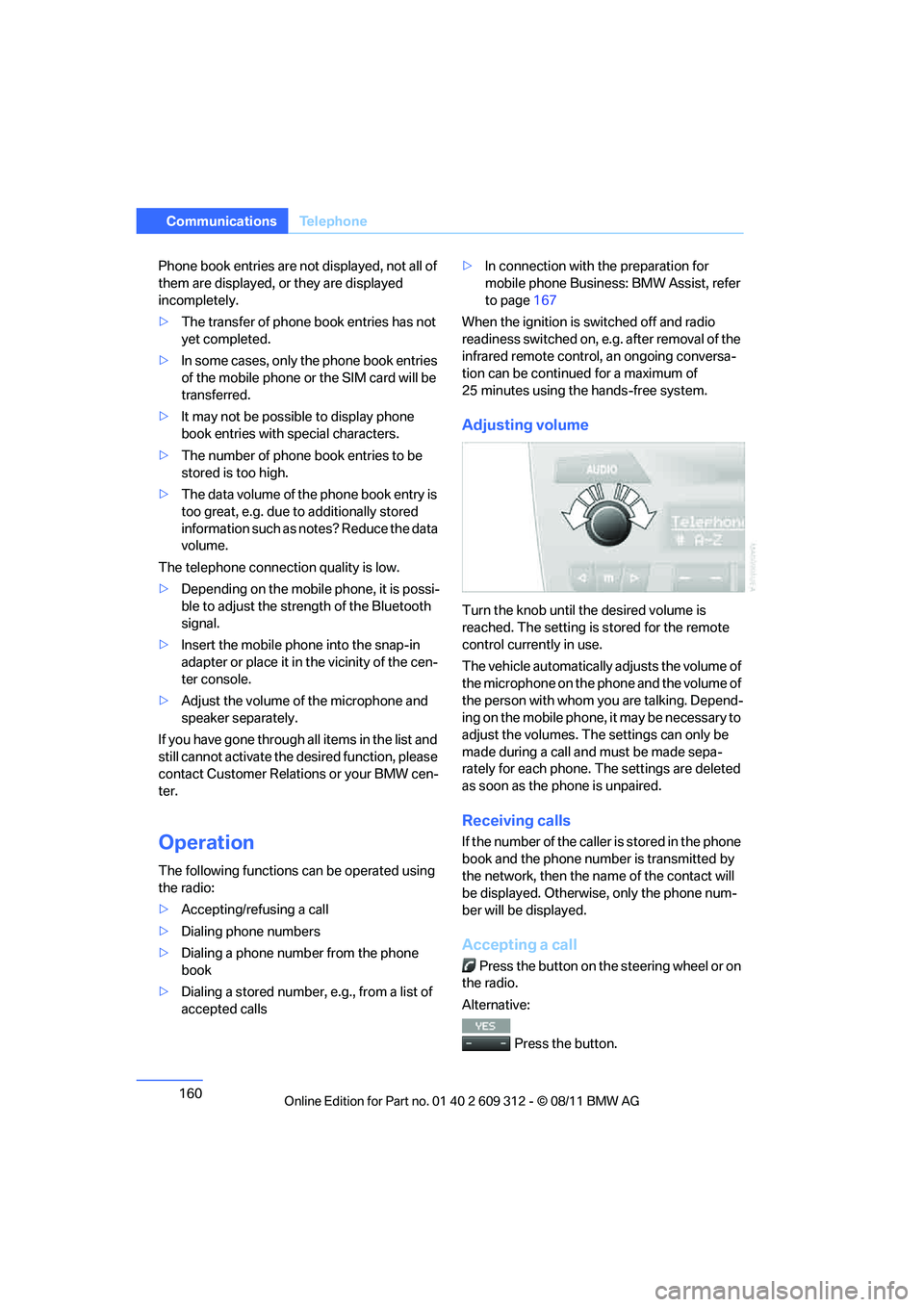
Adjusting volume
Turn the knob until the desired volume is
reached. The setting is stored for the remote
control currently in use.
The vehicle automatically adjusts the volume of
the microphone on the phone and the volume of
the person with whom yo u are talking. Depend-
ing on the mobile phone, it may be necessary to
adjust the volumes. The settings can only be
made during a call and must be made sepa-
rately for each phone. The settings are deleted
as soon as the phone is unpaired.
Receiving calls
If the number of the caller is stored in the phone
book and the phone number is transmitted by
the network, then the na me of the contact will
be displayed. Otherwise, only the phone num-
ber will be displayed.
Accepting a call
Press the button on the steering wheel or on
the radio.
Alternative:
Press the button.
Online Edition for Part no. 01 40 2 609 312 - \251 08/11 BMW AG
Page 162 of 255
161
Te l e p h o n e
Communications
Rejecting a call
Press the button.
Calling
Dialing phone numbers
1.
Switch on radio readiness or ignition.
2. Press the button.
3.
Press the button.
4. Press the button.
5. Enter the desired phone number using the
0-9 buttons.
To delete the last digit:
Press the button.
6. Press the button on the steering wheel
or on the radio.
Alternative:
Press the knob on the ri ght to dial the phone
number.
In order for your phone number to be displayed
to the person yo u are talking to, the display of
phone numbers must be enabled by your pro-
vider.
Ending a call
Press the button on the steering wheel or on
the radio.
Alternative:
Press the button.
Dialing a phone number from the phone
book or from phone numbers stored in a
list
Phone numbers dialed, incoming calls, and
phone book entries are stored in lists when the
mobile phone is connected to the vehicle via
Bluetooth. If the caller is entered in the phone
book, then the name of the entry is displayed instead of the phone number.
Select the desired name
from the list and estab-
lish the connection.
There are five available lists:
> "A-Z"
The entries of the phone book, the SIM
card, or the mobile phone, composed of a
name and phone number, are sorted alpha-
betically.
> "TOP8"
The Top 8 list automatically stores the eight
phone numbers of the phone book that are
dialed the most frequently.
> "LAST8"
The eight phone numbers dialed last are
stored. The phone number dialed last
appears at the top of the list.
> "CALLS"
The phone numbers of the last eight
accepted calls are stored. This requires the
phone number of the caller to have been
transmitted.
> "MISSED"
The phone numbers of the last eight calls
that were not accept ed are stored. This
requires the phone number of the caller to
have been transmitted.
Dialing a phone number from the phone
book
The A-Z list is available for phone book entries.
If entries with different names, but the same
phone number are transferred from the mobile
phone to the vehicle, only one entry is dis-
played.
The displays of the phone book entries on the
radio display can differ from the displays on the
mobile phone display, e.g. sequence of the first
and last names.
1. Switch on radio readiness or ignition.
2. Press the button.
3. Press the button.
Online Edition for Part no. 01 40 2 609 312 - \251 08/11 BMW AG
Page 163 of 255
162
CommunicationsTe l e p h o n e
4.
Press the button.
The arrows indicate that
additional letters can be displayed.
Turn the knob on the right to display addi-
tional letters.
5. Turn the knob on the right to select the first
letters of the desired entry.
6. Press the button if so desired.
The phone number is dialed.
To display all entries:
1. Turn the knob on the right to select the first
letters of the desire d entry and press the
knob.
2. Turn the knob on the right to select the
desired entry and press the knob on the
right.
The phone number is dialed.
The phone number can also be dialed using the
buttons on the steering wheel or radio: Press the button.
Editing and dialing a phone number
from the phone book
The phone number of an entry can be edited
before a call. This change is not stored in the
phone book.
1. Select an entry.
2. Press the button.
3. Press the button to delete a
digit.
4. Enter additional digits using the 0-9 but-
tons.
5. Press the knob on the right to dial the phone
number.
Dialing a phone number from the phone
book using buttons on the steering
wheel
1. Press and hold the button to display the
telephone menu.
2. Use the arrow buttons on the steering
wheel to scroll through the phone book.
3. Press and hold the button to dial the
phone number.
Dialing a phone number stored in a list
To select an entry and establish a connection:
1. Switch on radio readiness or ignition.
2. Press the button.
3. Press the button.
4. Press the desired button to select
one of the four lists.
5. Turn the knob on the ri ght to select an entry
and press the knob to dial the phone num-
ber.
Deleting an individual entry
1. Select the desired entry from the list.
2. Press the button.
Keypad dialing
Use the multi-frequency dialing system to
access network services or to control devices,
for example to remotely access an answering
machine. This requ ires the DTMF code.
This function is availa ble if a connection has
been established and th e call is being made
using the hands-free system.
1.
Press the button.
2. Enter the desired code using the 0-9 but-
tons.
Online Edition for Part no. 01 40 2 609 312 - \251 08/11 BMW AG
Page 164 of 255
163
Te l e p h o n e
Communications
3.
If needed, press and hold the but-
ton on the right or left side to enter special
characters.
Displaying call duration
To display the duration during a call:
Press the button.
Hands-free system
General information
Calls being conducted using the hands-free
system can be continued using the mobile
phone and vice versa.
From the mobile phone to the
hands-free system
Calls that have been in itiated from outside the
Bluetooth range of the vehicle can be continued
using the hands-free system if the ignition is
switched on.
Depending on the mobile phone, the call is
automatically switched to hands-free mode.
If the switch does not occur automatically, then
follow the instructions th at appear on the dis-
play of the mobile phon e, also refer to the
owner's manual for the mobile phone.
From hands-free system to mobile
phone
Calls being conducted using the hands-free
system can also be continued using the mobile
phone if so desired, depending on the mobile
phone.
At this point, follow the instructions that appear
on the display of the mobile phone, also refer to
the owner's manual for the mobile phone.
Operation by voice
The concept
The mobile phone can be operated without
removing your hand from the steering wheel. In
many cases, the entry process is supported by
means of announcements or questions.
Symbols in the Owner's Manual
Voice commands
Activating voice activation system
1. Press the button on the steering wheel.
2. Say the command.
Deactivating voice activation system
Press the button on the steering wheel
or
Possible commands
Having possible commands read aloud
The system understands default commands
that must be spoken word for word.
Possible commands are read aloud.
Digits from zero to nine are recognized.
Each digit can be spoken individually or com-
bined into a sequence to accelerate the entry
process.
Using alternative commands
There are often a number of commands to run a
function, e.g.:
{ ...} Say the specified commands word for
word.
{{ ...}} Indicates responses of the voice acti-
vation system.
{ Cancel }.
{ Help }.
{ Dial name } or {Name }.
Online Edition for Part no. 01 40 2 609 312 - \251 08/11 BMW AG
Page 166 of 255
165
Te l e p h o n e
Communications
Deleting an entry from the voice phone
book
You can delete any entry from the voice phone
book.
Deleting all entries from the voice
phone book
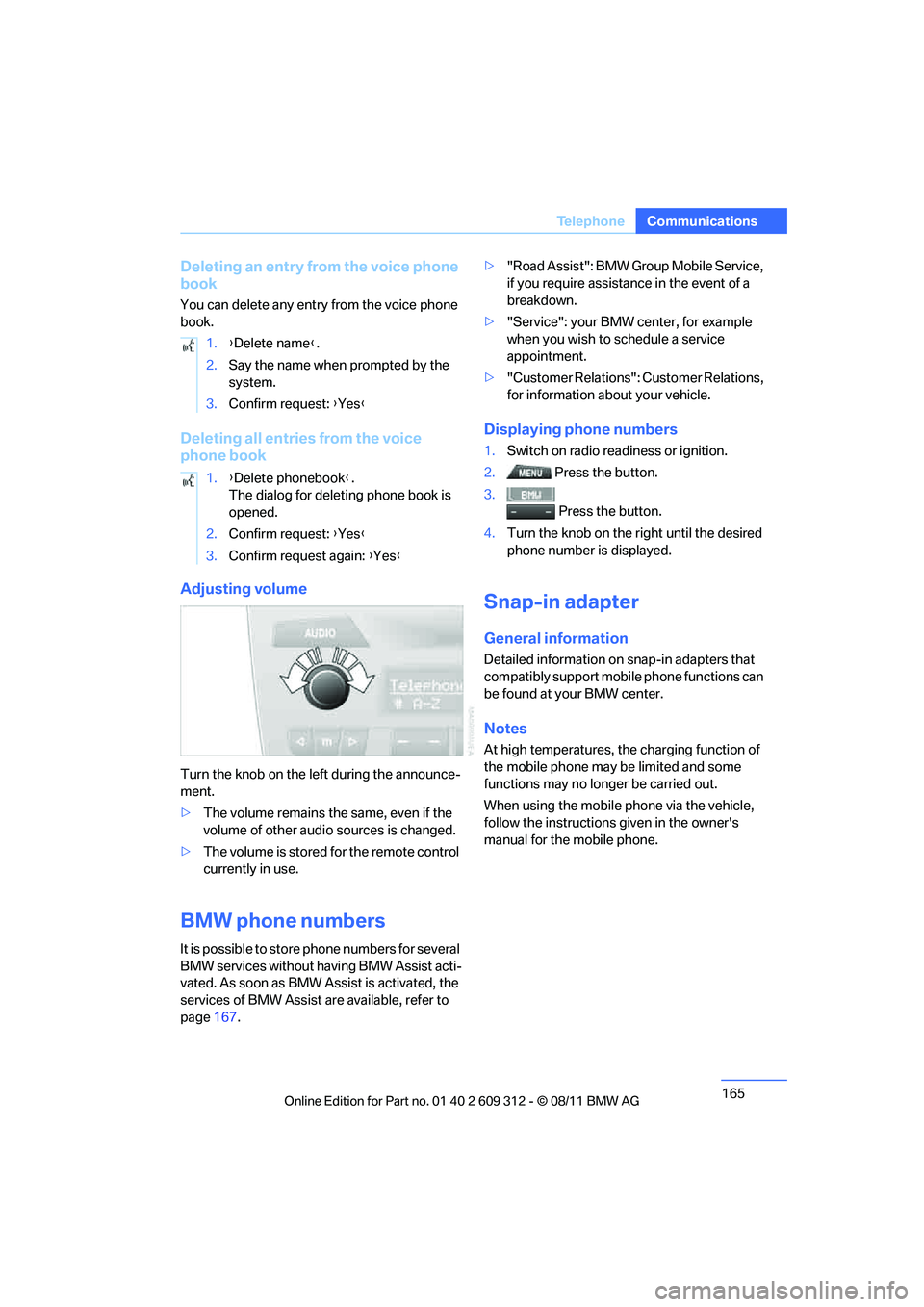
Adjusting volume
Turn the knob on the le
ft during the announce-
ment.
> The volume remains the same, even if the
volume of other audio sources is changed.
> The volume is stored for the remote control
currently in use.
BMW phone numbers
It is possible to store phone numbers for several
BMW services without having BMW Assist acti-
vated. As soon as BMW Assist is activated, the
services of BMW Assist are available, refer to
page 167. >
"Road Assist": BMW Group Mobile Service,
if you require assistance in the event of a
breakdown.
> "Service": your BMW center, for example
when you wish to schedule a service
appointment.
> "Customer Relations": Customer Relations,
for information about your vehicle.
Displaying phone numbers
1.Switch on radio readiness or ignition.
2. Press the button.
3. Press the button.
4. Turn the knob on the right until the desired
phone number is displayed.
Snap-in adapter
General information
Detailed information on snap-in adapters that
compatibly support mobile phone functions can
be found at your BMW center.
Notes
At high temperatures, the charging function of
the mobile phone may be limited and some
functions may no longer be carried out.
When using the mobile phone via the vehicle,
follow the instructions given in the owner's
manual for the mobile phone.
1.
{Delete name }.
2. Say the name when prompted by the
system.
3. Confirm request: {Yes }
1. {Delete phonebook }.
The dialog for deleting phone book is
opened.
2. Confirm request: {Yes }
3. Confirm request again: {Yes }
Online Edition for Part no. 01 40 2 609 312 - \251 08/11 BMW AG
Page 169 of 255
168
CommunicationsConnectedDrive
>In addition, the optional Convenience Plan
offers Concierge service and information on
route planning, the traffic situation and
weather. Using Critical Calling, a limited
number of calls can be made via the BMW
Assist Response Center, for example if the
mobile phone is not available or discharged.
Press the SOS butto n to contact the
BMW Assist Response Center.
BMW TeleServices
General information
TeleServices supports communication with
your BMW center.
> Data on the vehicle's service requirements
can be sent directly to the BMW center. In
this way, the BMW center can plan its work
in advance. This shortens the duration of
the service appointment.
> In the event of a breakdown, data on the
vehicle's condition can be sent directly to
Roadside Assistance. It may be possible to
correct some malfunctions immediately.
> The service varies by country.
> Connection may incur charges.
> Services may be restricted abroad.
Requirements
>Vehicle is equipped with the preparation for
mobile phone Business.
> BMW Assist is activated.
If BMW Assist is not activated, then a
mobile phone that is recommended by
BMW for TeleServices an d is configured for
mobile data communication must be con-
nected to the vehicle.
> SIM card is enabled for toll-free service
phone numbers.
> Wireless receptio n is available.
> Ignition switched on.
Using BMW TeleServices
BMW TeleService is gene rally activated in the
vehicle.
If TeleService is not activated, it is still possible
to establish a voice contact to the BMW Group
Mobile Service.
For additional uses or to deactivate the ser-
vices, consult your BMW center or contact Cus-
tomer Relations.
Activating or updating BMW
TeleService or BMW Assist
BMW TeleService or BMW Assist must be acti-
vated before their se rvices can be used.
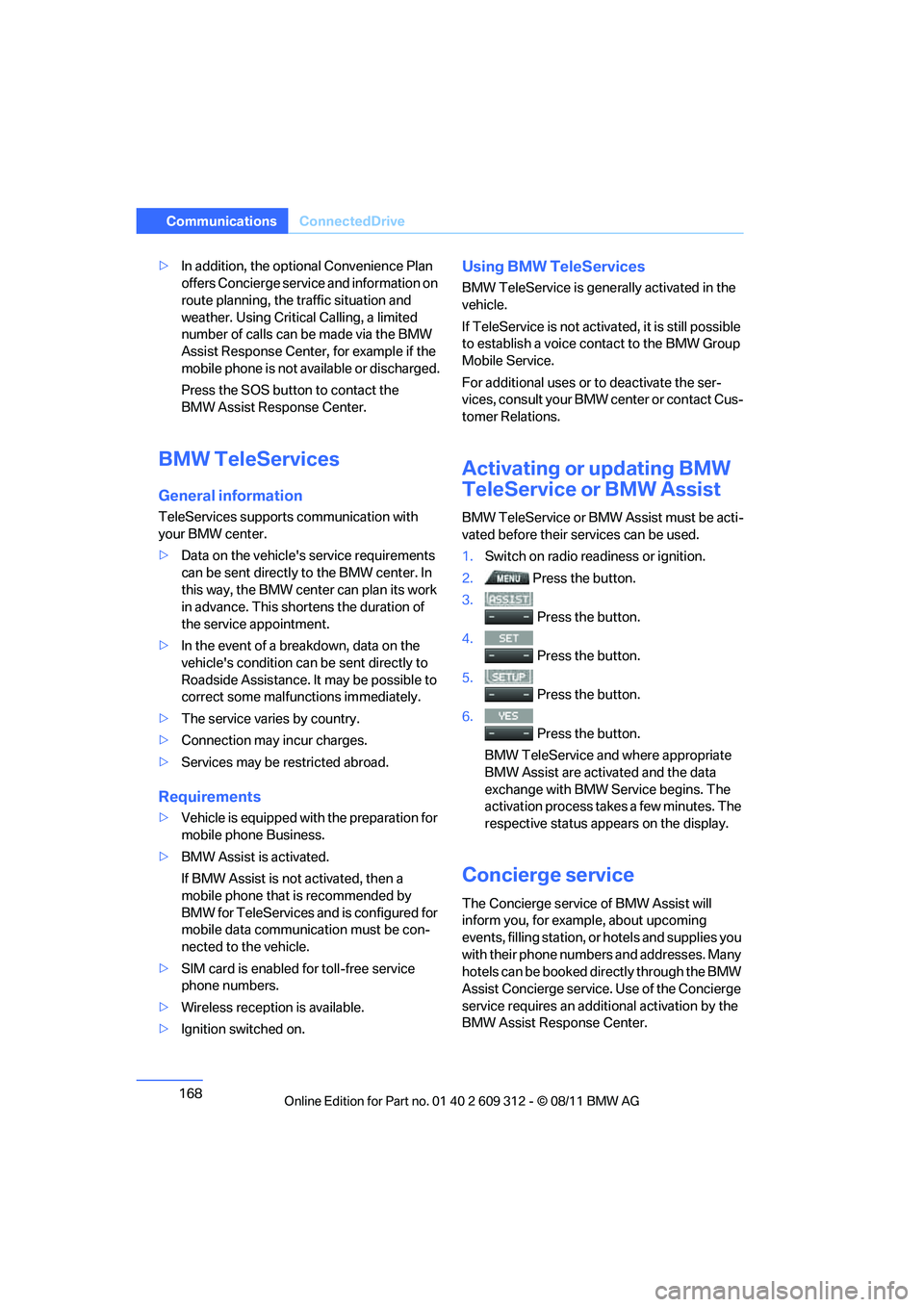
1. Switch on radio readiness or ignition.
2. Press the button.
3.
Press the button.
4.
Press the button.
5.
Press the button.
6.
Press the button.
BMW TeleService and where appropriate
BMW Assist are activated and the data
exchange with BMW Service begins. The
activation process take s a few minutes. The
respective status appears on the display.
Concierge service
The Concierge service of BMW Assist will
inform you, for example, about upcoming
events, filling station, or hotels and supplies you
with their phone numbers and addresses. Many
hotels can be booked di rectly through the BMW
Assist Concierge service. Use of the Concierge
service requires an additi onal activation by the
BMW Assist Response Center.
Online Edition for Part no. 01 40 2 609 312 - \251 08/11 BMW AG
Page 171 of 255
170
CommunicationsConnectedDrive
My Info
With this service, text messages associated
with phone numbers can be sent via the BMW
Assist Internet portal and displayed in the vehi-
cle.
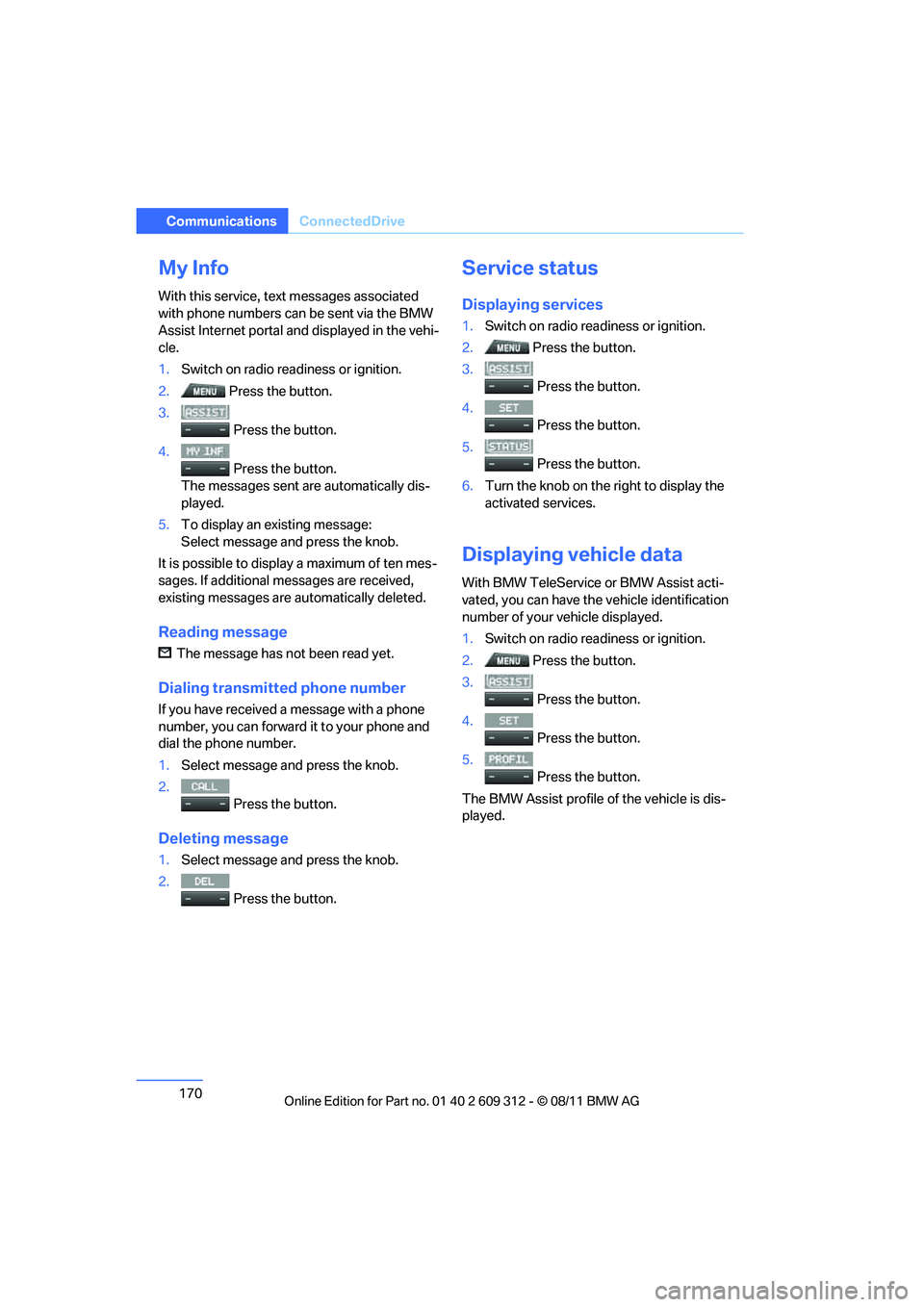
1. Switch on radio read iness or ignition.
2. Press the button.
3.
Press the button.
4. Press the button.
The messages sent are automatically dis-
played.
5. To display an existing message:
Select message and press the knob.
It is possible to display a maximum of ten mes-
sages. If additional messages are received,
existing messages are automatically deleted.
Reading message
The message has not been read yet.
Dialing transmi tted phone number
If you have received a message with a phone
number, you can forward it to your phone and
dial the phone number.
1.Select message and press the knob.
2. Press the button.
Deleting message
1.Select message and press the knob.
2.
Press the button.
Service status
Displaying services
1.Switch on radio readiness or ignition.
2. Press the button.
3.
Press the button.
4.
Press the button.
5.
Press the button.
6. Turn the knob on the right to display the
activated services.
Displaying vehicle data
With BMW TeleService or BMW Assist acti-
vated, you can have the vehicle identification
number of your vehicle displayed.
1. Switch on radio readiness or ignition.
2. Press the button.
3.
Press the button.
4.
Press the button.
5.
Press the button.
The BMW Assist profile of the vehicle is dis-
played.
Online Edition for Part no. 01 40 2 609 312 - \251 08/11 BMW AG
Page 175 of 255
174
MobilityRefueling
Refueling
Vehicle equipment
In this chapter, all pr oduction, country, and
optional equipment that is offered in the model
range is described. For this reason, descrip-
tions will be given of some equipment that may
not be available in a vehi cle, for example due to
the special options or national-market version
selected. This also app lies to safety related
functions and systems.
General information
Always switch off the engine before refu-
eling; otherwise, fuel cannot be added to
the tank and a message will be displayed. <
Take all precautionary measures and
observe all applicable regulations when
handling fuel. Do not carry any spare fuel con-
tainers in your vehicle. They can develop a leak
and cause an explosion or cause a fire in the
event of an accident. <
Fuel filler flap
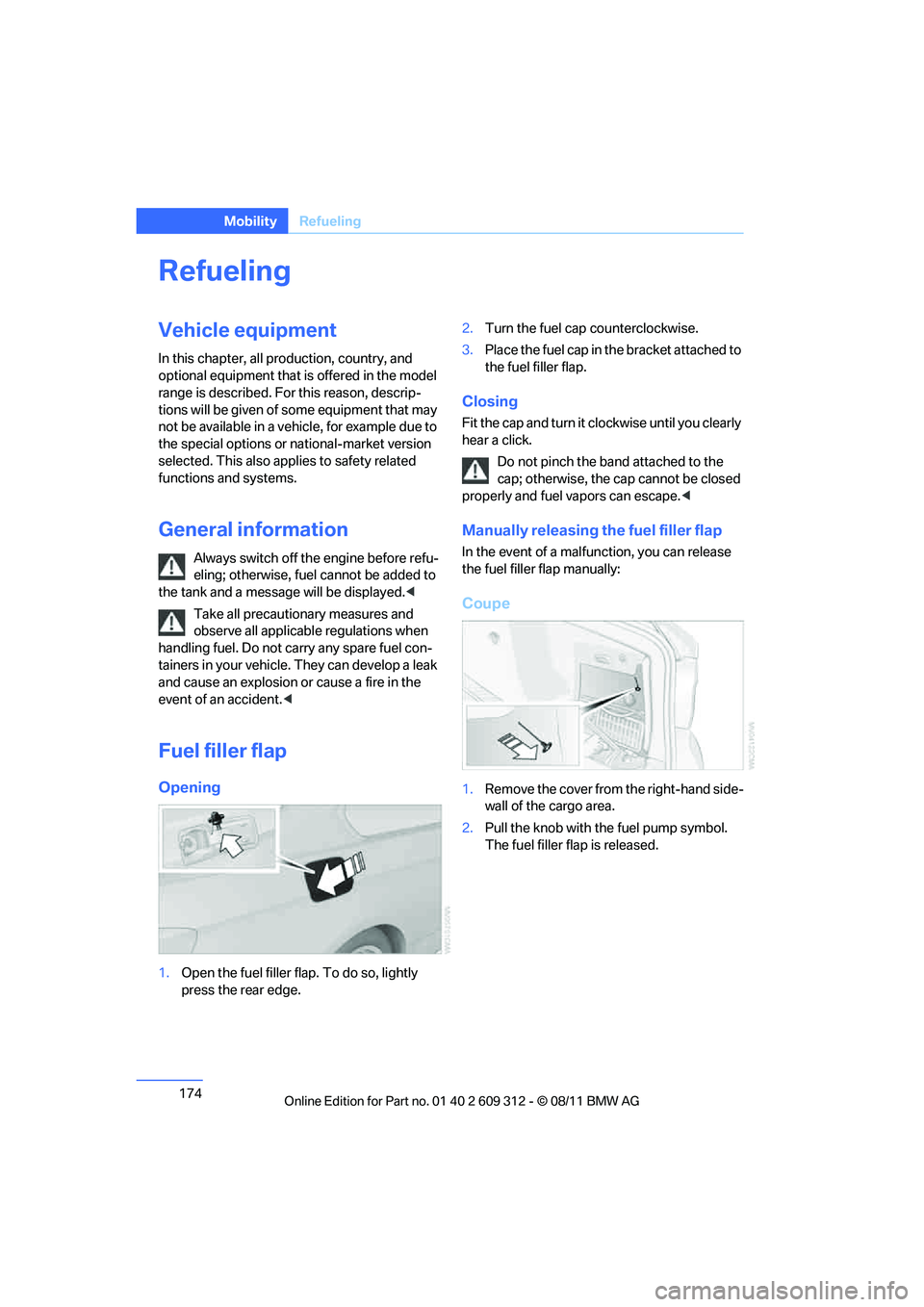
Opening
1.Open the fuel filler flap. To do so, lightly
press the rear edge. 2.
Turn the fuel cap counterclockwise.
3. Place the fuel cap in th e bracket attached to
the fuel filler flap.
Closing
Fit the cap and turn it cl ockwise until you clearly
hear a click.
Do not pinch the band attached to the
cap; otherwise, the cap cannot be closed
properly and fuel vapors can escape. <
Manually releasing the fuel filler flap
In the event of a malfunction, you can release
the fuel filler flap manually:
Coupe
1.Remove the cover from the right-hand side-
wall of the cargo area.
2. Pull the knob with the fuel pump symbol.
The fuel filler flap is released.
Online Edition for Part no. 01 40 2 609 312 - \251 08/11 BMW AG
Page 197 of 255
196
MobilityWheels and tires
When properly used, these tires meet the high-
est standards in terms of safety and handling
characteristics.
Special characteristics of winter tires
BMW recommends winter tires for driving on
winter roads or at temperatures below +45 7/
+7 6. Although all-season M+S tires provide
better winter traction th an summer tires, they
generally fail to provide th e same levels of cold-
weather performance as winter tires.
Pay attention to speed
Always comply with the speed limit for the
winter tires mounted on your car; failure
to do so could result in tire damage and acci-
dents. <
If the car is capable of speeds higher than that
permitted for the winter tires, a label stating the
maximum permitted speed for the mounted
tires must be displayed in your field of view.
Specialist tire dealers and your BMW center
can supply these labels.
Storage
Always store wheels and tires in a cool, dry
place with as little exposure to light as possible.
Always protect tires agains t all contact with oil,
grease and fuels. Do not exceed the maximum
tire inflation pressure indicated on the sidewall
of the tire.
Swapping wheels between axles
BMW advises against swapping wheels
between the front and rear axles, even if all tires
have the same size, as this could impair driving
characteristics. If the tires are of mixed sizes,
swapping wheels betwee n the axles is not per-
missible.
Run-flat tires
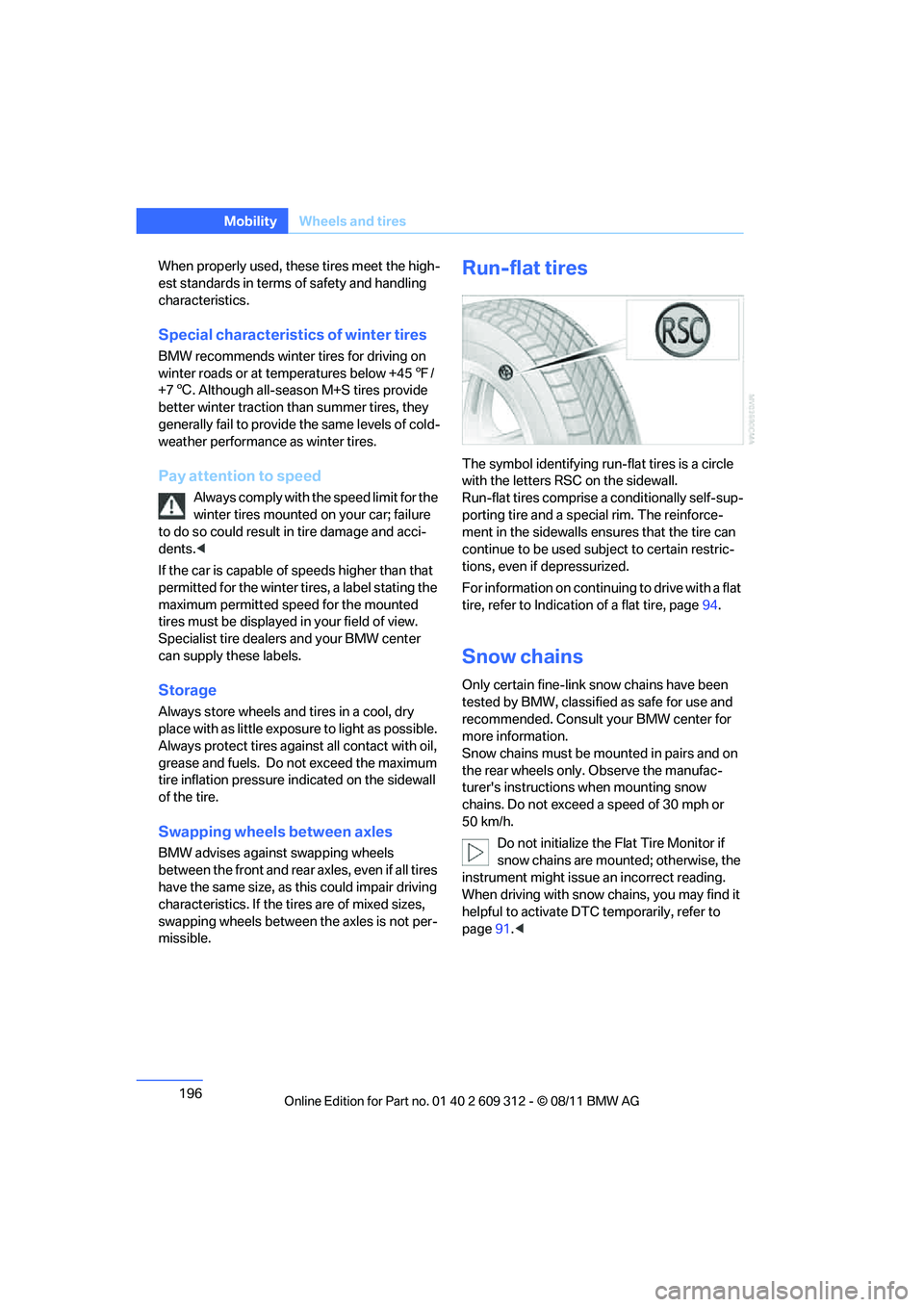
The symbol identifying run- flat tires is a circle
with the letters RSC on the sidewall.
Run-flat tires comprise a conditionally self-sup-
porting tire and a spec ial rim. The reinforce-
ment in the sidewalls en sures that the tire can
continue to be used su bject to certain restric-
tions, even if depressurized.
For information on continuing to drive with a flat
tire, refer to In dication of a flat tire, page 94.
Snow chains
Only certain fine-link snow chains have been
tested by BMW, classified as safe for use and
recommended. Consult your BMW center for
more information.
Snow chains must be mounted in pairs and on
the rear wheels only. Observe the manufac-
turer's instructions when mounting snow
chains. Do not exceed a speed of 30 mph or
50 km/h.
Do not initialize the Fl at Tire Monitor if
snow chains are mounted; otherwise, the
instrument might issue an incorrect reading.
When driving with snow chains, you may find it
helpful to activate DT C temporarily, refer to
page 91.<
Online Edition for Part no. 01 40 2 609 312 - \251 08/11 BMW AG
Page 199 of 255
198
MobilityEngine compartment
Hood
Do not work on the car unless you pos-
sess the necessary technical knowledge.
If you are not familiar with the regulations to be
followed, have the necessary work on the vehi-
cle carried out only by your BMW center; if this
work is not carried out properly, there is a dan-
ger of subsequent dama ge and related safety
hazards. <
Releasing
Pull the lever.
Opening
In order to avoid damage, make sure that
the wiper arms are against the windshield
before you open the hood. Do not open the
engine hood before the engine has cooled
down; otherwise, injuries may result. <
Press the release handle and open the hood.
Closing
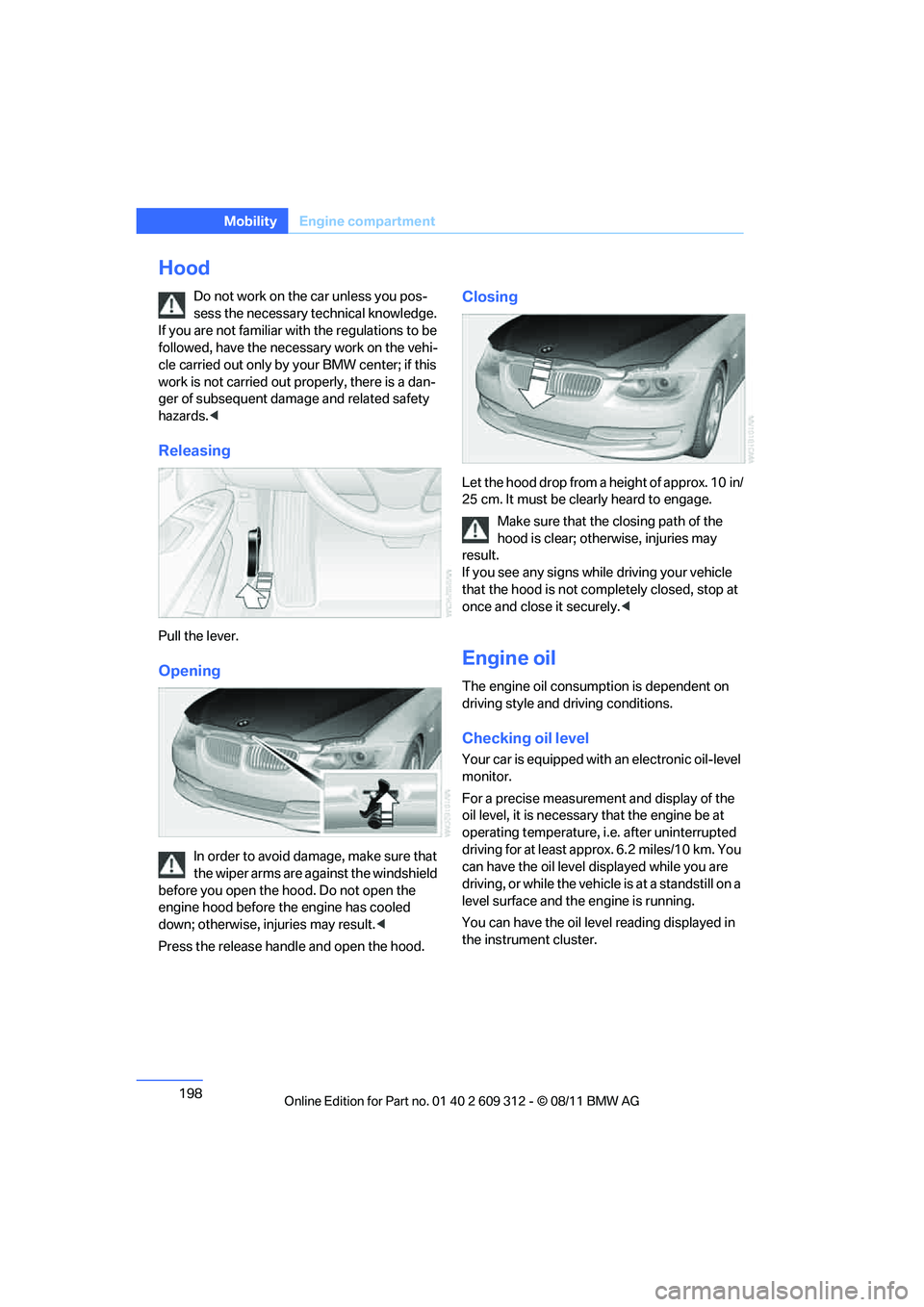
Let the hood drop from a height of approx. 10 in/
25 cm. It must be clearly heard to engage. Make sure that the closing path of the
hood is clear; othe rwise, injuries may
result.
If you see any signs while driving your vehicle
that the hood is not comp letely closed, stop at
once and close it securely. <
Engine oil
The engine oil consumption is dependent on
driving style and driving conditions.
Checking oil level
Your car is equipped with an electronic oil-level
monitor.
For a precise measurement and display of the
oil level, it is necessar y that the engine be at
operating temperature, i.e. after uninterrupted
driving for at least approx. 6.2 miles/10 km. You
can have the oil level displayed while you are
driving, or while the vehicle is at a standstill on a
level surface and the engine is running.
You can have the oil leve l reading displayed in
the instrument cluster.
Online Edition for Part no. 01 40 2 609 312 - \251 08/11 BMW AG