heating BMW M3 COUPE 2006 E46 Owner's Manual
[x] Cancel search | Manufacturer: BMW, Model Year: 2006, Model line: M3 COUPE, Model: BMW M3 COUPE 2006 E46Pages: 170, PDF Size: 2.63 MB
Page 8 of 170
Contents
Notes
About this Owner's Manual4
Additional sources of
information4
Symbols used4
Your individual vehicle5
Status at time of printing5
For your own safety6
Service and warranty7
Reporting safety defects7
Overview
Cockpit14
Instrument cluster16
Indicator and warning lamps18
Buttons* in steering wheel22
Hazard warning triangle*23
First-aid kit*23
Refueling24
Fuel specifications25
Controls and features
Opening and closing:
Keys28
Central locking system28
Opening and closing – via the
remote control29
Opening and closing – via the
door lock32
Opening and closing – from the
inside33
Luggage compartment lid34
Luggage compartment36
Alarm system*37
Electric power windows39
Glass sunroof, electric*40
To adjust:
Safe seating position42
Seats43
Manual seat adjustment43
Power seat adjustment*44
Head restraints45
Entering the rear46
Safety belts46
Seat and mirror memory*48
Seat heating*49
Mirrors50
Steering wheel51
Passenger safety systems:
Airbags52
Transporting children safely55
Vehicle Memory, Key
Memory59
Page 18 of 170
18
Indicator and warning lamps
Technology that monitors itself
Indicator and warning lamps that are
identified by
●
are tested for proper
functioning whenever the ignition key is
turned. They each light up once for dif-
ferent periods of time.
If a fault should occur in one of these
systems, the corresponding lamp does
not go out after the engine is started, or
it lights up while the vehicle is moving.
You will see how to react to this below.
Red: stop immediately
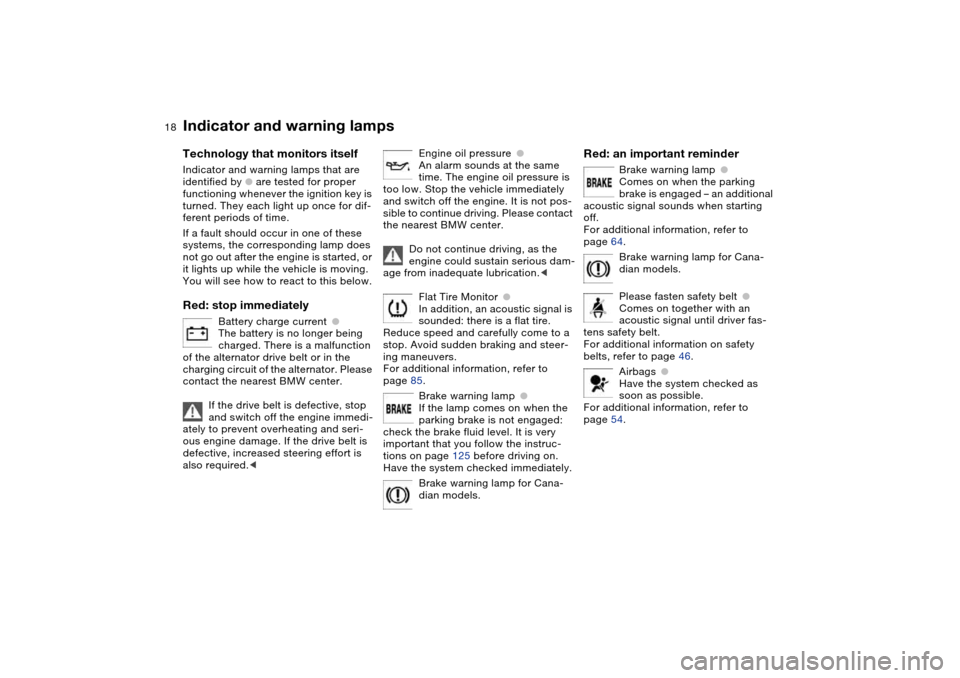
Battery charge current
●
The battery is no longer being
charged. There is a malfunction
of the alternator drive belt or in the
charging circuit of the alternator. Please
contact the nearest BMW center.
If the drive belt is defective, stop
and switch off the engine immedi-
ately to prevent overheating and seri-
ous engine damage. If the drive belt is
defective, increased steering effort is
also required.
<
Engine oil pressure
●
An alarm sounds at the same
time. The engine oil pressure is
too low. Stop the vehicle immediately
and switch off the engine. It is not pos-
sible to continue driving. Please contact
the nearest BMW center.
Do not continue driving, as the
engine could sustain serious dam-
age from inadequate lubrication.
<
Flat Tire Monitor
●
In addition, an acoustic signal is
sounded: there is a flat tire.
Reduce speed and carefully come to a
stop. Avoid sudden braking and steer-
ing maneuvers.
For additional information, refer to
page 85.
Brake warning lamp
●
If the lamp comes on when the
parking brake is not engaged:
check the brake fluid level. It is very
important that you follow the instruc-
tions on page 125 before driving on.
Have the system checked immediately.
Brake warning lamp for Cana-
dian models.
Red: an important reminder
Brake warning lamp
●
Comes on when the parking
brake is engaged – an additional
acoustic signal sounds when starting
off.
For additional information, refer to
page 64.
Brake warning lamp for Cana-
dian models.
Please fasten safety belt
●
Comes on together with an
acoustic signal until driver fas-
tens safety belt.
For additional information on safety
belts, refer to page 46.
Airbags
●
Have the system checked as
soon as possible.
For additional information, refer to
page 54.
Page 49 of 170
49
Passenger-side exterior mirror tilt
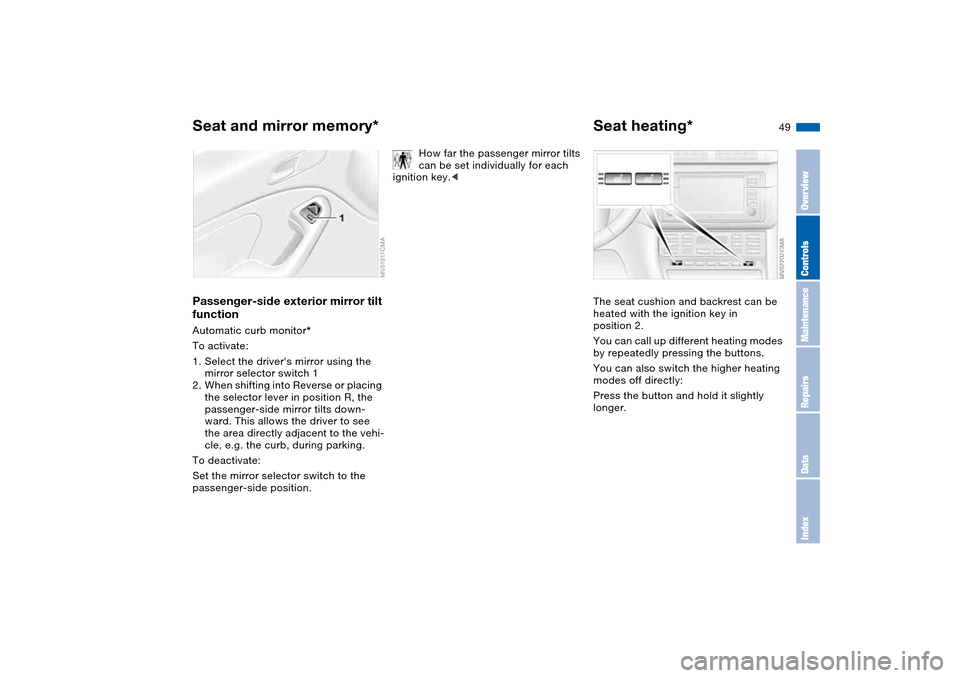
functionAutomatic curb monitor*
To activate:
1. Select the driver's mirror using the
mirror selector switch 1
2. When shifting into Reverse or placing
the selector lever in position R, the
passenger-side mirror tilts down-
ward. This allows the driver to see
the area directly adjacent to the vehi-
cle, e.g. the curb, during parking.
To deactivate:
Set the mirror selector switch to the
passenger-side position.
How far the passenger mirror tilts
can be set individually for each
ignition key.<
Seat heating*The seat cushion and backrest can be
heated with the ignition key in
position 2.
You can call up different heating modes
by repeatedly pressing the buttons.
You can also switch the higher heating
modes off directly:
Press the button and hold it slightly
longer.
Seat and mirror memory*
OverviewControlsMaintenanceRepairsDataIndex
Page 92 of 170
92
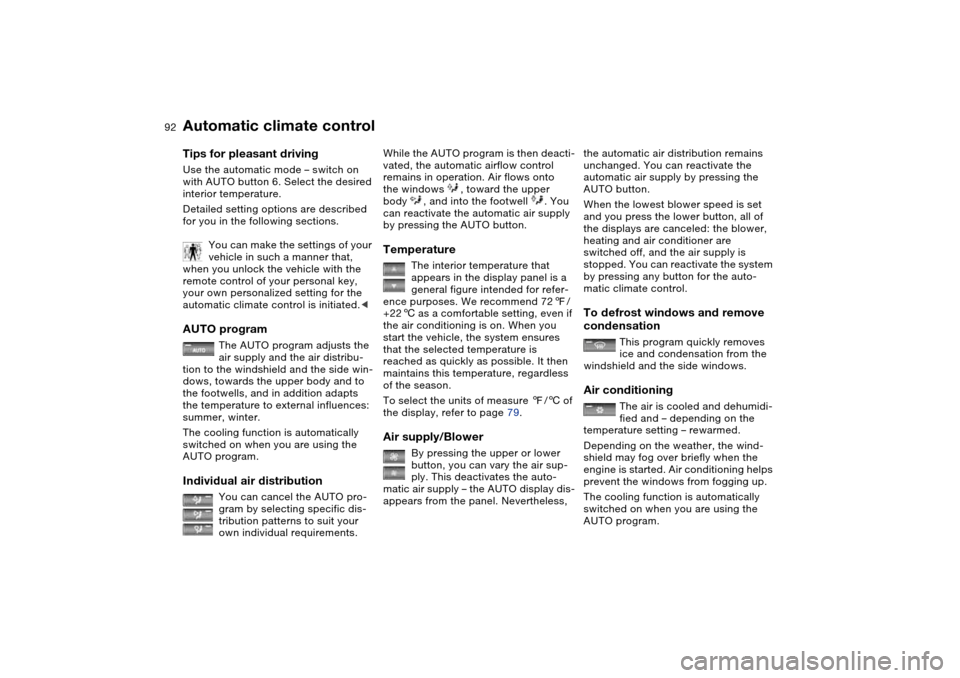
Tips for pleasant drivingUse the automatic mode – switch on
with AUTO button 6. Select the desired
interior temperature.
Detailed setting options are described
for you in the following sections.
You can make the settings of your
vehicle in such a manner that,
when you unlock the vehicle with the
remote control of your personal key,
your own personalized setting for the
automatic climate control is initiated.
air supply and the air distribu-
tion to the windshield and the side win-
dows, towards the upper body and to
the footwells, and in addition adapts
the temperature to external influences:
summer, winter.
The cooling function is automatically
switched on when you are using the
AUTO program.
Individual air distribution
You can cancel the AUTO pro-
gram by selecting specific dis-
tribution patterns to suit your
own individual requirements.
While the AUTO program is then deacti-
vated, the automatic airflow control
remains in operation. Air flows onto
the windows , toward the upper
body , and into the footwell . You
can reactivate the automatic air supply
by pressing the AUTO button.Temperature
The interior temperature that
appears in the display panel is a
general figure intended for refer-
ence purposes. We recommend 727/
+226 as a comfortable setting, even if
the air conditioning is on. When you
start the vehicle, the system ensures
that the selected temperature is
reached as quickly as possible. It then
maintains this temperature, regardless
of the season.
To select the units of measure 7/6 of
the display, refer to page 79.
Air supply/Blower
By pressing the upper or lower
button, you can vary the air sup-
ply. This deactivates the auto-
matic air supply – the AUTO display dis-
appears from the panel. Nevertheless,
the automatic air distribution remains
unchanged. You can reactivate the
automatic air supply by pressing the
AUTO button.
When the lowest blower speed is set
and you press the lower button, all of
the displays are canceled: the blower,
heating and air conditioner are
switched off, and the air supply is
stopped. You can reactivate the system
by pressing any button for the auto-
matic climate control.To defrost windows and remove
condensation
This program quickly removes
ice and condensation from the
windshield and the side windows.
Air conditioning
The air is cooled and dehumidi-
fied and – depending on the
temperature setting – rewarmed.
Depending on the weather, the wind-
shield may fog over briefly when the
engine is started. Air conditioning helps
prevent the windows from fogging up.
The cooling function is automatically
switched on when you are using the
AUTO program.
Automatic climate control
Page 102 of 170
102
Cargo loading
Avoid overloading the vehicle so
that the permitted load on the tires
is not exceeded. Overloading can lead
to overheating and internal tire damage.
This can result in a sudden loss of tire
inflation pressure.<
Determining the maximum load1. Locate the following statement on
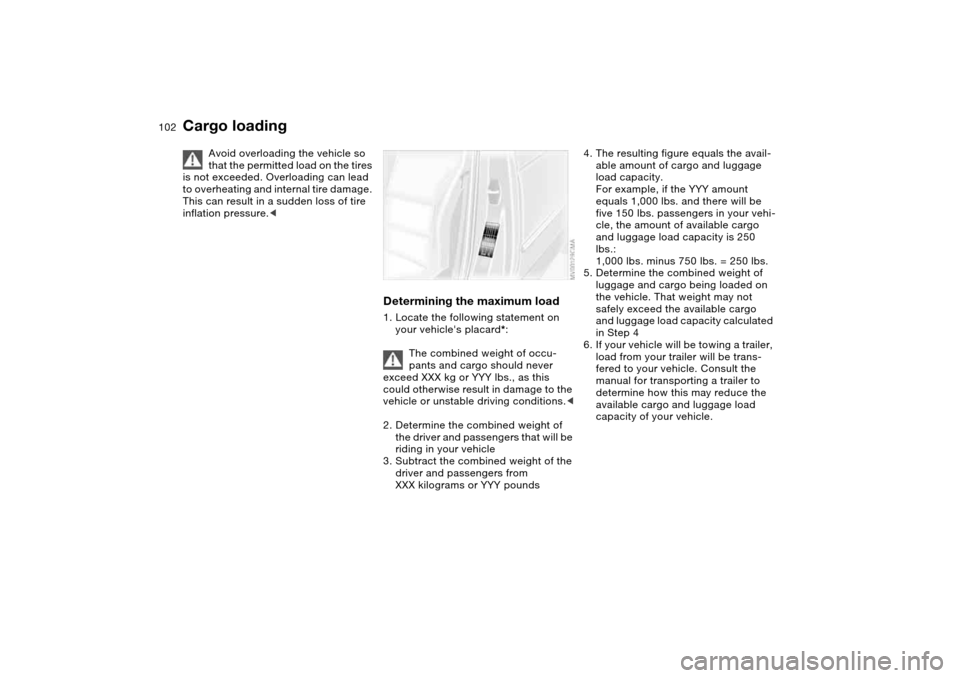
your vehicle's placard*:
The combined weight of occu-
pants and cargo should never
exceed XXX kg or YYY lbs., as this
could otherwise result in damage to the
vehicle or unstable driving conditions.<
2. Determine the combined weight of
the driver and passengers that will be
riding in your vehicle
3. Subtract the combined weight of the
driver and passengers from
XXX kilograms or YYY pounds
4. The resulting figure equals the avail-
able amount of cargo and luggage
load capacity.
For example, if the YYY amount
equals 1,000 lbs. and there will be
five 150 lbs. passengers in your vehi-
cle, the amount of available cargo
and luggage load capacity is 250
lbs.:
1,000 lbs. minus 750 lbs. = 250 lbs.
5. Determine the combined weight of
luggage and cargo being loaded on
the vehicle. That weight may not
safely exceed the available cargo
and luggage load capacity calculated
in Step 4
6. If your vehicle will be towing a trailer,
load from your trailer will be trans-
fered to your vehicle. Consult the
manual for transporting a trailer to
determine how this may reduce the
available cargo and luggage load
capacity of your vehicle.
Page 110 of 170
110
Inclines:
To prevent overheating and, as a
result, diminished braking effec-
tiveness, drive down long or steep
downhill grades in a gear which
requires the least braking. Otherwise,
even light but consistent pedal pres-
sure can lead to high temperatures,
brake wear and possibly even brake
failure.<
The braking power of the engine can be
further enhanced by downshifting the
automatic transmission in manual
mode, if necessary, into first gear. This
helps avoid placing excessive loads on
the brake system.
Do not coast with the clutch
depressed or with the transmis-
sion or selector lever in Neutral. Do not
coast with the engine switched off. Oth-
erwise, the engine provides no braking
effect while the transmission is in idling
position, and there is no power-assist
for braking or steering when the engine
is off.
Floor mats, floor carpets or other
objects must not be in the area near the
brake or accelerator pedal, as this
could impair the movement of the ped-
als.<
Corrosion on the brake rotorsLimited vehicle use, extended periods
with the vehicle parked or in storage,
and operating conditions in which brak-
ing is restricted to gentle, low-pressure
applications will all increase the ten-
dency for corrosion to form on the
rotors and contamination to accumulate
on the brake pads. This occurs because
the minimal pressure which must be
exerted by the pads to clean the rotors
by brake applications is not reached.
Corrosion on brake rotors is signaled by
a pulsation during initial braking that
usually does not disappear even after
extended subsequent braking.
Brake pads
For your own safety: use only
brake pads which BMW has
approved for your specific vehicle
model. BMW cannot evaluate non-
approved brake pads to determine if
they are suitable for use, and therefore
cannot ensure the operating safety of
the vehicle if they are installed.<
Portable phone in the vehicle
BMW advises against using
mobile equipment, e.g. cellular
phones, inside the vehicle without con-
necting them directly to an outside
antenna. Otherwise, it cannot be ruled
out that vehicle electronics and the
mobile equipment interfere with one
another. In addition, it is not ensured
that the radio waves emitted during
transmission are directed outside of the
vehicle interior.<
General driving notes
Page 160 of 170
Everything from A to ZGearbox
manual transmission 65
Gearbox malfunction
sequential M gearbox with
Drivelogic 70
Gearbox, sequential 66
Gearshift lever
manual transmission 65
sequential M gearbox with
Drivelogic 66
General driving notes 109
Glass sunroof
closing following an elec-
trical malfunction 41
convenience operation
30, 32
remote control 29, 30
Glass sunroof, electric 40
Glove compartment 95
Gradient assistance 69
Grills, refer to Ventilation 90
Gross weight, refer to
Weights 152
H
Handbrake, refer to Parking
brake 64
Hands-free system 97
Harman Kardon premium
sound system 95
Hazard warning flashers 14
Hazard warning triangle 23Head airbags 52
Head restraints 45
Headlamp cleaning system
cleaning headlamps 73
washer fluid 122, 153
Headlamp control 87
Headlamp flasher 88
indicator lamp 21
Headlamps
bulb replacement 133
care, refer to the Caring
for your vehicle brochure
Heated mirror 50
Heated rear window
automatic climate
control 93
Heated seats 49
Heating
exterior mirrors 50
rear window 93
seats 49
Heating and ventilation 90
Heavy loads, refer to Cargo
loading 103
Height adjustment
seats 44
steering wheel 51
Height, refer to
Dimensions 151High beams 71, 88
bulb replacement 133
headlamp flasher 88
indicator lamp 21
Holder for
beverages 96, 97
litter bag 97
Hood release 119
Horn 14
Hydraulic brake assistant,
refer to DBC 111
Hydroplaning 109
I
Ice warning 79
Ignition 61
Ignition key 28
positions 61
Ignition lock 61
Imprint 4
Indicator lamps 18Indicator/warning lamp
airbags 18
alarm system 38
brakes 18, 19
Check Gas Cap 19
coolant 19, 76
DSC 19
Flat Tire Monitor
18, 19, 85
fog lamps 20
Please fasten safety
belts 18
reserve 76
Service Engine Soon 19
Individual air distribution 92
Individual settings, refer to
Vehicle Memory, Key
Memory 59
Inflation pressure monitor-
ing, refer to Flat Tire Moni-
tor 83
Inflation pressure, tires 112
INSPECTION 77
Instrument cluster 16
Instrument lighting 88
Instrument panel 14
Interface socket for onboard
diagnostics (OBD) 128
event data recorders 128
Interior lamps 89
remote control 30
Page 163 of 170
Everything from A to Z
163
Power socket, cigarette
lighter 98
Pressure monitoring, tires
Flat Tire Monitor 83
Pressure, tires 112
inflating with M Mobility
system 139
Proposition 65 warning 6
Puncture
M Mobility system 137
R
Radio remote control key,
refer to Master key with
remote control 28
Radio, refer to the Owner's
Manual for Radio
Rain sensor 72
Range 80
Reading lamps
front 89
rear 89
Rear armrest, refer to Rear
center armrest 97
Rear backrest, folding 100
Rear center 3-point safety
belt 100
Rear lamps
bulb replacement 135
indicator lamp, defective
lamp 77Rear window heating
automatic climate
control 93
Rear-entry assist 46
Rearview mirror 50
Receiving assistance 142
Recirculated-air mode
automatic climate
control 93
Recirculating the air, refer to
Recirculated-air mode 93
Reclining seat, refer to Seat
adjustment 44
Refueling 24
fuel filler door 24
Releasing
hood 119
Remaining distance to ser-
vice 77
Remaining distance, refer to
Range 80
Remote control 29
luggage compartment
lid 30
malfunction 30
Replacing lamps, refer to
Lamps and bulbs 133
Reporting safety defects 7
Restraint systems
for children 55
Restraint systems, refer to
Safety belts 46Reverse gear
manual transmission 65
Roof load capacity 152
Roof-mounted luggage
rack 105
Rope, refer to Towing
and tow-starting the vehi-
cle 145
S
Safe seating position 42
airbags 42
safety belt 42
Safety belt
safe seating position 42
Safety belt height adjust-
ment 47
Safety belts 46
height adjustment 47
warning lamp 18
Safety feature
glass sunroof 40
power windows 39
Safety systems, refer to
Antilock Brake
System 111
Dynamic Stability Control
(DSC) 82
Screwdriver, refer to
Onboard tool kit 132Seat adjustment
backrest width adjust-
ment 45
BMW sports seat 44
height 43
lumbar support 44
manual 43
power 44
Seat belt tensioner, refer to
Safety belts 46
Seat heating 49
Seat memory, refer to Seat
and mirror memory 48
Seat positions, storing 48
Seats 43
Securing cargo 104
Securing child-restraint sys-
tem 57
Securing the vehicle
from inside 33
from outside 29, 32
Selector lever
sequential M gearbox with
Drivelogic 66
Selector lever positions
sequential M gearbox with
Drivelogic 66
Sequential M gearbox with
Drivelogic 66
indicator lamp 19, 70
tow-starting 146
OverviewControlsMaintenanceRepairsDataIndex