lights BMW M3 SEDAN 2009 E90 Owner's Guide
[x] Cancel search | Manufacturer: BMW, Model Year: 2009, Model line: M3 SEDAN, Model: BMW M3 SEDAN 2009 E90Pages: 246, PDF Size: 11.68 MB
Page 95 of 246
Controls
93Reference
At a glance
Driving tips
Communications
Navigation
Entertainment
Mobility
The air emerges from the air vents for the upper
body area in the instrument panel. The air vents
must therefore be open.
The parked car ventilation system is operated
via iDrive.
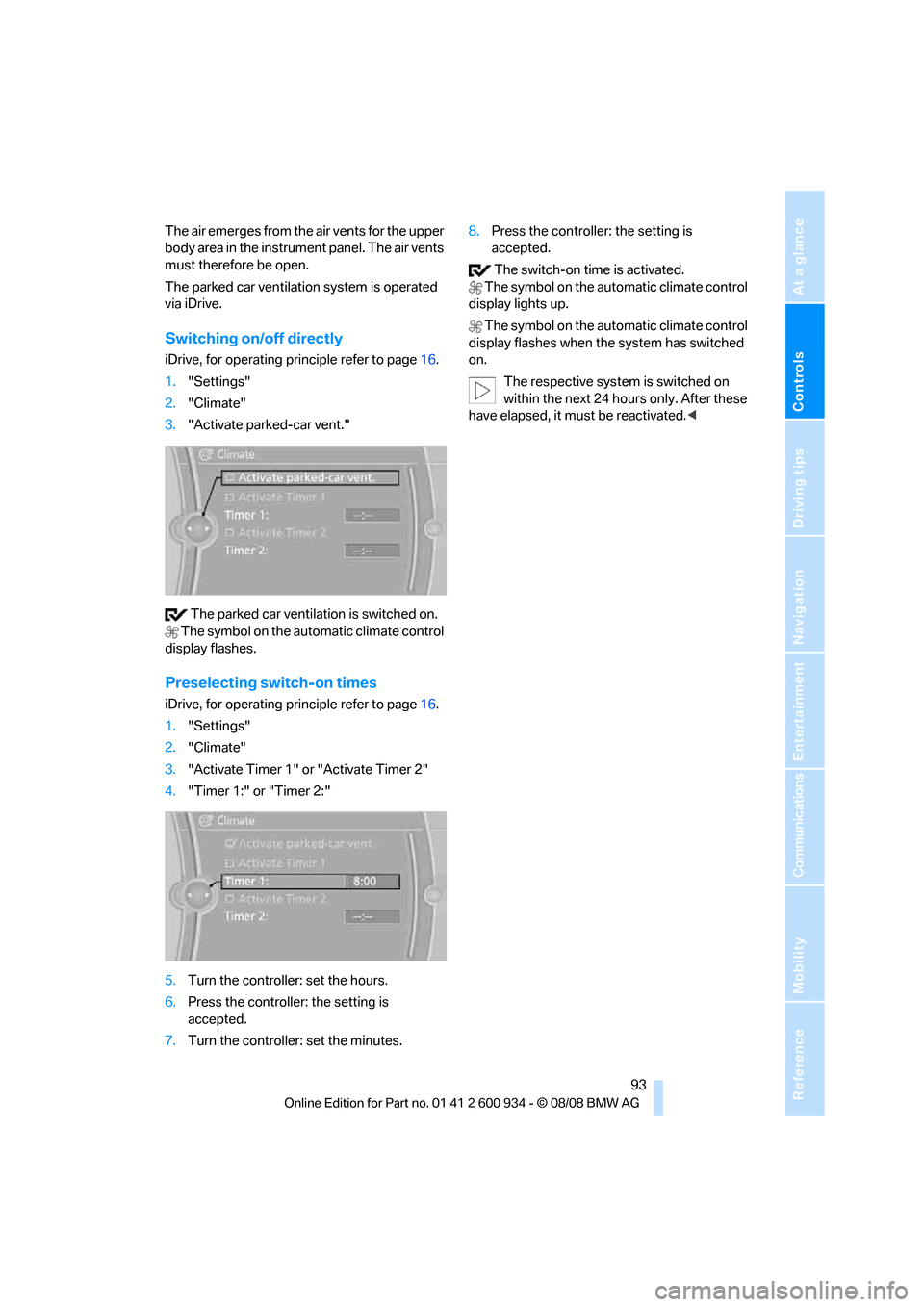
Switching on/off directly
iDrive, for operating principle refer to page16.
1."Settings"
2."Climate"
3."Activate parked-car vent."
The parked car ventilation is switched on.
The symbol on the automatic climate control
display flashes.
Preselecting switch-on times
iDrive, for operating principle refer to page16.
1."Settings"
2."Climate"
3."Activate Timer 1" or "Activate Timer 2"
4."Timer 1:" or "Timer 2:"
5.Turn the controller: set the hours.
6.Press the controller: the setting is
accepted.
7.Turn the controller: set the minutes.8.Press the controller: the setting is
accepted.
The switch-on time is activated.
The symbol on the automatic climate control
display lights up.
The symbol on the automatic climate control
display flashes when the system has switched
on.
The respective system is switched on
within the next 24 hours only. After these
have elapsed, it must be reactivated.<
ba8_E90M3_cic.book Seite 93 Dienstag, 19. August 2008 11:51 11
Page 200 of 246
Maintenance
198
Socket for On-Board
Diagnosis OBD
Primary components that make up exhaust
emissions can be checked by a device via the
OBD socket.
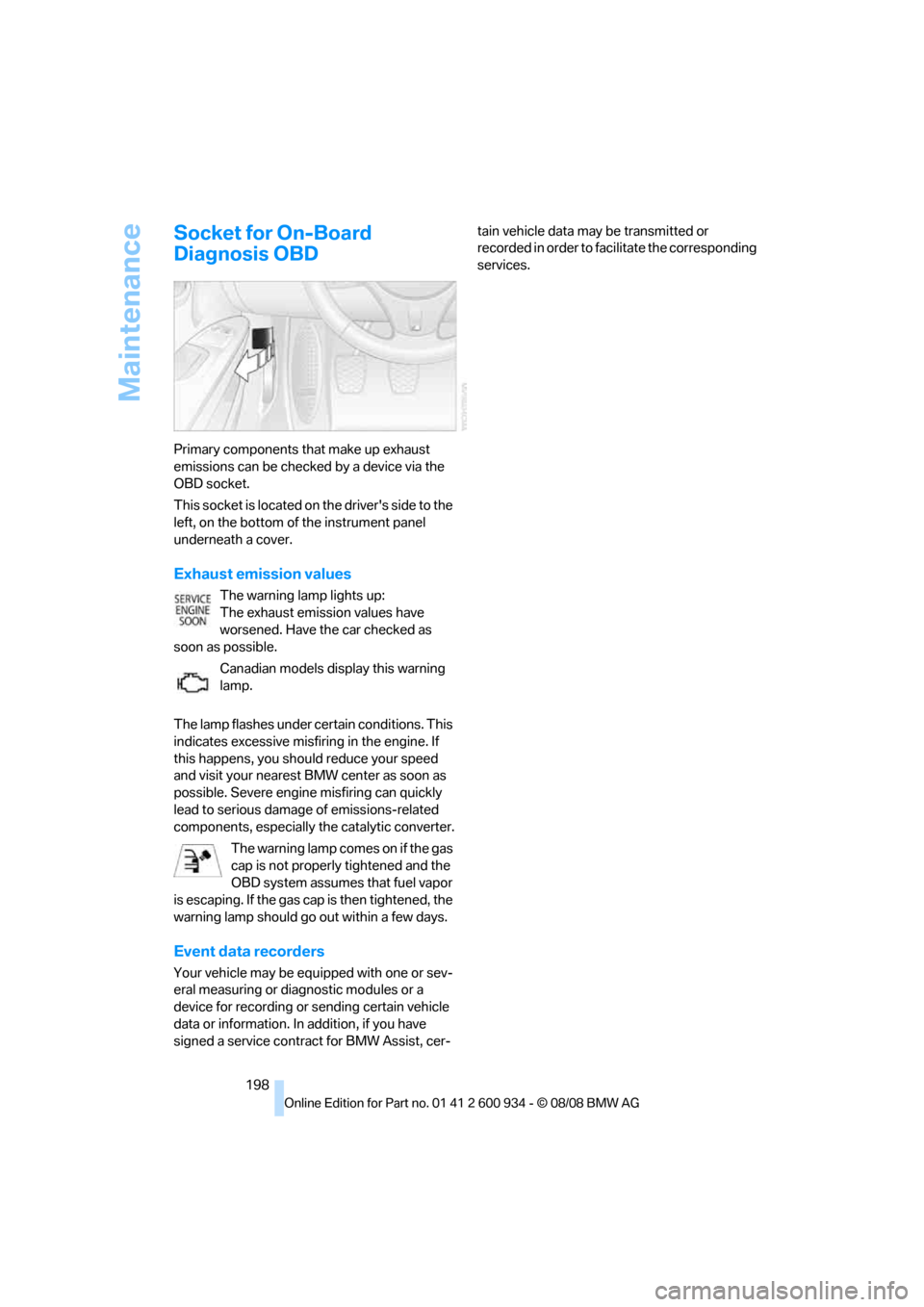
This socket is located on the driver's side to the
left, on the bottom of the instrument panel
underneath a cover.
Exhaust emission values
The warning lamp lights up:
The exhaust emission values have
worsened. Have the car checked as
soon as possible.
Canadian models display this warning
lamp.
The lamp flashes under certain conditions. This
indicates excessive misfiring in the engine. If
this happens, you should reduce your speed
and visit your nearest BMW center as soon as
possible. Severe engine misfiring can quickly
lead to serious damage of emissions-related
components, especially the catalytic converter.
The warning lamp comes on if the gas
cap is not properly tightened and the
OBD system assumes that fuel vapor
is escaping. If the gas cap is then tightened, the
warning lamp should go out within a few days.
Event data recorders
Your vehicle may be equipped with one or sev-
eral measuring or diagnostic modules or a
device for recording or sending certain vehicle
data or information. In addition, if you have
signed a service contract for BMW Assist, cer-tain vehicle data may be transmitted or
recorded in order to facilitate the corresponding
services.
ba8_E90M3_cic.book Seite 198 Dienstag, 19. August 2008 11:51 11
Page 212 of 246
Giving and receiving assistance
210
Giving and receiving assistance
Emergency Request*
Conditions for an Emergency Request:
>Equipment version with Full preparation
package mobile phone. This equipment
makes it possible to send an Emergency
Request even if no mobile phone is paired
with the vehicle.
>BMW Assist is activated. Activating
BMW Assist, refer to page176.
>Radio readiness is on.
>The BMW Assist system is logged on to a
wireless network.
>The Emergency Request system is opera-
ble.
Once your service contract for BMW Assist
expires, the BMW Assist system can be deacti-
vated by a BMW center without you having to
visit a workshop. Once the BMW Assist system
has been deactivated, Emergency Requests
are not possible. The BMW Assist system can
be reactivated by a BMW center after a new
contract has been signed.
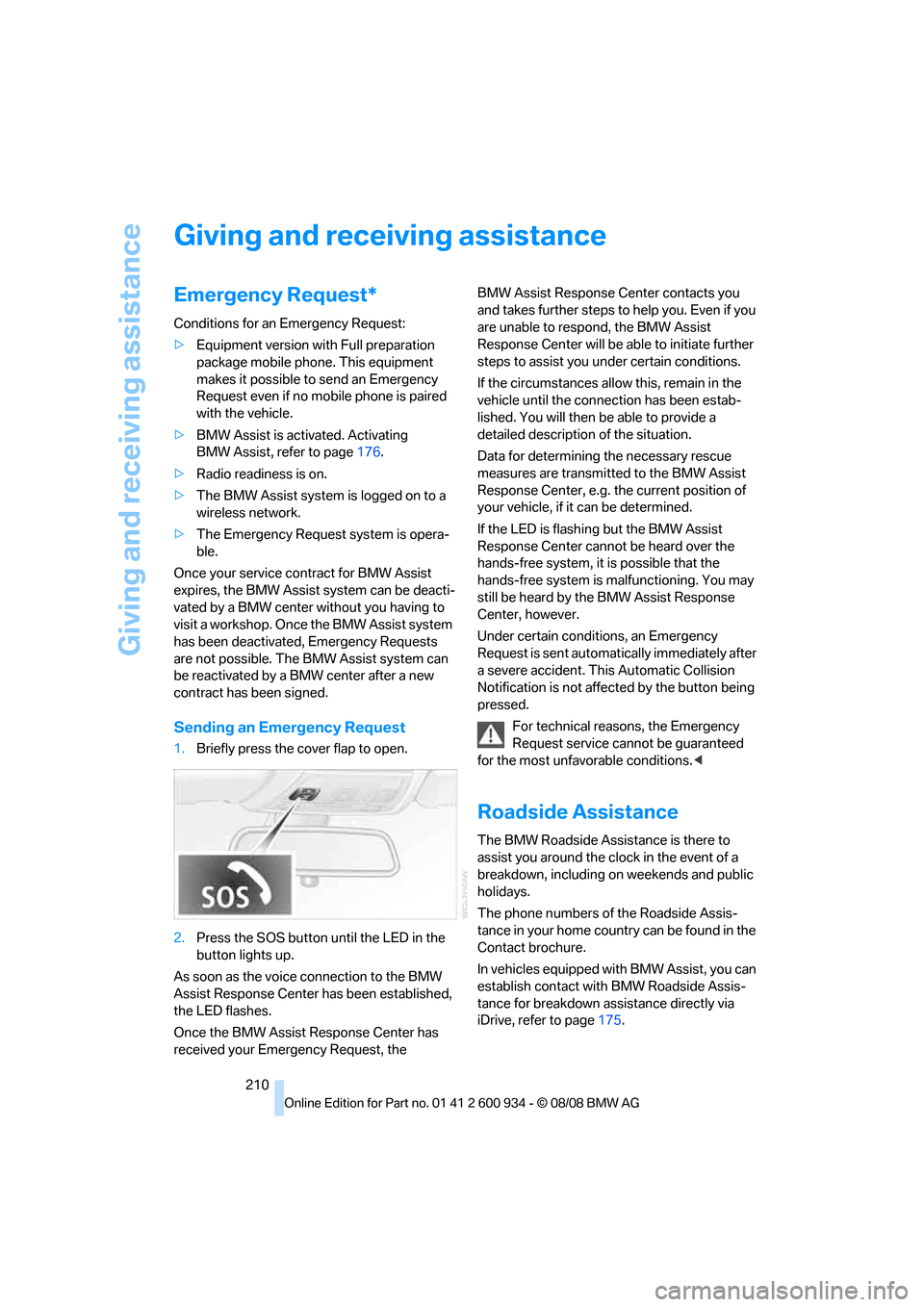
Sending an Emergency Request
1.Briefly press the cover flap to open.
2.Press the SOS button until the LED in the
button lights up.
As soon as the voice connection to the BMW
Assist Response Center has been established,
the LED flashes.
Once the BMW Assist Response Center has
received your Emergency Request, the BMW Assist Response Center contacts you
and takes further steps to help you. Even if you
are unable to respond, the BMW Assist
Response Center will be able to initiate further
steps to assist you under certain conditions.
If the circumstances allow this, remain in the
vehicle until the connection has been estab-
lished. You will then be able to provide a
detailed description of the situation.
Data for determining the necessary rescue
measures are transmitted to the BMW Assist
Response Center, e.g. the current position of
your vehicle, if it can be determined.
If the LED is flashing but the BMW Assist
Response Center cannot be heard over the
hands-free system, it is possible that the
hands-free system is malfunctioning. You may
still be heard by the BMW Assist Response
Center, however.
Under certain conditions, an Emergency
Request is sent automatically immediately after
a severe accident. This Automatic Collision
Notification is not affected by the button being
pressed.
For technical reasons, the Emergency
Request service cannot be guaranteed
for the most unfavorable conditions.<
Roadside Assistance
The BMW Roadside Assistance is there to
assist you around the clock in the event of a
breakdown, including on weekends and public
holidays.
The phone numbers of the Roadside Assis-
tance in your home country can be found in the
Contact brochure.
In vehicles equipped with BMW Assist, you can
establish contact with BMW Roadside Assis-
tance for breakdown assistance directly via
iDrive, refer to page175.
ba8_E90M3_cic.book Seite 210 Dienstag, 19. August 2008 11:51 11
Page 231 of 246
Reference 229
At a glance
Controls
Driving tips
Communications
Navigation
Entertainment
Mobility
B
Backrest contour, refer to
Lumbar support38
Backrests, refer to Seat
adjustment38
Backrest width adjustment39
Back seats
– refer to Rear seats39
Backup lamps
– replacing bulb205,206
Backup lamps, refer to Tail
lamps205
Band-aids, refer to First-aid
pouch211
Bar, refer to Towing
methods213
Base plate for telephone or
mobile phone
– refer to Snap-in adapter171
– refer to Snap-in adapter in
the center armrest storage
compartment98
Bass, tone setting136
Battery208
– charging208
– disposal34,208
– jump starting211
– remote control26
– temporary power failure209
Battery for mobile phone171
Battery renewal
– remote control34
– remote control for vehicle34
Being towed212
Belts, refer to Safety belts41
Belt tensioner, refer to Safety
belts41
Beverage holders, refer to
Cup holders99
Blower, refer to Air flow
rate91
Bluetooth, activating/
deactivating164
Bluetooth, refer to separate
Owner's Manual
BMW
– car shampoo201
BMW Assist, activating176BMW Assist175
BMW center180
BMW Homepage4
BMW Maintenance
System197
BMW Search176
BMW webpage4
Bottle holders, refer to Cup
holders99
Brake assist76
Brake fluid, refer to Service
requirements66
Brake force display82
Brake lamps
– replacing bulb205,206
Brake lights
– brake force display82
Brake pads106
– breaking in106
Brake rotors107
– brakes106
– breaking in106
Brakes
– ABS76
– BMW Maintenance
System197
– brake force display82
– breaking in106
– parking brake51
– service requirements66
Brakes, refer to Braking
safely107
Brake system106
– BMW Maintenance
System197
– breaking in106
– disc brakes107
Breakdown services, refer to
Roadside Assistance210
Breaking in the clutch106
Breaking in the differential,
refer to Engine and
differential106
Break-in period106
Brightness of the Control
Display73
Bulb changing, refer to Lamps
and bulbs203Button for starting the engine,
refer to Start/stop button49
Buttons on the steering
wheel11
C
California Proposition 65
warning6
Call
– accepting165
– ending166
– rejecting166
Calling, refer to Phone
numbers, dialing166
Can holders, refer to Cup
holders99
Capacities220
Capacity of the cargo bay220
Car battery, refer to Vehicle
battery208
Car care, refer to Care199
Care199
– automatic car washes199
– care products199
– carpets201
– CD/DVD drives201
– chrome parts200
– displays201
– exterior199
– fine wood parts201
– headlamps200
– high-pressure washer199
– interior201
– leather201
– light-alloy wheels200
– paintwork200
– plastic parts201
– rubber seals200
– safety belts201
– sensors and cameras201
– upholstery and cloth
trim201
– washing the car
manually200
– windows200
– wiper blades200
Cargo, securing109
ba8_E90M3_cic.book Seite 229 Dienstag, 19. August 2008 11:51 11
Page 237 of 246
Reference 235
At a glance
Controls
Driving tips
Communications
Navigation
Entertainment
Mobility
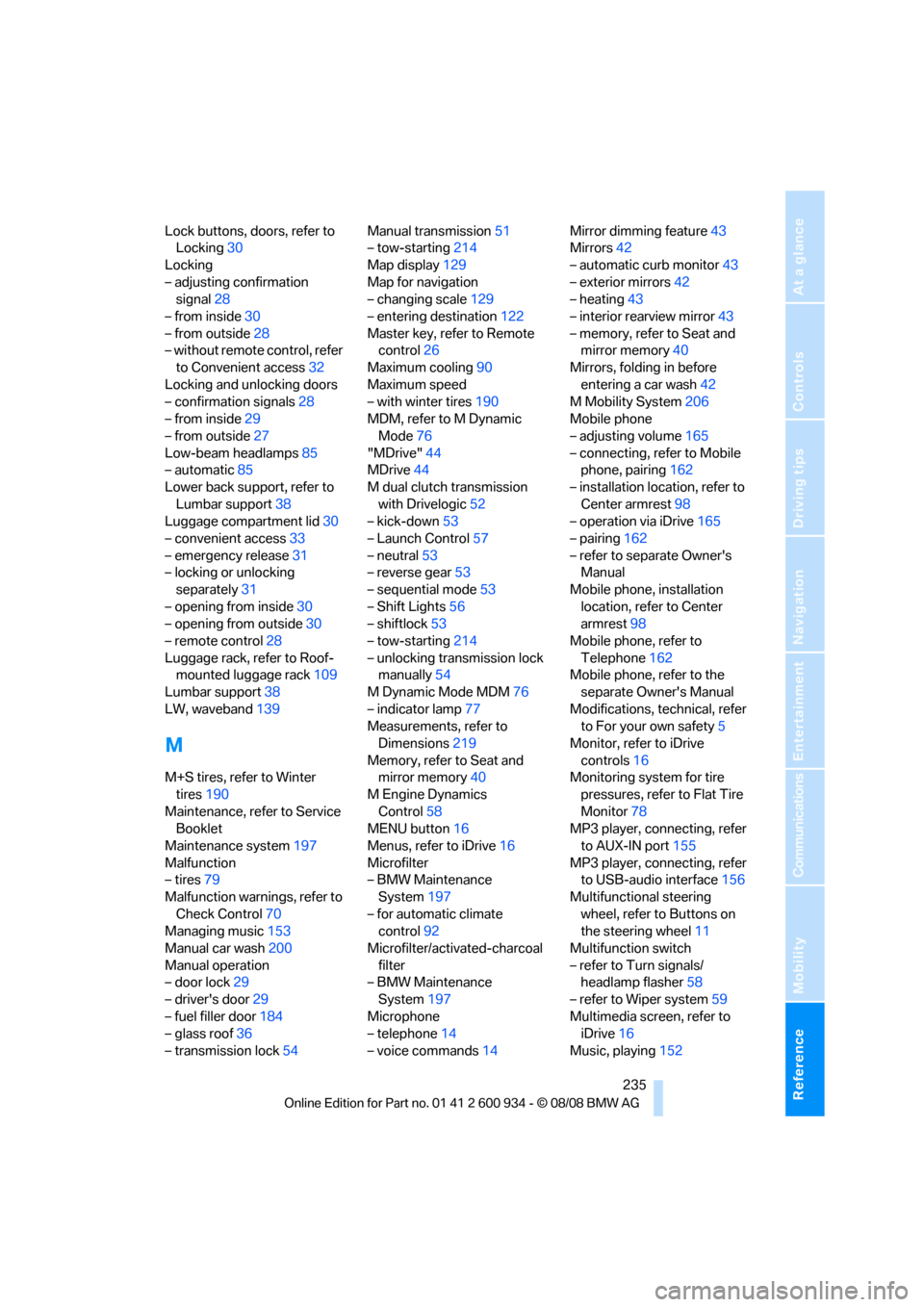
Lock buttons, doors, refer to
Locking30
Locking
– adjusting confirmation
signal28
– from inside30
– from outside28
– without remote control, refer
to Convenient access32
Locking and unlocking doors
– confirmation signals28
– from inside29
– from outside27
Low-beam headlamps85
– automatic85
Lower back support, refer to
Lumbar support38
Luggage compartment lid30
– convenient access33
– emergency release31
– locking or unlocking
separately31
– opening from inside30
– opening from outside30
– remote control28
Luggage rack, refer to Roof-
mounted luggage rack109
Lumbar support38
LW, waveband139
M
M+S tires, refer to Winter
tires190
Maintenance, refer to Service
Booklet
Maintenance system197
Malfunction
– tires79
Malfunction warnings, refer to
Check Control70
Managing music153
Manual car wash200
Manual operation
– door lock29
– driver's door29
– fuel filler door184
– glass roof36
– transmission lock54Manual transmission51
– tow-starting214
Map display129
Map for navigation
– changing scale129
– entering destination122
Master key, refer to Remote
control26
Maximum cooling90
Maximum speed
– with winter tires190
MDM, refer to M Dynamic
Mode76
"MDrive"44
MDrive44
M dual clutch transmission
with Drivelogic52
– kick-down53
– Launch Control57
– neutral53
– reverse gear53
– sequential mode53
– Shift Lights56
– shiftlock53
– tow-starting214
– unlocking transmission lock
manually54
M Dynamic Mode MDM76
– indicator lamp77
Measurements, refer to
Dimensions219
Memory, refer to Seat and
mirror memory40
M Engine Dynamics
Control58
MENU button16
Menus, refer to iDrive16
Microfilter
– BMW Maintenance
System197
– for automatic climate
control92
Microfilter/activated-charcoal
filter
– BMW Maintenance
System197
Microphone
– telephone14
– voice commands14Mirror dimming feature43
Mirrors42
– automatic curb monitor43
– exterior mirrors42
– heating43
– interior rearview mirror43
– memory, refer to Seat and
mirror memory40
Mirrors, folding in before
entering a car wash42
M Mobility System206
Mobile phone
– adjusting volume165
– connecting, refer to Mobile
phone, pairing162
– installation location, refer to
Center armrest98
– operation via iDrive165
– pairing162
– refer to separate Owner's
Manual
Mobile phone, installation
location, refer to Center
armrest98
Mobile phone, refer to
Telephone162
Mobile phone, refer to the
separate Owner's Manual
Modifications, technical, refer
to For your own safety5
Monitor, refer to iDrive
controls16
Monitoring system for tire
pressures, refer to Flat Tire
Monitor78
MP3 player, connecting, refer
to AUX-IN port155
MP3 player, connecting, refer
to USB-audio interface156
Multifunctional steering
wheel, refer to Buttons on
the steering wheel11
Multifunction switch
– refer to Turn signals/
headlamp flasher58
– refer to Wiper system59
Multimedia screen, refer to
iDrive16
Music, playing152
ba8_E90M3_cic.book Seite 235 Dienstag, 19. August 2008 11:51 11
Page 240 of 246
Everything from A - Z
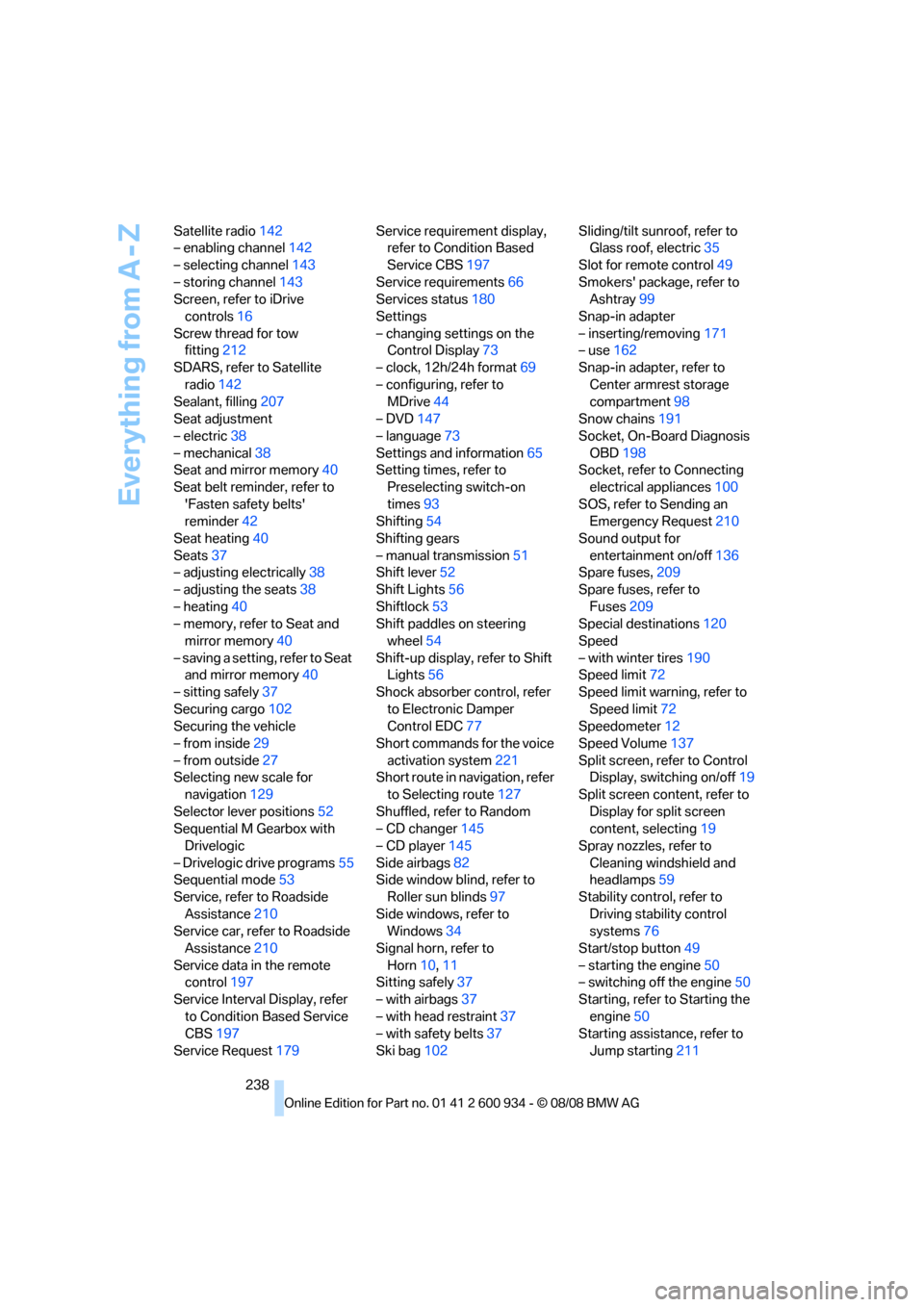
238 Satellite radio142
– enabling channel142
– selecting channel143
– storing channel143
Screen, refer to iDrive
controls16
Screw thread for tow
fitting212
SDARS, refer to Satellite
radio142
Sealant, filling207
Seat adjustment
– electric38
– mechanical38
Seat and mirror memory40
Seat belt reminder, refer to
'Fasten safety belts'
reminder42
Seat heating40
Seats37
– adjusting electrically38
– adjusting the seats38
– heating40
– memory, refer to Seat and
mirror memory40
– saving a setting, refer to Seat
and mirror memory40
– sitting safely37
Securing cargo102
Securing the vehicle
– from inside29
– from outside27
Selecting new scale for
navigation129
Selector lever positions52
Sequential M Gearbox with
Drivelogic
– Drivelogic drive programs55
Sequential mode53
Service, refer to Roadside
Assistance210
Service car, refer to Roadside
Assistance210
Service data in the remote
control197
Service Interval Display, refer
to Condition Based Service
CBS197
Service Request179Service requirement display,
refer to Condition Based
Service CBS197
Service requirements66
Services status180
Settings
– changing settings on the
Control Display73
– clock, 12h/24h format69
– configuring, refer to
MDrive44
– DVD
147
– language73
Settings and information65
Setting times, refer to
Preselecting switch-on
times93
Shifting54
Shifting gears
– manual transmission51
Shift lever52
Shift Lights56
Shiftlock53
Shift paddles on steering
wheel54
Shift-up display, refer to Shift
Lights56
Shock absorber control, refer
to Electronic Damper
Control EDC77
Short commands for the voice
activation system221
Short route in navigation, refer
to Selecting route127
Shuffled, refer to Random
– CD changer145
– CD player145
Side airbags82
Side window blind, refer to
Roller sun blinds97
Side windows, refer to
Windows34
Signal horn, refer to
Horn10,11
Sitting safely37
– with airbags37
– with head restraint37
– with safety belts37
Ski bag102Sliding/tilt sunroof, refer to
Glass roof, electric35
Slot for remote control49
Smokers' package, refer to
Ashtray99
Snap-in adapter
– inserting/removing171
– use162
Snap-in adapter, refer to
Center armrest storage
compartment98
Snow chains191
Socket, On-Board Diagnosis
OBD198
Socket, refer to Connecting
electrical appliances100
SOS, refer to Sending an
Emergency Request210
Sound output for
entertainment on/off136
Spare fuses,209
Spare fuses, refer to
Fuses209
Special destinations120
Speed
– with winter tires190
Speed limit72
Speed limit warning, refer to
Speed limit72
Speedometer12
Speed Volume137
Split screen, refer to Control
Display, switching on/off19
Split screen content, refer to
Display for split screen
content, selecting19
Spray nozzles, refer to
Cleaning windshield and
headlamps59
Stability control, refer to
Driving stability control
systems76
Start/stop button49
– starting the engine50
– switching off the engine50
Starting, refer to Starting the
engine50
Starting assistance, refer to
Jump starting211
ba8_E90M3_cic.book Seite 238 Dienstag, 19. August 2008 11:51 11
Page 242 of 246
Everything from A - Z
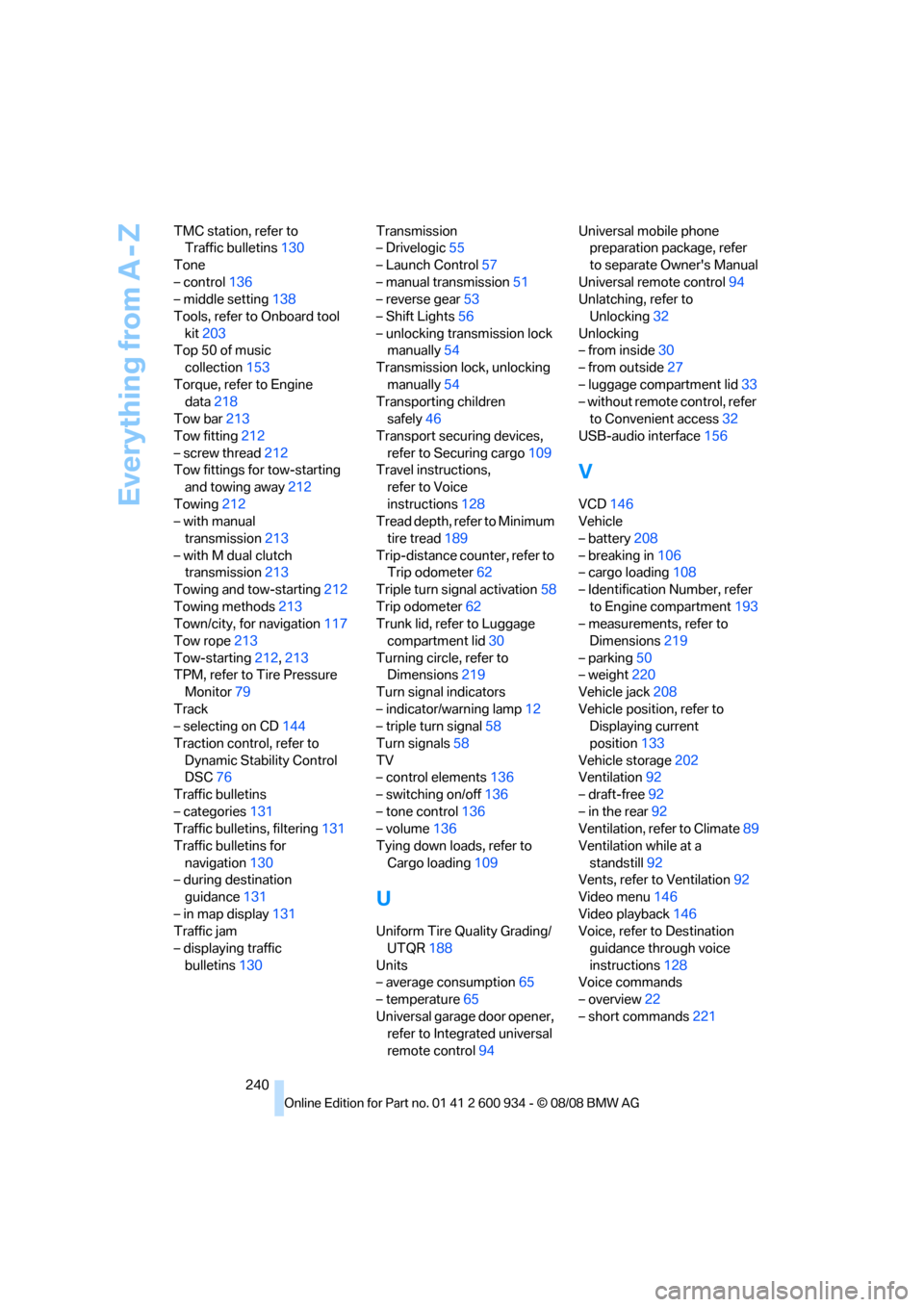
240 TMC station, refer to
Traffic bulletins130
Tone
– control136
– middle setting138
Tools, refer to Onboard tool
kit203
Top 50 of music
collection153
Torque, refer to Engine
data218
Tow bar213
Tow fitting212
– screw thread212
Tow fittings for tow-starting
and towing away212
Towing212
– with manual
transmission213
– with M dual clutch
transmission213
Towing and tow-starting212
Towing methods213
Town/city, for navigation117
Tow rope213
Tow-starting212,213
TPM, refer to Tire Pressure
Monitor79
Track
– selecting on CD144
Traction control, refer to
Dynamic Stability Control
DSC76
Traffic bulletins
– categories131
Traffic bulletins, filtering131
Traffic bulletins for
navigation130
– during destination
guidance131
– in map display131
Traffic jam
– displaying traffic
bulletins130Transmission
– Drivelogic55
– Launch Control57
– manual transmission51
– reverse gear53
– Shift Lights56
– unlocking transmission lock
manually54
Transmission lock, unlocking
manually54
Transporting children
safely46
Transport securing devices,
refer to Securing cargo109
Travel instructions,
refer to Voice
instructions128
Tread depth, refer to Minimum
tire tread189
Trip-distance counter, refer to
Trip odometer62
Triple turn signal activation58
Trip odometer62
Trunk lid, refer to Luggage
compartment lid30
Turning circle, refer to
Dimensions219
Turn signal indicators
– indicator/warning lamp12
– triple turn signal58
Turn signals58
TV
– control elements136
– switching on/off136
– tone control136
– volume136
Tying down loads, refer to
Cargo loading109
U
Uniform Tire Quality Grading/
UTQR188
Units
– average consumption65
– temperature65
Universal garage door opener,
refer to Integrated universal
remote control94Universal mobile phone
preparation package, refer
to separate Owner's Manual
Universal remote control94
Unlatching, refer to
Unlocking32
Unlocking
– from inside30
– from outside27
– luggage compartment lid33
– without remote control, refer
to Convenient access32
USB-audio interface156
V
VCD146
Vehicle
– battery208
– breaking in106
– cargo loading108
– Identification Number, refer
to Engine compartment193
– measurements, refer to
Dimensions219
– parking50
– weight220
Vehicle jack208
Vehicle position, refer to
Displaying current
position133
Vehicle storage202
Ventilation92
– draft-free92
– in the rear92
Ventilation, refer to Climate89
Ventilation while at a
standstill92
Vents, refer to Ventilation92
Video menu146
Video playback146
Voice, refer to Destination
guidance through voice
instructions128
Voice commands
– overview22
– short commands221
ba8_E90M3_cic.book Seite 240 Dienstag, 19. August 2008 11:51 11