Ignition BMW M4 2016 User Guide
[x] Cancel search | Manufacturer: BMW, Model Year: 2016, Model line: M4, Model: BMW M4 2016Pages: 228, PDF Size: 4.88 MB
Page 65 of 228
DrivingVehicle equipment
This chapter describes all standard, national
and special equipment provided in the model
series. Equipment not available in the vehicle is
therefore also described, for example the se‐
lected special equipment or national version.
This also applies to safety-relevant functions
and systems. Comply with the relevant na‐
tional regulations when using the correspond‐
ing functions and systems.
Start/stop button
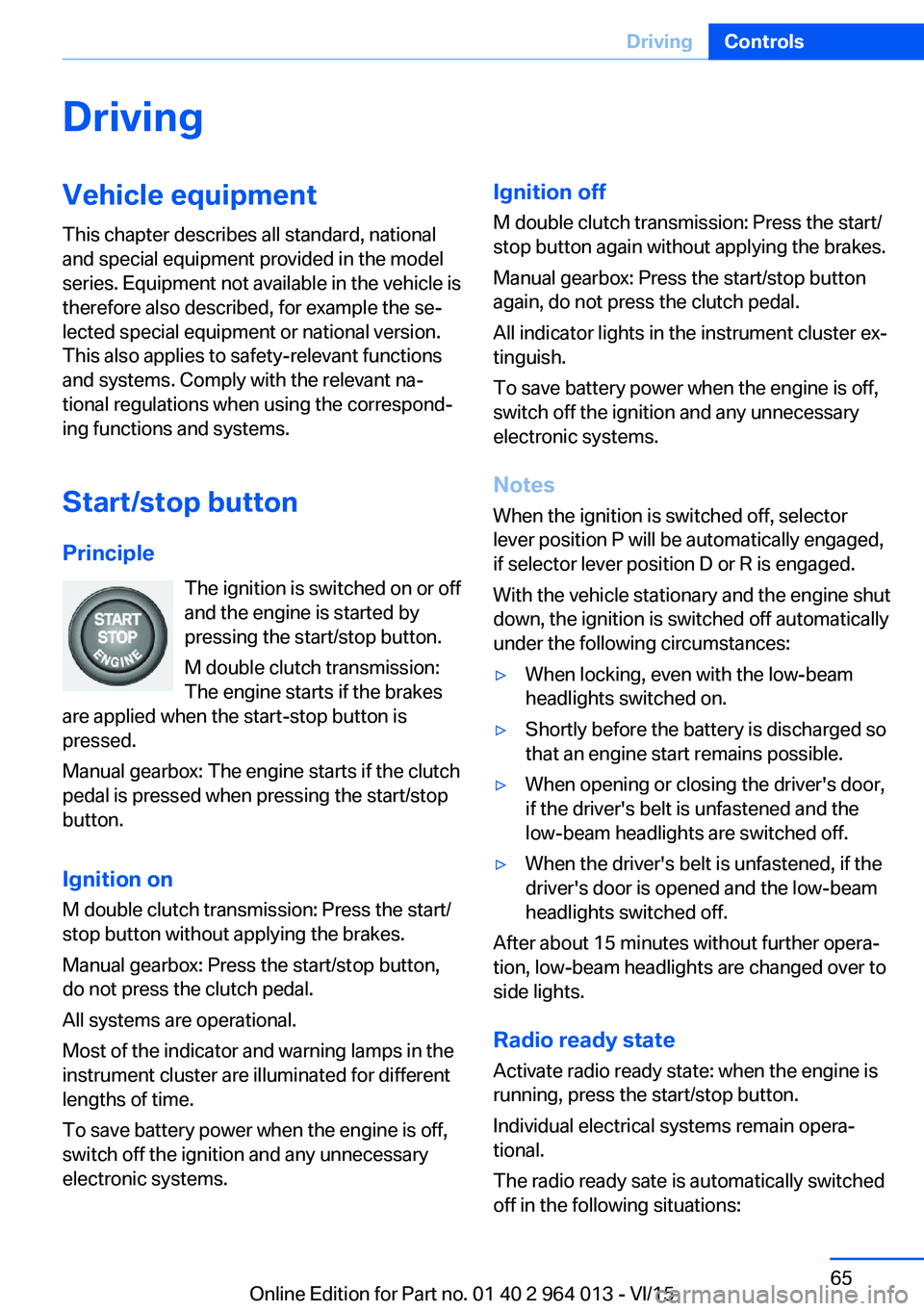
Principle The ignition is switched on or offand the engine is started by
pressing the start/stop button.
M double clutch transmission:
The engine starts if the brakes
are applied when the start-stop button is
pressed.
Manual gearbox: The engine starts if the clutch
pedal is pressed when pressing the start/stop
button.
Ignition on M double clutch transmission: Press the start/
stop button without applying the brakes.
Manual gearbox: Press the start/stop button,
do not press the clutch pedal.
All systems are operational.
Most of the indicator and warning lamps in the
instrument cluster are illuminated for different
lengths of time.
To save battery power when the engine is off,
switch off the ignition and any unnecessary
electronic systems.Ignition off
M double clutch transmission: Press the start/
stop button again without applying the brakes.
Manual gearbox: Press the start/stop button
again, do not press the clutch pedal.
All indicator lights in the instrument cluster ex‐
tinguish.
To save battery power when the engine is off,
switch off the ignition and any unnecessary
electronic systems.
Notes
When the ignition is switched off, selector
lever position P will be automatically engaged,
if selector lever position D or R is engaged.
With the vehicle stationary and the engine shut
down, the ignition is switched off automatically
under the following circumstances:▷When locking, even with the low-beam
headlights switched on.▷Shortly before the battery is discharged so
that an engine start remains possible.▷When opening or closing the driver's door,
if the driver's belt is unfastened and the
low-beam headlights are switched off.▷When the driver's belt is unfastened, if the
driver's door is opened and the low-beam
headlights switched off.
After about 15 minutes without further opera‐
tion, low-beam headlights are changed over to
side lights.
Radio ready state
Activate radio ready state: when the engine is
running, press the start/stop button.
Individual electrical systems remain opera‐
tional.
The radio ready sate is automatically switched
off in the following situations:
Seite 65DrivingControls65
Online Edition for Part no. 01 40 2 964 013 - VI/15
Page 66 of 228
▷After approximately eight minutes.▷When locking via the central locking sys‐
tem.▷Shortly before the battery is discharged so
that an engine start remains possible.
Radio readiness remains active when ignition
is switched off automatically, such as for
following reasons:
▷Opening or closing driver's door.▷Unfastening driver's seat belt.▷When low-beam headlights are automati‐
cally changed to side lights.
If engine is switched off and ignition is
switched on, radio ready state will be automati‐
cally activated when door is opened if light is
switched off or daytime driving lights are
switched on, when corresponding equipment
is fitted.
Engine start Notes DANGER
A blocked exhaust pipe or inadequate
ventilation can allow harmful exhaust fumes to
penetrate the vehicle. The exhaust gas con‐
tains carbon monoxide, which is colourless and
odourless, but highly toxic. In enclosed spaces,
the exhaust fumes can also build up outside
the vehicle. Danger of fatal injury. Keep the ex‐
haust pipe clear and ensure sufficient ventila‐
tion.◀
WARNING
An unsecured vehicle can start moving
and rolling away. Danger of accidents. Before
leaving the vehicle, secure it to prevent rolling
away.
Observe the following to ensure that the vehi‐
cle is secured against rolling away:
▷Engage the parking brake.▷Turn the front wheels into the direction of
the kerb on upward or downward gradi‐
ents.▷Additionally secure the vehicle on upward
or downward gradients, e.g. using a
wedge.◀
ATTENTION
Repeated start attempts or starting sev‐
eral times in quick succession means that fuel
is not combusted, or insufficiently so. The cat‐
alytic converter can overheat. Danger of dam‐
age to property. Avoid starting more than once
in quick succession.◀
M double clutch transmission
Starting the engine
1.Press the brake.2.Press the start/stop button.
Starting proceeds for a certain time automati‐
cally and stops as soon as the engine is star‐
ted.
Manual gearbox
Starting the engine
1.Press the brake.2.Depress the clutch and engage idle posi‐
tion.3.Press the start/stop button.
Starting proceeds for a certain time automati‐
cally and stops as soon as the engine is star‐
ted.
Seite 66ControlsDriving66
Online Edition for Part no. 01 40 2 964 013 - VI/15
Page 67 of 228
Stopping the engine
Notes WARNING
Unsupervised children or animals in the
vehicle can set the vehicle in motion and en‐
danger themselves or other road users, for ex‐
ample by the following actions:▷Pressing the start/stop button.▷Releasing the parking brake.▷Opening and closing doors or windows.▷Setting the selector lever to neutral.▷Operating vehicle equipment.
Risk of accident or injury. Do not leave children
or animals unsupervised in the vehicle. When
leaving the vehicle, take the remote control
with you and lock it.◀
WARNING
An unsecured vehicle can start moving
and rolling away. Danger of accidents. Before
leaving the vehicle, secure it to prevent rolling
away.
Observe the following to ensure that the vehi‐
cle is secured against rolling away:
▷Engage the parking brake.▷Turn the front wheels into the direction of
the kerb on upward or downward gradi‐
ents.▷Additionally secure the vehicle on upward
or downward gradients, e.g. using a
wedge.◀
Before entering the car wash
So that the vehicle can roll into the vehicle
wash, follow the information on washing in au‐
tomatic vehicle washes, see page 208.
M double clutch transmission
Stopping the engine
1.Brake the vehicle until it comes to a stop.2.Press the start/stop button.
The engine is switched off.
The radio ready state is switched on.3.Apply the parking brake.
Manual gearbox
Stopping the engine
1.Press the Start/Stop button when the vehi‐
cle is at standstill.2.Engage first gear or reverse.3.Apply the parking brake.
Auto Start Stop function
Principle The Auto Start Stop function helps you to save
fuel. by stopping the engine when stationary,
for example, in a traffic jam or at traffic lights.
The ignition remains switched on. For driving
off, the engine starts automatically.
Automatic operation
After each time the engine is started using the
start/stop button, the Auto Start Stop function
is ready to operate.
The function is activated from 5 km/h,
3 mph3 mph, km/h.
Stopping the engine The engine is automatically shut down whenstationary under the following conditions:
M double clutch transmission:
▷Selector lever in selector lever position D.▷Brake pedal remains depressed while the
vehicle is at a standstill.▷Driver's seat belt buckled or driver's door
closed.
Manual gearbox:
▷Transmission in neutral and clutch pedal
not pressed.Seite 67DrivingControls67
Online Edition for Part no. 01 40 2 964 013 - VI/15
Page 69 of 228
Preventing automatic engine stop
with M double clutch transmission
Principle To enable the vehicle to move off particularly
swiftly, for example at a junction, the automatic
engine stop can be actively prevented.
Preventing automatic engine stop
using the brake pedal
The engine stop can be actively prevented
within a second of the vehicle coming to a
standstill:▷Press the brake pedal down firmly as soon
as the vehicle has come to a standstill.▷Then immediately brake again with normal
braking force.
Manually deactivating/activating the
system
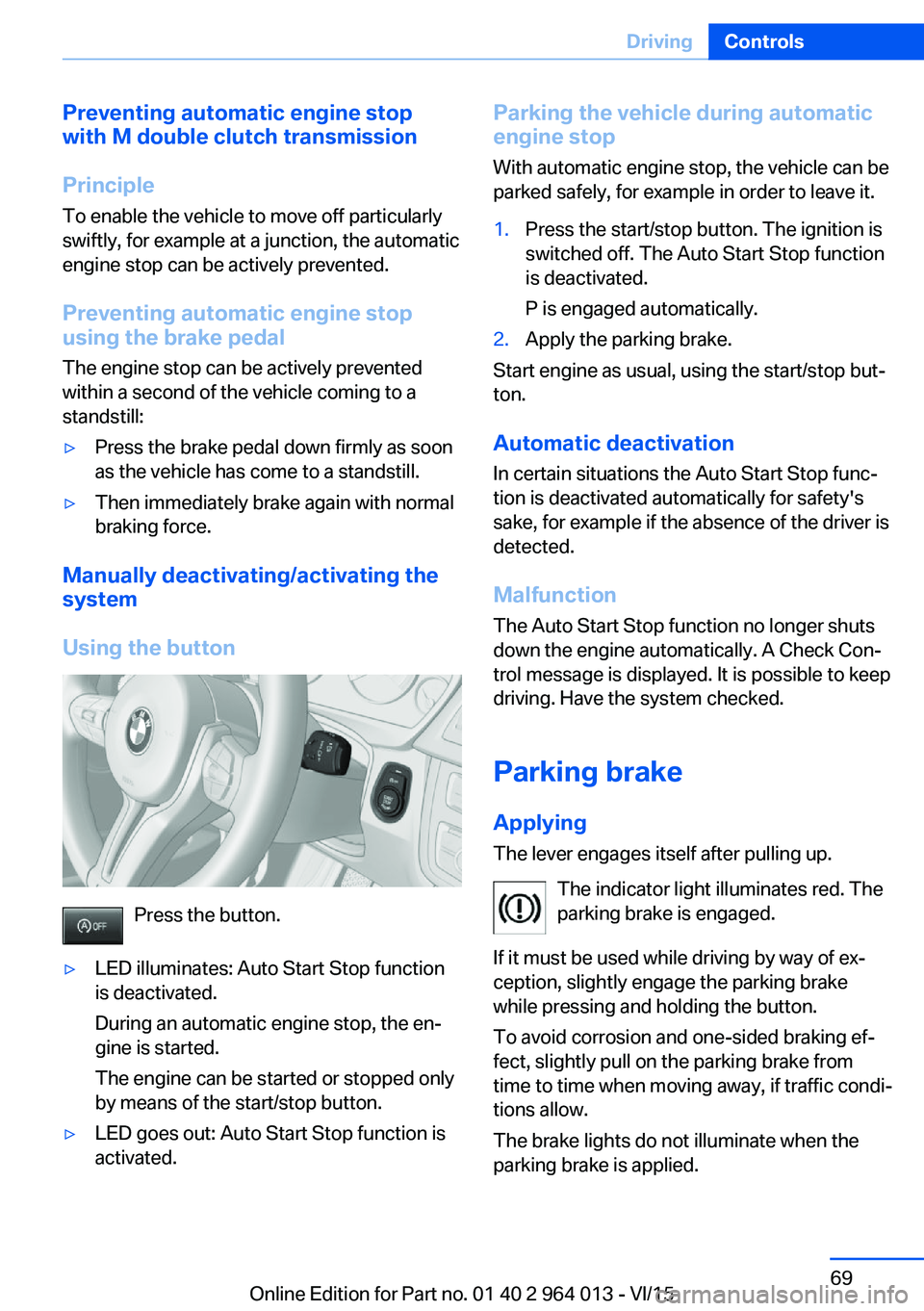
Using the button
Press the button.
▷LED illuminates: Auto Start Stop function
is deactivated.
During an automatic engine stop, the en‐
gine is started.
The engine can be started or stopped only
by means of the start/stop button.▷LED goes out: Auto Start Stop function is
activated.Parking the vehicle during automatic
engine stop
With automatic engine stop, the vehicle can be
parked safely, for example in order to leave it.1.Press the start/stop button. The ignition is
switched off. The Auto Start Stop function
is deactivated.
P is engaged automatically.2.Apply the parking brake.
Start engine as usual, using the start/stop but‐
ton.
Automatic deactivation
In certain situations the Auto Start Stop func‐
tion is deactivated automatically for safety's
sake, for example if the absence of the driver is
detected.
Malfunction
The Auto Start Stop function no longer shuts
down the engine automatically. A Check Con‐
trol message is displayed. It is possible to keep
driving. Have the system checked.
Parking brake
Applying The lever engages itself after pulling up.
The indicator light illuminates red. The
parking brake is engaged.
If it must be used while driving by way of ex‐
ception, slightly engage the parking brake
while pressing and holding the button.
To avoid corrosion and one-sided braking ef‐
fect, slightly pull on the parking brake from
time to time when moving away, if traffic condi‐
tions allow.
The brake lights do not illuminate when the
parking brake is applied.
Seite 69DrivingControls69
Online Edition for Part no. 01 40 2 964 013 - VI/15
Page 72 of 228
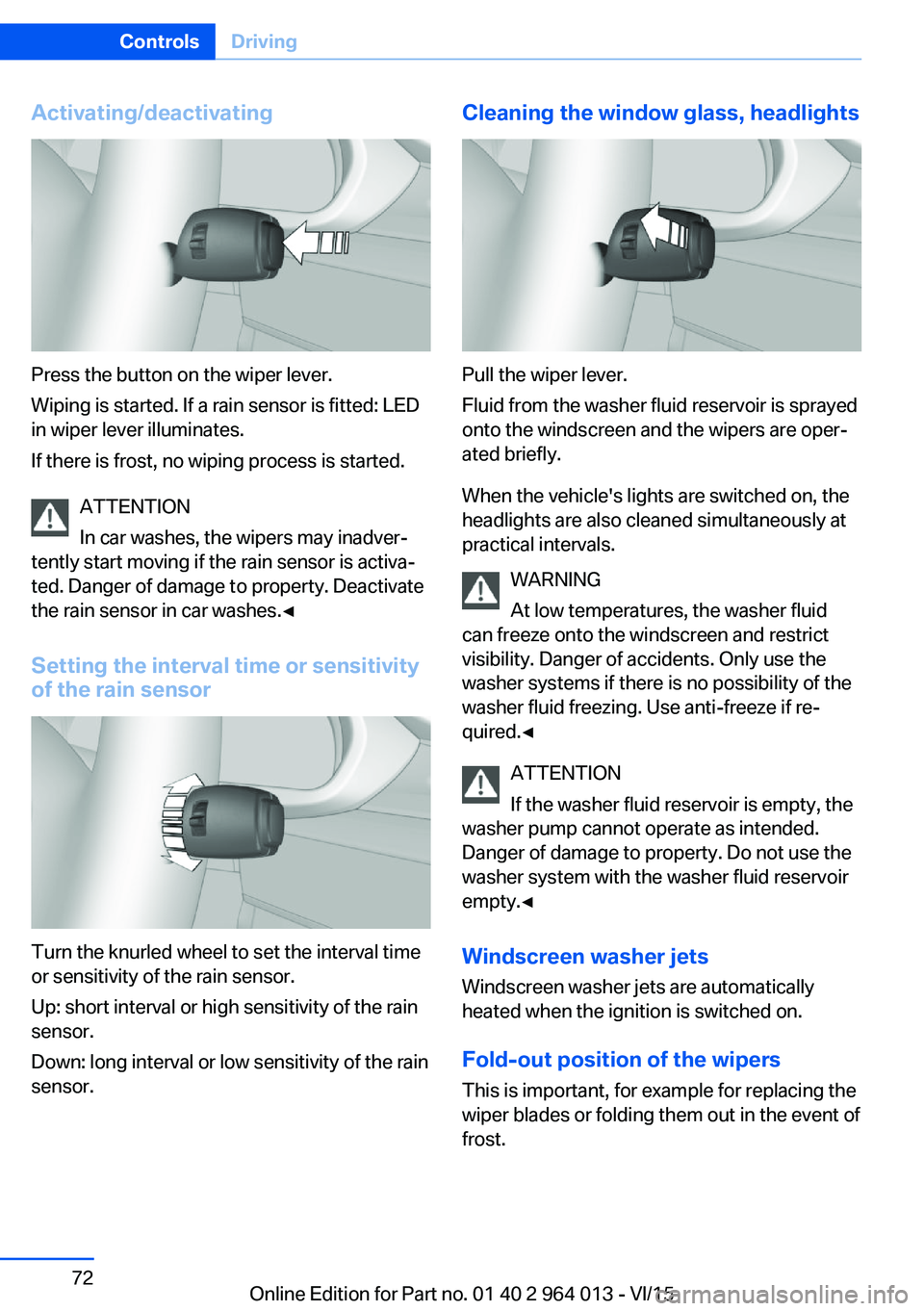
Activating/deactivating
Press the button on the wiper lever.
Wiping is started. If a rain sensor is fitted: LED
in wiper lever illuminates.
If there is frost, no wiping process is started.
ATTENTION
In car washes, the wipers may inadver‐
tently start moving if the rain sensor is activa‐
ted. Danger of damage to property. Deactivate
the rain sensor in car washes.◀
Setting the interval time or sensitivity
of the rain sensor
Turn the knurled wheel to set the interval time
or sensitivity of the rain sensor.
Up: short interval or high sensitivity of the rain
sensor.
Down: long interval or low sensitivity of the rain
sensor.
Cleaning the window glass, headlights
Pull the wiper lever.
Fluid from the washer fluid reservoir is sprayed
onto the windscreen and the wipers are oper‐
ated briefly.
When the vehicle's lights are switched on, the
headlights are also cleaned simultaneously at
practical intervals.
WARNING
At low temperatures, the washer fluid
can freeze onto the windscreen and restrict
visibility. Danger of accidents. Only use the
washer systems if there is no possibility of the
washer fluid freezing. Use anti-freeze if re‐
quired.◀
ATTENTION
If the washer fluid reservoir is empty, the
washer pump cannot operate as intended.
Danger of damage to property. Do not use the
washer system with the washer fluid reservoir
empty.◀
Windscreen washer jets
Windscreen washer jets are automatically
heated when the ignition is switched on.
Fold-out position of the wipers
This is important, for example for replacing the
wiper blades or folding them out in the event of
frost.
Seite 72ControlsDriving72
Online Edition for Part no. 01 40 2 964 013 - VI/15
Page 73 of 228
WARNING
If the wipers start moving when they are
folded away from the windscreen, this can
damage parts of the vehicle, or trap body parts.
Danger of injury or damage to property. Make
sure that the vehicle is switched off when the
wipers are folded away from the windscreen,
and that the wipers are in contact with the
windscreen when switching on.◀1.Switch ignition on and back off again.2.If there is a risk of frost, make sure that the
wiper blades are not frozen.3.Press the wiper lever upwards beyond the
resistance point and hold it there for ap‐
proximately three seconds until the wipers
come to a standstill in a nearly vertical po‐
sition.
After folding the wipers in, the wiper system
must be reactivated.
1.Switch on ignition.2.Press the wiper lever downwards. The wip‐
ers move to the rest position and are op‐
erational once again.
Washer fluid
Information WARNING
Some anti-freezes can contain toxic sub‐
stances, and are flammable. Risk of fire and fa‐
tal injury. Comply with the notes on the con‐
tainers. Keep anti-freezes away from sources
of combustion. Do not pour service products
into other bottles. Keep service products out of
the reach of children.◀
WARNING
Work performed incorrectly under the
bonnet can damage components and lead to a
safety risk. Danger of accident or damage to
property. Have work under the bonnet carried
out by a Service Partner or a qualified special‐
ist workshop.◀
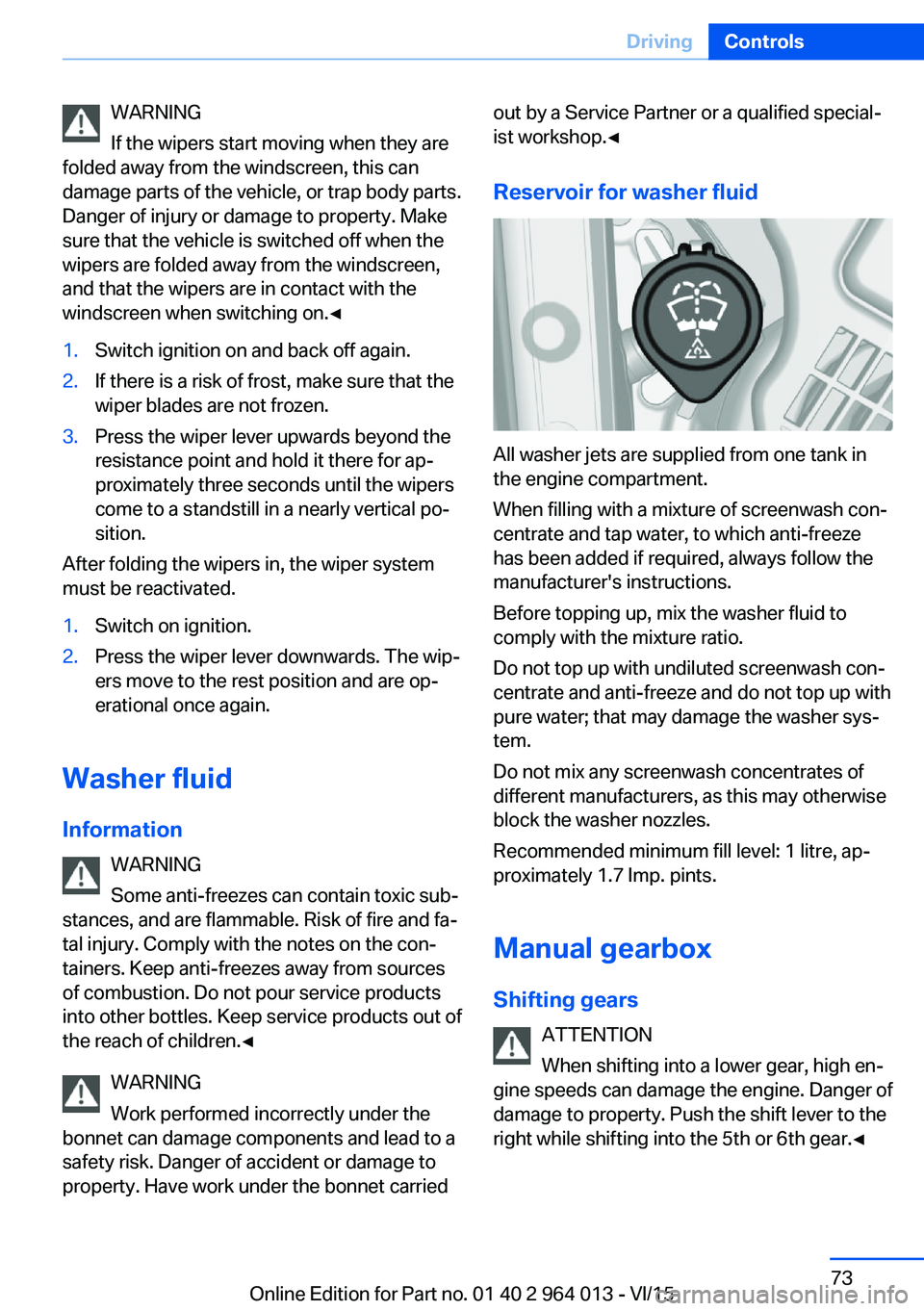
Reservoir for washer fluid
All washer jets are supplied from one tank in
the engine compartment.
When filling with a mixture of screenwash con‐
centrate and tap water, to which anti-freeze
has been added if required, always follow the
manufacturer's instructions.
Before topping up, mix the washer fluid to
comply with the mixture ratio.
Do not top up with undiluted screenwash con‐
centrate and anti-freeze and do not top up with
pure water; that may damage the washer sys‐
tem.
Do not mix any screenwash concentrates of
different manufacturers, as this may otherwise
block the washer nozzles.
Recommended minimum fill level: 1 litre, ap‐
proximately 1.7 Imp. pints.
Manual gearbox
Shifting gears ATTENTION
When shifting into a lower gear, high en‐
gine speeds can damage the engine. Danger of
damage to property. Push the shift lever to the
right while shifting into the 5th or 6th gear.◀
Seite 73DrivingControls73
Online Edition for Part no. 01 40 2 964 013 - VI/15
Page 75 of 228
Activating1.Engage a drive position.2.Briefly tap on the accelerator pedal.
The vehicle rolls at minimum speed.
This is possible in 1st and 2nd gear and in re‐
verse.
Deactivating
Brake the vehicle until it comes to a stop.
Flashing display on selector lever of
double clutch transmission
In some situations, the actually engaged gear‐
box setting may be different from the selector
lever position, and the display in the selector
lever flashes.
In these cases, refer to the display in the in‐
strument cluster, see page 75.
D Drive mode
In drive mode, all forward gears are automati‐ cally changed.
Kick-down: for maximum acceleration, for ex‐
ample, when overtaking. To do that, depress
the accelerator pedal beyond the resistance
point.
Change to sequential mode: shift using the
shift paddles or push the selector lever in the
D/S direction.
S sequential mode Change up or change down using the shift
paddle or selector lever without coming off the
gas.
▷Shortly before a minimum speed depend‐
ing on the gear, it automatically down‐
shifts.▷The gears are only shifted up or down with
the appropriate engine speed and road
speed.
For example, there is no downshift at too
high an engine speed.▷Kick-down: by operating the kick-down
and the left shift paddle or selector lever at
the same time, you can change down to
the lowest possible gear.▷Driving off is possible even in 2nd gear on a
level carriageway, for example, when it is
smooth.
To change to Drive mode: press selector lever
in the D/S direction.
R Reverse Engage this position only when the vehicle is
stationary.
For rocking out, even up to 10 km/h, approxi‐
mately 6 mph is possible. To do that, shift be‐
tween forward and reverse gear without apply‐
ing the brakes.
N Neutral, idling Select this in a car wash, for example. The ve‐
hicle will then be able to move, see page 208.
P Park The driven wheels are locked.
Transmission position P is engaged automati‐
cally:
▷After stopping the engine in the radio
ready state, see page 65, or ignition off,
see page 65, when position R or D is en‐
gaged.▷Position N is engaged and ignition is off.
Displays in the instrument cluster
Drive mode
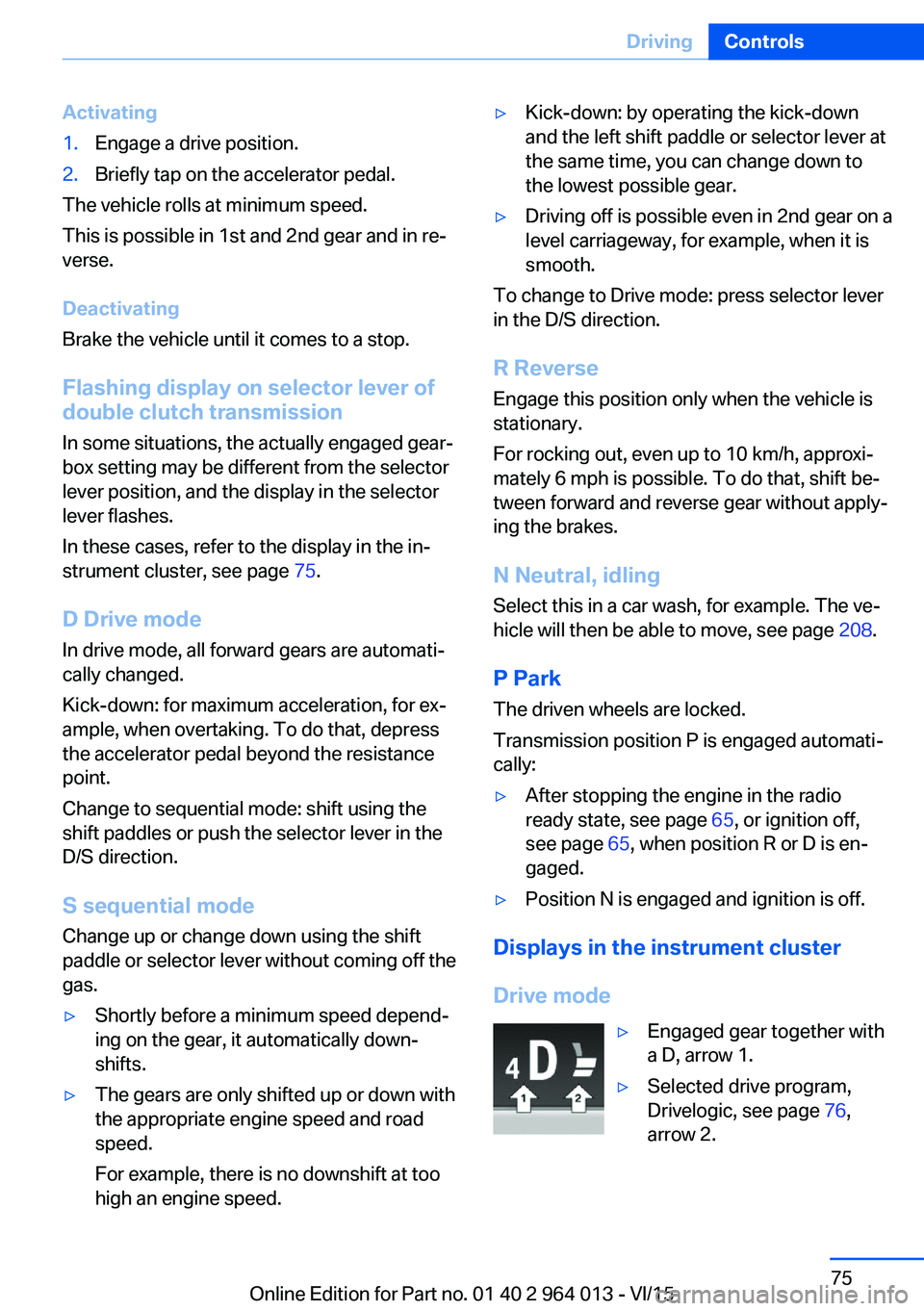
▷Engaged gear together with
a D, arrow 1.▷Selected drive program,
Drivelogic, see page 76,
arrow 2.Seite 75DrivingControls75
Online Edition for Part no. 01 40 2 964 013 - VI/15
Page 80 of 228
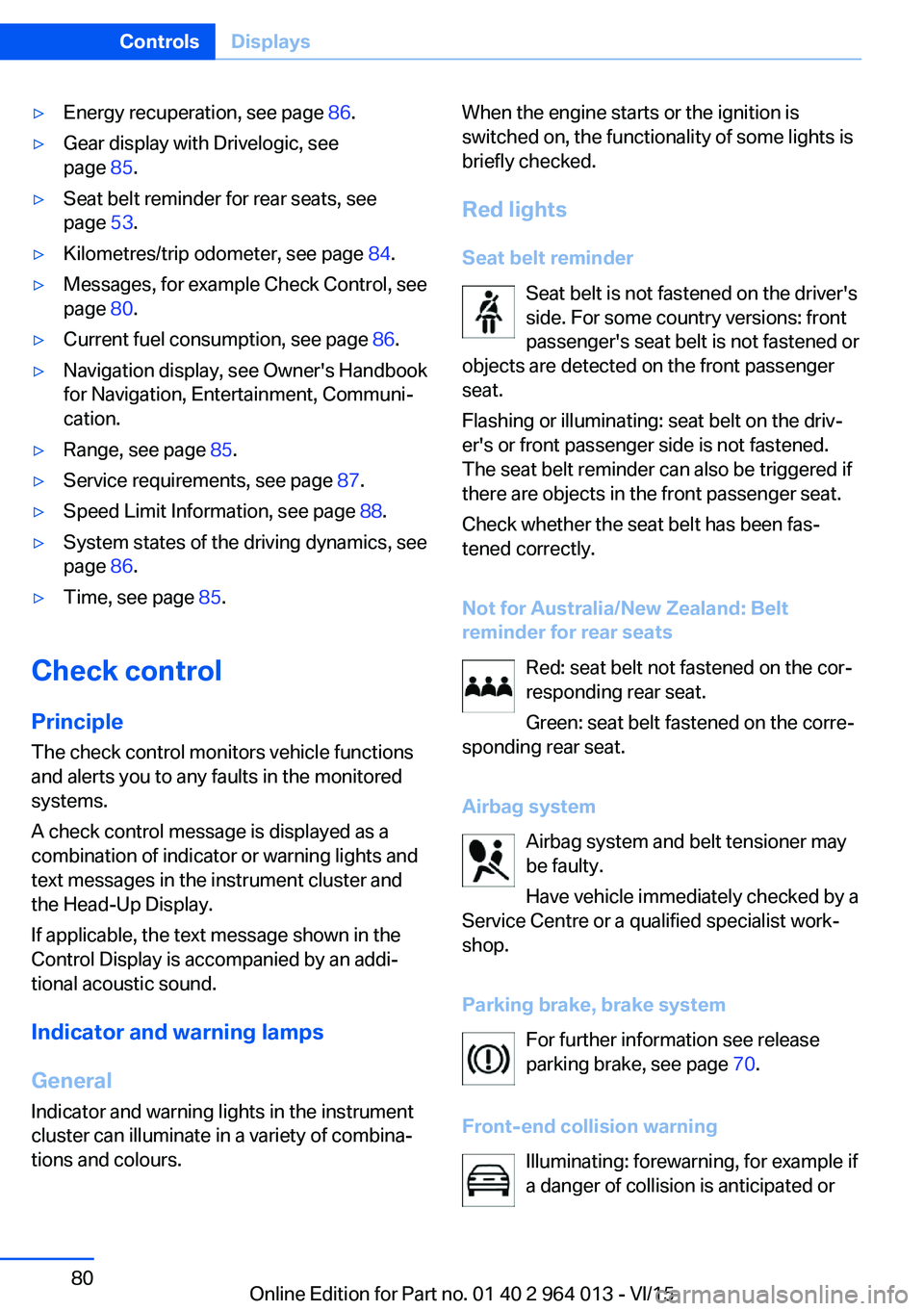
▷Energy recuperation, see page 86.▷Gear display with Drivelogic, see
page 85.▷Seat belt reminder for rear seats, see
page 53.▷Kilometres/trip odometer, see page 84.▷Messages, for example Check Control, see
page 80.▷Current fuel consumption, see page 86.▷Navigation display, see Owner's Handbook
for Navigation, Entertainment, Communi‐
cation.▷Range, see page 85.▷Service requirements, see page 87.▷Speed Limit Information, see page 88.▷System states of the driving dynamics, see
page 86.▷Time, see page 85.
Check control
Principle The check control monitors vehicle functionsand alerts you to any faults in the monitored
systems.
A check control message is displayed as a
combination of indicator or warning lights and
text messages in the instrument cluster and
the Head-Up Display.
If applicable, the text message shown in the
Control Display is accompanied by an addi‐
tional acoustic sound.
Indicator and warning lamps
General Indicator and warning lights in the instrument
cluster can illuminate in a variety of combina‐
tions and colours.
When the engine starts or the ignition is
switched on, the functionality of some lights is
briefly checked.
Red lights
Seat belt reminder Seat belt is not fastened on the driver's
side. For some country versions: front
passenger's seat belt is not fastened or
objects are detected on the front passenger
seat.
Flashing or illuminating: seat belt on the driv‐
er's or front passenger side is not fastened.
The seat belt reminder can also be triggered if
there are objects in the front passenger seat.
Check whether the seat belt has been fas‐
tened correctly.
Not for Australia/New Zealand: Belt
reminder for rear seats
Red: seat belt not fastened on the cor‐
responding rear seat.
Green: seat belt fastened on the corre‐
sponding rear seat.
Airbag system Airbag system and belt tensioner may
be faulty.
Have vehicle immediately checked by a
Service Centre or a qualified specialist work‐
shop.
Parking brake, brake system For further information see release
parking brake, see page 70.
Front-end collision warning Illuminating: forewarning, for example if
a danger of collision is anticipated orSeite 80ControlsDisplays80
Online Edition for Part no. 01 40 2 964 013 - VI/15
Page 83 of 228
General lightsCheck Control At least one Check Control message is
displayed or saved.
M Drive M Drive 1 is activated.
M Drive 2 is activated.
Text messages Text messages and symbols in the instrument
cluster explain the meaning of a check control
message and the indicator and warning lights.
Supplementary text messages You can call up additional information, for ex‐
ample the cause of the fault and any action re‐
quired, via check control.
The supplementary text is automatically shown
in the Control Display for urgent messages.
Symbols Depending on the Check Control message, the
following functions can be selected.▷ "Owner's Handbook"
Display additional information on the
Check Control message in the integrated
Owner's Handbook.▷ "Service request"
Contact a Service Partner or a qualified
specialist workshop.▷ "Mobile Care"
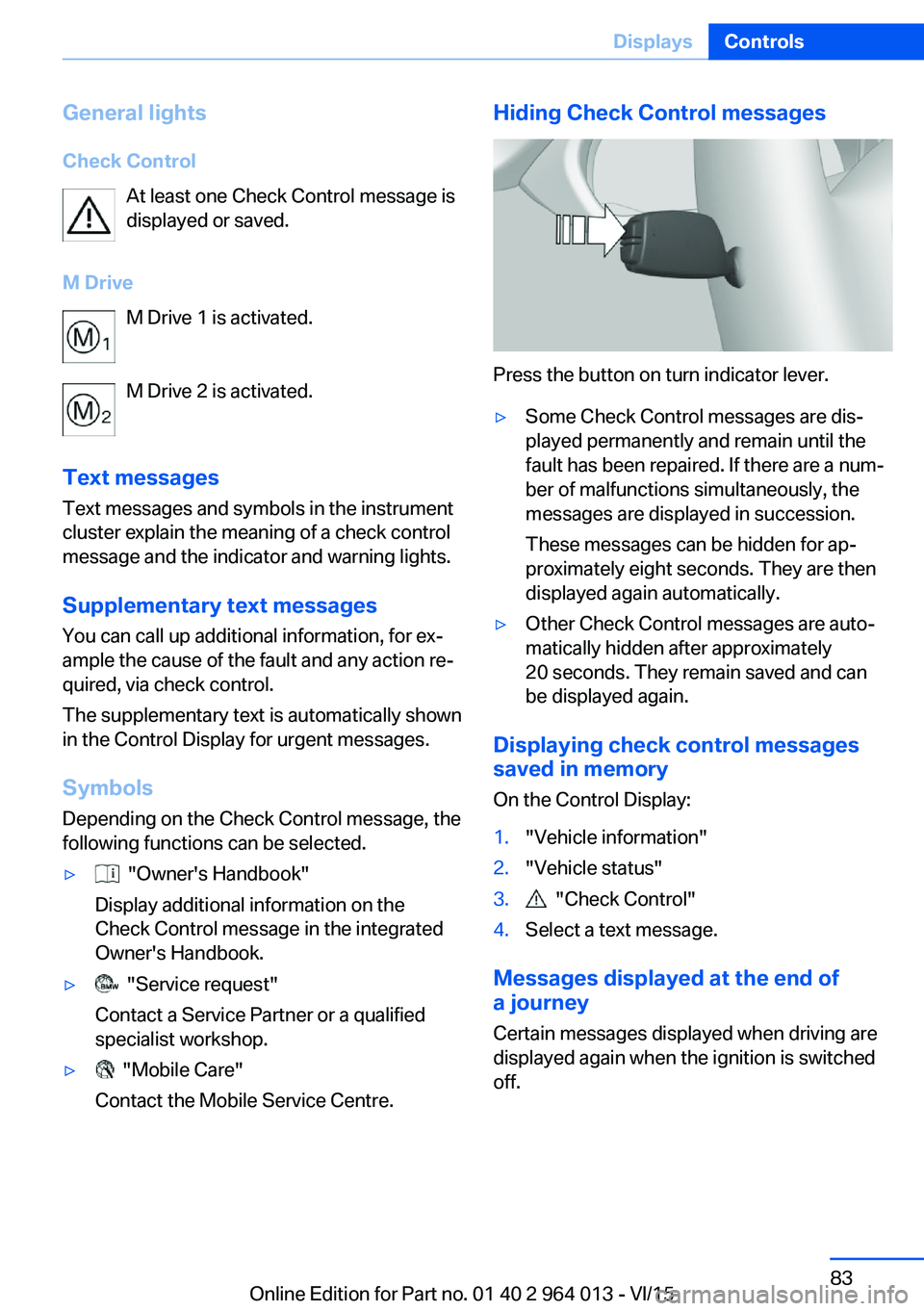
Contact the Mobile Service Centre.Hiding Check Control messages
Press the button on turn indicator lever.
▷Some Check Control messages are dis‐
played permanently and remain until the
fault has been repaired. If there are a num‐
ber of malfunctions simultaneously, the
messages are displayed in succession.
These messages can be hidden for ap‐
proximately eight seconds. They are then
displayed again automatically.▷Other Check Control messages are auto‐
matically hidden after approximately
20 seconds. They remain saved and can
be displayed again.
Displaying check control messages saved in memory
On the Control Display:
1."Vehicle information"2."Vehicle status"3. "Check Control"4.Select a text message.
Messages displayed at the end of
a journey
Certain messages displayed when driving are
displayed again when the ignition is switched
off.
Seite 83DisplaysControls83
Online Edition for Part no. 01 40 2 964 013 - VI/15
Page 84 of 228
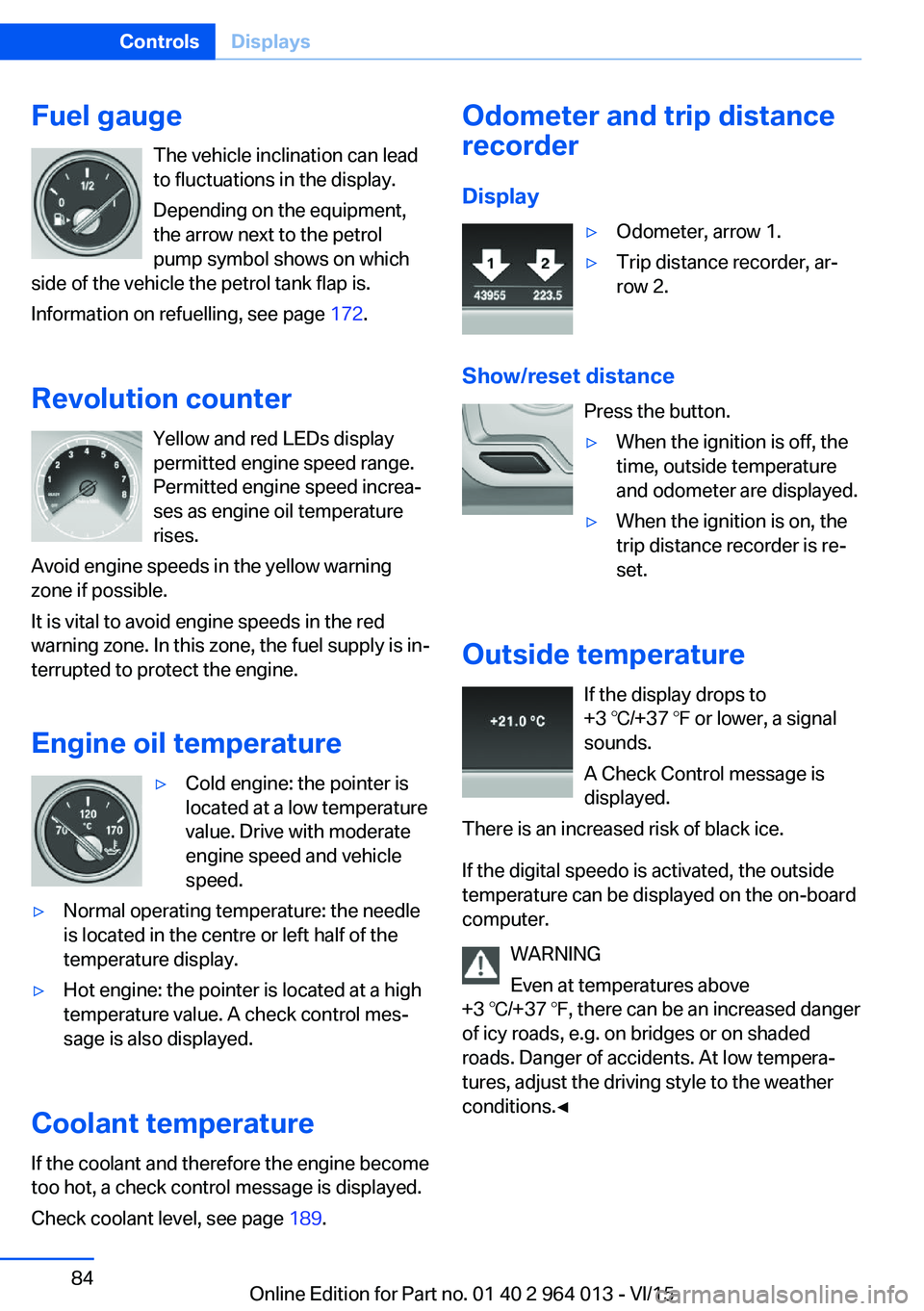
Fuel gaugeThe vehicle inclination can lead
to fluctuations in the display.
Depending on the equipment,
the arrow next to the petrol
pump symbol shows on which
side of the vehicle the petrol tank flap is.
Information on refuelling, see page 172.
Revolution counter Yellow and red LEDs display
permitted engine speed range.
Permitted engine speed increa‐
ses as engine oil temperature
rises.
Avoid engine speeds in the yellow warning zone if possible.
It is vital to avoid engine speeds in the red
warning zone. In this zone, the fuel supply is in‐
terrupted to protect the engine.
Engine oil temperature▷Cold engine: the pointer is
located at a low temperature
value. Drive with moderate
engine speed and vehicle
speed.▷Normal operating temperature: the needle
is located in the centre or left half of the
temperature display.▷Hot engine: the pointer is located at a high
temperature value. A check control mes‐
sage is also displayed.
Coolant temperature
If the coolant and therefore the engine become
too hot, a check control message is displayed.
Check coolant level, see page 189.
Odometer and trip distance
recorder
Display▷Odometer, arrow 1.▷Trip distance recorder, ar‐
row 2.
Show/reset distance
Press the button.
▷When the ignition is off, the
time, outside temperature
and odometer are displayed.▷When the ignition is on, the
trip distance recorder is re‐
set.
Outside temperature
If the display drops to
+3 ℃/+37 ℉ or lower, a signal
sounds.
A Check Control message is
displayed.
There is an increased risk of black ice.
If the digital speedo is activated, the outside
temperature can be displayed on the on-board
computer.
WARNING
Even at temperatures above
+3 ℃/+37 ℉, there can be an increased danger
of icy roads, e.g. on bridges or on shaded
roads. Danger of accidents. At low tempera‐
tures, adjust the driving style to the weather
conditions.◀
Seite 84ControlsDisplays84
Online Edition for Part no. 01 40 2 964 013 - VI/15