key BMW M5 SEDAN 2002 User Guide
[x] Cancel search | Manufacturer: BMW, Model Year: 2002, Model line: M5 SEDAN, Model: BMW M5 SEDAN 2002Pages: 154, PDF Size: 2.17 MB
Page 37 of 154
37n
OverviewControlsMaintenanceRepairsDataIndex
Electric power windows
After the ignition has been switched off:
>You can still operate the power
windows as long as neither of the
front doors has been opened. To
open a window, press the switch
beyond the resistance point.
When leaving the vehicle, always
extract the ignition key from the
lock and remember to close the doors
to prevent children from operating the
power windows and injuring them-
selves, etc.<
For convenience operation via the door
lock or remote control, refer to page 27
or 29.Safety featureA contact strip is located on the inside
upper frame of each of the windows. If
pressure is exerted against this contact
strip while a window is being raised, the
system will respond by stopping the
window and then retracting it slightly.
Despite this safety feature, be
extremely careful to ensure that
the closing path of the window is not
obstructed. Otherwise, an object might
not touch the contact strip in some situ-
ations (very thin objects, for instance).
You can disable this safety feature by
pressing the switch beyond the pres-
sure point and holding it.
Because the power windows are sealed
at high pressure to prevent wind noise
when closed, a powerful motor is
required for efficient closing. When
closing the windows, always be sure
that they are not obstructed in any way.
Unsupervised use of these systems can
result in serious personal injury.
Remove the ignition key to deactivate
the electric power windows whenever
you leave the vehicle. Never leave the
keys in the vehicle with unsupervised
children. Never place anything that
could obstruct the driver's vision on or
next to the windows.<
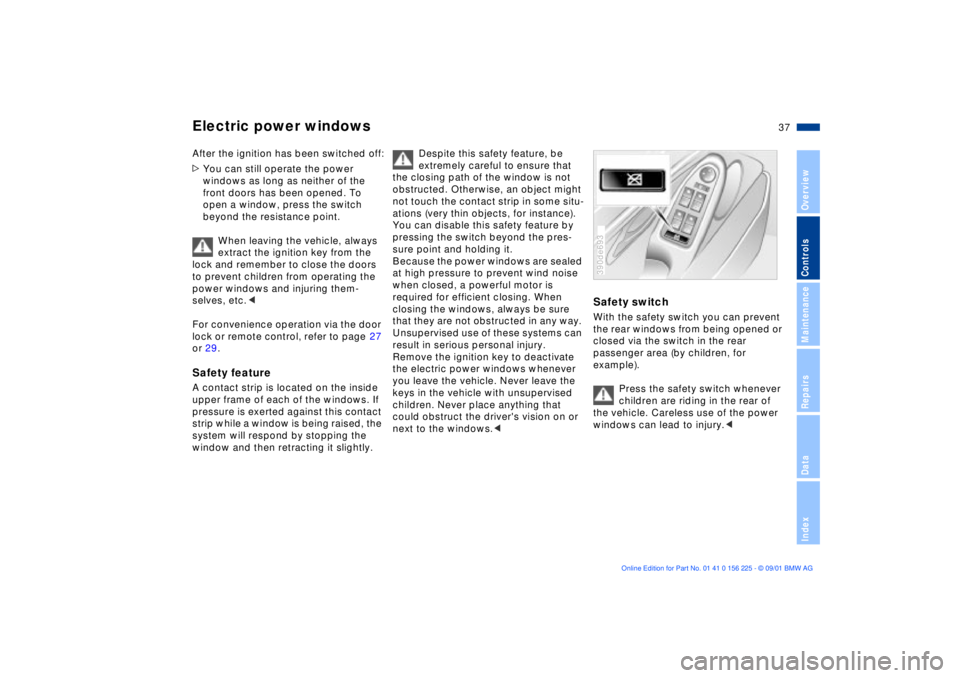
Safety switchWith the safety switch you can prevent
the rear windows from being opened or
closed via the switch in the rear
passenger area (by children, for
example).
Press the safety switch whenever
children are riding in the rear of
the vehicle. Careless use of the power
windows can lead to injury.<390de693
Page 38 of 154
38n
Sliding/tilt sunroof
*
To prevent injuries, exercise care
when closing the sliding/tilt
sunroof and keep it in your field of
vision until it is shut.
Before leaving the vehicle, switch off
the electric sunroof mechanism by
taking out the ignition key. Do not leave
children unattended in the vehicle with
access to vehicle keys. The key can be
used to start the engine and to operate
vehicle systems such as the power
sunroof, etc. Unsupervised use of these
systems can result in serious personal
injury.<
For convenience operation via the door
lock or remote control, refer to page 27
or 29.
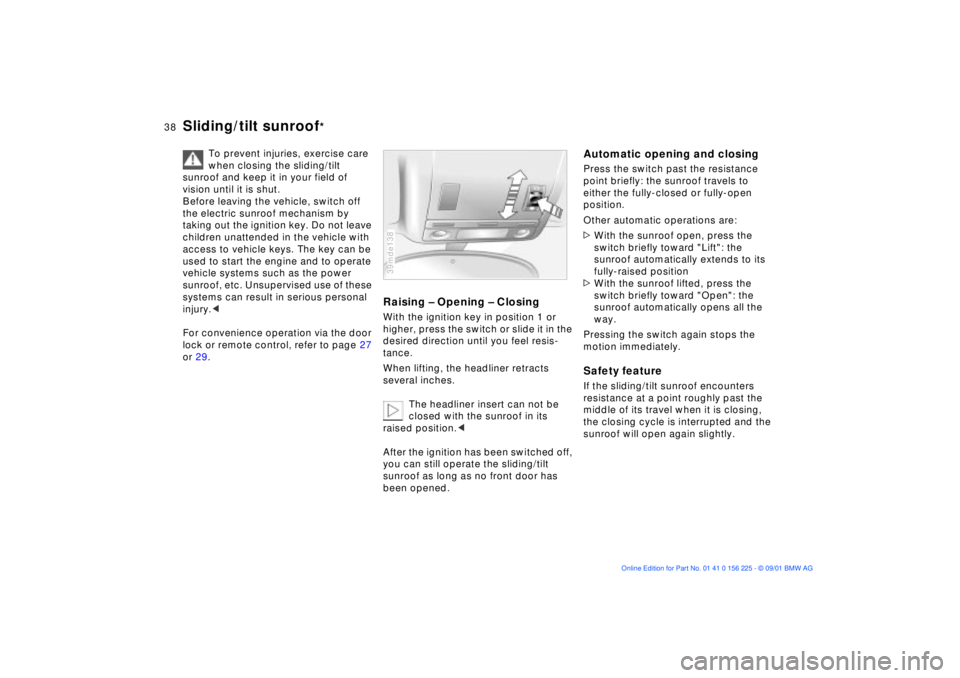
Raising Ð Opening Ð ClosingWith the ignition key in position 1 or
higher, press the switch or slide it in the
desired direction until you feel resis-
tance.
When lifting, the headliner retracts
several inches.
The headliner insert can not be
closed with the sunroof in its
raised position.<
After the ignition has been switched off,
you can still operate the sliding/tilt
sunroof as long as no front door has
been opened.39mde138
Automatic opening and closingPress the switch past the resistance
point briefly: the sunroof travels to
either the fully-closed or fully-open
position.
Other automatic operations are:
>With the sunroof open, press the
switch briefly toward "Lift": the
sunroof automatically extends to its
fully-raised position
>With the sunroof lifted, press the
switch briefly toward "Open": the
sunroof automatically opens all the
way.
Pressing the switch again stops the
motion immediately.Safety featureIf the sliding/tilt sunroof encounters
resistance at a point roughly past the
middle of its travel when it is closing,
the closing cycle is interrupted and the
sunroof will open again slightly.
Page 39 of 154
39n
OverviewControlsMaintenanceRepairsDataIndex
Sliding/tilt sunroof
*
Despite this safety feature, be
extremely careful to ensure that
the closing path of the roof is not
obstructed. Remember that the safety
mechanism may not be able to detect
every kind of potential obstruction (very
thin objects, for instance). You can
disable this safety feature by pressing
the switch beyond the pressure point
and holding it.<
Sliding/tilt sunroof with moonroof
insert
*
The options and control procedures are
essentially the same as those previ-
ously described for the sliding/tilt
sunroof. In order to open the raised
roof, press the control switch towards
"Open" and maintain pressure until the
roof has reached the desired position.
The headliner insert slides back some-
what when you raise the sunroof, and
retracts along with the sunroof panel
when you slide it back. The insert then
remains open, and you can slide it back
and forth to adjust it whenever the
sunroof is not fully retracted.
Interruption in the electrical
supplyAfter interruptions in the electrical
supply (when the battery is discon-
nected, for instance), the sunroof may
only lift. To reinitialize the mechanism:
1. Raise the sliding/tilt sunroof fully
2. Press and hold the switch for approx.
20 seconds.39mde139
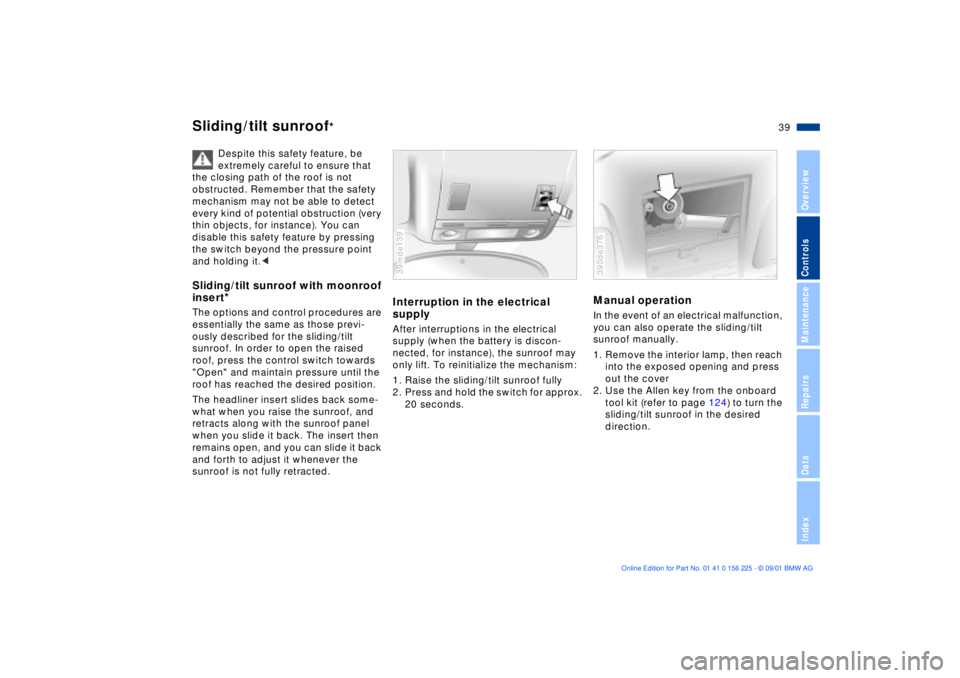
Manual operation In the event of an electrical malfunction,
you can also operate the sliding/tilt
sunroof manually.
1. Remove the interior lamp, then reach
into the exposed opening and press
out the cover
2. Use the Allen key from the onboard
tool kit (refer to page 124) to turn the
sliding/tilt sunroof in the desired
direction. 390de376
Page 45 of 154
45n
OverviewControlsMaintenanceRepairsDataIndex
Seat, mirror and steering wheel memory
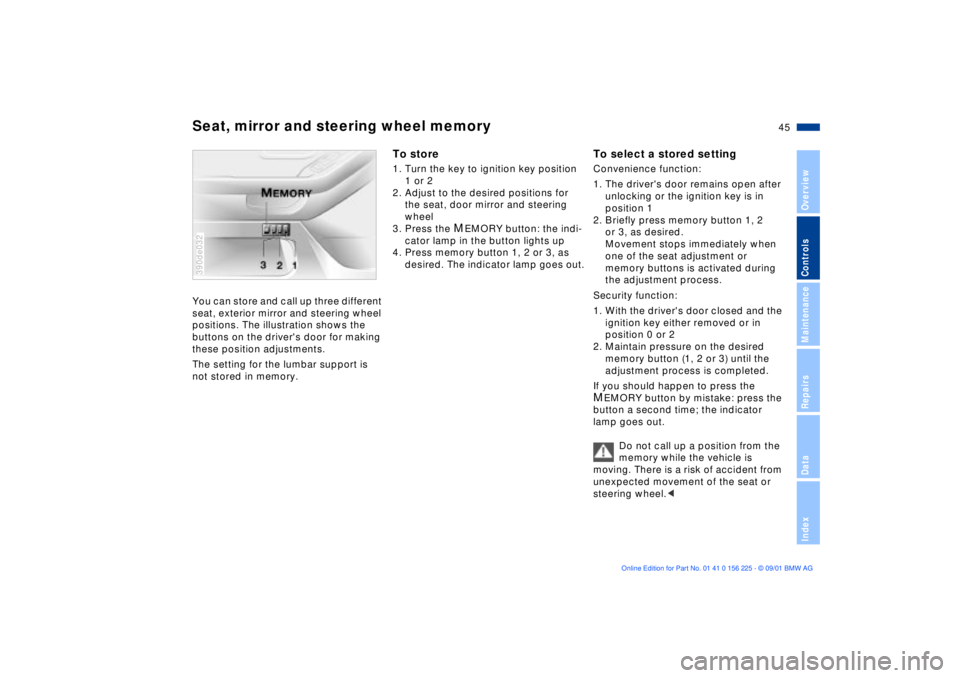
You can store and call up three different
seat, exterior mirror and steering wheel
positions. The illustration shows the
buttons on the driver's door for making
these position adjustments.
The setting for the lumbar support is
not stored in memory. 390de032
To store1. Turn the key to ignition key position
1 or 2
2. Adjust to the desired positions for
the seat, door mirror and steering
wheel
3. Press the
MEMORY button: the indi-
cator lamp in the button lights up
4. Press memory button 1, 2 or 3, as
desired. The indicator lamp goes out.
To select a stored settingConvenience function:
1. The driver's door remains open after
unlocking or the ignition key is in
position 1
2. Briefly press memory button 1, 2
or 3, as desired.
Movement stops immediately when
one of the seat adjustment or
memory buttons is activated during
the adjustment process.
Security function:
1. With the driver's door closed and the
ignition key either removed or in
position 0 or 2
2. Maintain pressure on the desired
memory button (1, 2 or 3) until the
adjustment process is completed.
If you should happen to press the MEMORY button by mistake: press the
button a second time; the indicator
lamp goes out.
Do not call up a position from the
memory while the vehicle is
moving. There is a risk of accident from
unexpected movement of the seat or
steering wheel.<
Page 46 of 154
46n
Seat, mirror and steering wheel memory Seat heating
Your BMW center can adjust your
vehicle's systems in such a
manner that your personalized settings
are automatically called up for the seat,
mirror and steering wheel positions
when you unlock the vehicle with your
personal remote control key.<
Before using the key memory
feature to unlock the vehicle
always ensure that no objects are
stored in the footwell behind the
driver's seat. If you fail to do so,
persons or objects could be injured or
damaged if the seat should move back-
ward.<
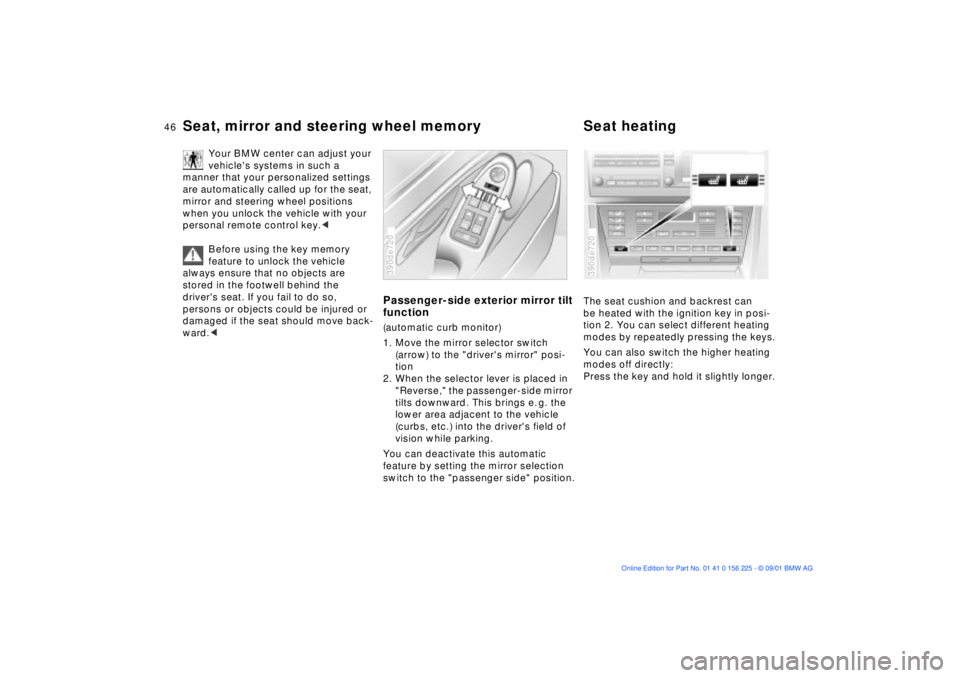
Passenger-side exterior mirror tilt
function(automatic curb monitor)
1. Move the mirror selector switch
(arrow) to the "driver's mirror" posi-
tion
2. When the selector lever is placed in
"Reverse," the passenger-side mirror
tilts downward. This brings e. g. the
lower area adjacent to the vehicle
(curbs, etc.) into the driver's field of
vision while parking.
You can deactivate this automatic
feature by setting the mirror selection
switch to the "passenger side" position.390de720
The seat cushion and backrest can
be heated with the ignition key in posi-
tion 2. You can select different heating
modes by repeatedly pressing the keys.
You can also switch the higher heating
modes off directly:
Press the key and hold it slightly longer.390de720
Page 47 of 154
47n
OverviewControlsMaintenanceRepairsDataIndex
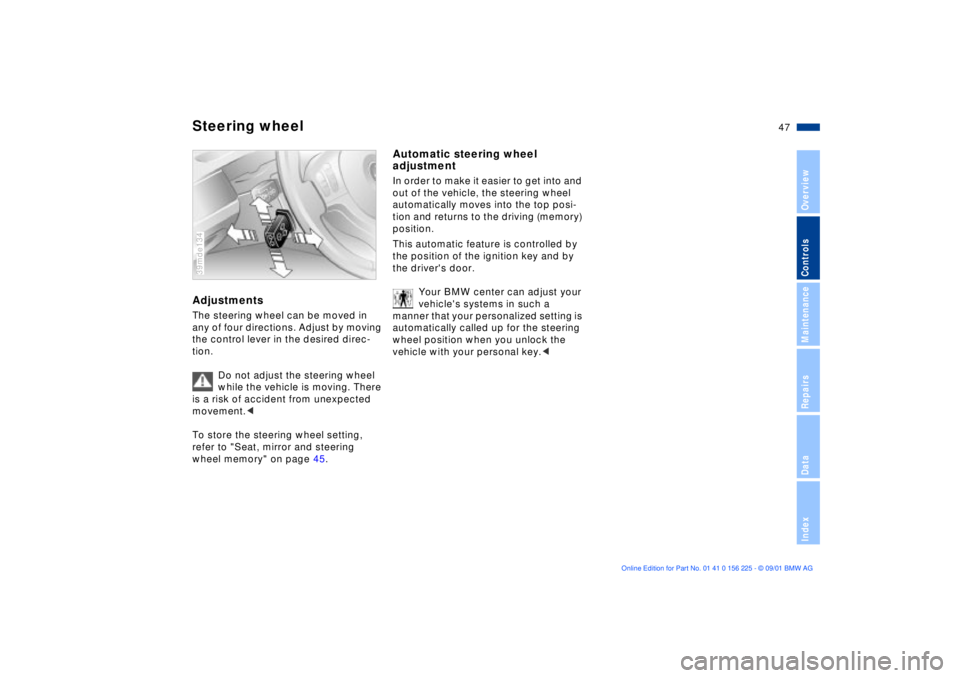
Steering wheelAdjustmentsThe steering wheel can be moved in
any of four directions. Adjust by moving
the control lever in the desired direc-
tion.
Do not adjust the steering wheel
while the vehicle is moving. There
is a risk of accident from unexpected
movement.<
To store the steering wheel setting,
refer to "Seat, mirror and steering
wheel memory" on page 45.39mde134
Automatic steering wheel
adjustmentIn order to make it easier to get into and
out of the vehicle, the steering wheel
automatically moves into the top posi-
tion and returns to the driving (memory)
position.
This automatic feature is controlled by
the position of the ignition key and by
the driver's door.
Your BMW center can adjust your
vehicle's systems in such a
manner that your personalized setting is
automatically called up for the steering
wheel position when you unlock the
vehicle with your personal key.<
Page 48 of 154
48n
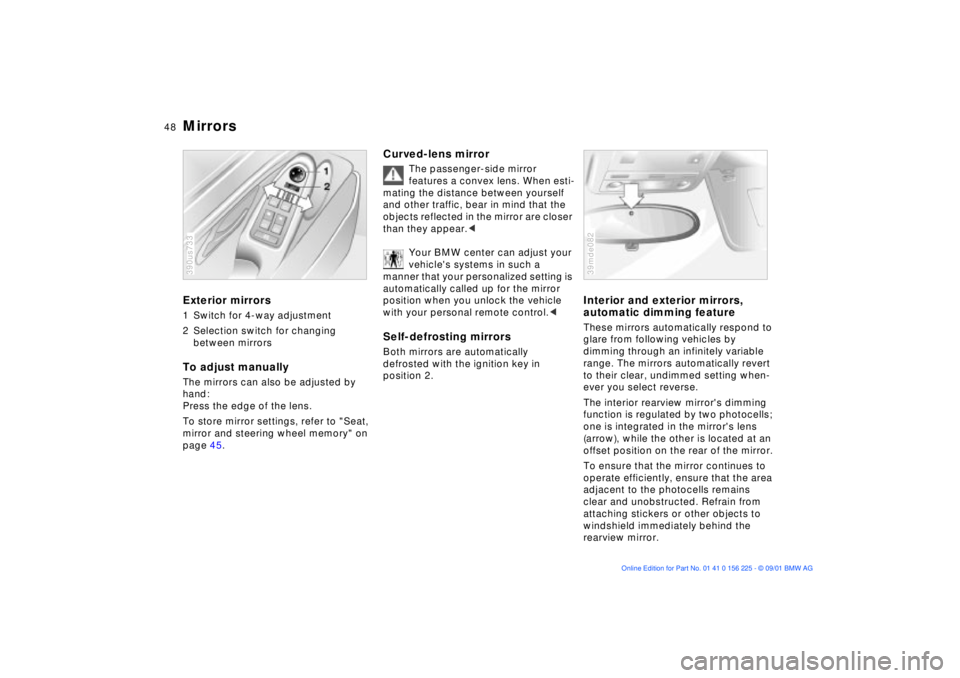
Mirrors Exterior mirrors1 Switch for 4-way adjustment
2 Selection switch for changing
between mirrorsTo adjust manuallyThe mirrors can also be adjusted by
hand:
Press the edge of the lens.
To store mirror settings, refer to "Seat,
mirror and steering wheel memory" on
page 45.390us733
Curved-lens mirror
The passenger-side mirror
features a convex lens. When esti-
mating the distance between yourself
and other traffic, bear in mind that the
objects reflected in the mirror are closer
than they appear.<
Your BMW center can adjust your
vehicle's systems in such a
manner that your personalized setting is
automatically called up for the mirror
position when you unlock the vehicle
with your personal remote control.<
Self-defrosting mirrors Both mirrors are automatically
defrosted with the ignition key in
position 2.
Interior and exterior mirrors,
automatic dimming feature These mirrors automatically respond to
glare from following vehicles by
dimming through an infinitely variable
range. The mirrors automatically revert
to their clear, undimmed setting when-
ever you select reverse.
The interior rearview mirror's dimming
function is regulated by two photocells;
one is integrated in the mirror's lens
(arrow), while the other is located at an
offset position on the rear of the mirror.
To ensure that the mirror continues to
operate efficiently, ensure that the area
adjacent to the photocells remains
clear and unobstructed. Refrain from
attaching stickers or other objects to
windshield immediately behind the
rearview mirror.39mde082
Page 51 of 154
51n
OverviewControlsMaintenanceRepairsDataIndex
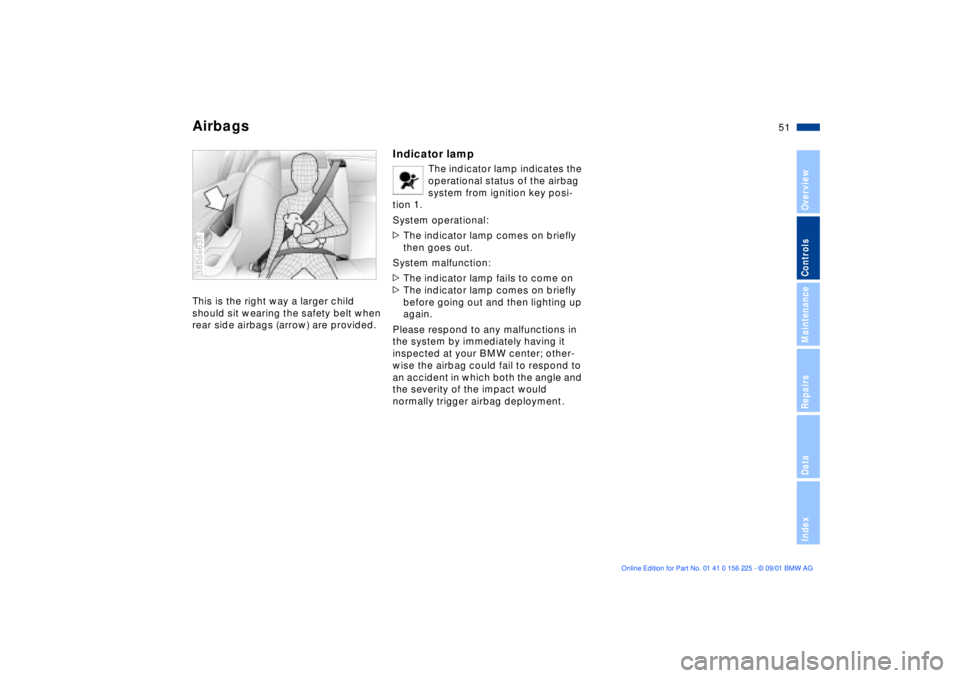
AirbagsThis is the right way a larger child
should sit wearing the safety belt when
rear side airbags (arrow) are provided.380de638
Indicator lamp
The indicator lamp indicates the
operational status of the airbag
system from ignition key posi-
tion 1.
System operational:
>The indicator lamp comes on briefly
then goes out.
System malfunction:
>The indicator lamp fails to come on
>The indicator lamp comes on briefly
before going out and then lighting up
again.
Please respond to any malfunctions in
the system by immediately having it
inspected at your BMW center; other-
wise the airbag could fail to respond to
an accident in which both the angle and
the severity of the impact would
normally trigger airbag deployment.
Page 54 of 154
54n
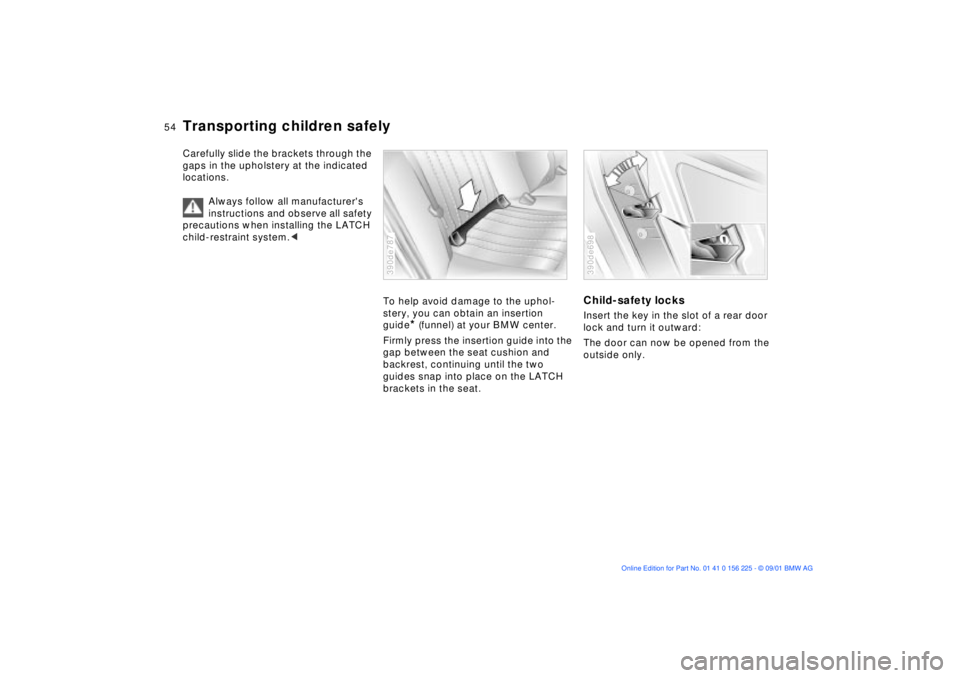
Transporting children safelyCarefully slide the brackets through the
gaps in the upholstery at the indicated
locations.
Always follow all manufacturer's
instructions and observe all safety
precautions when installing the LATCH
child-restraint system.<
To help avoid damage to the uphol-
stery, you can obtain an insertion
guide
* (funnel) at your BMW center.
Firmly press the insertion guide into the
gap between the seat cushion and
backrest, continuing until the two
guides snap into place on the LATCH
brackets in the seat.
390de787
Child-safety locksInsert the key in the slot of a rear door
lock and turn it outward:
The door can now be opened from the
outside only.390de698
Page 55 of 154
55n
OverviewControlsMaintenanceRepairsDataIndex
Vehicle Memory, Key Memory How the system functionsNo doubt you have reflected at one
time or another on how great it would
be if you could permanently configure
your vehicle's various features and
adjustments to mirror your own indi-
vidual preferences. In engineering your
vehicle, BMW has incorporated a
number of options for personal adjust-
ment that can be programmed into your
vehicle at your BMW center.
The available configuration data fall into
two categories, according to whether
their primary orientation is the vehicle
("Vehicle Memory") or the individual
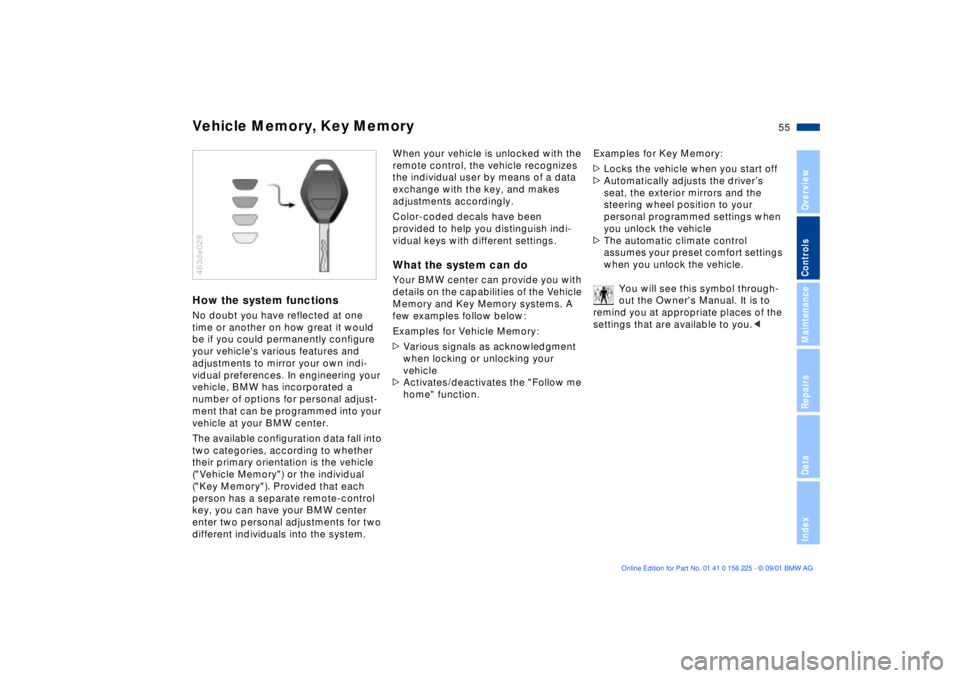
("Key Memory"). Provided that each
person has a separate remote-control
key, you can have your BMW center
enter two personal adjustments for two
different individuals into the system.463de029
When your vehicle is unlocked with the
remote control, the vehicle recognizes
the individual user by means of a data
exchange with the key, and makes
adjustments accordingly.
Color-coded decals have been
provided to help you distinguish indi-
vidual keys with different settings.What the system can doYour BMW center can provide you with
details on the capabilities of the Vehicle
Memory and Key Memory systems. A
few examples follow below:
Examples for Vehicle Memory:
>Various signals as acknowledgment
when locking or unlocking your
vehicle
>Activates/deactivates the "Follow me
home" function.Examples for Key Memory:
>Locks the vehicle when you start off
>Automatically adjusts the driverÕs
seat, the exterior mirrors and the
steering wheel position to your
personal programmed settings when
you unlock the vehicle
>The automatic climate control
assumes your preset comfort settings
when you unlock the vehicle.
You will see this symbol through-
out the Owner's Manual. It is to
remind you at appropriate places of the
settings that are available to you.<