ECO mode BMW M5 SEDAN 2007 E60 User Guide
[x] Cancel search | Manufacturer: BMW, Model Year: 2007, Model line: M5 SEDAN, Model: BMW M5 SEDAN 2007 E60Pages: 256, PDF Size: 12.5 MB
Page 208 of 256
Under the hood
206 Add at least 0.5 US quart/0.5 liter of oil, other-
wise the oil level check cannot reliably display
the current oil level.<
Please conduct a fast measurement after
adding engine oil to check the oil quantity
added and to update the display.<
Continuous exposure to used oil has
caused cancer in laboratory testing.
For this reason, any skin areas that come into
contact with oil should be thoroughly washed
with soap and water.
Keep oil, grease etc. out of reach of children and
observe the warnings on the containers to pre-
vent health risks.<
Oil change
Have oil changed only at your BMW center or
at a workshop that works according to BMW
repair procedures with correspondingly trained
personnel.
Approved engine oils
The quality of the engine oil selected has critical
significance for the operation and service life of
an engine. BMW continuously approves spe-
cific oils after confirming their suitability for use
in its vehicles with extensive testing.
Do not use oil additives, as these may
result in engine damage.<
Your BMW center will be happy to answer
detailed questions on BMW High Perfor-
mance Synthetic Oil or approved synthetic
oils.<
You can also call BMW of North America at
1-800-831-1117 or visit the website at
www.bmwusa.com to obtain this information.
Viscosity grades
Viscosity is a measure of an oil's flow rating and
is specified in SAE grades.
Approved oils belong to the SAE grade
10W-60.<
Alternative oil grades
If BMW High Performance Synthetic Oil is
unavailable, you can add small quantities of
other synthetic oils between oil changes.
Only use oils with the following specifications:
>Viscosity
preferred: SAE 10W-60;
alternative: SAE 10W-40, SAE 5W-50 or
SAE 10W-50
>Specification
API SJ/CF, API SK/CF or higher
Low ambient temperatures
The oils used by BMW from the factory for your
vehicle model can be used at virtually all ambi-
ent temperatures. However, if the vehicle is
operated for a longer period at temperatures
below –47/–206, your BMW center will be
happy to recommend a suitable oil.
Coolant
Do not add coolant to the cooling system
when the engine is hot. Escaping coolant
can cause burns.<
Coolant is comprised of water and coolant addi-
tive. Not all commercially available additives are
suitable for your BMW. Ask your BMW center
for suitable additives.
Only use suitable additives, otherwise
engine damage may result. The additives
present a health hazard; observe the instruc-
tions on the containers.<
Comply with the appropriate environ-
mental protection regulations when dis-
posing of coolant additives.<
Checking coolant level
1.Allow the engine to cool.
2.Turn the cap of the expansion tank counter-
clockwise to allow any accumulated pres-
sure to escape, then continue turning to
open.
ba8_m5us.book Seite 206 Montag, 5. Februar 2007 12:03 12
Page 210 of 256
Maintenance
208
Maintenance
BMW maintenance system
The BMW maintenance system supports the
preservation of the traffic and operating safety
of your BMW. The service schedule also
includes operations related to the vehicle's
comfort and convenience features, such as
replacement of the filters for the inside air.
The ultimate objective is to ensure economical
maintenance by providing the ideal service for
your vehicle.
Should the day come when you decide to sell
your BMW, a complete dealer service history
will prove to be an asset of inestimable value.
CBS Condition Based Service
Sensors and special algorithms take the differ-
ent driving conditions of your BMW into
account. Condition Based Service uses this to
determine the current and future service
requirements. By letting you define a service
and maintenance regimen that reflects your
own individual requirements, the system builds
the basis for trouble-free driving.
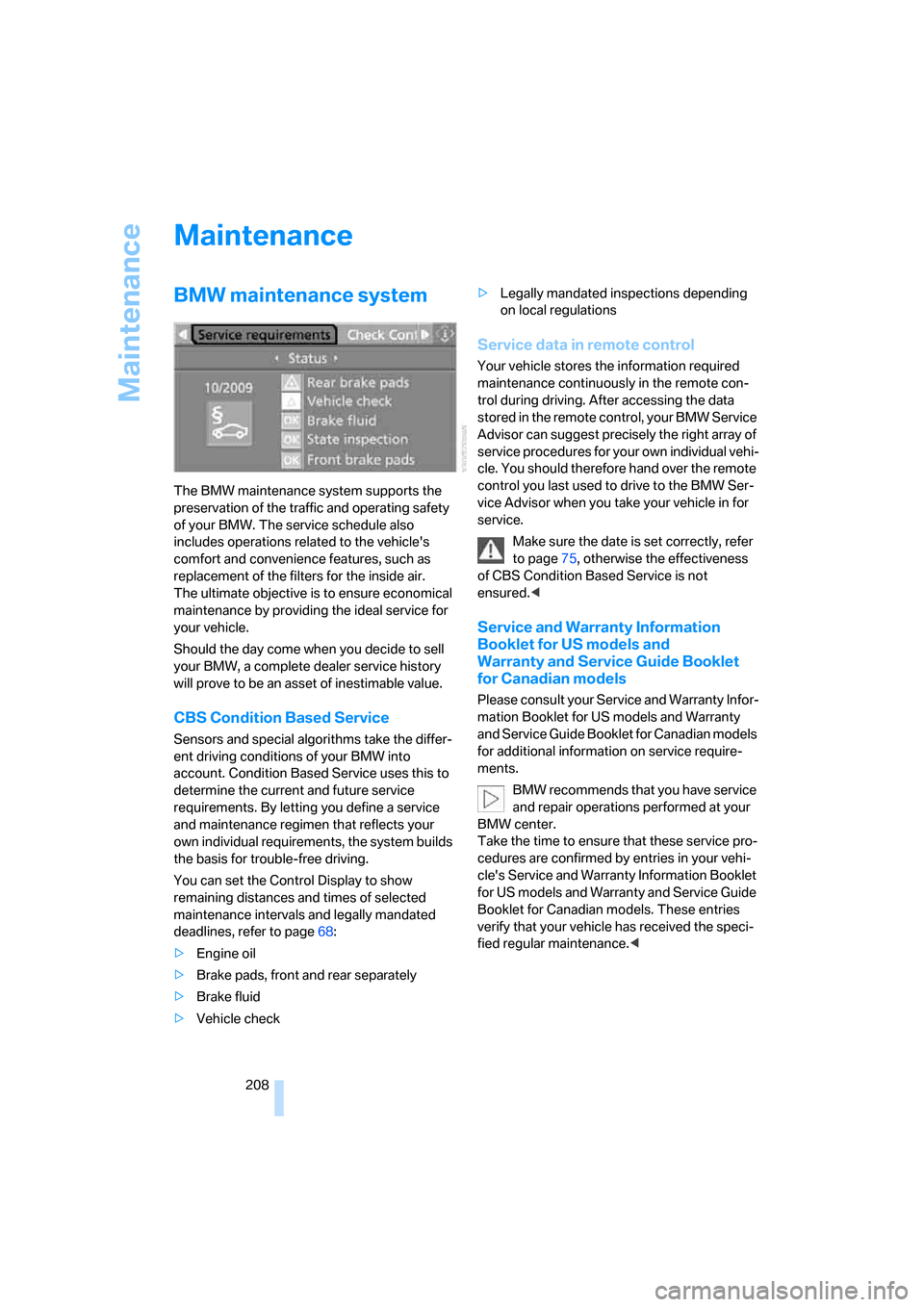
You can set the Control Display to show
remaining distances and times of selected
maintenance intervals and legally mandated
deadlines, refer to page68:
>Engine oil
>Brake pads, front and rear separately
>Brake fluid
>Vehicle check>Legally mandated inspections depending
on local regulations
Service data in remote control
Your vehicle stores the information required
maintenance continuously in the remote con-
trol during driving. After accessing the data
stored in the remote control, your BMW Service
Advisor can suggest precisely the right array of
service procedures for your own individual vehi-
cle. You should therefore hand over the remote
control you last used to drive to the BMW Ser-
vice Advisor when you take your vehicle in for
service.
Make sure the date is set correctly, refer
to page75, otherwise the effectiveness
of CBS Condition Based Service is not
ensured.<
Service and Warranty Information
Booklet for US models and
Warranty and Service Guide Booklet
for Canadian models
Please consult your Service and Warranty Infor-
mation Booklet for US models and Warranty
and Service Guide Booklet for Canadian models
for additional information on service require-
ments.
BMW recommends that you have service
and repair operations performed at your
BMW center.
Take the time to ensure that these service pro-
cedures are confirmed by entries in your vehi-
cle's Service and Warranty Information Booklet
for US models and Warranty and Service Guide
Booklet for Canadian models. These entries
verify that your vehicle has received the speci-
fied regular maintenance.<
ba8_m5us.book Seite 208 Montag, 5. Februar 2007 12:03 12
Page 211 of 256
Mobility
209Reference
At a glance
Controls
Driving tips
Communications
Navigation
Entertainment
Socket for OBD Onboard
Diagnostics interface
Components which are decisive for the
exhaust-gas composition can be checked via
the OBD socket with a device.
This socket is located to the left on the driver's
side, on the underside of the instrument panel
under a cover.
Exhaust-gas values
The warning lamp lights up. The
exhaust-gas values worsen. Have the
vehicle checked as soon as possible.
Display of the previously described
malfunction in Canadian models.
The lamp flashes under certain conditions. This
is a sign of excessive misfiring of the engine. In
this case you should reduce speed and drive to
the nearest BMW center as soon as possible.
Heavy engine misfiring causes serious damage
to the emission-relevant components, espe-
cially the catalytic converter, within a short time.
If the fuel filler cap is not properly tight-
ened, the OBD system will assume that
fuel vapor escapes. Then a display lights up. If
the cap is then tightened, the display will go out
within a few days.<
Event Data Recorders
Your vehicle may be equipped with one or sev-
eral measuring and diagnosis modules, or with
a device for recording or transmitting certain
vehicle data or information. If you have also
signed a contract of participation for BMW
Assist, certain vehicle data can be transmitted
or recorded to enable corresponding services.
Care
Important information on the care and mainte-
nance of your BMW is contained in the Caring
for your vehicle brochure.
ba8_m5us.book Seite 209 Montag, 5. Februar 2007 12:03 12
Page 240 of 256
Everything from A to Z
238 "Customer
Relations"182,190
Cylinders, refer to Engine
data226
D
Dashboard, refer to
Cockpit10
Data, technical226
– dimensions227
– engine226
– weights228
"Date"75
Date
– display format75
– setting75
"Date format"75
"Daytime running lamps"92
Daytime running lamps92
DBC Dynamic Brake Control,
warning lamp81
"Deactivated"44
Decommissioning the vehicle,
refer to Caring for your
vehicle brochure
Defect
– door lock32
– fuel filler door196
– glass sunroof39
– luggage compartment lid34
Defrosting windows97
Defrosting windows and
removing condensation97
Defrosting windshield, refer to
Defrosting windows97
Defrost position, refer to
Defrosting windows97
"Delete address book" for
navigation system131
"Delete all numbers" for
mobile phone181
"Delete data" for navigation
system131
"Delete" for mobile
phone181
Destination address
– deleting131
– entering122,125Destination for navigation
– destination list129
– entering via voice125
– entry122
– selecting from address
book130
– selecting using
information128
– storing130
Destination guidance134
– bypassing route
sections138
– canceling voice
instructions50
– changing specified
route132
– displaying route135
– distance and arrival134
– interrupting
134
– starting134
– terminating/continuing134
– voice instructions137
– volume of voice
instructions138
Destination list for
navigation129
Destinations recently driven
to129
"Details" in audio
mode161,167
"Detour" for navigation
system141
"Dial" for mobile phone179
"Dial number"179
Digital clock66
Digital radio, refer to High
Definition Radio154
Dimensions227
Directional indicators, refer to
Turn signals61
Direction announcements,
refer to Voice
instructions137
Direction instructions, refer to
Voice instructions137
Directory, refer to Phone
book180Directory for navigation, refer
to Address book130
Direct selection buttons21
Displacement, refer to Engine
data226
"Display"75
Display, refer to iDrive
controls16
Display elements, refer to
Instrument cluster12
Displaying vehicle data193
Display lighting, refer to
Instrument lighting94
"Display off"21
Displays
– on Control Display, refer to
iDrive16
– refer to Instrument
cluster12
"Display settings"75,88
Displays on the windshield,
refer to Head-Up Display88
Disposal
– battery of remote control
with comfort access37
– coolant206
– vehicle battery218
Distance, refer to
Computer67
"Distance to dest."67
Distance to destination, refer
to Computer67
Distance warning, refer to
PDC Park Distance
Control77
Divided rear backrest, refer to
Through-loading
system108
Door entry lighting94
Door key, refer to Keys/
remote control28
Door lock32
Door locking, confirmation
signals31
"Door locks"30
Doors
– manual operation32
– remote control30
ba8_m5us.book Seite 238 Montag, 5. Februar 2007 12:03 12
Page 248 of 256
Everything from A to Z
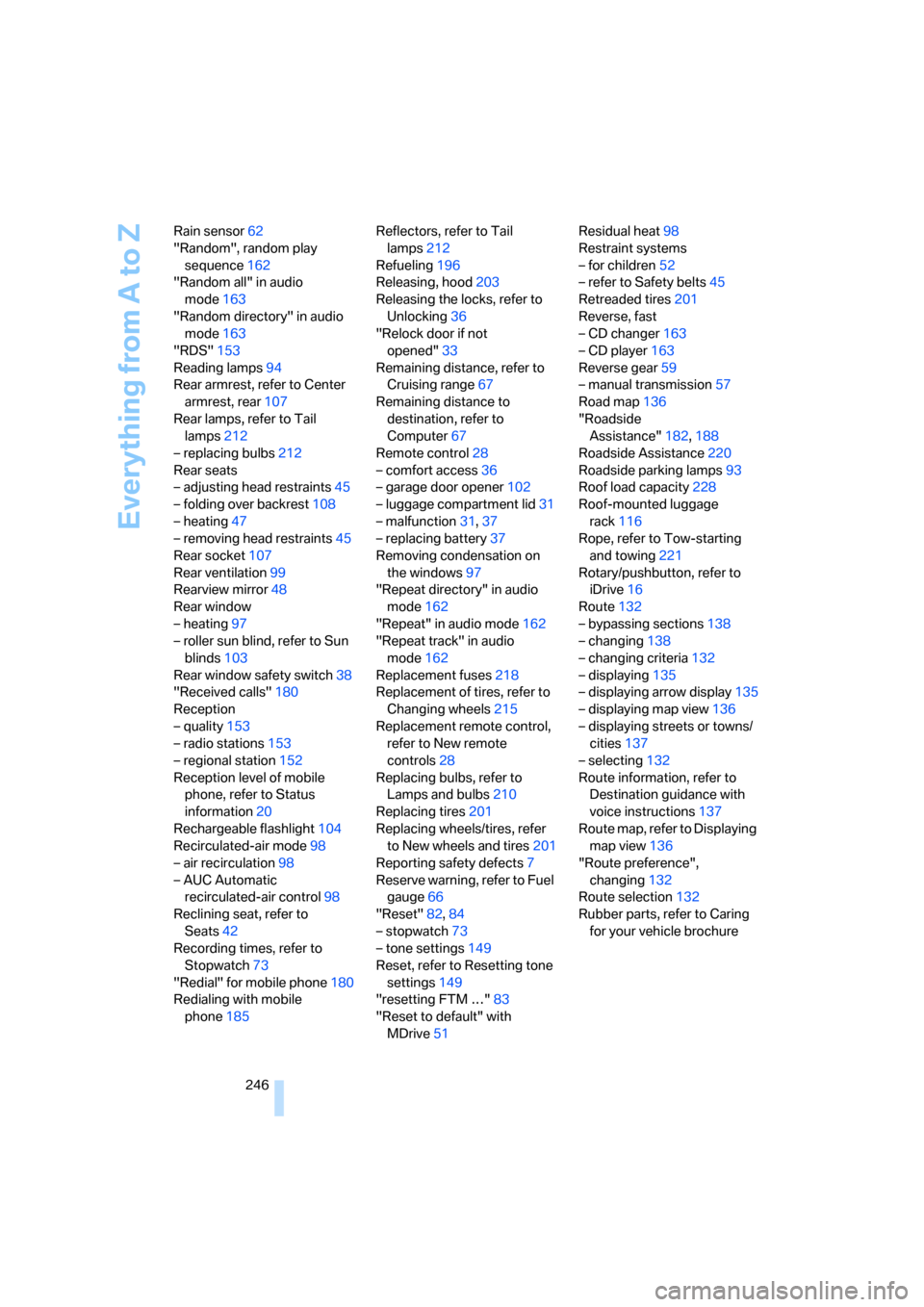
246 Rain sensor62
"Random", random play
sequence162
"Random all" in audio
mode163
"Random directory" in audio
mode163
"RDS"153
Reading lamps94
Rear armrest, refer to Center
armrest, rear107
Rear lamps, refer to Tail
lamps212
– replacing bulbs212
Rear seats
– adjusting head restraints45
– folding over backrest108
– heating47
– removing head restraints45
Rear socket107
Rear ventilation99
Rearview mirror48
Rear window
– heating97
– roller sun blind, refer to Sun
blinds103
Rear window safety switch38
"Received calls"180
Reception
– quality153
– radio stations153
– regional station152
Reception level of mobile
phone, refer to Status
information20
Rechargeable flashlight104
Recirculated-air mode98
– air recirculation98
– AUC Automatic
recirculated-air control98
Reclining seat, refer to
Seats42
Recording times, refer to
Stopwatch73
"Redial" for mobile phone180
Redialing with mobile
phone185Reflectors, refer to Tail
lamps212
Refueling196
Releasing, hood203
Releasing the locks, refer to
Unlocking36
"Relock door if not
opened"33
Remaining distance, refer to
Cruising range67
Remaining distance to
destination, refer to
Computer67
Remote control28
– comfort access
36
– garage door opener102
– luggage compartment lid31
– malfunction31,37
– replacing battery37
Removing condensation on
the windows97
"Repeat directory" in audio
mode162
"Repeat" in audio mode162
"Repeat track" in audio
mode162
Replacement fuses218
Replacement of tires, refer to
Changing wheels215
Replacement remote control,
refer to New remote
controls28
Replacing bulbs, refer to
Lamps and bulbs210
Replacing tires201
Replacing wheels/tires, refer
to New wheels and tires201
Reporting safety defects7
Reserve warning, refer to Fuel
gauge66
"Reset"82,84
– stopwatch73
– tone settings149
Reset, refer to Resetting tone
settings149
"resetting FTM …"83
"Reset to default" with
MDrive51Residual heat98
Restraint systems
– for children52
– refer to Safety belts45
Retreaded tires201
Reverse, fast
– CD changer163
– CD player163
Reverse gear59
– manual transmission57
Road map136
"Roadside
Assistance"182,188
Roadside Assistance220
Roadside parking lamps93
Roof load capacity228
Roof-mounted luggage
rack116
Rope, refer to Tow-starting
and towing221
Rotary/pushbutton, refer to
iDrive16
Route132
– bypassing sections138
– changing138
– changing criteria132
– displaying135
– displaying arrow display135
– displaying map view136
– displaying streets or towns/
cities137
– selecting132
Route information, refer to
Destination guidance with
voice instructions137
Route map, refer to Displaying
map view136
"Route preference",
changing132
Route selection132
Rubber parts, refer to Caring
for your vehicle brochure
ba8_m5us.book Seite 246 Montag, 5. Februar 2007 12:03 12
Page 253 of 256
Reference 251
At a glance
Controls
Driving tips
Communications
Navigation
Entertainment
Mobility
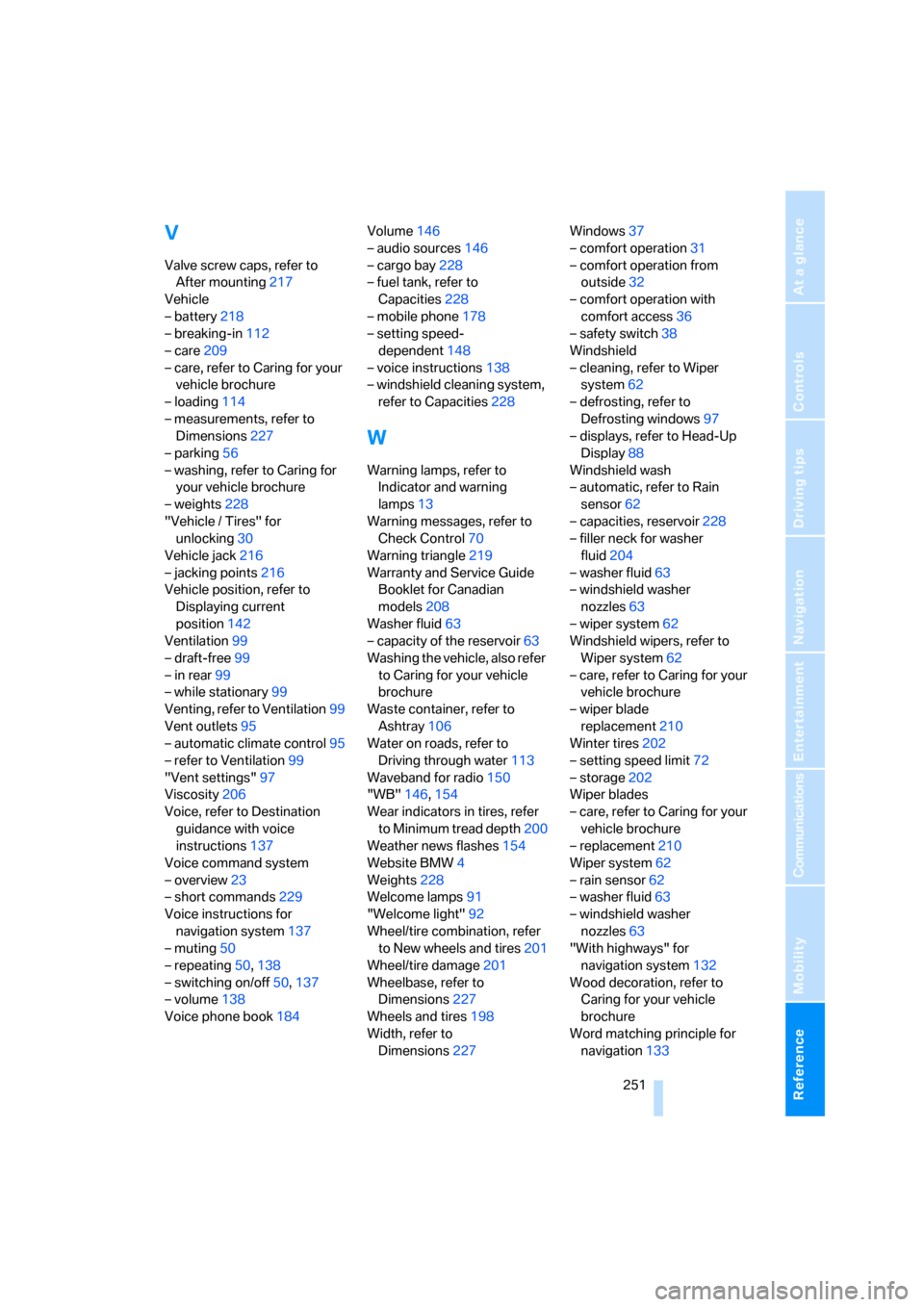
V
Valve screw caps, refer to
After mounting217
Vehicle
– battery218
– breaking-in112
– care209
– care, refer to Caring for your
vehicle brochure
– loading114
– measurements, refer to
Dimensions227
– parking56
– washing, refer to Caring for
your vehicle brochure
– weights228
"Vehicle / Tires" for
unlocking30
Vehicle jack216
– jacking points216
Vehicle position, refer to
Displaying current
position142
Ventilation99
– draft-free99
– in rear99
– while stationary99
Venting, refer to Ventilation99
Vent outlets95
– automatic climate control95
– refer to Ventilation99
"Vent settings"97
Viscosity206
Voice, refer to Destination
guidance with voice
instructions137
Voice command system
– overview23
– short commands229
Voice instructions for
navigation system137
– muting50
– repeating50,138
– switching on/off50,137
– volume138
Voice phone book184Volume146
– audio sources146
– cargo bay228
– fuel tank, refer to
Capacities228
– mobile phone178
– setting speed-
dependent148
– voice instructions138
– windshield cleaning system,
refer to Capacities228
W
Warning lamps, refer to
Indicator and warning
lamps13
Warning messages, refer to
Check Control70
Warning triangle219
Warranty and Service Guide
Booklet for Canadian
models208
Washer fluid63
– capacity of the reservoir63
Washing the vehicle, also refer
to Caring for your vehicle
brochure
Waste container, refer to
Ashtray106
Water on roads, refer to
Driving through water113
Waveband for radio150
"WB"146,154
Wear indicators in tires, refer
to Minimum tread depth200
Weather news flashes154
Website BMW4
Weights228
Welcome lamps91
"Welcome light"92
Wheel/tire combination, refer
to New wheels and tires201
Wheel/tire damage201
Wheelbase, refer to
Dimensions227
Wheels and tires198
Width, refer to
Dimensions227Windows37
– comfort operation31
– comfort operation from
outside32
– comfort operation with
comfort access36
– safety switch38
Windshield
– cleaning, refer to Wiper
system62
– defrosting, refer to
Defrosting windows97
– displays, refer to Head-Up
Display88
Windshield wash
– automatic, refer to Rain
sensor62
– capacities, reservoir228
– filler neck for washer
fluid204
– washer fluid63
– windshield washer
nozzles63
– wiper system62
Windshield wipers, refer to
Wiper system62
– care, refer to Caring for your
vehicle brochure
– wiper blade
replacement210
Winter tires202
– setting speed limit72
– storage202
Wiper blades
– care, refer to Caring for your
vehicle brochure
– replacement210
Wiper system62
– rain sensor62
– washer fluid63
– windshield washer
nozzles63
"With highways" for
navigation system132
Wood decoration, refer to
Caring for your vehicle
brochure
Word matching principle for
navigation133
ba8_m5us.book Seite 251 Montag, 5. Februar 2007 12:03 12