phone BMW M6 CONVERTIBLE 2015 F12M User Guide
[x] Cancel search | Manufacturer: BMW, Model Year: 2015, Model line: M6 CONVERTIBLE, Model: BMW M6 CONVERTIBLE 2015 F12MPages: 230, PDF Size: 4.9 MB
Page 98 of 230
Speed limit detection can also be displayed in
the Head-up Display.
System limits The system may not be fully functional and
may provide incorrect information in the fol‐
lowing situations:▷In heavy fog, rain or snowfall.▷When signs are concealed by objects.▷When driving very close to the vehicle in
front of you.▷When driving toward bright lights.▷When the windshield behind the interior
rearview mirror is fogged over, dirty or cov‐
ered by a sticker, etc.▷In the event of incorrect detection by the
camera.▷If the speed limits stored in the navigation
system are incorrect.▷In areas not covered by the navigation sys‐
tem.▷When roads differ from the navigation,
such as due to changes in road routing.▷When passing buses or trucks with a
speed sticker.▷If the traffic signs are non-conforming.▷During calibration of the camera immedi‐
ately after vehicle shipment.
Selection lists in the
instrument cluster
The concept Depending on your vehicle's optional features,
the following can be displayed or operated us‐
ing the buttons and the thumbwheel on the
steering wheel as well as the displays in the in‐
strument cluster and the Head-up Display:
▷Current audio source.▷Redial phone feature.▷Turn on voice activation system.
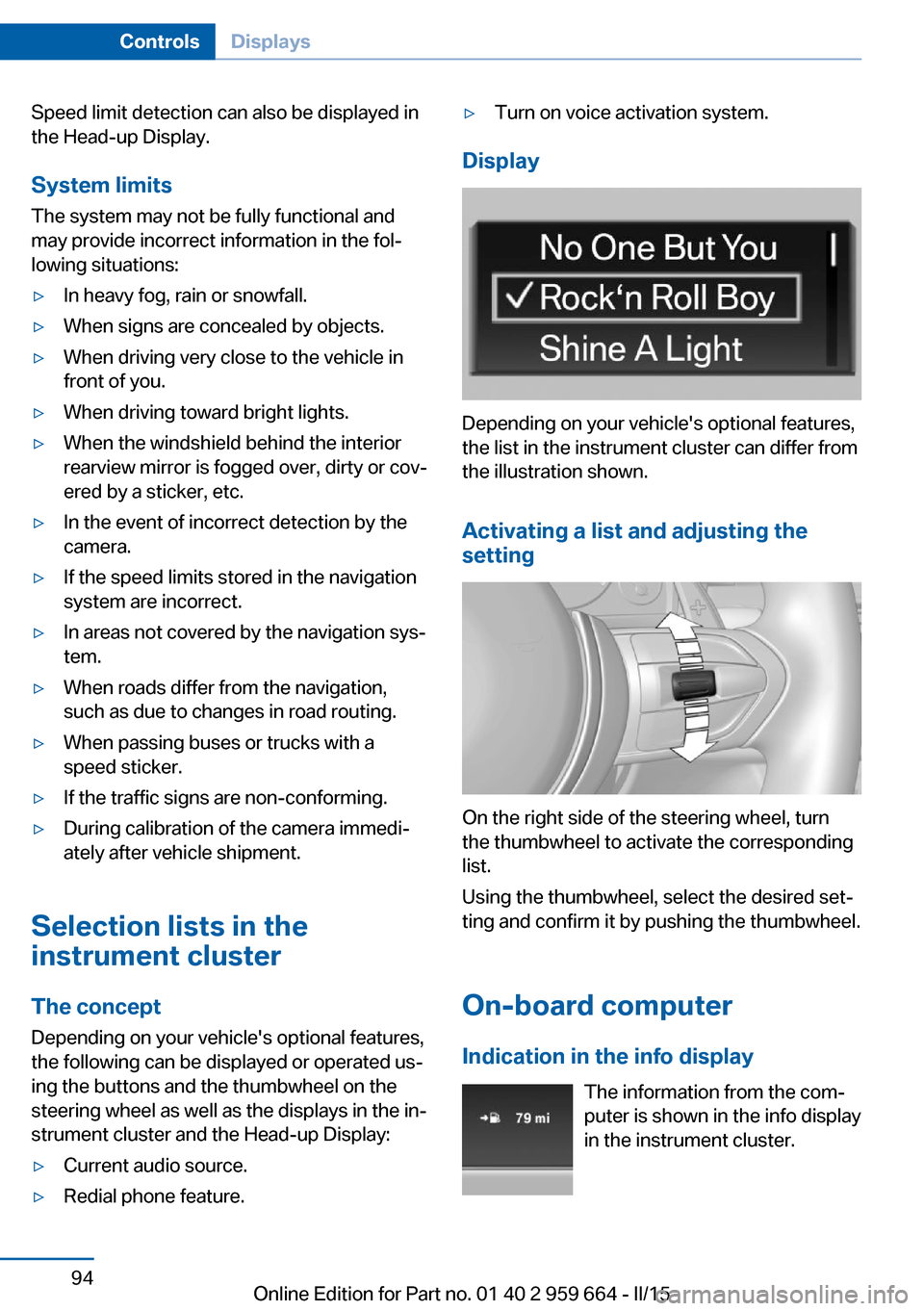
Display
Depending on your vehicle's optional features,
the list in the instrument cluster can differ from
the illustration shown.
Activating a list and adjusting the
setting
On the right side of the steering wheel, turn
the thumbwheel to activate the corresponding
list.
Using the thumbwheel, select the desired set‐
ting and confirm it by pushing the thumbwheel.
On-board computer
Indication in the info display The information from the com‐
puter is shown in the info display
in the instrument cluster.
Seite 94ControlsDisplays94
Online Edition for Part no. 01 40 2 959 664 - II/15
Page 111 of 230
Information on how to ensure the optimal
protective effect of the airbags▷Keep at a distance from the airbags.▷Always grasp the steering wheel on the
steering wheel rim, holding your hands at
the 3 o'clock and 9 o'clock positions, to
keep the risk of injury to your hands or
arms as low as possible when the airbag is
triggered.▷There should be no person, animals, or ob‐
jects between an airbag and a person.▷Do not use the cover of the front airbag on
the front passenger side as a storage area.▷Dashboard and windshield on the front
passenger side must stay clear - do not at‐
tach adhesive labels or coverings and do
not attach brackets or cables, e. g., for GPS
devices or' mobile phones.▷Make sure that the front passenger is sit‐
ting correctly, i.e., keeps his or her feet and
legs in the footwell; otherwise, leg injuries
might occur when front airbag is activated.▷Do not place slip covers, seat cushions or
other objects on the front passenger seat
that are not approved specifically for seats
with integrated side airbags.▷Do not hang pieces of clothing, such as
jackets, over the backrests.▷Make sure that occupants keep their heads
away from the side airbag; otherwise, inju‐
ries might occur when airbag is activated.▷Do not remove the airbag system.▷Do not remove the steering wheel.▷Do not apply adhesive materials to the air‐
bag cover panels, do not cover them or
modify them in any way.▷Never modify either the individual compo‐
nents or the wiring in the airbag system.
This also applies to steering wheel covers,
the dashboard, and the seats.◀
Even when you follow all instructions very
closely, injury from contact with the airbags
cannot be ruled out in certain situations.
The ignition and inflation noise may lead to
short-term and, in most cases, temporary
hearing impairment in sensitive individuals.
Malfunction, deactivation and after de‐
ploying the airbags
Do not touch the individual components imme‐
diately after the system has been triggered;
otherwise, you may risk burns.
Only have the airbags checked, repaired or dis‐
mantled and the airbag generator scrapped by
the service center or an authorized repair shop
for handling explosives.
Non-professional attempts to service the sys‐
tem could lead to failure in an emergency or
unintentional activation of the airbag - both
may lead to injury.◀
Warnings and information on the airbags are
also found on the sun visors.
Functional readiness of the airbag
system
When the ignition is reel on, the warn‐
ing lamp in the instrument cluster lights
up briefly and thereby indicates the op‐
erational readiness of the entire airbag system
and the belt tensioner.
Airbag system malfunctioning▷Warning lamp does not come on when the
ignition is turned on.▷The warning lamp lights up continuously.
In case of a malfunction have airbag sys‐
tem checked immediately.
In case of a malfunction have airbag system
checked immediately; otherwise, there is a risk
that the system does not function as expected
in case of a severe accident.◀
Seite 107SafetyControls107
Online Edition for Part no. 01 40 2 959 664 - II/15
Page 169 of 230
General driving notes
Closing the trunk lid Drive with the trunk lid closed
Only drive with the tailgate closed; other‐
wise, in the event of an accident or braking and
evasive maneuvers, passengers and other traf‐
fic may be injured, and the vehicle may be
damaged. In addition, exhaust fumes may en‐
ter the vehicle interior.◀
If driving with the tailgate open cannot be avoided:▷If the convertible top is closed, close all
windows.▷Greatly increase the air flow from the vents.▷Drive moderately.
Hot exhaust system
Hot exhaust system
High temperatures are generated in the
exhaust system.
Do not remove the heat shields installed and
never apply undercoating to them. Make sure
that flammable materials, e. g. hay, leaves,
grass, etc. do not come in contact with the hot
exhaust system while driving, while in idle po‐
sition mode, or when parked. Such contact
could lead to a fire, resulting in an increased
risk of serious personal injury as well as prop‐
erty damage.
Do not touch hot exhaust pipes; otherwise,
there is a danger of getting burned.◀
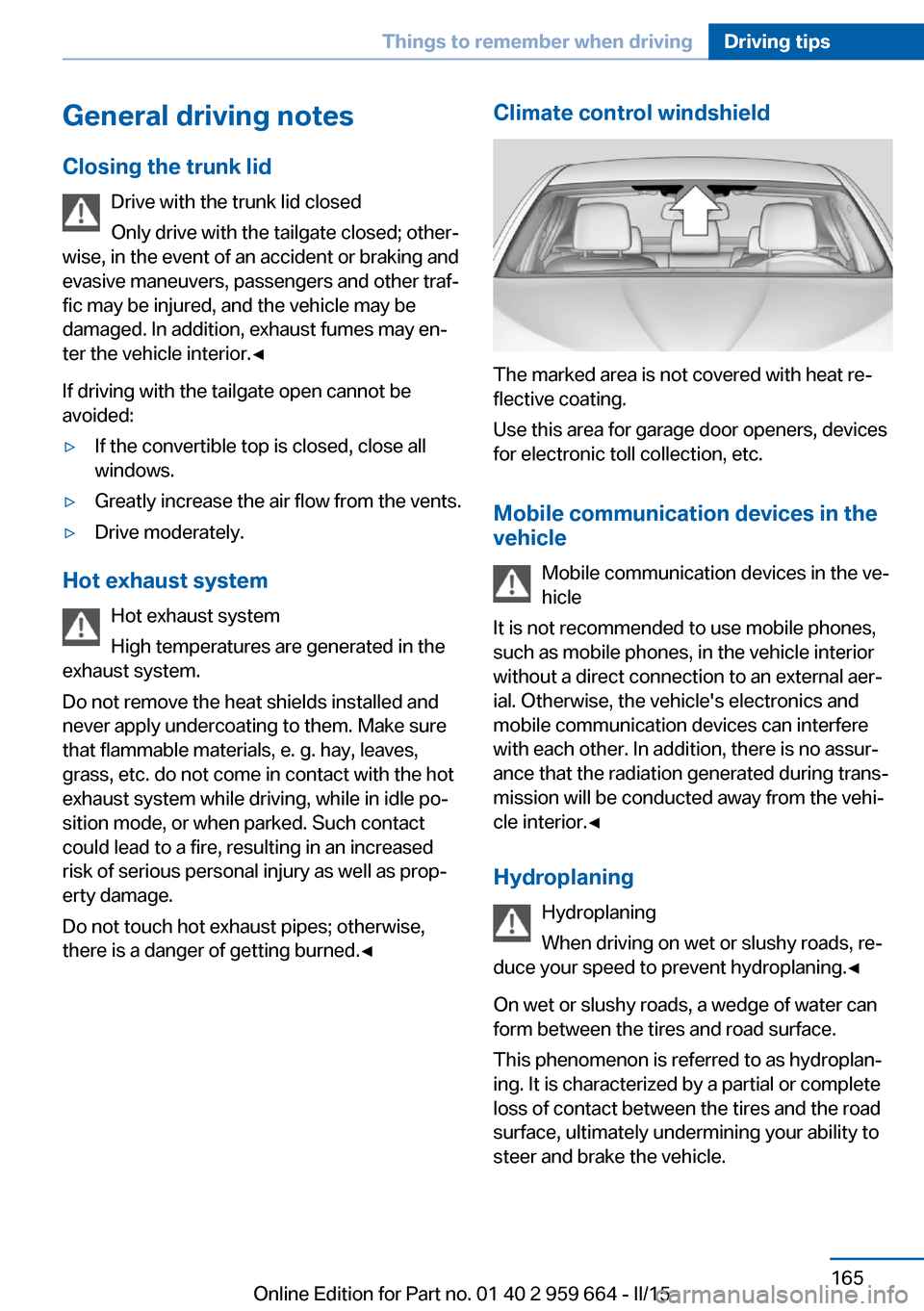
Climate control windshield
The marked area is not covered with heat re‐
flective coating.
Use this area for garage door openers, devices
for electronic toll collection, etc.
Mobile communication devices in the vehicle
Mobile communication devices in the ve‐
hicle
It is not recommended to use mobile phones,
such as mobile phones, in the vehicle interior
without a direct connection to an external aer‐
ial. Otherwise, the vehicle's electronics and
mobile communication devices can interfere
with each other. In addition, there is no assur‐
ance that the radiation generated during trans‐
mission will be conducted away from the vehi‐
cle interior.◀
Hydroplaning Hydroplaning
When driving on wet or slushy roads, re‐
duce your speed to prevent hydroplaning.◀
On wet or slushy roads, a wedge of water can
form between the tires and road surface.
This phenomenon is referred to as hydroplan‐
ing. It is characterized by a partial or complete
loss of contact between the tires and the road
surface, ultimately undermining your ability to
steer and brake the vehicle.
Seite 165Things to remember when drivingDriving tips165
Online Edition for Part no. 01 40 2 959 664 - II/15
Page 227 of 230
Service requirements, Condi‐tion Based Service
CBS 193
Service requirements, dis‐ play 91
Services, ConnectedDrive
Servotronic 132
SET button, see Cruise con‐ trol 134
Settings, locking/unlock‐ ing 43
Settings, M Drive 128
Settings on Control Dis‐ play 97
Settings, storing for seat, mir‐ rors, steering wheel 62
Shift point indicator 100
Shoulder support 58
Side airbags 106
Side View 141
Signaling, horn 14
Signals when unlocking 44
Sitting safely 56
Size 214
Ski bag 154
Smallest turning radius 214
Smoker's package 152
Snow chains 186
Socket 153
Socket, OBD Onboard Diag‐ nostics 194
SOS button 200
Spare fuse 199
Speaker lighting 105
Specified engine oil types 191
Speed, average 95
Speed limit detection, on- board computer 96
Speed limiter, display 93
Speed Limit Information 93
Speed warning 96
Split screen 23
Sport displays, torque dis‐ play, performance dis‐
play 96 Stability control systems 128
Standard view, head-up dis‐ play 99
Start/stop, automatic func‐ tion 71
Start/Stop button 69
Start function during malfunc‐ tion 35
Starting the engine 70
Status control display, tires 110
Status information, iDrive 22
Status of Owner's Manual 7
Steering assistance 132
Steering wheel, adjusting 64
Steering wheel heating 65
Steering wheel memory 62
Stopping the engine 70
Storage compartments 156
Storage compartments, loca‐ tions 156
Storage, tires 183
Storing the vehicle 210
Suitable engine oils 191
Summer tires, tread 181
Sun visor 152
Supplementary text mes‐ sage 88
Surround View 138
Switch-on times, parked-car ventilation 149
Switch, refer to Cockpit 14
Symbols 6
Symbols in the status field 22
SYNC program, automatic cli‐ mate control 148
System states of dynamic driving 91
T
Tachometer 88
Tail and brake lights 197
Tail lights 197
Tail lights, bulb replace‐ ment 197 Technical changes, refer to
Safety 7
Technical data 214
Technology, BMW M 162
Telephone, see user's manual for Navigation, Entertain‐
ment and Communication
Temperature, automatic cli‐ mate control 146
Temperature display for ex‐ ternal temperature 89
Temperature, engine oil 88
Terminal, starting aid 202
Text message, supplemen‐ tary 88
Theft alarm system, refer to Alarm system 44
Thermal camera, see Night Vision 120
Thigh support 57
Tilt alarm sensor 45
Tilt, seats 56
Time of arrival 96
Tire damage 181
Tire identification marks 179
Tire inflation pressure 178
Tire inflation pressure moni‐ tor, refer to FTM 112
Tire Pressure Monitor TPM 110
Tires, changing 182
Tire sealant 183
Tires, everything on wheels and tires 178
Tire tread 181
Tone, see user's manual for Navigation, Entertainment
and Communication
Tool 195
Top View 142
Total vehicle weight 214
Touchpad 21
Tow fitting 204
Towing 203
Tow lug, see Tow fitting 204
Tow-starting 203 Seite 223Everything from A to ZReference223
Online Edition for Part no. 01 40 2 959 664 - II/15