sos BMW M6 GRAN COUPE 2015 F06M Owner's Manual
[x] Cancel search | Manufacturer: BMW, Model Year: 2015, Model line: M6 GRAN COUPE, Model: BMW M6 GRAN COUPE 2015 F06MPages: 226, PDF Size: 4.76 MB
Page 32 of 226
This can unnecessarily delay the establish‐
ment of a phone connection.
Instead, use the SOS button, refer to
page 198, close to the interior mirror.
Environmental conditions▷Say the commands, numbers, and letters
smoothly and with normal volume, empha‐
sis, and speed.▷Always say commands in the language of
the voice activation system.▷Keep the doors, windows, and glass sun‐
roof closed to prevent noise interference.▷Avoid making other noise in the vehicle
while speaking.Seite 28At a glanceVoice activation system28
Online Edition for Part no. 01 40 2 954 258 - II/15
Page 202 of 226
Breakdown assistanceVehicle features and options
This chapter describes all standard, country-
specific and optional features offered with the
series. It also describes features that are not
necessarily available in your car, e. g., due to
the selected options or country versions. This
also applies to safety-related functions and
systems. The respectively applicable country
provisions must be observed when using the
respective features and systems.
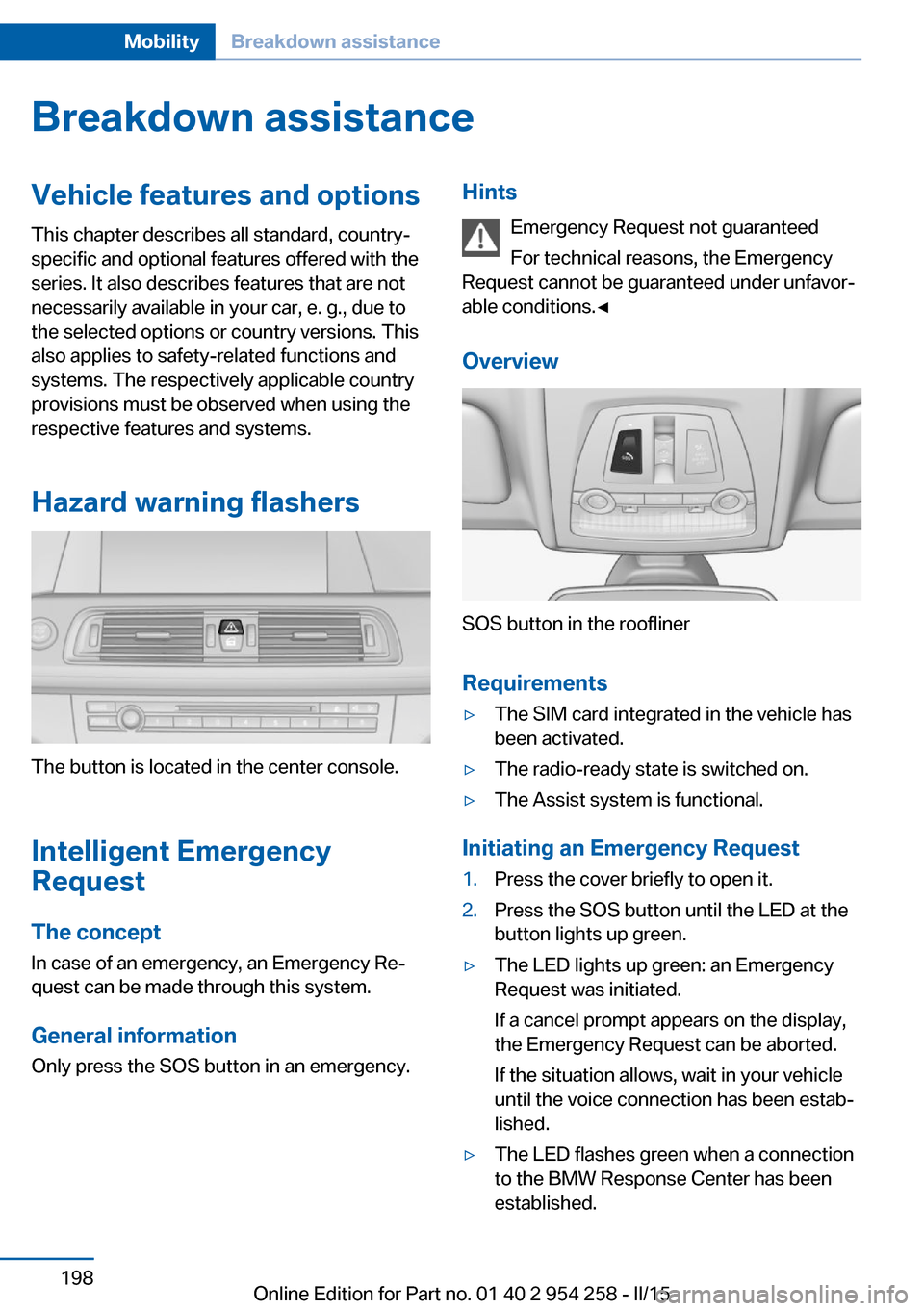
Hazard warning flashers
The button is located in the center console.
Intelligent Emergency
Request
The concept In case of an emergency, an Emergency Re‐
quest can be made through this system.
General information
Only press the SOS button in an emergency.
Hints
Emergency Request not guaranteed
For technical reasons, the Emergency
Request cannot be guaranteed under unfavor‐
able conditions.◀
Overview
SOS button in the roofliner
Requirements
▷The SIM card integrated in the vehicle has
been activated.▷The radio-ready state is switched on.▷The Assist system is functional.
Initiating an Emergency Request
1.Press the cover briefly to open it.2.Press the SOS button until the LED at the
button lights up green.▷The LED lights up green: an Emergency
Request was initiated.
If a cancel prompt appears on the display,
the Emergency Request can be aborted.
If the situation allows, wait in your vehicle
until the voice connection has been estab‐
lished.▷The LED flashes green when a connection
to the BMW Response Center has been
established.Seite 198MobilityBreakdown assistance198
Online Edition for Part no. 01 40 2 954 258 - II/15
Page 203 of 226
When the emergency request is received
at the BMW Response Center, the BMW
Response Center contacts you and takes
further steps to help you.
Even if you are unable to respond, the
BMW Response Center can take further
steps to help you under certain circum‐
stances.
For this, data are transmitted to the BMW
Response Center which serve to deter‐
mine the necessary rescue measures. E. g.
the current position of the vehicle, if it can
be established.▷If the LED is flashing green, but the BMW
Response Center can no longer be heard
via the speaker, you can nevertheless still
be heard at the BMW Response Center.
Initiating an Emergency Request
automatically
Under certain conditions, an Emergency Re‐
quest is automatically initiated immediately af‐
ter a severe accident. Automatic Collision Noti‐
fication is not affected by pressing the SOS
button.
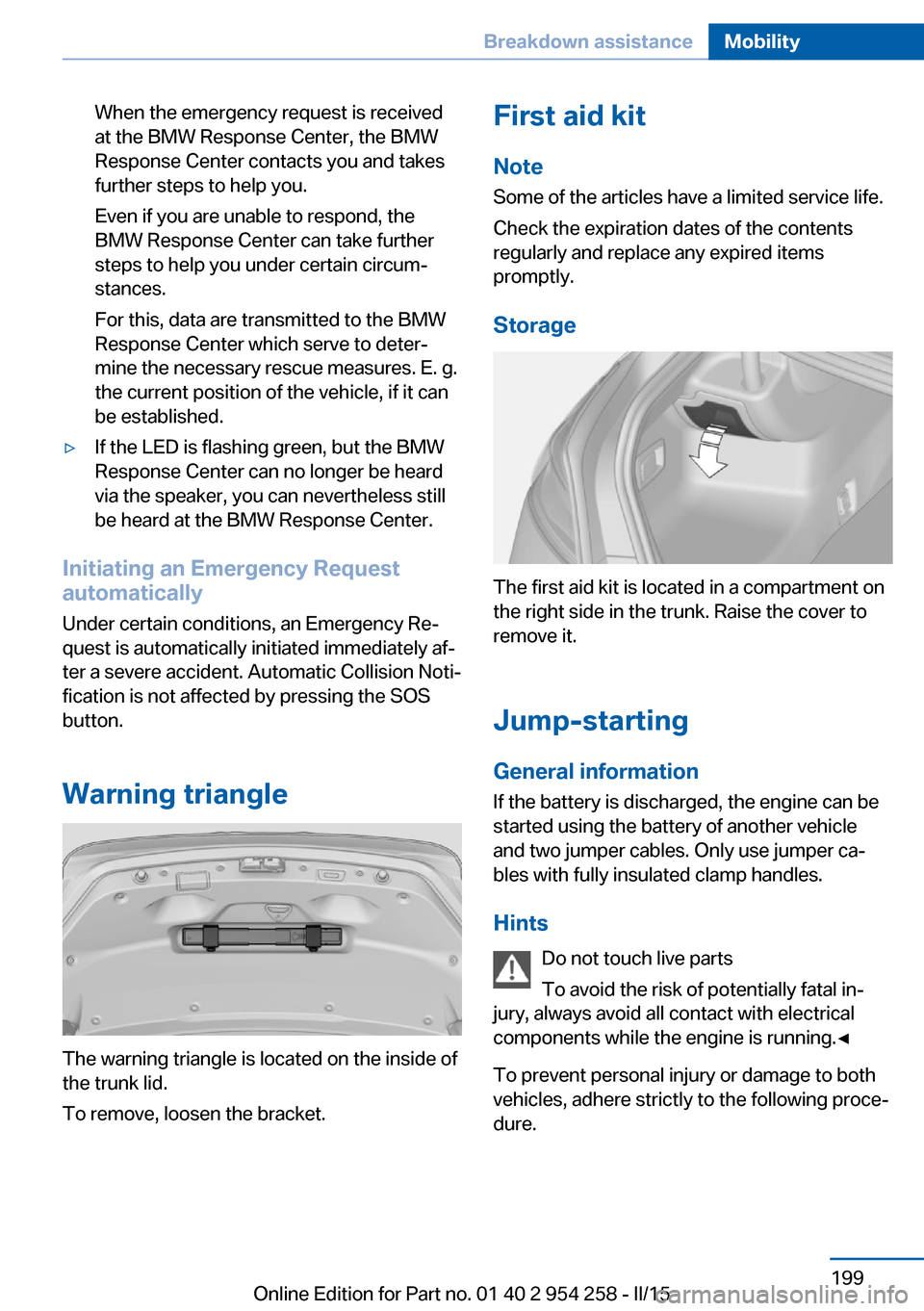
Warning triangle
The warning triangle is located on the inside of
the trunk lid.
To remove, loosen the bracket.
First aid kit
Note
Some of the articles have a limited service life.
Check the expiration dates of the contents
regularly and replace any expired items
promptly.
Storage
The first aid kit is located in a compartment on
the right side in the trunk. Raise the cover to
remove it.
Jump-starting
General information If the battery is discharged, the engine can be
started using the battery of another vehicle and two jumper cables. Only use jumper ca‐
bles with fully insulated clamp handles.
Hints Do not touch live parts
To avoid the risk of potentially fatal in‐
jury, always avoid all contact with electrical
components while the engine is running.◀
To prevent personal injury or damage to both
vehicles, adhere strictly to the following proce‐
dure.
Seite 199Breakdown assistanceMobility199
Online Edition for Part no. 01 40 2 954 258 - II/15
Page 223 of 226
Seats 50
Seat ventilation, front 53
Selection list in instrument cluster 89
Selector lever 73
Selector lever position 73
Sensors, care 207
Sequential mode 74
Service and warranty 8
Service requirements, Condi‐ tion Based Service
CBS 191
Service requirements, dis‐ play 86
Services, ConnectedDrive
Servotronic 127
SET button, see Cruise con‐ trol 129
Settings, locking/unlock‐ ing 43
Settings, M Drive 123
Settings on Control Dis‐ play 92
Settings, storing for seat, mir‐ rors, steering wheel 56
Shift point indicator 95
Shoulder support 52
Side airbags 101
Side View 136
Signaling, horn 14
Signals when unlocking 43
Sitting safely 50
Size 210
Ski bag 152
Smallest turning radius 210
Smoker's package 149
Snow chains 184
Socket 150
Socket, OBD Onboard Diag‐ nostics 192
SOS button 198
Spare fuse 197
Speaker lighting 100
Specified engine oil types 189
Speed, average 90 Speed limit detection, on-
board computer 91
Speed limiter, display 88
Speed Limit Information 88
Speed warning 91
Split screen 23
Sport displays, torque dis‐ play, performance dis‐
play 91
Stability control systems 123
Standard view, head-up dis‐ play 94
Start/stop, automatic func‐ tion 66
Start/Stop button 64
Start function during malfunc‐ tion 35
Starting the engine 65
Status control display, tires 105
Status information, iDrive 22
Status of Owner's Manual 7
Steering assistance 127
Steering wheel, adjusting 58
Steering wheel heating 59
Steering wheel memory 56
Stopping the engine 65
Storage compartments 154
Storage compartments, loca‐ tions 154
Storage, tires 181
Storing the vehicle 207
Suitable engine oils 189
Summer tires, tread 179
Sun visor 149
Supplementary text mes‐ sage 83
Surround View 133
Switch-on times, parked-car ventilation 146
Switch, refer to Cockpit 14
Symbols 6
Symbols in the status field 22
SYNC program, automatic cli‐ mate control 142 System states of dynamic
driving 86
T
Tachometer 83
Tail and brake lights 195
Tail lights 195
Tail lights, bulb replace‐ ment 195
Technical changes, refer to Safety 7
Technical data 210
Technology, BMW M 160
Telephone, see user's manual for Navigation, Entertain‐
ment and Communication
Temperature, automatic cli‐ mate control 141
Temperature display for ex‐ ternal temperature 84
Temperature, engine oil 83
Terminal, starting aid 200
Text message, supplemen‐ tary 83
Theft alarm system, refer to Alarm system 44
Thermal camera, see Night Vision 114
Thigh support 51
Through-loading system 151
Tilt alarm sensor 45
Tilt glass roof 48
Tilt, seats 50
Time of arrival 91
Tire damage 179
Tire identification marks 177
Tire inflation pressure 176
Tire inflation pressure moni‐ tor, refer to FTM 107
Tire Pressure Monitor TPM 104
Tires, changing 180
Tire sealant 181
Tires, everything on wheels and tires 176 Seite 219Everything from A to ZReference219
Online Edition for Part no. 01 40 2 954 258 - II/15