BMW X3 2023 User Guide
X3 2023
BMW
BMW
https://www.carmanualsonline.info/img/1/58659/w960_58659-0.png
BMW X3 2023 User Guide
Page 71 of 416
As an alternative for Steps 1 to 3, the profileimage can be tapped in the top status bar.4."Settings"5."Remove driver profile"6.Select the desired driver profile.7."Delete now"
ConnectedDrive countries:If the driver profile
was synchronized with a ConnectedDrive ac
Page 107 of 416
Automatic locking1."CAR"2."Settings"3."Doors/ vehicle access"4."Lock in a few minutes"
The vehicle locks automatically after a short period of time if no door is opened after
unlocking.
Tailgate
Tailgate and doors
Depending on the vehicle equipment and
country version, this setting may not be of
Page 115 of 416
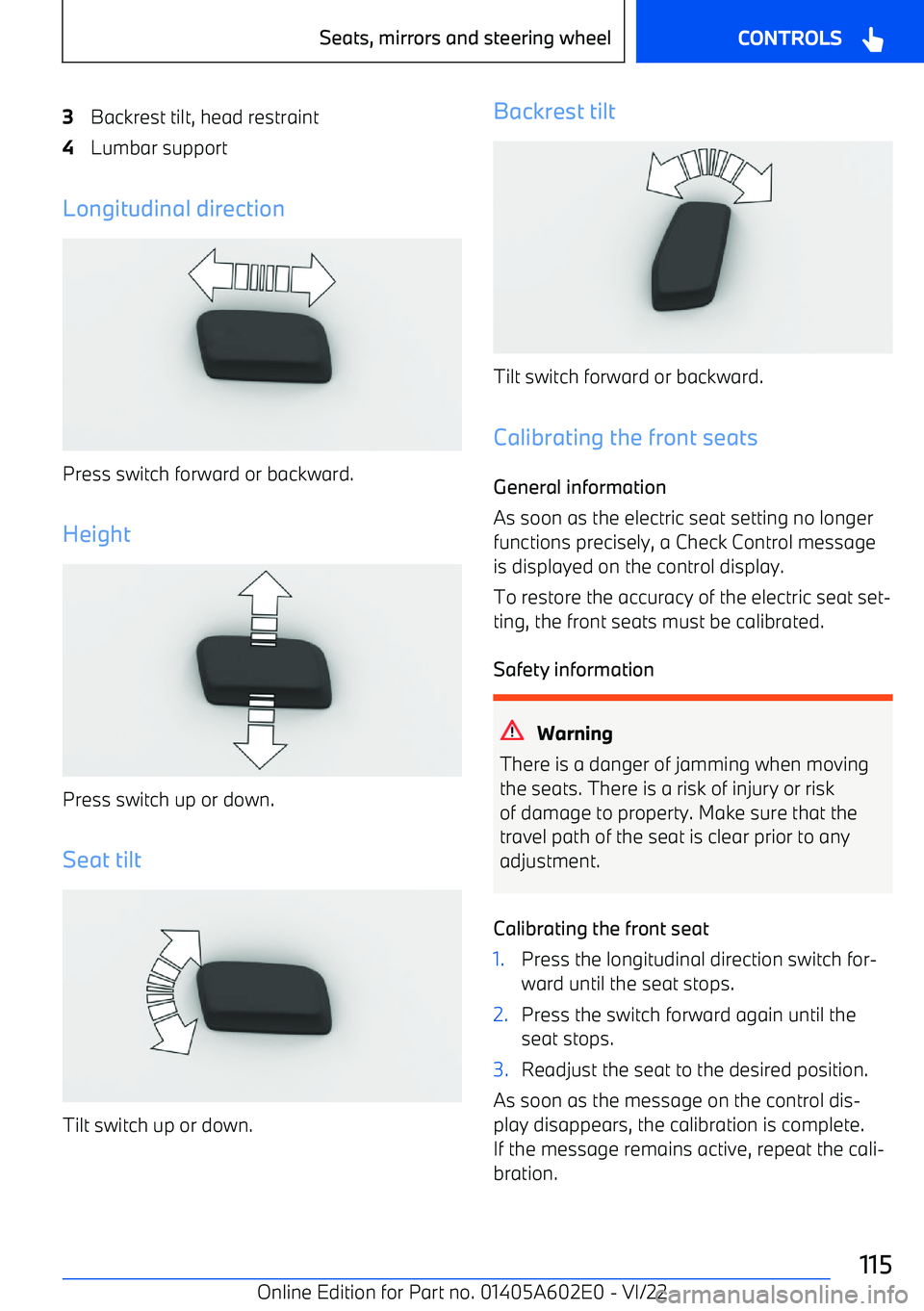
3Backrest tilt, head restraint4Lumbar support
Longitudinal direction
Press switch forward or backward.
Height
Press switch up or down.
Seat tilt
Tilt switch up or down.
Backrest tilt
Tilt switch forward or backward.
Calibrating the front seats General information
As soon as the electric seat setting no longer
functions precisely, a Check Control message is displayed on the control display.
To restore the accuracy of the electric seat set
Page 126 of 416
Turning offPress and hold the button until theLEDs turn off.
Seat heating distribution The heating effect in the seat surface and the
seat backrest can be distributed in different
ways.1."CAR"2."Settings"3."Climate control"4.Select the desired menu item.5.Select desired seat.6.Press the Controller and turn it to set the seat heating distribution.
Active seat ventilation
Principle
Integrated fans in the seat and armrest areas provide a comfortable seat temperature.
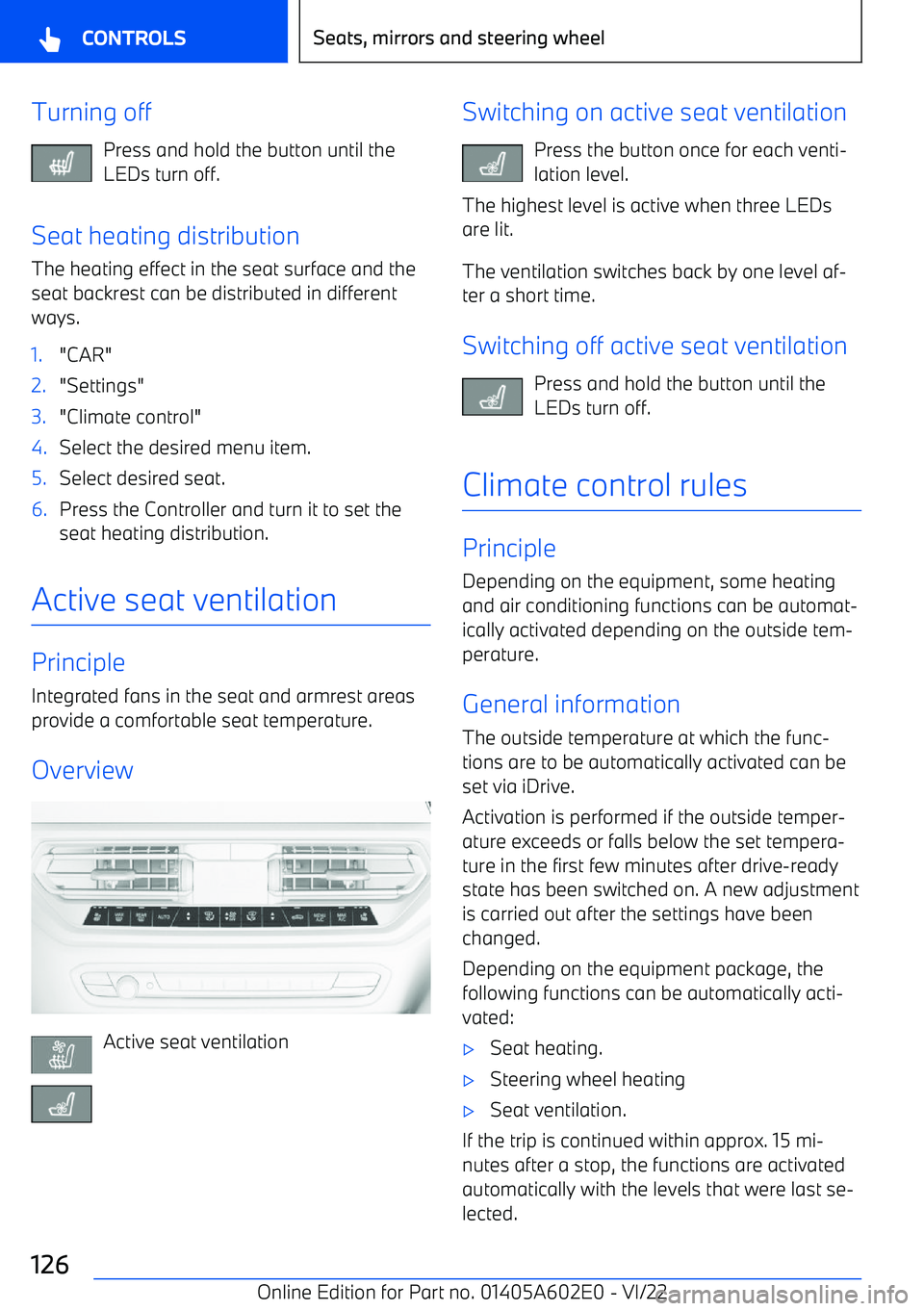
Overview
Active seat ventilation
Switching on active seat ventilation Press the button once for each venti
Page 143 of 416
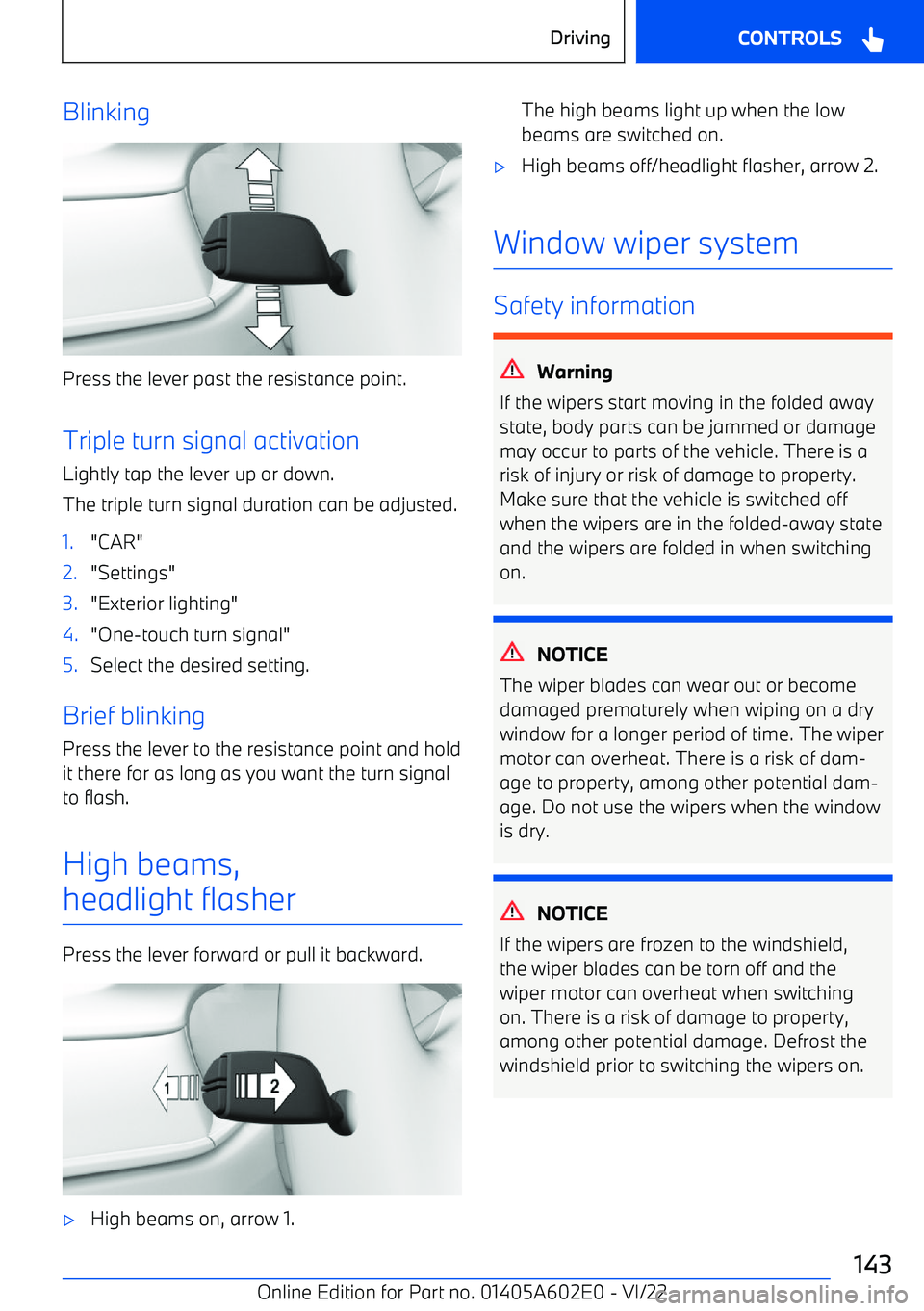
Blinking
Press the lever past the resistance point.Triple turn signal activation
Lightly tap the lever up or down.
The triple turn signal duration can be adjusted.
1."CAR"2."Settings"3."Exterior lighting"4."One
Page 195 of 416
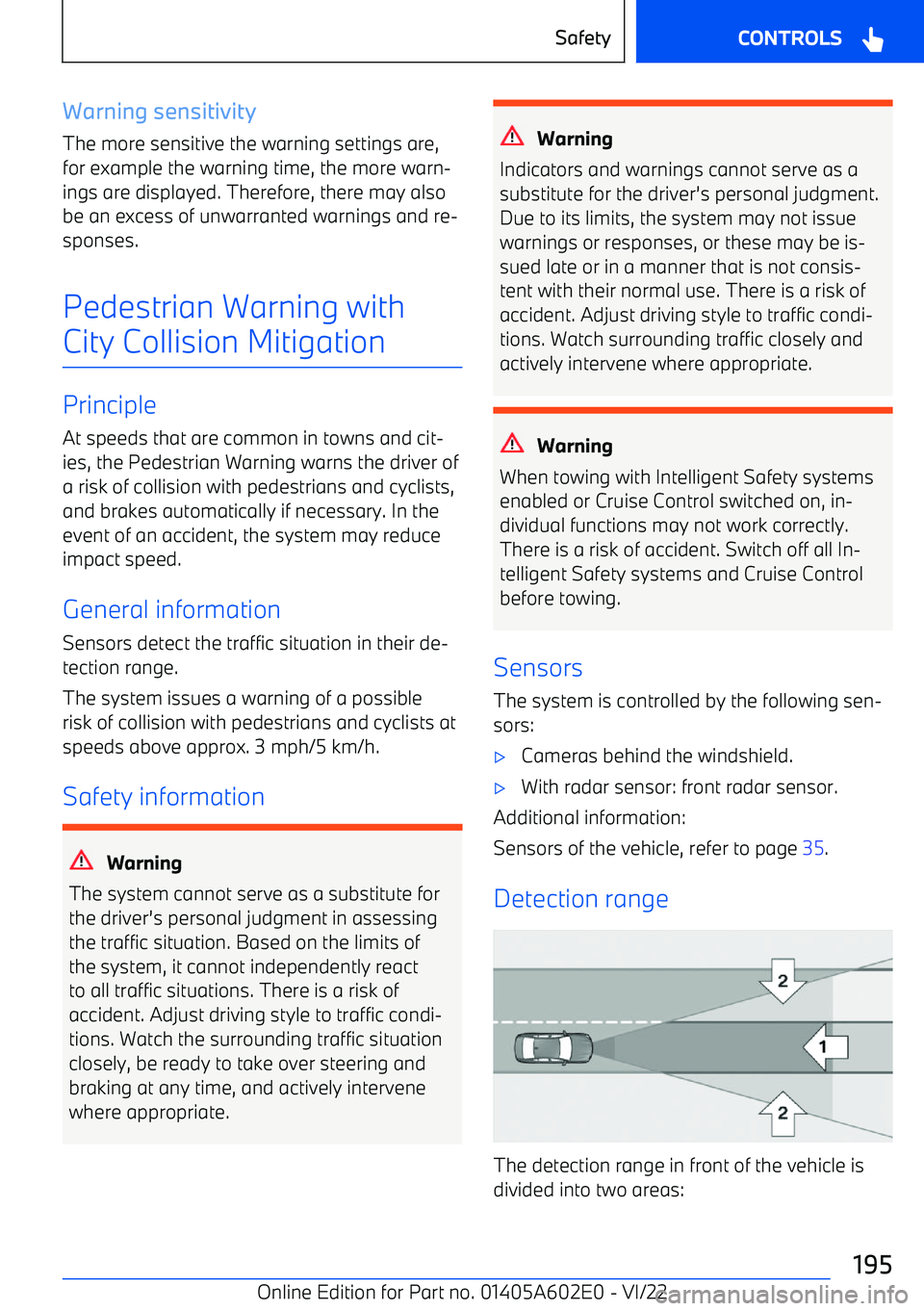
Warning sensitivity
The more sensitive the warning settings are, for example the warning time, the more warn
Page 199 of 416
Warning function
If you leave the lane If you leave the lane and if a lane boundaryhas been detected, the steering wheel vibratesin accordance with the steering wheel vibrationsetting.
When the turn signal is switched on in the cor
Page 209 of 416
Activating/deactivating the BMW
Drive Recorder
The BMW Drive Recorder must be activated
before the first use of the recording function.1."Apps"2."Drive Recorder"3.Accept Privacy Policy.4."Settings"5."Recording allowed"6.Select the desired setting.
Recording functions
Automatic recording Recordings are saved automatically when thevehicle sensors detect an accident.
Manual recording
Using the button Press and hold this button.
Via iDrive
1."Apps"2."Drive Recorder"3."Start recording"
To stop the recording: "Cancel". Recording can also be started by selecting the
widget on the Control Display.
Recording playback and
administration
Stored video recordings can be played back, exported and deleted.
For your own safety, the video recording is
only displayed on the Control Display up to ap
Page 212 of 416
During the display, various settings can be se
Page 228 of 416
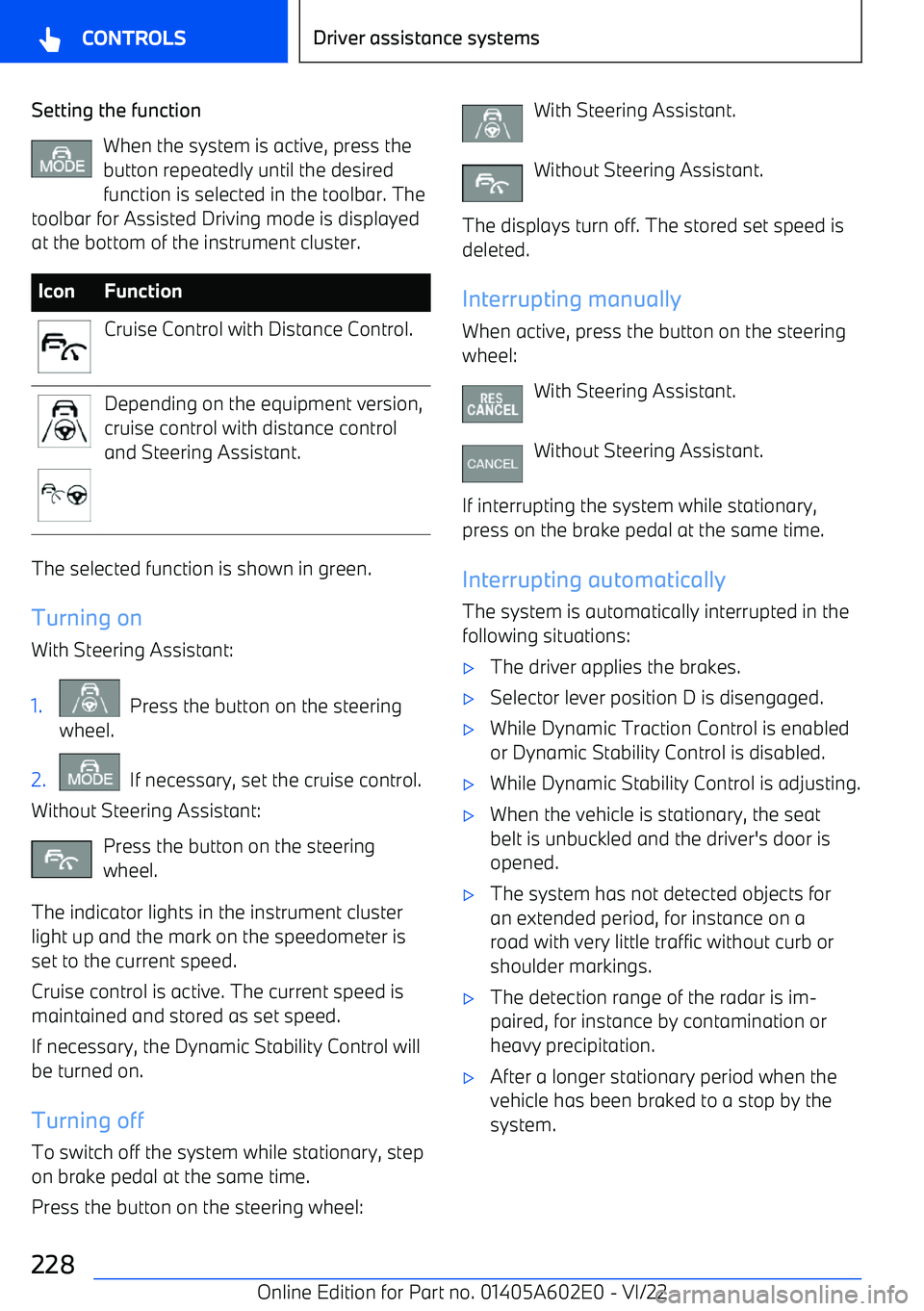
Setting the functionWhen the system is active, press the
button repeatedly until the desired function is selected in the toolbar. The
toolbar for Assisted Driving mode is displayed
at the bottom of the instrument cluster.IconFunctionCruise Control with Distance Control.Depending on the equipment version,
cruise control with distance control
and Steering Assistant.
The selected function is shown in green.
Turning on
With Steering Assistant:
1. Press the button on the steering
wheel.2. If necessary, set the cruise control.
Without Steering Assistant:
Press the button on the steering
wheel.
The indicator lights in the instrument cluster light up and the mark on the speedometer is
set to the current speed.
Cruise control is active. The current speed is
maintained and stored as set speed.
If necessary, the Dynamic Stability Control willbe turned on.
Turning off
To switch off the system while stationary, step on brake pedal at the same time.
Press the button on the steering wheel:
With Steering Assistant.
Without Steering Assistant.
The displays turn off. The stored set speed is deleted.
Interrupting manually When active, press the button on the steering
wheel:
With Steering Assistant.
Without Steering Assistant.
If interrupting the system while stationary,
press on the brake pedal at the same time.
Interrupting automatically The system is automatically interrupted in the
following situations: