setting BMW X3 2023 Owner's Manual

BMW X3 2023 Owner's Manual X3 2023 BMW BMW https://www.carmanualsonline.info/img/1/58659/w960_58659-0.png BMW X3 2023 Owner's Manual

Page 230 of 416
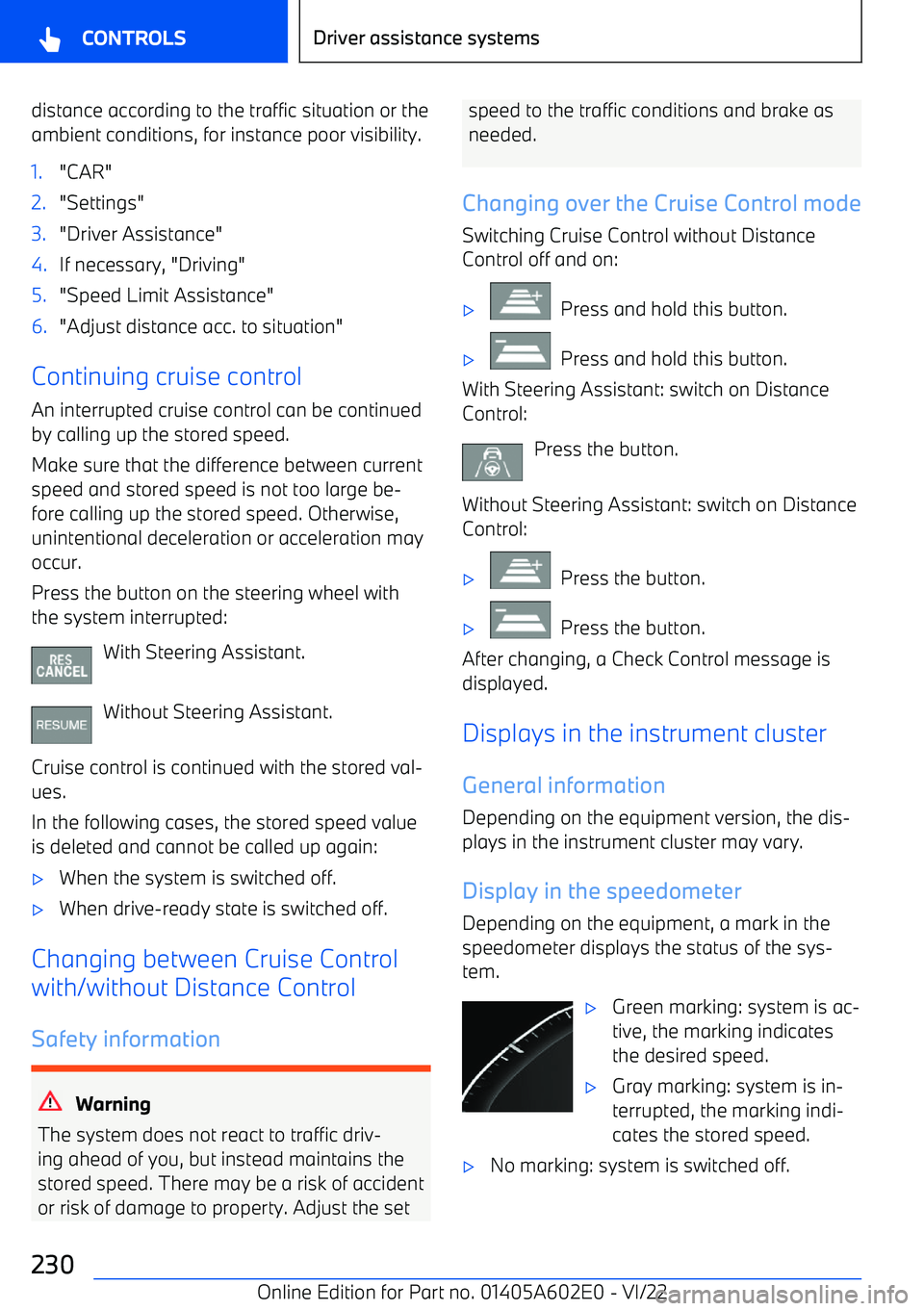
BMW X3 2023 Owners Manual distance according to the traffic situation or the
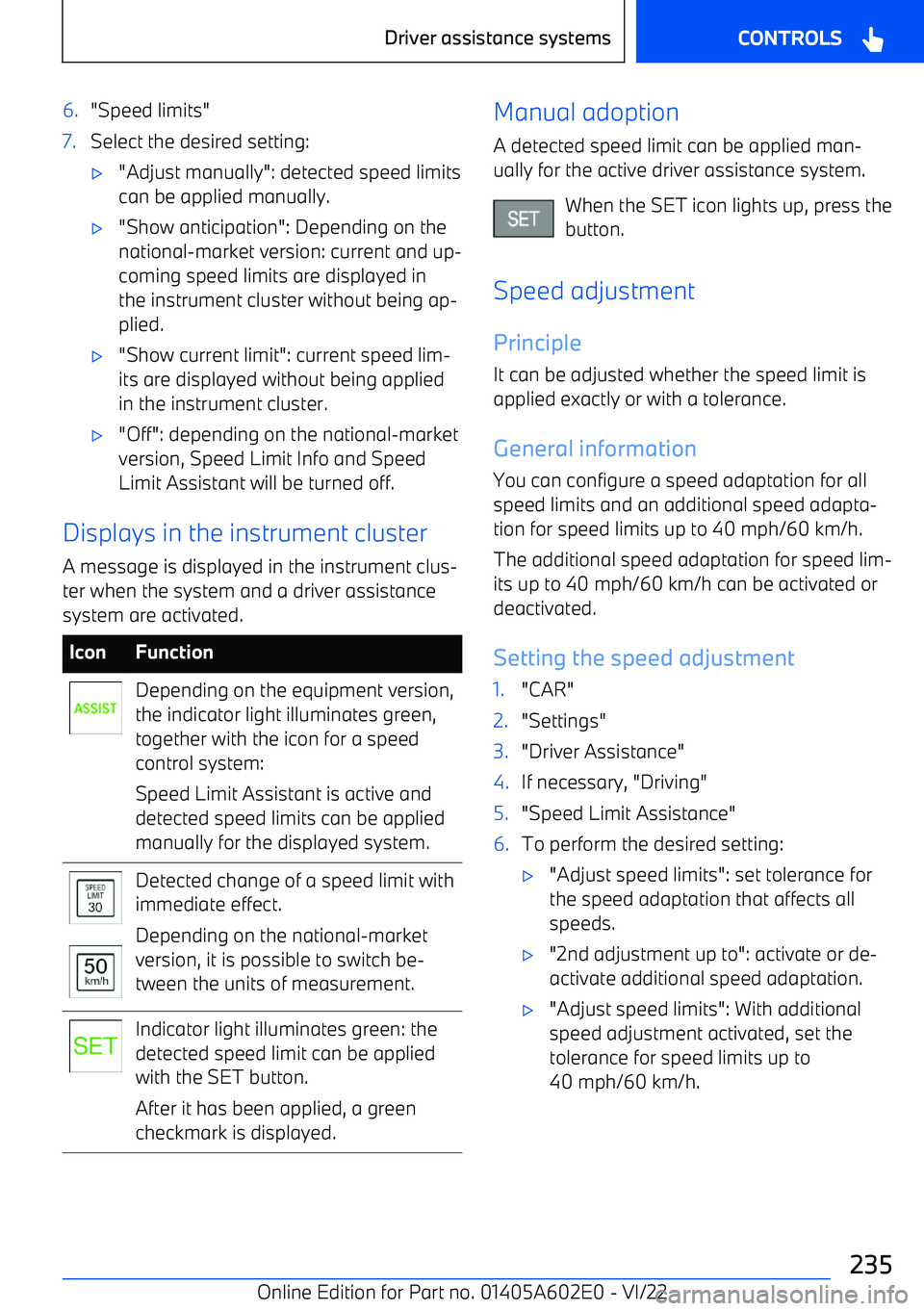
ambient conditions, for instance poor visibility.1."CAR"2."Settings"3."Driver Assistance"4.If necessary, "Driving"5.&

Page 235 of 416

BMW X3 2023 Owners Manual 6."Speed limits"7.Select the desired setting:

Page 268 of 416

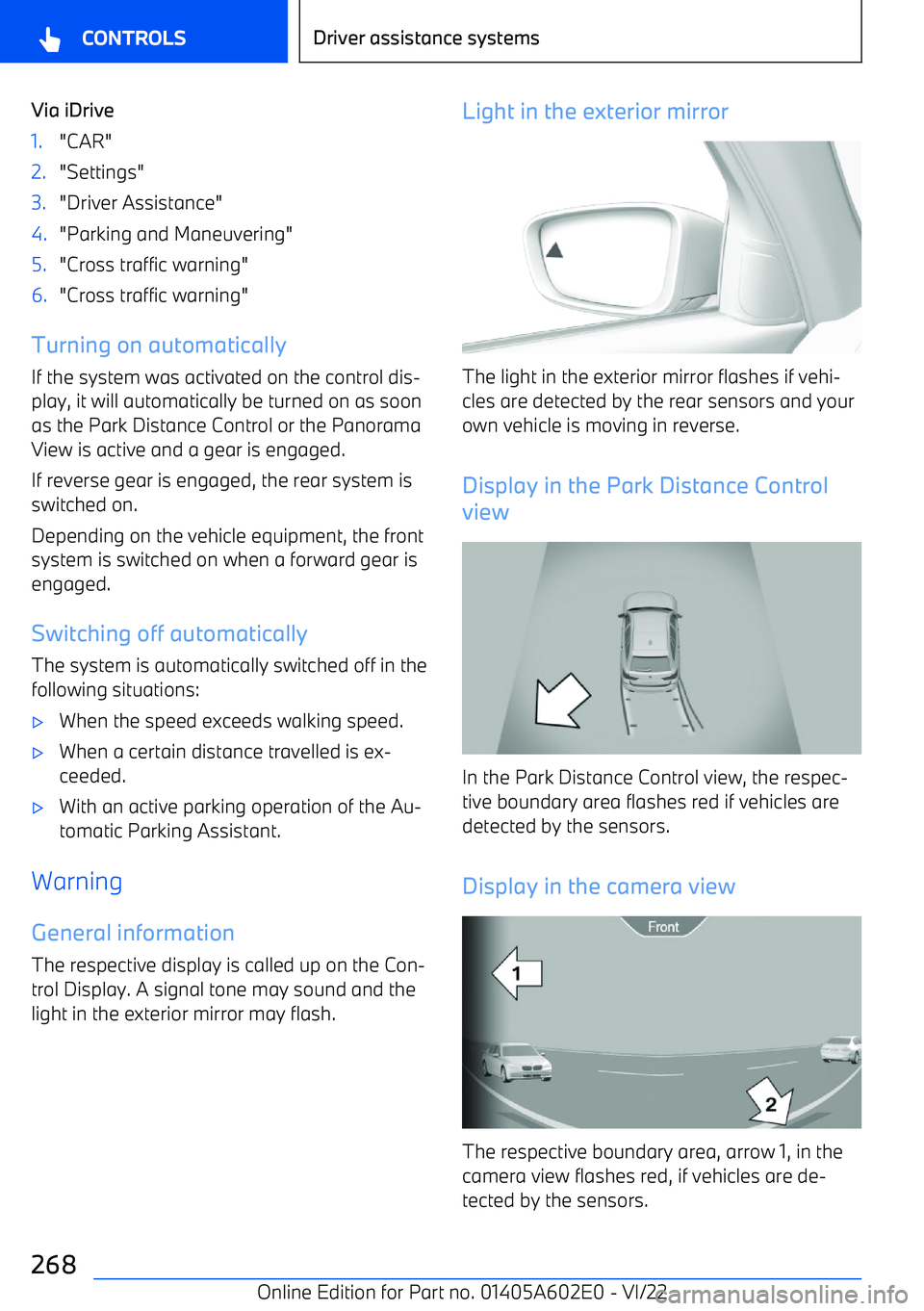
BMW X3 2023 Owners Manual Via iDrive1."CAR"2."Settings"3."Driver Assistance"4."Parking and Maneuvering"5."Cross traffic warning"6."Cross traffic warning"
Turning on automatically

Page 270 of 416

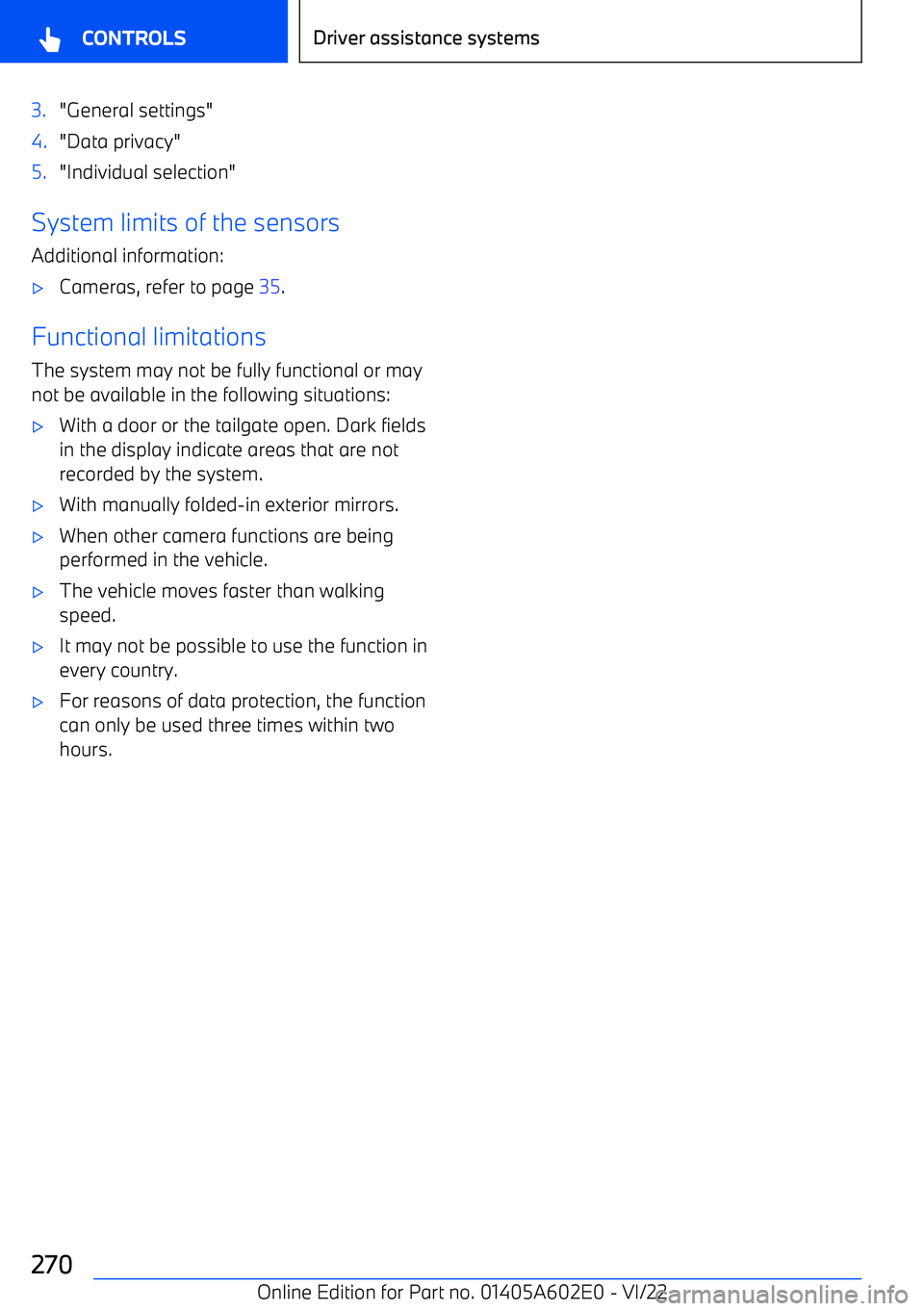
BMW X3 2023 Owners Manual 3."General settings"4."Data privacy"5."Individual selection"
System limits of the sensorsAdditional information:

Page 274 of 416

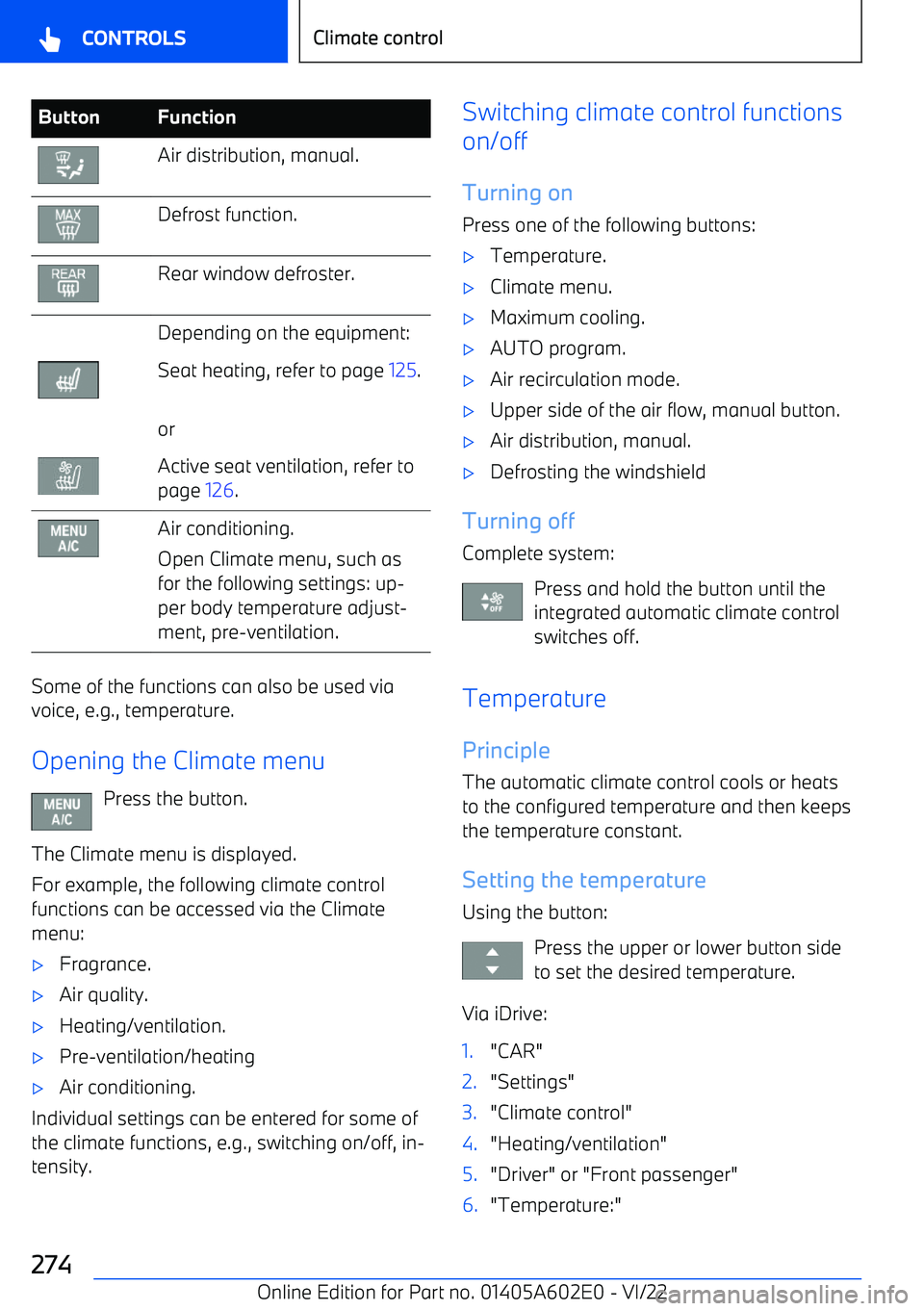
BMW X3 2023 Owners Manual ButtonFunctionAir distribution, manual.Defrost function.Rear window defroster.Depending on the equipment:Seat heating, refer to page 125.orActive seat ventilation, refer to
page  126.Air conditioning.

Page 278 of 416

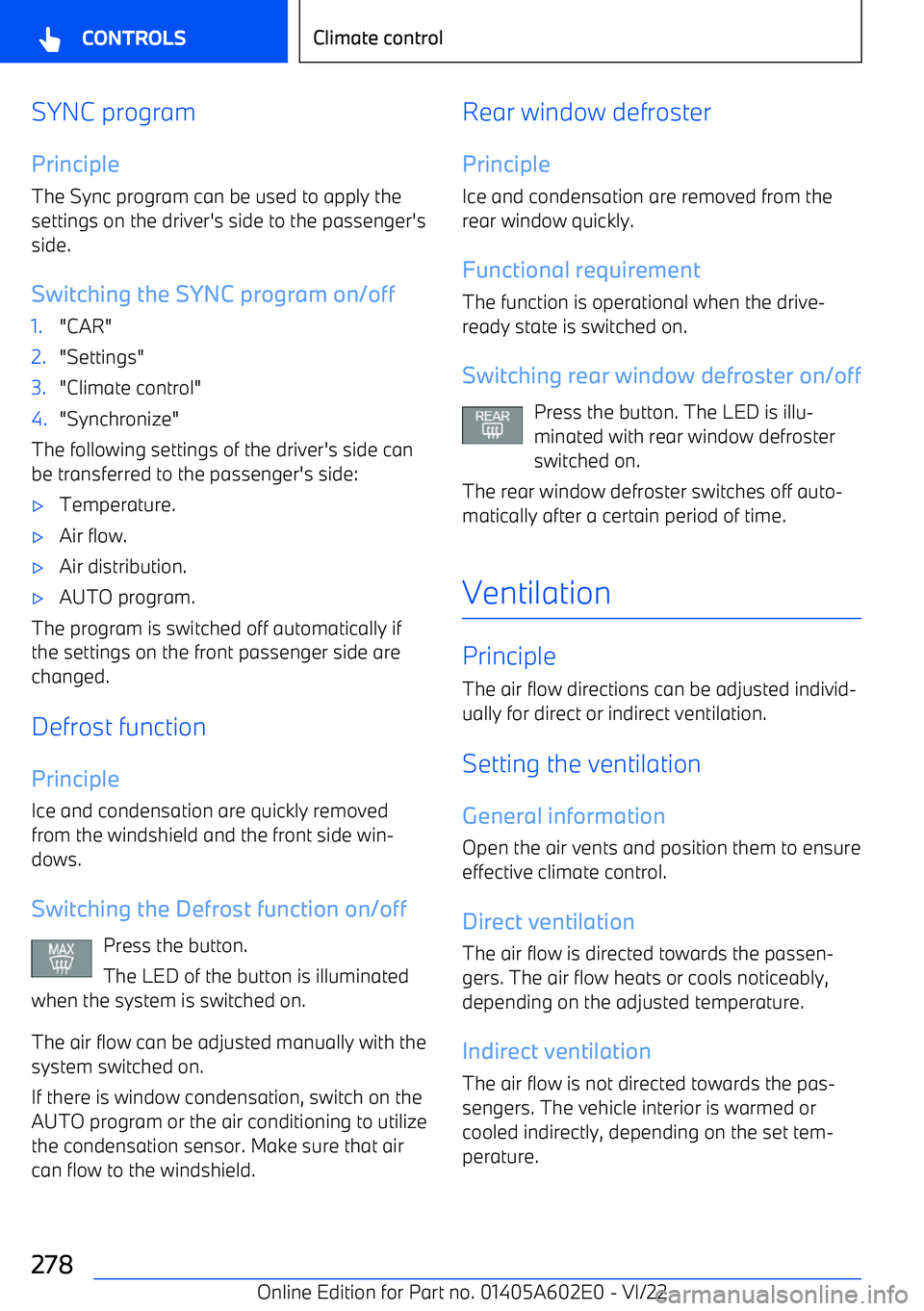
BMW X3 2023 Owners Manual SYNC program
Principle
The Sync program can be used to apply the
settings on the driver

Page 280 of 416

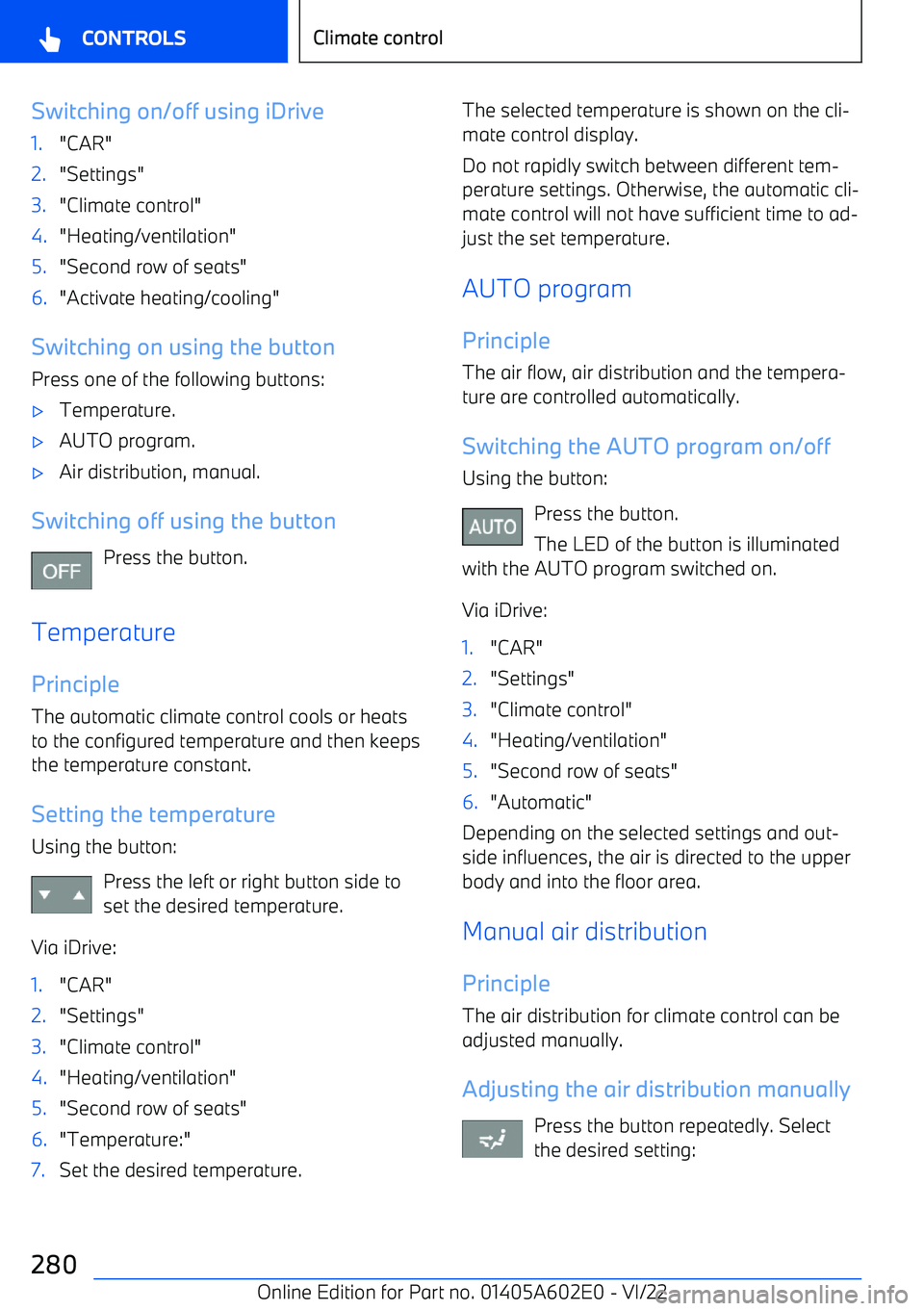
BMW X3 2023 Owners Manual Switching on/off using iDrive1."CAR"2."Settings"3."Climate control"4."Heating/ventilation"5."Second row of seats"6."Activate heating/cooling"
Switching

Page 296 of 416

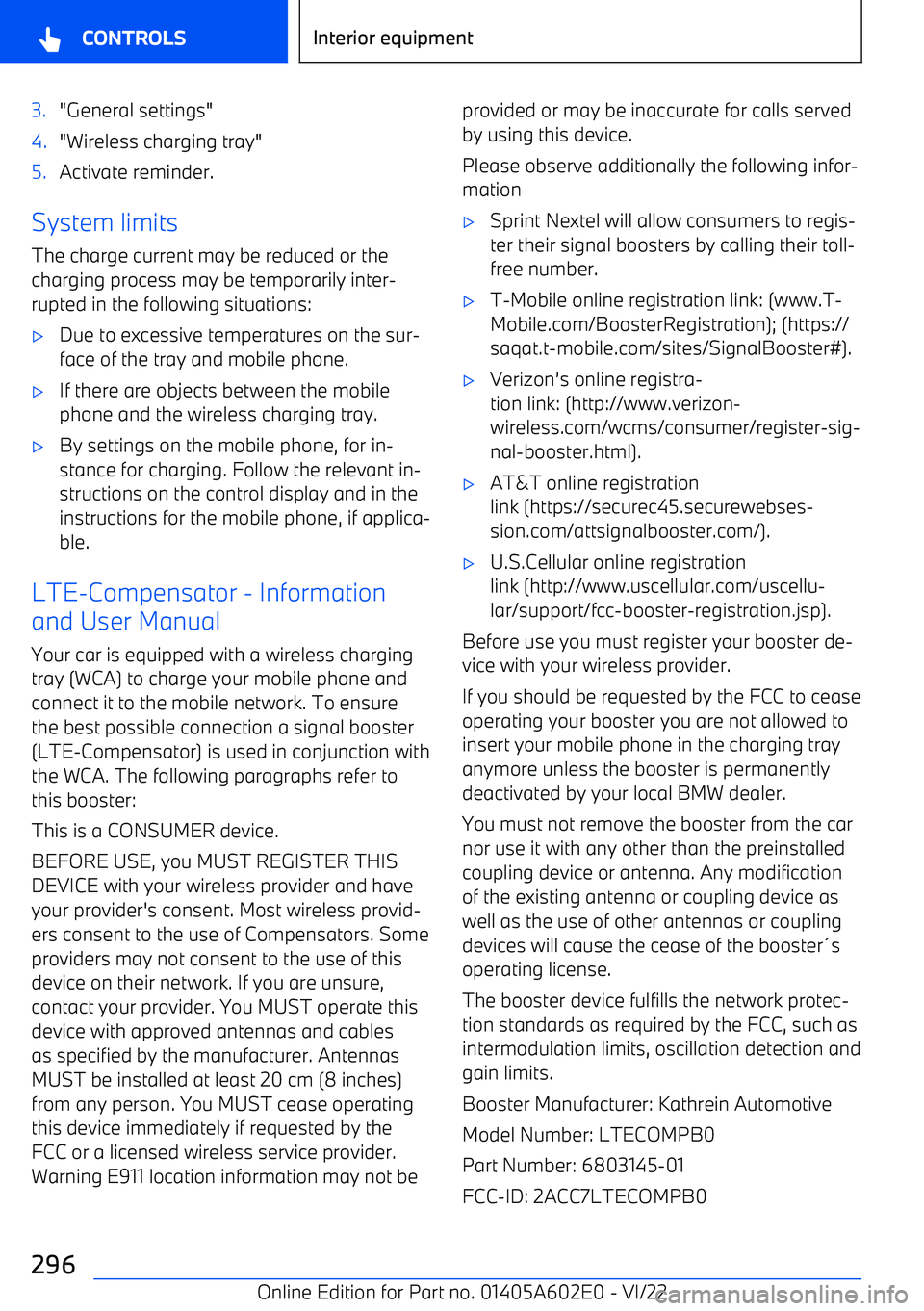
BMW X3 2023 Owners Manual 3."General settings"4."Wireless charging tray"5.Activate reminder.
System limitsThe charge current may be reduced or thecharging process may be temporarily inter
Page:   < prev 1-10 11-20 21-30