heating BMW X3 XDRIVE 35I 2011 User Guide
[x] Cancel search | Manufacturer: BMW, Model Year: 2011, Model line: X3 XDRIVE 35I, Model: BMW X3 XDRIVE 35I 2011Pages: 262, PDF Size: 11.2 MB
Page 105 of 262
If the windows are fogged over, switch off
the recirculated-air mode and press the
AUTO button to utilize the condensation
sensor. Make sure that air can flow onto the
windshield.
Continuous recirculated-air mode
The recirculated-air mode should not be
used for an extended period of time, as the air
quality inside the vehicle deteriorates steadily. ◀
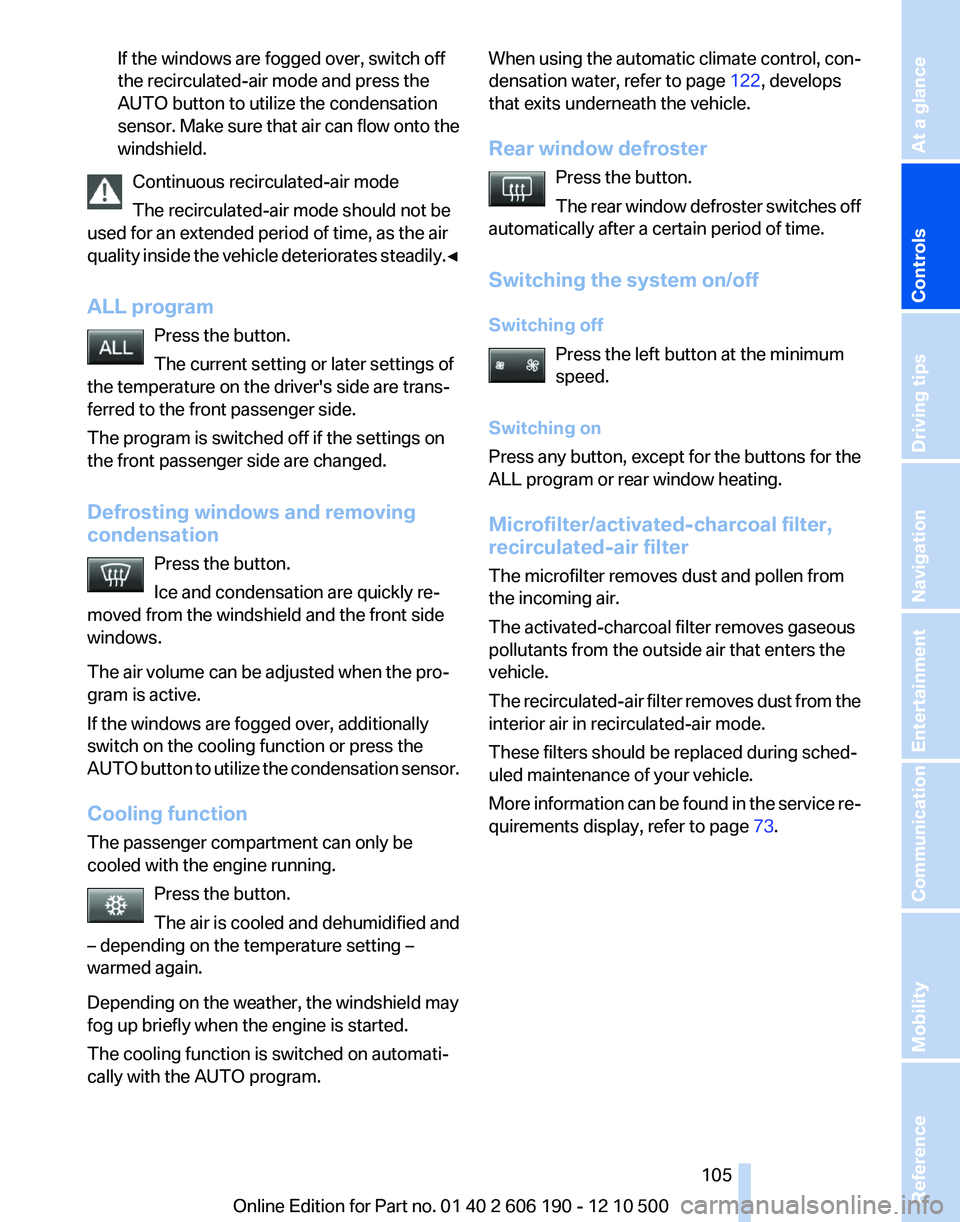
ALL program Press the button.
The current setting or later settings of
the temperature on the driver's side are trans‐
ferred to the front passenger side.
The program is switched off if the settings on
the front passenger side are changed.
Defrosting windows and removing
condensation
Press the button.
Ice and condensation are quickly re‐
moved from the windshield and the front side
windows.
The air volume can be adjusted when the pro‐
gram is active.
If the windows are fogged over, additionally
switch on the cooling function or press the
AUTO button to utilize the condensation sensor.
Cooling function
The passenger compartment can only be
cooled with the engine running.
Press the button.
The air is cooled and dehumidified and
– depending on the temperature setting –
warmed again.
Depending on the weather, the windshield may
fog up briefly when the engine is started.
The cooling function is switched on automati‐
cally with the AUTO program.
When using the automatic climate control, con‐
densation water, refer to page 122, develops
that exits underneath the vehicle.
Rear window defroster Press the button.
The rear window defroster switches off
automatically after a certain period of time.
Switching the system on/off
Switching off Press the left button at the minimum
speed.
Switching on
Press any button, except for the buttons for the
ALL program or rear window heating.
Microfilter/activated-charcoal filter,
recirculated-air filter
The microfilter removes dust and pollen from
the incoming air.
The activated-charcoal filter removes gaseous
pollutants from the outside air that enters the
vehicle.
The recirculated-air filter removes dust from the
interior air in recirculated-air mode.
These filters should be replaced during sched‐
uled maintenance of your vehicle.
More information can be found in the service re‐
quirements display, refer to page 73.Seite 105105
Online Edition for Part no. 01 40 2 606 190 - 12 10 500
ReferenceMobilityCommunicationEntertainmentNavigationDriving tipsControlsAt a glance
Page 122 of 262
Avoid load on the brakes
Avoid placing excessive load on the brake
system. Light but consistent brake pressure can
lead to high temperatures, brake wear and pos‐
sibly even brake failure.◀
Do not drive in neutral
Do not drive in neutral or with the engine
stopped, as doing so disables engine braking. In
addition, steering and brake assist is unavailable
with the engine stopped.◀
Brake disc corrosion
Corrosion on the brake discs and contamination
on the brake pads are furthered by:▷Low mileage.▷Extended periods when the vehicle is not
used at all.▷Infrequent use of the brakes.
Corrosion occurs when the minimum pressure
that must be exerted by the pads during brake
applications to clean the discs is not reached.
Should corrosion form on the brake discs, the
brakes will tend to respond with a pulsating ef‐
fect that generally cannot be corrected.
Condensation under the parked vehicle
When using the automatic climate control, con‐
densation water develops that exits underneath
the vehicle.
Therefore, traces of condensed water under the
vehicle are normal.
Loading Overloading the vehicle
To avoid exceeding the approved carrying
capacity of the tires, never overload the vehicle.
Overloading can lead to overheating and in‐
creases the rate at which damage develops in‐
side the tires. This could result in a sudden loss
of tire inflation pressure.◀
No fluids in the trunk
Make sure that fluids do not leak into the
trunk; otherwise, the vehicle may be damaged. ◀
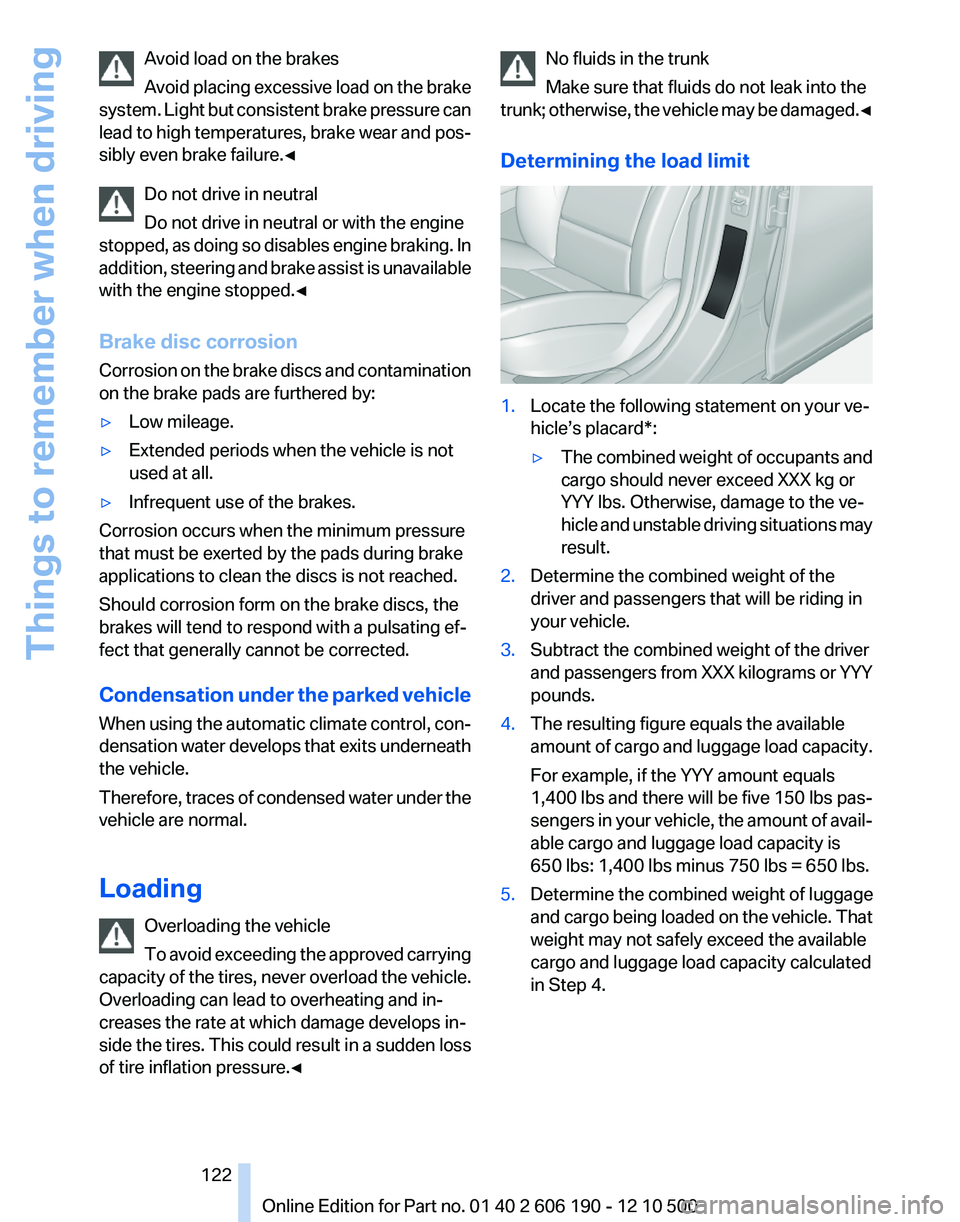
Determining the load limit1.Locate the following statement on your ve‐
hicle’s placard*:▷The combined weight of occupants and
cargo should never exceed XXX kg or
YYY lbs. Otherwise, damage to the ve‐
hicle and unstable driving situations may
result.2.Determine the combined weight of the
driver and passengers that will be riding in
your vehicle.3.Subtract the combined weight of the driver
and passengers from XXX kilograms or YYY
pounds.4.The resulting figure equals the available
amount of cargo and luggage load capacity.
For example, if the YYY amount equals
1,400 lbs and there will be five 150 lbs pas‐
sengers in your vehicle, the amount of avail‐
able cargo and luggage load capacity is
650 lbs: 1,400 lbs minus 750 lbs = 650 lbs.5.Determine the combined weight of luggage
and cargo being loaded on the vehicle. That
weight may not safely exceed the available
cargo and luggage load capacity calculated
in Step 4.Seite 122122
Online Edition for Part no. 01 40 2 606 190 - 12 10 500Things to remember when driving
Page 125 of 262
Look well ahead when driving
Avoid unnecessary acceleration and braking.
By maintaining a suitable distance to the vehicle
driving ahead of you.
Driving smoothly and looking ahead reduces
fuel consumption.
Use coasting conditions
When approaching a red light, take your foot off
the accelerator and coast to a halt in the highest
applicable gear.
The flow of fuel is interrupted while coasting.
Switch off the engine during longer
stops
Switch off the engine during longer stops, e.g.,
at traffic lights, railroad crossings or in traffic
congestion.
Fuel savings are achieved after the vehicle is
switched off for only approx. 4 seconds.
Switch off any functions that are not
currently needed
Functions such as seat heating and the rear win‐
dow defroster require a lot of energy and con‐
sume additional fuel, especially in city and stop-
and-go traffic.
Therefore, switch off these functions if they are
not actually needed.
Have maintenance carried out
Have vehicles maintained regularly to achieve
optimal vehicle economy and operating life.
Have the maintenance carried out by your serv‐
ice center.
Please also note the BMW Maintenance Sys‐
tem, refer to page 219.Seite 125125
Online Edition for Part no. 01 40 2 606 190 - 12 10 500
ReferenceMobilityCommunicationEntertainmentNavigationDriving tipsControlsAt a glance
Page 258 of 262
Route criteria, route 136
Route, displaying 136
Routes, avoiding 136
Route section, bypassing 137
RPM, engine 240
RSC Runflat System Compo‐ nent, refer to Run-flat
tires 213
Rubber components, care 235
Run-flat tires 213
S
Safe braking 121
Safety 6
Safety belt reminder 51
Safety belts 50
Safety belts, care 235
Safety switch, windows 44
Safety systems, airbags 80
Satellite radio 150
Saving fuel 124
Scale, changing during navi‐ gation 139
Screen, refer to Control Dis‐ play 19
Screwdriver 221
Screw thread for tow fit‐ ting 231
Search, refer to BMW Search 197
Seat and mirror memory 52
Seat belts, refer to Safety belts 50
Seat heating, front 49
Seat heating, rear 50
Seating position for chil‐ dren 55
Seats 47
Selection list in instrument cluster 69
Selector lever, automatic transmission 65
Sensors, care 235
Service and warranty 7 Service requirements, CBS
Condition Based Serv‐
ice 219
Service requirements, dis‐ play 73
Service, Roadside Assis‐ tance 229
Settings on Control Dis‐ play 72
Settings, storing for seat, mir‐ ror 52
Shifting, automatic transmis‐ sion 64
Shift paddles on steering wheel 66
Short commands 243
Side airbags 80
Signaling, horn 12
Signals when unlocking 37
Sitting safely 47
Size 238
Slide/tilt glass roof 45
Smallest turning circle 240
Snap-in adapter, mobile phone 183
Snow chains 213
Socket 109
Socket, OBD Onboard Diag‐ nostics 219
Software update 172
Spare fuse 227
Special destinations, naviga‐ tion 131
Specified engine oil types 217
Speed, average 70
Speed limit, setting 71
Speedometer 13
Split screen 23
Split screen map settings 139
Spoken instructions, naviga‐ tion 137
SPORT+ program, Dynamic Driving Control 89
Sport automatic transmis‐ sion 66
SPORT program, Dynamic Driving Control 89 Sport program, transmis‐
sion 65
Sport steering, variable 88
Stability control systems 86
Start/Stop button 58
Start function during malfunc‐ tion 33
Starting assistance 229
Starting the engine 58
State/province, selecting for navigation 128
Stations, stored 154
Station, storing 148
Status information, iDrive 22
Status of Owner's Manual 6
Steering wheel, adjusting 54
Steering wheel heating 54
Steptronic, automatic trans‐ mission 64
Stopping the engine 59
Storage compartments 114
Storage compartments, loca‐ tions 114
Storage, tires 213
Storing the vehicle 235
Street, entering for naviga‐ tion 129
Summer tires, tread 211
Supplementary text mes‐ sages 75
Suspension settings 89
Switch for Dynamic Driving Control 89
Switch-on times, parked-car ventilation 106
Switch, refer to Cockpit 12
Symbols 6
T
Tachometer 68
Tailgate 39
Tailgate, automatic 40
Tailgate via remote control 36
Tail lamps 225
Tasks 190
Technical changes, refer to Safety 6 Seite 258258
Online Edition for Part no. 01 40 2 606 190 - 12 10 500Everything from A to Z