instrument cluster BMW X5M 2012 Owner's Manual
[x] Cancel search | Manufacturer: BMW, Model Year: 2012, Model line: X5M, Model: BMW X5M 2012Pages: 317, PDF Size: 8.83 MB
Page 250 of 317
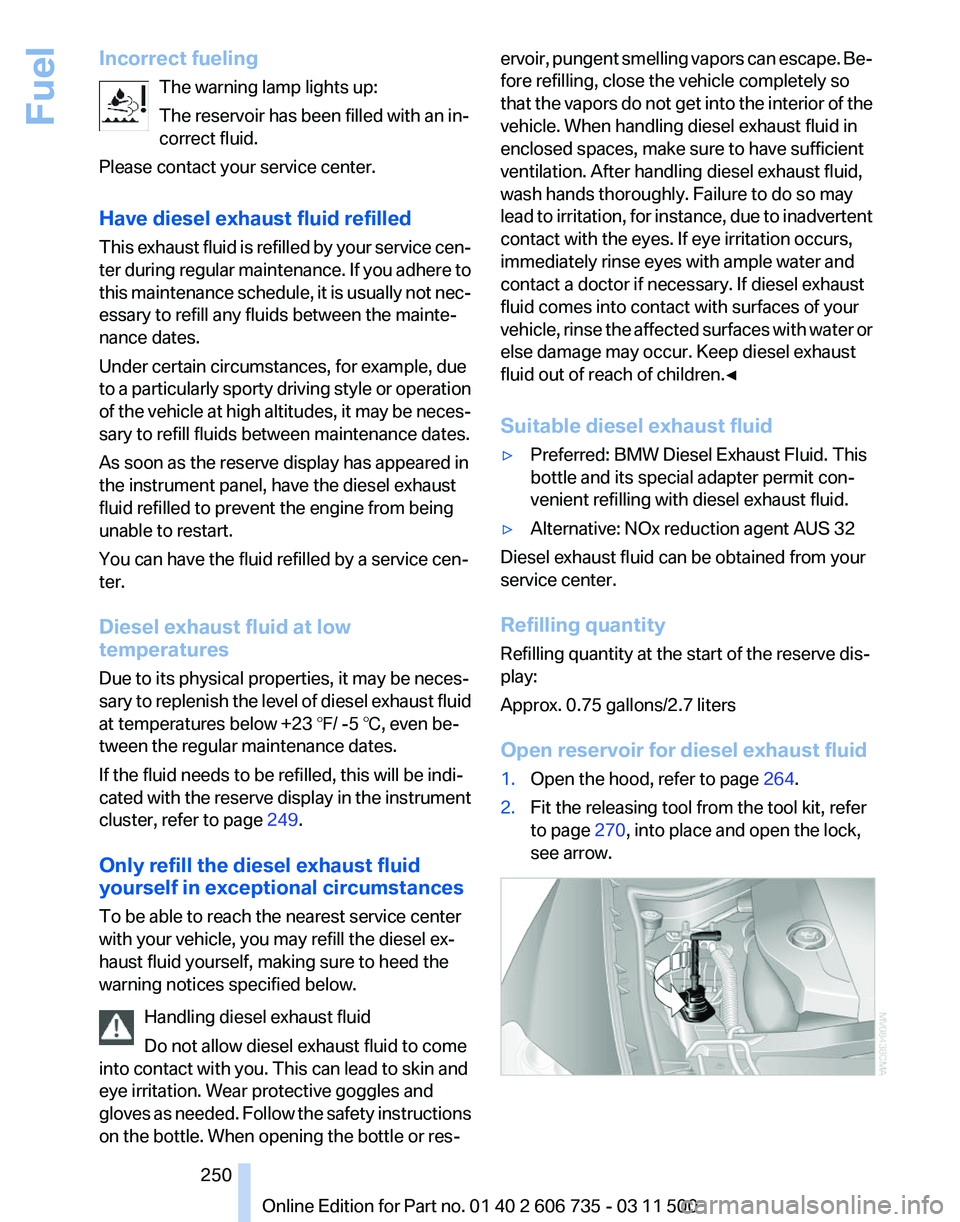
Incorrect fueling
The warning lamp lights up:
The reservoir has been filled with an in‐
correct fluid.
Please contact your service center.
Have diesel exhaust fluid refilled
This
exhaust fluid is refilled by your service cen‐
ter during regular maintenance. If you adhere to
this maintenance schedule, it is usually not nec‐
essary to refill any fluids between the mainte‐
nance dates.
Under certain circumstances, for example, due
to a particularly sporty driving style or operation
of the vehicle at high altitudes, it may be neces‐
sary to refill fluids between maintenance dates.
As soon as the reserve display has appeared in
the instrument panel, have the diesel exhaust
fluid refilled to prevent the engine from being
unable to restart.
You can have the fluid refilled by a service cen‐
ter.
Diesel exhaust fluid at low
temperatures
Due to its physical properties, it may be neces‐
sary to replenish the level of diesel exhaust fluid
at temperatures below +23 ℉/ -5 ℃, even be‐
tween the regular maintenance dates.
If the fluid needs to be refilled, this will be indi‐
cated with the reserve display in the instrument
cluster, refer to page 249.
Only refill the diesel exhaust fluid
yourself in exceptional circumstances
To be able to reach the nearest service center
with your vehicle, you may refill the diesel ex‐
haust fluid yourself, making sure to heed the
warning notices specified below. Handling diesel exhaust fluid
Do not allow diesel exhaust fluid to come
into contact with you. This can lead to skin and
eye irritation. Wear protective goggles and
gloves as needed. Follow the safety instructions
on the bottle. When opening the bottle or res‐ ervoir, pungent smelling vapors can escape. Be‐
fore refilling, close the vehicle completely so
that
the vapors do not get into the interior of the
vehicle. When handling diesel exhaust fluid in
enclosed spaces, make sure to have sufficient
ventilation. After handling diesel exhaust fluid,
wash hands thoroughly. Failure to do so may
lead to irritation, for instance, due to inadvertent
contact with the eyes. If eye irritation occurs,
immediately rinse eyes with ample water and
contact a doctor if necessary. If diesel exhaust
fluid comes into contact with surfaces of your
vehicle, rinse the affected surfaces with water or
else damage may occur. Keep diesel exhaust
fluid out of reach of children.◀
Suitable diesel exhaust fluid
▷ Preferred: BMW Diesel Exhaust Fluid. This
bottle and its special adapter permit con‐
venient refilling with diesel exhaust fluid.
▷ Alternative: NOx reduction agent AUS 32
Diesel exhaust fluid can be obtained from your
service center.
Refilling quantity
Refilling quantity at the start of the reserve dis‐
play:
Approx. 0.75 gallons/2.7 liters
Open reservoir for diesel exhaust fluid
1. Open the hood, refer to page 264.
2. Fit the releasing tool from the tool kit, refer
to page 270, into place and open the lock,
see arrow. Seite 250
250 Online Edition for Part no. 01 40 2 606 735 - 03 11 500
Fuel
Page 287 of 317
Fine wood parts*
Clean fine wood facing and fine wood compo‐
nents
only with a moist rag. Then dry with a soft
cloth.
Plastic components
These include:
▷ Imitation leather surfaces.
▷ Headliner.
▷ Lamp lenses.
▷ Instrument cluster cover.
▷ Matte black spray-coated components.
Clean with a microfiber cloth.
Moisten the cloth lightly and use plastic
cleanser, if necessary.
Do not soak the headliner.
Do not use cleansers that contain alcohol
or solvents
Do
not use cleansers that contain alcohol or sol‐
vents, such as lacquer thinners, heavy-duty
grease removers, fuel, or such; this could lead to
surface damage.◀
Safety belts
Dirty belt straps impede the reeling action and
thus have a negative impact on safety.
No chemical cleaning
Do not clean chemically; this can destroy
the webbing.◀
Use only a mild soapy solution, with the safety
belts clipped into their buckles.
Do not allow the reels to retract the safety belts
until they are dry.
Carpets and floor mats*
No objects in the area around the pedals
Keep floor mats, carpets, and any other
objects out of the area of motion of the pedals;
otherwise, the function of the pedals could be
impeded while driving
Do not place additional floor mats over existing
mats or other objects. Only use floor mats that have been approved for
the vehicle and can be properly fixed in place.
Ensure
that the floor mats are securely fastened
again when they are returned after being re‐
moved, such as for cleaning.◀
Floor mats can be removed from the passenger
compartment for cleaning.
When returning the floor mats, secure them
again to prevent slipping.
If the floor carpets are very dirty, clean with a
microfiber cloth and water or a textile cleaner. To
prevent matting of the carpet, rub back and forth
in the direction of travel only.
Sensors/cameras
To clean sensors or cameras, use a cloth mois‐
tened with a small amount of glass cleaner.
Displays/screens
Use a microfiber cloth to clean the Control Dis‐
play or instrument cluster, for example.
Cleaning displays
Do not use chemical or household cleans‐
ers.
Keep all fluids and moisture away from the unit.
Otherwise, they could affect or damage surfa‐
ces or electrical components.
Avoid pressing too hard when cleaning and do
not use abrasive materials; otherwise, damage
can result.◀
Long-term vehicle storage
Your service center can advise you on what to
consider when storing the vehicle for longer
than three months. Seite 287
287Online Edition for Part no. 01 40 2 606 735 - 03 11 500
Reference
Mobility Communication Entertainment Navigation Driving tips Controls At a glance
Page 304 of 317
Camera, refer to Backup cam‐
era 112
Camera, Side View 117
Camera, Top View 116
Can holder, refer to Cu‐ pholder 135
Car battery, refer to Vehicle battery 278
Car care products 286
Care 285
Care, displays 287
Care, vehicle 286
Cargo 144
Cargo area
– Comfort Access 38
Cargo area, capacities 292
Cargo area, enlarging 133
Cargo area lamp, refer to Inte‐ rior lamps 84
Cargo area lid, refer to Tail‐ gate 33, 36
Cargo area, opening/closing, refer to Lower tailgate 36
Cargo area, opening/closing, refer to Tailgate 33, 36
Cargo area, opening from the inside 34
Cargo area, opening from the outside 34
Cargo area, refer to Cargo area 132
Cargo cover, refer to Luggage compartment roller
cover 132
Cargo, securing with ski bag, refer to Securing cargo 139
Cargo straps, securing cargo 146
Car key, refer to Integrated key/remote control 28
Carpet, care 287
Car phone, installation loca‐ tion, refer to Center arm‐
rest 134
Car phone, refer to Tele‐ phone 216
Car vacuum cleaner, connect‐ ing,
refer to Connecting elec‐
trical devices 131 Car wash 285
Catalytic converter, refer to
Hot exhaust system 142
CBC, refer to Cornering Brake Control 96
CBS Condition Based Serv‐ ice 268
CD/DVD 181
CD/DVD changer 185
CD/DVD in rear 201
CD/DVD notes 187
CD, refer to Playing audio tracks,
rear DVD system 206
CDs, storing 188
Cell phone 216
Cell phone, installation loca‐ tion, refer to Center arm‐
rest 134
Center armrest, front 134
Center armrest, rear 135
Center brake lamp 273, 275
Center console, refer to Around the center con‐
sole 16
Central locking
– Comfort Access 37
– From the inside 33
– Setting the unlocking char‐ acteristics 30
Central locking system
– From the outside 29
– Principle 29
Central screen, refer to Control
Display 19
Changes, technical, refer to Safety 6
Changing wheels/tires 260
Chassis number, refer to En‐ gine compartment 263
Check Control 76
Children, transporting 56
Child restraint fixing system LATCH 57
Child restraint fixing sys‐ tems 56
Child restraint fixing systems, mounting 56
Child safety locks 60
Child seat, mounting 56 Child seats, refer to Transport‐
ing children safely 56
Chrome parts, care 286
Cigarette lighter, connecting electrical devices 131
Cigarette lighter, refer to Lighter 130
Cigarette lighter socket 131
Circulation of air, refer to Re‐ circulated air mode 122
Cleaning, displays 287
Cleaning your BMW, refer to Care 285
Clock 71
Clock, 12h/24h mode 79
Closing
– From the inside 33
– From the outside 30
Clothes hooks 135
Cockpit 12
Cold
start, refer to Starting the
engine 62
Combination instrument, refer to Instrument cluster 14
Combination switch, refer to Turn signal/high beams/
headlamp flasher 66
Combination switch, refer to Washer/wiper system 67
Comfort Access
– Battery replacement 39
Comfort area, refer to Around
the center console 16
Compact
wheel, inflation pres‐
sure 252, 253
Compartment for remote con‐ trol, refer to Ignition lock 61
Compartments, refer to Stor‐ age compartments 134, 135
Compass, digital 129
Computer 73
Computer, displaying informa‐ tion 73
Computer, displays on the Control Display 74
Concierge service 238
Condensation on windows, re‐ moving 121
Seite 304
304 Online Edition for Part no. 01 40 2 606 735 - 03 11 500
Everything from A to Z
Page 305 of 317
Condensation under the vehi‐
cle 144
Condition Based Service CBS 268
Confirmation signals for lock‐ ing/unlocking the vehicle 31
ConnectedDrive 237
Connecting,
mobile phone, re‐
fer to Pairing the mobile
phone 216
Consumption, refer to Aver‐ age fuel consumption 74
Contacts 227, 235
Control Display 19
Control Display, care 287
Control Display, setting the brightness 80
Controller, refer to Con‐ trols 18
Controls and displays 12
Controls, rear DVD sys‐ tem 200
Control systems, driving sta‐ bility 96
Convenient operation
– Glass sunroof 30, 32
– Window 30
Coolant 267
Coolant, checking the
level 267
Coolant temperature 72
Cooling
function, switching on
and off 122
Cooling, maximum 122
Cooling system, refer to Cool‐ ant 267
Cornering Brake Control CBC 96
Corrosion on brake discs 144
Courtesy lamps, refer to Inte‐ rior lamps 84
Cradle for telephone or mobile phone, refer to Snap-in
adapter 225
Cruise control 108
Cruise control
– Malfunction 110
Cruise control, active 102
Cupholder 135 Curb weight, refer to
Weights 292
Current fuel consumption 72
Current location, storing 155
Curve lights, refer to Adaptive light control 82
Cylinders, number of, refer to Engine data 290
D
Dashboard
lighting, refer to In‐
strument lighting 84
Dashboard, refer to Cock‐ pit 12
Data memory 269
Data, technical 290
Date 71
Date, display format 79
Date, retrieving 71
Date, setting 79
Daytime running lights 82
Defroster, rear window 121
Defrosting windows 121
Defrost setting, refer to De‐ frosting windows 121
Destination entry via the ad‐ dress book 154
Destination guidance 161
Destination guidance with in‐ termediate destinations 159
Destination input, naviga‐ tion 153
Diesel exhaust fluid, at low temperatures 250
Diesel exhaust fluid, at mini‐ mum 249
Diesel exhaust fluid, having re‐ filled 250
Diesel exhaust fluid, refilling yourself 250
Diesel particulate filter 143
Digital clock 71
Digital compass 129
Digital radio 175
Dimming mirrors 55
Directional indicators, refer to Turn signals 66 Displacement, refer to Engine
data 290
Display in front wind‐ shield 117
Display
lighting, refer to Instru‐
ment lighting 84
Displays and controls 12
Displays, care 287
Displays, cleaning 287
Displays, refer to Instrument cluster 14
Disposal, coolant 267
Disposal, vehicle battery 278
Distance control, refer to Ac‐ tive Cruise Control 102
Distance, selecting, with Ac‐ tive Cruise Control 104
Distance warning, refer to Park Distance Control PDC 110
Divided screen view, split screen 22
Door key, refer to Remote con‐ trol with integrated key 28
Door lock 32
Doors, manual operation 32
Doors, unlocking and locking
– Confirmation signals 31
– From the inside 33
– From the outside 30
DOT Quality Grades 258
Downhill control 98
Draft-free ventilation 123
Drive-off assistant 100
Driver's seat, calibrating 51
Driving away on inclines, refer to Drive-off assistant 100
Driving
notes, breaking in 142
Driving notes, general 142
Driving on poor roads 147
Driving stability control sys‐ tems 96
Driving through water 143
Driving tips, refer to Driving notes 142
Dry air, refer to Cooling func‐ tion 122
DSC Dynamic Stability Con‐ trol 96
Seite 305
305Online Edition for Part no. 01 40 2 606 735 - 03 11 500
Reference Mobility Communication Entertainment Navigation Driving tips Controls At a glance
Page 308 of 317
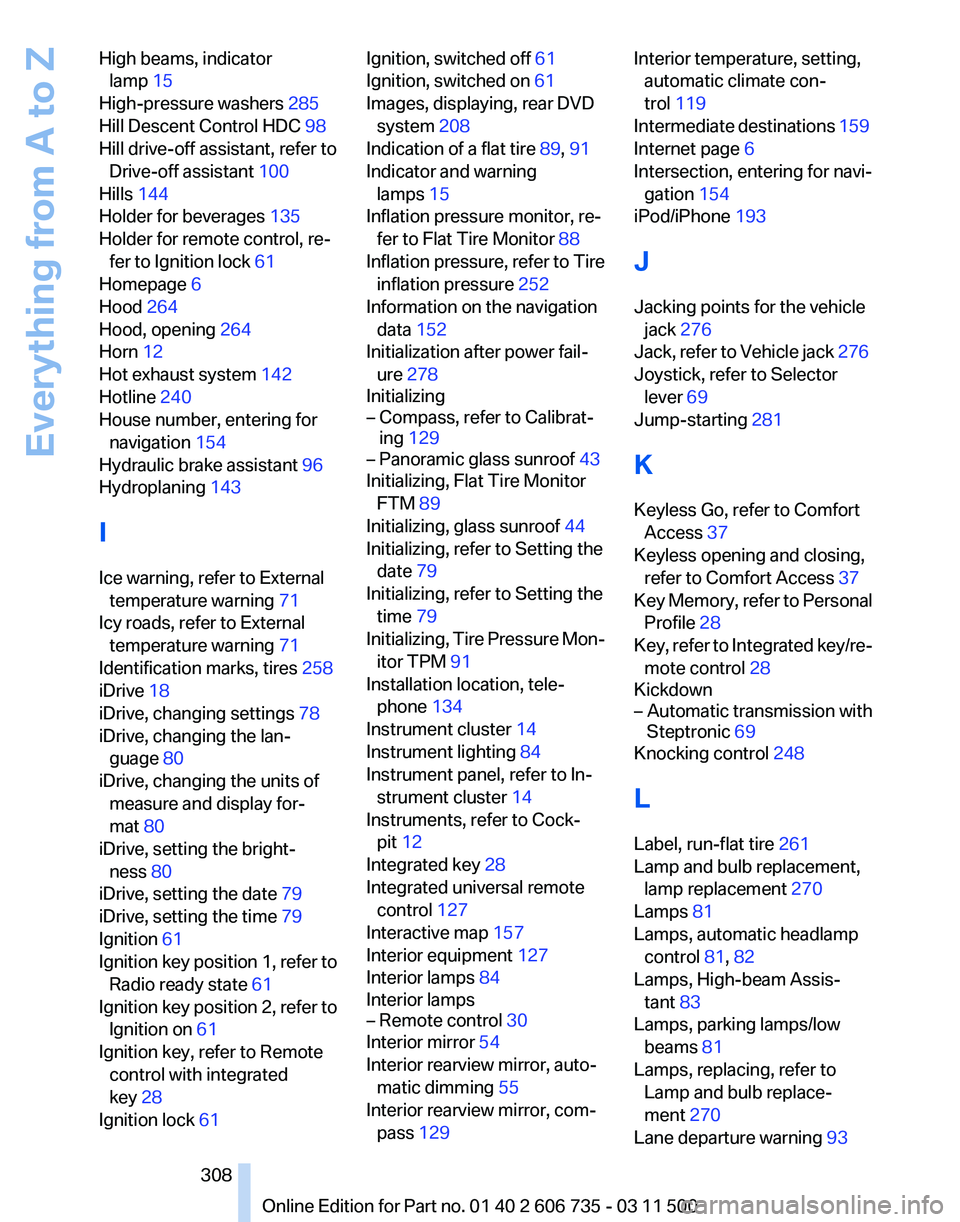
High beams, indicator
lamp 15
High-pressure washers 285
Hill Descent Control HDC 98
Hill drive-off assistant, refer to Drive-off assistant 100
Hills 144
Holder for beverages 135
Holder for remote control, re‐ fer to Ignition lock 61
Homepage 6
Hood 264
Hood, opening 264
Horn 12
Hot exhaust system 142
Hotline 240
House number, entering for navigation 154
Hydraulic brake assistant 96
Hydroplaning 143
I
Ice warning, refer to External temperature warning 71
Icy roads, refer to External temperature warning 71
Identification marks, tires 258
iDrive 18
iDrive, changing settings 78
iDrive, changing the lan‐ guage 80
iDrive, changing the units of measure and display for‐
mat 80
iDrive, setting the bright‐ ness 80
iDrive, setting the date 79
iDrive, setting the time 79
Ignition 61
Ignition
key position 1, refer to
Radio ready state 61
Ignition key position 2, refer to Ignition on 61
Ignition key, refer to Remote control with integrated
key 28
Ignition lock 61 Ignition, switched off 61
Ignition, switched on 61
Images, displaying, rear DVD
system 208
Indication of a flat tire 89, 91
Indicator and warning lamps 15
Inflation pressure monitor, re‐ fer to Flat Tire Monitor 88
Inflation
pressure, refer to Tire
inflation pressure 252
Information on the navigation data 152
Initialization after power fail‐ ure 278
Initializing
– Compass, refer to Calibrat‐ ing 129
– Panoramic glass sunroof 43
Initializing, Flat Tire Monitor
FTM 89
Initializing, glass sunroof 44
Initializing, refer to Setting the date 79
Initializing, refer to Setting the time 79
Initializing,
Tire Pressure Mon‐
itor TPM 91
Installation location, tele‐ phone 134
Instrument cluster 14
Instrument lighting 84
Instrument panel, refer to In‐ strument cluster 14
Instruments, refer to Cock‐ pit 12
Integrated key 28
Integrated universal remote control 127
Interactive map 157
Interior equipment 127
Interior lamps 84
Interior lamps
– Remote control 30
Interior mirror 54
Interior rearview mirror, auto‐ matic dimming 55
Interior rearview mirror, com‐ pass 129 Interior temperature, setting,
automatic climate con‐
trol 119
Intermediate
destinations 159
Internet page 6
Intersection, entering for navi‐ gation 154
iPod/iPhone 193
J
Jacking points for the vehicle jack 276
Jack, refer to Vehicle jack 276
Joystick, refer to Selector lever 69
Jump-starting 281
K
Keyless Go, refer to Comfort Access 37
Keyless opening and closing, refer to Comfort Access 37
Key Memory, refer to Personal Profile 28
Key, refer to Integrated key/re‐ mote control 28
Kickdown
– Automatic transmission with Steptronic 69
Knocking control 248
L
Label, run-flat tire 261
Lamp and bulb replacement, lamp replacement 270
Lamps 81
Lamps, automatic headlamp control 81, 82
Lamps, High-beam Assis‐ tant 83
Lamps, parking lamps/low beams 81
Lamps, replacing, refer to Lamp and bulb replace‐
ment 270
Lane departure warning 93
Seite 308
308 Online Edition for Part no. 01 40 2 606 735 - 03 11 500
Everything from A to Z