ECO mode BMW Z4 2014 E89 Owner's Guide
[x] Cancel search | Manufacturer: BMW, Model Year: 2014, Model line: Z4, Model: BMW Z4 2014 E89Pages: 289, PDF Size: 7.13 MB
Page 230 of 289
Wheels and tiresVehicle equipment
This chapter describes all series equipment as
well as country-specific and special equipment
offered for this model series. Therefore, it also
describes equipment that may not be found in
your vehicle, for instance due to the selected
special equipment or the country version. This
also applies to safety-related functions and
systems.
When using the features and systems descri‐
bed here, adhere to local regulations.
Tire inflation pressure Information for your safety
It is not merely the tires' service life, but also
driving comfort and, to a great extent, driving
safety that depend on the condition of the tires
and the maintenance of the specified tire pres‐
sure.
Check the tire inflation pressure regularly
Regularly check the tire inflation pres‐
sure and correct it as needed: at least twice a
month and before a long trip. If you fail to ob‐
serve this precaution, you may be driving on
tires with incorrect tire pressures, a condition
that may not only compromise your vehicle's
driving stability, but also lead to tire damage
and the risk of an accident.◀
Checking the pressure Tires naturally lose pressure uniformly across
all four tires.
Only check the tire inflation pressure when the
tires are cold. This means after a maximum of
1.25 miles/2 km driving or when the vehicle
has been parked for at least 2 hours. When the
tires are warm, the tire inflation pressure is
higher.Tires warm up during driving and the tire infla‐
tion pressure increases as the temperature
rises. The tire inflation pressure specifications
apply to cold tires or tires at ambient tempera‐
ture.
Only check the tire inflation pressure when the
tires are cold. This means after a maximum of
1.25 miles/2 km driving or when the vehicle
has been parked for at least 2 hours.
The values displayed by tire inflation stations
may be up to 0.1 bar, 2 psi too low.
For the Flat Tire Monitor: after adjusting the
tire inflation pressure to a new value, reinitialize
the Flat Tire Monitor, refer to page 92.
For the Tire Pressure Monitor: after adjusting
the tire inflation pressure to a new value, reset
the Tire Pressure Monitor, refer to page 95.
Pressure specifications The tables below provide all the correct infla‐
tion pressures for the specified tire sizes at
ambient temperature.
The inflation pressures apply to the tire sizes
approved and tire brands recommended by
BMW; a list of these is available from your
service center.
For correct identification of the right tire infla‐
tion pressures, observe the following:▷Tire sizes of your vehicle.▷Maximum allowable driving speed.
Tire inflation pressures for driving up
to 100 mph or 160 km/h
For normal driving up to 100 mph/160 km/h,
adjust pressures to the respective tire inflation
pressures listed on the following pages in the
column for traveling speeds up to 100 mph/
160 km/h to achieve optimum driving comfort.
Seite 226MobilityWheels and tires226
Online Edition for Part no. 01 40 2 957 403 - X/14
Page 236 of 289
If necessary, have the vehicle towed.◀Repair of tire damage
For safety reasons, the manufacturer of
your vehicle recommends that you do not have
damaged tires repaired; they should be re‐
placed. Otherwise, damage can occur as a re‐
sult.◀
Run-flat tires
Label
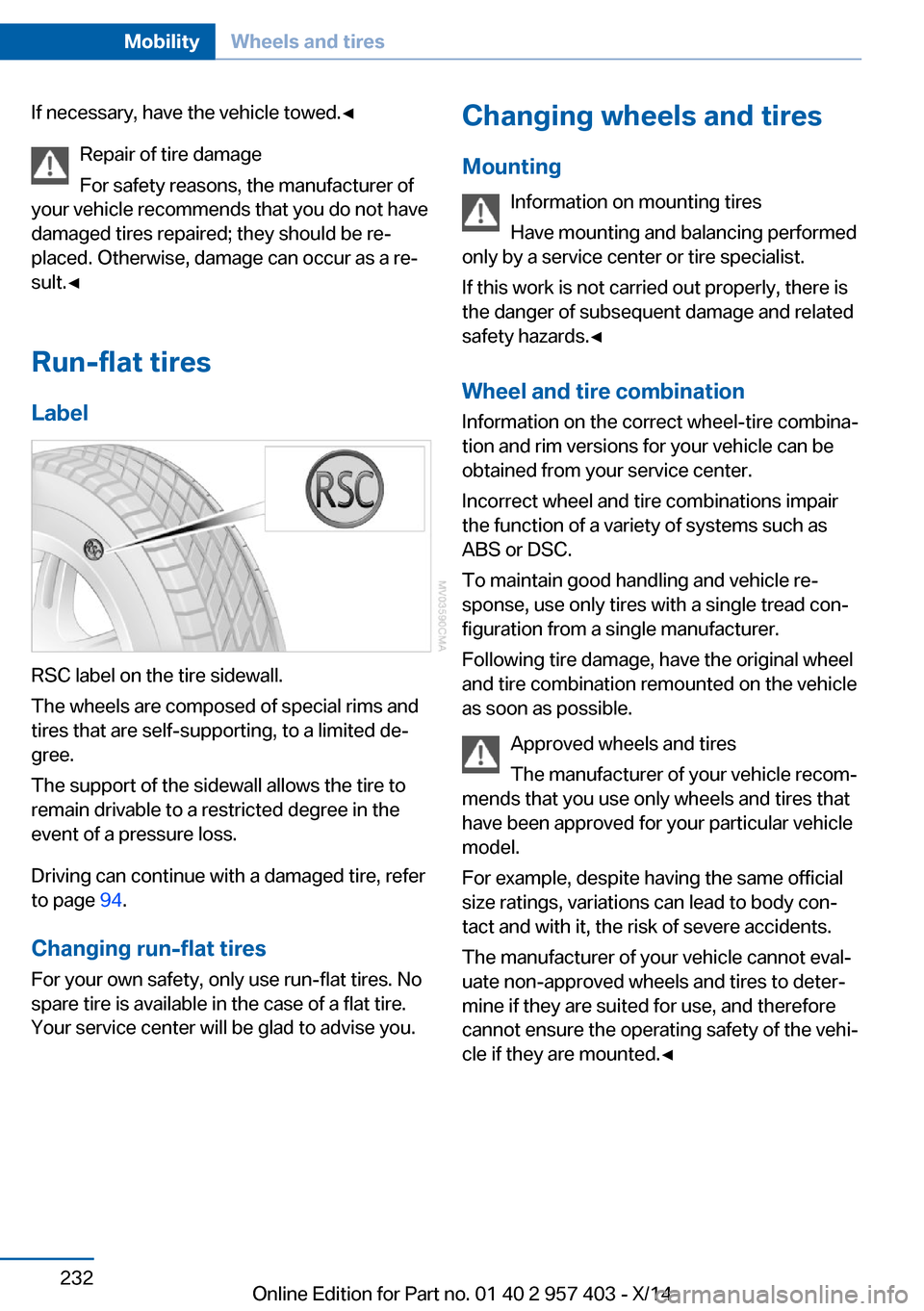
RSC label on the tire sidewall.
The wheels are composed of special rims and
tires that are self-supporting, to a limited de‐
gree.
The support of the sidewall allows the tire to
remain drivable to a restricted degree in the
event of a pressure loss.
Driving can continue with a damaged tire, refer
to page 94.
Changing run-flat tires
For your own safety, only use run-flat tires. No
spare tire is available in the case of a flat tire.
Your service center will be glad to advise you.
Changing wheels and tires
Mounting Information on mounting tires
Have mounting and balancing performed
only by a service center or tire specialist.
If this work is not carried out properly, there is
the danger of subsequent damage and related
safety hazards.◀
Wheel and tire combination
Information on the correct wheel-tire combina‐
tion and rim versions for your vehicle can be
obtained from your service center.
Incorrect wheel and tire combinations impair
the function of a variety of systems such as
ABS or DSC.
To maintain good handling and vehicle re‐
sponse, use only tires with a single tread con‐ figuration from a single manufacturer.
Following tire damage, have the original wheel
and tire combination remounted on the vehicle
as soon as possible.
Approved wheels and tires
The manufacturer of your vehicle recom‐
mends that you use only wheels and tires that have been approved for your particular vehicle
model.
For example, despite having the same official
size ratings, variations can lead to body con‐
tact and with it, the risk of severe accidents.
The manufacturer of your vehicle cannot eval‐
uate non-approved wheels and tires to deter‐
mine if they are suited for use, and therefore
cannot ensure the operating safety of the vehi‐
cle if they are mounted.◀Seite 232MobilityWheels and tires232
Online Edition for Part no. 01 40 2 957 403 - X/14
Page 245 of 289
MaintenanceVehicle equipment
This chapter describes all series equipment as
well as country-specific and special equipment
offered for this model series. Therefore, it also
describes equipment that may not be found in
your vehicle, for instance due to the selected
special equipment or the country version. This
also applies to safety-related functions and
systems.
When using the features and systems descri‐
bed here, adhere to local regulations.
BMW Maintenance System
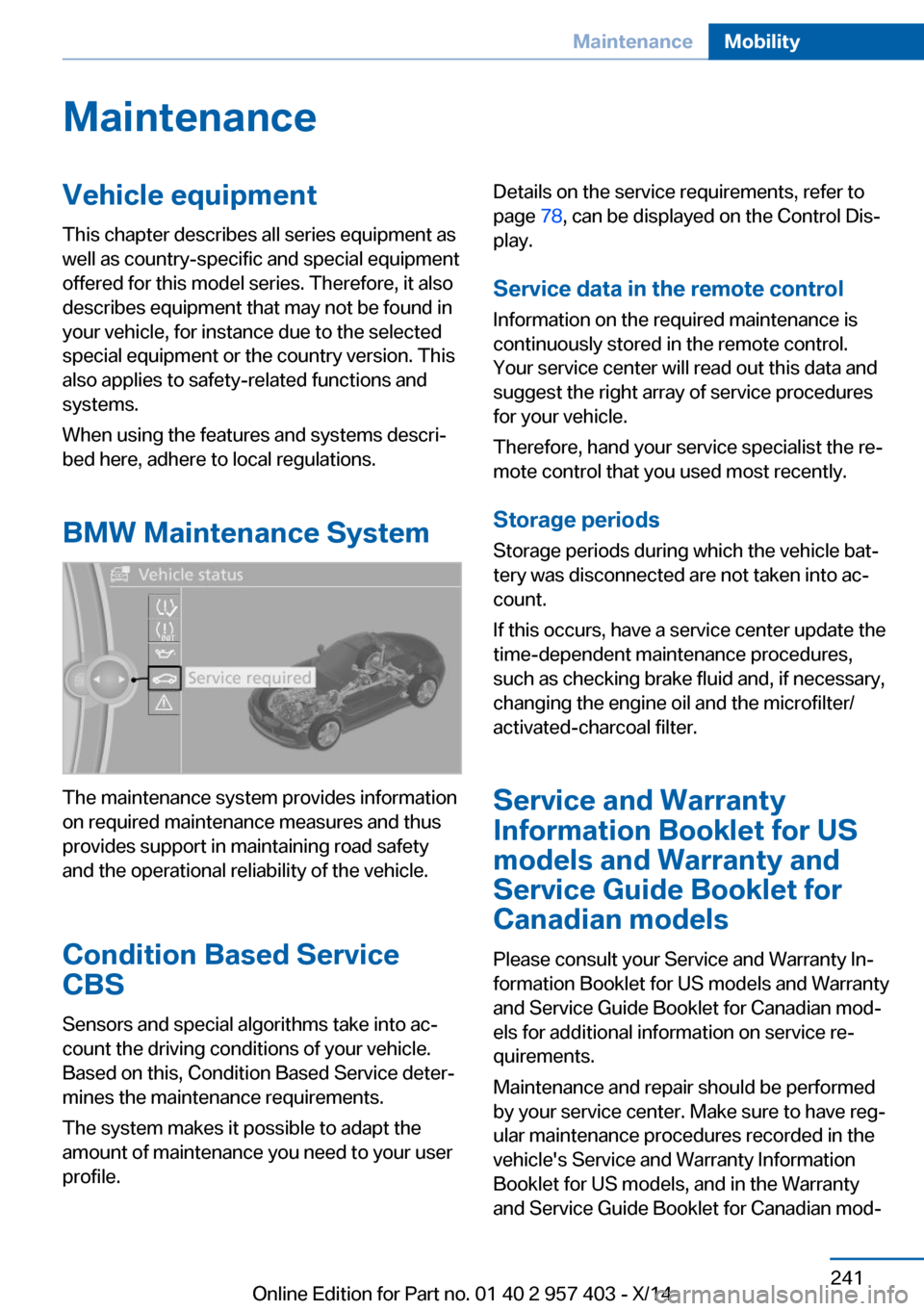
The maintenance system provides information
on required maintenance measures and thus
provides support in maintaining road safety
and the operational reliability of the vehicle.
Condition Based Service
CBS
Sensors and special algorithms take into ac‐
count the driving conditions of your vehicle.
Based on this, Condition Based Service deter‐
mines the maintenance requirements.
The system makes it possible to adapt the
amount of maintenance you need to your user
profile.
Details on the service requirements, refer to
page 78, can be displayed on the Control Dis‐
play.
Service data in the remote control
Information on the required maintenance is
continuously stored in the remote control.
Your service center will read out this data and
suggest the right array of service procedures
for your vehicle.
Therefore, hand your service specialist the re‐
mote control that you used most recently.
Storage periods
Storage periods during which the vehicle bat‐
tery was disconnected are not taken into ac‐
count.
If this occurs, have a service center update the
time-dependent maintenance procedures,
such as checking brake fluid and, if necessary,
changing the engine oil and the microfilter/
activated-charcoal filter.
Service and Warranty
Information Booklet for US
models and Warranty and
Service Guide Booklet for
Canadian models
Please consult your Service and Warranty In‐
formation Booklet for US models and Warranty
and Service Guide Booklet for Canadian mod‐
els for additional information on service re‐
quirements.
Maintenance and repair should be performed
by your service center. Make sure to have reg‐
ular maintenance procedures recorded in the
vehicle's Service and Warranty Information
Booklet for US models, and in the Warranty
and Service Guide Booklet for Canadian mod‐Seite 241MaintenanceMobility241
Online Edition for Part no. 01 40 2 957 403 - X/14
Page 247 of 289
Replacing componentsVehicle equipmentThis chapter describes all series equipment as
well as country-specific and special equipment
offered for this model series. Therefore, it also
describes equipment that may not be found in
your vehicle, for instance due to the selected
special equipment or the country version. This
also applies to safety-related functions and
systems.
When using the features and systems descri‐
bed here, adhere to local regulations.
Tool kit
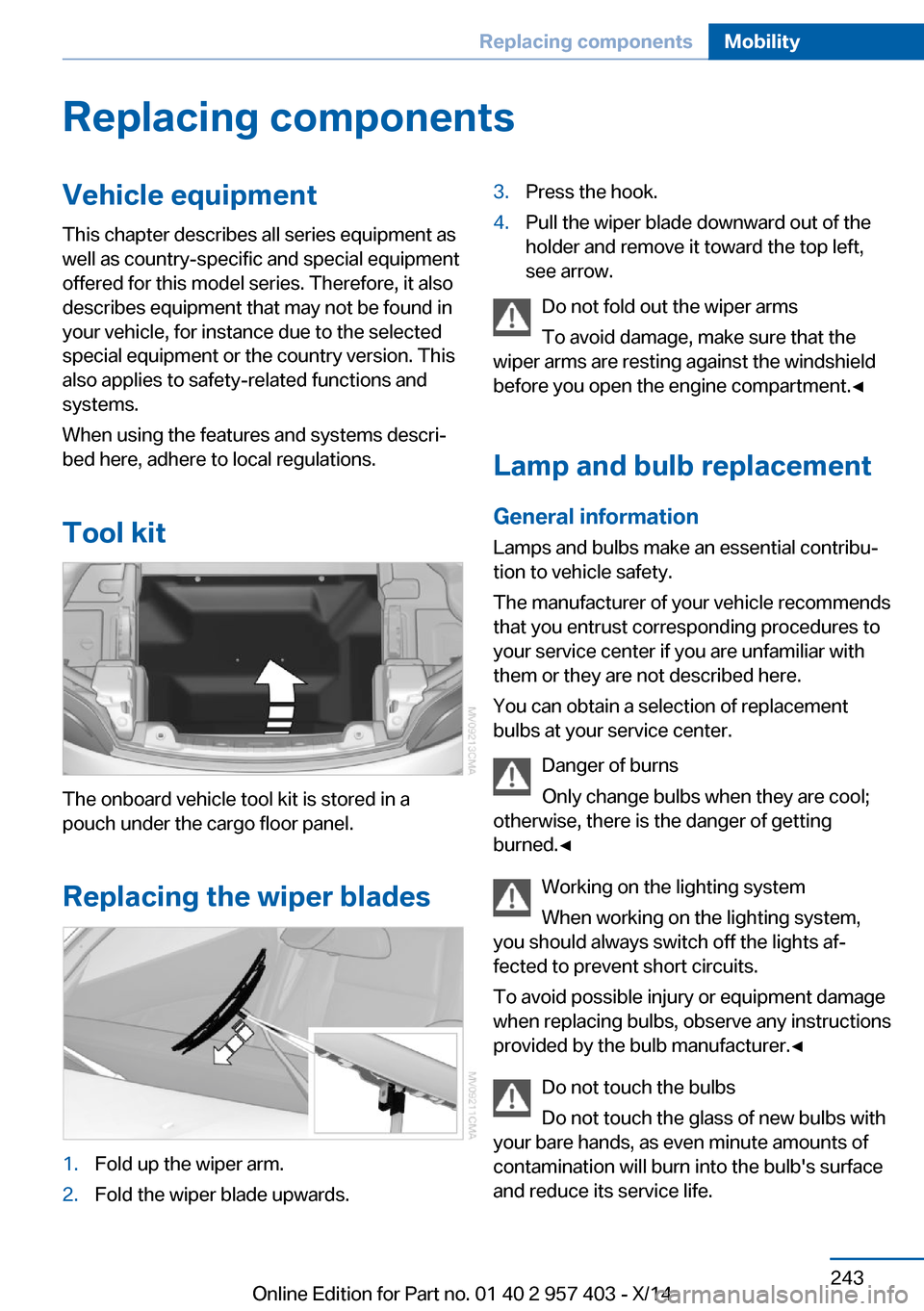
The onboard vehicle tool kit is stored in a
pouch under the cargo floor panel.
Replacing the wiper blades
1.Fold up the wiper arm.2.Fold the wiper blade upwards.3.Press the hook.4.Pull the wiper blade downward out of the
holder and remove it toward the top left,
see arrow.
Do not fold out the wiper arms
To avoid damage, make sure that the
wiper arms are resting against the windshield
before you open the engine compartment.◀
Lamp and bulb replacement
General information Lamps and bulbs make an essential contribu‐
tion to vehicle safety.
The manufacturer of your vehicle recommends
that you entrust corresponding procedures to
your service center if you are unfamiliar with
them or they are not described here.
You can obtain a selection of replacement
bulbs at your service center.
Danger of burns
Only change bulbs when they are cool;
otherwise, there is the danger of getting
burned.◀
Working on the lighting system
When working on the lighting system,
you should always switch off the lights af‐
fected to prevent short circuits.
To avoid possible injury or equipment damage
when replacing bulbs, observe any instructions
provided by the bulb manufacturer.◀
Do not touch the bulbs
Do not touch the glass of new bulbs with
your bare hands, as even minute amounts of
contamination will burn into the bulb's surface
and reduce its service life.
Seite 243Replacing componentsMobility243
Online Edition for Part no. 01 40 2 957 403 - X/14
Page 283 of 289
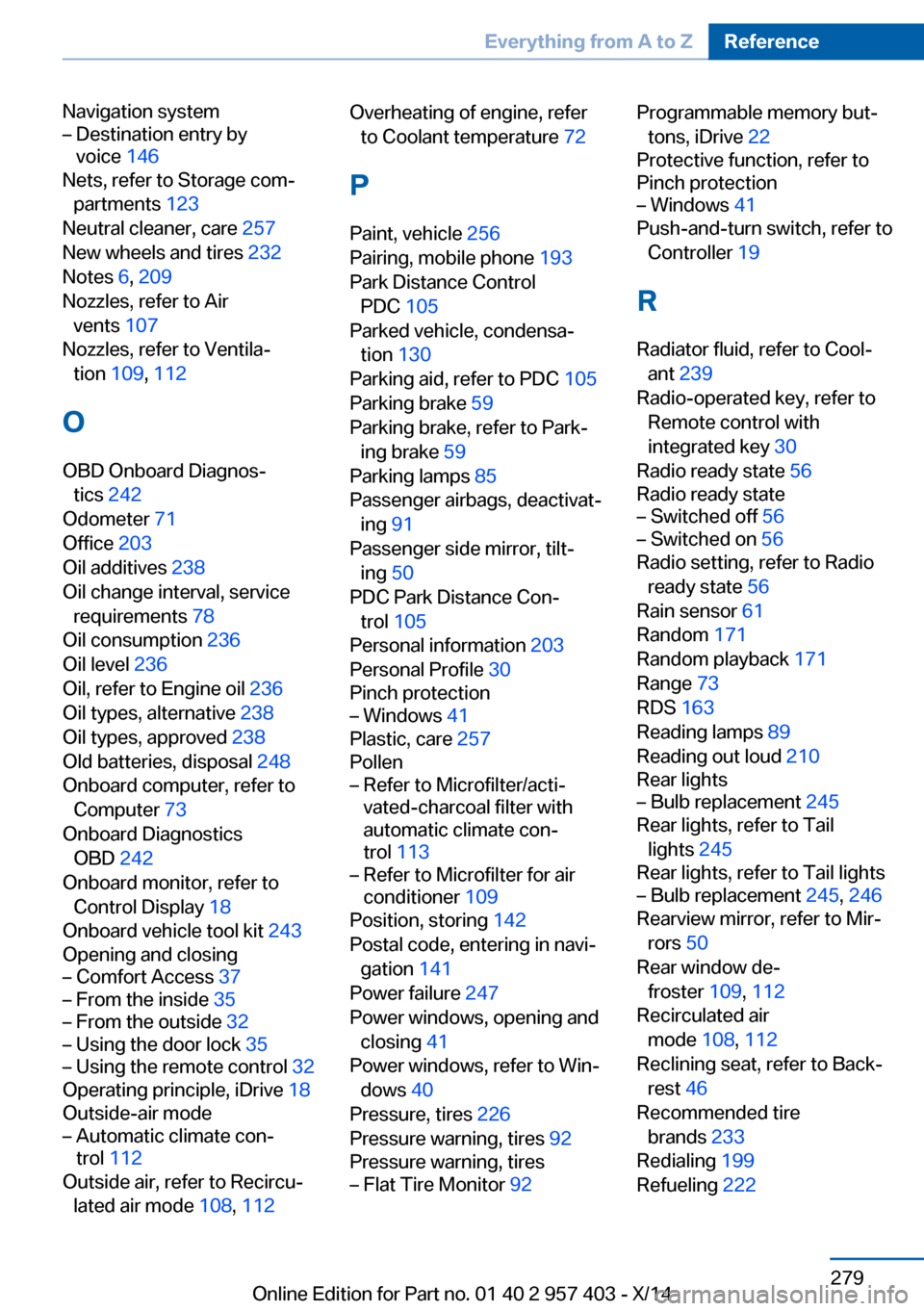
Navigation system– Destination entry by
voice 146
Nets, refer to Storage com‐
partments 123
Neutral cleaner, care 257
New wheels and tires 232
Notes 6, 209
Nozzles, refer to Air vents 107
Nozzles, refer to Ventila‐ tion 109, 112
O OBD Onboard Diagnos‐ tics 242
Odometer 71
Office 203
Oil additives 238
Oil change interval, service requirements 78
Oil consumption 236
Oil level 236
Oil, refer to Engine oil 236
Oil types, alternative 238
Oil types, approved 238
Old batteries, disposal 248
Onboard computer, refer to Computer 73
Onboard Diagnostics OBD 242
Onboard monitor, refer to Control Display 18
Onboard vehicle tool kit 243
Opening and closing
– Comfort Access 37– From the inside 35– From the outside 32– Using the door lock 35– Using the remote control 32
Operating principle, iDrive 18
Outside-air mode
– Automatic climate con‐
trol 112
Outside air, refer to Recircu‐
lated air mode 108, 112
Overheating of engine, refer
to Coolant temperature 72
P Paint, vehicle 256
Pairing, mobile phone 193
Park Distance Control PDC 105
Parked vehicle, condensa‐ tion 130
Parking aid, refer to PDC 105
Parking brake 59
Parking brake, refer to Park‐ ing brake 59
Parking lamps 85
Passenger airbags, deactivat‐ ing 91
Passenger side mirror, tilt‐ ing 50
PDC Park Distance Con‐ trol 105
Personal information 203
Personal Profile 30
Pinch protection– Windows 41
Plastic, care 257
Pollen
– Refer to Microfilter/acti‐
vated-charcoal filter with
automatic climate con‐
trol 113– Refer to Microfilter for air
conditioner 109
Position, storing 142
Postal code, entering in navi‐ gation 141
Power failure 247
Power windows, opening and closing 41
Power windows, refer to Win‐ dows 40
Pressure, tires 226
Pressure warning, tires 92
Pressure warning, tires
– Flat Tire Monitor 92Programmable memory but‐
tons, iDrive 22
Protective function, refer to
Pinch protection– Windows 41
Push-and-turn switch, refer to
Controller 19
R Radiator fluid, refer to Cool‐ ant 239
Radio-operated key, refer to Remote control with
integrated key 30
Radio ready state 56
Radio ready state
– Switched off 56– Switched on 56
Radio setting, refer to Radio
ready state 56
Rain sensor 61
Random 171
Random playback 171
Range 73
RDS 163
Reading lamps 89
Reading out loud 210
Rear lights
– Bulb replacement 245
Rear lights, refer to Tail
lights 245
Rear lights, refer to Tail lights
– Bulb replacement 245, 246
Rearview mirror, refer to Mir‐
rors 50
Rear window de‐ froster 109, 112
Recirculated air mode 108, 112
Reclining seat, refer to Back‐ rest 46
Recommended tire brands 233
Redialing 199
Refueling 222
Seite 279Everything from A to ZReference279
Online Edition for Part no. 01 40 2 957 403 - X/14