audio BMW Z4 2016 E89 Owner's Guide
[x] Cancel search | Manufacturer: BMW, Model Year: 2016, Model line: Z4, Model: BMW Z4 2016 E89Pages: 289, PDF Size: 7.13 MB
Page 199 of 289
phone when it is reconnected. These functions
are deactivated in a mobile phone that is al‐
ready connected.
Configuring the mobile phone Additional functions can be activated or deacti‐
vated for paired and connected mobile phones.1."Telephone"2."Bluetooth® (phone)"3.Highlight the mobile phone to be config‐
ured.4.Open "Options".5."Configure phone"6.At least one function must be selected.▷"Telephone"▷"Additional telephone"▷"Audio"7."OK"
If a function has already been assigned to an‐
other connected mobile phone, the function is
deactivated in that mobile phone and the mo‐
bile phone is unpaired when the function is as‐
signed to a new mobile phone.
Swapping the telephone and
additional telephone
The function of the telephone and additional
telephone can be swapped automatically.
1."Telephone"2."Bluetooth® (phone)"3."Swap phone/addit. phone"
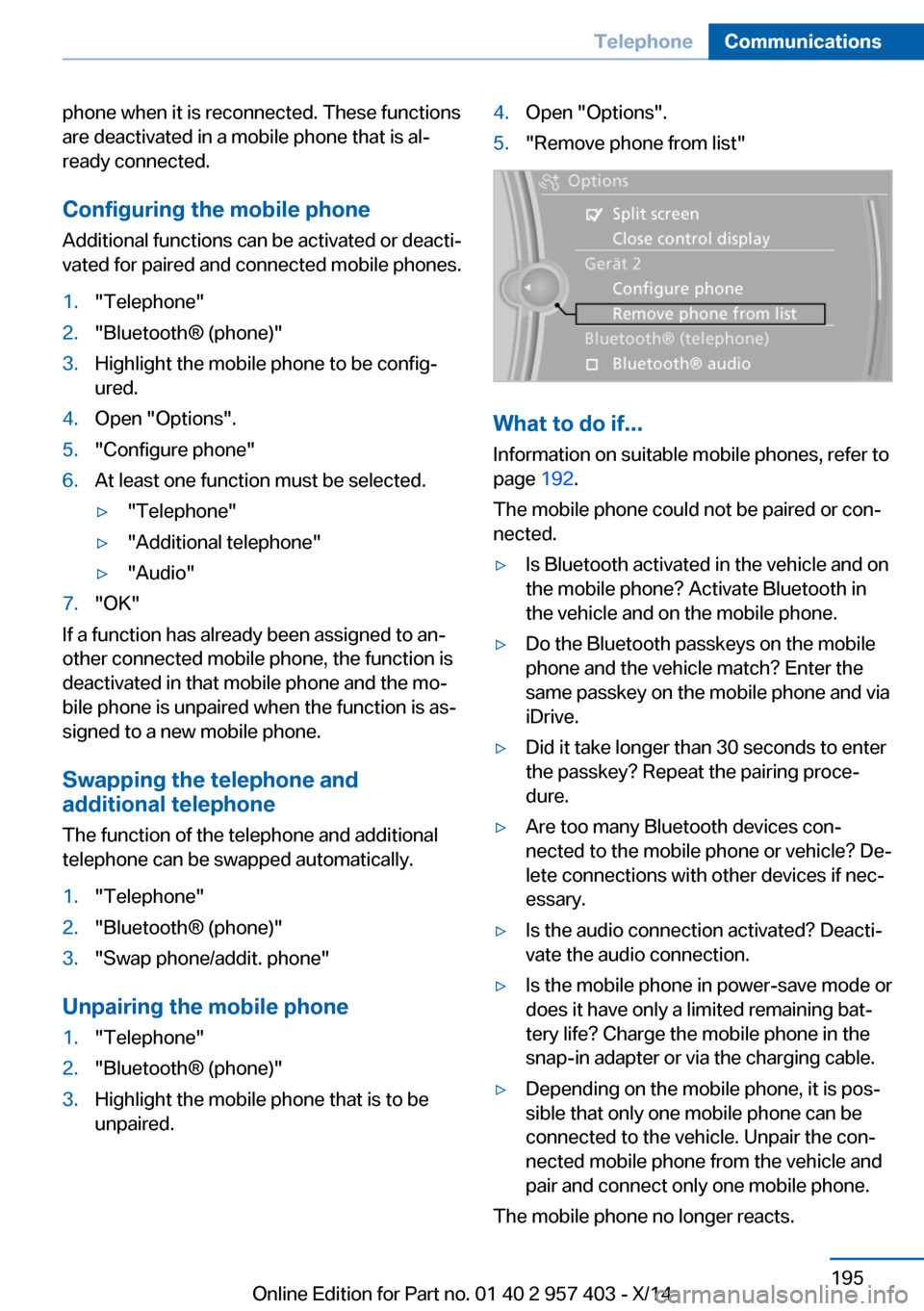
Unpairing the mobile phone
1."Telephone"2."Bluetooth® (phone)"3.Highlight the mobile phone that is to be
unpaired.4.Open "Options".5."Remove phone from list"
What to do if...
Information on suitable mobile phones, refer to
page 192.
The mobile phone could not be paired or con‐
nected.
▷Is Bluetooth activated in the vehicle and on
the mobile phone? Activate Bluetooth in
the vehicle and on the mobile phone.▷Do the Bluetooth passkeys on the mobile
phone and the vehicle match? Enter the
same passkey on the mobile phone and via
iDrive.▷Did it take longer than 30 seconds to enter
the passkey? Repeat the pairing proce‐
dure.▷Are too many Bluetooth devices con‐
nected to the mobile phone or vehicle? De‐
lete connections with other devices if nec‐
essary.▷Is the audio connection activated? Deacti‐
vate the audio connection.▷Is the mobile phone in power-save mode or
does it have only a limited remaining bat‐
tery life? Charge the mobile phone in the
snap-in adapter or via the charging cable.▷Depending on the mobile phone, it is pos‐
sible that only one mobile phone can be
connected to the vehicle. Unpair the con‐
nected mobile phone from the vehicle and
pair and connect only one mobile phone.
The mobile phone no longer reacts.
Seite 195TelephoneCommunications195
Online Edition for Part no. 01 40 2 957 403 - X/14
Page 200 of 289
▷Switch the mobile phone off and on again.▷Is the ambient temperature too high or
low? Do not expose the mobile phone to
extreme environmental conditions.
The telephone functions are not available.
▷Is the mobile phone paired as an additional
telephone and is the additional telephone
function deactivated? Activate the func‐
tion.▷Is an outgoing call not possible? Connect
the mobile phone as a telephone.
No phone book entries or only some phone
book entries are displayed, or they are incom‐
plete.
▷Transmission of the phone book entries is
not yet complete.▷It is possible that only the phone book en‐
tries of the mobile phone or the SIM card
are transmitted.▷It may not be possible to display phone
book entries with special characters.▷The number of phone book entries to be
stored is too high.▷Is the data volume of the contact too large,
e. g., due to stored information such as
notes? Reduce the data volume of the con‐
tact.▷Is the mobile phone connected as an audio
source or additional telephone? The mo‐
bile phone must be connected as a tele‐
phone.
The phone connection quality is poor.
▷The strength of the Bluetooth signal on the
mobile phone can be adjusted, depending
on the mobile phone.▷Insert the mobile phone into the snap-in
adapter or place it in the area of the center
console.▷Adjust the volume of the microphone and
loudspeakers separately.If all points in this list have been checked and
the required function is still not available, con‐
tact Customer Relations or the service center.
Controls
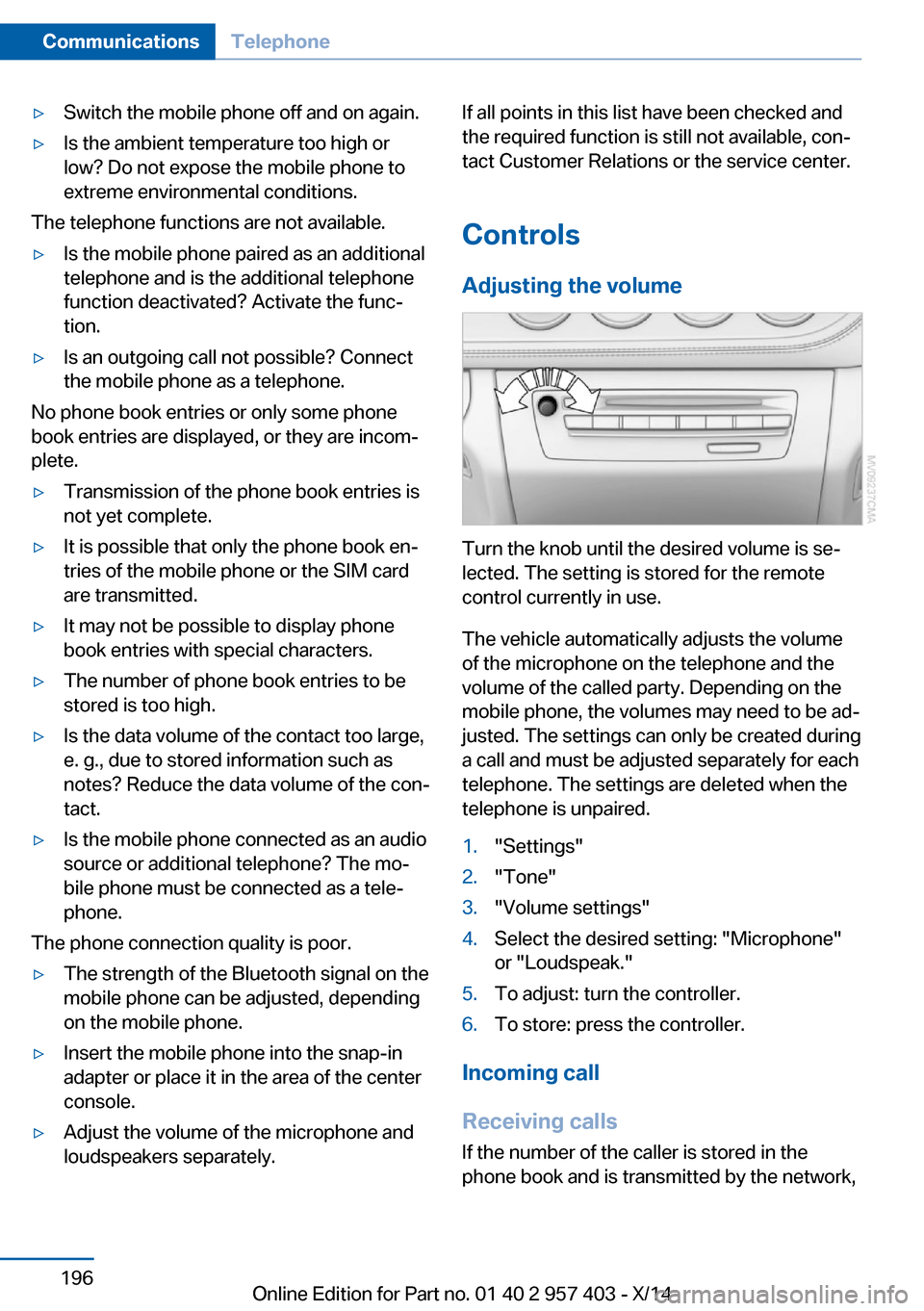
Adjusting the volume
Turn the knob until the desired volume is se‐
lected. The setting is stored for the remote
control currently in use.
The vehicle automatically adjusts the volume
of the microphone on the telephone and the
volume of the called party. Depending on the
mobile phone, the volumes may need to be ad‐
justed. The settings can only be created during
a call and must be adjusted separately for each
telephone. The settings are deleted when the
telephone is unpaired.
1."Settings"2."Tone"3."Volume settings"4.Select the desired setting: "Microphone"
or "Loudspeak."5.To adjust: turn the controller.6.To store: press the controller.
Incoming call
Receiving calls If the number of the caller is stored in the
phone book and is transmitted by the network,
Seite 196CommunicationsTelephone196
Online Edition for Part no. 01 40 2 957 403 - X/14
Page 223 of 289
▷Corresponding mobile wireless contract.
Any additionally incurred costs are not a
part of Apps.▷Use only BMW approved software applica‐
tions; otherwise, it may result in malfunc‐
tions.
Information about suitable mobile phones,
available software applications and their instal‐
lation can be found at www.bmw.com/connec‐
tivity or at the service center.
Create the entries.
Make entries only when traffic and road
conditions allow. Otherwise, the vehicle occu‐
pants and other road users may be put in dan‐
ger because of the distraction from driving.
For reasons of safety, some software applica‐
tions are usable only while the vehicle is sta‐
tionary.◀
Operating Apps
1.Connect the mobile phone via the snap-in
adapter or via the USB audio interface.2."ConnectedDrive"3.Select the desired software application.
Displaying status
Information about the currently available soft‐
ware applications can be displayed.
1."ConnectedDrive"2."BMW apps"
Notes
▷The ranges of Apps that can be displayed
on the Control Display depend on the
range of installed software applications on
the mobile phone.▷The data transmission of the software ap‐
plications from the mobile phone to the ve‐
hicle can last some time. Some software
applications depend on the speed of the
available Internet connection of the mobile
phone.▷Some mobile phones cannot simultane‐
ously use Apps and the Bluetooth hands-
free system.
If necessary, restart the software applica‐
tion on the mobile phone after a phone
conversation.
Remote Services
With Remote Services, a connection can be
established between a mobile phone and the
vehicle. This connection can be used, for ex‐
ample, to lock and unlock the vehicle.
Depending on the vehicle, additional functions
may be available.
To be able to use the functions, the My BMW
Remote app must be downloaded. Operation
takes place via the app.
Alternatively, the functions can also be used
via the ConnectedDrive Hotline.
The operating instructions for the My BMW
Remote app can be found on the Connected‐
Drive portal or at www.bmw.com.
Seite 219ConnectedDriveCommunications219
Online Edition for Part no. 01 40 2 957 403 - X/14
Page 276 of 289
Everything from A to Z
IndexA ABS, Antilock Brake Sys‐ tem 99
Acceleration assistant, Launch Control 68
Accident, refer to Emergency Request, initiating 249
Activated charcoal filter with automatic climate con‐
trol 113
Adaptive brake light, refer to Brake force display 98
Adaptive Light Control 86
Additional telephone 192
Additives– Coolant 239
Additives, oil 238
After washing vehicle 256
Airbags 90
Airbags
– Indicator/warning lamps 92
Air circulation, refer to Recir‐
culated air mode 108, 112
Air conditioner 108
Air conditioning mode
– Air conditioner 108– Automatic climate con‐
trol 110– Ventilation 109, 112
Air distribution
– Automatic 111– Individual 108– Manual 108
Air flow rate 108, 111
Airing, refer to Ventila‐ tion 109, 112
Air outlets, refer to Air vents 107
Air pressure, refer to Tire in‐ flation pressure 226
Air supply– Air conditioner 108– Automatic climate con‐
trol 110– Ventilation 109, 112
Air vents 107
Air vents
– Refer to Ventila‐
tion 109, 112
Alarm system 39
Alarm system
– Avoiding unintentional
alarms 40– Ending an alarm 39– Interior motion sensor 40– Tilt alarm sensor 40
All around the headliner 17
All-season tires, refer to Win‐ ter tires 233
Alternating-code hand-held transmitter 115
Alternative oil types 238
AM/FM station 162
Announcement, navigation, refer to Spoken instruc‐
tions 151
Antifreeze
– Coolant 239– Washer fluid 62
Antilock Brake System,
ABS 99
Anti-slip control, refer to DSC 99
Anti-theft protection 32
Anti-theft protection, lug bolts 247
Appointments 208
Approved axle loads, refer to Weights 262
Approved engine oils 238
Approved gross vehicle
weight, refer to
Weights 262
Armrest, refer to Center arm‐ rest 122
Arrival time, refer to Com‐ puter 73
Ashtray 118
Assistance systems, refer to Driving stability control sys‐
tems 99
Assistance when driving off 102
Audio device, external 123
Audio playback 171
Audio playback, Blue‐ tooth 183
Automatic air distribu‐ tion 111
Automatic air flow rate 111
Automatic car wash 255
Automatic climate con‐ trol 107 , 110
Automatic climate control– Automatic air distribu‐
tion 111
Automatic cruise control 103
Automatic Curb Monitor 50
Automatic Engine Start/Stop Function 57
Automatic headlamp con‐ trol 86
Automatic recirculated air control 112
Automatic transmission
– 7-gear with dual clutch 65– 8-gear 63
AUTO program with auto‐
matic climate control 111
AUX-IN port 123, 180
Average fuel consumption 73
Seite 272ReferenceEverything from A to Z272
Online Edition for Part no. 01 40 2 957 403 - X/14
Page 277 of 289
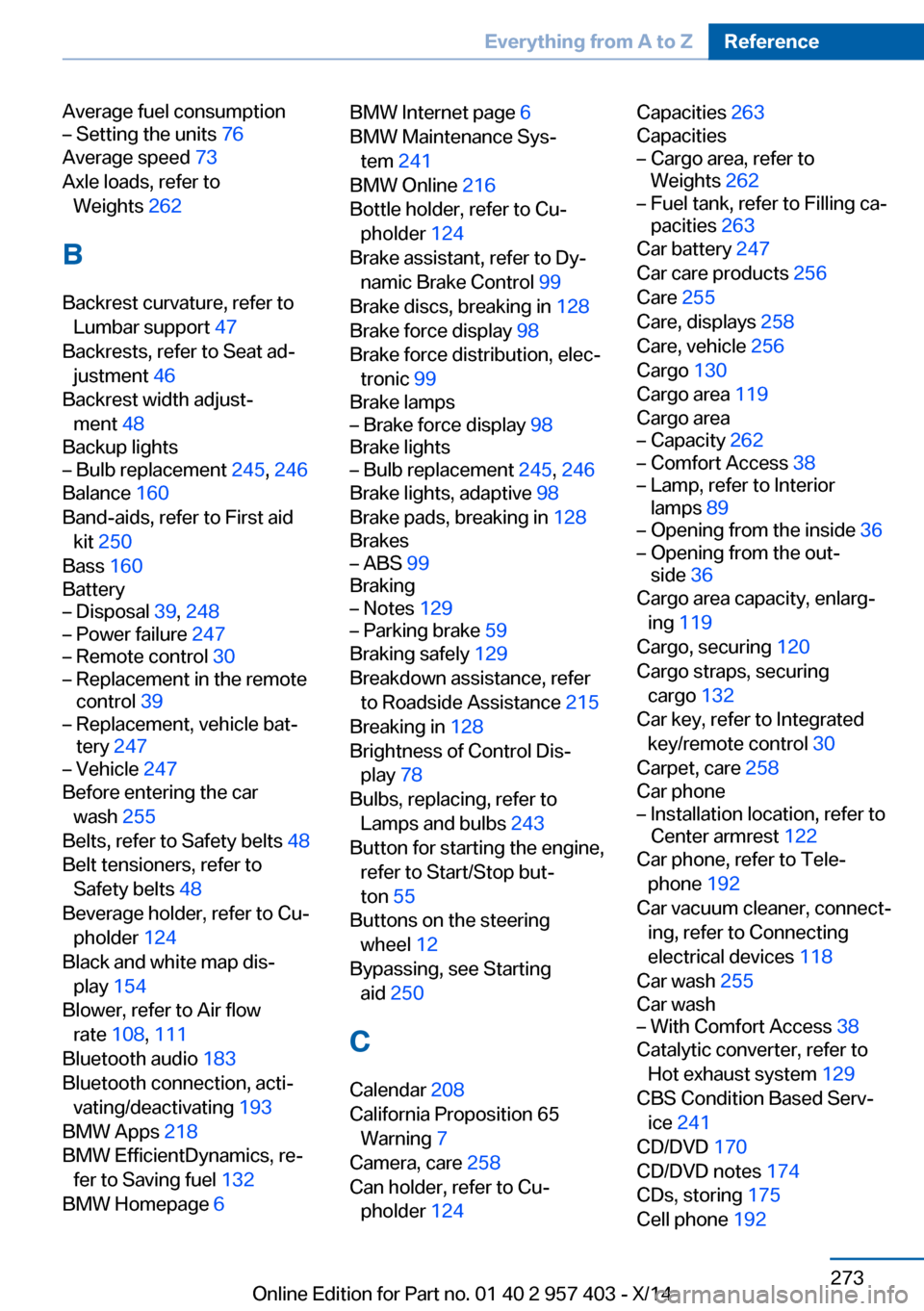
Average fuel consumption– Setting the units 76
Average speed 73
Axle loads, refer to Weights 262
B
Backrest curvature, refer to Lumbar support 47
Backrests, refer to Seat ad‐ justment 46
Backrest width adjust‐ ment 48
Backup lights
– Bulb replacement 245, 246
Balance 160
Band-aids, refer to First aid kit 250
Bass 160
Battery
– Disposal 39, 248– Power failure 247– Remote control 30– Replacement in the remote
control 39– Replacement, vehicle bat‐
tery 247– Vehicle 247
Before entering the car
wash 255
Belts, refer to Safety belts 48
Belt tensioners, refer to Safety belts 48
Beverage holder, refer to Cu‐ pholder 124
Black and white map dis‐ play 154
Blower, refer to Air flow rate 108, 111
Bluetooth audio 183
Bluetooth connection, acti‐ vating/deactivating 193
BMW Apps 218
BMW EfficientDynamics, re‐ fer to Saving fuel 132
BMW Homepage 6
BMW Internet page 6
BMW Maintenance Sys‐ tem 241
BMW Online 216
Bottle holder, refer to Cu‐ pholder 124
Brake assistant, refer to Dy‐ namic Brake Control 99
Brake discs, breaking in 128
Brake force display 98
Brake force distribution, elec‐ tronic 99
Brake lamps– Brake force display 98
Brake lights
– Bulb replacement 245, 246
Brake lights, adaptive 98
Brake pads, breaking in 128
Brakes
– ABS 99
Braking
– Notes 129– Parking brake 59
Braking safely 129
Breakdown assistance, refer to Roadside Assistance 215
Breaking in 128
Brightness of Control Dis‐ play 78
Bulbs, replacing, refer to Lamps and bulbs 243
Button for starting the engine, refer to Start/Stop but‐
ton 55
Buttons on the steering wheel 12
Bypassing, see Starting aid 250
C Calendar 208
California Proposition 65 Warning 7
Camera, care 258
Can holder, refer to Cu‐ pholder 124
Capacities 263
Capacities– Cargo area, refer to
Weights 262– Fuel tank, refer to Filling ca‐
pacities 263
Car battery 247
Car care products 256
Care 255
Care, displays 258
Care, vehicle 256
Cargo 130
Cargo area 119
Cargo area
– Capacity 262– Comfort Access 38– Lamp, refer to Interior
lamps 89– Opening from the inside 36– Opening from the out‐
side 36
Cargo area capacity, enlarg‐
ing 119
Cargo, securing 120
Cargo straps, securing cargo 132
Car key, refer to Integrated key/remote control 30
Carpet, care 258
Car phone
– Installation location, refer to
Center armrest 122
Car phone, refer to Tele‐
phone 192
Car vacuum cleaner, connect‐ ing, refer to Connecting
electrical devices 118
Car wash 255
Car wash
– With Comfort Access 38
Catalytic converter, refer to
Hot exhaust system 129
CBS Condition Based Serv‐ ice 241
CD/DVD 170
CD/DVD notes 174
CDs, storing 175
Cell phone 192
Seite 273Everything from A to ZReference273
Online Edition for Part no. 01 40 2 957 403 - X/14
Page 280 of 289
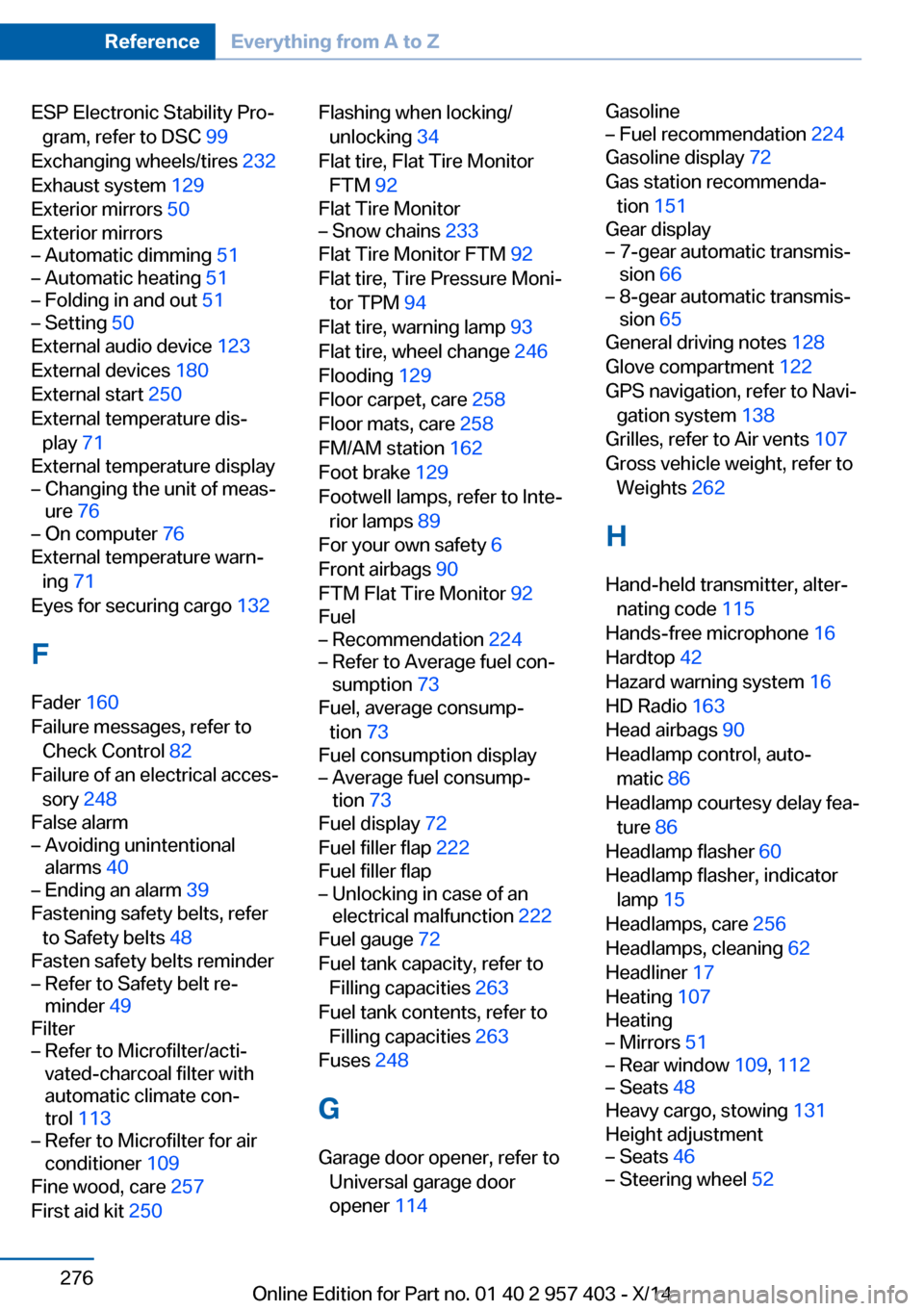
ESP Electronic Stability Pro‐gram, refer to DSC 99
Exchanging wheels/tires 232
Exhaust system 129
Exterior mirrors 50
Exterior mirrors– Automatic dimming 51– Automatic heating 51– Folding in and out 51– Setting 50
External audio device 123
External devices 180
External start 250
External temperature dis‐ play 71
External temperature display
– Changing the unit of meas‐
ure 76– On computer 76
External temperature warn‐
ing 71
Eyes for securing cargo 132
F
Fader 160
Failure messages, refer to Check Control 82
Failure of an electrical acces‐ sory 248
False alarm
– Avoiding unintentional
alarms 40– Ending an alarm 39
Fastening safety belts, refer
to Safety belts 48
Fasten safety belts reminder
– Refer to Safety belt re‐
minder 49
Filter
– Refer to Microfilter/acti‐
vated-charcoal filter with
automatic climate con‐
trol 113– Refer to Microfilter for air
conditioner 109
Fine wood, care 257
First aid kit 250
Flashing when locking/
unlocking 34
Flat tire, Flat Tire Monitor FTM 92
Flat Tire Monitor– Snow chains 233
Flat Tire Monitor FTM 92
Flat tire, Tire Pressure Moni‐ tor TPM 94
Flat tire, warning lamp 93
Flat tire, wheel change 246
Flooding 129
Floor carpet, care 258
Floor mats, care 258
FM/AM station 162
Foot brake 129
Footwell lamps, refer to Inte‐ rior lamps 89
For your own safety 6
Front airbags 90
FTM Flat Tire Monitor 92
Fuel
– Recommendation 224– Refer to Average fuel con‐
sumption 73
Fuel, average consump‐
tion 73
Fuel consumption display
– Average fuel consump‐
tion 73
Fuel display 72
Fuel filler flap 222
Fuel filler flap
– Unlocking in case of an
electrical malfunction 222
Fuel gauge 72
Fuel tank capacity, refer to Filling capacities 263
Fuel tank contents, refer to Filling capacities 263
Fuses 248
G
Garage door opener, refer to Universal garage door
opener 114
Gasoline– Fuel recommendation 224
Gasoline display 72
Gas station recommenda‐ tion 151
Gear display
– 7-gear automatic transmis‐
sion 66– 8-gear automatic transmis‐
sion 65
General driving notes 128
Glove compartment 122
GPS navigation, refer to Navi‐
gation system 138
Grilles, refer to Air vents 107
Gross vehicle weight, refer to Weights 262
H
Hand-held transmitter, alter‐ nating code 115
Hands-free microphone 16
Hardtop 42
Hazard warning system 16
HD Radio 163
Head airbags 90
Headlamp control, auto‐ matic 86
Headlamp courtesy delay fea‐ ture 86
Headlamp flasher 60
Headlamp flasher, indicator lamp 15
Headlamps, care 256
Headlamps, cleaning 62
Headliner 17
Heating 107
Heating
– Mirrors 51– Rear window 109, 112– Seats 48
Heavy cargo, stowing 131
Height adjustment
– Seats 46– Steering wheel 52Seite 276ReferenceEverything from A to Z276
Online Edition for Part no. 01 40 2 957 403 - X/14
Page 286 of 289
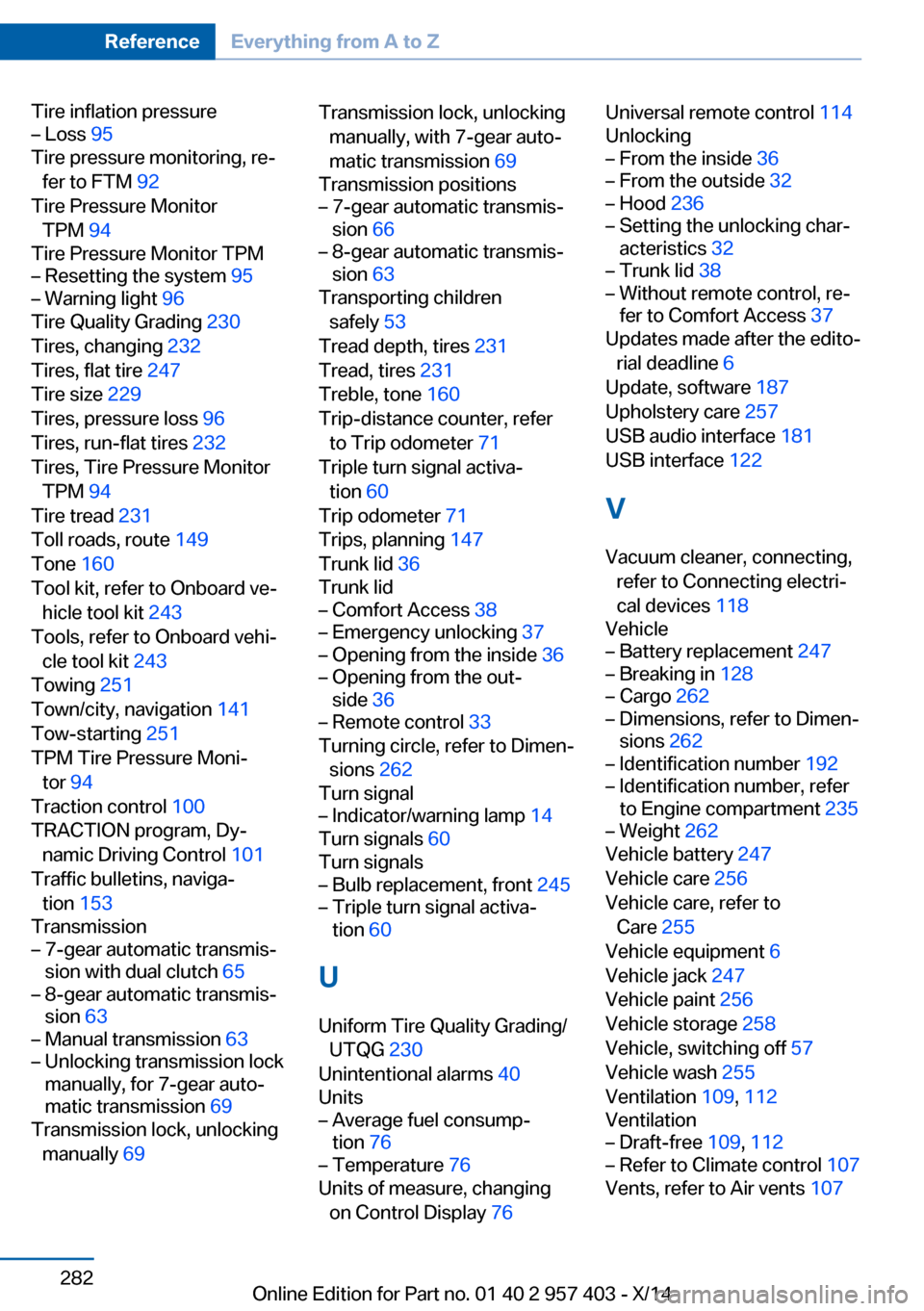
Tire inflation pressure– Loss 95
Tire pressure monitoring, re‐
fer to FTM 92
Tire Pressure Monitor TPM 94
Tire Pressure Monitor TPM
– Resetting the system 95– Warning light 96
Tire Quality Grading 230
Tires, changing 232
Tires, flat tire 247
Tire size 229
Tires, pressure loss 96
Tires, run-flat tires 232
Tires, Tire Pressure Monitor TPM 94
Tire tread 231
Toll roads, route 149
Tone 160
Tool kit, refer to Onboard ve‐ hicle tool kit 243
Tools, refer to Onboard vehi‐ cle tool kit 243
Towing 251
Town/city, navigation 141
Tow-starting 251
TPM Tire Pressure Moni‐ tor 94
Traction control 100
TRACTION program, Dy‐ namic Driving Control 101
Traffic bulletins, naviga‐ tion 153
Transmission
– 7-gear automatic transmis‐
sion with dual clutch 65– 8-gear automatic transmis‐
sion 63– Manual transmission 63– Unlocking transmission lock
manually, for 7-gear auto‐
matic transmission 69
Transmission lock, unlocking
manually 69
Transmission lock, unlocking
manually, with 7-gear auto‐
matic transmission 69
Transmission positions– 7-gear automatic transmis‐
sion 66– 8-gear automatic transmis‐
sion 63
Transporting children
safely 53
Tread depth, tires 231
Tread, tires 231
Treble, tone 160
Trip-distance counter, refer to Trip odometer 71
Triple turn signal activa‐ tion 60
Trip odometer 71
Trips, planning 147
Trunk lid 36
Trunk lid
– Comfort Access 38– Emergency unlocking 37– Opening from the inside 36– Opening from the out‐
side 36– Remote control 33
Turning circle, refer to Dimen‐
sions 262
Turn signal
– Indicator/warning lamp 14
Turn signals 60
Turn signals
– Bulb replacement, front 245– Triple turn signal activa‐
tion 60
U
Uniform Tire Quality Grading/ UTQG 230
Unintentional alarms 40
Units
– Average fuel consump‐
tion 76– Temperature 76
Units of measure, changing
on Control Display 76
Universal remote control 114
Unlocking– From the inside 36– From the outside 32– Hood 236– Setting the unlocking char‐
acteristics 32– Trunk lid 38– Without remote control, re‐
fer to Comfort Access 37
Updates made after the edito‐
rial deadline 6
Update, software 187
Upholstery care 257
USB audio interface 181
USB interface 122
V
Vacuum cleaner, connecting, refer to Connecting electri‐
cal devices 118
Vehicle
– Battery replacement 247– Breaking in 128– Cargo 262– Dimensions, refer to Dimen‐
sions 262– Identification number 192– Identification number, refer
to Engine compartment 235– Weight 262
Vehicle battery 247
Vehicle care 256
Vehicle care, refer to Care 255
Vehicle equipment 6
Vehicle jack 247
Vehicle paint 256
Vehicle storage 258
Vehicle, switching off 57
Vehicle wash 255
Ventilation 109, 112
Ventilation
– Draft-free 109, 112– Refer to Climate control 107
Vents, refer to Air vents 107
Seite 282ReferenceEverything from A to Z282
Online Edition for Part no. 01 40 2 957 403 - X/14