reset BMW Z4 SDRIVE28I 2013 User Guide
[x] Cancel search | Manufacturer: BMW, Model Year: 2013, Model line: Z4 SDRIVE28I, Model: BMW Z4 SDRIVE28I 2013Pages: 220, PDF Size: 9.9 MB
Page 118 of 220
approx. 20 minutes. To listen to the radio, switch
it back on.
To spare the battery, ensure that the radio is
switched off when you leave the vehicle.
Adjusting the volume
Turn the left knob. The setting is stored for the
remote control currently in use.
When a call is placed using the hands-free sys‐
tem, the audio sources are muted.
Speed-dependent volume and volumes
of PDC signal tone and gong▷"PDC" : volume of the PDC signal tone com‐
pared to the audio sources.▷"GONG": volume of the gong compared to
the audio sources.▷"S-VOL": speed-dependent volume con‐
trol.
Set the audio sources to a high volume to be able
to adjust the volume of the signal tones more
easily.
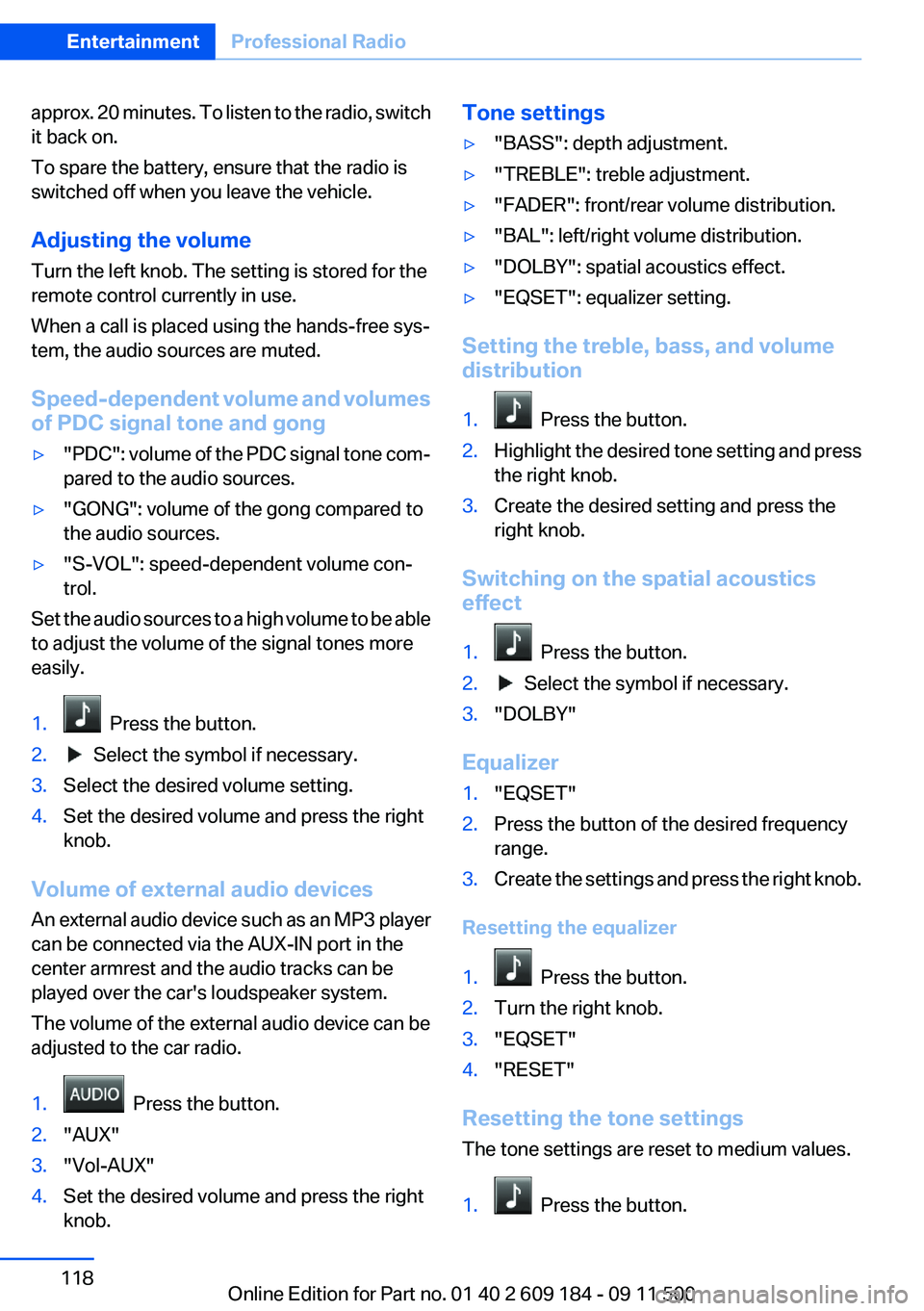
1. Press the button.2. Select the symbol if necessary.3.Select the desired volume setting.4.Set the desired volume and press the right
knob.
Volume of external audio devices
An external audio device such as an MP3 player
can be connected via the AUX-IN port in the
center armrest and the audio tracks can be
played over the car's loudspeaker system.
The volume of the external audio device can be
adjusted to the car radio.
1. Press the button.2."AUX"3."Vol-AUX"4.Set the desired volume and press the right
knob.Tone settings▷"BASS": depth adjustment.▷"TREBLE": treble adjustment.▷"FADER": front/rear volume distribution.▷"BAL": left/right volume distribution.▷"DOLBY": spatial acoustics effect.▷"EQSET": equalizer setting.
Setting the treble, bass, and volume
distribution
1. Press the button.2.Highlight the desired tone setting and press
the right knob.3.Create the desired setting and press the
right knob.
Switching on the spatial acoustics
effect
1. Press the button.2. Select the symbol if necessary.3."DOLBY"
Equalizer
1."EQSET"2.Press the button of the desired frequency
range.3.Create the settings and press the right knob.
Resetting the equalizer
1. Press the button.2.Turn the right knob.3."EQSET"4."RESET"
Resetting the tone settings
The tone settings are reset to medium values.
1. Press the button.
Seite 118EntertainmentProfessional Radio118
Online Edition for Part no. 01 40 2 609 184 - 09 11 500
Page 119 of 220
2."RESET"
Time
Displaying the time
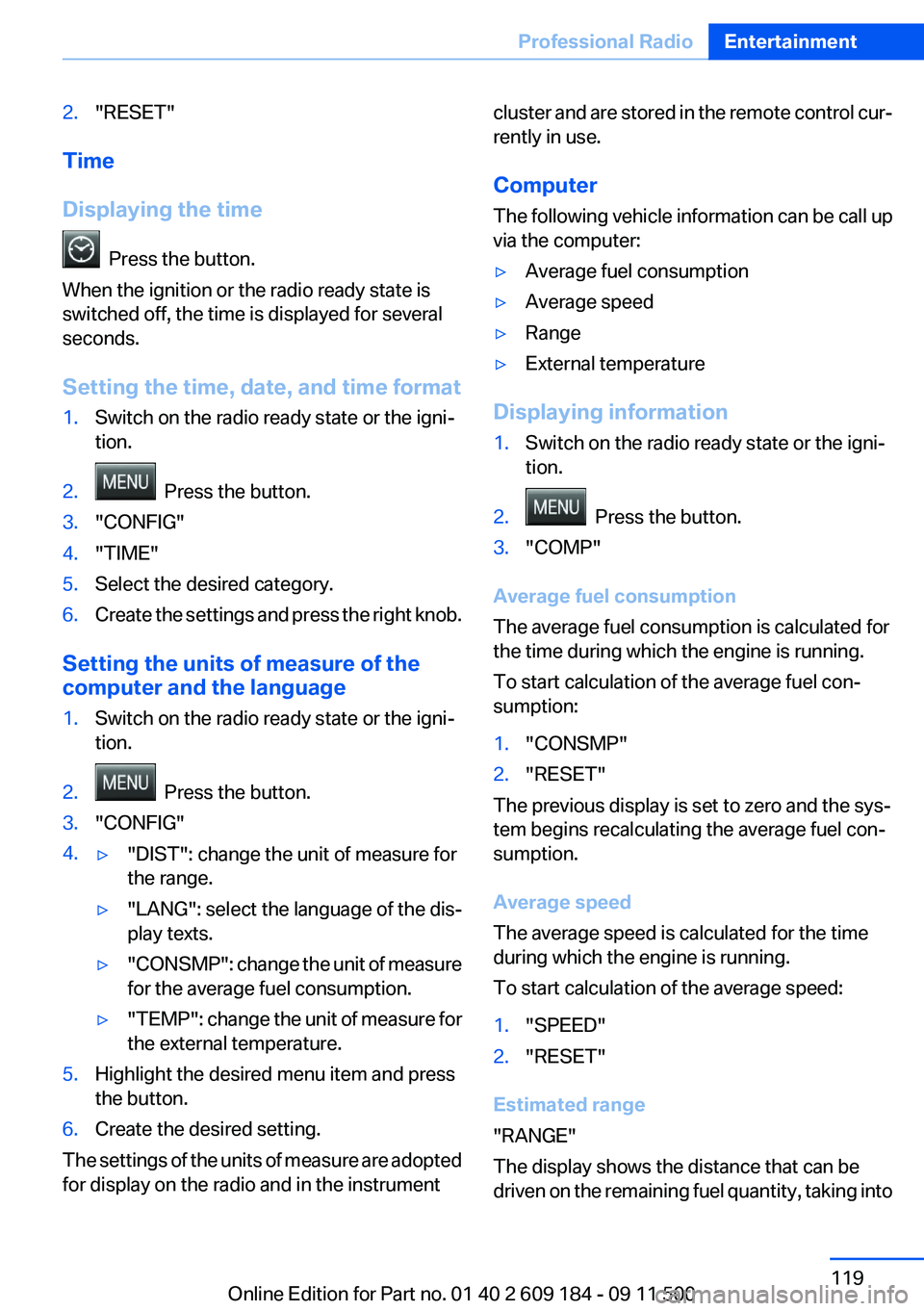
Press the button.
When the ignition or the radio ready state is
switched off, the time is displayed for several
seconds.
Setting the time, date, and time format
1.Switch on the radio ready state or the igni‐
tion.2. Press the button.3."CONFIG"4."TIME"5.Select the desired category.6.Create the settings and press the right knob.
Setting the units of measure of the
computer and the language
1.Switch on the radio ready state or the igni‐
tion.2. Press the button.3."CONFIG"4.▷"DIST": change the unit of measure for
the range.▷"LANG": select the language of the dis‐
play texts.▷"CONSMP" : change the unit of measure
for the average fuel consumption.▷"TEMP" : change the unit of measure for
the external temperature.5.Highlight the desired menu item and press
the button.6.Create the desired setting.
The settings of the units of measure are adopted
for display on the radio and in the instrument
cluster and are stored in the remote control cur‐
rently in use.
Computer
The following vehicle information can be call up
via the computer:▷Average fuel consumption▷Average speed▷Range▷External temperature
Displaying information
1.Switch on the radio ready state or the igni‐
tion.2. Press the button.3."COMP"
Average fuel consumption
The average fuel consumption is calculated for
the time during which the engine is running.
To start calculation of the average fuel con‐
sumption:
1."CONSMP"2."RESET"
The previous display is set to zero and the sys‐
tem begins recalculating the average fuel con‐
sumption.
Average speed
The average speed is calculated for the time
during which the engine is running.
To start calculation of the average speed:
1."SPEED"2."RESET"
Estimated range
"RANGE"
The display shows the distance that can be
driven on the remaining fuel quantity, taking into
Seite 119Professional RadioEntertainment119
Online Edition for Part no. 01 40 2 609 184 - 09 11 500
Page 136 of 220
▷Bluetooth presettings may need to be made
on the mobile phone, e.g., for a connection
without confirmation or visibility, refer to the
mobile phone operating instructions.▷A number with at least four and a maximum
of 16 digits was defined as the Bluetooth
passkey. It is only required once for pairing.▷The ignition is switched on.
Activating/deactivating Bluetooth
Bluetooth is not permitted everywhere. Comply
with all safety guidelines and regulations.
To activate the connection:
1.Switch on the radio ready state or the igni‐
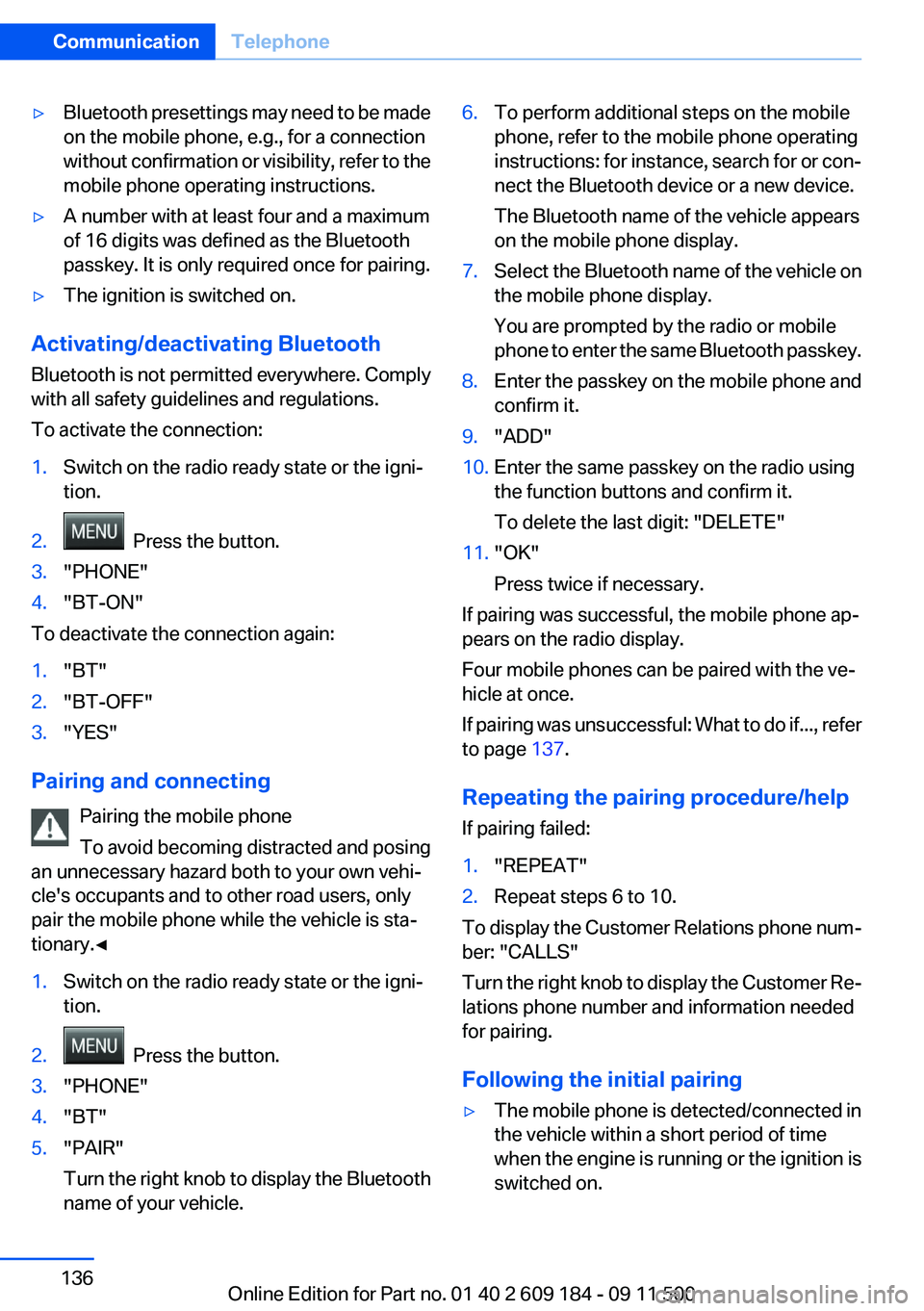
tion.2. Press the button.3."PHONE"4."BT-ON"
To deactivate the connection again:
1."BT"2."BT-OFF"3."YES"
Pairing and connecting
Pairing the mobile phone
To avoid becoming distracted and posing
an unnecessary hazard both to your own vehi‐
cle's occupants and to other road users, only
pair the mobile phone while the vehicle is sta‐
tionary.◀
1.Switch on the radio ready state or the igni‐
tion.2. Press the button.3."PHONE"4."BT"5."PAIR"
Turn the right knob to display the Bluetooth
name of your vehicle.6.To perform additional steps on the mobile
phone, refer to the mobile phone operating
instructions: for instance, search for or con‐
nect the Bluetooth device or a new device.
The Bluetooth name of the vehicle appears
on the mobile phone display.7.Select the Bluetooth name of the vehicle on
the mobile phone display.
You are prompted by the radio or mobile
phone to enter the same Bluetooth passkey.8.Enter the passkey on the mobile phone and
confirm it.9."ADD"10.Enter the same passkey on the radio using
the function buttons and confirm it.
To delete the last digit: "DELETE"11."OK"
Press twice if necessary.
If pairing was successful, the mobile phone ap‐
pears on the radio display.
Four mobile phones can be paired with the ve‐
hicle at once.
If pairing was unsuccessful: What to do if..., refer
to page 137.
Repeating the pairing procedure/help
If pairing failed:
1."REPEAT"2.Repeat steps 6 to 10.
To display the Customer Relations phone num‐
ber: "CALLS"
Turn the right knob to display the Customer Re‐
lations phone number and information needed
for pairing.
Following the initial pairing
▷The mobile phone is detected/connected in
the vehicle within a short period of time
when the engine is running or the ignition is
switched on.Seite 136CommunicationTelephone136
Online Edition for Part no. 01 40 2 609 184 - 09 11 500
Page 155 of 220
Wheels and tiresVehicle equipment
This chapter describes all series equipment as
well as country-specific and special equipment
offered for this model series.Therefore, it also
describes equipment that may not be found in
your vehicle, for instance due to the selected
special equipment or the country version. This
also applies to safety-related functions and sys‐
tems.
Tire inflation pressure
Information for your safety
It is not merely the tires' service life, but also
driving comfort and, to a great extent, driving
safety that depend on the condition of the tires
and the maintenance of the specified tire pres‐
sure.
Check the tire inflation pressure regularly
Regularly check the tire inflation pressure
and correct it as needed: at least twice a month
and before a long trip. If you fail to observe this
precaution, you may be driving on tires with in‐
correct tire pressures, a condition that may not
only compromise your vehicle's driving stability,
but also lead to tire damage and the risk of an
accident.◀
Checking the pressure
Only check the tire inflation pressure when the
tires are cold. This means after a maximum of
1.25 miles/2 km driving or when the vehicle has
been parked for at least 2 hours. When the tires
are warm, the tire inflation pressure is higher.
After correcting the tire inflation pressure, rein‐
itialize the Flat Tire Monitor, refer to page 75.
After correcting the tire inflation pressure, reset
the Tire Pressure Monitor, refer to page 78.Pressure specifications
The tables below provide all the correct inflation
pressures for the specified tire sizes at ambient
temperature.
The inflation pressures apply to the tire sizes
approved and tire brands recommended by
BMW; a list of these is available from your serv‐
ice center.
For correct identification of the right tire inflation
pressures, observe the following:▷Tire sizes of your vehicle.▷Maximum allowable driving speed.
Tire inflation pressures for driving up to
100 mph or 160 km/h
For normal driving up to 100 mph/160 km/h, ad‐
just pressures to the respective tire inflation
pressures listed on the following pages in the
column for traveling speeds up to 100 mph/
160 km/h to achieve optimum driving comfort.
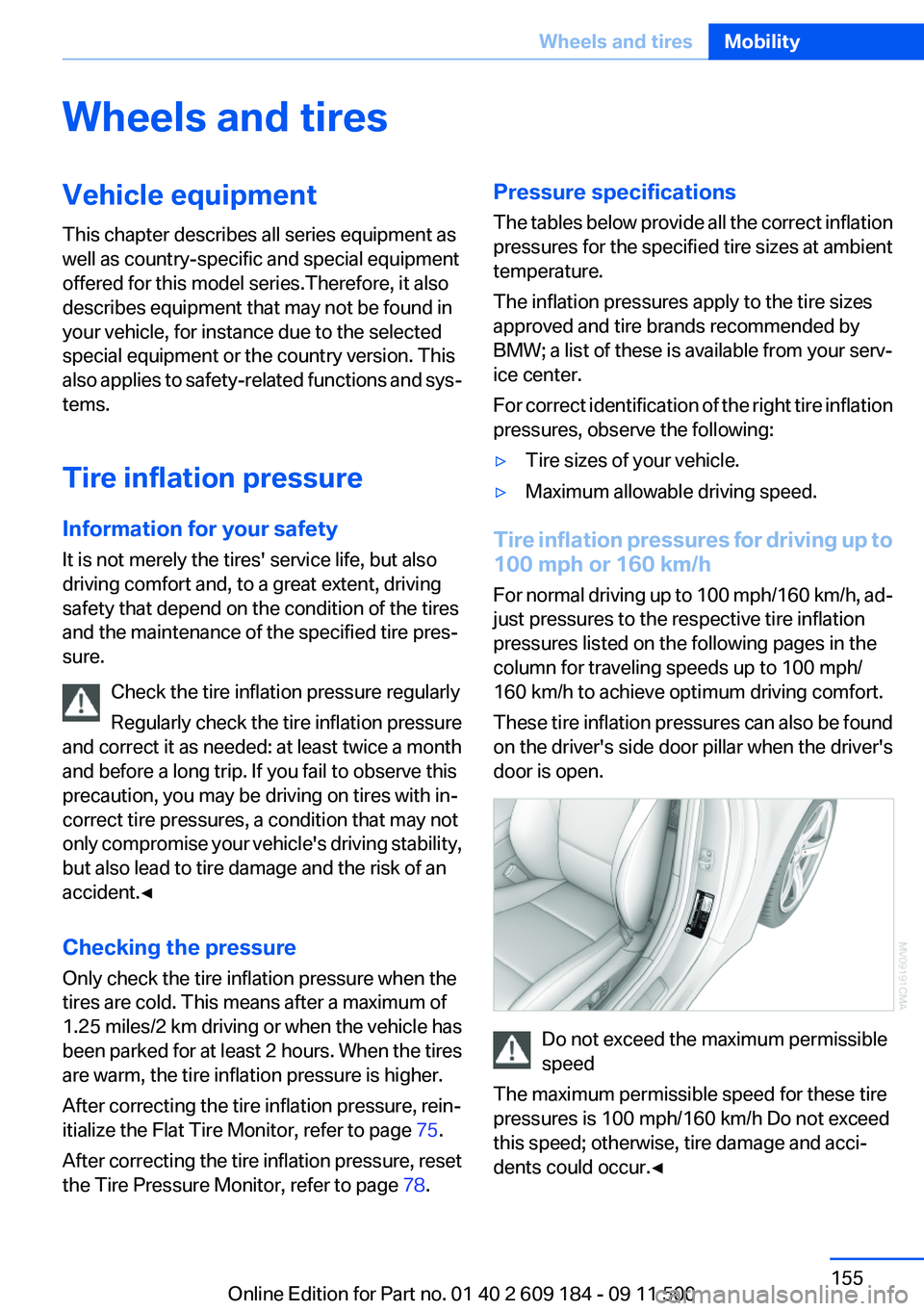
These tire inflation pressures can also be found
on the driver's side door pillar when the driver's
door is open.
Do not exceed the maximum permissible
speed
The maximum permissible speed for these tire
pressures is 100 mph/160 km/h Do not exceed
this speed; otherwise, tire damage and acci‐
dents could occur.◀
Seite 155Wheels and tiresMobility155
Online Edition for Part no. 01 40 2 609 184 - 09 11 500
Page 196 of 220
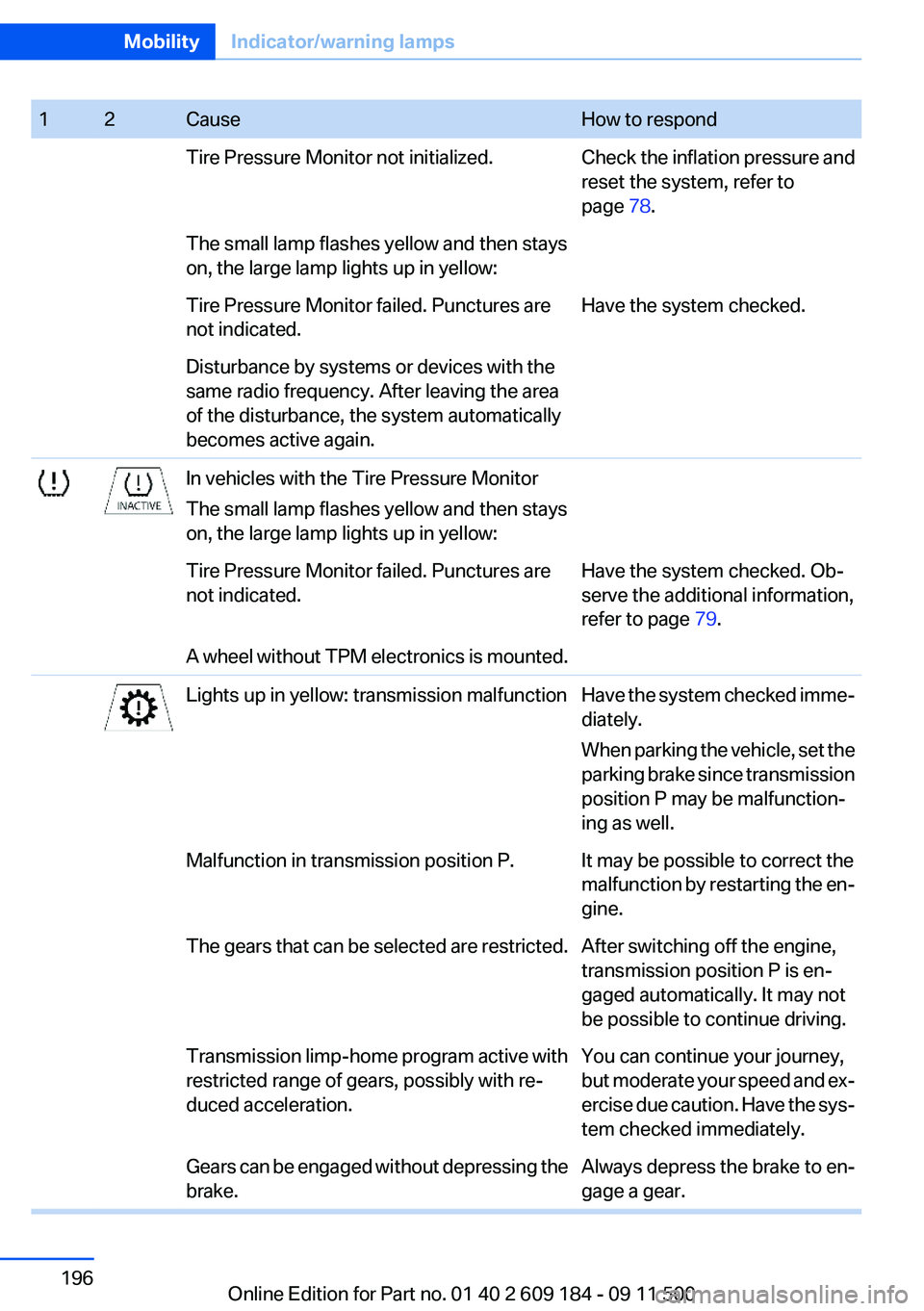
12CauseHow to respondTire Pressure Monitor not initialized.Check the inflation pressure and
reset the system, refer to
page 78.The small lamp flashes yellow and then stays
on, the large lamp lights up in yellow:Tire Pressure Monitor failed. Punctures are
not indicated.Have the system checked.Disturbance by systems or devices with the
same radio frequency. After leaving the area
of the disturbance, the system automatically
becomes active again.In vehicles with the Tire Pressure Monitor
The small lamp flashes yellow and then stays
on, the large lamp lights up in yellow:Tire Pressure Monitor failed. Punctures are
not indicated.Have the system checked. Ob‐
serve the additional information,
refer to page 79.A wheel without TPM electronics is mounted.Lights up in yellow: transmission malfunctionHave the system checked imme‐
diately.
When parking the vehicle, set the
parking brake since transmission
position P may be malfunction‐
ing as well.Malfunction in transmission position P.It may be possible to correct the
malfunction by restarting the en‐
gine.The gears that can be selected are restricted.After switching off the engine,
transmission position P is en‐
gaged automatically. It may not
be possible to continue driving.Transmission limp-home program active with
restricted range of gears, possibly with re‐
duced acceleration.You can continue your journey,
but moderate your speed and ex‐
ercise due caution. Have the sys‐
tem checked immediately.Gears can be engaged without depressing the
brake.Always depress the brake to en‐
gage a gear.Seite 196MobilityIndicator/warning lamps196
Online Edition for Part no. 01 40 2 609 184 - 09 11 500
Page 216 of 220
SPORT+ program, DynamicDriving Control 83
Sport program– 7-gear automatic transmis‐
sion 57– 8-gear automatic transmis‐
sion 54
SPORT program, Dynamic
Driving Control 83
Spray nozzles, refer to Clean‐ ing the windshield and head‐
lamps 51
Stability control systems 81
Start/Stop button
– Starting the engine 46– Switching off the engine 46
Starting aid 177
Status of Owner's Manual 6
Steam jets 182
Steering wheel
– Adjusting 42– Buttons on the steering
wheel 12– Lock 45
Stopping
– Engine 46
Storage compartments 104
Storage nets 100
Storage, tires 162
Storing the seat position, refer to Seat and mirror mem‐
ory 39
Storing the vehicle 185
Summer tires, refer to Wheels and tires 155
Summer tires, tread 160
Suspension settings 82
Switches, refer to Cockpit 12
Switch for Dynamic Driving Control 82
Switching off
– Engine 46– Vehicle 46
Symbols 6
T
Tachometer 61
Tailgate, opening from the in‐
side 27
Tailgate, refer to Trunk lid 27
Tail lamps 172
Tail lamps– Bulb replacement 172, 173
Tank display 61
Technical changes, refer to Safety 6
Technical data 202, 203
Telephone, installation loca‐ tion, refer to Center arm‐
rest 103
TeleService 146
Temperature, air condi‐ tioner 91
Temperature, automatic cli‐ mate control 92
Temperature, coolant 61
Temperature display
– External temperature 60– External temperature warn‐
ing 60– Setting the units 63
Temperature, engine oil 61
Theft alarm system, refer to Alarm system 30
Thigh support adjustment 37
Third brake lamp, refer to Cen‐ ter brake lamp 173
Through-loading opening with integrated transport bag 101
Tilting the passenger side mir‐ ror 40
Time
– Setting the time 64
Tire age 159
Tire damage 160
Tire identification marks 158
Tire pressure monitoring, refer to FTM 75
Tire Pressure Monitor TPM 77
Tire Pressure Monitor TPM
– Resetting the system 78– System limitations 77– Warning lamp 78Tire Quality Grading 159
Tires, changing 161
Tires, flat tire 174
Tire size 158
Tires, pressure loss 78
Tires, pressure monitoring, re‐ fer to Tire Pressure Monitor
TPM 77
Tires, run-flat tires 161
Tire tread 160
Tool kit, refer to Onboard ve‐ hicle tool kit 170
Tools, refer to Onboard vehicle tool kit 170
Torque, refer to Engine data 202
Tow bar 180
Tow fitting– Screw thread 179
Tow fittings
– For tow-starting and tow‐
ing 179
Towing 179
Towing methods 180
Tow rope 180
Tow-starting 179, 181
TPM, refer to Tire Pressure Monitor TPM 77
Traction control 82
TRACTION program, Dynamic Driving Control 83
Transmission
– 7-gear automatic transmis‐
sion with dual clutch 55– 8-gear automatic transmis‐
sion 53– Manual transmission 52– Unlocking transmission lock
manually, for 7-gear auto‐
matic transmission 58
Transmission lock, unlocking
manually 58
Transmission lock, unlocking manually, with 7-gear auto‐
matic transmission 58
Seite 216ReferenceEverything from A to Z216
Online Edition for Part no. 01 40 2 609 184 - 09 11 500