maintenance BMW Z4 SDRIVE35I 2012 User Guide
[x] Cancel search | Manufacturer: BMW, Model Year: 2012, Model line: Z4 SDRIVE35I, Model: BMW Z4 SDRIVE35I 2012Pages: 220, PDF Size: 9.9 MB
Page 147 of 220
4."CONCIE"5.Press the right knob to call the Concierge
service.
Reading messages
Message was not read yet.
Dialing a transferred phone number
1.Select the message and press the knob.2.Select the phone number and press the
knob.
Deleting a message
1.Select the message and press the knob.2."DEL"
Roadside Assistance
BMW Roadside Assistance can be contacted if
assistance is needed in the event of a break‐
down.
1.Switch on the radio ready state or the igni‐
tion.2. Press the button.3."ASSIST"4."RDASST"
Contact is established to Roadside Assis‐
tance. Roadside Assistance performs an in-
depth diagnosis of the vehicle.5."ACCEPT"
Depending on the procedure Roadside As‐
sistance uses to assist you, press the but‐
ton.
Automatic Service Request
The data regarding the maintenance status of
your vehicle or pertaining to legally mandated
inspections are automatically transmitted be‐
fore a service due date.
Manual service request1.Switch on the radio ready state or the igni‐
tion.2. Press the button.3."ASSIST"4."SERV."
The data relevant to the service are transmitted.
Your service center will contact you to arrange a
service appointment.
Customer Relations
Contact Customer Relations for information on
all aspects of your vehicle.
1.Switch on the radio ready state or the igni‐
tion.2. Press the button.3."ASSIST"4."BMW"
My Info
This service can be used to transmit text mes‐
sages to the vehicle in conjunction with phone
numbers via the BMW Assist Internet portal and
to display these.
1.Switch on the radio ready state or the igni‐
tion.2. Press the button.3."ASSIST"4."MYINF"
The transmitted messages are displayed
automatically.5.To display an existing message: select the
message and press the knob.Seite 147ConnectedDriveCommunication147
Online Edition for Part no. 01 40 2 609 184 - 09 11 500
Page 151 of 220
Mobility
In order to always ensure your mobility, you will find important information on operating fluids,wheels and tires, maintenance and Roadside Assistance in the following.Online Edition for Part no. 01 40 2 609 184 - 09 11 500
Page 154 of 220
FuelVehicle equipment
This chapter describes all series equipment as
well as country-specific and special equipment
offered for this model series.Therefore, it also
describes equipment that may not be found in
your vehicle, for instance due to the selected
special equipment or the country version. This
also applies to safety-related functions and sys‐
tems.
Fuel quality
Do not use fuels that are labeled at the fuel pump
as containing metals.
Only refuel with lead-free gasoline without
metal additives
Do not refuel with leaded gasoline or gasoline
with metal additives, e. g., manganese or iron;
otherwise, the catalytic converter and other
components will be permanently damaged.◀
Do not refuel with ethanol E85
Do not refuel with E85, i.e., fuel with an
ethanol content of 85 %, or with Flex Fuel, as this
would damage the engine and fuel supply sys‐
tem.◀
Required fuel
Super Premium Gasoline/AKI 91
This gasoline is highly recommended.
Gasoline with lower AKI
However, you may also use gasoline with less
AKI.
The minimum AKI rating is: 89
If you use gasoline with this minimum AKI Rat‐
ing, the engine may produce knocking sounds
when starting at high outside temperatures.This has no effect on the engine life.
Minimum fuel grade
Do not use any gasoline below the mini‐
mum specified fuel grade; otherwise, engine
damage may occur.◀
Use high-quality brands
Field experience has indicated significant differ‐
ences in fuel quality: volatility, composition, ad‐
ditives, etc., among gasolines offered for sale in
the United States and Canada.
Fuels containing up to and including 10 % etha‐
nol or other oxygenates with up to 2.8 % oxygen
by weight, that is, 15 % MTBE or 3 % methanol
plus an equivalent amount of co-solvent, will not
void the applicable warranties with respect to
defects in materials or workmanship.
Minimum fuel grade
The use of poor-quality fuels may result in
driveability, starting and stalling problems es‐
pecially under certain environmental conditions
such as high ambient temperature and high al‐
titude.
Should you encounter driveability problems
which you suspect could be related to the fuel
you are using, we recommend that you respond
by switching to a recognized high-quality brand
such as gasoline that is advertised as Top Tier
Detergent Gasoline.
Failure to comply with these recommendations
may result in unscheduled maintenance.◀Seite 154MobilityFuel154
Online Edition for Part no. 01 40 2 609 184 - 09 11 500
Page 155 of 220
Wheels and tiresVehicle equipment
This chapter describes all series equipment as
well as country-specific and special equipment
offered for this model series.Therefore, it also
describes equipment that may not be found in
your vehicle, for instance due to the selected
special equipment or the country version. This
also applies to safety-related functions and sys‐
tems.
Tire inflation pressure
Information for your safety
It is not merely the tires' service life, but also
driving comfort and, to a great extent, driving
safety that depend on the condition of the tires
and the maintenance of the specified tire pres‐
sure.
Check the tire inflation pressure regularly
Regularly check the tire inflation pressure
and correct it as needed: at least twice a month
and before a long trip. If you fail to observe this
precaution, you may be driving on tires with in‐
correct tire pressures, a condition that may not
only compromise your vehicle's driving stability,
but also lead to tire damage and the risk of an
accident.◀
Checking the pressure
Only check the tire inflation pressure when the
tires are cold. This means after a maximum of
1.25 miles/2 km driving or when the vehicle has
been parked for at least 2 hours. When the tires
are warm, the tire inflation pressure is higher.
After correcting the tire inflation pressure, rein‐
itialize the Flat Tire Monitor, refer to page 75.
After correcting the tire inflation pressure, reset
the Tire Pressure Monitor, refer to page 78.Pressure specifications
The tables below provide all the correct inflation
pressures for the specified tire sizes at ambient
temperature.
The inflation pressures apply to the tire sizes
approved and tire brands recommended by
BMW; a list of these is available from your serv‐
ice center.
For correct identification of the right tire inflation
pressures, observe the following:▷Tire sizes of your vehicle.▷Maximum allowable driving speed.
Tire inflation pressures for driving up to
100 mph or 160 km/h
For normal driving up to 100 mph/160 km/h, ad‐
just pressures to the respective tire inflation
pressures listed on the following pages in the
column for traveling speeds up to 100 mph/
160 km/h to achieve optimum driving comfort.
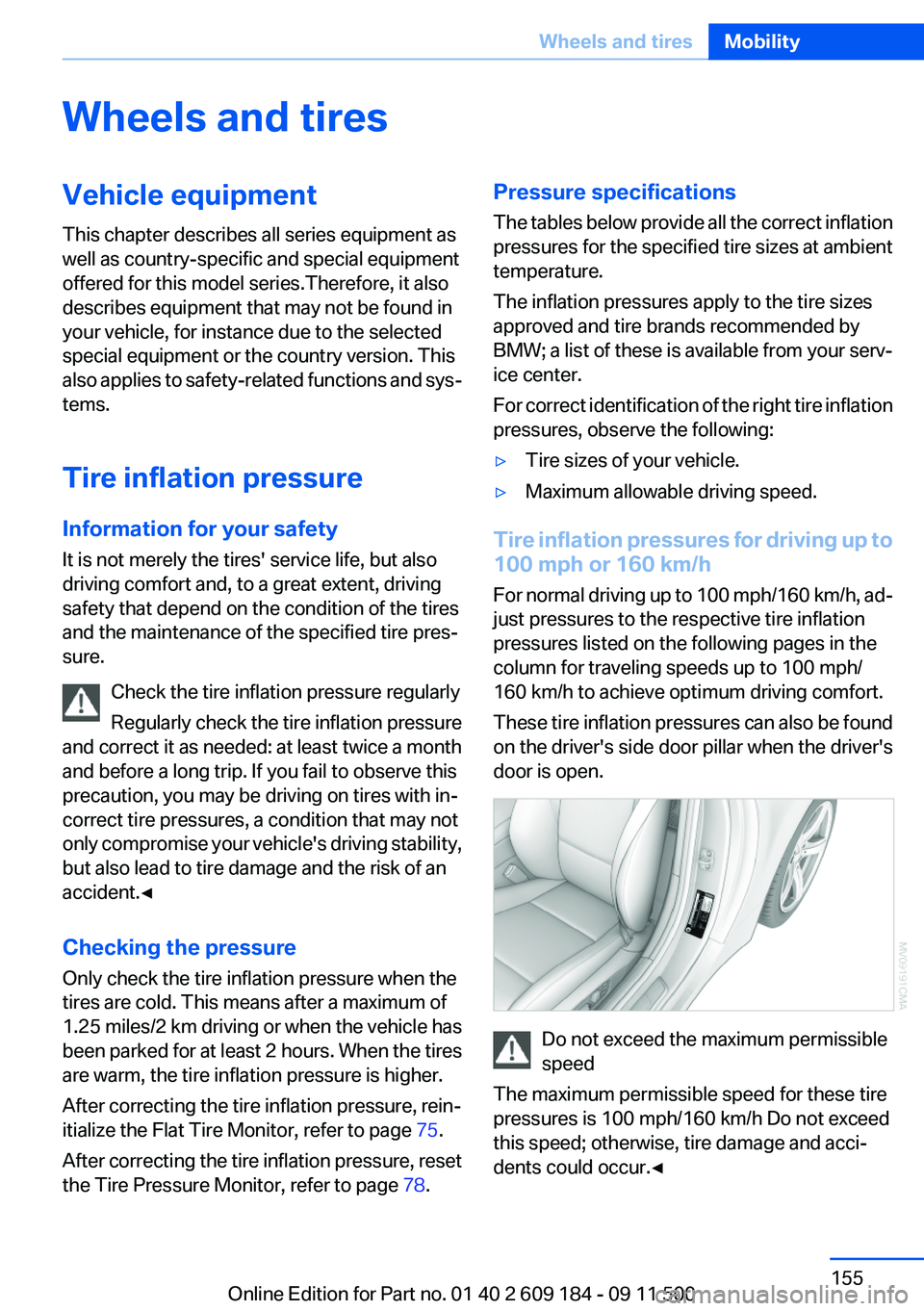
These tire inflation pressures can also be found
on the driver's side door pillar when the driver's
door is open.
Do not exceed the maximum permissible
speed
The maximum permissible speed for these tire
pressures is 100 mph/160 km/h Do not exceed
this speed; otherwise, tire damage and acci‐
dents could occur.◀
Seite 155Wheels and tiresMobility155
Online Edition for Part no. 01 40 2 609 184 - 09 11 500
Page 168 of 220
MaintenanceVehicle equipment
This chapter describes all series equipment as
well as country-specific and special equipment
offered for this model series.Therefore, it also
describes equipment that may not be found in
your vehicle, for instance due to the selected
special equipment or the country version. This
also applies to safety-related functions and sys‐
tems.
BMW Maintenance System
The maintenance system provides information
on required maintenance measures and thus
provides support in maintaining road safety and
the operational reliability of the vehicle.
Condition Based Service CBS
Sensors and special algorithms take into ac‐
count the driving conditions of your vehicle.
Based on this, Condition Based Service deter‐
mines the maintenance requirements.
The system makes it possible to adapt the
amount of maintenance you need to your user
profile.
Details on the service requirements, refer to
page 65, can be displayed on the instrument
cluster.
Service data in the remote control
Information on the required maintenance is con‐
tinuously stored in the remote control. Your
service center will read out this data and suggest
the right array of service procedures for your ve‐
hicle.
Therefore, hand your service specialist the re‐
mote control that you used most recently.Storage periods
Storage periods during which the vehicle bat‐
tery was disconnected are not taken into ac‐
count.
If this occurs, have a service center update the
time-dependent maintenance procedures,
such as checking brake fluid and, if necessary,
changing the engine oil and the microfilter/acti‐
vated-charcoal filter.
Service and Warranty
Information Booklet for US
models and Warranty and
Service Guide Booklet for
Canadian models
Please consult your Service and Warranty Infor‐
mation Booklet for US models and Warranty and
Service Guide Booklet for Canadian models for
additional information on service requirements.
Maintenance and repair should be performed by
your service center. Make sure to have regular
maintenance procedures recorded in the vehi‐
cle's Service and Warranty Information Booklet
for US models, and in the Warranty and Service
Guide Booklet for Canadian models. These en‐
tries are proof of regular maintenance.Seite 168MobilityMaintenance168
Online Edition for Part no. 01 40 2 609 184 - 09 11 500
Page 169 of 220
Socket for OBD Onboard
Diagnosis
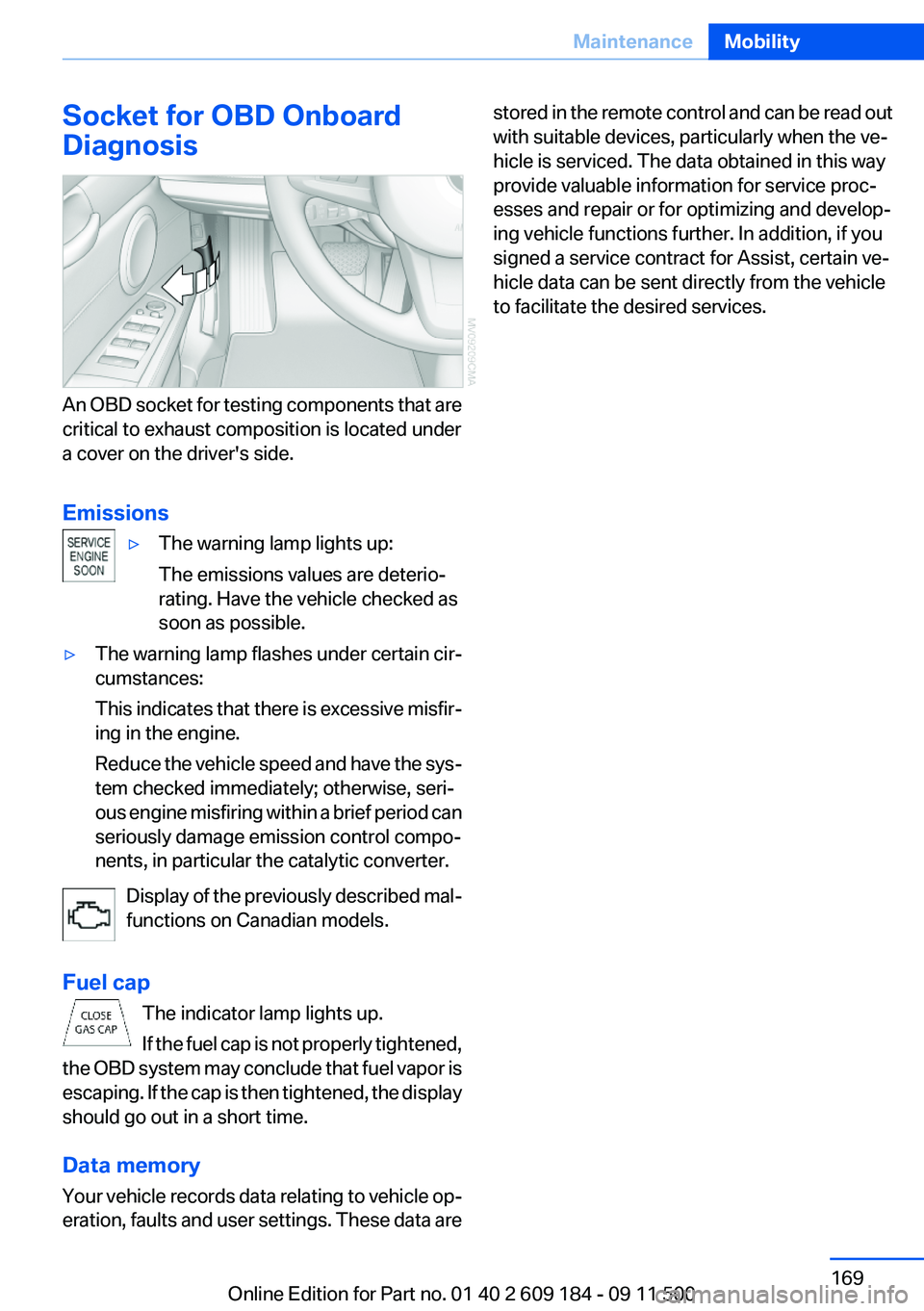
An OBD socket for testing components that are
critical to exhaust composition is located under
a cover on the driver's side.
Emissions
▷The warning lamp lights up:
The emissions values are deterio‐
rating. Have the vehicle checked as
soon as possible.▷The warning lamp flashes under certain cir‐
cumstances:
This indicates that there is excessive misfir‐
ing in the engine.
Reduce the vehicle speed and have the sys‐
tem checked immediately; otherwise, seri‐
ous engine misfiring within a brief period can
seriously damage emission control compo‐
nents, in particular the catalytic converter.
Display of the previously described mal‐
functions on Canadian models.
Fuel cap The indicator lamp lights up.
If the fuel cap is not properly tightened,
the OBD system may conclude that fuel vapor is
escaping. If the cap is then tightened, the display
should go out in a short time.
Data memory
Your vehicle records data relating to vehicle op‐
eration, faults and user settings. These data are
stored in the remote control and can be read out
with suitable devices, particularly when the ve‐
hicle is serviced. The data obtained in this way
provide valuable information for service proc‐
esses and repair or for optimizing and develop‐
ing vehicle functions further. In addition, if you
signed a service contract for Assist, certain ve‐
hicle data can be sent directly from the vehicle
to facilitate the desired services.Seite 169MaintenanceMobility169
Online Edition for Part no. 01 40 2 609 184 - 09 11 500
Page 174 of 220
No spare tire is available in the case of a flat tire.
The tools for changing wheels are available as
accessories from your service center.
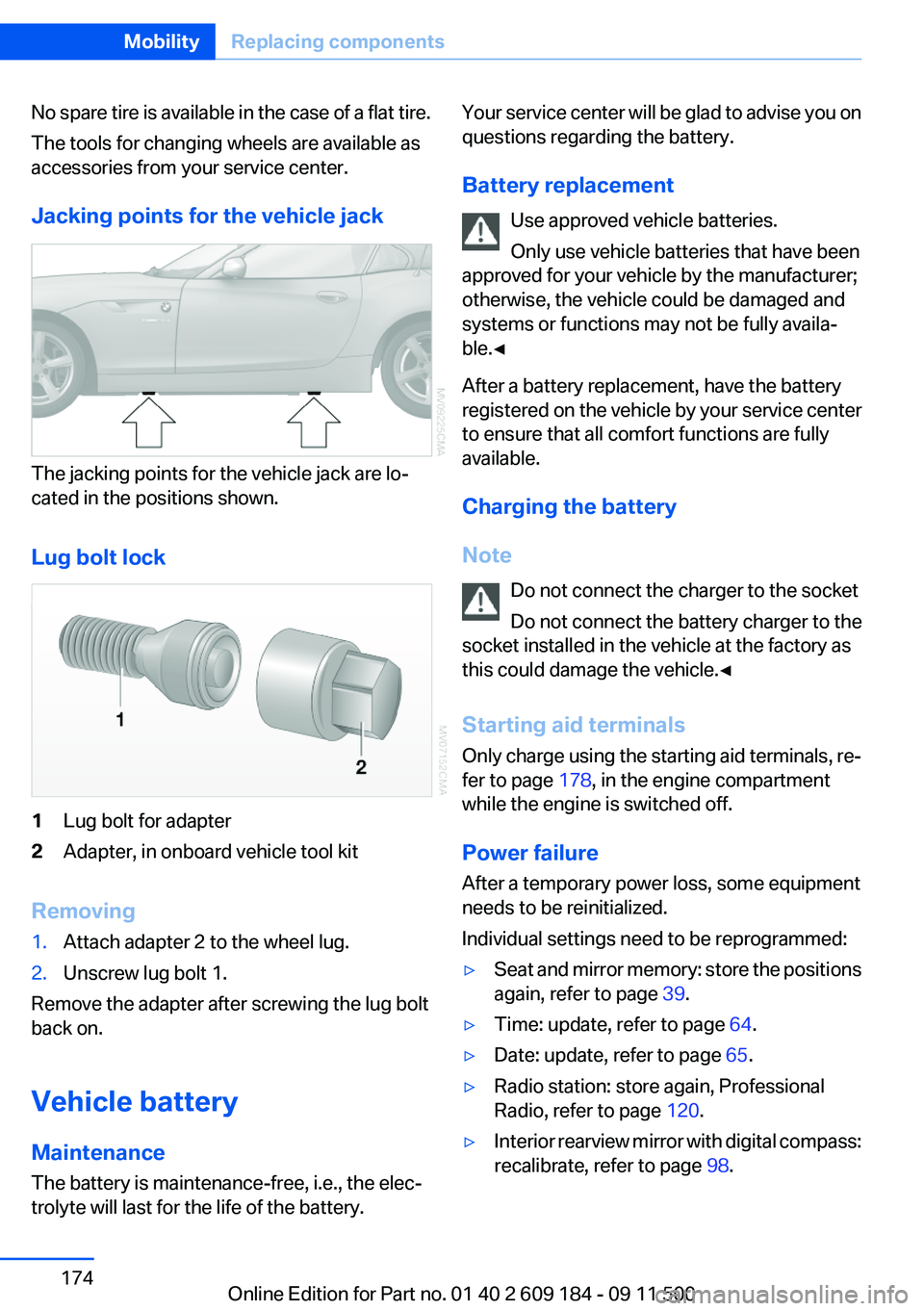
Jacking points for the vehicle jack
The jacking points for the vehicle jack are lo‐
cated in the positions shown.
Lug bolt lock
1Lug bolt for adapter2Adapter, in onboard vehicle tool kit
Removing
1.Attach adapter 2 to the wheel lug.2.Unscrew lug bolt 1.
Remove the adapter after screwing the lug bolt
back on.
Vehicle battery
Maintenance
The battery is maintenance-free, i.e., the elec‐
trolyte will last for the life of the battery.
Your service center will be glad to advise you on
questions regarding the battery.
Battery replacement Use approved vehicle batteries.
Only use vehicle batteries that have been
approved for your vehicle by the manufacturer;
otherwise, the vehicle could be damaged and
systems or functions may not be fully availa‐
ble.◀
After a battery replacement, have the battery
registered on the vehicle by your service center
to ensure that all comfort functions are fully
available.
Charging the battery
Note Do not connect the charger to the socket
Do not connect the battery charger to the
socket installed in the vehicle at the factory as
this could damage the vehicle.◀
Starting aid terminals
Only charge using the starting aid terminals, re‐
fer to page 178, in the engine compartment
while the engine is switched off.
Power failure
After a temporary power loss, some equipment
needs to be reinitialized.
Individual settings need to be reprogrammed:▷Seat and mirror memory: store the positions
again, refer to page 39.▷Time: update, refer to page 64.▷Date: update, refer to page 65.▷Radio station: store again, Professional
Radio, refer to page 120.▷Interior rearview mirror with digital compass:
recalibrate, refer to page 98.Seite 174MobilityReplacing components174
Online Edition for Part no. 01 40 2 609 184 - 09 11 500
Page 209 of 220
Band-aids, refer to First aidkit 177
Bar, refer to Towing meth‐ ods 180
Battery– Disposal 30, 175– Power failure 174– Remote control 20– Replacement in the remote
control 30– Replacement, vehicle bat‐
tery 174– Vehicle 174
Before entering the car
wash 182
Being towed 179
Belts, refer to Safety belts 38
Belt tensioners, refer to Safety belts 38
Beverage holder, refer to Cu‐ pholder 105
Blower, refer to Air flow rate 90, 93
BMW Assist 145
BMW Assist, refer to Connec‐ tedDrive 145
BMW EfficientDynamics, refer to Saving fuel 112
BMW homepage 6
BMW Internet page 6
BMW Maintenance Sys‐ tem 168
Bottle holder, refer to Cu‐ pholder 105
Brake assistant, refer to Dy‐ namic Brake Control 81
Brake discs, breaking in 108
Brake force display 80
Brake force distribution, elec‐ tronic 81
Brake lamps
– Brake force display 80– Bulb replacement 172, 173
Brake lights, adaptive 80
Brake pads, breaking in 108
Brakes
– ABS 81Braking– Notes 109– Parking brake 49
Braking safely 109
Breakdown assistance 177
Breaking in 108
Bulbs, replacing, refer to Lamps and bulbs 170
Button for starting the engine, refer to Start/Stop button 45
Buttons on the steering wheel 12
Bypassing, see Starting aid 177
C
California Proposition 65 Warning 7
Camera, care 185
Can holder, refer to Cu‐ pholder 105
Capacities
– Cargo area, refer to
Weights 204– Fuel tank, refer to Filling ca‐
pacities 206
Car battery 174
Car care products 183
Care 182
Care, displays 185
Care, vehicle 183
Cargo 110
Cargo area
– Capacity 204– Lamp, refer to Interior
lamps 72– Opening from the inside 27– Opening from the out‐
side 27
Cargo, securing 101
Cargo straps, securing cargo 112
Car key, refer to Integrated key/remote control 20
Carpet, care 184
Car phone– Installation location, refer to
Center armrest 103
Car vacuum cleaner, connect‐
ing, refer to Connecting elec‐
trical devices 100
Car wash 182
Car wash
– With Comfort Access 29
Catalytic converter, refer to
Hot exhaust system 109
CBS Condition Based Serv‐ ice 168
CD/DVD changer 124
CD/DVD notes 126
Cell phone, installation loca‐ tion, refer to Center arm‐
rest 103
Center armrest 103
Center brake lamp
– Bulb replacement 173
Center console, refer to
Around the center con‐
sole 15
Central locking
– Comfort Access 28– From the inside 26– Setting the unlocking char‐
acteristics 22
Central locking system
– From the outside 21– Principle 21
Changes, technical, refer to
Safety 6
Changing wheels/tires 161
Chassis number, refer to En‐ gine compartment 163
Check Control 66
Children, transporting safely 43
Child restraint fixing sys‐ tem 43
Child seats, refer to Transport‐ ing children safely 43
Chrome parts, care 184
Circulation of air, refer to Re‐ circulated air mode 90, 94
Seite 209Everything from A to ZReference209
Online Edition for Part no. 01 40 2 609 184 - 09 11 500
Page 213 of 220
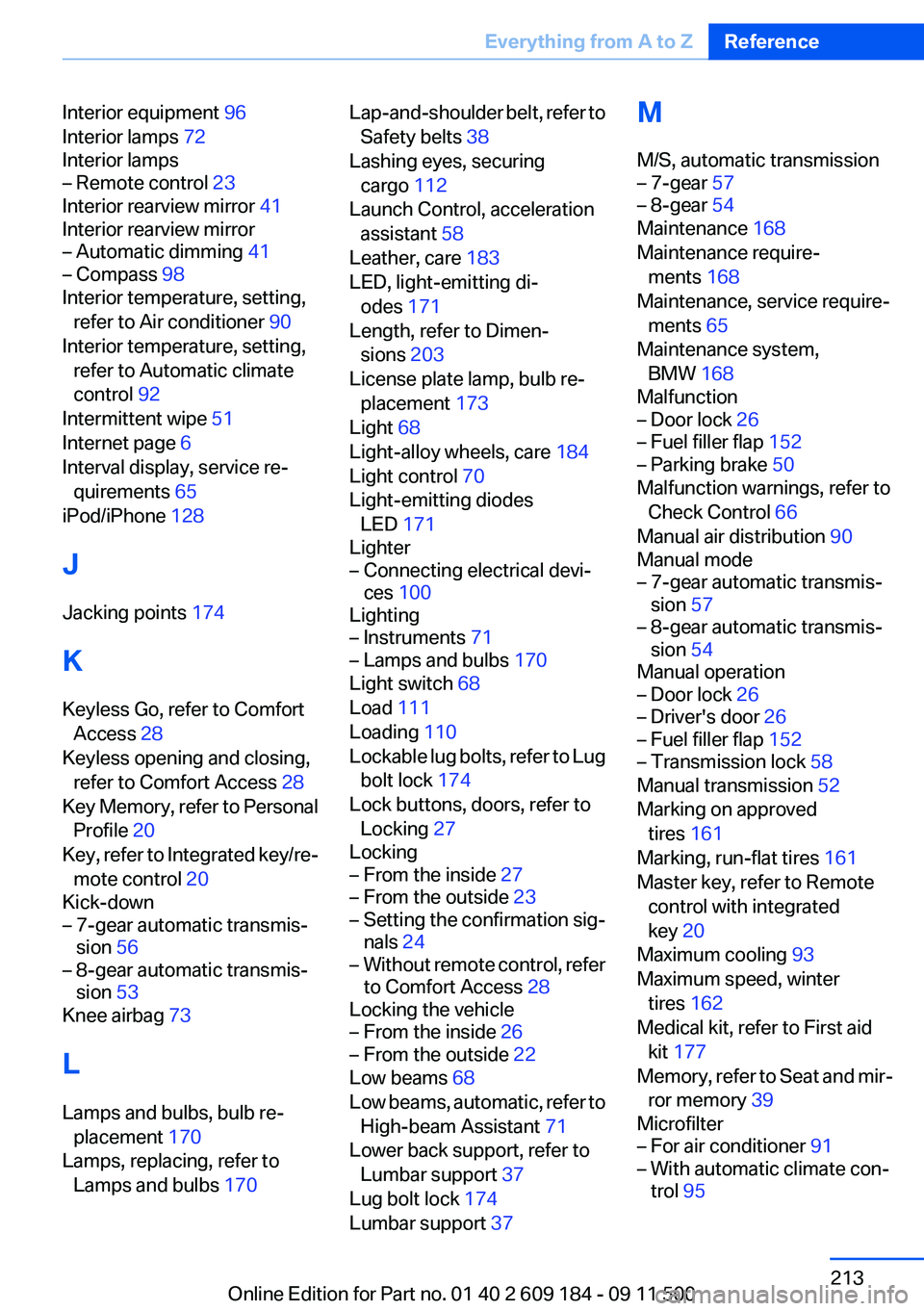
Interior equipment 96
Interior lamps 72
Interior lamps– Remote control 23
Interior rearview mirror 41
Interior rearview mirror
– Automatic dimming 41– Compass 98
Interior temperature, setting,
refer to Air conditioner 90
Interior temperature, setting, refer to Automatic climate
control 92
Intermittent wipe 51
Internet page 6
Interval display, service re‐ quirements 65
iPod/iPhone 128
J
Jacking points 174
K
Keyless Go, refer to Comfort Access 28
Keyless opening and closing, refer to Comfort Access 28
Key Memory, refer to Personal Profile 20
Key, refer to Integrated key/re‐ mote control 20
Kick-down
– 7-gear automatic transmis‐
sion 56– 8-gear automatic transmis‐
sion 53
Knee airbag 73
L
Lamps and bulbs, bulb re‐ placement 170
Lamps, replacing, refer to Lamps and bulbs 170
Lap-and-shoulder belt, refer to
Safety belts 38
Lashing eyes, securing cargo 112
Launch Control, acceleration assistant 58
Leather, care 183
LED, light-emitting di‐ odes 171
Length, refer to Dimen‐ sions 203
License plate lamp, bulb re‐ placement 173
Light 68
Light-alloy wheels, care 184
Light control 70
Light-emitting diodes LED 171
Lighter– Connecting electrical devi‐
ces 100
Lighting
– Instruments 71– Lamps and bulbs 170
Light switch 68
Load 111
Loading 110
Lockable lug bolts, refer to Lug bolt lock 174
Lock buttons, doors, refer to Locking 27
Locking
– From the inside 27– From the outside 23– Setting the confirmation sig‐
nals 24– Without remote control, refer
to Comfort Access 28
Locking the vehicle
– From the inside 26– From the outside 22
Low beams 68
Low beams, automatic, refer to High-beam Assistant 71
Lower back support, refer to Lumbar support 37
Lug bolt lock 174
Lumbar support 37
M
M/S, automatic transmission– 7-gear 57– 8-gear 54
Maintenance 168
Maintenance require‐ ments 168
Maintenance, service require‐ ments 65
Maintenance system, BMW 168
Malfunction
– Door lock 26– Fuel filler flap 152– Parking brake 50
Malfunction warnings, refer to
Check Control 66
Manual air distribution 90
Manual mode
– 7-gear automatic transmis‐
sion 57– 8-gear automatic transmis‐
sion 54
Manual operation
– Door lock 26– Driver's door 26– Fuel filler flap 152– Transmission lock 58
Manual transmission 52
Marking on approved tires 161
Marking, run-flat tires 161
Master key, refer to Remote control with integrated
key 20
Maximum cooling 93
Maximum speed, winter tires 162
Medical kit, refer to First aid kit 177
Memory, refer to Seat and mir‐ ror memory 39
Microfilter
– For air conditioner 91– With automatic climate con‐
trol 95Seite 213Everything from A to ZReference213
Online Edition for Part no. 01 40 2 609 184 - 09 11 500