engine BMW Z8 2000 User Guide
[x] Cancel search | Manufacturer: BMW, Model Year: 2000, Model line: Z8, Model: BMW Z8 2000Pages: 172, PDF Size: 1.9 MB
Page 30 of 172
29n
IndexDataTechnologyRepairsCar careControlsOverview
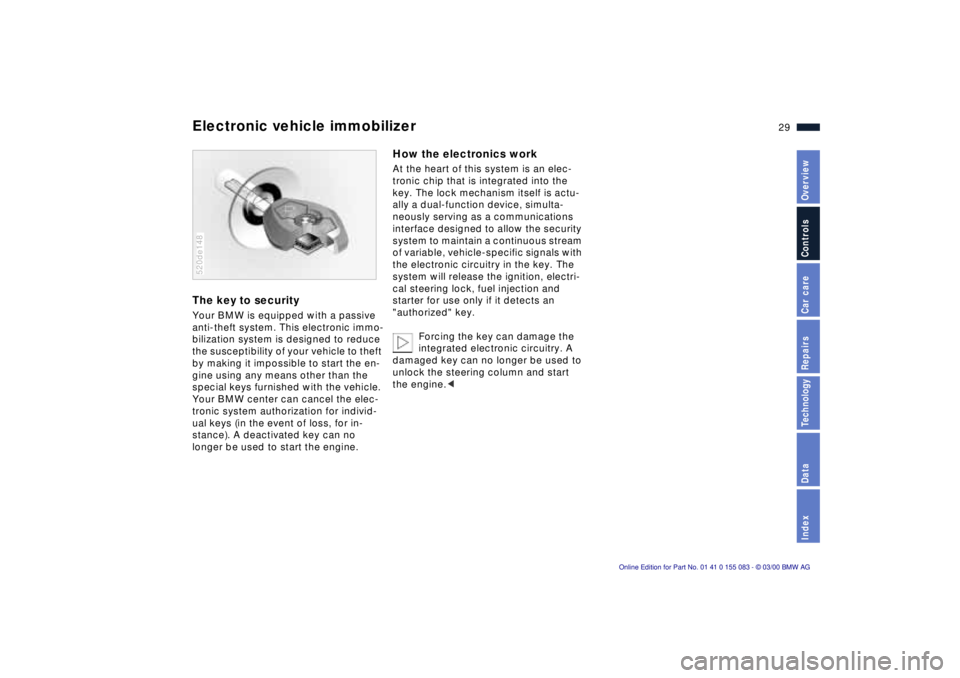
Electronic vehicle immobilizer The key to securityYour BMW is equipped with a passive
anti-theft system. This electronic immo-
bilization system is designed to reduce
the susceptibility of your vehicle to theft
by making it impossible to start the en-
gine using any means other than the
special keys furnished with the vehicle.
Your BMW center can cancel the elec-
tronic system authorization for individ-
ual keys (in the event of loss, for in-
stance). A deactivated key can no
longer be used to start the engine.520de148
How the electronics workAt the heart of this system is an elec-
tronic chip that is integrated into the
key. The lock mechanism itself is actu-
ally a dual-function device, simulta-
neously serving as a communications
interface designed to allow the security
system to maintain a continuous stream
of variable, vehicle-specific signals with
the electronic circuitry in the key. The
system will release the ignition, electri-
cal steering lock, fuel injection and
starter for use only if it detects an
"authorized" key.
Forcing the key can damage the
integrated electronic circuitry. A
damaged key can no longer be used to
unlock the steering column and start
the engine.<
Page 40 of 172
39n
IndexDataTechnologyRepairsCar careControlsOverview
The automatic convertible topWeather protectionThe fabric convertible top combines re-
liable protection from the elements with
simple, convenient operation. Here are
a few tips to ensure that you enjoy your
roadster.
It is advisable to close the convertible
top when the vehicle is parked. The
closed convertible top not only protects
the passenger compartment from un-
foreseeable damage from the weather,
it also provides a certain degree of theft
protection. Even if the convertible top is
closed, store your valuables only in the
locked luggage compartment.
To prevent damage, do not operate the
convertible top at temperatures at the
freezing point.Operate the convertible top only
when the vehicle is stationary,
otherwise the procedure will be inter-
rupted. Driving before the opening or
closing procedure has been properly
concluded can lead to either damage
or injury.
Make sure that no objects or people get
in the way while the convertible top is
opening or closing, so that no damage
or injuries occur.
The automatic operating procedure is
interrupted immediately if the button for
actuating the top is released. The pro-
cedure can be continued in the desired
direction by pressing this button.<
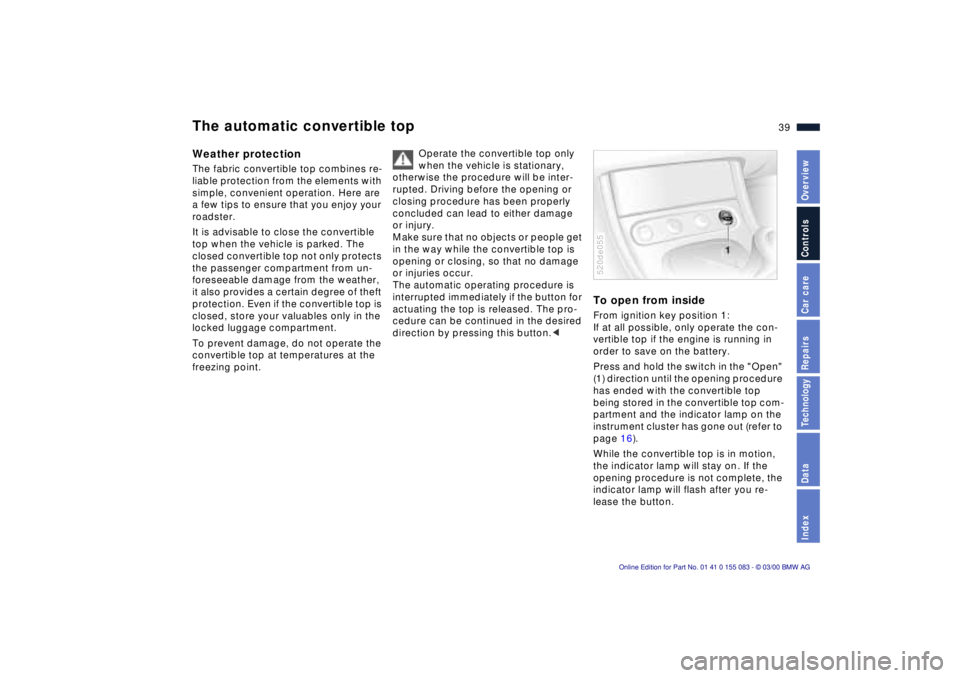
To open from insideFrom ignition key position 1:
If at all possible, only operate the con-
vertible top if the engine is running in
order to save on the battery.
Press and hold the switch in the "Open"
(1) direction until the opening procedure
has ended with the convertible top
being stored in the convertible top com-
partment and the indicator lamp on the
instrument cluster has gone out (refer to
page 16).
While the convertible top is in motion,
the indicator lamp will stay on. If the
opening procedure is not complete, the
indicator lamp will flash after you re-
lease the button.520de055
Page 47 of 172
46n
Mirrors Car Memory, Key MemoryInterior rearview mirror with
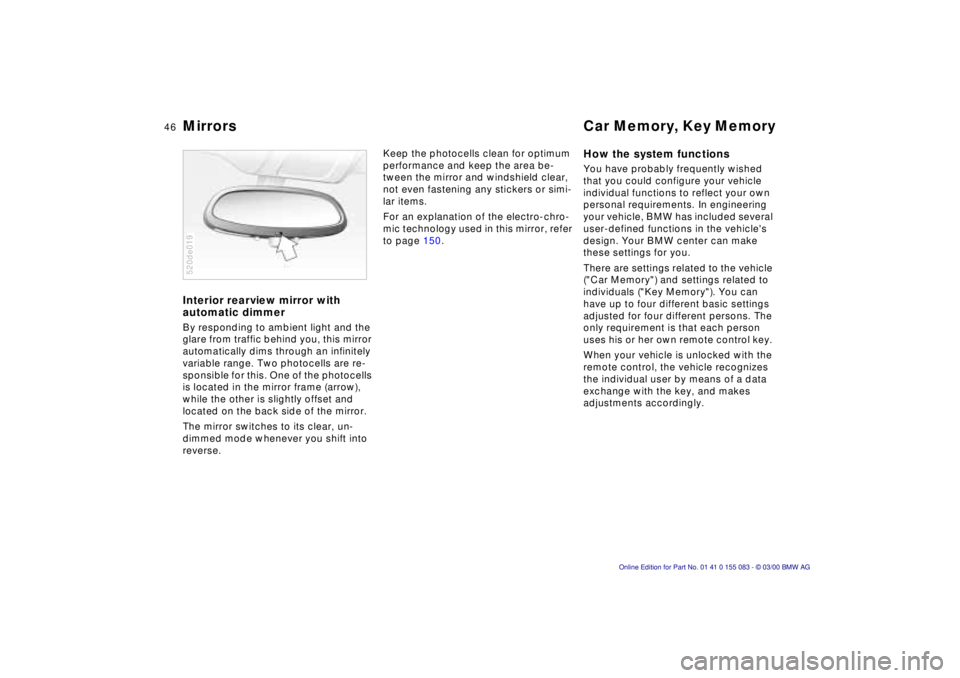
automatic dimmer By responding to ambient light and the
glare from traffic behind you, this mirror
automatically dims through an infinitely
variable range. Two photocells are re-
sponsible for this. One of the photocells
is located in the mirror frame (arrow),
while the other is slightly offset and
located on the back side of the mirror.
The mirror switches to its clear, un-
dimmed mode whenever you shift into
reverse. 520de019
Keep the photocells clean for optimum
performance and keep the area be-
tween the mirror and windshield clear,
not even fastening any stickers or simi-
lar items.
For an explanation of the electro-chro-
mic technology used in this mirror, refer
to page 150.
How the system functions You have probably frequently wished
that you could configure your vehicle
individual functions to reflect your own
personal requirements. In engineering
your vehicle, BMW has included several
user-defined functions in the vehicle's
design. Your BMW center can make
these settings for you.
There are settings related to the vehicle
("Car Memory") and settings related to
individuals ("Key Memory"). You can
have up to four different basic settings
adjusted for four different persons. The
only requirement is that each person
uses his or her own remote control key.
When your vehicle is unlocked with the
remote control, the vehicle recognizes
the individual user by means of a data
exchange with the key, and makes
adjustments accordingly.
Page 55 of 172
54n
Starting the engine Turning the engine off Before starting>Engage the parking brake
>Manual-shift gear lever in idling
position
>Depress the clutch pedal
>Key in position 2.
Do not allow the engine to run in
enclosed areas. The exhaust
gases contain carbon monoxide, an
odorless and colorless, but highly toxic
gas. Breathing the exhaust gases poses
an extreme health risk, and can lead to
unconsciousness and death.
Do not leave the vehicle unattended
with the engine running. An unattended
vehicle with a running engine repre-
sents a potential safety hazard.<520de141
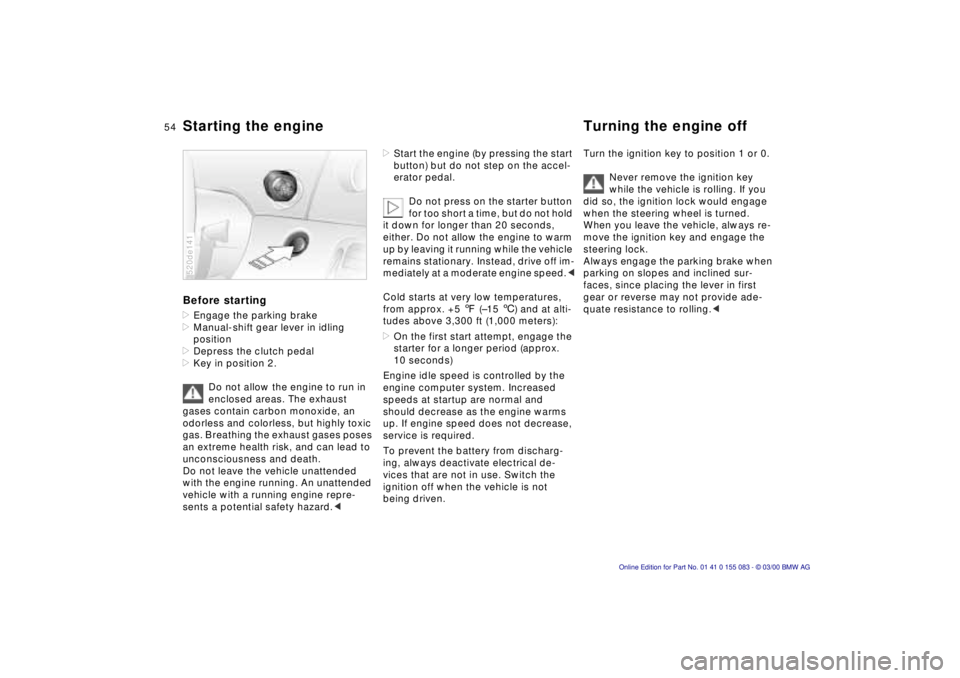
>Start the engine (by pressing the start
button) but do not step on the accel-
erator pedal.
Do not press on the starter button
for too short a time, but do not hold
it down for longer than 20 seconds,
either. Do not allow the engine to warm
up by leaving it running while the vehicle
remains stationary. Instead, drive off im-
mediately at a moderate engine speed.<
Cold starts at very low temperatures,
from approx. +5 7 (Ð15 6) and at alti-
tudes above 3,300 ft (1,000 meters):
>On the first start attempt, engage the
starter for a longer period (approx.
10 seconds)
Engine idle speed is controlled by the
engine computer system. Increased
speeds at startup are normal and
should decrease as the engine warms
up. If engine speed does not decrease,
service is required.
To prevent the battery from discharg-
ing, always deactivate electrical de-
vices that are not in use. Switch the
ignition off when the vehicle is not
being driven.
Turn the ignition key to position 1 or 0.
Never remove the ignition key
while the vehicle is rolling. If you
did so, the ignition lock would engage
when the steering wheel is turned.
When you leave the vehicle, always re-
move the ignition key and engage the
steering lock.
Always engage the parking brake when
parking on slopes and inclined sur-
faces, since placing the lever in first
gear or reverse may not provide ade-
quate resistance to rolling.<
Page 57 of 172
56n
Manual transmission
Turn signal/Headlamp flasher
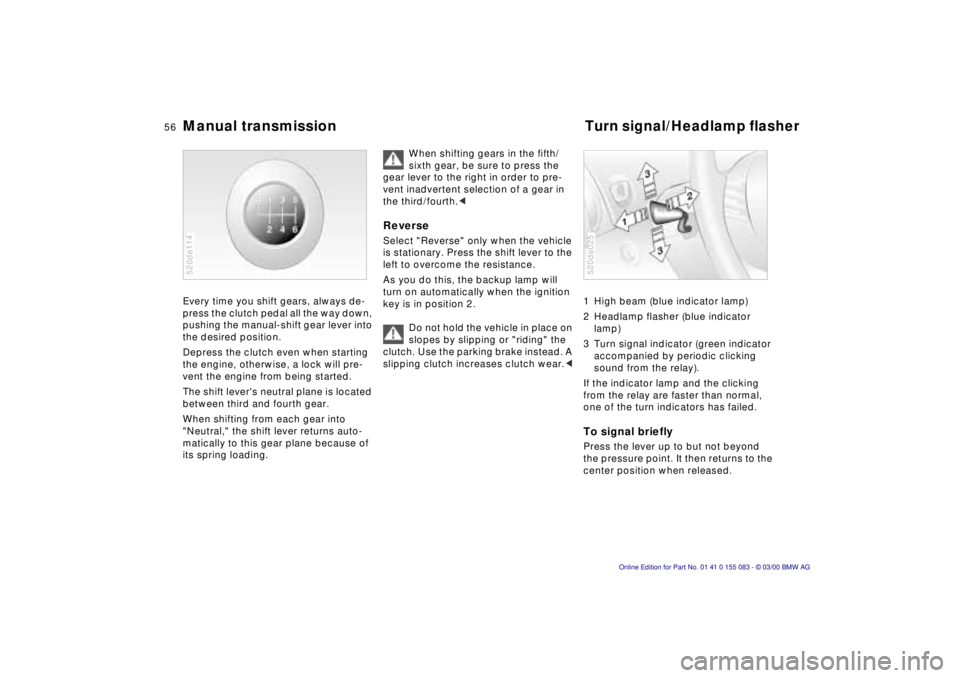
Every time you shift gears, always de-
press the clutch pedal all the way down,
pushing the manual-shift gear lever into
the desired position.
Depress the clutch even when starting
the engine, otherwise, a lock will pre-
vent the engine from being started.
The shift lever's neutral plane is located
between third and fourth gear.
When shifting from each gear into
"Neutral," the shift lever returns auto-
matically to this gear plane because of
its spring loading.520de114
When shifting gears in the fifth/
sixth gear, be sure to press the
gear lever to the right in order to pre-
vent inadvertent selection of a gear in
the third/fourth.<
Reverse Select "Reverse" only when the vehicle
is stationary. Press the shift lever to the
left to overcome the resistance.
As you do this, the backup lamp will
turn on automatically when the ignition
key is in position 2.
Do not hold the vehicle in place on
slopes by slipping or "riding" the
clutch. Use the parking brake instead. A
slipping clutch increases clutch wear.<
1 High beam (blue indicator lamp)
2 Headlamp flasher (blue indicator
lamp)
3 Turn signal indicator (green indicator
accompanied by periodic clicking
sound from the relay).
If the indicator lamp and the clicking
from the relay are faster than normal,
one of the turn indicators has failed.To signal brieflyPress the lever up to but not beyond
the pressure point. It then returns to the
center position when released.520de025
Page 60 of 172
59n
IndexDataTechnologyRepairsCar careControlsOverview
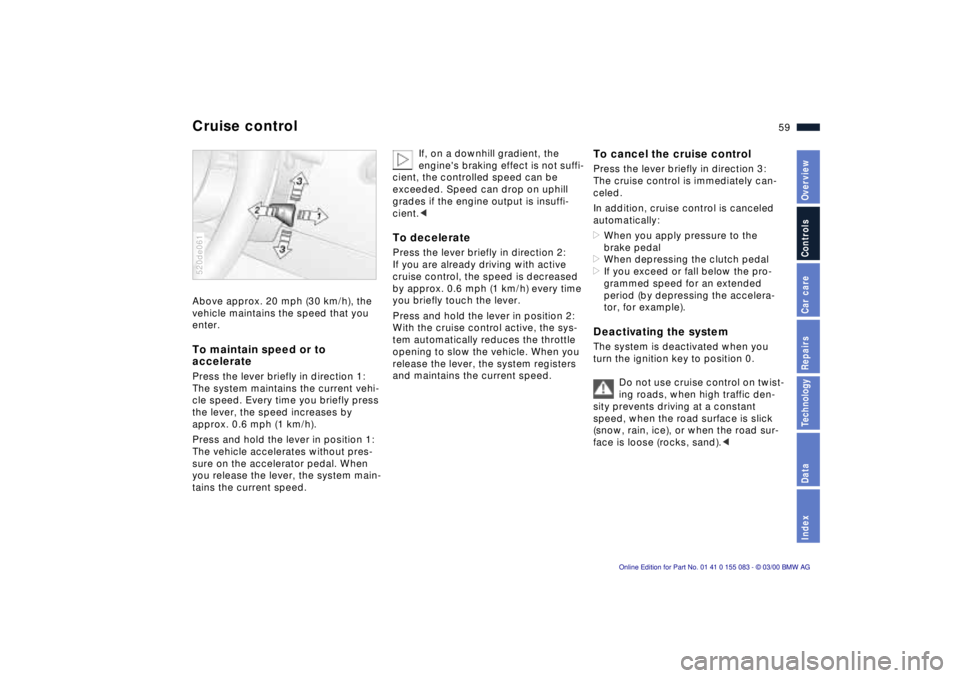
Cruise control Above approx. 20 mph (30 km/h), the
vehicle maintains the speed that you
enter. To maintain speed or to
acceleratePress the lever briefly in direction 1:
The system maintains the current vehi-
cle speed. Every time you briefly press
the lever, the speed increases by
approx. 0.6 mph (1 km/h).
Press and hold the lever in position 1:
The vehicle accelerates without pres-
sure on the accelerator pedal. When
you release the lever, the system main-
tains the current speed.520de061
If, on a downhill gradient, the
engine's braking effect is not suffi-
cient, the controlled speed can be
exceeded. Speed can drop on uphill
grades if the engine output is insuffi-
cient.<
To deceleratePress the lever briefly in direction 2:
If you are already driving with active
cruise control, the speed is decreased
by approx. 0.6 mph (1 km/h) every time
you briefly touch the lever.
Press and hold the lever in position 2:
With the cruise control active, the sys-
tem automatically reduces the throttle
opening to slow the vehicle. When you
release the lever, the system registers
and maintains the current speed.
To cancel the cruise controlPress the lever briefly in direction 3:
The cruise control is immediately can-
celed.
In addition, cruise control is canceled
automatically:
>When you apply pressure to the
brake pedal
>When depressing the clutch pedal
>If you exceed or fall below the pro-
grammed speed for an extended
period (by depressing the accelera-
tor, for example).Deactivating the system The system is deactivated when you
turn the ignition key to position 0.
Do not use cruise control on twist-
ing roads, when high traffic den-
sity prevents driving at a constant
speed, when the road surface is slick
(snow, rain, ice), or when the road sur-
face is loose (rocks, sand).<
Page 61 of 172
60n
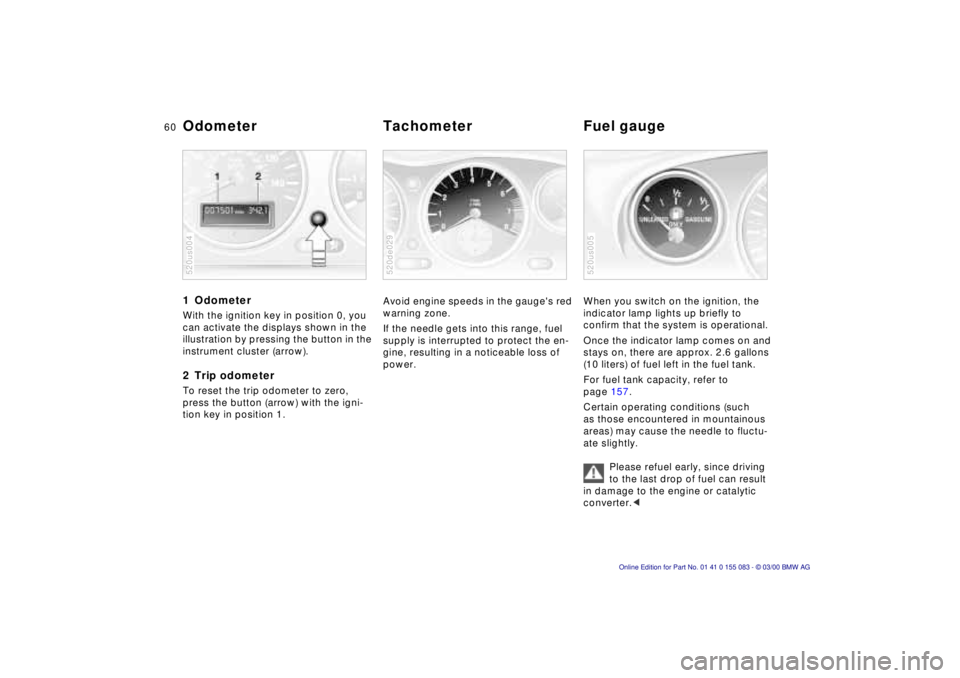
1 Odometer With the ignition key in position 0, you
can activate the displays shown in the
illustration by pressing the button in the
instrument cluster (arrow).2 Trip odometerTo reset the trip odometer to zero,
press the button (arrow) with the igni-
tion key in position 1.520us004
Avoid engine speeds in the gauge's red
warning zone.
If the needle gets into this range, fuel
supply is interrupted to protect the en-
gine, resulting in a noticeable loss of
power.520de029
When you switch on the ignition, the
indicator lamp lights up briefly to
confirm that the system is operational.
Once the indicator lamp comes on and
stays on, there are approx. 2.6 gallons
(10 liters) of fuel left in the fuel tank.
For fuel tank capacity, refer to
page 157.
Certain operating conditions (such
as those encountered in mountainous
areas) may cause the needle to fluctu-
ate slightly.
Please refuel early, since driving
to the last drop of fuel can result
in damage to the engine or catalytic
converter.<520us005
Odometer Tachometer Fuel gauge
Page 62 of 172
61n
IndexDataTechnologyRepairsCar careControlsOverview
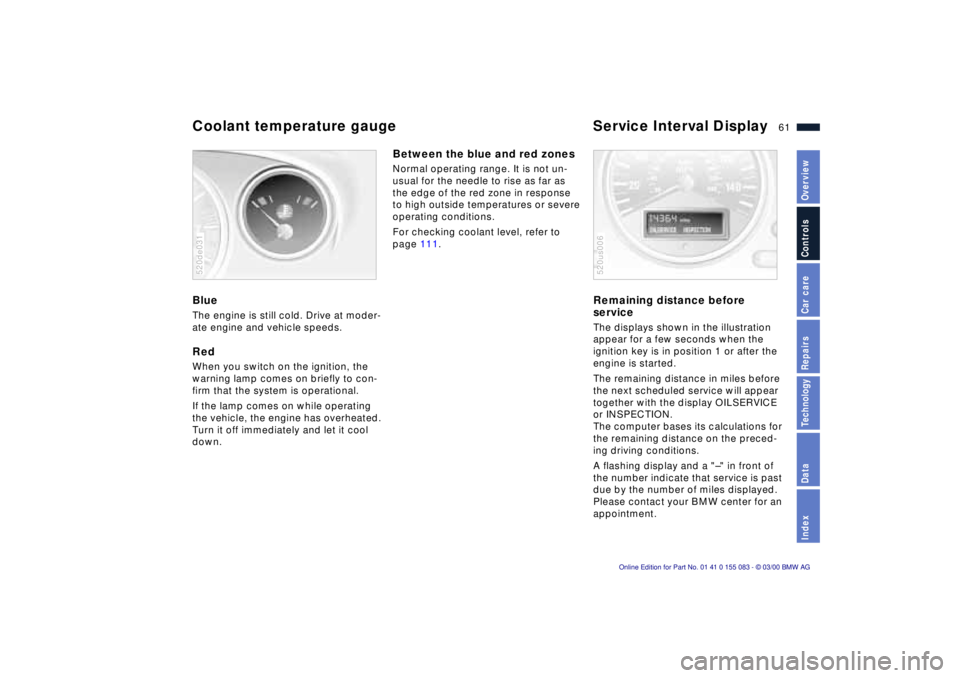
Coolant temperature gauge Service Interval Display BlueThe engine is still cold. Drive at moder-
ate engine and vehicle speeds.RedWhen you switch on the ignition, the
warning lamp comes on briefly to con-
firm that the system is operational.
If the lamp comes on while operating
the vehicle, the engine has overheated.
Turn it off immediately and let it cool
down.520de031
Between the blue and red zonesNormal operating range. It is not un-
usual for the needle to rise as far as
the edge of the red zone in response
to high outside temperatures or severe
operating conditions.
For checking coolant level, refer to
page 111.
Remaining distance before
serviceThe displays shown in the illustration
appear for a few seconds when the
ignition key is in position 1 or after the
engine is started.
The remaining distance in miles before
the next scheduled service will appear
together with the display OILSERVICE
or INSPECTION.
The computer bases its calculations for
the remaining distance on the preced-
ing driving conditions.
A flashing display and a "Ð" in front of
the number indicate that service is past
due by the number of miles displayed.
Please contact your BMW center for an
appointment.520us006
Page 64 of 172
63n
IndexDataTechnologyRepairsCar careControlsOverview
The conceptDSC maintains vehicle stability even in
critical driving situations. The system
optimizes vehicle stability during accel-
eration and when starting from a full
stop, as well as optimizing traction. In
addition, the system recognizes unsta-
ble vehicle conditions (understeering or
oversteering, for example) and holds
the vehicle on a sure course by inter-
vening via the engine and by braking
intervention at the individual wheels,
within physically feasible limits.
The system starts up automatically
each time you start the engine.Indicator lamp
The indicator lamp in the instru-
ment cluster goes out shortly
after you switch on the ignition.
Refer to page 20.
Indicator lamp flashes:
The system is active and governs drive
force and braking force.
If the indicator lamp does not go out
after the engine is started, or if it comes
on during normal driving and stays on:
There is a system malfunction or the
system was deactivated with the button.
You can continue to drive the vehicle
normally, but without DSC.
Please consult your BMW center for re-
pairs.
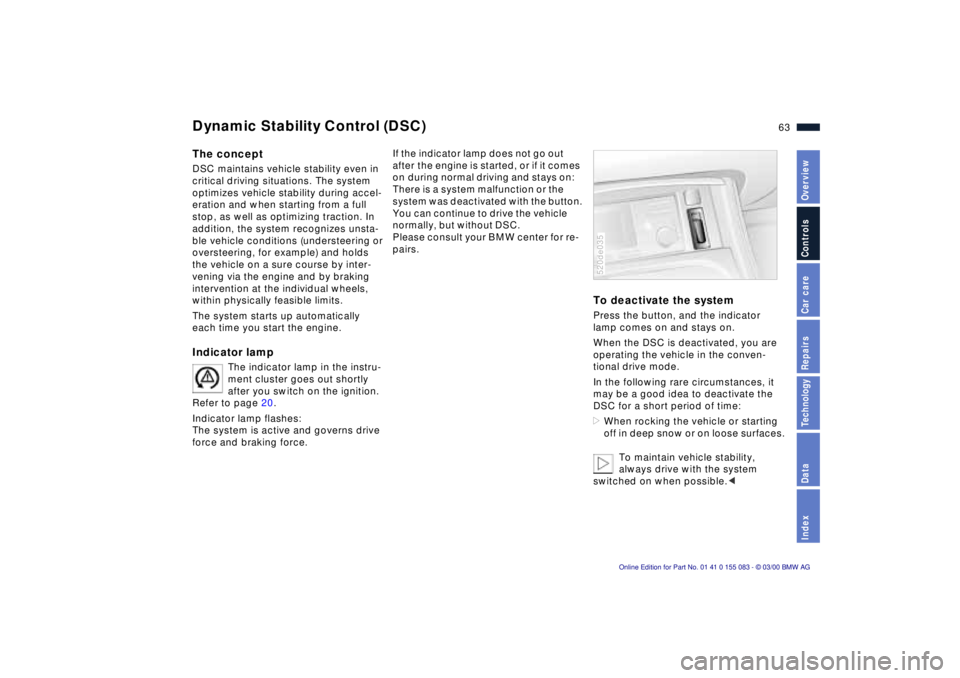
To deactivate the systemPress the button, and the indicator
lamp comes on and stays on.
When the DSC is deactivated, you are
operating the vehicle in the conven-
tional drive mode.
In the following rare circumstances, it
may be a good idea to deactivate the
DSC for a short period of time:
>When rocking the vehicle or starting
off in deep snow or on loose surfaces.
To maintain vehicle stability,
always drive with the system
switched on when possible.<520de035
Dynamic Stability Control (DSC)
Page 65 of 172
64n
Dynamic Stability Control Dynamic Driving ControlTo reactivate the systemPress the button again; the indicator
lamp goes out.
The laws of physics cannot be
repealed, even with DSC. An
appropriate driving style remains the
responsibility of the driver. For this rea-
son, do not use the additional safety
margin provided by the system as an
excuse to take risks.
Do not make any modifications to the
DSC system. Service procedures on
the system are to be performed by
authorized technicians only.<
For additional details concerning DSC,
please refer to the chapter "Advanced
technology" on page 149.
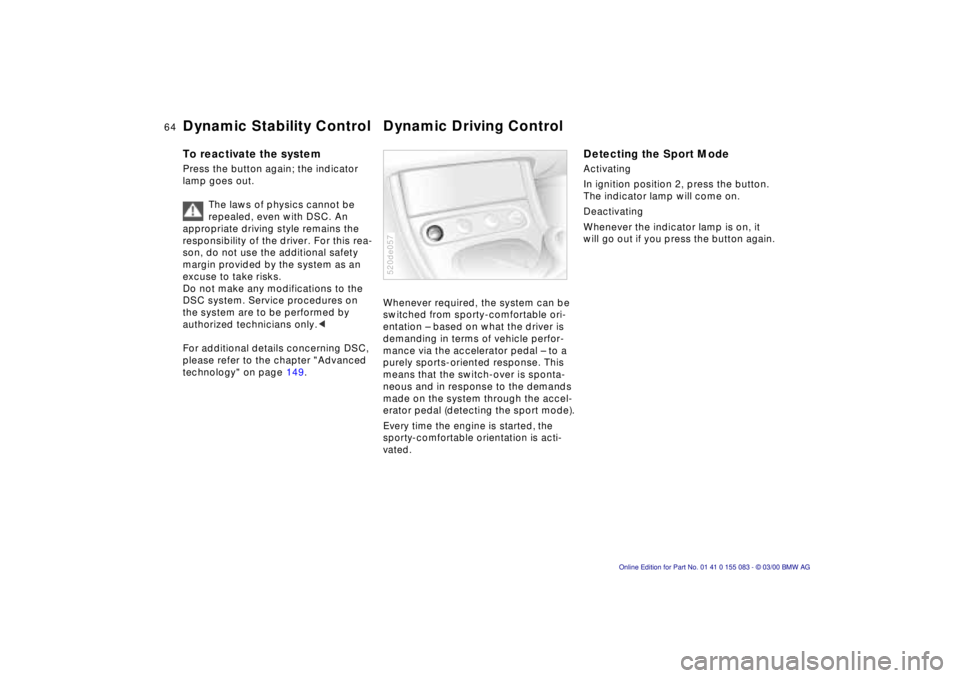
Whenever required, the system can be
switched from sporty-comfortable ori-
entation Ð based on what the driver is
demanding in terms of vehicle perfor-
mance via the accelerator pedal Ð to a
purely sports-oriented response. This
means that the switch-over is sponta-
neous and in response to the demands
made on the system through the accel-
erator pedal (detecting the sport mode).Every time the engine is started, the
sporty-comfortable orientation is acti-
vated.520de057
Detecting the Sport ModeActivating
In ignition position 2, press the button.
The indicator lamp will come on.
Deactivating
Whenever the indicator lamp is on, it
will go out if you press the button again.