lock BUICK CASCADA 2018 Service Manual
[x] Cancel search | Manufacturer: BUICK, Model Year: 2018, Model line: CASCADA, Model: BUICK CASCADA 2018Pages: 303, PDF Size: 5.87 MB
Page 95 of 303

Buick Cascada Owner Manual (GMNA-Localizing-U.S-11373983) - 2018 -
CRC - 7/10/17
94 Instruments and Controls
Controls Steering Wheel
Adjustment
To adjust the steering wheel:
1. Pull the lever down.
2. Move the steering wheel up
or down.
3. Pull or push the steering wheel
closer or away from you.
4. Lift the lever up to lock the
steering wheel in place. Do not adjust the steering wheel
while driving.
Steering Wheel Controls The infotainment system can be
operated by using the steering
wheel controls. See "Steering
Wheel Controls" in the infotainment
manual.
Heated Steering Wheel
( : If equipped with a heated
steering wheel, press to turn it on or
off. A light on the button displays
when the feature is turned on. The steering wheel takes about
three minutes to start heating.
Horn Press
a on the steering wheel pad
to sound the horn.
Windshield Wiper/Washer
With the ignition on or in ACC/
ACCESSORY, move the windshield
wiper lever to select the wiper
speed.
HI : Use for fast wipes.
LO : Use for slow wipes.
Page 97 of 303
Buick Cascada Owner Manual (GMNA-Localizing-U.S-11373983) - 2018 -
CRC - 7/10/17
96 Instruments and Controls With Rainsense, if the transmission
is in N (Neutral) and the vehicle
speed is very slow, the wipers will
automatically stop at the base of the
windshield.
The wiper operations return to
normal when the transmission is no
longer in N (Neutral) or the vehicle
speed has increased.
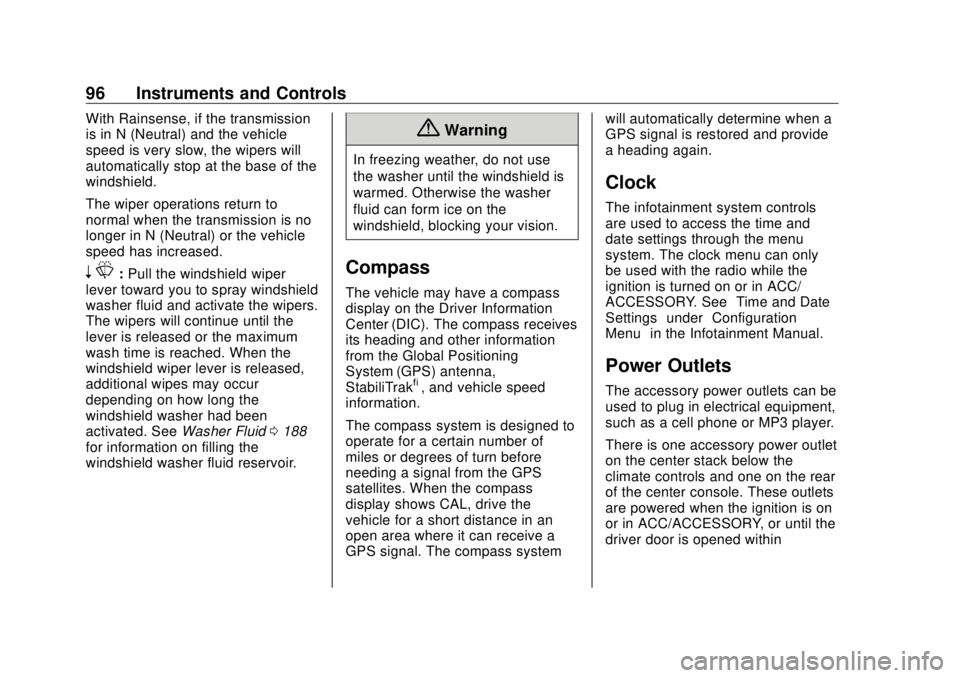
n L : Pull the windshield wiper
lever toward you to spray windshield
washer fluid and activate the wipers.
The wipers will continue until the
lever is released or the maximum
wash time is reached. When the
windshield wiper lever is released,
additional wipes may occur
depending on how long the
windshield washer had been
activated. See Washer Fluid 0 188
for information on filling the
windshield washer fluid reservoir. { WarningIn freezing weather, do not use
the washer until the windshield is
warmed. Otherwise the washer
fluid can form ice on the
windshield, blocking your vision.
Compass The vehicle may have a compass
display on the Driver Information
Center (DIC). The compass receives
its heading and other information
from the Global Positioning
System (GPS) antenna,
StabiliTrak ®
, and vehicle speed
information.
The compass system is designed to
operate for a certain number of
miles or degrees of turn before
needing a signal from the GPS
satellites. When the compass
display shows CAL, drive the
vehicle for a short distance in an
open area where it can receive a
GPS signal. The compass system will automatically determine when a
GPS signal is restored and provide
a heading again.
Clock The infotainment system controls
are used to access the time and
date settings through the menu
system. The clock menu can only
be used with the radio while the
ignition is turned on or in ACC/
ACCESSORY. See “ Time and Date
Settings ” under “ Configuration
Menu ” in the Infotainment Manual.
Power Outlets The accessory power outlets can be
used to plug in electrical equipment,
such as a cell phone or MP3 player.
There is one accessory power outlet
on the center stack below the
climate controls and one on the rear
of the center console. These outlets
are powered when the ignition is on
or in ACC/ACCESSORY, or until the
driver door is opened within
Page 106 of 303

Buick Cascada Owner Manual (GMNA-Localizing-U.S-11373983) - 2018 -
CRC - 7/10/17
Instruments and Controls 105
Electric Parking Brake
Light
The parking brake status light
comes on when the brake is
applied. If the light continues
flashing after the parking brake is
released, or while driving, there is a
problem with the Electric Parking
Brake (EPB) system.
If the light does not come on,
or remains flashing, see your dealer.
Service Electric Parking
Brake Light The parking brake warning light
should come on briefly when
starting the vehicle. If it does not
come on, have it fixed so it will be
ready to warn if there is a problem.
If this light stays on, there is a
problem with the Electric Parking
Brake (EPB) system or another
system on the vehicle that is
causing the parking brake system to
work at a reduced level. The vehicle
can still be driven, but should be
taken to a dealer as soon as
possible. See the information for the
EPB under Electric Parking Brake
0 155 .
Antilock Brake System
(ABS) Warning Light
The Antilock Brake System (ABS)
light comes on briefly when the
engine is started. If the light does not come on, have
the vehicle serviced by your dealer.
If the ABS light comes on and stays
on while driving, stop as soon as
possible and turn the ignition off.
Start the engine again to reset the
system. If the light stays on after
driving at a speed above 20 km/h
(13 mph), see your dealer for
service. A chime may also sound
when the light comes on steady.
If the regular brake system warning
light is not on, the vehicle still has
brakes, but not antilock brakes.
If the regular brake system warning
light is also on, the vehicle does not
have antilock brakes and there is a
problem with the regular brakes.
See Brake System Warning Light
0 104 .
Operate Pedal Light
Page 116 of 303
Buick Cascada Owner Manual (GMNA-Localizing-U.S-11373983) - 2018 -
CRC - 7/10/17
Instruments and Controls 115Personalization Menus
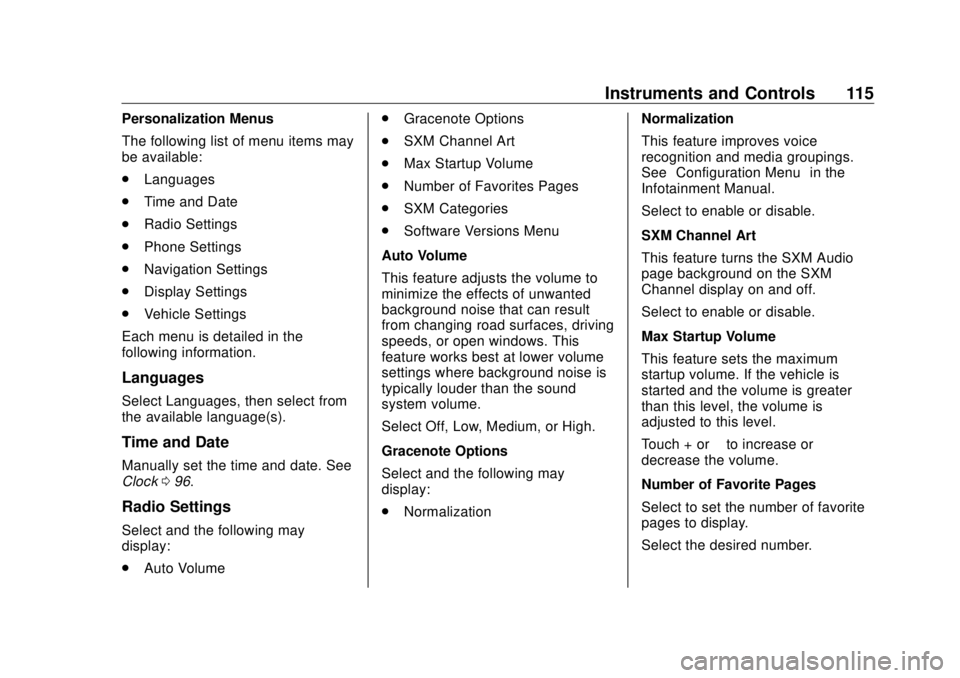
The following list of menu items may
be available:
.
Languages
.
Time and Date
.
Radio Settings
.
Phone Settings
.
Navigation Settings
.
Display Settings
.
Vehicle Settings
Each menu is detailed in the
following information.
Languages Select Languages, then select from
the available language(s).
Time and Date Manually set the time and date. See
Clock 0 96 .
Radio Settings
Select and the following may
display:
.
Auto Volume .
Gracenote Options
.
SXM Channel Art
.
Max Startup Volume
.
Number of Favorites Pages
.
SXM Categories
.
Software Versions Menu
Auto Volume
This feature adjusts the volume to
minimize the effects of unwanted
background noise that can result
from changing road surfaces, driving
speeds, or open windows. This
feature works best at lower volume
settings where background noise is
typically louder than the sound
system volume.
Select Off, Low, Medium, or High.
Gracenote Options
Select and the following may
display:
.
Normalization Normalization
This feature improves voice
recognition and media groupings.
See “ Configuration Menu ” in the
Infotainment Manual.
Select to enable or disable.
SXM Channel Art
This feature turns the SXM Audio
page background on the SXM
Channel display on and off.
Select to enable or disable.
Max Startup Volume
This feature sets the maximum
startup volume. If the vehicle is
started and the volume is greater
than this level, the volume is
adjusted to this level.
Touch + or − to increase or
decrease the volume.
Number of Favorite Pages
Select to set the number of favorite
pages to display.
Select the desired number.
Page 118 of 303
Buick Cascada Owner Manual (GMNA-Localizing-U.S-11373983) - 2018 -
CRC - 7/10/17
Instruments and Controls 117Symbols
See Assistance Systems for Parking
or Backing 0 162 .
Select to enable or disable.
Guide Lines
See Assistance Systems for Parking
or Backing 0 162 .
Select to enable or disable.
Display Off
Select to turn the display off. The
display will return when any controls
on the radio center stack are
pressed or the infotainment screen
is touched.
Map Settings
See “ Map Settings ” in the
infotainment manual.
Vehicle Settings
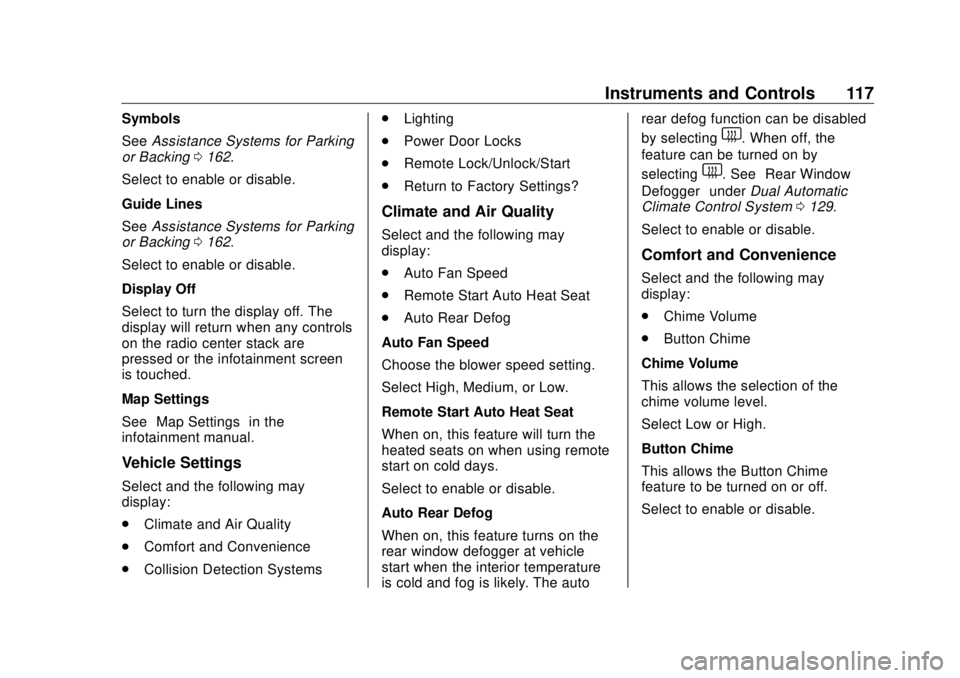
Select and the following may
display:
.
Climate and Air Quality
.
Comfort and Convenience
.
Collision Detection Systems .
Lighting
.
Power Door Locks
.
Remote Lock/Unlock/Start
.
Return to Factory Settings?
Climate and Air Quality Select and the following may
display:
.
Auto Fan Speed
.
Remote Start Auto Heat Seat
.
Auto Rear Defog
Auto Fan Speed
Choose the blower speed setting.
Select High, Medium, or Low.
Remote Start Auto Heat Seat
When on, this feature will turn the
heated seats on when using remote
start on cold days.
Select to enable or disable.
Auto Rear Defog
When on, this feature turns on the
rear window defogger at vehicle
start when the interior temperature
is cold and fog is likely. The auto rear defog function can be disabled
by selecting
1 . When off, the
feature can be turned on by
selecting
1 . See “ Rear Window
Defogger ” under Dual Automatic
Climate Control System 0 129 .
Select to enable or disable.
Comfort and Convenience Select and the following may
display:
.
Chime Volume
.
Button Chime
Chime Volume
This allows the selection of the
chime volume level.
Select Low or High.
Button Chime
This allows the Button Chime
feature to be turned on or off.
Select to enable or disable.
Page 119 of 303
Buick Cascada Owner Manual (GMNA-Localizing-U.S-11373983) - 2018 -
CRC - 7/10/17
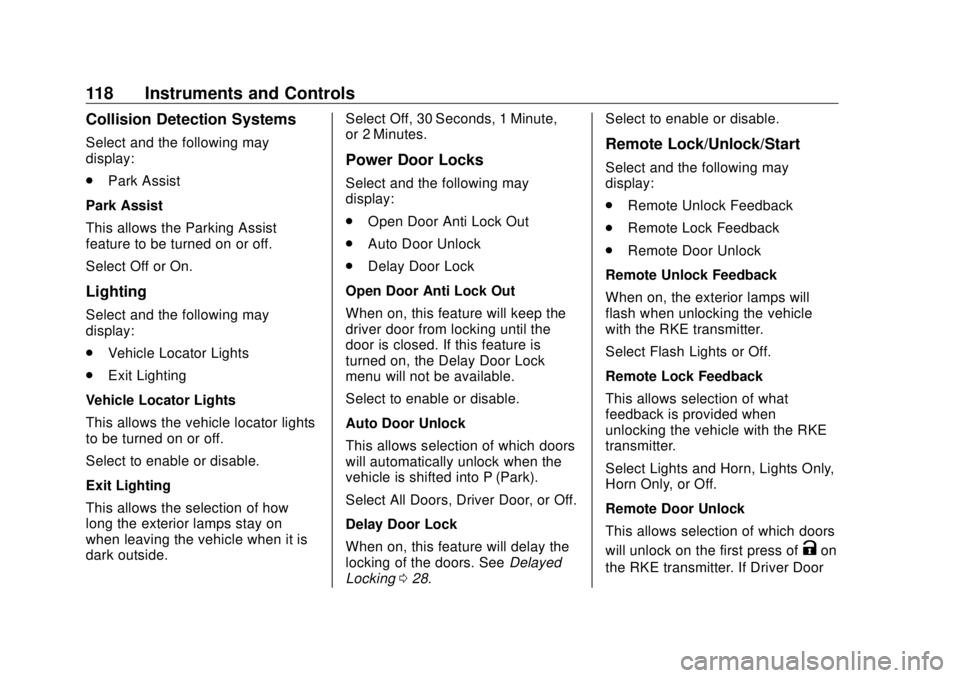
118 Instruments and Controls Collision Detection Systems Select and the following may
display:
.
Park Assist
Park Assist
This allows the Parking Assist
feature to be turned on or off.
Select Off or On.
Lighting Select and the following may
display:
.
Vehicle Locator Lights
.
Exit Lighting
Vehicle Locator Lights
This allows the vehicle locator lights
to be turned on or off.
Select to enable or disable.
Exit Lighting
This allows the selection of how
long the exterior lamps stay on
when leaving the vehicle when it is
dark outside. Select Off, 30 Seconds, 1 Minute,
or 2 Minutes.
Power Door Locks Select and the following may
display:
.
Open Door Anti Lock Out
.
Auto Door Unlock
.
Delay Door Lock
Open Door Anti Lock Out
When on, this feature will keep the
driver door from locking until the
door is closed. If this feature is
turned on, the Delay Door Lock
menu will not be available.
Select to enable or disable.
Auto Door Unlock
This allows selection of which doors
will automatically unlock when the
vehicle is shifted into P (Park).
Select All Doors, Driver Door, or Off.
Delay Door Lock
When on, this feature will delay the
locking of the doors. See Delayed
Locking 0 28 . Select to enable or disable.
Remote Lock/Unlock/Start Select and the following may
display:
.
Remote Unlock Feedback
.
Remote Lock Feedback
.
Remote Door Unlock
Remote Unlock Feedback
When on, the exterior lamps will
flash when unlocking the vehicle
with the RKE transmitter.
Select Flash Lights or Off.
Remote Lock Feedback
This allows selection of what
feedback is provided when
unlocking the vehicle with the RKE
transmitter.
Select Lights and Horn, Lights Only,
Horn Only, or Off.
Remote Door Unlock
This allows selection of which doors
will unlock on the first press of
K on
the RKE transmitter. If Driver Door
Page 120 of 303
Buick Cascada Owner Manual (GMNA-Localizing-U.S-11373983) - 2018 -
CRC - 7/10/17
Instruments and Controls 119is selected, all doors will unlock on
the second press of
K within
five seconds of the prior press.
Select Driver Door or All Doors.
Return to Factory Settings? This returns all of the vehicle
personalization settings to the
factory settings.
Select Yes or No.
Page 133 of 303
Buick Cascada Owner Manual (GMNA-Localizing-U.S-11373983) - 2018 -
CRC - 7/10/17
132 Climate Controls
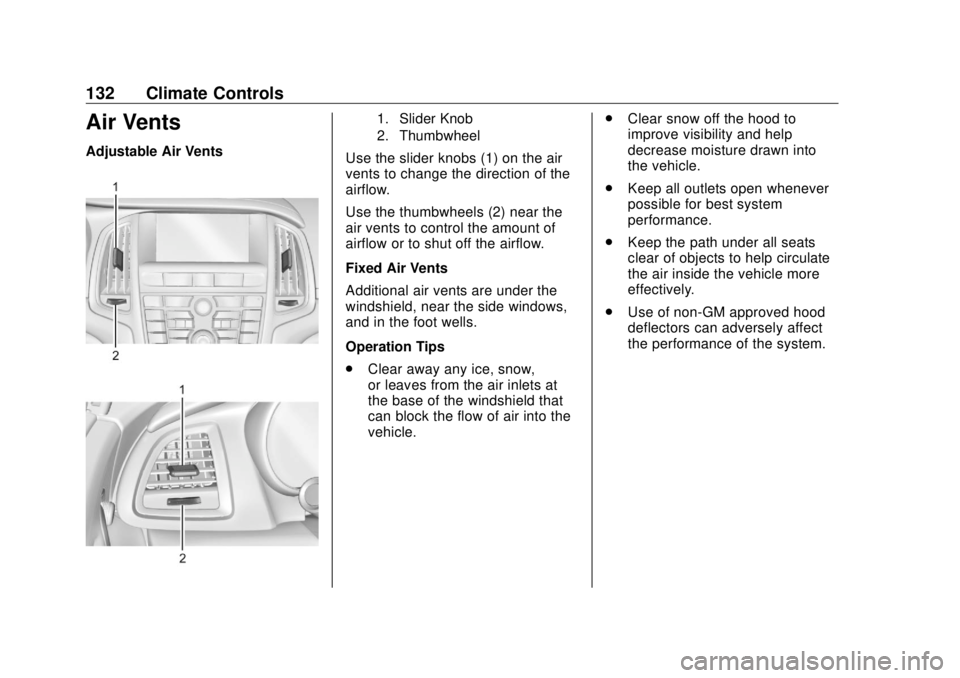
Air Vents Adjustable Air Vents 1. Slider Knob
2. Thumbwheel
Use the slider knobs (1) on the air
vents to change the direction of the
airflow.
Use the thumbwheels (2) near the
air vents to control the amount of
airflow or to shut off the airflow.
Fixed Air Vents
Additional air vents are under the
windshield, near the side windows,
and in the foot wells.
Operation Tips
.
Clear away any ice, snow,
or leaves from the air inlets at
the base of the windshield that
can block the flow of air into the
vehicle. .
Clear snow off the hood to
improve visibility and help
decrease moisture drawn into
the vehicle.
.
Keep all outlets open whenever
possible for best system
performance.
.
Keep the path under all seats
clear of objects to help circulate
the air inside the vehicle more
effectively.
.
Use of non-GM approved hood
deflectors can adversely affect
the performance of the system.
Page 135 of 303
Buick Cascada Owner Manual (GMNA-Localizing-U.S-11373983) - 2018 -
CRC - 7/10/17
134 Driving and Operating
Driving and
Operating Driving Information Distracted Driving . . . . . . . . . . . . 135
Defensive Driving . . . . . . . . . . . . . 135
Drunk Driving . . . . . . . . . . . . . . . . . 136
Control of a Vehicle . . . . . . . . . . . 136
Braking . . . . . . . . . . . . . . . . . . . . . . . 136
Steering . . . . . . . . . . . . . . . . . . . . . . 136
Off-Road Recovery . . . . . . . . . . . 137
Loss of Control . . . . . . . . . . . . . . . 137
Driving on Wet Roads . . . . . . . . 138
Hill and Mountain Roads . . . . . 139
Winter Driving . . . . . . . . . . . . . . . . 139
If the Vehicle Is Stuck . . . . . . . . 141
Vehicle Load Limits . . . . . . . . . . . 141
Starting and Operating New Vehicle Break-In . . . . . . . . . 145
Ignition Positions . . . . . . . . . . . . . 145
Starting the Engine . . . . . . . . . . . 147
Retained Accessory
Power (RAP) . . . . . . . . . . . . . . . . 148
Shifting Into Park . . . . . . . . . . . . . 149
Shifting out of Park . . . . . . . . . . . 149
Parking over Things
That Burn . . . . . . . . . . . . . . . . . . . 150 Engine Exhaust Engine Exhaust . . . . . . . . . . . . . . 150
Running the Vehicle While
Parked . . . . . . . . . . . . . . . . . . . . . . 151
Automatic Transmission Automatic Transmission . . . . . . 151
Manual Mode . . . . . . . . . . . . . . . . . 153
Brakes Antilock Brake
System (ABS) . . . . . . . . . . . . . . . 154
Electric Parking Brake . . . . . . . . 155
Brake Assist . . . . . . . . . . . . . . . . . . 157
Hill Start Assist (HSA) . . . . . . . . 157
Ride Control Systems Traction Control/Electronic
Stability Control . . . . . . . . . . . . . 157
Cruise Control Cruise Control . . . . . . . . . . . . . . . . 159
Driver Assistance Systems Assistance Systems for
Parking or Backing . . . . . . . . . . 162
Forward Collision Alert (FCA)
System . . . . . . . . . . . . . . . . . . . . . . 164
Lane Departure
Warning (LDW) . . . . . . . . . . . . . 166 Fuel Fuel . . . . . . . . . . . . . . . . . . . . . . . . . . 167
California Fuel
Requirements . . . . . . . . . . . . . . . 168
Fuels in Foreign Countries . . . 169
Fuel Additives . . . . . . . . . . . . . . . . 169
Filling the Tank . . . . . . . . . . . . . . . 169
Filling a Portable Fuel
Container . . . . . . . . . . . . . . . . . . . 171
Trailer Towing General Towing
Information . . . . . . . . . . . . . . . . . . 171
Conversions and Add-Ons Add-On Electrical
Equipment . . . . . . . . . . . . . . . . . . 172
Page 138 of 303

Buick Cascada Owner Manual (GMNA-Localizing-U.S-11373983) - 2018 -
CRC - 7/10/17
Driving and Operating 137See your dealer if there is a
problem.
Curve Tips .
Take curves at a reasonable
speed.
.
Reduce speed before entering a
curve.
.
Maintain a reasonable steady
speed through the curve.
.
Wait until the vehicle is out of
the curve before accelerating
gently into the straightaway.
Steering in Emergencies .
There are some situations when
steering around a problem may
be more effective than braking.
.
Holding both sides of the
steering wheel allows you to turn
180 degrees without removing
a hand.
.
The Antilock Brake System
(ABS) allows steering while
braking. Off-Road Recovery
The vehicle's right wheels can drop
off the edge of a road onto the
shoulder while driving. Follow
these tips:
1. Ease off the accelerator and
then, if there is nothing in the
way, steer the vehicle so that it
straddles the edge of the
pavement.
2. Turn the steering wheel about
one-eighth of a turn, until the
right front tire contacts the
pavement edge. 3. Turn the steering wheel to go
straight down the roadway.
Loss of Control Skidding There are three types of skids that
correspond to the vehicle's three
control systems:
.
Braking Skid — wheels are not
rolling.
.
Steering or Cornering Skid —
too much speed or steering in a
curve causes tires to slip and
lose cornering force.
.
Acceleration Skid — too much
throttle causes the driving
wheels to spin.
Defensive drivers avoid most skids
by taking reasonable care suited to
existing conditions, and by not
overdriving those conditions. But
skids are always possible.