warning BUICK CENTURY 1997 Owners Manual
[x] Cancel search | Manufacturer: BUICK, Model Year: 1997, Model line: CENTURY, Model: BUICK CENTURY 1997Pages: 406, PDF Size: 20.64 MB
Page 10 of 406
How to Use this Manual
Many people read their owner’s manual from beginning
to end when they first receive their new vehicle.
If
you do this, it will help you learn about the features
and controls for your vehicle. In this manual, you’ll
find that pictures and words work together
to explain
things quickly.
Index
A good place to look for what you need is the Index in
the back of the manual. It’s an alphabetical list of what’s
in the manual, and the page number where you’ll find it.
Safety Warnings and Symbols
You will find a number of safety cautions in this book.
We
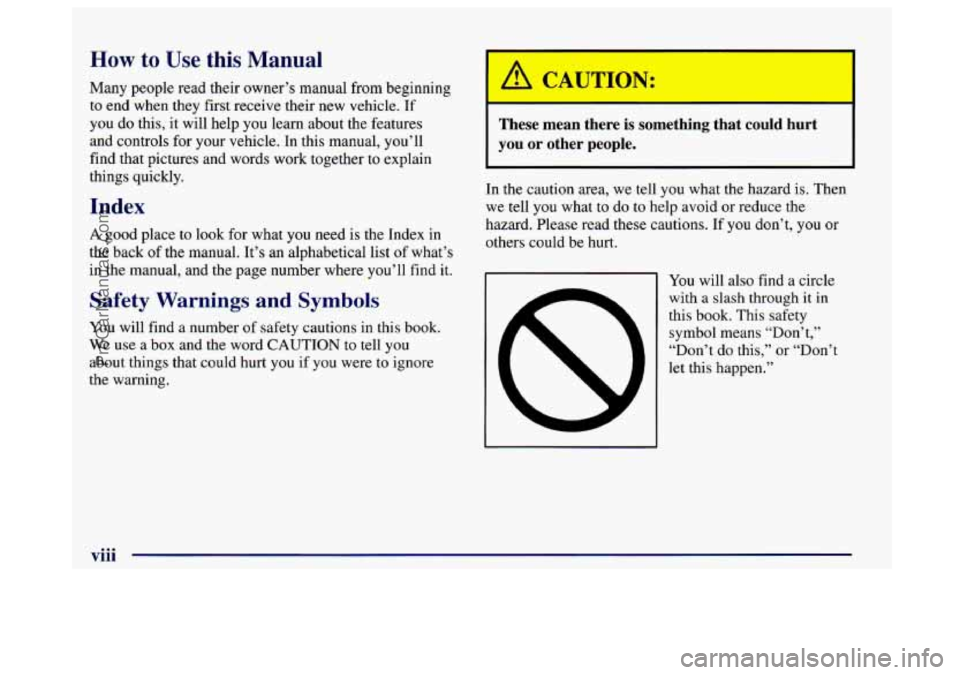
use a box and the word CAUTION to tell you
about things that could hurt you if you were to ignore
the warning.
These mean there is something that could hurt
you
or other people.
In the caution area, we tell you what the hazard is. Then
we tell you what to do to help avoid or reduce the
hazard. Please read these cautions. If
you don’t, you or
others could be hurt.
You will also find a circle
with a slash through it in
this book. This safety
symbol means “Don’t,”
“Don’t do this,” or “Don’t
let this happen.”
viii
ProCarManuals.com
Page 11 of 406
Vehicle Damage Warnings
Also, in this book you will find these notices:
I NOTICE:
These mean there is something that could
damage your vehicle.
In the notice area, we tell you about something that can
damage your vehicle. Many times, this damage would
not be covered by your warranty, and
it could be
costly.
But the notice will tell you what to do to help
avoid the damage.
When
you read other manuals, you might see
CAUTION and NOTICE warnings in different
colors or
in different words.
You’ll also
see warning labels on your vehicle. They use
the same words, CAUTION or NOTICE.
ix
ProCarManuals.com
Page 12 of 406
Vehicle Symbols
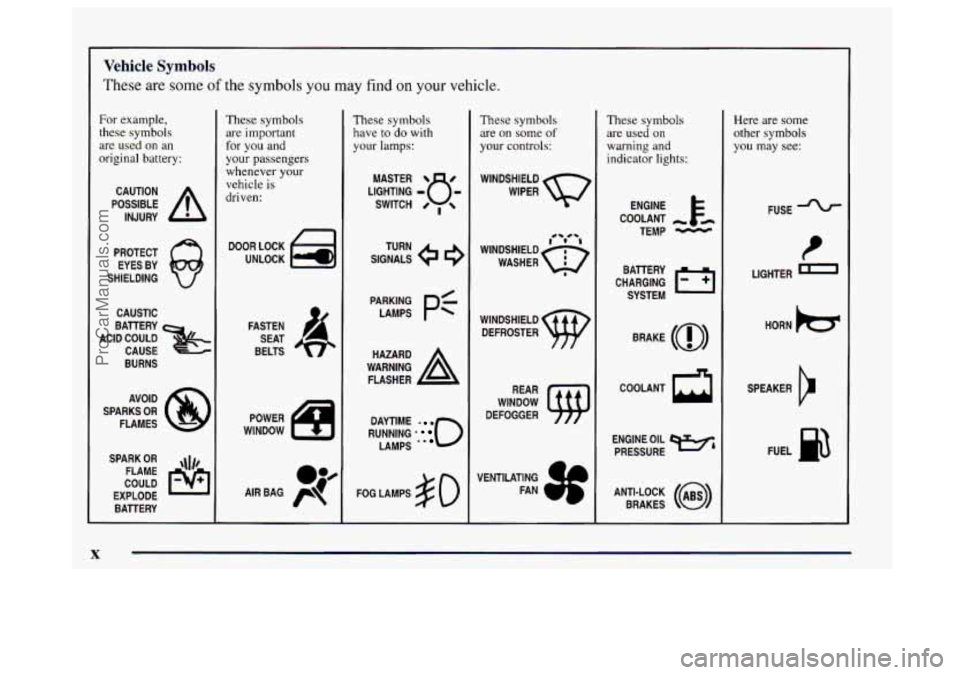
These are some of the symbols you may find on your vehicle.
For example,
these symbols
are used on an
original battery:
POSSIBLE A
CAUTION
INJURY
PROTECT EYES
BY
SHIELDING
CAUSTIC
BATTERY
CAUSE
BURNS
ACID COULD
&
AVOID
SPARKS
OR
FLAMES
SPARK
OR ,\I/,
COULD FLAME
EXPLODE BATTERY
. K
These symbols
are important
for you and
your passengers
whenever your
vehicle is
driven:
DOOR LOCK
UNLOCK
FASTEN SEAT
BELTS
These symbols have to do with
your lamps:
SIGNALS e
TURN
WARNING
A
HAZARD
FLASHER
RUNNING
' 0
DAYTIME rn
LAMPS .*
FOG LAMPS $0
These symbols
are on some
of
your controls:
WINDSHIELD
WIPER
WINDSHIELD DEFROSTER
WINDOW
DEFOGGER
These symbols are used
on
warning and
indicator lights:
ENGINE t
COOLANT - tm
TEMP -
CHARGING I-1
BATTERY
SYSTEM
BRAKE
(0)
COOLANT a
ENGINE OIL e,
PRESSURE
ANTI-LOCK
(@)
BRAKES
1
Here are some
other symbols
you may see:
FUSE
t
LIGHTER
HORN
)cr
SPEAKER
b
FUEL p3
ProCarManuals.com
Page 55 of 406
Securing a Child in the Built-in
Child Restraint
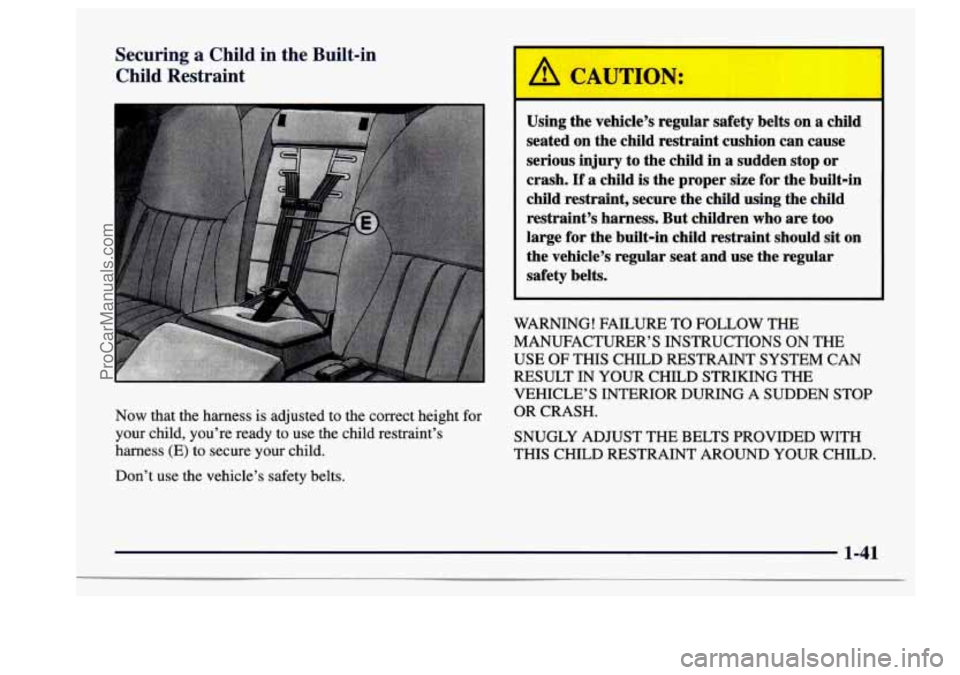
Now that the harness is adjusted to the correct height for
your child, you’re ready to use the child restraint’s
harness (E) to secure your child.
Don’t use the vehicle’s safety belts.
Using the vehicle’s regular safety belts on a child
seated on the child restraint cushion can cause
serious injury to the child in
a sudden stop or
crash.
If a child is the proper size for the built-in
child restraint, secure the child using the child
restraint’s harness. But children who are too
large for the built-in child restraint should sit on
the vehicle’s regular seat and use the regular
safety belts.
WARNING! FAILURE TO FOLLOW THE
MANUFACTURER’S INSTRUCTIONS
ON THE
USE
OF THIS CHILD RESTRAINT SYSTEM CAN
RESULT IN YOUR CHILD STRIKING THE
VEHICLE’S INTERIOR DURING
A SUDDEN STOP
OR CRASH.
SNUGLY ADJUST THE BELTS PROVIDED WITH
THIS CHILD RESTRAINT AROUND YOUR CHILD.
1-41
ProCarManuals.com
Page 77 of 406
Section 2 Features and Controls
Here you can learn about the many standard and optional features on your Buick, and information on starting, shifting
and braking. Also explained are the instrument panel and the warning systems that tell you
if everything is working
properly
-- and what to do if you have a problem.
2-2
2-4
2-9
2- 14
2-15
2-16 2-17
2-17
2- 19
2-20
3-22
2-26
2-27
2-29
2-30
2-30
2-3 1
Keys
Door Locks
Remote Keyless Entry TrUnk
Theft
PASS-Key@ I1
New Vehicle “Break-In”
Ignition Positions Starting Your Engine
Engine Coolant Heater
Automatic Transaxle Operation
Parking Brake
Shifting Into PARK
(P)
Shifting Out of PARK (P)
Parking Over Things That Burn
Engine Exhaust
Running Your Engine While
You’re Parked 2-32
2-33
2-33
2-34
2-4 1
2-44
2-46
2-49
2-50
2-50
2-5 1.
2-52
2-52
2-53
2-54
2-55 Windows
Horn
Tilt Steering Wheel
Turn SignalMultifunction Lever
Exterior Lamps
Interior Lamps
Mirrors
Storage Compartments
Ashtrays and Lighter
Sun Visors
Auxiliary Power Connection
Sunroof
Cellular Phone Provisions
Instrument Panel
-- Your Information System
Instrument Panel Cluster
Warning Lights, Gages and Indicators
2-1
ProCarManuals.com
Page 94 of 406
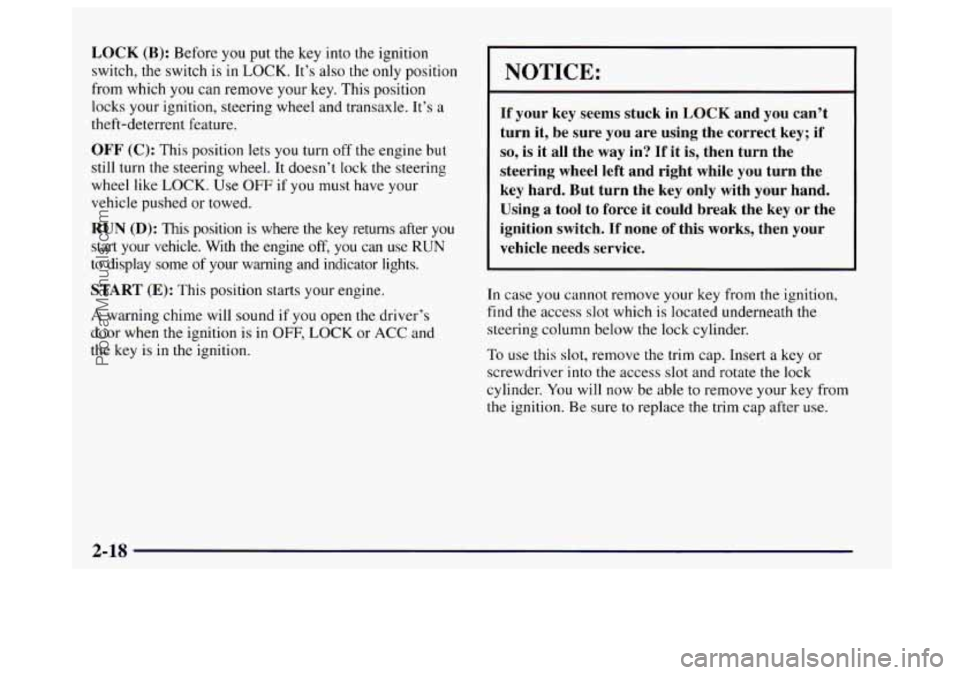
LOCK (B): Before you put the key into the ignition
switch, the switch is in
LOCK. It’s also the only position
from which you
can remove your key. This position
locks your ignition, steering wheel and transaxle. It’s
a
theft-deterrent feature.
OFF (C): This position lets you turn off the engine but
still turn
the steering wheel, It doesn’t lock the steering
wheel like
LOCK. Use OFF if you must have your
vehicle pushed or towed.
RUN (D): This position is where the key returns after you
start your vehicle. With the engine off, you can use RUN
to display some of your warning and indicator lights.
START (E): This position starts your engine.
A warning chime will sound if you open the driver’s
door when the ignition is
in OFF, LOCK or ACC and
the key is in the ignition.
NOTICE:
If your key seems stuck in LOCK and you can’t
turn it, be sure you are using the correct. key; if
so, is it all the way in? If it is, then turn the
steering wheel left and right while you turn the
key hard. But turn the key only with your hand.
Using a tool to force it
could break the key or the
ignition switch.
If none of this works, then your
vehicle needs service.
In case you cannot remove
your key from the ignition,
find the access
slot which is located underneath the
steering column below the lock cylinder.
To use this slot, remove the trim cap. Insert
a key or
screwdriver into the access slot and rotate the lock
cylinder.
You will now be able to remove your key from
the ignition. Be sure to replace the trim cap after use.
2-18
ProCarManuals.com
Page 102 of 406
Parking Brake
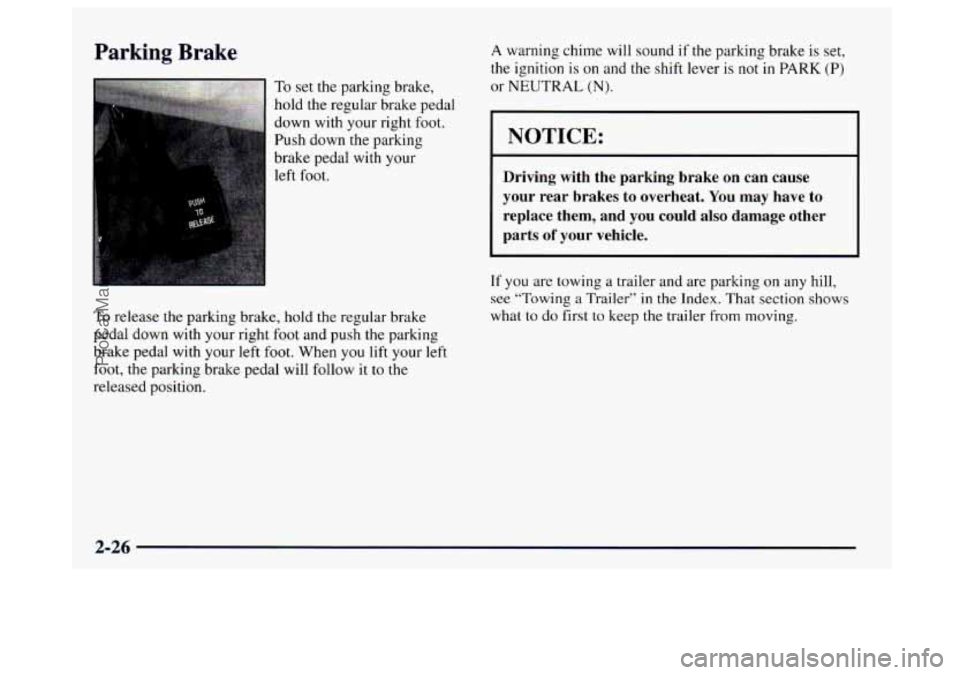
To set the parking brake,
hold the regular brake pedal
down with your right foot.
Push down the parking
brake pedal with your
left foot.
A warning chime will sound if the parking brake is set,
the ignition is
on and the shift lever is not in PARK (P)
or NEUTRAL (N).
NOTICE:
Driving with the parking brake on can cause
your rear brakes to overheat.
You may have to
replace them, and you could also damage other
parts
of your vehicle.
To release the parking brake, hold the regular brake
pedal down with your right foot and push
the parking
brake pedal with your left foot. When you lift your left
foot, the parking brake pedal will follow it to the
released position.
If you are towing a trailer and are parking on any hill,
see “Towing a Trailer’’ in the Index. That section shows
what to
do first to keep the trailer from moving.
2-26
ProCarManuals.com
Page 117 of 406
Exterior Lamps
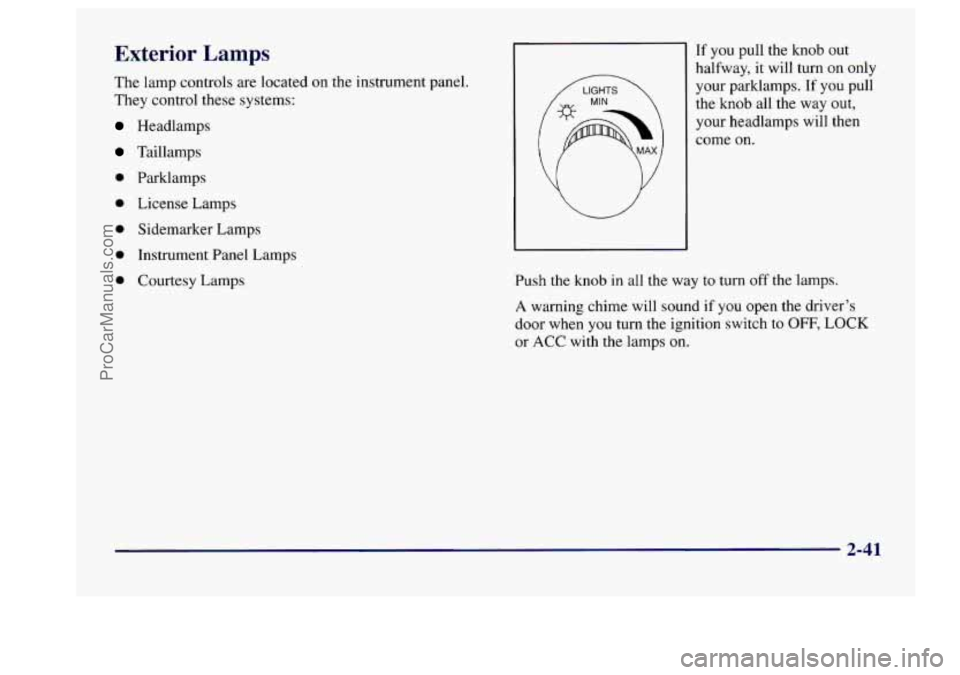
The lamp controls are located on the instrument panel.
They control these systems:
Headlamps
Taillamps
0 Parklamps
0 License Lamps
0 Sidemarker Lamps
0 Instrument Panel Lamps
0 Courtesy Lamps If you
pull the knob out
halfway,
it will turn on only
your parklamps.
If you pull
the knob all the way
out,
your headlamps will then
come on.
Push the knob
in all the way to turn off the lamps.
A warning chime will sound if you open the driver’s
door when
you turn the ignition switch to OFF, LOCK
or ACC with the lamps on.
2-41
ProCarManuals.com
Page 131 of 406
Speedometer and Odometer
Your speedometer lets you see your speed in both miles
per hour (mph) and kilometers per hour (kdh). Your
odometer shows how far your vehicle has been driven
in
either miles (used in the United States) or in kilometers
(used
in Canada).
Your Buick has a tamper-resistant odometer.
If you see
ERROR, you’ll know someone has probably tampered
with it and the numbers may not be accurate.
You may wonder what happens if your vehicle needs a
new odometer installed. If the new one can be set to the
mileage total of the old odometer, then that will be done.
But if it can’t, then
it will be set at zero and a label must
be put on the driver’s door
to show the old mileage
reading when the new odometer was installed.
Trip Odometer
Your trip odometer tells how far you have driven since
you last reset it. To set it to zero, press the button on the
right side of the instrument cluster.
Your triphelect reset switch will go back and forth
between the odometer and the trip odometer if the
button
is pressed and released within 1.5 seconds. If the
button is pressed and held for longer than
1.5 seconds
while in the trip odometer mode, it will be reset to zero.
If the button is pressed and held for longer than
I .5 seconds while in the odometer mode, it will have
no effect.
Warning Lights, Gages and Indicators
This part describes the warning lights and gages that
may be on your vehicle. The pictures will help you
locate them.
Warning lights and gages can signal that something is
wrong before it becomes serious enough to cause an
expensive repair or replacement. Paying attention to
your warning lights and gages could also save
you or
others from injury.
Warning lights come on when there may be or
is a
problem with one
of your vehicle’s functions. As you
will see in the details on the next few pages, some
warning lights come on briefly when
you start the
engine just to
let you know they’re working. If you are
familiar with this section, you should not be alarmed
when this happens.
Gages can indicate when there may be or is a problem
with one of your vehicle’s functions. Often gages and
warning lights work together to let you know when
there’s a problem with your vehicle.
2-55
ProCarManuals.com
Page 132 of 406
When one of the warning lights comes on and stays on
when
you are driving, or when one of the gages shows
there may be a problem, check the section that tells you
what to do about
it. Please follow this manual’s advice.
Waiting
to do repairs can be costly -- and even
dangerous.
So please get to know your warning lights
and gages. They’re a big help.
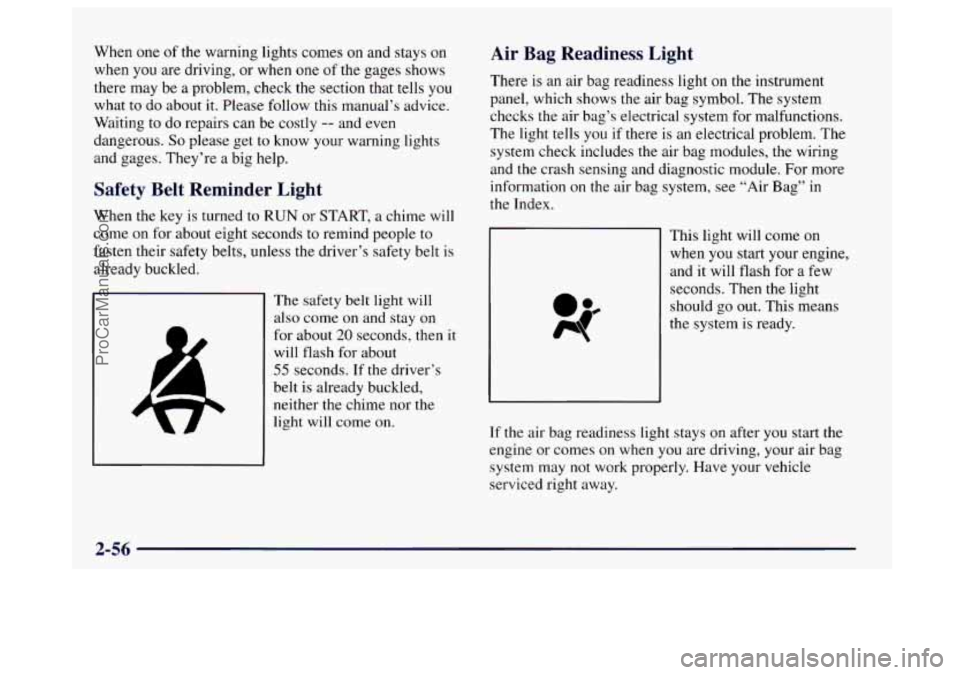
Safety Belt Reminder Light
When the key is turned to RUN or START, a chime will
come on for about eight seconds to remind people to
fasten their safety belts, unless the driver’s safety belt
is
already buckled.
The safety belt light will
also come on and stay on
for about
20 seconds, then it
will flash for about
55 seconds. If the driver’s
belt is already buckled,
neither the chime nor the
light
will come on.
Air Bag Readiness Light
There is an air bag readiness light on the instrument
panel, which shows the air bag symbol. The system
checks the air bag’s electrical system for malfunctions.
The light tells you if there is an electrical problem. The
system check includes the air bag modules, the wiring
and the crash sensing and diagnostic module. For more
information
on the air bag system, see “Air Bag” in
the Index.
This right will come on
when you start your engine,
and it will flash for a few
seconds. Then the light
should
go out. This means
the system is ready.
If the air bag readiness light stays
on after you start the
engine or comes on when
you are driving, your air bag
system may not work properly. Have your vehicle
serviced right away.
2-56
ProCarManuals.com