all BUICK CENTURY 2003 Owner's Guide
[x] Cancel search | Manufacturer: BUICK, Model Year: 2003, Model line: CENTURY, Model: BUICK CENTURY 2003Pages: 344, PDF Size: 2.57 MB
Page 59 of 344
Air Bag Systems
This part explains the frontal and side impact air bag
systems.
Your vehicle has air bags ± a frontal air bag for the
driver and another frontal air bag for the right front
passenger. Your vehicle may also have a side impact
air bag for the driver.
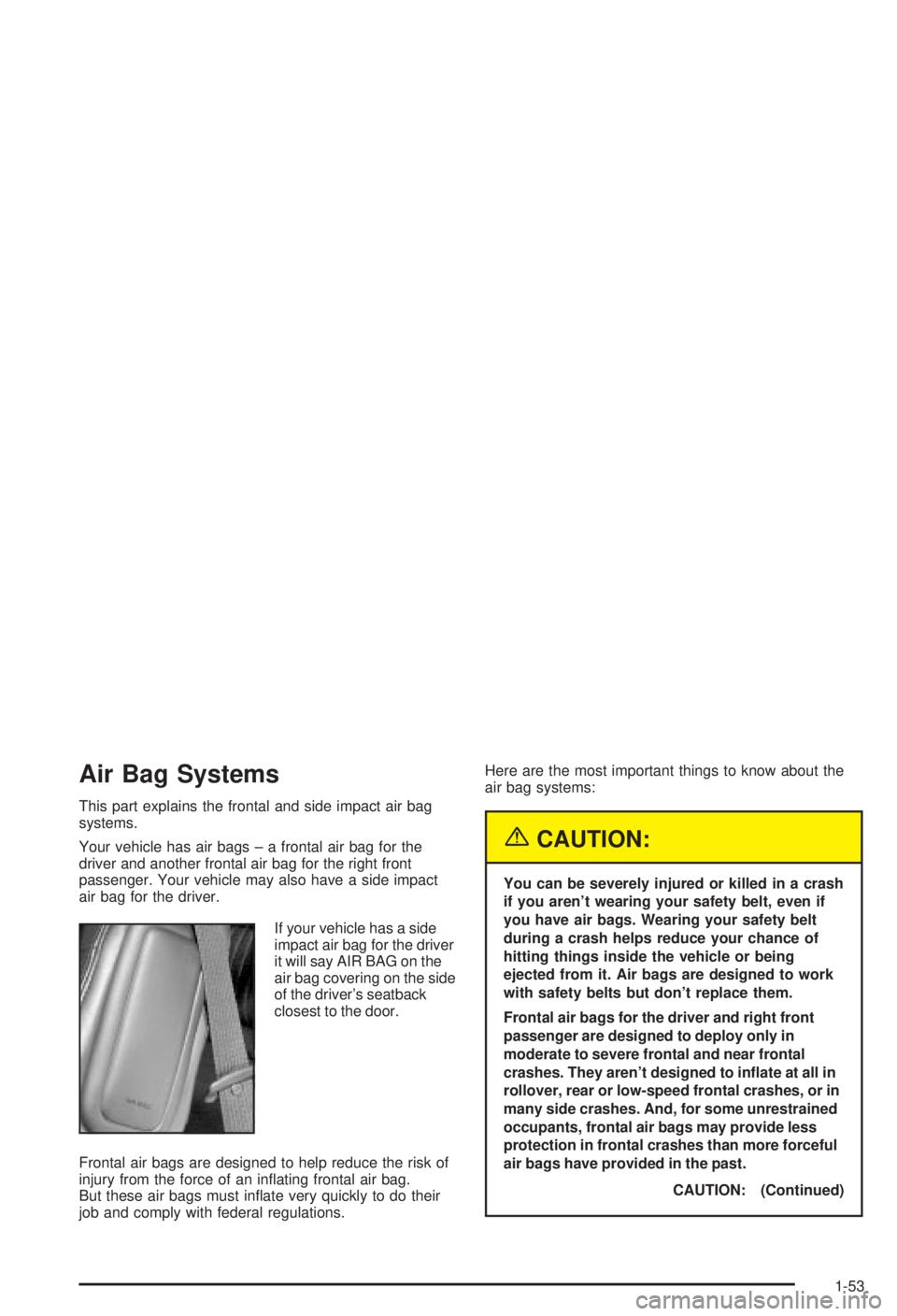
If your vehicle has a side
impact air bag for the driver
it will say AIR BAG on the
air bag covering on the side
of the driver's seatback
closest to the door.
Frontal air bags are designed to help reduce the risk of
injury from the force of an in¯ating frontal air bag.
But these air bags must in¯ate very quickly to do their
job and comply with federal regulations.Here are the most important things to know about the
air bag systems:
{CAUTION:
You can be severely injured or killed in a crash
if you aren't wearing your safety belt, even if
you have air bags. Wearing your safety belt
during a crash helps reduce your chance of
hitting things inside the vehicle or being
ejected from it. Air bags are designed to work
with safety belts but don't replace them.
Frontal air bags for the driver and right front
passenger are designed to deploy only in
moderate to severe frontal and near frontal
crashes. They aren't designed to in¯ate at all in
rollover, rear or low-speed frontal crashes, or in
many side crashes. And, for some unrestrained
occupants, frontal air bags may provide less
protection in frontal crashes than more forceful
air bags have provided in the past.
CAUTION: (Continued)
1-53
Page 61 of 344
{CAUTION:
Anyone who is up against, or very close to,
any air bag when it in¯ates can be seriously
injured or killed. Air bags plus lap-shoulder
belts offer the best protection for adults, but
not for young children and infants. Neither the
vehicle's safety belt system nor its air bag
system is designed for them. Young children
and infants need the protection that a child
restraint system can provide. Always secure
children properly in your vehicle. To read how,
see the part of this manual called ªOlder
Childrenº or ªInfants and Young Children.ºThere is an air bag
readiness light on the
instrument panel, which
shows the air bag symbol.
The system checks the air bag electrical system for
malfunctions. The light tells you if there is an electrical
problem. See
Air Bag Readiness Light on page 3-25for more information.
1-55
Page 64 of 344
When Should an Air Bag In¯ate?
The driver's and right front passenger's frontal air bags
are designed to in¯ate in moderate to severe frontal
or near-frontal crashes. But they are designed to in¯ate
only if the impact speed is above the system's
designed ªthreshold level.º
If the front of your vehicle goes straight into a wall that
does not move or deform, the threshold level is
about 12 to 18 mph (19 to 29 km/h). The threshold level
can vary, however, with speci®c vehicle design, so
that it can be somewhat above or below this range.
If your vehicle strikes something that will move or
deform, such as a parked car, the threshold level will be
higher. The driver's and right front passenger's frontal
air bags are not designed to in¯ate in rollovers, rear
impacts, or in many side impacts because in¯ation
would not help the occupant.Your vehicle may or may not have a side impact air
bag. See
Air Bag Systems on page 1-53. A driver 's side
impact air bag is designed to in¯ate in moderate to
severe side crashes involving the driver's door. A side
impact air bag will in¯ate if the crash severity is
above the system's designed ªthreshold level.º The
threshold level can vary with speci®c vehicle design.
A driver's side impact air bag is not designed to in¯ate
in frontal or near-frontal impacts, rollovers or rear
impacts, because in¯ation would not help the occupant.
In any particular crash, no one can say whether an
air bag should have in¯ated simply because of
the damage to a vehicle or because of what the repair
costs were. For frontal air bags, in¯ation is determined
by the angle of the impact and how quickly the
vehicle slows down in frontal and near-frontal impacts.
For side impact air bags, in¯ation is determined by
the location and severity of the impact.
1-58
Page 65 of 344
What Makes an Air Bag In¯ate?
In an impact of sufficient severity, the air bag sensing
system detects that the vehicle is in a crash. For
both the frontal and side impact air bags, the sensing
system triggers a release of gas from the in¯ator, which
in¯ates the air bag. The in¯ator, air bag and related
hardware are all part of the air bag modules. Frontal air
bag modules are located inside the steering wheel
and instrument panel. For vehicles with a driver's side
impact air bag, the air bag moules are located in
the seatback closest to the driver's door.
How Does an Air Bag Restrain?
In moderate to severe frontal or near frontal collisions,
even belted occupants can contact the steering wheel or
the instrument panel. In moderate to severe side
collisions, even belted occupants can contact the inside
of the vehicle. The air bag supplements the protection
provided by safety belts. Air bags distribute the force of
the impact more evenly over the occupant's upper
body, stopping the occupant more gradually. But thefrontal air bags would not help you in many types of
collisions, including rollovers, rear impacts, and
many side impacts, primarily because an occupant's
motion is not toward the air bag. A side impact air bag
would not help you in many types of collisions,
including frontal or near frontal collisions, rollovers, and
rear impacts, primarily because an occupant's motion
is not toward that air bag. Air bags should never
be regarded as anything more than a supplement to
safety belts, and then only in moderate to severe frontal
or near-frontal collisions for the driver's and right front
passenger's frontal air bags, and only in moderate
to severe side collisions for vehicles with a driver's side
impact air bag.
1-59
Page 69 of 344
Restraint System Check
Checking Your Restraint Systems
Now and then, make sure the safety belt reminder light
and all your belts, buckles, latch plates, retractors
and anchorages are working properly. Look for any other
loose or damaged safety belt system parts. If you see
anything that might keep a safety belt system from doing
its job, have it repaired.
Torn or frayed safety belts may not protect you in a
crash. They can rip apart under impact forces. If a belt
is torn or frayed, get a new one right away.
Also look for any opened or broken air bag covers, and
have them repaired or replaced. (The air bag system
does not need regular maintenance.)
Replacing Restraint System Parts
After a Crash
{CAUTION:
A crash can damage the restraint systems in
your vehicle. A damaged restraint system may
not properly protect the person using it,
resulting in serious injury or even death in a
crash. To help make sure your restraint
systems are working properly after a crash,
have them inspected and any necessary
replacements made as soon as possible.
1-63
Page 73 of 344
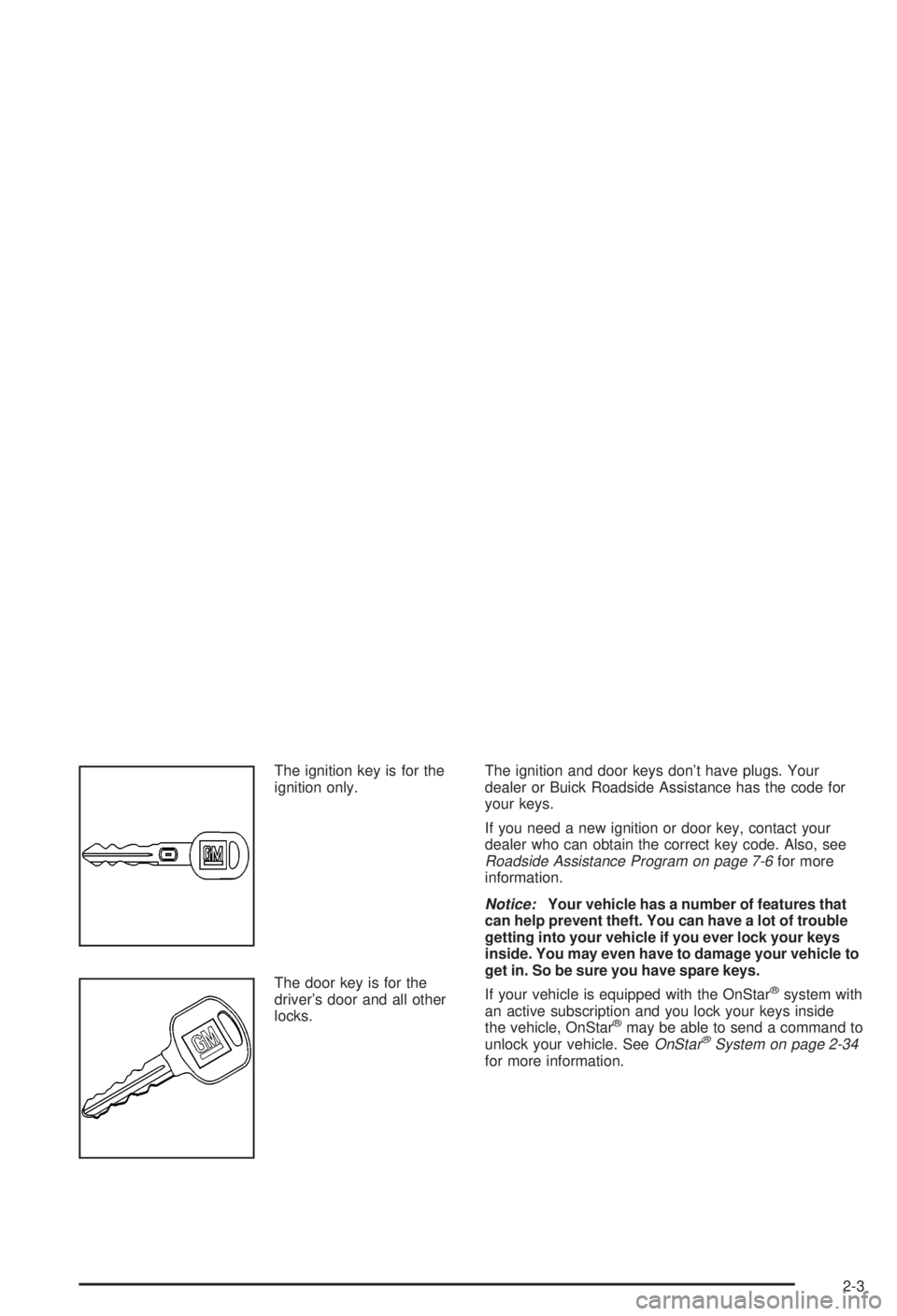
The ignition key is for the
ignition only.
The door key is for the
driver's door and all other
locks.The ignition and door keys don't have plugs. Your
dealer or Buick Roadside Assistance has the code for
your keys.
If you need a new ignition or door key, contact your
dealer who can obtain the correct key code. Also, see
Roadside Assistance Program on page 7-6for more
information.
Notice:Your vehicle has a number of features that
can help prevent theft. You can have a lot of trouble
getting into your vehicle if you ever lock your keys
inside. You may even have to damage your vehicle to
get in. So be sure you have spare keys.
If your vehicle is equipped with the OnStar
žsystem with
an active subscription and you lock your keys inside
the vehicle, OnStar
žmay be able to send a command to
unlock your vehicle. SeeOnStaržSystem on page 2-34for more information.
2-3
Page 75 of 344
Remote Keyless Entry System
Operation
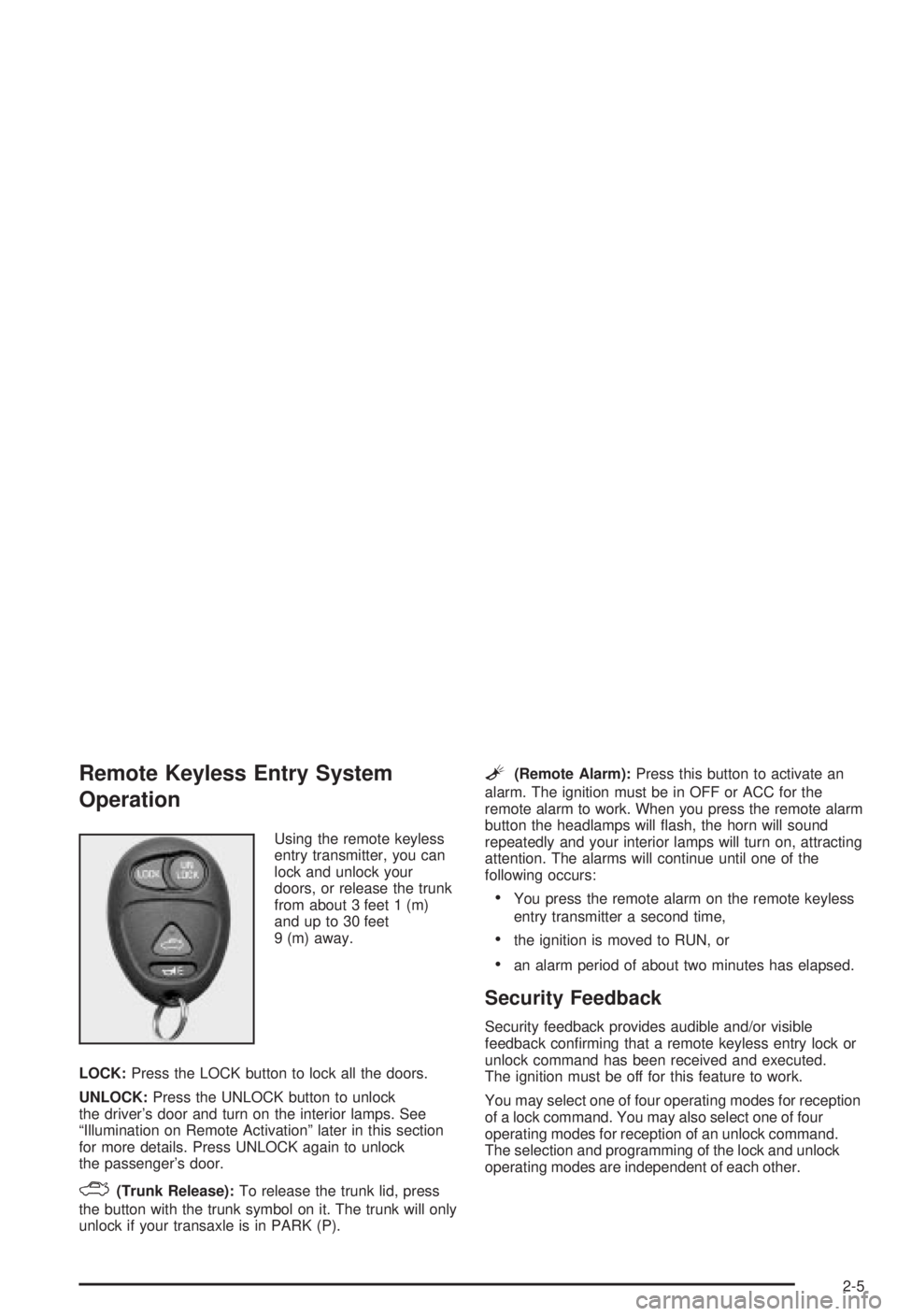
Using the remote keyless
entry transmitter, you can
lock and unlock your
doors, or release the trunk
from about 3 feet 1 (m)
and up to 30 feet
9 (m) away.
LOCK:Press the LOCK button to lock all the doors.
UNLOCK:Press the UNLOCK button to unlock
the driver's door and turn on the interior lamps. See
ªIllumination on Remote Activationº later in this section
for more details. Press UNLOCK again to unlock
the passenger's door.
F(Trunk Release):To release the trunk lid, press
the button with the trunk symbol on it. The trunk will only
unlock if your transaxle is in PARK (P).
L(Remote Alarm):Press this button to activate an
alarm. The ignition must be in OFF or ACC for the
remote alarm to work. When you press the remote alarm
button the headlamps will ¯ash, the horn will sound
repeatedly and your interior lamps will turn on, attracting
attention. The alarms will continue until one of the
following occurs:
·You press the remote alarm on the remote keyless
entry transmitter a second time,
·the ignition is moved to RUN, or
·an alarm period of about two minutes has elapsed.
Security Feedback
Security feedback provides audible and/or visible
feedback con®rming that a remote keyless entry lock or
unlock command has been received and executed.
The ignition must be off for this feature to work.
You may select one of four operating modes for reception
of a lock command. You may also select one of four
operating modes for reception of an unlock command.
The selection and programming of the lock and unlock
operating modes are independent of each other.
2-5
Page 76 of 344
Programmable Modes
Your vehicle can be programmed to one of the following
modes.
Mode 1:No Veri®cation
Mode 2:Horn Chirp only
Mode 3:Headlamps Flash only
Mode 4:Horn Chirp and Headlamps Flash
The vehicle was originally programmed to Mode 3. The
mode may have been changed since then. To
determine the current mode, or to change the mode, do
the following:
1. Close all doors and turn the ignition key to RUN.
2. Press and hold the power door lock switch in
the lock position.
3. While holding the door lock switch in the lock
position, press and release the remote keyless entry
transmitter LOCK button. This will start the
customization mode. While in the customizationmode, the feature will sound the number of chimes
corresponding to the current lock mode. If you
do not wish to change the current mode, you can
either exit the programming mode by following
the instructions listed here or program the
next feature available on your vehicle.
4. Each additional press of the remote keyless entry
transmitter LOCK button will cause your vehicle to
advance the lock mode by one, starting from
the current lock mode.
5. If cycled beyond Mode 4, the vehicle will enter
Mode 1. When the door lock switch is released,
the vehicle will remain in the most recent lock mode.
The mode you selected is now set. You can either exit
the programming mode by following the previous
instructions or program the next feature available on
your vehicle.
Disconnecting the vehicle's battery for up to a year will
not change the programmed mode for the lock and
unlock security feedback features.
2-6
Page 77 of 344
Delayed Locking
Delayed locking allows the doors to be locked while the
passengers are exiting the vehicle. This feature also
allows a brief time period for you to re-enter the vehicle
after the doors have been closed. Delayed locking is
user programmable for enabling or disabling the feature.
Delayed locking is activated when a door lock switch
is pressed while the key is not in the vehicle's ignition,
and a door is open. The door lock switch may be
either the lock switch on the door or on the remote
keyless entry transmitter. See ªRemote Keyless Entry
System Operationº earlier in this section for more
details. The doors do not lock when the lock switch is
pressed, but instead, three chimes are heard. These
chimes indicate that the delayed locking function
has been activated.
You have three actions possible once delayed locking is
activated:
·Cancel the delayed locking by pressing the unlock
switch or by fully inserting the key in the ignition.
·Override the delayed locking feature and lock the
doors immediately by pressing the lock switch a
second time.
·Let the delayed locking feature complete the locking
of the vehicle.If you wish to let the delayed locking feature complete
the locking of the vehicle, no additional action is
required. The delayed locking feature will lock the doors
automatically after all the doors have been closed for
a period of ®ve seconds. During this ®ve second period,
any door may be reopened, at which time the three
possible actions shown above are again available.
You may also customize your vehicle to activate the
delayed locking feature as described previously, or you
may choose to completely disable the feature at all
times. If disabled, the power door locks will activate
immediately when a power door lock switch is pressed.
The enabled/disabled state of the delayed locking
feature will be toggled when you perform the following
sequence:
1. Close the doors.
2. Move the ignition key to the RUN position.
3. Apply your regular brakes.
4. Press and hold the power door unlock switch. While
holding the door unlock switch, move the shift lever
out of and back into PARK (P).
2-7
Page 80 of 344
Doors and Locks
Door Locks
{CAUTION:
Unlocked doors can be dangerous.
·Passengers Ð especially children Ð can
easily open the doors and fall out of a
moving vehicle. When a door is locked, the
handle won't open it. You increase the
chance of being thrown out of the vehicle
in a crash if the doors aren't locked. So,
wear safety belts properly and lock the
doors whenever you drive.
·Young children who get into unlocked
vehicles may be unable to get out. A child
can be overcome by extreme heat and can
suffer permanent injuries or even death
from heat stroke. Always lock your vehicle
whenever you leave it.
·Outsiders can easily enter through an
unlocked door when you slow down or
stop your vehicle. Locking your doors can
help prevent this from happening.There are several ways to lock and unlock your vehicle.
From the outside, use your door key or remote
keyless entry transmitter.
From the inside use the manual or power door locks.
To manually unlock the driver's door from the outside,
insert the key and turn it toward the front of the vehicle.
To manually lock the driver's door from the outside,
insert the key and turn it toward the rear of the vehicle.
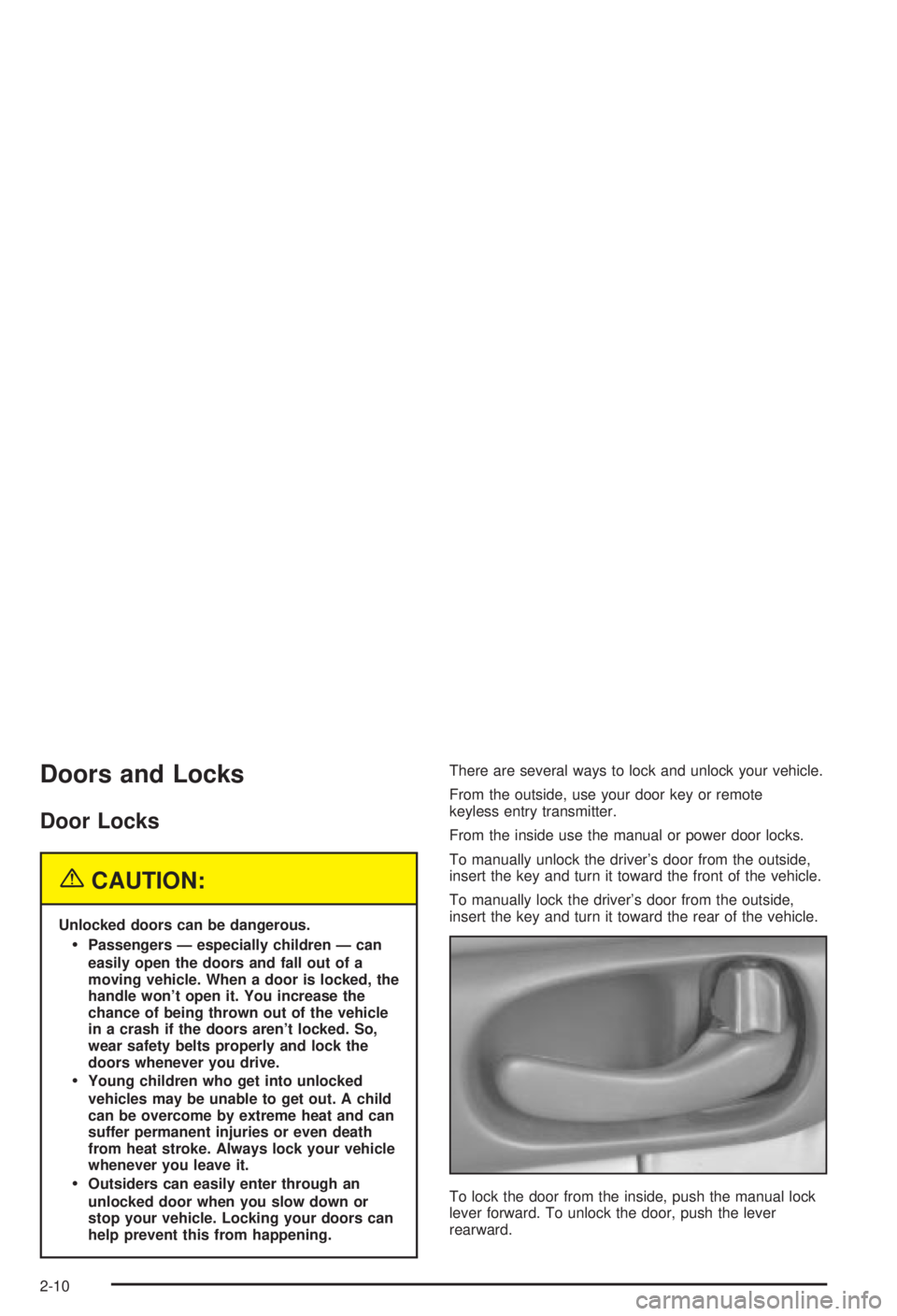
To lock the door from the inside, push the manual lock
lever forward. To unlock the door, push the lever
rearward.
2-10