battery BUICK CENTURY 2003 Owner's Guide
[x] Cancel search | Manufacturer: BUICK, Model Year: 2003, Model line: CENTURY, Model: BUICK CENTURY 2003Pages: 344, PDF Size: 2.57 MB
Page 246 of 344
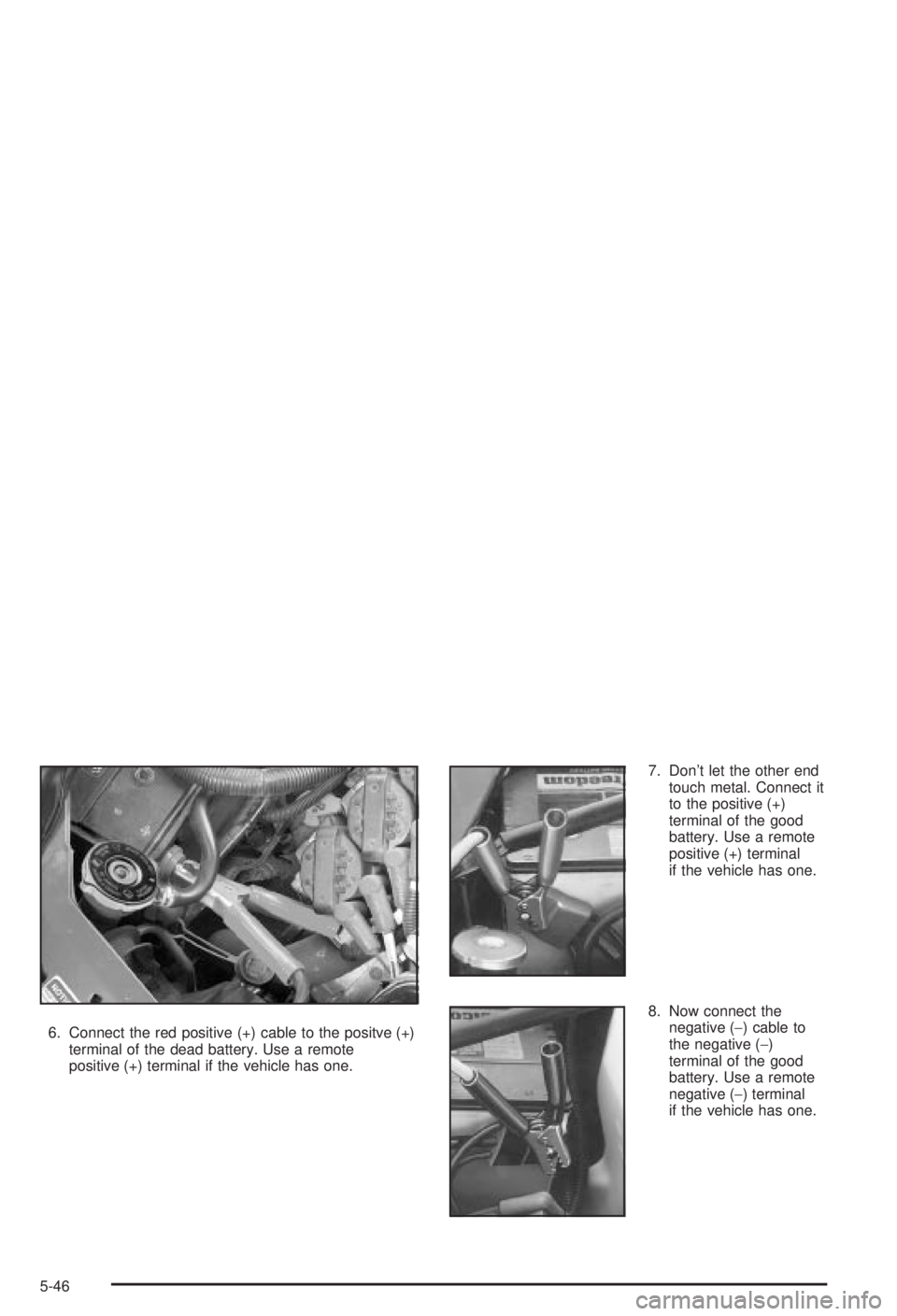
6. Connect the red positive (+) cable to the positve (+)
terminal of the dead battery. Use a remote
positive (+) terminal if the vehicle has one.7. Don't let the other end
touch metal. Connect it
to the positive (+)
terminal of the good
battery. Use a remote
positive (+) terminal
if the vehicle has one.
8. Now connect the
negative (-) cable to
the negative (-)
terminal of the good
battery. Use a remote
negative (-) terminal
if the vehicle has one.
5-46
Page 247 of 344
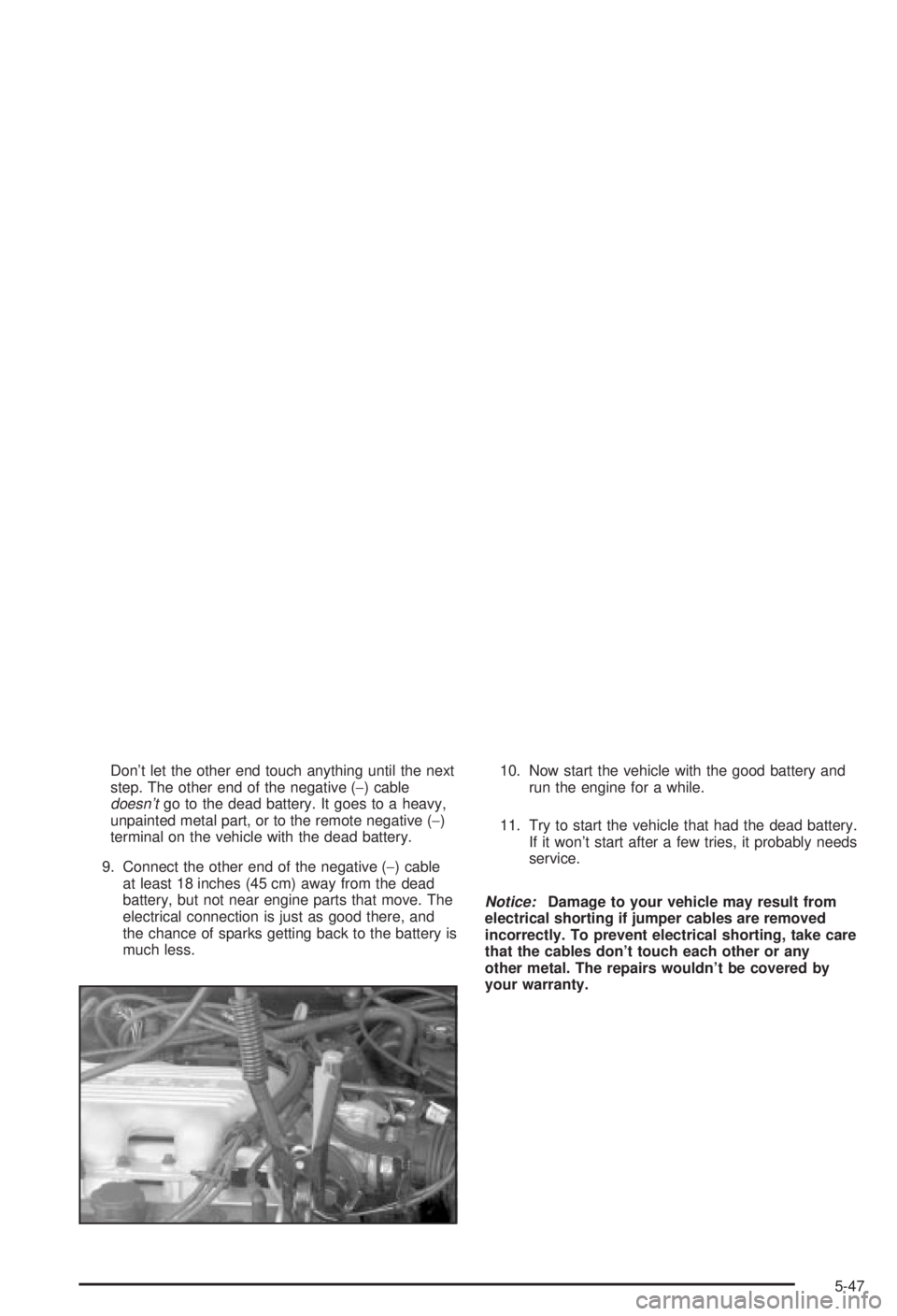
Don't let the other end touch anything until the next
step. The other end of the negative (-) cable
doesn'tgo to the dead battery. It goes to a heavy,
unpainted metal part, or to the remote negative (-)
terminal on the vehicle with the dead battery.
9. Connect the other end of the negative (-) cable
at least 18 inches (45 cm) away from the dead
battery, but not near engine parts that move. The
electrical connection is just as good there, and
the chance of sparks getting back to the battery is
much less.10. Now start the vehicle with the good battery and
run the engine for a while.
11. Try to start the vehicle that had the dead battery.
If it won't start after a few tries, it probably needs
service.
Notice:Damage to your vehicle may result from
electrical shorting if jumper cables are removed
incorrectly. To prevent electrical shorting, take care
that the cables don't touch each other or any
other metal. The repairs wouldn't be covered by
your warranty.
5-47
Page 248 of 344
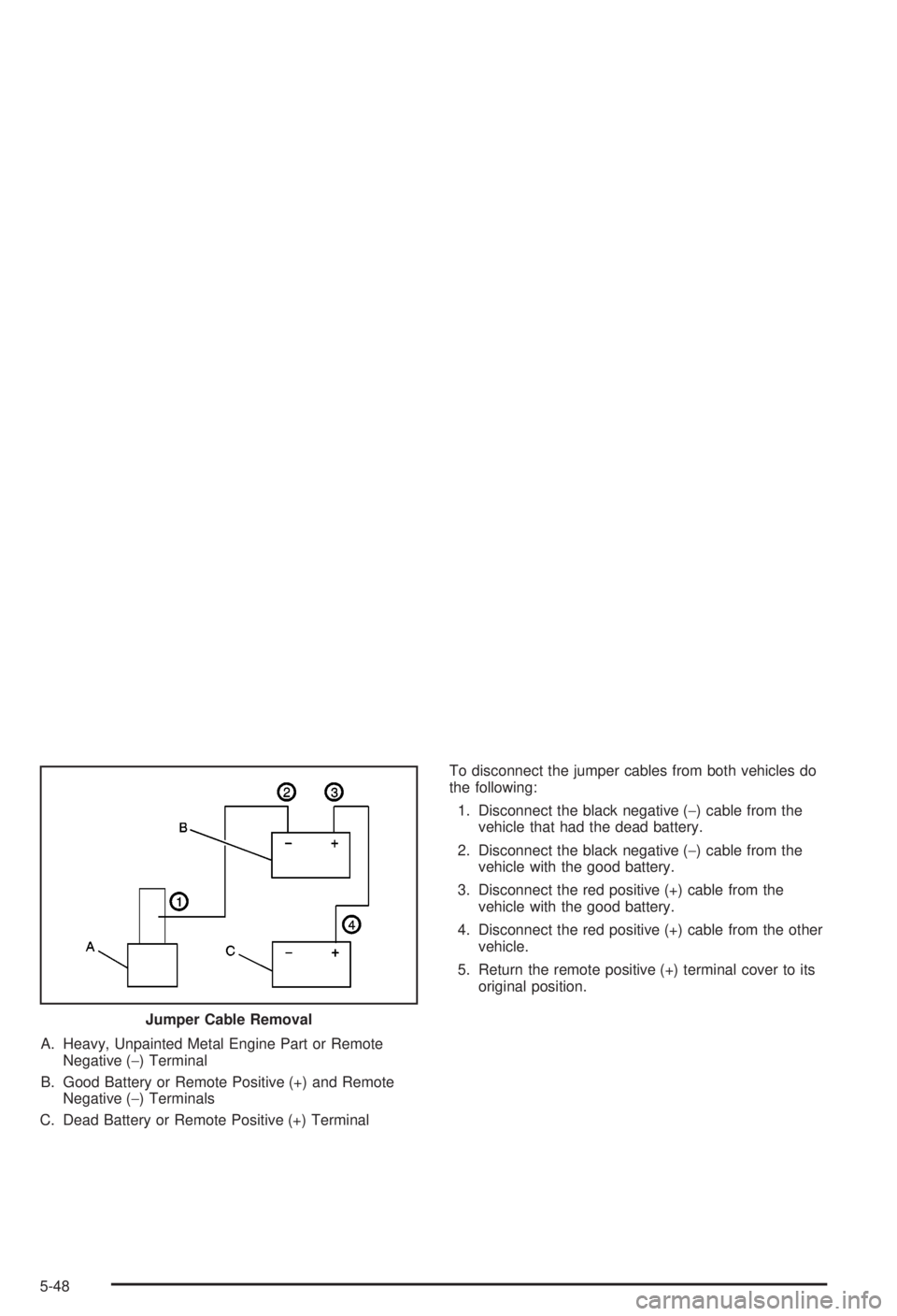
A. Heavy, Unpainted Metal Engine Part or Remote
Negative (-) Terminal
B. Good Battery or Remote Positive (+) and Remote
Negative (-) Terminals
C. Dead Battery or Remote Positive (+) TerminalTo disconnect the jumper cables from both vehicles do
the following:
1. Disconnect the black negative (-) cable from the
vehicle that had the dead battery.
2. Disconnect the black negative (-) cable from the
vehicle with the good battery.
3. Disconnect the red positive (+) cable from the
vehicle with the good battery.
4. Disconnect the red positive (+) cable from the other
vehicle.
5. Return the remote positive (+) terminal cover to its
original position.
Jumper Cable Removal
5-48
Page 259 of 344
The tire in¯ation monitor system detects differences in tire
rotation speeds that are caused by changes in tire
pressure. The system can alert you about a low tire ± but
it doesn't replace normal tire maintenance. See
Tires on
page 5-57.
When the LOW TIRE light comes on, you should stop
as soon as you can and check all your tires for damage.
(If a tire is ¯at, see
If a Tire Goes Flat on page 5-66.)
Also check the tire pressure in all four tires as soon as
you can. See
In¯ation -- Tire Pressure on page 5-57.
The LOW TIRE light will also be displayed (while
the ignition is on) until you reset (calibrate) the system.
Don't reset the tire in¯ation monitor system without
®rst correcting the cause of the problem and checking
and adjusting the pressure in all four tires. If you
reset the system when the tire pressures are incorrect,
the system will not work properly and may not alert
you when a tire is low.
Any time you adjust a tire's pressure, rotate your tires,
or have one or more tires repaired or replaced, you'll
need to reset (calibrate) the tire in¯ation monitor system.
You'll also need to reset the system whenever you
buy new tires and whenever the vehicle's battery has
been disconnected.To reset (calibrate) the system:
1. Turn the ignition to RUN.
2. Locate the red RESET button inside of your
instrument panel fuse block.
The fuse block is located under the cover labeled
FUSES, which is at the end of the instrument panel
on the passenger's side of the vehicle. The
RESET button is the ®rst button in the top row of
the fuse block.
3. Press and hold the RESET button for about ®ve
seconds.
The LOW TIRE light will come on and ¯ash three
times. Then it will go off. If the light doesn't go
off, see your dealer for service.
The system completes the calibration process during
driving.
The system normally takes 15 to 20 minutes of driving
in each of three speed ranges to ªlearnº tire pressures.
The speed ranges are 15 to 40 mph (25 to 65 km/h),
40 to 65 mph (65 to 105 km/h) and above 65 mph
(105 km/h). When learning is complete, the system will
alert you after two to eight minutes if a tire is 12 psi
(83 kPa) different from the other three tires. Detection
thresholds may be higher and detection times may
be longer on rough roads, curves and at high speeds.
The system is not capable of detection at speeds greater
than 70 mph (110 km/h).
5-59
Page 330 of 344
B
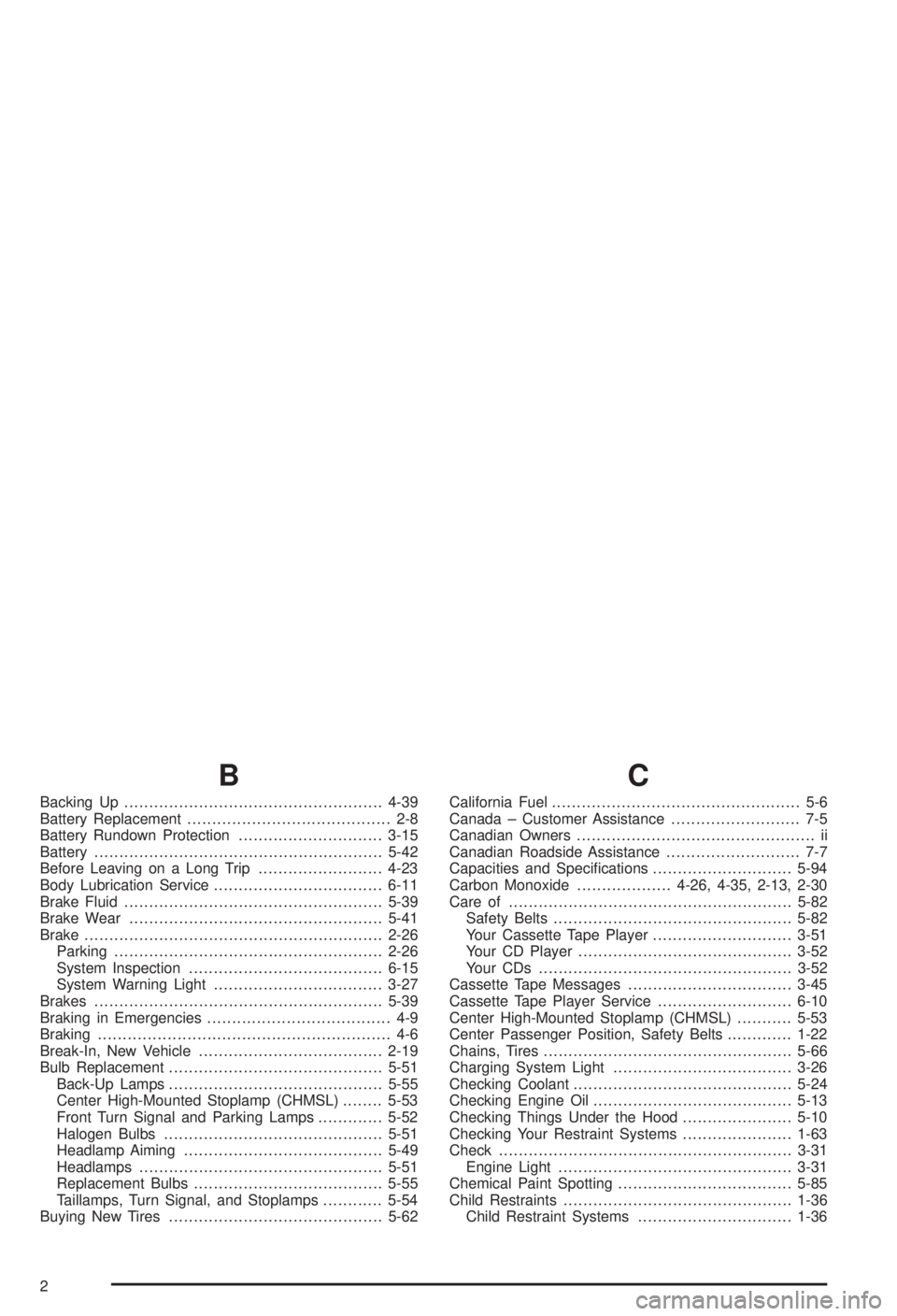
Backing Up....................................................4-39
Battery Replacement......................................... 2-8
Battery Rundown Protection.............................3-15
Battery..........................................................5-42
Before Leaving on a Long Trip.........................4-23
Body Lubrication Service..................................6-11
Brake Fluid....................................................5-39
Brake Wear...................................................5-41
Brake............................................................2-26
Parking......................................................2-26
System Inspection.......................................6-15
System Warning Light..................................3-27
Brakes..........................................................5-39
Braking in Emergencies..................................... 4-9
Braking........................................................... 4-6
Break-In, New Vehicle.....................................2-19
Bulb Replacement...........................................5-51
Back-Up Lamps...........................................5-55
Center High-Mounted Stoplamp (CHMSL)........5-53
Front Turn Signal and Parking Lamps.............5-52
Halogen Bulbs............................................5-51
Headlamp Aiming........................................5-49
Headlamps.................................................5-51
Replacement Bulbs......................................5-55
Taillamps, Turn Signal, and Stoplamps............5-54
Buying New Tires...........................................5-62
C
California Fuel.................................................. 5-6
Canada ± Customer Assistance.......................... 7-5
Canadian Owners................................................ ii
Canadian Roadside Assistance........................... 7-7
Capacities and Speci®cations............................5-94
Carbon Monoxide...................4-26, 4-35, 2-13, 2-30
Care of.........................................................5-82
Safety Belts................................................5-82
Your Cassette Tape Player............................3-51
Your CD Player...........................................3-52
Your CDs ...................................................3-52
Cassette Tape Messages.................................3-45
Cassette Tape Player Service...........................6-10
Center High-Mounted Stoplamp (CHMSL)...........5-53
Center Passenger Position, Safety Belts.............1-22
Chains, Tires..................................................5-66
Charging System Light....................................3-26
Checking Coolant............................................5-24
Checking Engine Oil........................................5-13
Checking Things Under the Hood......................5-10
Checking Your Restraint Systems......................1-63
Check...........................................................3-31
Engine Light...............................................3-31
Chemical Paint Spotting...................................5-85
Child Restraints..............................................1-36
Child Restraint Systems...............................1-36
2
Page 333 of 344
E
Electrical System............................................5-88
Add-On Equipment......................................5-88
Fuses and Circuit Breakers...........................5-89
Headlamp Wiring.........................................5-88
Power Windows and Other Power Options......5-88
Windshield Wiper Fuses...............................5-88
Emergency Trunk Release Handle.....................2-14
Emissions Inspection and Maintenance
Programs...................................................3-33
Engine Coolant Level Check.............................6-10
Engine Cooling When Trailer Towing..................4-41
Engine Oil Additives........................................5-16
Engine Oil Level Check...................................6-10
Engine Oil Scheduled Maintenance..................... 6-5
Engine..........................................................5-18
Air Cleaner/Filter.........................................5-18
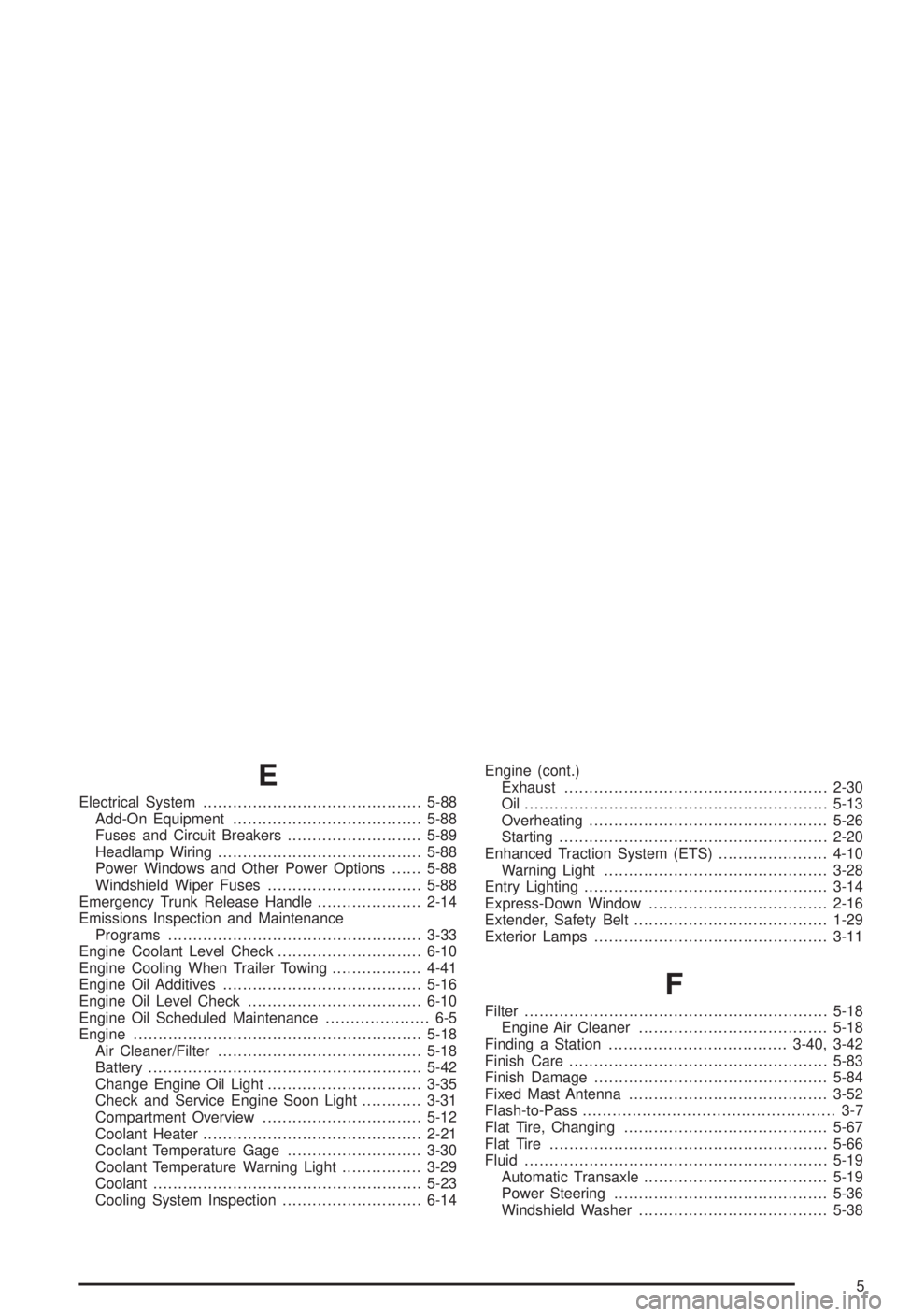
Battery.......................................................5-42
Change Engine Oil Light...............................3-35
Check and Service Engine Soon Light............3-31
Compartment Overview................................5-12
Coolant Heater............................................2-21
Coolant Temperature Gage...........................3-30
Coolant Temperature Warning Light................3-29
Coolant......................................................5-23
Cooling System Inspection............................6-14Engine (cont.)
Exhaust.....................................................2-30
Oil .............................................................5-13
Overheating................................................5-26
Starting......................................................2-20
Enhanced Traction System (ETS)......................4-10
Warning Light.............................................3-28
Entry Lighting.................................................3-14
Express-Down Window....................................2-16
Extender, Safety Belt.......................................1-29
Exterior Lamps...............................................3-11
F
Filter.............................................................5-18
Engine Air Cleaner......................................5-18
Finding a Station....................................3-40, 3-42
Finish Care....................................................5-83
Finish Damage...............................................5-84
Fixed Mast Antenna........................................3-52
Flash-to-Pass................................................... 3-7
Flat Tire, Changing.........................................5-67
Flat Tire........................................................5-66
Fluid.............................................................5-19
Automatic Transaxle.....................................5-19
Power Steering...........................................5-36
Windshield Washer......................................5-38
5