instrument panel BUICK LACROSSE 2006 Owner's Guide
[x] Cancel search | Manufacturer: BUICK, Model Year: 2006, Model line: LACROSSE, Model: BUICK LACROSSE 2006Pages: 444, PDF Size: 2.66 MB
Page 149 of 444
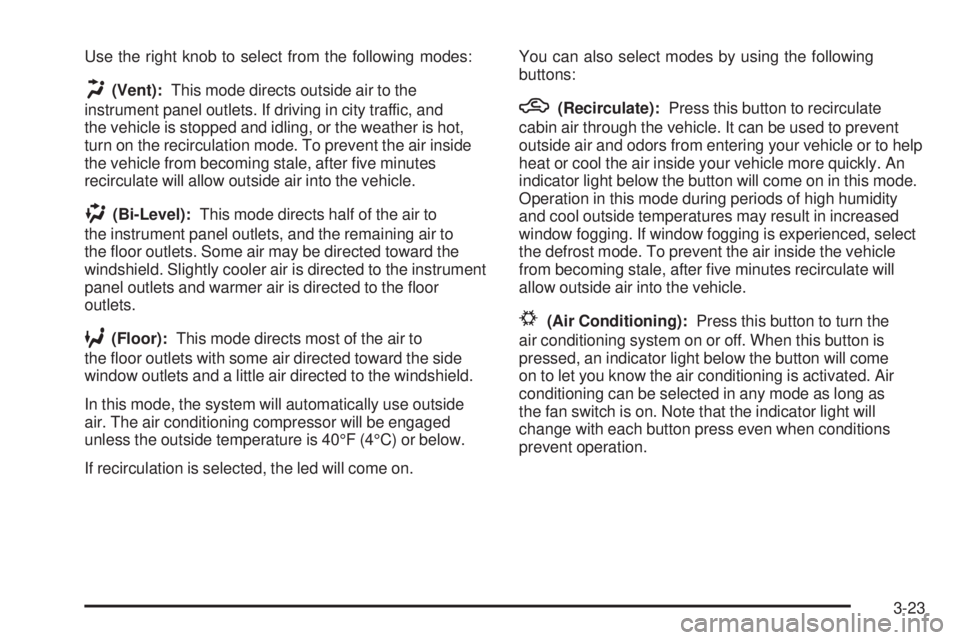
Use the right knob to select from the following modes:
H(Vent):This mode directs outside air to the
instrument panel outlets. If driving in city traffic, and
the vehicle is stopped and idling, or the weather is hot,
turn on the recirculation mode. To prevent the air inside
the vehicle from becoming stale, after ve minutes
recirculate will allow outside air into the vehicle.
)(Bi-Level):This mode directs half of the air to
the instrument panel outlets, and the remaining air to
the oor outlets. Some air may be directed toward the
windshield. Slightly cooler air is directed to the instrument
panel outlets and warmer air is directed to the oor
outlets.
6(Floor):This mode directs most of the air to
the oor outlets with some air directed toward the side
window outlets and a little air directed to the windshield.
In this mode, the system will automatically use outside
air. The air conditioning compressor will be engaged
unless the outside temperature is 40°F (4°C) or below.
If recirculation is selected, the led will come on.You can also select modes by using the following
buttons:
h(Recirculate):Press this button to recirculate
cabin air through the vehicle. It can be used to prevent
outside air and odors from entering your vehicle or to help
heat or cool the air inside your vehicle more quickly. An
indicator light below the button will come on in this mode.
Operation in this mode during periods of high humidity
and cool outside temperatures may result in increased
window fogging. If window fogging is experienced, select
the defrost mode. To prevent the air inside the vehicle
from becoming stale, after ve minutes recirculate will
allow outside air into the vehicle.
#(Air Conditioning):Press this button to turn the
air conditioning system on or off. When this button is
pressed, an indicator light below the button will come
on to let you know the air conditioning is activated. Air
conditioning can be selected in any mode as long as
the fan switch is on. Note that the indicator light will
change with each button press even when conditions
prevent operation.
3-23
Page 152 of 444

For the automatic system to function, the temperature
must be set between 61°F (15°C) and 89°F (32°C).
1. Adjust the temperature to a comfortable setting.
2. Press the PASS button or the up or down arrows
on the passenger side to turn the passenger
temperature set on and off. When turned on, the
passenger temperature will be the same as the driver
setting. Press the up or down arrow on passenger
side to adjust the passenger temperature setting.
When the passenger temperature set is off, the
passenger display will be off and the driver’s
set temperature will be for the driver and passenger.
In cold weather, the system will start at reduced
fan speeds to avoid blowing cold air into the vehicle
until warmer air is available. The system will start
out blowing air at the oor but may change modes
automatically as the vehicle warms up to maintain
the chosen temperature setting. The length of time
needed for warm up will depend on the outside
temperature and the length of time that has elapsed
since the vehicle was last driven.
3. Wait for the system to regulate. This may take from
10 to 30 minutes. Then, adjust the temperature, if
necessary.
Do not cover the solar sensor located in the center
of the instrument panel, near the windshield. For
more information on the solar sensor, see “Sensors”
later in this section.4. Press OFF to turn the climate control system off.
Only the rear defog and heated seats will function.
Press AUTO or any other button except the
heated seats or rear defog to turn the climate
control system back on.
This control has 4 types of operation.
Automatic can set/change the temperature only.
AUTO and temperature only will appear on the
display.
Semi-Automatic Fan can set/change the
temperature and mode. The fan operates
automatically. The temperature and mode will
appear on the display.
Semi-Automatic Mode can set/change the
temperature and fan speed. The mode operates
automatically. The fan speed and temperature will
appear on the display.
Manual can set/change the temperature, mode and
fan. The fan speed, temperature and mode will
appear on the display.
If your vehicle has the remote start feature, the
climate control system will automatically regulate the
inside temperature of your vehicle when the remote start
system is activated. Normal operation and the last setting
of the climate control system will return after the key is
turned on.
3-26
Page 153 of 444
Manual Operation
During daylight hours, the instrument panel brightness
control might need to be adjusted to the highest setting,
in order to see the indicator lights for the various
climate control settings.
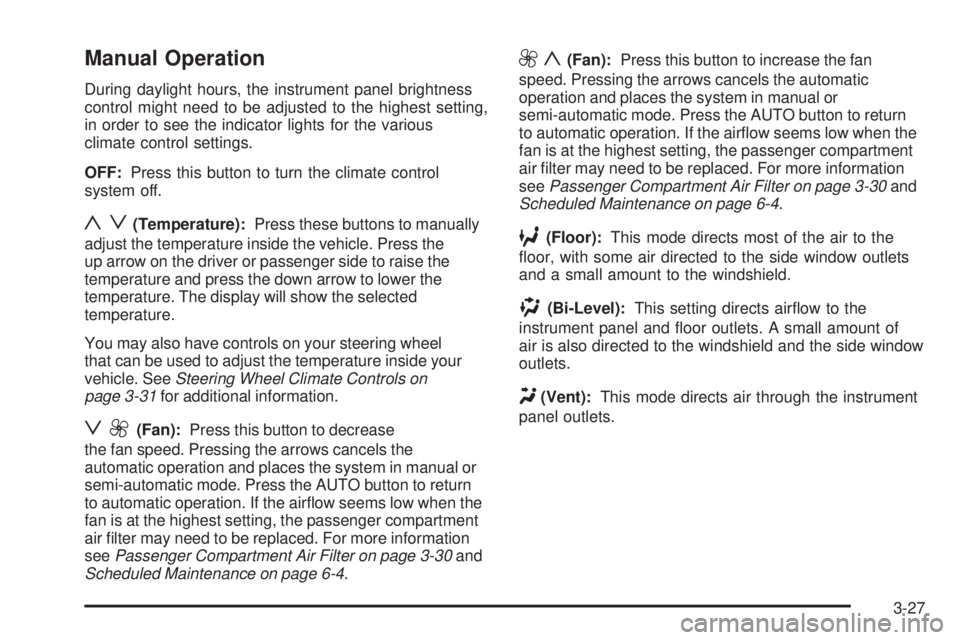
OFF:Press this button to turn the climate control
system off.
yz(Temperature):Press these buttons to manually
adjust the temperature inside the vehicle. Press the
up arrow on the driver or passenger side to raise the
temperature and press the down arrow to lower the
temperature. The display will show the selected
temperature.
You may also have controls on your steering wheel
that can be used to adjust the temperature inside your
vehicle. SeeSteering Wheel Climate Controls on
page 3-31for additional information.
z9(Fan):Press this button to decrease
the fan speed. Pressing the arrows cancels the
automatic operation and places the system in manual or
semi-automatic mode. Press the AUTO button to return
to automatic operation. If the airow seems low when the
fan is at the highest setting, the passenger compartment
air lter may need to be replaced. For more information
seePassenger Compartment Air Filter on page 3-30and
Scheduled Maintenance on page 6-4.
9y(Fan):Press this button to increase the fan
speed. Pressing the arrows cancels the automatic
operation and places the system in manual or
semi-automatic mode. Press the AUTO button to return
to automatic operation. If the airow seems low when the
fan is at the highest setting, the passenger compartment
air lter may need to be replaced. For more information
seePassenger Compartment Air Filter on page 3-30and
Scheduled Maintenance on page 6-4.
6(Floor):This mode directs most of the air to the
oor, with some air directed to the side window outlets
and a small amount to the windshield.
)(Bi-Level):This setting directs airow to the
instrument panel and oor outlets. A small amount of
air is also directed to the windshield and the side window
outlets.
Y(Vent):This mode directs air through the instrument
panel outlets.
3-27
Page 155 of 444
Sensors
The solar sensor on the vehicle monitors the solar
heat and the air inside of the vehicle. This information is
used to maintain the selected temperature by initiating
needed adjustments to the temperature, the fan speed,
and the air delivery system. The system may also supply
cooler air to the side of the vehicle facing the sun. The
recirculation mode will also be activated, as necessary.
Do not cover the solar sensor located in the center of the
instrument panel, near the windshield, or the system will
not work properly.
Rear Window Defogger
The rear window defogger uses a warming grid to
remove fog or frost from the rear window. The rear
window defogger will only work when the engine
is running.
=(Rear Window Defogger):Press this button to
turn the rear window defogger on and off. Be sure
to clear as much snow from the rear window as possible.
The rear window defogger will turn off approximately
20 minutes after the button is pressed. If turned on again,
the defogger will only run for approximately 20 minutes
before turning off. The defogger can also be turned off by
pressing the button again or by turning off the engine.
Do not drive the vehicle until all the windows are clear.Notice:Do not use a razor blade or sharp object to
clear the inside rear window. Do not adhere anything
to the defogger grid lines in the rear glass. These
actions may damage the rear defogger. Repairs
would not be covered by your warranty.
Outlet Adjustment
Use the thumbwheels located between the center
outlets to open and close the outlets. Move the lever in
the center of each air outlet to adjust the direction of
the airow.
Operation Tips
Clear away any ice, snow or leaves from the air inlets
at the base of the windshield that may block the ow
of air into the vehicle.
Use of non-GM approved hood deectors may
adversely affect the performance of the system.
Keep the path under the front seats clear of objects
to help circulate the air inside of the vehicle more
effectively.
If the vehicle has a passenger compartment air lter
and the airow seems low when the fan is at the
highest setting it may need to be replaced. For more
information, seePassenger Compartment Air Filter
on page 3-30.
3-29
Page 158 of 444
Instrument Panel Cluster
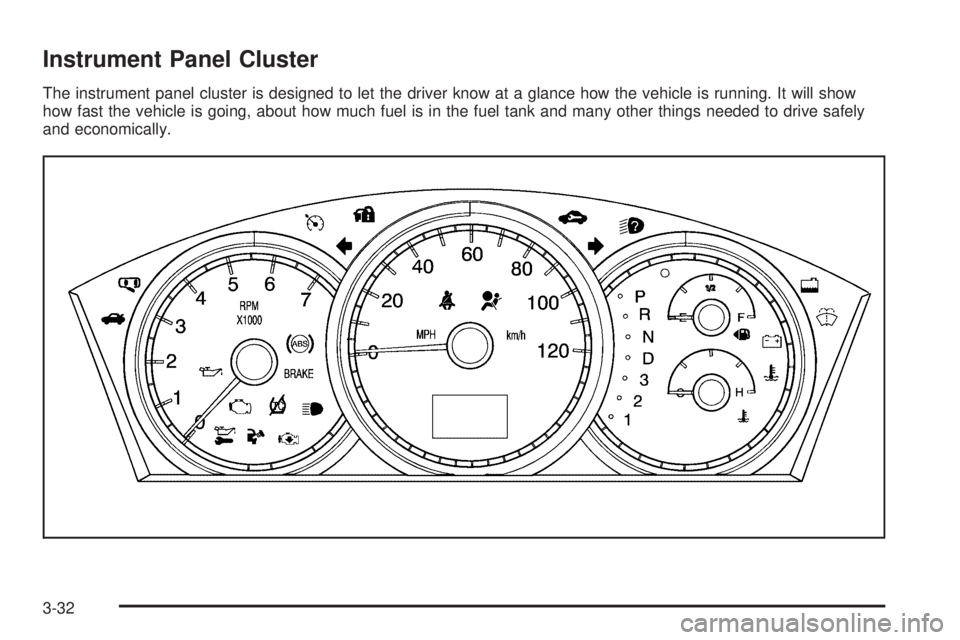
The instrument panel cluster is designed to let the driver know at a glance how the vehicle is running. It will show
how fast the vehicle is going, about how much fuel is in the fuel tank and many other things needed to drive safely
and economically.
3-32
Page 159 of 444
Speedometer and Odometer
Your speedometer lets you see your speed in both
miles per hour (mph) and kilometers per hour (km/h).
Your vehicle’s odometer works together with the
driver information center. You can set a Trip A and
Trip B odometer. See “Trip Information” underDIC
Operation and Displays on page 3-51.
The odometer mileage can be checked without the
vehicle running. Simply press the odometer/trip switch
on the instrument panel cluster.
If your vehicle ever needs a new odometer installed, the
new one will be set to the correct mileage total of the old
odometer.
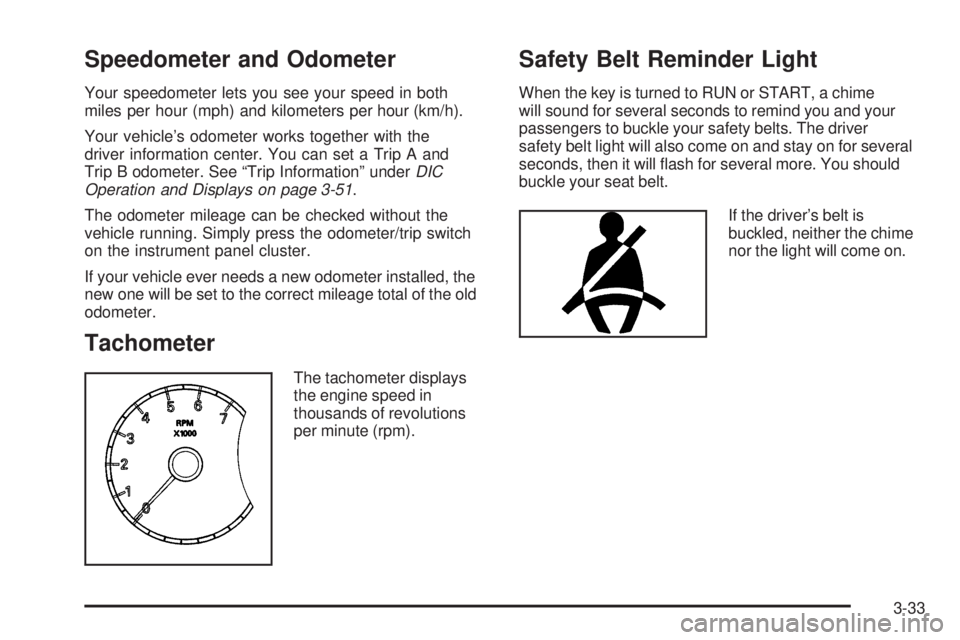
Tachometer
The tachometer displays
the engine speed in
thousands of revolutions
per minute (rpm).
Safety Belt Reminder Light
When the key is turned to RUN or START, a chime
will sound for several seconds to remind you and your
passengers to buckle your safety belts. The driver
safety belt light will also come on and stay on for several
seconds, then it will ash for several more. You should
buckle your seat belt.
If the driver’s belt is
buckled, neither the chime
nor the light will come on.
3-33
Page 160 of 444
Passenger Safety Belt
Reminder Light
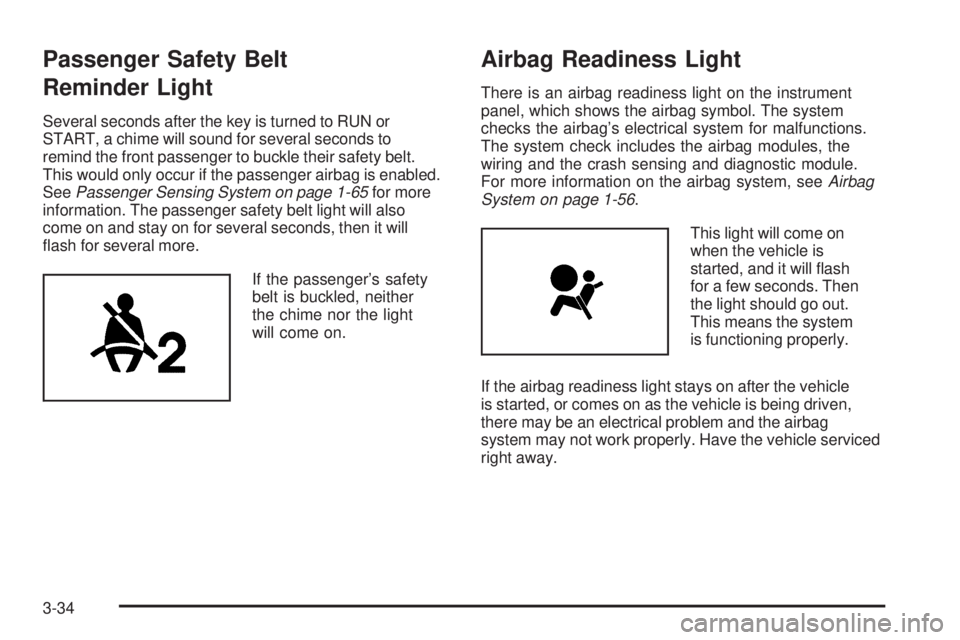
Several seconds after the key is turned to RUN or
START, a chime will sound for several seconds to
remind the front passenger to buckle their safety belt.
This would only occur if the passenger airbag is enabled.
SeePassenger Sensing System on page 1-65for more
information. The passenger safety belt light will also
come on and stay on for several seconds, then it will
ash for several more.
If the passenger’s safety
belt is buckled, neither
the chime nor the light
will come on.
Airbag Readiness Light
There is an airbag readiness light on the instrument
panel, which shows the airbag symbol. The system
checks the airbag’s electrical system for malfunctions.
The system check includes the airbag modules, the
wiring and the crash sensing and diagnostic module.
For more information on the airbag system, seeAirbag
System on page 1-56.
This light will come on
when the vehicle is
started, and it will ash
for a few seconds. Then
the light should go out.
This means the system
is functioning properly.
If the airbag readiness light stays on after the vehicle
is started, or comes on as the vehicle is being driven,
there may be an electrical problem and the airbag
system may not work properly. Have the vehicle serviced
right away.
3-34
Page 161 of 444
{CAUTION:
If the airbag readiness light stays on after you
start your vehicle, it means the airbag system
may not be working properly. The airbags in
your vehicle may not inate in a crash, or they
could even inate without a crash. To help avoid
injury to yourself or others, have your vehicle
serviced right away if the airbag readiness light
stays on after you start your vehicle.
The airbag readiness light should ash for a few seconds
when you turn the ignition key to RUN. If the light does
not come on then, have it xed so it will be ready to warn
you if there is a problem.
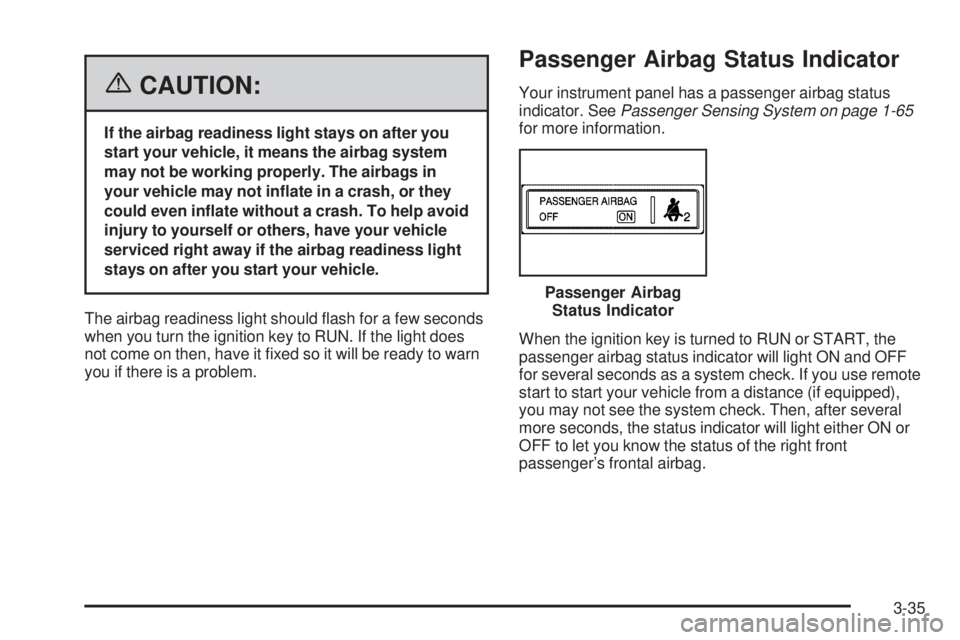
Passenger Airbag Status Indicator
Your instrument panel has a passenger airbag status
indicator. SeePassenger Sensing System on page 1-65
for more information.
When the ignition key is turned to RUN or START, the
passenger airbag status indicator will light ON and OFF
for several seconds as a system check. If you use remote
start to start your vehicle from a distance (if equipped),
you may not see the system check. Then, after several
more seconds, the status indicator will light either ON or
OFF to let you know the status of the right front
passenger’s frontal airbag.Passenger Airbag
Status Indicator
3-35
Page 176 of 444
Driver Information Center (DIC)
Your vehicle may have a Driver Information Center (DIC).
All messages will appear in the DIC display located in the
instrument panel cluster, below the speedometer. The
DIC buttons are located on the center of the instrument
panel, below the center outlets.
The DIC comes on when the ignition is on. After a
short delay, the DIC on the uplevel vehicle will display the
WELCOME DRIVER (1 or 2) if a personalized key 1 or 2
is used, and then the information that was last displayed
before the engine was turned off.
The DIC on the base level vehicle displays the odometer
and trip odometers only.
The DIC on the uplevel vehicle displays the odometer,
trip odometers, fuel economy, trip computer, vehicle
system, and compass display information. It also displays
warning messages if a system problem is detected. In
addition, the DIC on the uplevel vehicle displays phone
numbers that are called using the OnStar
®system, if
equipped. SeeOnStar®System on page 2-38.The outside air temperature automatically appears in
the bottom right corner of the uplevel DIC display when
viewing the trip/odometer screens, fuel screens and
some of the gages screens. If the outside air temperature
is at or below 37°F (3°C), the temperature reading will
toggle between displaying the outside temperature and
the word ICE for two minutes. If there is a problem with
the system that controls the temperature display, the
letters OC (open circuit) or SC (short circuit) will appear
on the display. If this occurs, have the vehicle serviced
by your GM dealer.
The DIC on the uplevel vehicle also allows some
features to be customized or personalized. See
DIC Vehicle Personalization on page 3-75for
more information.
3-50
Page 177 of 444
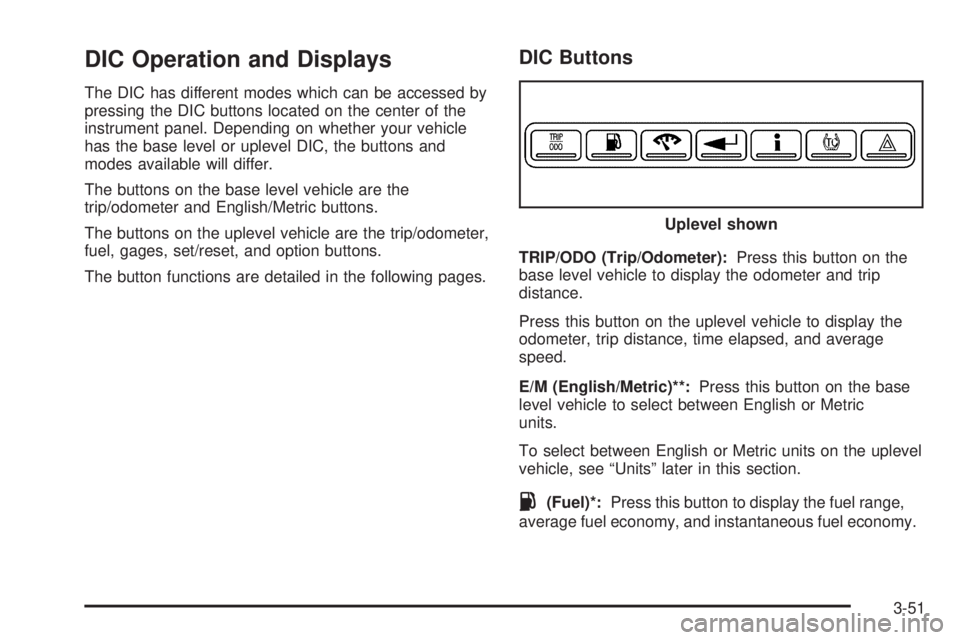
DIC Operation and Displays
The DIC has different modes which can be accessed by
pressing the DIC buttons located on the center of the
instrument panel. Depending on whether your vehicle
has the base level or uplevel DIC, the buttons and
modes available will differ.
The buttons on the base level vehicle are the
trip/odometer and English/Metric buttons.
The buttons on the uplevel vehicle are the trip/odometer,
fuel, gages, set/reset, and option buttons.
The button functions are detailed in the following pages.
DIC Buttons
TRIP/ODO (Trip/Odometer):Press this button on the
base level vehicle to display the odometer and trip
distance.
Press this button on the uplevel vehicle to display the
odometer, trip distance, time elapsed, and average
speed.
E/M (English/Metric)**:Press this button on the base
level vehicle to select between English or Metric
units.
To select between English or Metric units on the uplevel
vehicle, see “Units” later in this section.
.(Fuel)*:Press this button to display the fuel range,
average fuel economy, and instantaneous fuel economy.Uplevel shown
3-51