set clock BUICK LACROSSE 2009 Owner's Manual
[x] Cancel search | Manufacturer: BUICK, Model Year: 2009, Model line: LACROSSE, Model: BUICK LACROSSE 2009Pages: 428
Page 124 of 428
Low Coolant Warning Light............................3-39
Tire Pressure Light.......................................3-39
Malfunction Indicator Lamp.............................3-40
Oil Pressure Light.........................................3-42
Change Engine Oil Light................................3-43
Security Light...............................................3-43
Cruise Control Light......................................3-43
Reduced Engine Power Light.........................3-44
Highbeam On Light.......................................3-44
Headlamps Suggested Light...........................3-44
Low Washer Fluid Warning Light.....................3-45
Door Ajar Light.............................................3-45
Trunk Ajar Light............................................3-45
Service Vehicle Soon Light............................3-45
Fuel Gage...................................................3-46
Low Fuel Warning Light.................................3-47
Check Gas Cap Light....................................3-47Driver Information Center (DIC).......................3-47
DIC Operation and Displays...........................3-48
DIC Compass (Uplevel Only)..........................3-54
DIC Warnings and Messages.........................3-56
DIC Vehicle Personalization............................3-74
Audio System(s).............................................3-82
Setting the Clock..........................................3-82
Radio(s)......................................................3-83
Using an MP3..............................................3-95
XM Radio Messages.....................................3-98
Bluetooth
®...................................................3-99
Theft-Deterrent Feature................................3-110
Audio Steering Wheel Controls......................3-110
Radio Reception.........................................3-112
Backglass Antenna......................................3-113
XM™ Satellite Radio Antenna System............3-113
Chime Level Adjustment...............................3-113
Section 3 Instrument Panel
3-2
Page 138 of 428
Interior Lamps
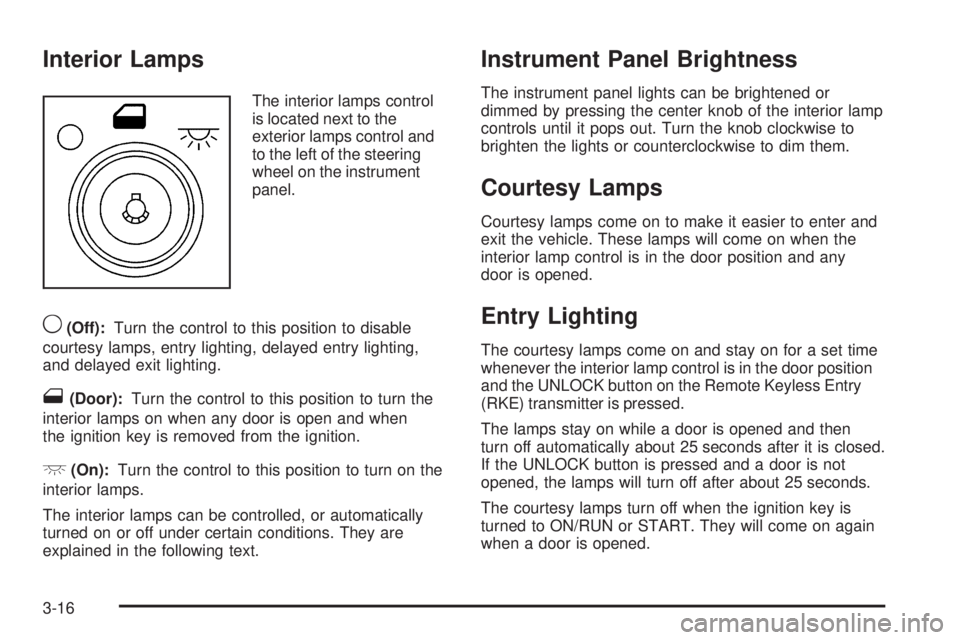
The interior lamps control
is located next to the
exterior lamps control and
to the left of the steering
wheel on the instrument
panel.
9(Off):Turn the control to this position to disable
courtesy lamps, entry lighting, delayed entry lighting,
and delayed exit lighting.
1(Door):Turn the control to this position to turn the
interior lamps on when any door is open and when
the ignition key is removed from the ignition.
+(On):Turn the control to this position to turn on the
interior lamps.
The interior lamps can be controlled, or automatically
turned on or off under certain conditions. They are
explained in the following text.
Instrument Panel Brightness
The instrument panel lights can be brightened or
dimmed by pressing the center knob of the interior lamp
controls until it pops out. Turn the knob clockwise to
brighten the lights or counterclockwise to dim them.
Courtesy Lamps
Courtesy lamps come on to make it easier to enter and
exit the vehicle. These lamps will come on when the
interior lamp control is in the door position and any
door is opened.
Entry Lighting
The courtesy lamps come on and stay on for a set time
whenever the interior lamp control is in the door position
and the UNLOCK button on the Remote Keyless Entry
(RKE) transmitter is pressed.
The lamps stay on while a door is opened and then
turn off automatically about 25 seconds after it is closed.
If the UNLOCK button is pressed and a door is not
opened, the lamps will turn off after about 25 seconds.
The courtesy lamps turn off when the ignition key is
turned to ON/RUN or START. They will come on again
when a door is opened.
3-16
Page 172 of 428
There is also a retroactive trip odometer function that
performs the following for each trip odometer:
If the vehicle’s speed has exceeded 3 mph (5 km/h)
during the current ignition cycle, this function will
set the trip odometer to the distance driven
during the current ignition cycle.
If the vehicle’s speed has not exceeded 3 mph
(5 km/h), this function will set the trip odometer
to the distance driven during the previous ignition
cycle plus the distance driven during the current
ignition cycle.
Press and hold the set/reset button on vehicles with
the uplevel DIC or the trip/odometer button on vehicles
with the base level DIC for three seconds, then release
the button. The retroactive trip odometer value will be set
into the currently displayed trip odometer.
Time Elapsed (Uplevel Only)
Press the trip/odometer button until TIME ELAPSED :00
displays. This mode is like a stopwatch, in that you can
clock the time it takes to get from one point to another.
Each of the elds for the hours, minutes, and seconds
are two numeric digits.Once TIME ELAPSED :00 is displayed, press the
set/reset button on vehicles with the uplevel DIC to start
the timing feature. Press the set/reset button again to
stop it. If you will be starting and stopping your vehicle,
during a trip for instance, the TIME ELAPSED feature will
automatically start timing where it left off when you last
stopped. To reset it, press and hold the set/reset button
for about 1.5 seconds. The display will return to zero.
Press the trip/odometer button to exit from the TIME
ELAPSED display.
Average Speed (Uplevel Only)
Press the trip/odometer button until AVERAGE SPEED
displays. This mode shows the average speed of the
vehicle in miles per hour (mph) or kilometers per hour
(km/h). This average is calculated based on the various
vehicle speed recorded since the last reset of this value.
To reset the value, press the trip/odometer button to
display AVERAGE SPEED, then press and hold the
set/reset button on vehicles with the uplevel DIC.
The display will return to zero.
3-50
Page 204 of 428
Audio System(s)
Determine which radio the vehicle has and read the
following pages to become familiar with its features.
{CAUTION:
Taking your eyes off the road for extended periods
could cause a crash resulting in injury or death to
you or others. Do not give extended attention to
entertainment tasks while driving.
This system provides access to many audio and non
audio listings.
To minimize taking your eyes off the road while driving,
do the following while the vehicle is parked:
Become familiar with the operation and controls of
the audio system.
Set up the tone, speaker adjustments, and preset
radio stations.
For more information, seeDefensive Driving on
page 4-2.Notice:Contact your dealer/retailer before adding
any equipment.
Adding audio or communication equipment could
interfere with the operation of the vehicle’s engine,
radio, or other systems, and could damage them.
Follow federal rules covering mobile radio and
telephone equipment.
Notice:The chime signals related to safety belts,
parking brake, and other functions of your vehicle
operate through the radio/entertainment system.
If that equipment is replaced or additional equipment
is added to your vehicle, the chimes may not
work. Make sure that replacement or additional
equipment is compatible with your vehicle before
installing it. SeeAccessories and Modifications
on page 5-3.
The vehicle has Retained Accessory Power (RAP).
With RAP, the audio system can be played even after
the ignition is turned off. SeeRetained Accessory
Power (RAP) on page 2-22for more information.Setting the Clock
Press and hold H until the correct hour and AM or PM
displays. Press and hold M until the correct minute
displays. The clock can be set with the ignition on or off.
3-82
Page 415 of 428
A
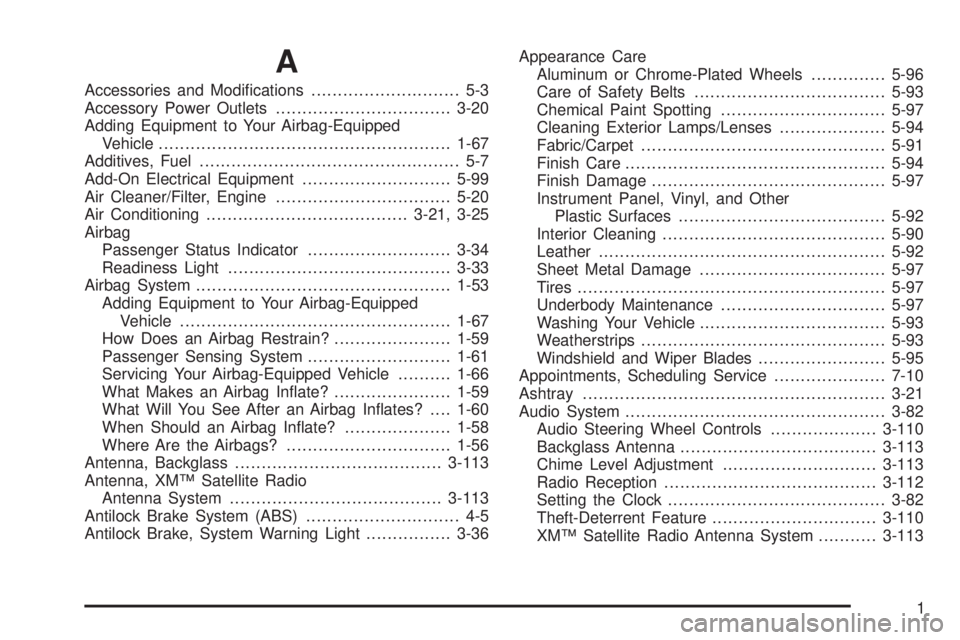
Accessories and Modications............................ 5-3
Accessory Power Outlets.................................3-20
Adding Equipment to Your Airbag-Equipped
Vehicle.......................................................1-67
Additives, Fuel................................................. 5-7
Add-On Electrical Equipment............................5-99
Air Cleaner/Filter, Engine.................................5-20
Air Conditioning......................................3-21, 3-25
Airbag
Passenger Status Indicator...........................3-34
Readiness Light..........................................3-33
Airbag System................................................1-53
Adding Equipment to Your Airbag-Equipped
Vehicle...................................................1-67
How Does an Airbag Restrain?......................1-59
Passenger Sensing System...........................1-61
Servicing Your Airbag-Equipped Vehicle..........1-66
What Makes an Airbag Inate?......................1-59
What Will You See After an Airbag Inates?....1-60
When Should an Airbag Inate?....................1-58
Where Are the Airbags?...............................1-56
Antenna, Backglass.......................................3-113
Antenna, XM™ Satellite Radio
Antenna System........................................3-113
Antilock Brake System (ABS)............................. 4-5
Antilock Brake, System Warning Light................3-36Appearance Care
Aluminum or Chrome-Plated Wheels..............5-96
Care of Safety Belts....................................5-93
Chemical Paint Spotting...............................5-97
Cleaning Exterior Lamps/Lenses....................5-94
Fabric/Carpet..............................................5-91
Finish Care.................................................5-94
Finish Damage............................................5-97
Instrument Panel, Vinyl, and Other
Plastic Surfaces.......................................5-92
Interior Cleaning..........................................5-90
Leather......................................................5-92
Sheet Metal Damage...................................
5-97
Tires..........................................................5-97
Underbody Maintenance...............................5-97
Washing Your Vehicle...................................5-93
Weatherstrips..............................................5-93
Windshield and Wiper Blades........................5-95
Appointments, Scheduling Service.....................7-10
Ashtray.........................................................3-21
Audio System.................................................3-82
Audio Steering Wheel Controls....................3-110
Backglass Antenna.....................................3-113
Chime Level Adjustment.............................3-113
Radio Reception........................................3-112
Setting the Clock.........................................3-82
Theft-Deterrent Feature...............................3-110
XM™ Satellite Radio Antenna System...........3-113
1
Page 417 of 428
Chemical Paint Spotting...................................5-97
Child Restraints
Child Restraint Systems...............................1-37
Infants and Young Children...........................1-33
Lower Anchors and Tethers for Children..........1-41
Older Children.............................................1-29
Securing a Child Restraint in a Rear
Seat Position...........................................1-47
Securing a Child Restraint in the Center
Front Seat Position...................................1-49
Securing a Child Restraint in the Right
Front Seat Position...................................1-50
Where to Put the Restraint...........................1-40
Chime Level Adjustment.................................3-113
Cigarette Lighter.............................................3-21
Cleaning
Aluminum or Chrome-Plated Wheels..............5-96
Exterior Lamps/Lenses.................................5-94
Fabric/Carpet..............................................5-91
Finish Care.................................................5-94
Instrument Panel, Vinyl, and Other
Plastic Surfaces.......................................5-92
Interior.......................................................5-90
Leather......................................................5-92
Tires..........................................................5-97
Underbody Maintenance...............................5-97
Washing Your Vehicle...................................5-93
Weatherstrips..............................................5-93
Windshield and Wiper Blades........................5-95Climate Control System...................................3-21
Air Filter, Passenger Compartment.................3-29
Dual Automatic............................................3-25
Outlet Adjustment........................................3-28
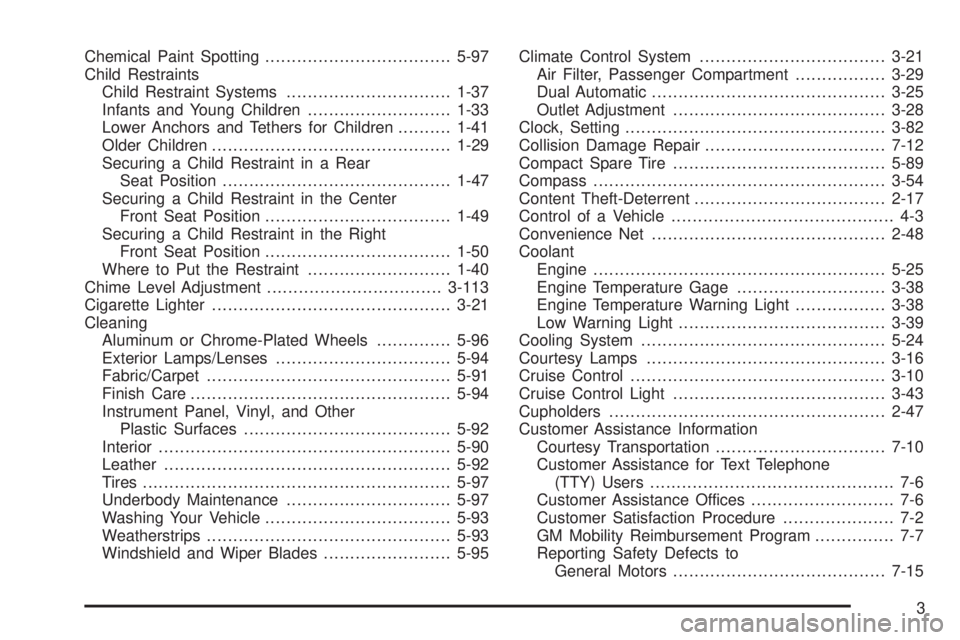
Clock, Setting.................................................3-82
Collision Damage Repair..................................7-12
Compact Spare Tire........................................5-89
Compass.......................................................3-54
Content Theft-Deterrent....................................
2-17
Control of a Vehicle.......................................... 4-3
Convenience Net............................................2-48
Coolant
Engine.......................................................5-25
Engine Temperature Gage............................3-38
Engine Temperature Warning Light.................3-38
Low Warning Light.......................................3-39
Cooling System..............................................5-24
Courtesy Lamps.............................................3-16
Cruise Control................................................3-10
Cruise Control Light........................................3-43
Cupholders....................................................2-47
Customer Assistance Information
Courtesy Transportation................................7-10
Customer Assistance for Text Telephone
(TTY) Users.............................................. 7-6
Customer Assistance Offices........................... 7-6
Customer Satisfaction Procedure..................... 7-2
GM Mobility Reimbursement Program............... 7-7
Reporting Safety Defects to
General Motors........................................7-15
3
Page 424 of 428
Passenger Airbag Status Indicator.....................3-34
Passenger Compartment Air Filter.....................3-29
Passenger Sensing System..............................1-61
Passing.........................................................4-12
PASS-KEY
®III+ Electronic Immobilizer...............2-18
PASS-Key®III Electronic Immobilizer
Operation...................................................2-19
Perchlorate Materials Requirements,
California..................................................... 5-4
Perimeter Lighting...........................................3-18
Phone
Bluetooth
®..................................................3-99
Power
Door Locks.................................................. 2-9
Electrical System.........................................5-99
Lumbar Controls........................................... 1-3
Reduced Engine Light..................................3-44
Retained Accessory.....................................2-22
Seat ............................................................ 1-2
Steering Fluid.............................................5-34
Windows....................................................2-15
Pressure Cap.................................................5-31
Privacy..........................................................7-17
Event Data Recorders..................................7-17
Navigation System.......................................7-18
OnStar .......................................................7-18
Radio Frequency Identication.......................7-18
Programmable Automatic Door Unlock...............2-10
R
Radiator Pressure Cap....................................5-31
Radio Frequency Identication (RFID),
Privacy......................................................7-18
Radio(s)........................................................3-83
Radios
Reception.................................................3-112
Setting the Clock.........................................3-82
Theft-Deterrent..........................................3-110
Rear Assist Handle Reading Lamps...................3-18
Rear Door Security Locks................................2-11
Rearview Mirror, Automatic Dimming..................2-35
Rearview Mirrors.............................................2-35
Reclining Seatbacks.......................................... 1-4
Recommended Fluids and Lubricants.................6-11
Recreational Vehicle Towing.............................4-26
Reduced Engine Power Light............................3-44
Remote Keyless Entry (RKE) System.................. 2-3
Remote Keyless Entry (RKE) System,
Operation..................................................... 2-4
Remote Vehicle Start........................................ 2-7
Removing the Flat Tire and Installing
the Spare Tire.............................................5-79
Removing the Spare Tire and Tools...................5-78
Replacement Bulbs.........................................5-52
Replacement Parts, Maintenance......................6-13
Replacement, Windshield.................................5-53
10
Page 426 of 428
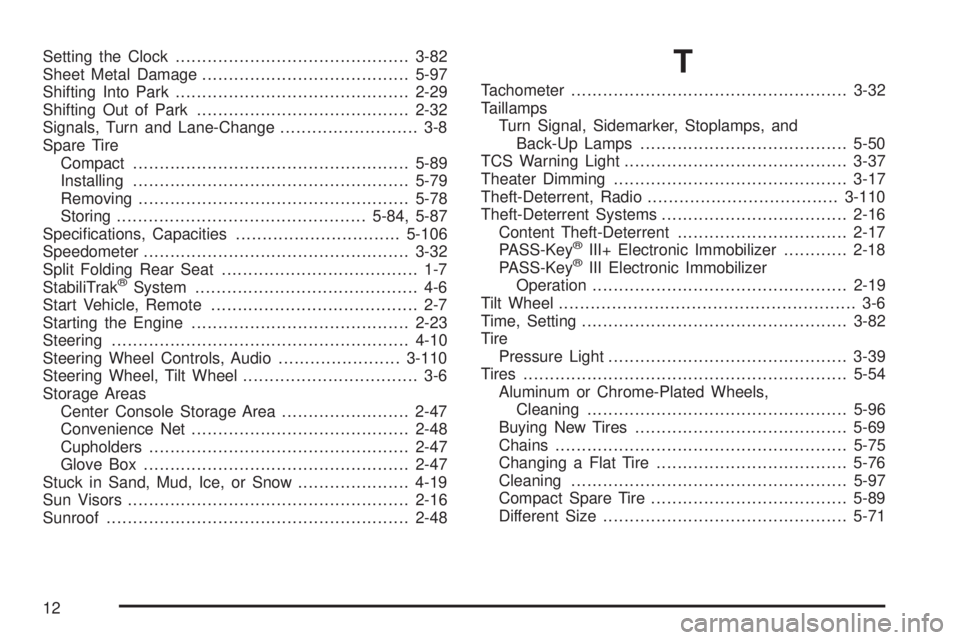
Setting the Clock............................................3-82
Sheet Metal Damage.......................................5-97
Shifting Into Park............................................2-29
Shifting Out of Park........................................2-32
Signals, Turn and Lane-Change.......................... 3-8
Spare Tire
Compact....................................................5-89
Installing....................................................5-79
Removing...................................................5-78
Storing...............................................5-84, 5-87
Specications, Capacities...............................5-106
Speedometer..................................................3-32
Split Folding Rear Seat..................................... 1-7
StabiliTrak
®System.......................................... 4-6
Start Vehicle, Remote....................................... 2-7
Starting the Engine.........................................2-23
Steering........................................................4-10
Steering Wheel Controls, Audio.......................3-110
Steering Wheel, Tilt Wheel................................. 3-6
Storage Areas
Center Console Storage Area........................2-47
Convenience Net.........................................2-48
Cupholders.................................................2-47
Glove Box..................................................2-47
Stuck in Sand, Mud, Ice, or Snow.....................4-19
Sun Visors.....................................................2-16
Sunroof.........................................................2-48
T
Tachometer....................................................3-32
Taillamps
Turn Signal, Sidemarker, Stoplamps, and
Back-Up Lamps.......................................5-50
TCS Warning Light..........................................3-37
Theater Dimming............................................3-17
Theft-Deterrent, Radio....................................3-110
Theft-Deterrent Systems...................................2-16
Content Theft-Deterrent................................2-17
PASS-Key
®III+ Electronic Immobilizer............2-18
PASS-Key®III Electronic Immobilizer
Operation................................................2-19
Tilt Wheel........................................................ 3-6
Time, Setting..................................................3-82
Tire
Pressure Light.............................................3-39
Tires.............................................................5-54
Aluminum or Chrome-Plated Wheels,
Cleaning.................................................5-96
Buying New Tires........................................5-69
Chains.......................................................5-75
Changing a Flat Tire....................................5-76
Cleaning....................................................5-97
Compact Spare Tire.....................................5-89
Different Size..............................................5-71
12